Auroras Mod (1.21.3, 1.20.1) – Realistic Aurora Borealis Effects
Java mod listed for Minecraft 1.20–1.21. Downloads from the MC Java Mods app on Android.
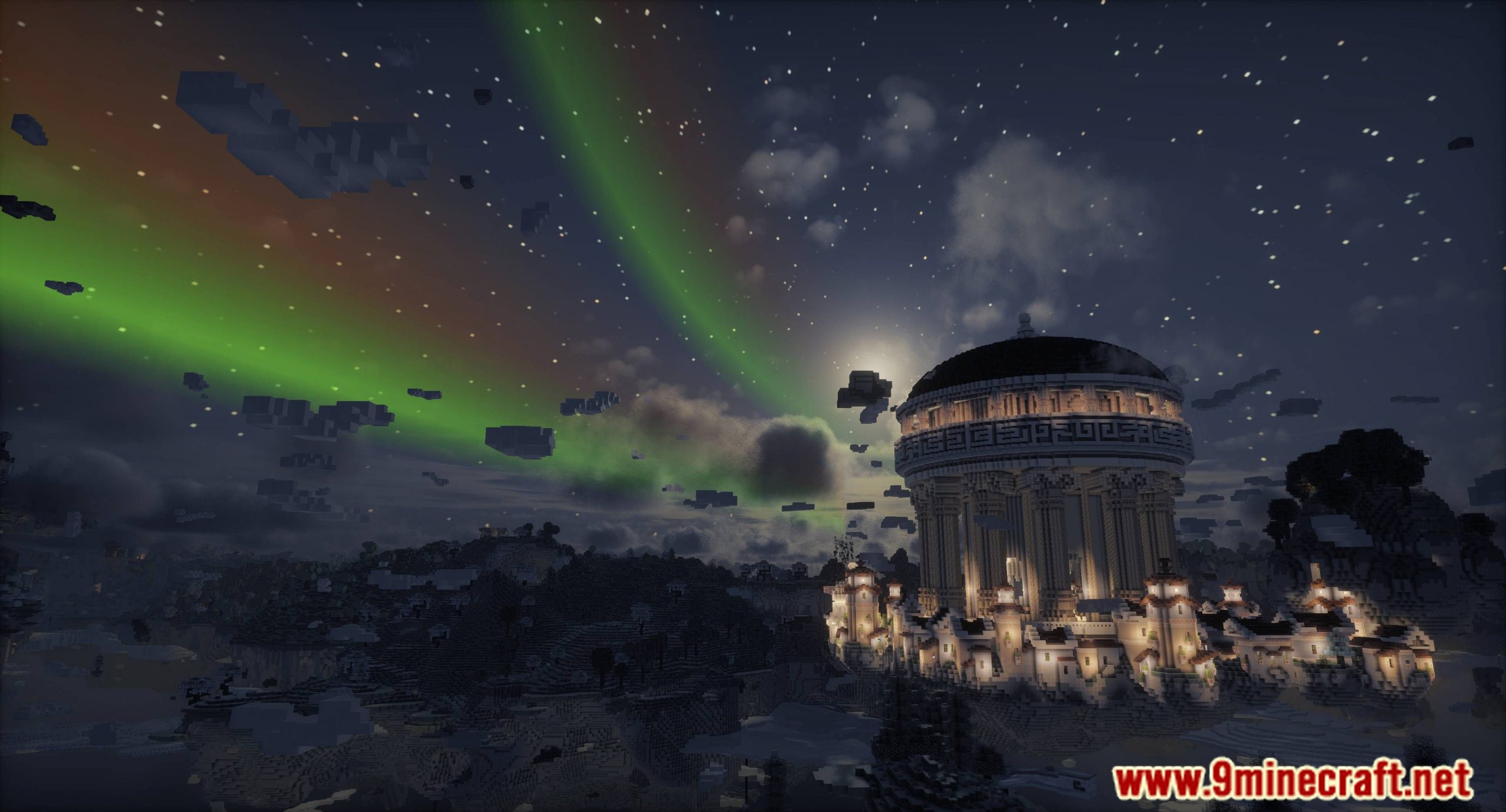
Auroras Mod enhances the game's visual experience and atmosphere by adding stunning auroras. They typically appear as dynamic light patterns that can take…
⬇ Download
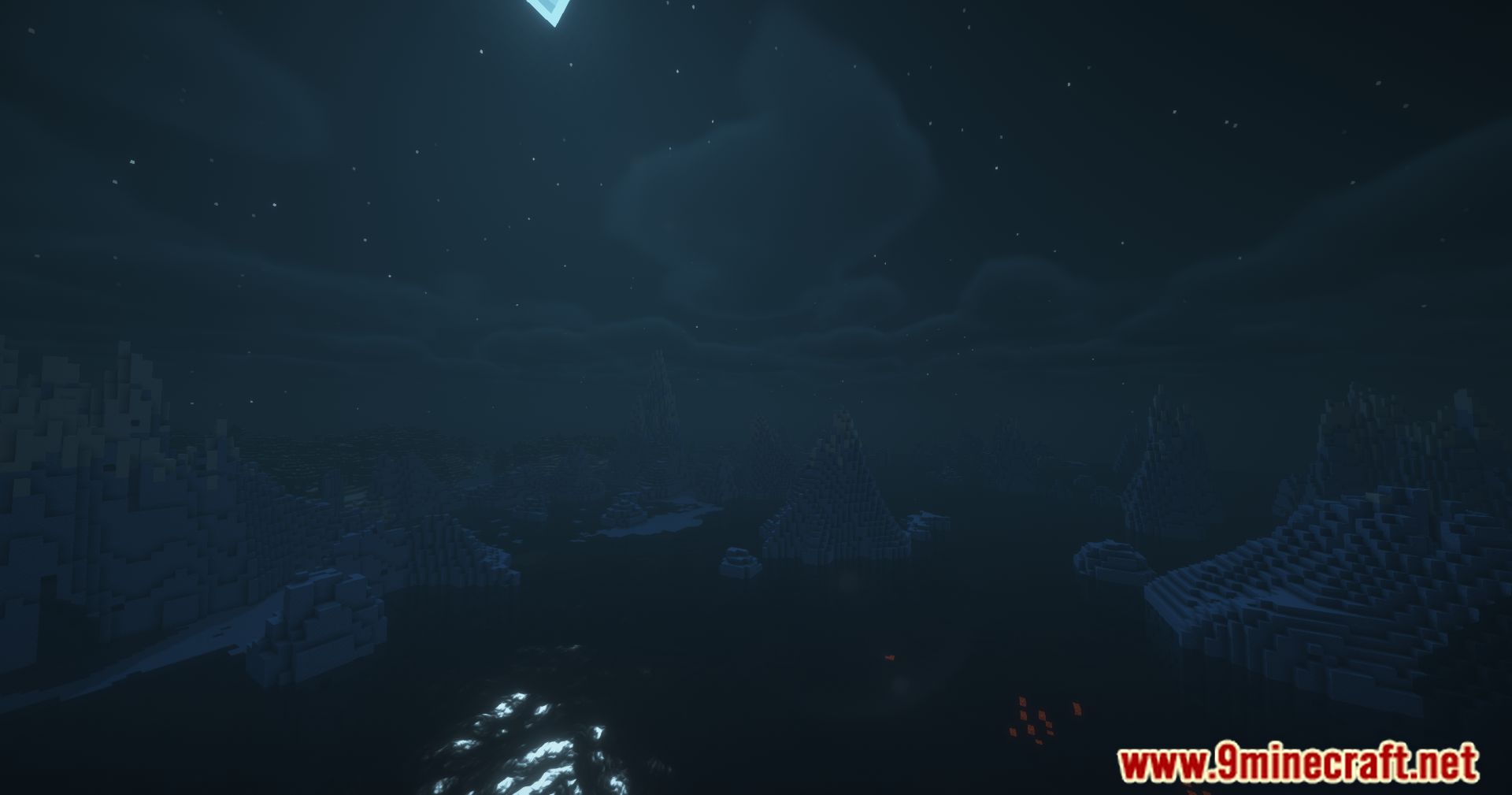
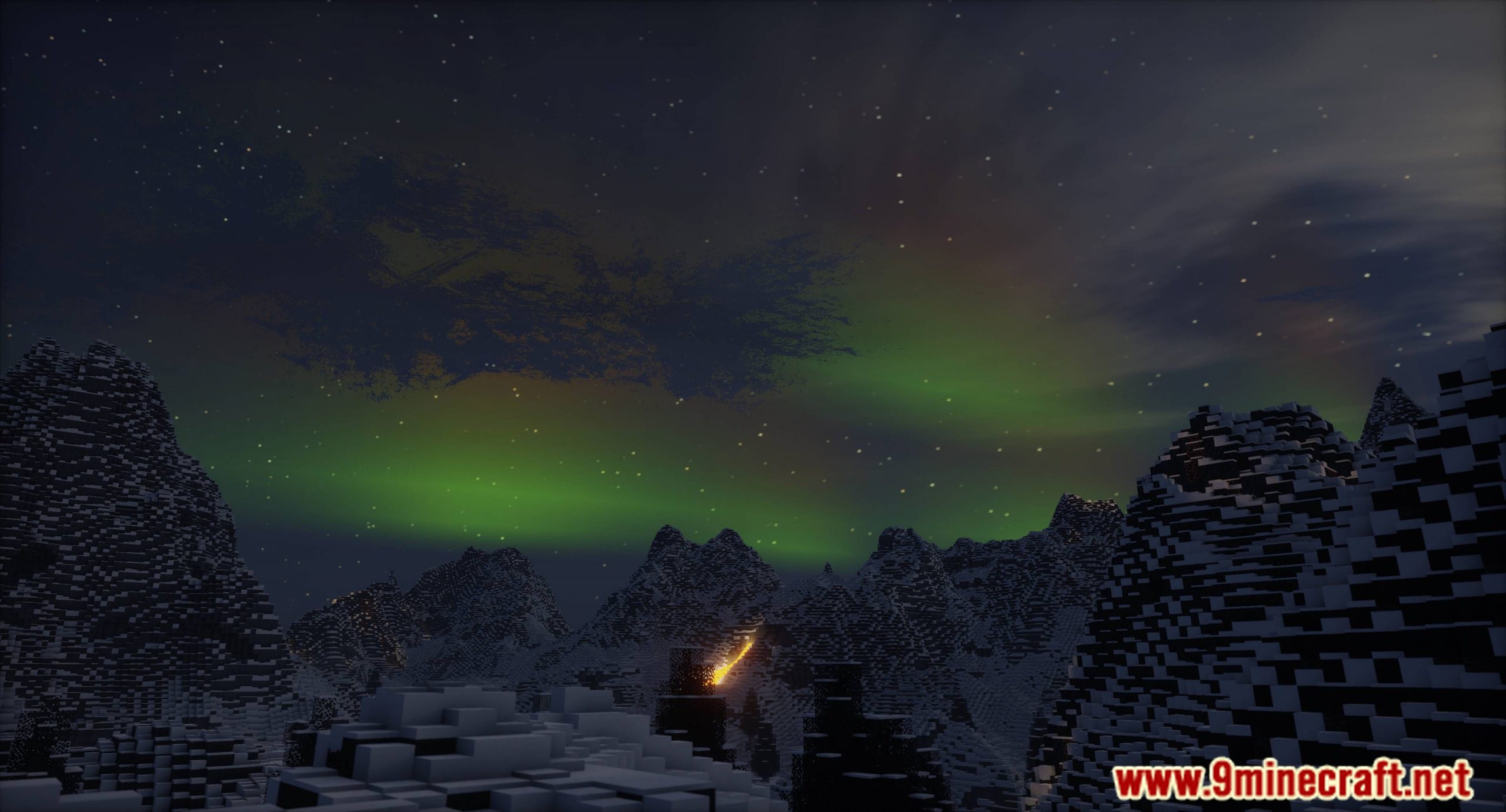
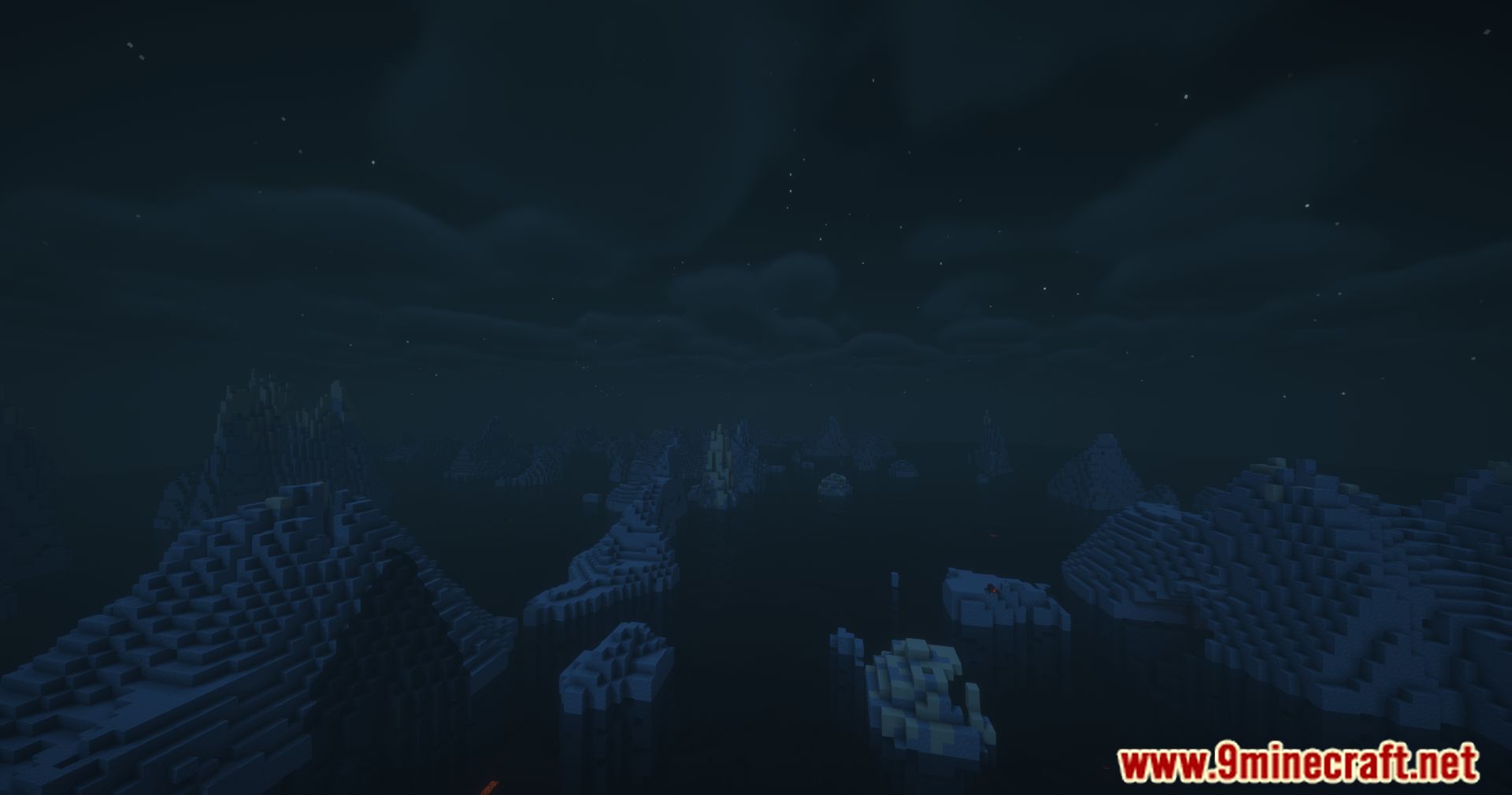
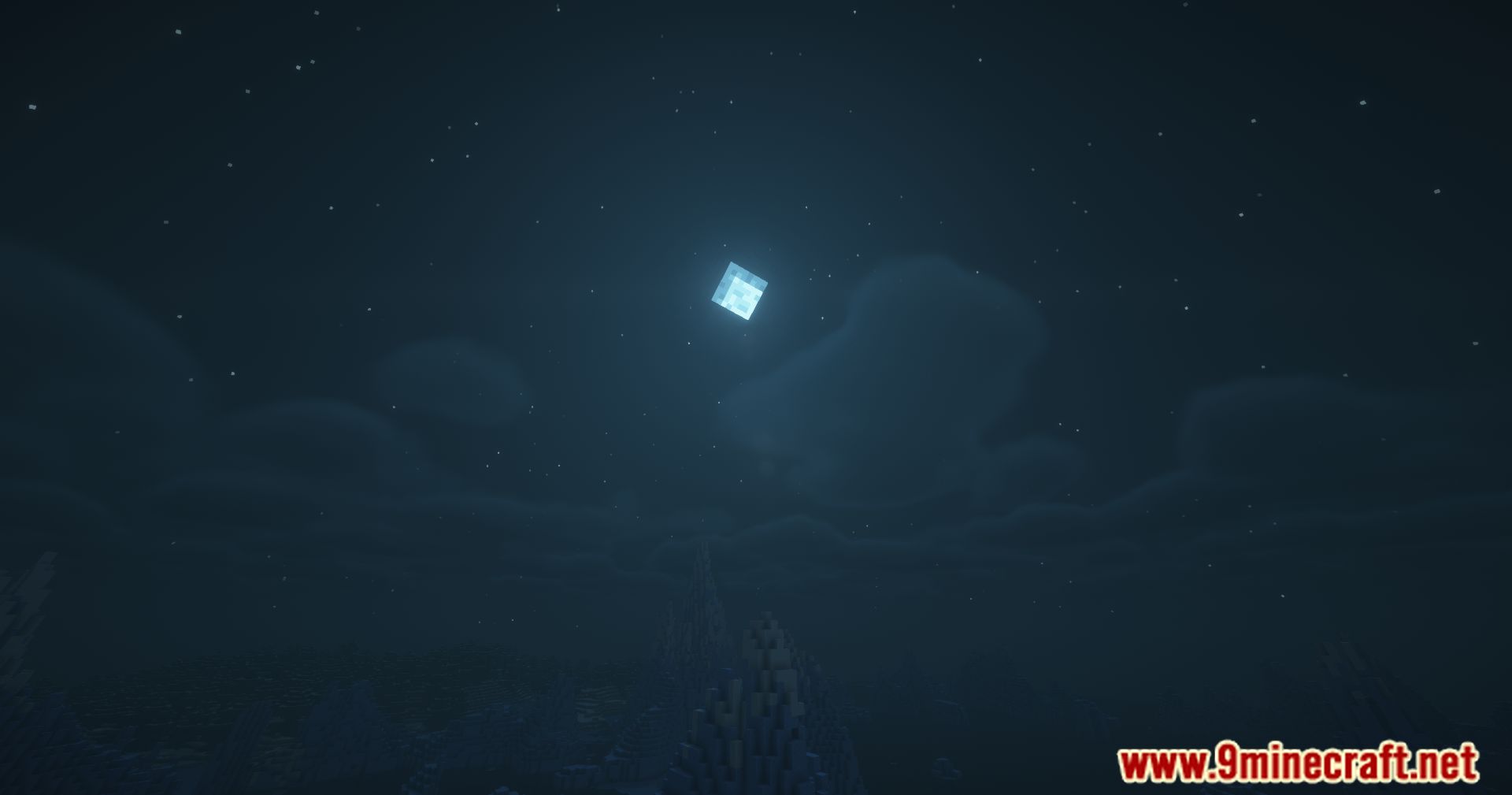
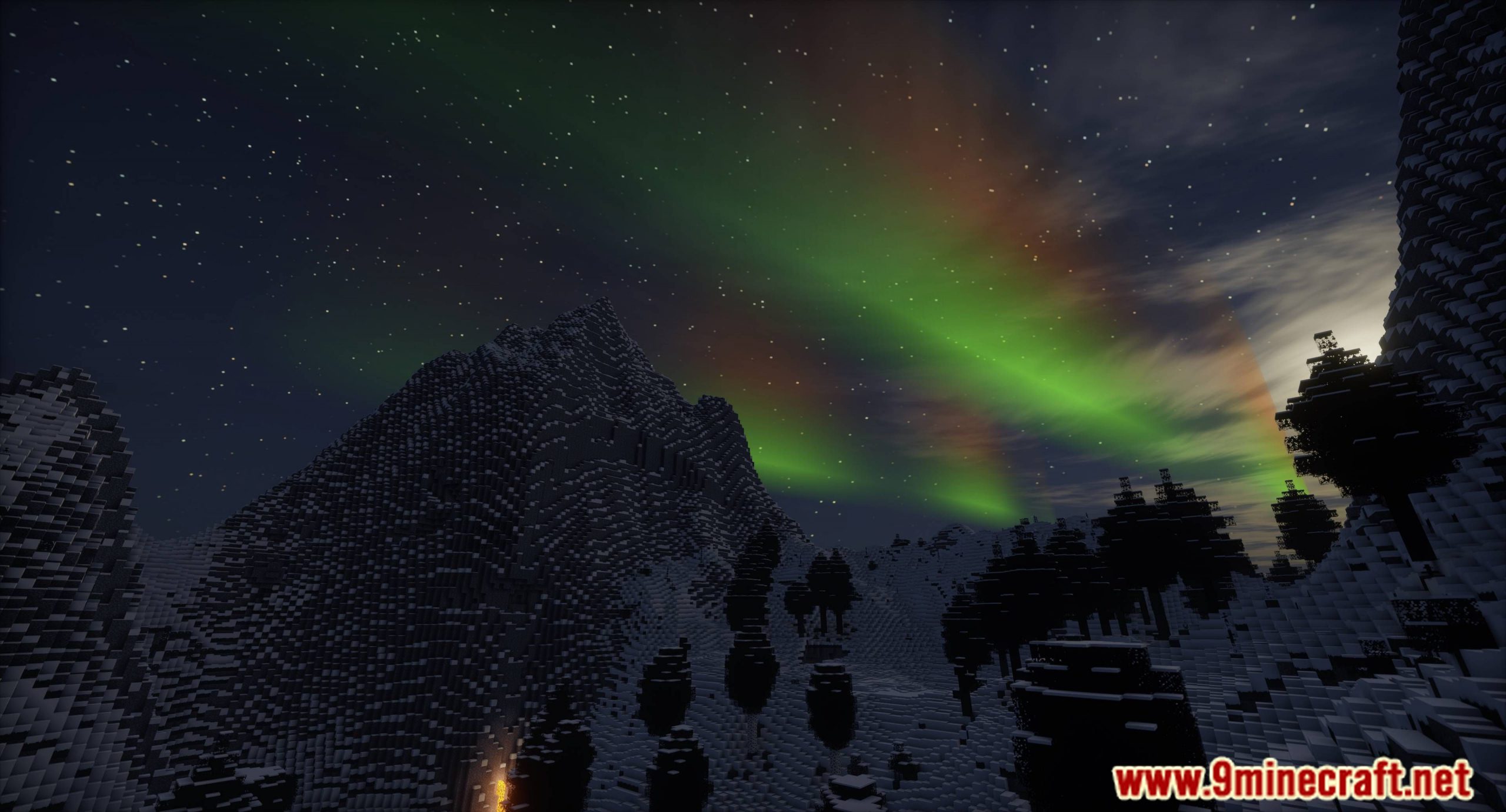
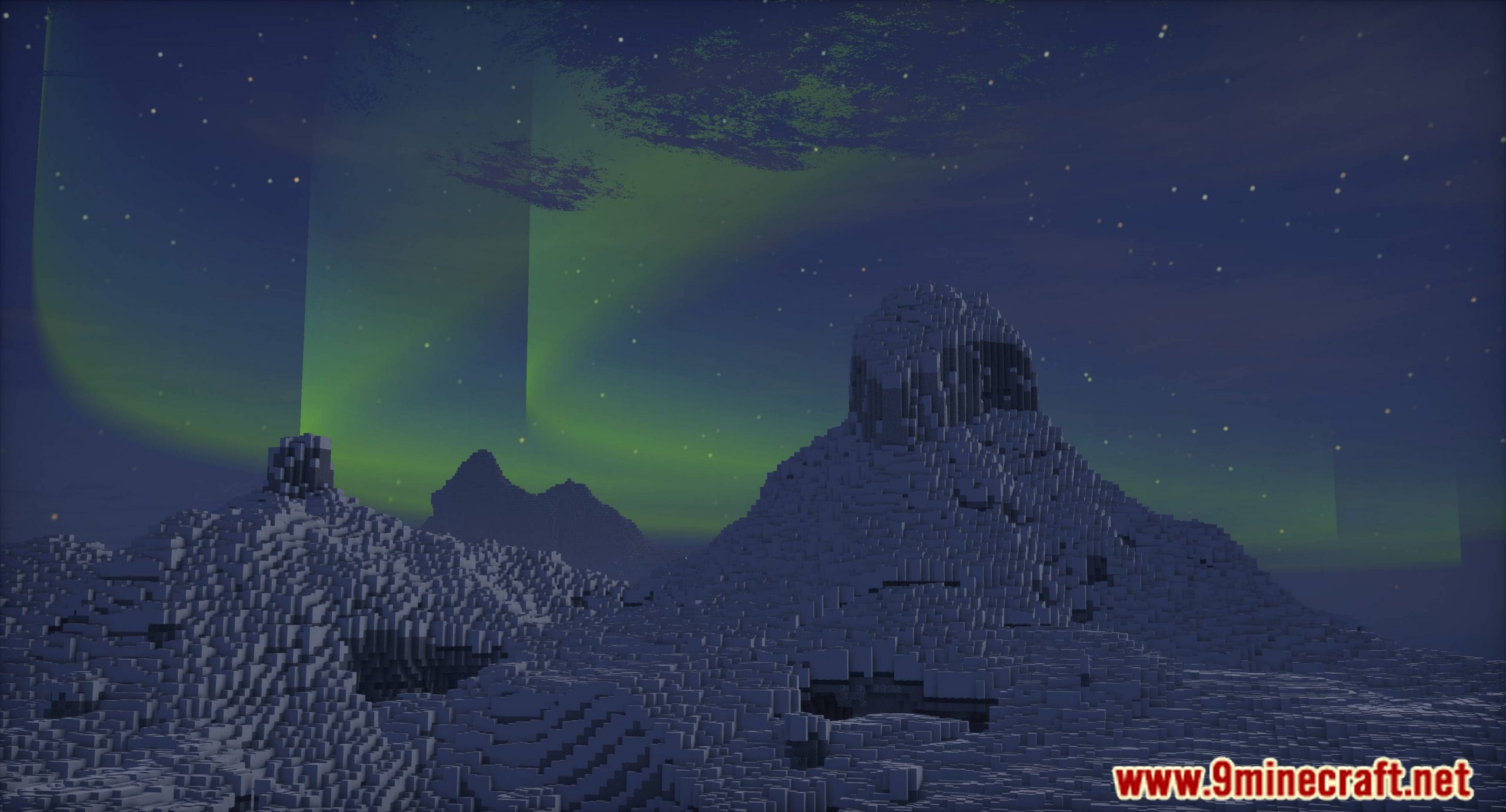
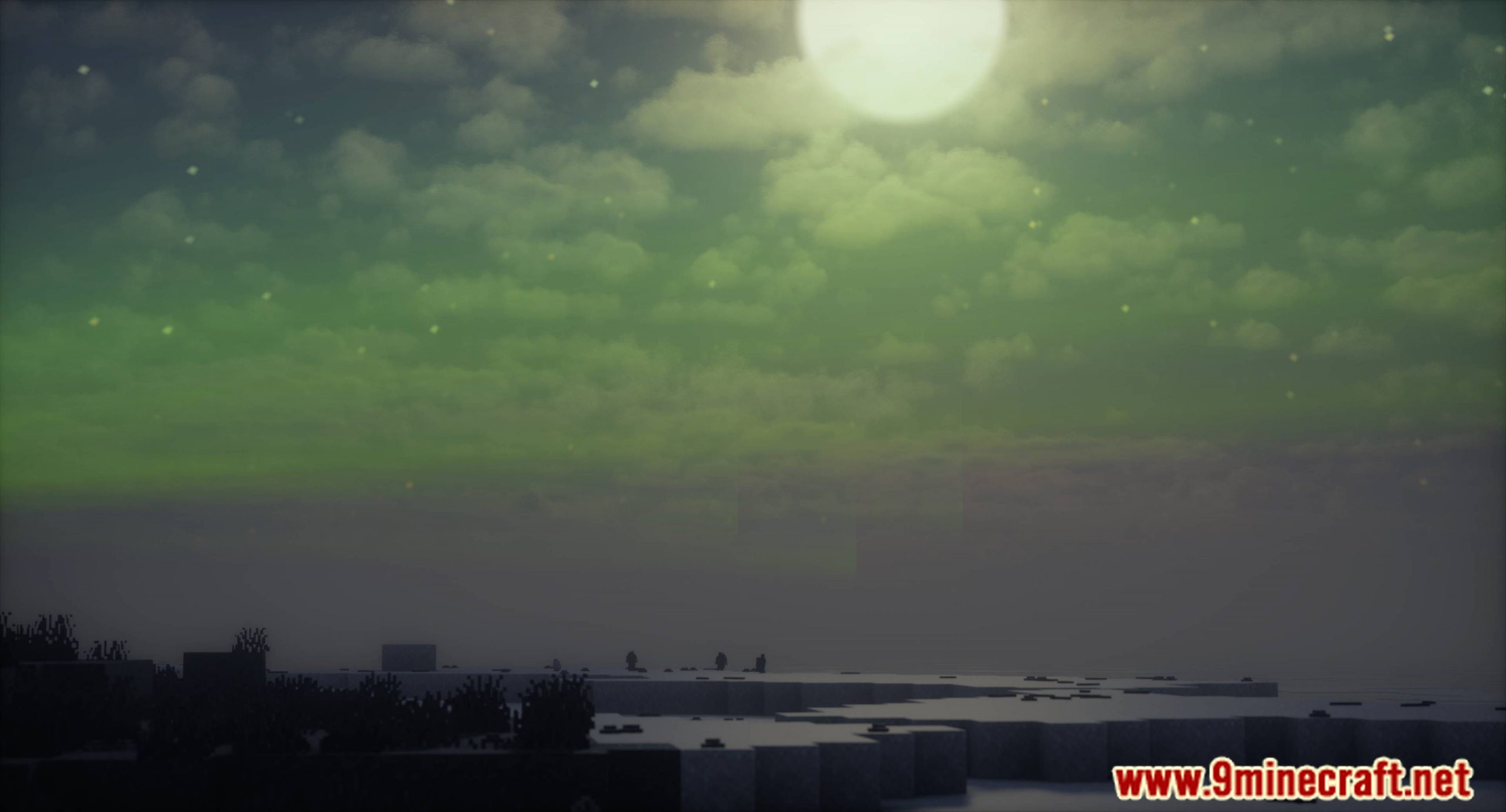
Auroras Mod enhances the game’s visual experience and atmosphere by adding stunning auroras. They typically appear as dynamic light patterns that can take the form of curtains, rays, spirals, or flickers. Colors can range from green and yellow to red, blue, and purple.
Auroras illuminate the night sky with vibrant colors, adding a magical and captivating atmosphere to the Minecraft world. The mod works as is, without any shader mods or similar, and thus functions out of the box in vanilla Minecraft. However, the mod is compatible with TerraFirmaCraft, a mod that completely overhauls Minecraft’s survival mode, making it more realistic and challenging. Additionally, compatibility has been added for Aether, a wonderful mod that also introduces auroras.
The light often shifts and changes shape, resembling gently flowing curtains. Auroras are typically visible in high-latitude regions around the Arctic and Antarctic Circles.
Features:
- Displays vibrant auroras with patterns like curtains, rays, spirals, and flickers.
- Colors range from green, yellow, red, blue, to violet, shifting and flowing like real auroras.
Configurable Settings:
- Customize wave frequency, amplitude, color schemes, and more.
- Aurora visibility is based on latitude simulation:
- Equator is at Z:10000
- Auroras appear around Z:-10000 and Z:30000, with poles cycling every 40,000 blocks.
- You can enable biome-specific auroras via config if desired.
Screenshots:
Auroras Mod Download Links
For Minecraft 1.21.3, 1.21.2
NeoForge Version: Download from Server 1 – Download from Server 2
For Minecraft 1.21.1, 1.21
NeoForge Version: Download from Server 1 – Download from Server 2
For Minecraft 1.20.1, 1.20
Forge/NeoForge Version: Download from Server 1 – Download from Server 2
- Edition: Minecraft Java
- File type: .jar
- Minecraft versions listed: 1.21.3, 1.20.1
- How to install: Install the matching mod loader (Forge, Fabric or NeoForge) for your Minecraft version. → Download the .jar. → Put it in the .minecraft/mods folder and launch that loader profile.
- Where to get it: In MC Java Mods, or directly above on this page.
Install steps are the general flow for this file type — How to install Minecraft Java mods & modpacks walks through it step by step.
- Downloads as 178325.mcaddon
- Download size: 2.0 MB
- Download link checked 24 Jul 2026 — working
- Mirrored on our own servers — the download does not depend on the original host
These come from our own check of the pack file, not from the source page.