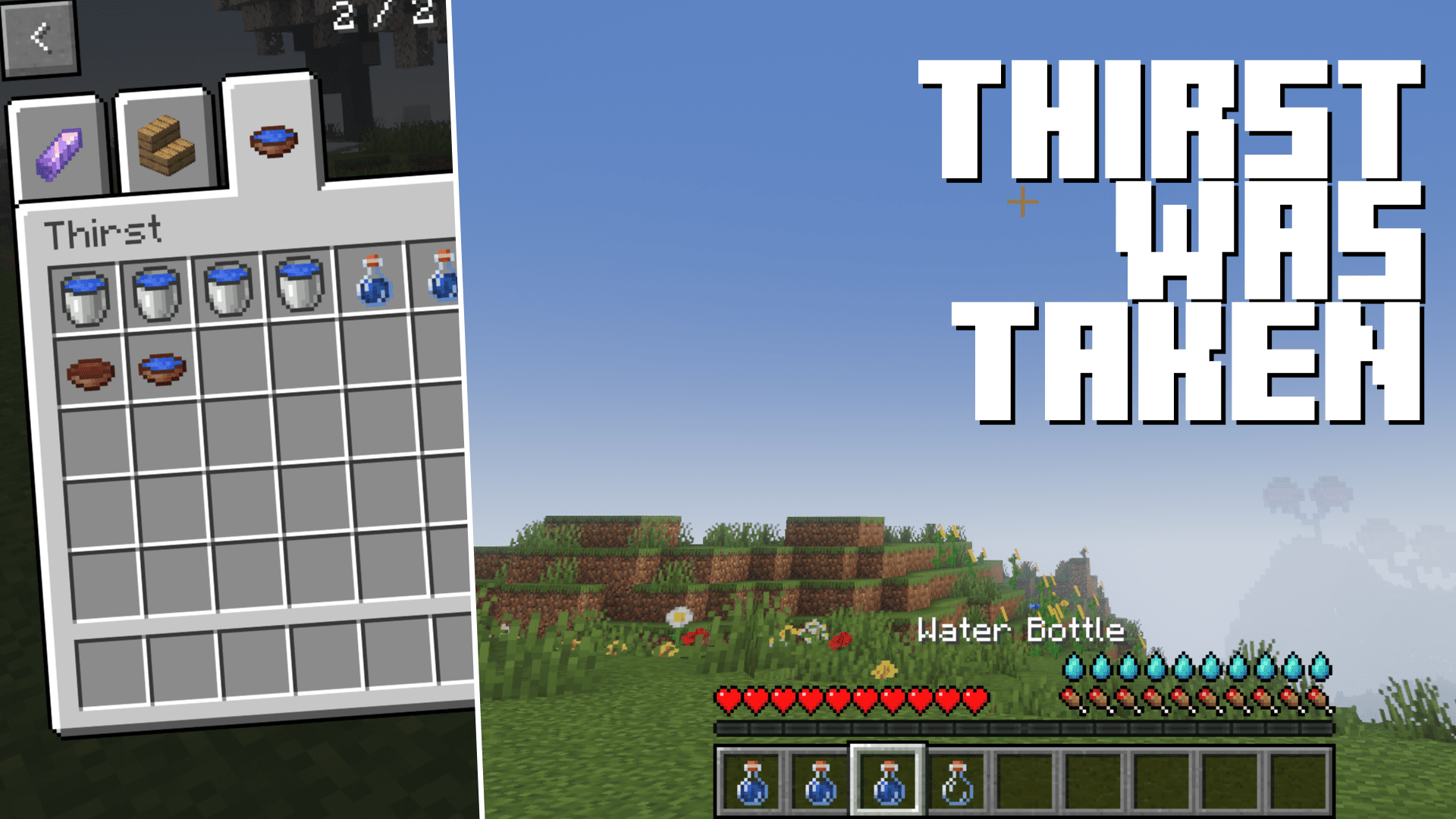
Thirst Was Taken Mod (1.21.1, 1.20.1) – New Thirst Mechanism
Java mod listed for Minecraft 1.20–1.21. Downloads from the MC Java Mods app on Android.
⬇ Download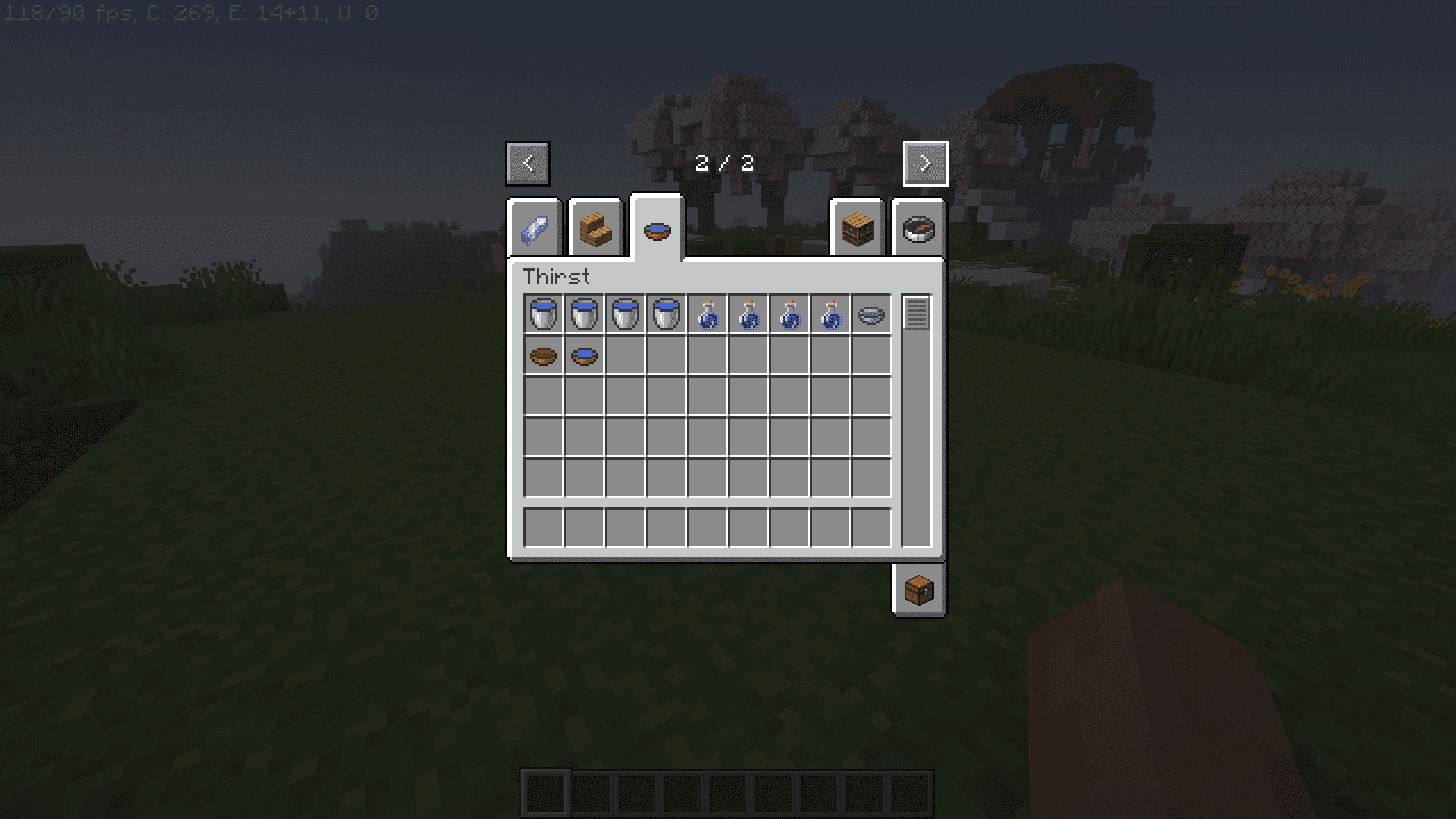
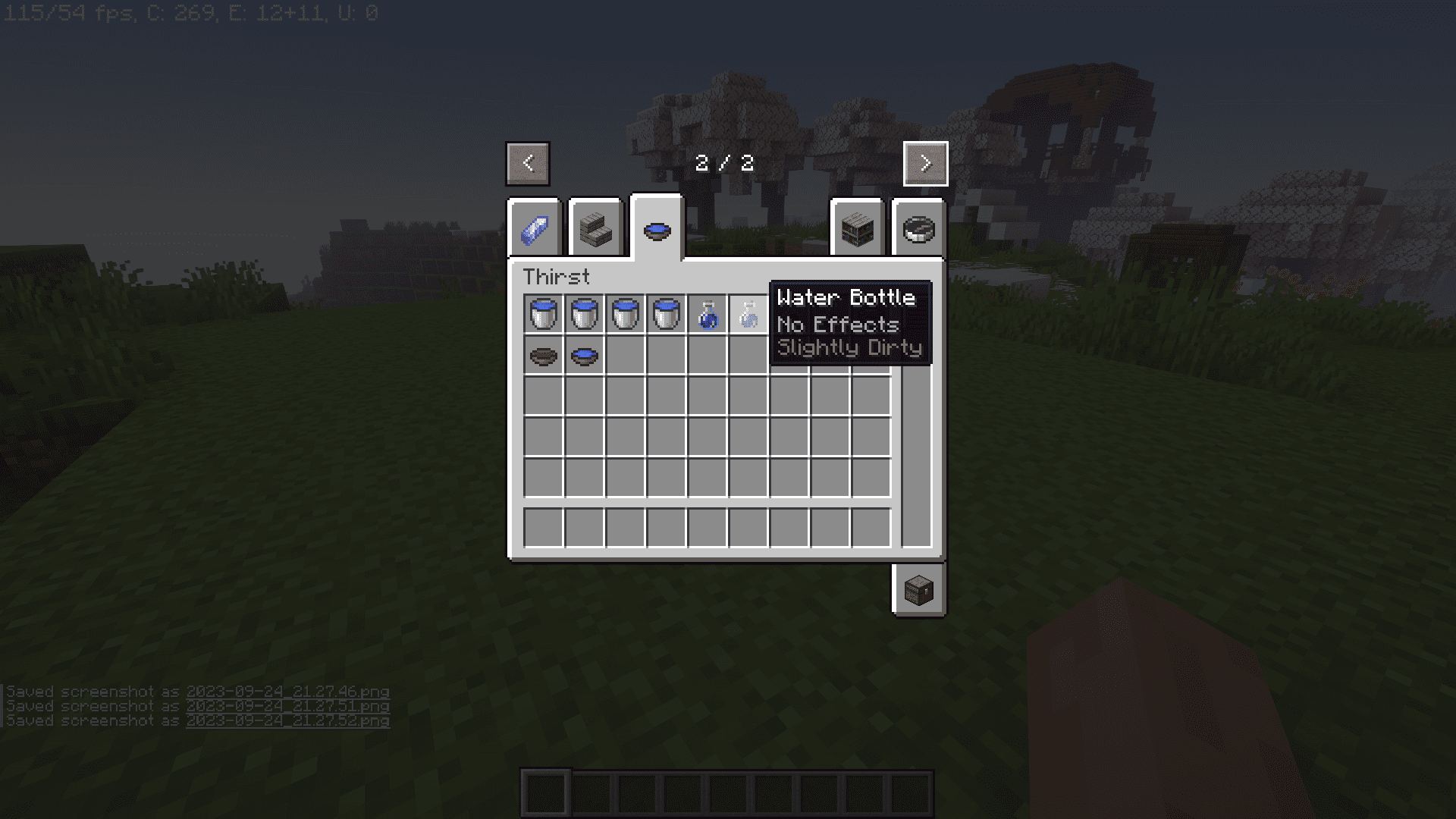
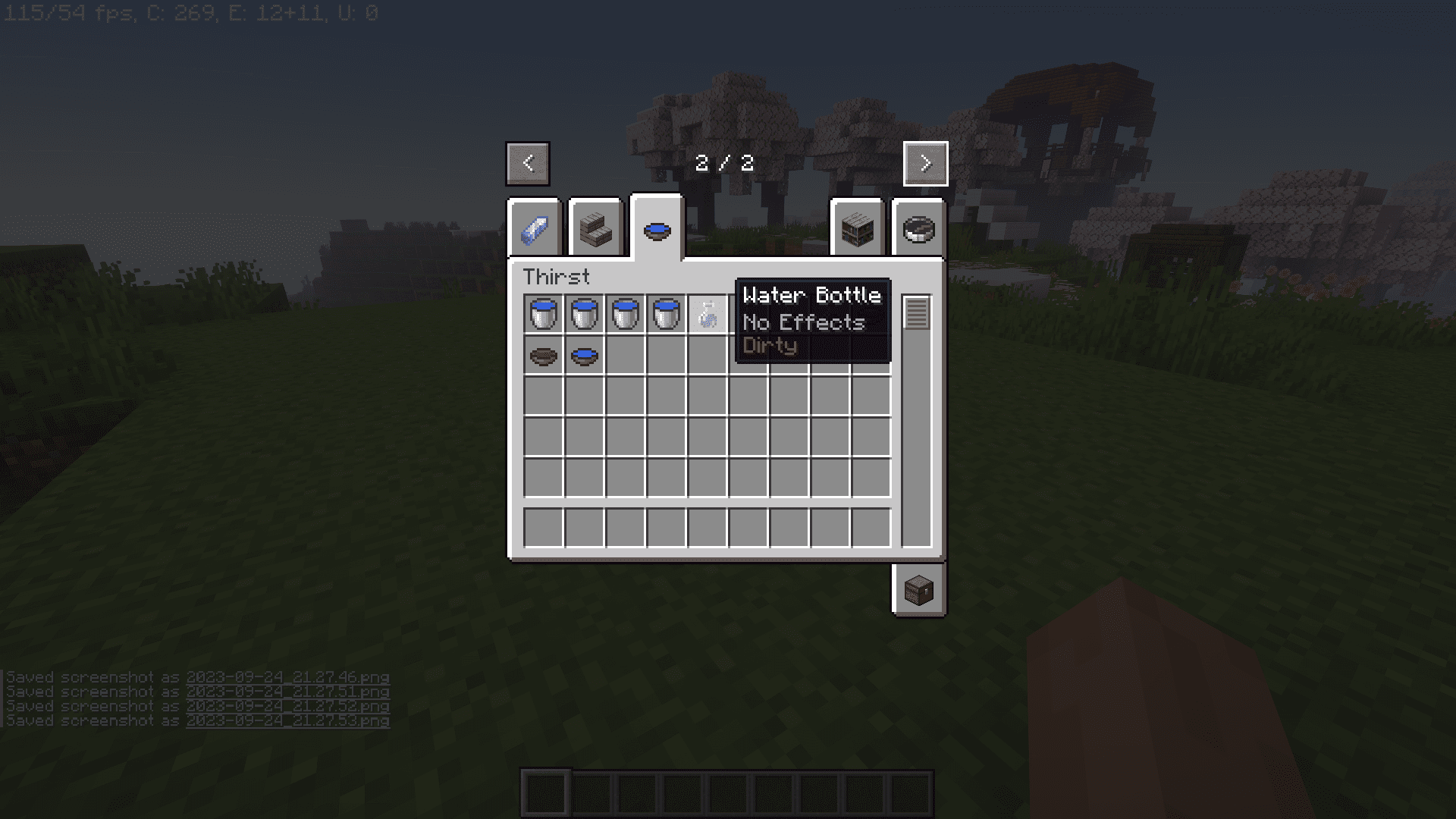
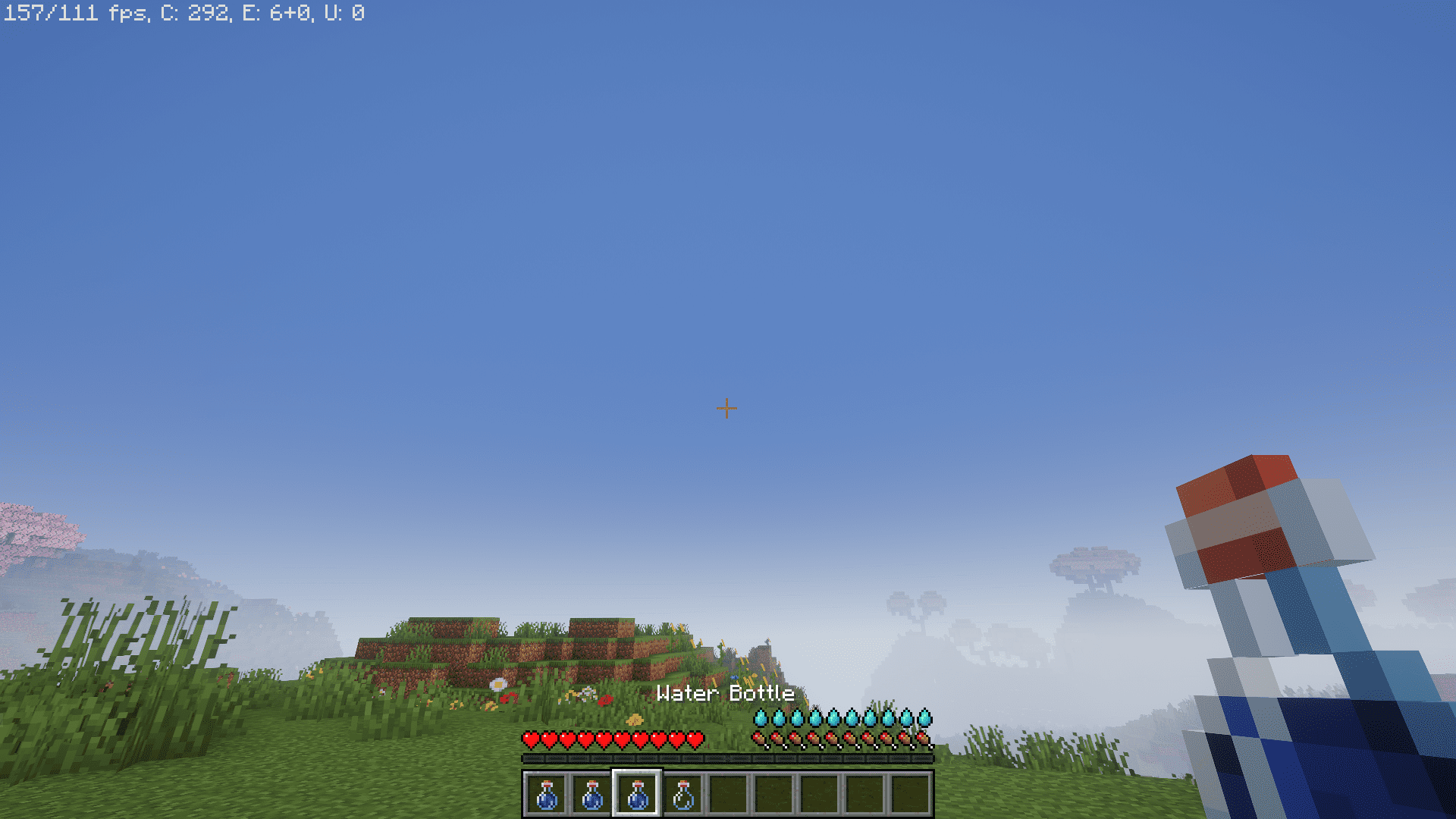
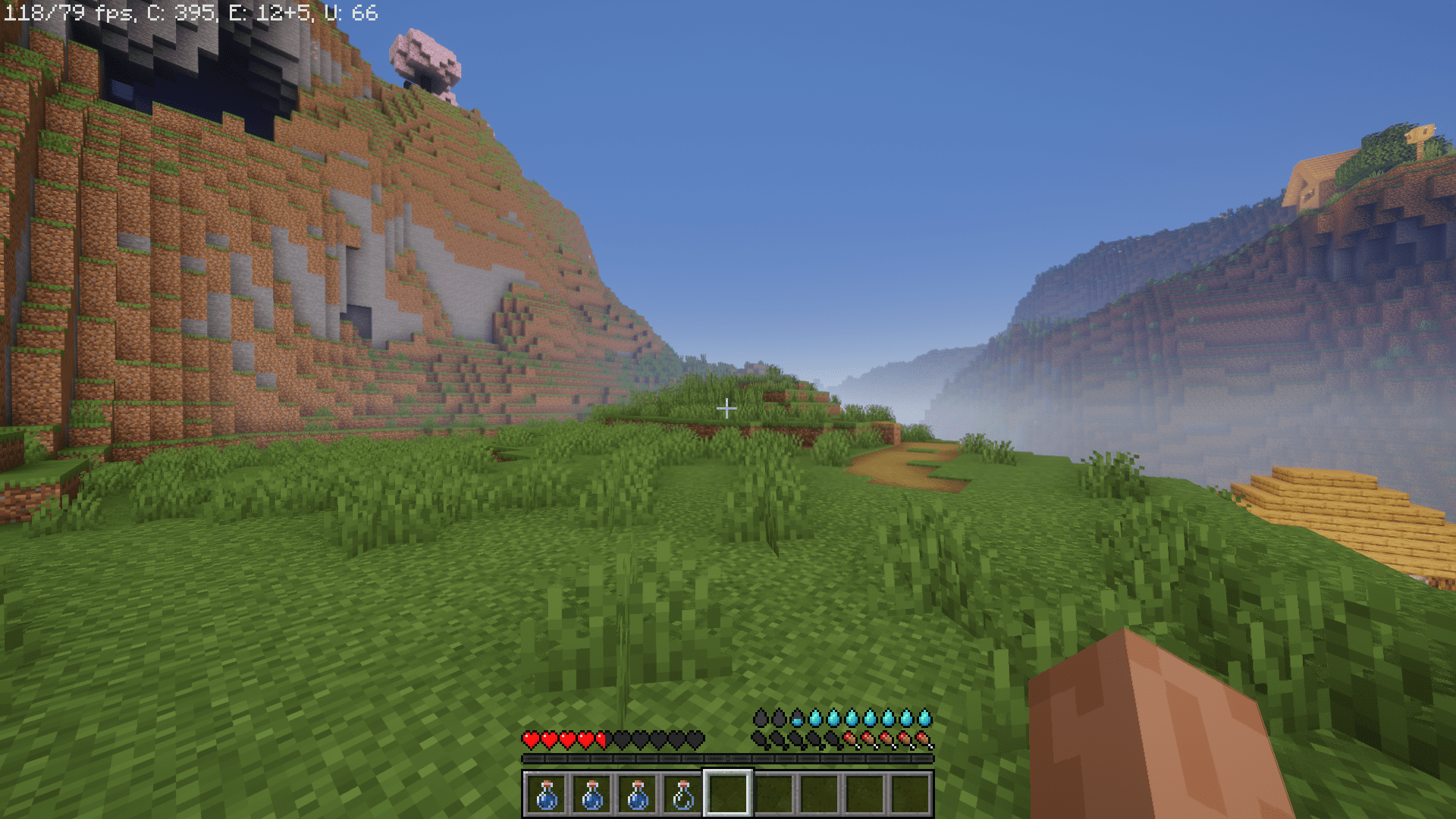
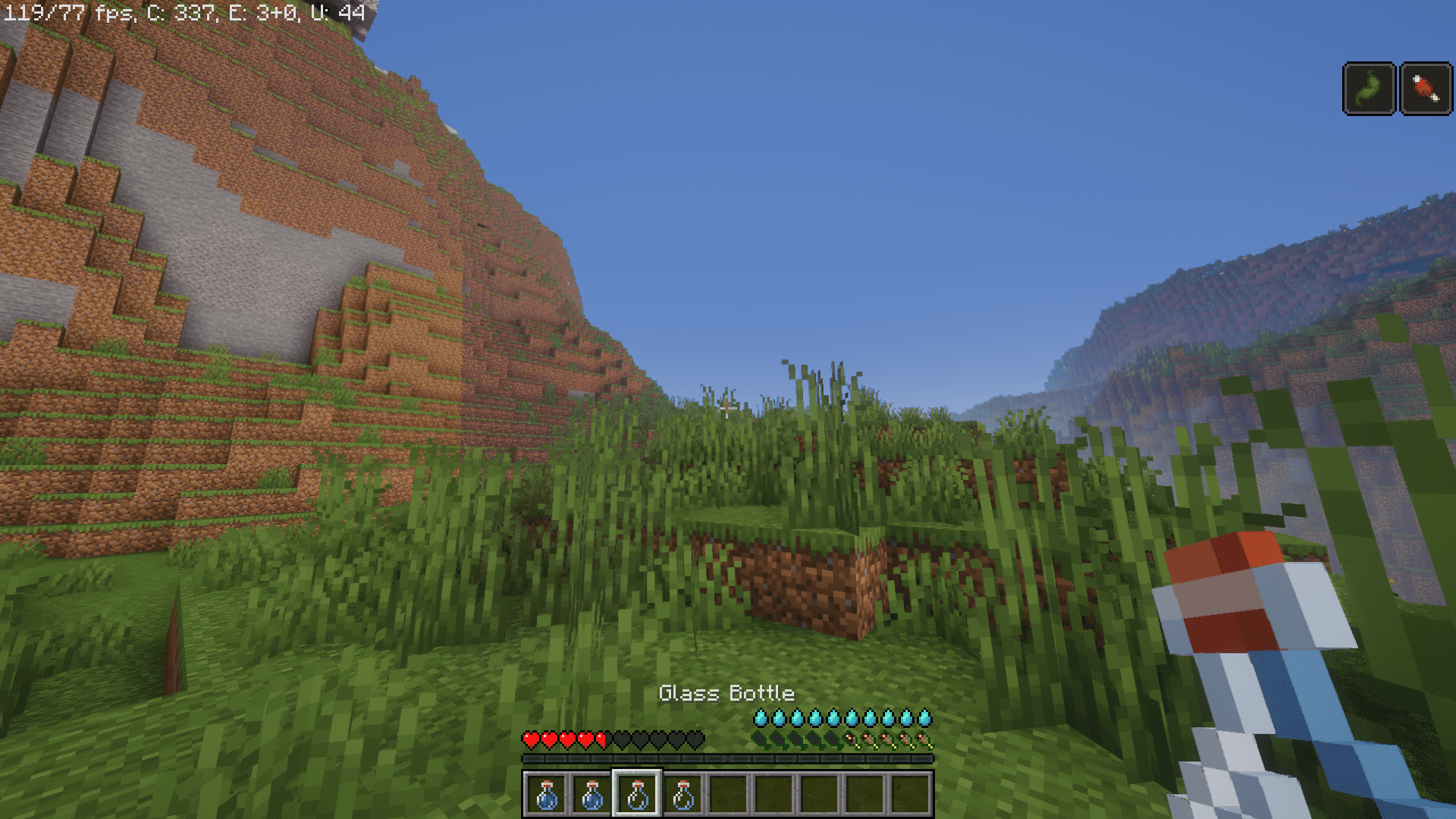
In the past, Minecraft developers had the plans to add an interactive thirst system into the game, but the plans were later rejected in order to not overcomplicate the survival gameplay experience. Thirst Was Taken Mod adds this feature, along with many other cool features.
Features:
- Fire Protection: Fire protection and fire resistance effects now slow down the dehydration rate, providing a unique survival twist when dealing with fiery challenges.
- Thirst Quenching Quest: Discover a variety of refreshing drinks hidden in structures’ chests, adding an exciting scavenger hunt element to your gameplay.
- Trading for Survival: Piglins have joined the thirst-quenching business, offering Purified Water in exchange for your valuable resources.
- Sand Filter Enhancement: The Sand Filter now features a Ponder scene, offering an intriguing addition to your modded Minecraft experience.
Water Purity System:
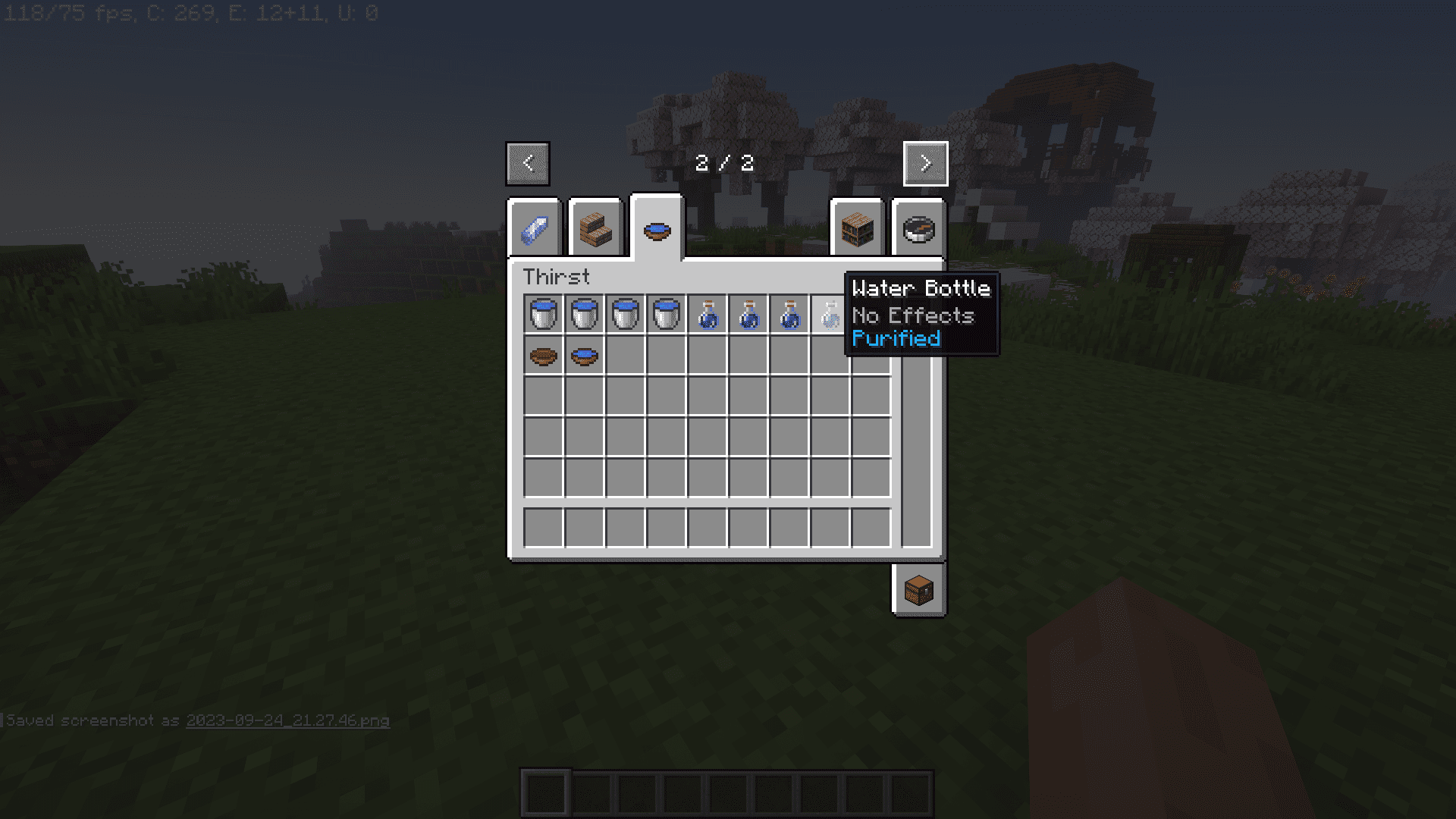
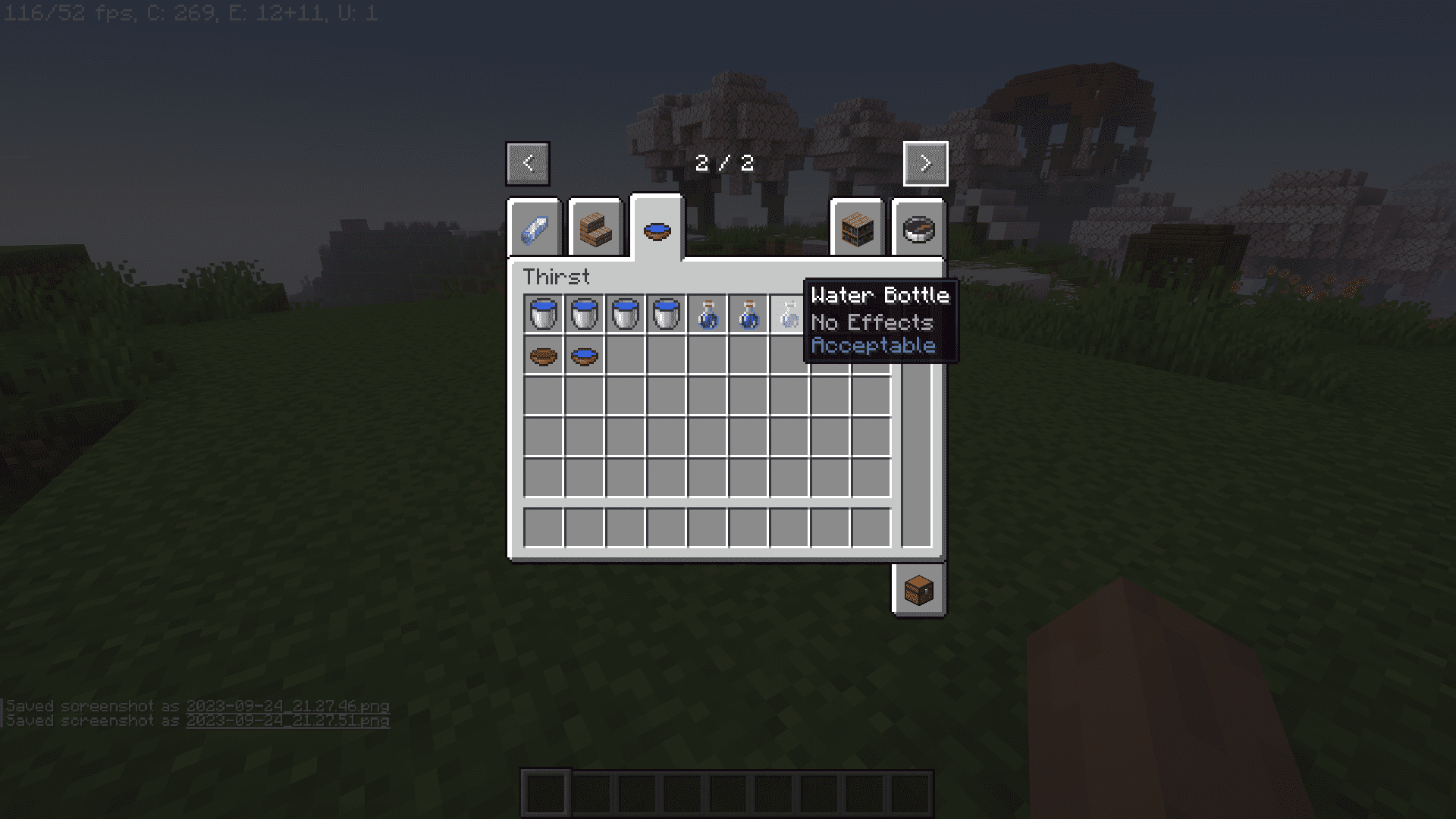
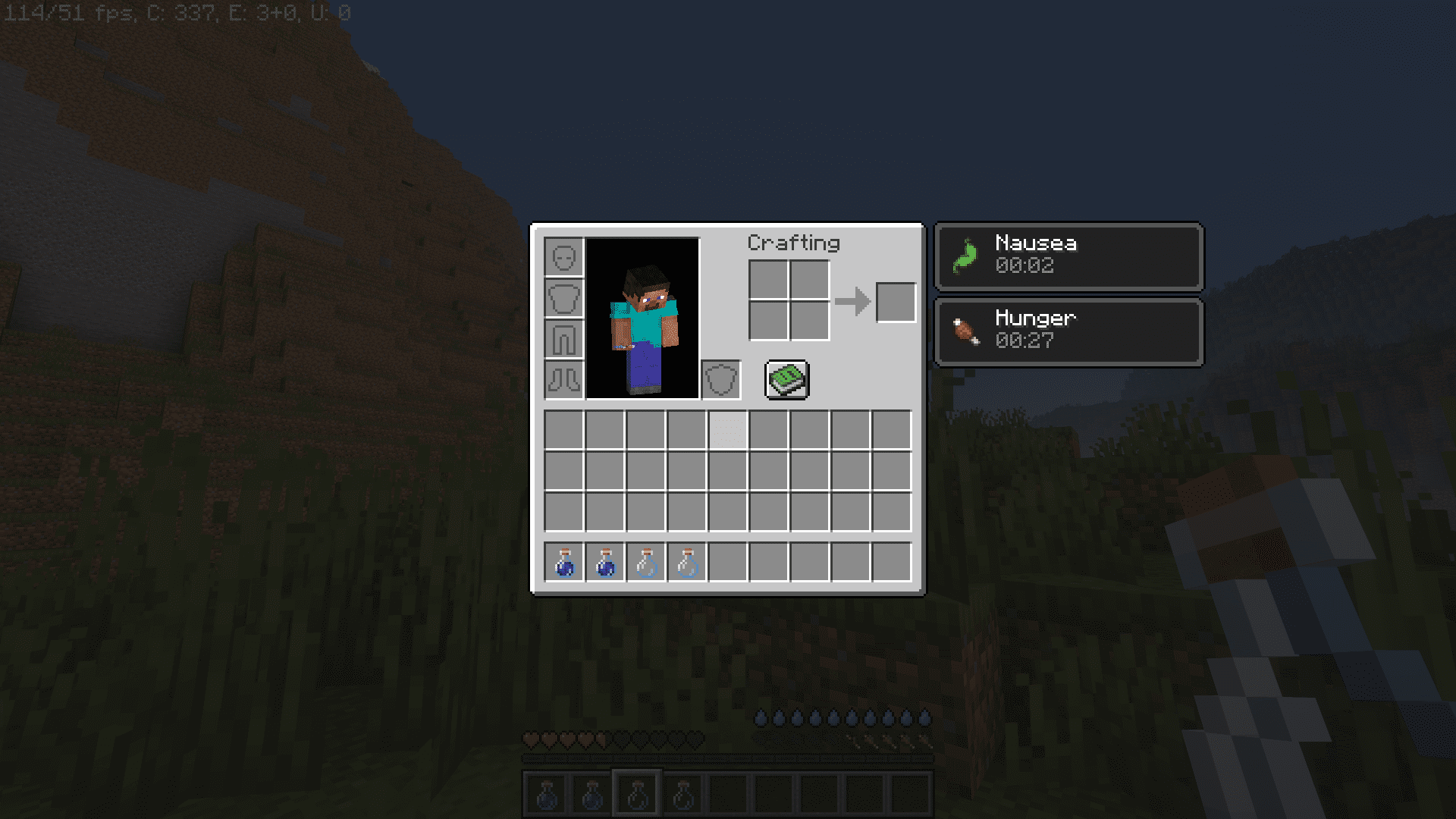
- Water Quality Matters: Water can have four different levels of purity based on its source. Drinking non-purified water carries risks depending on its purity, including potential sickness or poisoning.
- Purification Methods: You can purify water using a campfire or furnace. A campfire purifies it by 1 unit, while a furnace purifies it by 2 units, transforming dirty water into an acceptable state.
Climate & Hydration:
- Biome-Driven Hydration: The rate at which your hydration depletes now depends on the biome you’re in. Expect to get thirsty more quickly in hot or arid biomes and less so in cold or wet environments. Hydration takes precedence over temperature.
- Cold Sweat Compatibility: For a more detailed temperature calculation, Thirst Was Taken harmoniously integrates with the Cold Sweat mod, enhancing your survival experience when both are present in your modpack. Consider setting up your base in wetter biomes for better hydration management.
Screenshots:
Thirst Was Taken Mod Download Links
For Minecraft 1.21.1, 1.21
NeoForge version: Download from Server 1 – Download from Server 2
For Minecraft 1.20.1
Forge version: Download from Server 1 – Download from Server 2
For Minecraft 1.19.2
Forge version: Download from Server 1 – Download from Server 2
For Minecraft 1.18.2
Forge version: Download from Server 1 – Download from Server 2
- Edition: Minecraft Java
- File type: .jar
- Minecraft versions listed: 1.21.1, 1.20.1
- How to install: Install the matching mod loader (Forge, Fabric or NeoForge) for your Minecraft version. → Download the .jar. → Put it in the .minecraft/mods folder and launch that loader profile.
- Where to get it: In MC Java Mods, or directly above on this page.
Install steps are the general flow for this file type — How to install Minecraft Java mods & modpacks walks through it step by step.
- Downloads as 178328.mcaddon
- Download size: 198 KB
- Download link checked 26 Jul 2026 — working
- Mirrored on our own servers — the download does not depend on the original host
These come from our own check of the pack file, not from the source page.