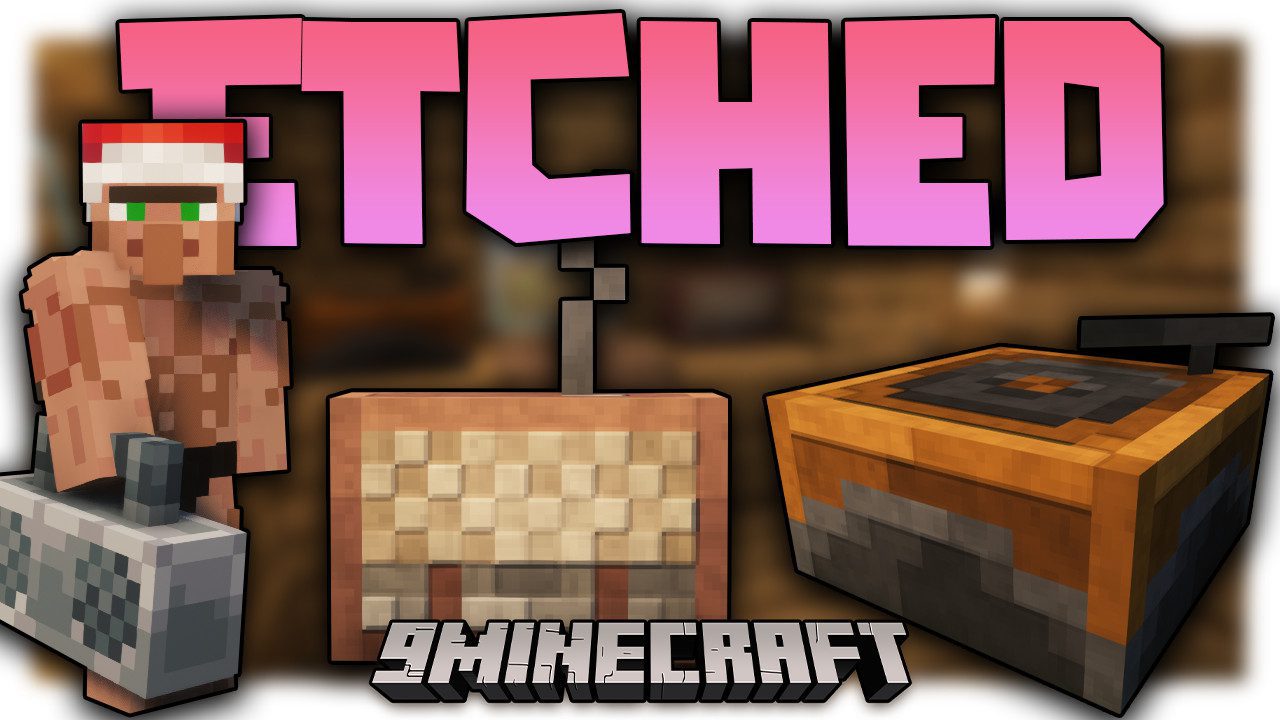
Etched Mod (1.21.1, 1.20.1) – Play Your Own Music
Java mod listed for Minecraft 1.20–1.21. Downloads from the MC Java Mods app on Android.
⬇ Download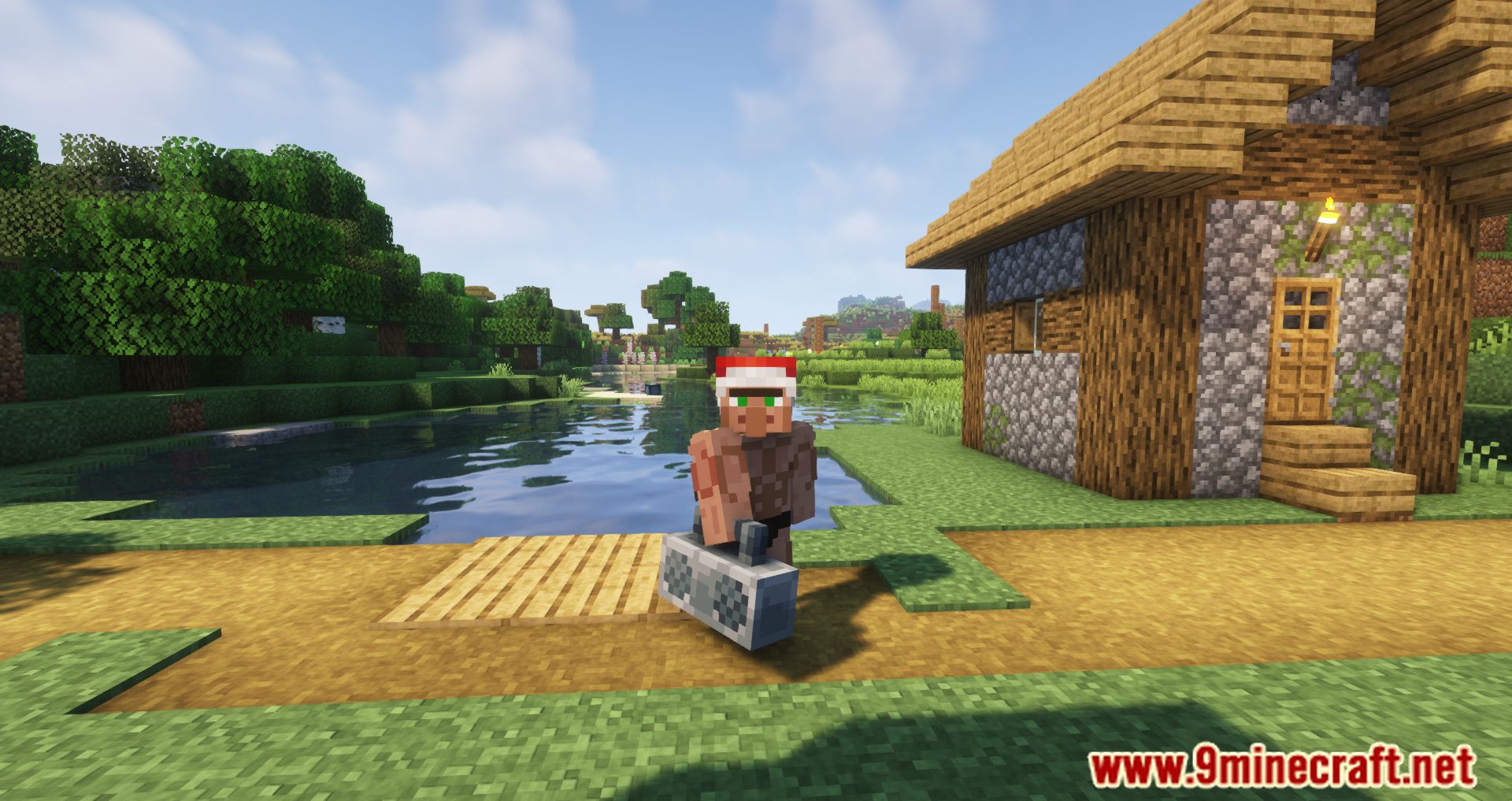
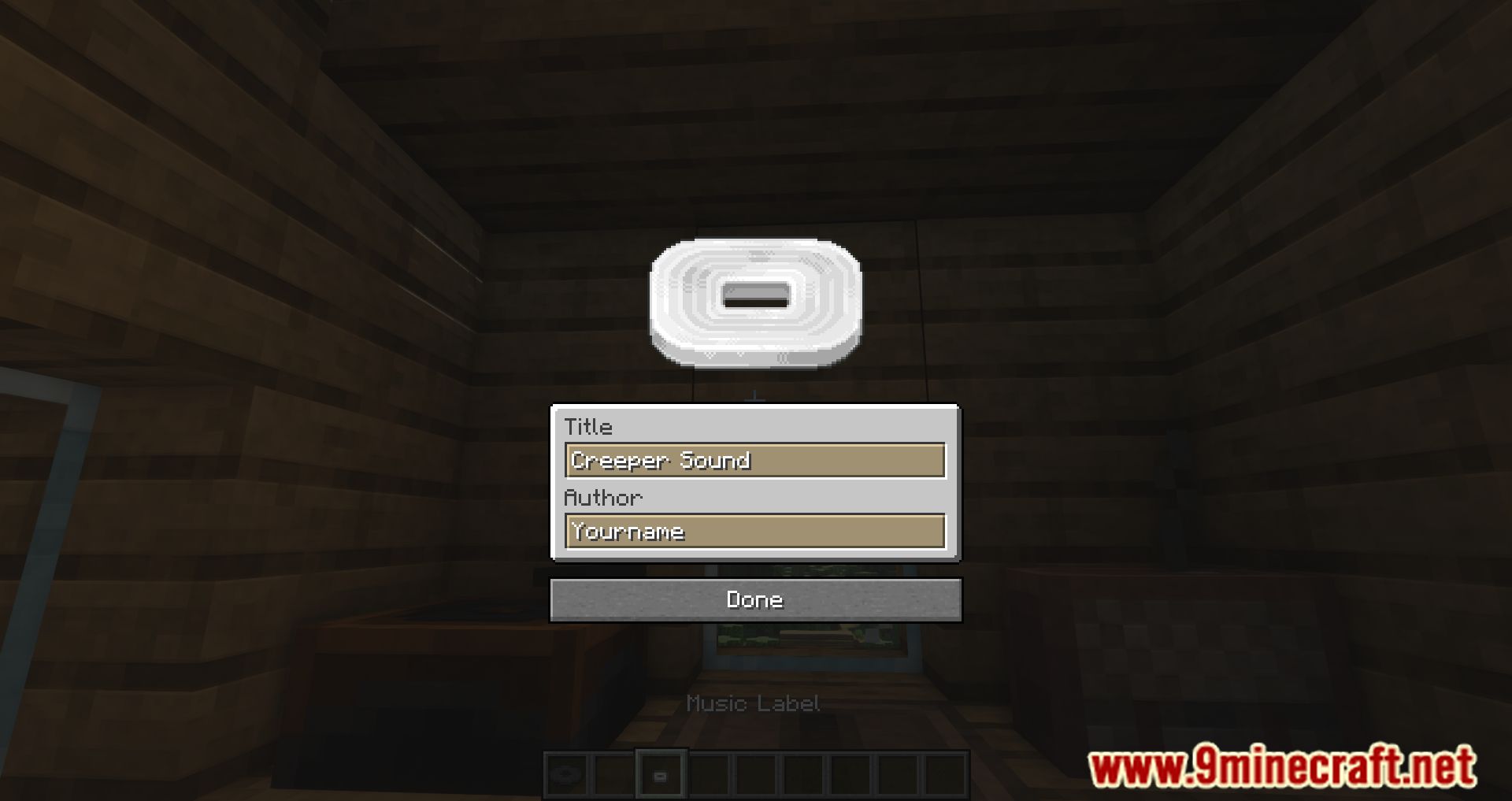
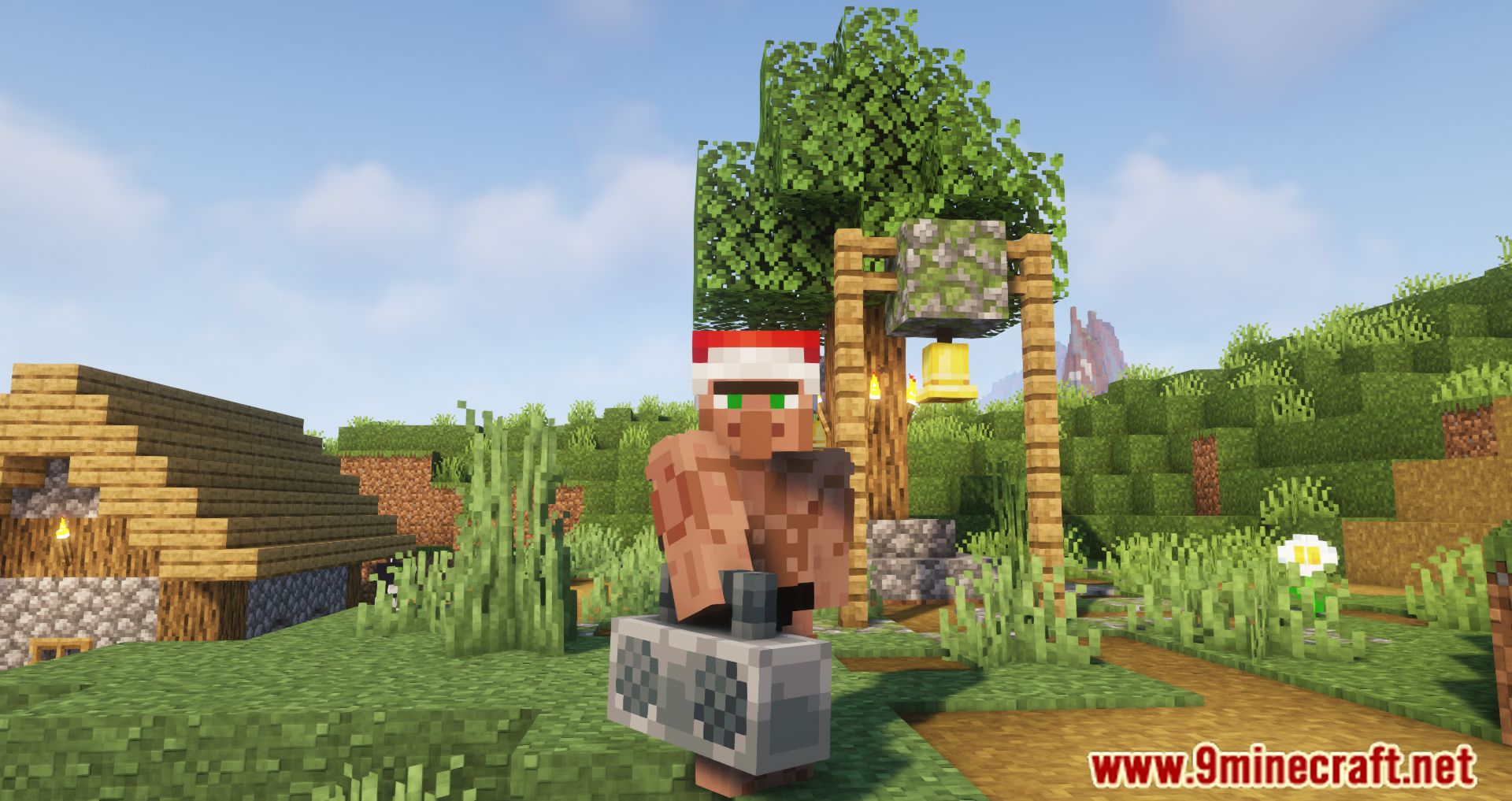
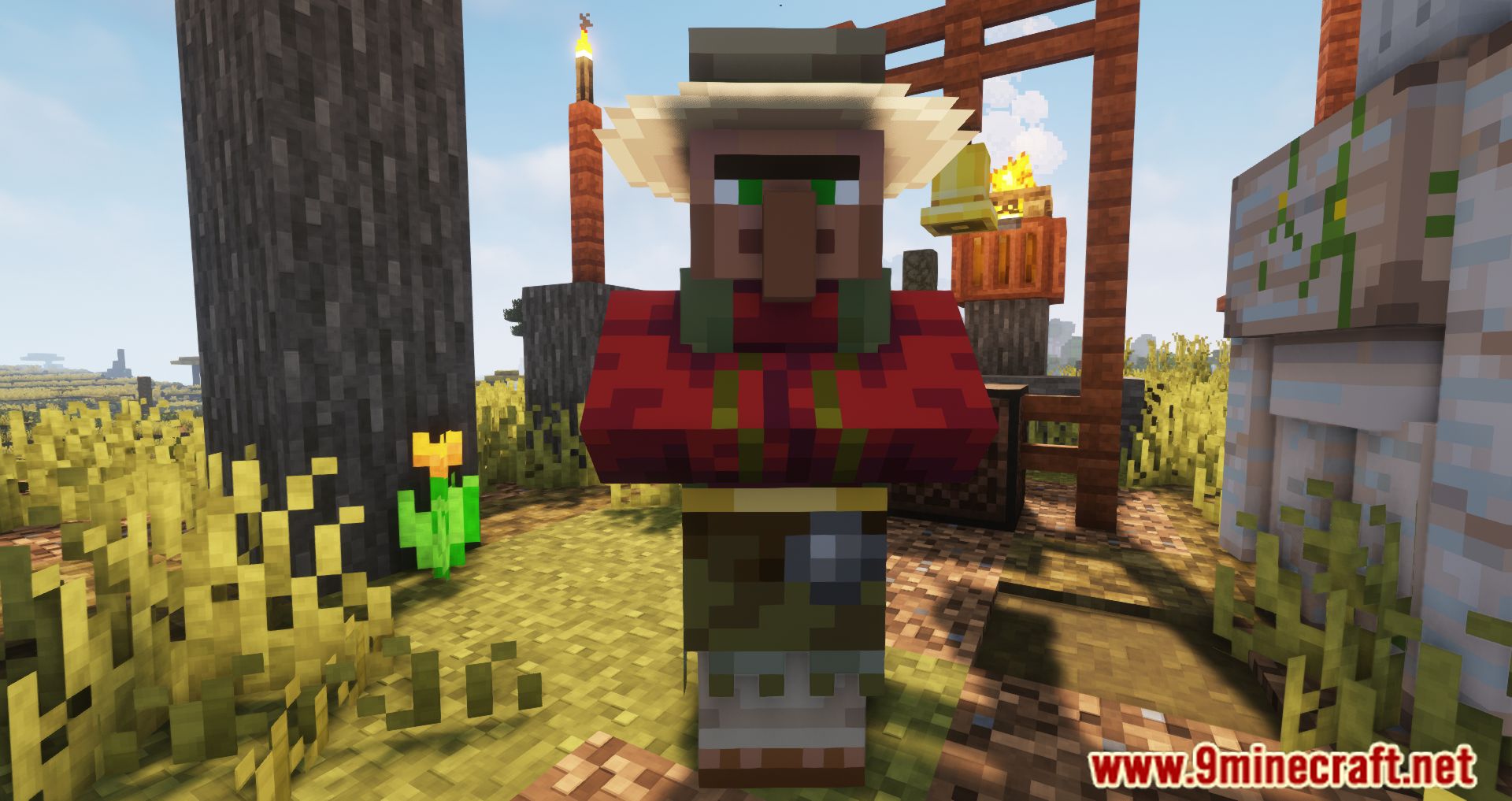
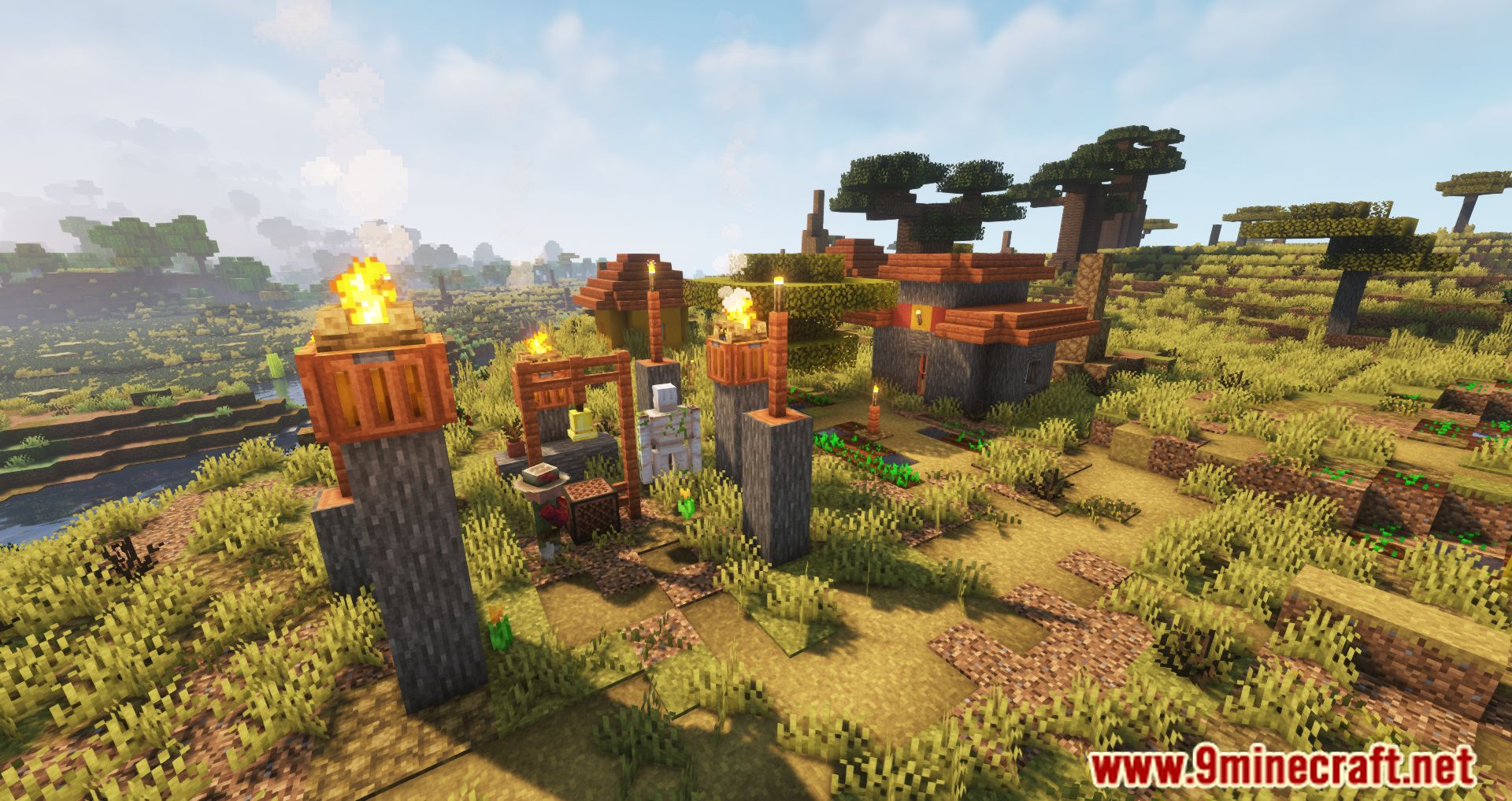
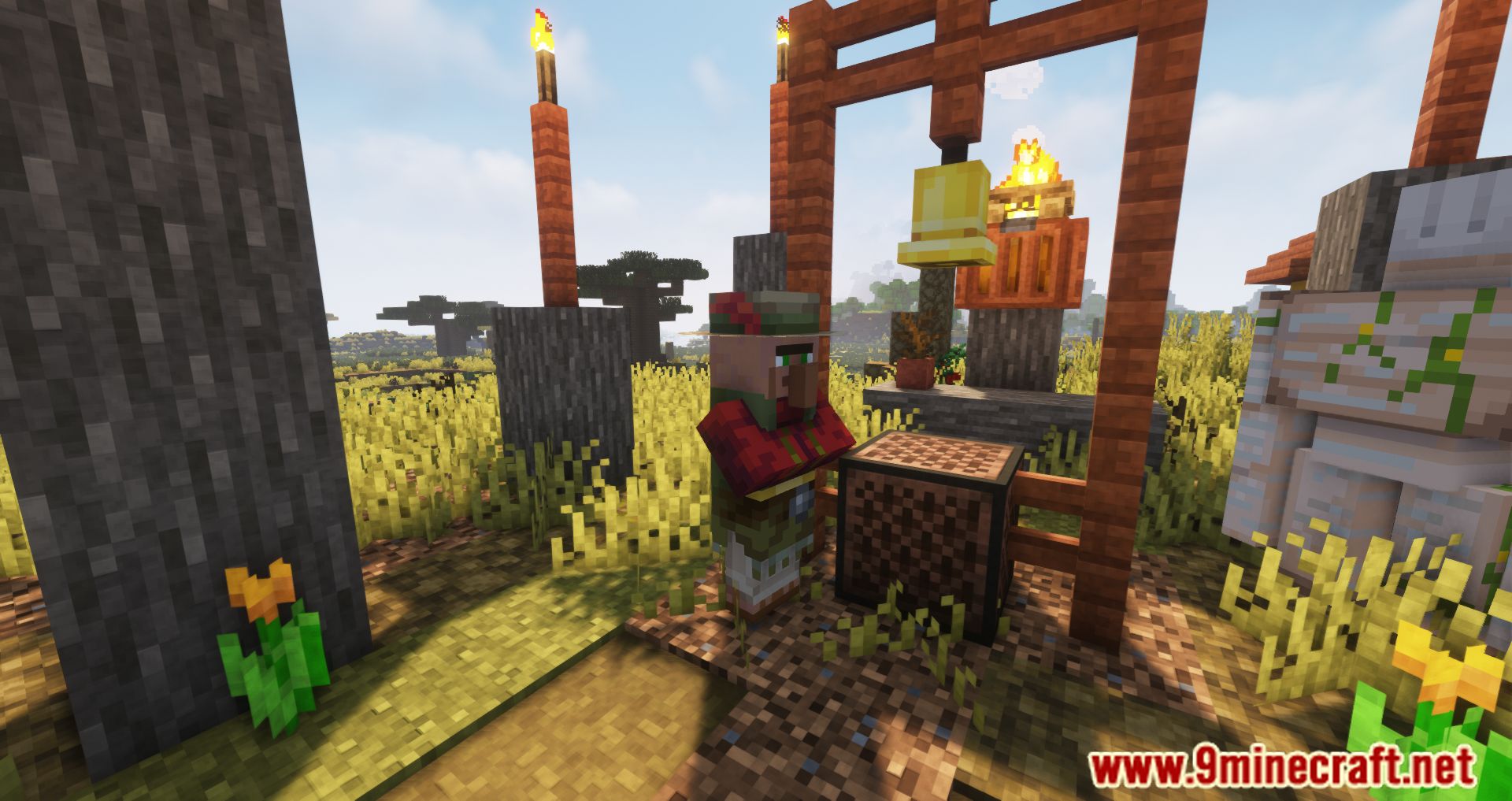
Etched Mod brings new ways to play your own music in Minecraft!
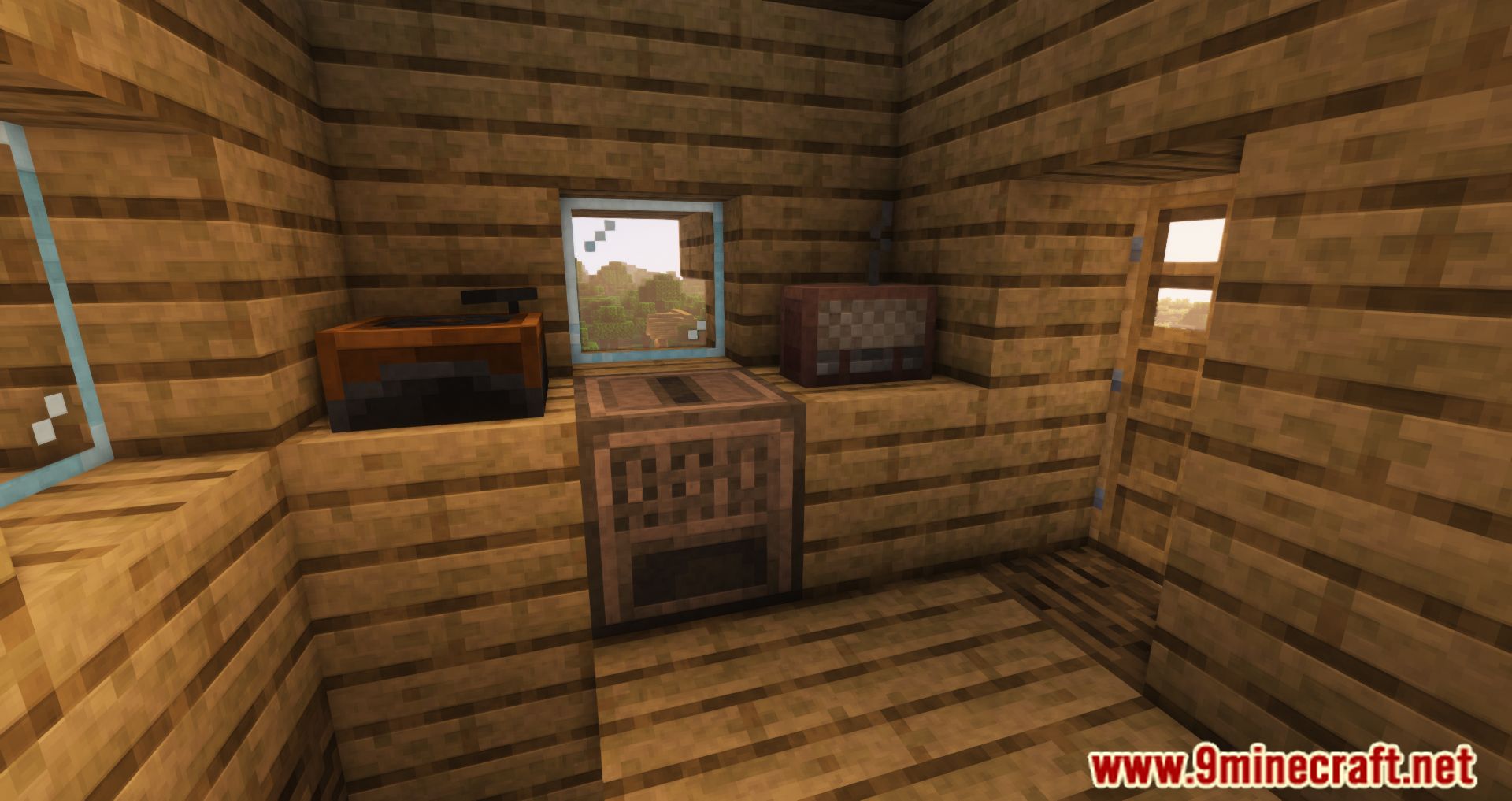
With the new Etching Table, you can create fully customized records, allowing for personal soundtracks. Etched also expands how you play all music discs, introducing unique playback mechanics:
- Album Jukebox – Stores up to 9 records that play sequentially and loop unless powered by redstone, at which point playback stops and resets to the first disc.
- Jukebox Minecart – Plays music while moving on rails. Records can be inserted via hoppers, and when a song ends, it can be restarted using an Activator Rail.
Features:
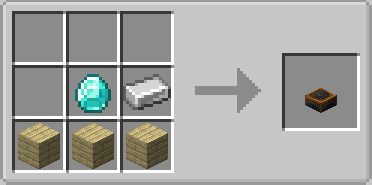
- Etching Table – Craft custom music discs using URLs (supports MP3, WAV, OGG, SoundCloud, Bandcamp, and Minecraft Sound Events).
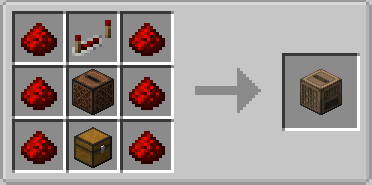
- Album Jukebox – Stores up to 9 records, playing them sequentially and looping unless powered by redstone.
- Jukebox Minecart – Plays music while moving on rails, with hopper support for inserting records and Activator Rail functionality to restart songs.
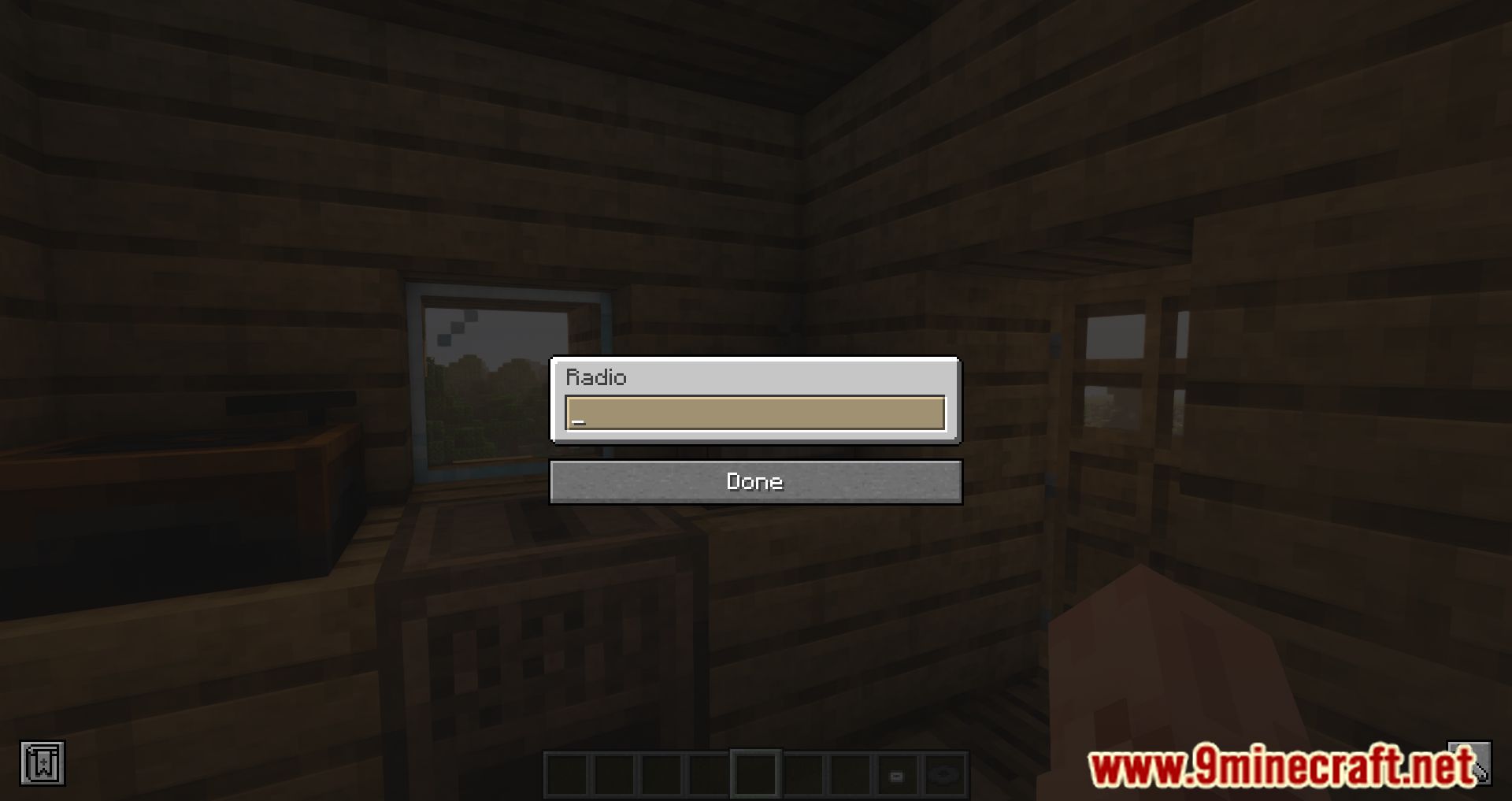
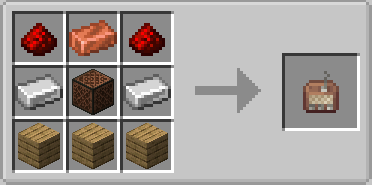
- Radio System – Listen to live broadcasts from a radio station or play songs on the go.
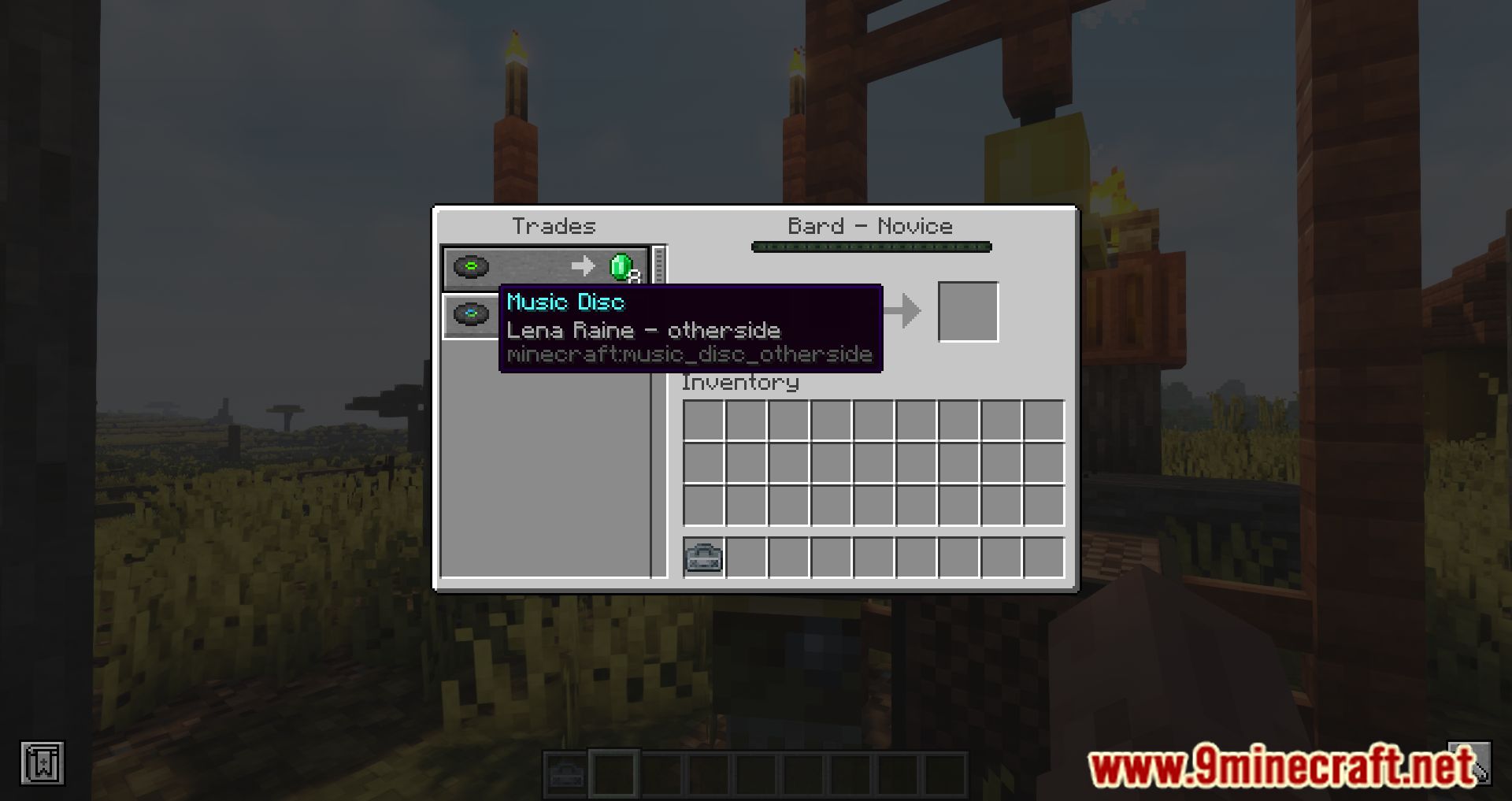
- Bard Villager Profession – Trade music-related items with a new villager type.
- Bedrock Parity Feature – Insert records into jukeboxes using hoppers, just like in Bedrock Edition.
Screenshots:
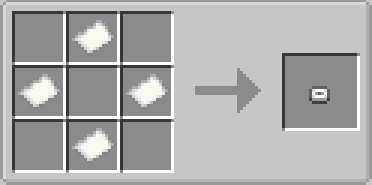
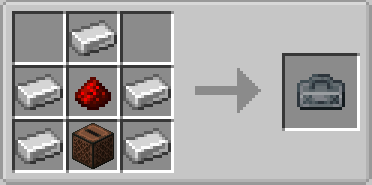
Crafting Recipes:
Etched Mod Download Links
For Minecraft 1.21.1, 1.21
NeoForge version: Download from Server 1 – Download from Server 2
For Minecraft 1.20.1, 1.20
Forge version: Download from Server 1 – Download from Server 2
For Minecraft 1.19.2
Forge version: Download from Server 1 – Download from Server 2
Fabric version: Download from Server 1 – Download from Server 2
For Minecraft 1.18.2
Forge Version: Download from Server 1
Fabric Version: Download from Server 1
For Minecraft 1.16.5
Forge Version: Download from Server 1
Fabric Version: Download from Server 1
- Edition: Minecraft Java
- File type: .jar
- Minecraft versions listed: 1.21.1, 1.20.1
- How to install: Install the matching mod loader (Forge, Fabric or NeoForge) for your Minecraft version. → Download the .jar. → Put it in the .minecraft/mods folder and launch that loader profile.
- Where to get it: In MC Java Mods, or directly above on this page.
Install steps are the general flow for this file type — How to install Minecraft Java mods & modpacks walks through it step by step.
- Downloads as 178329.mcaddon
- Download size: 600 KB
- Download link checked 26 Jul 2026 — working
- Mirrored on our own servers — the download does not depend on the original host
These come from our own check of the pack file, not from the source page.