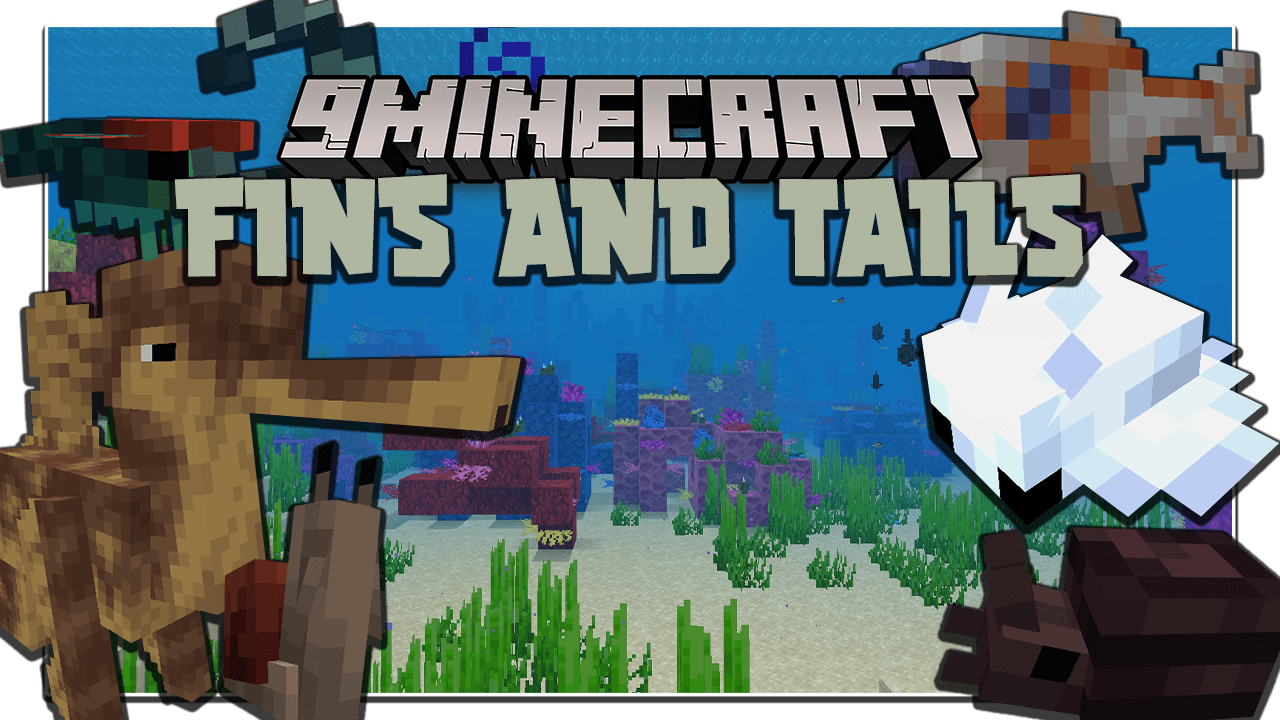
Fins and Tails Mod (1.20.1, 1.19.2) – New Aquatic Mobs
Java mod listed for Minecraft 1.19–1.20. File opened and checked on 16 Oct 2026; downloads from the MC Java Mods app on Android.
⬇ Download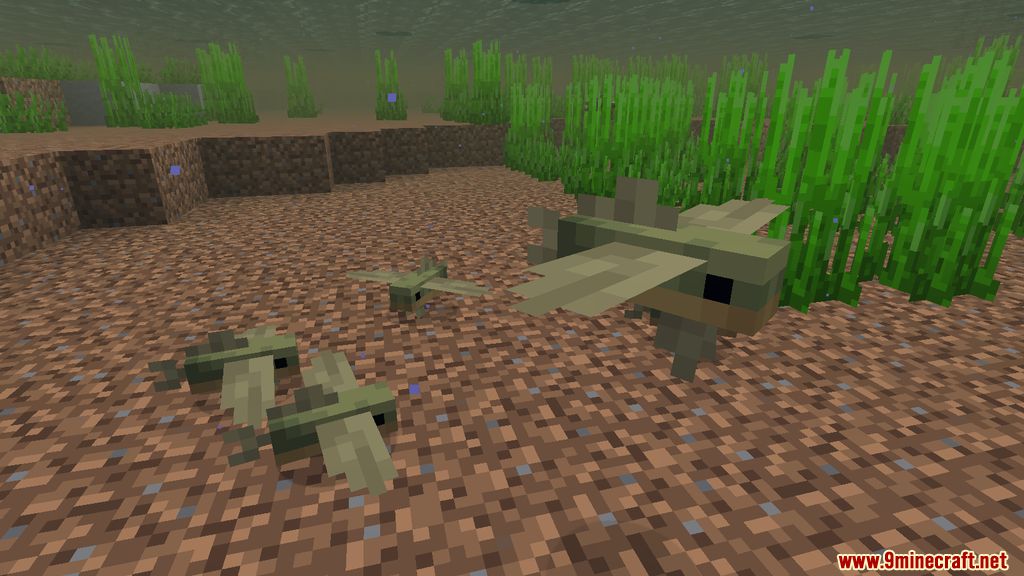
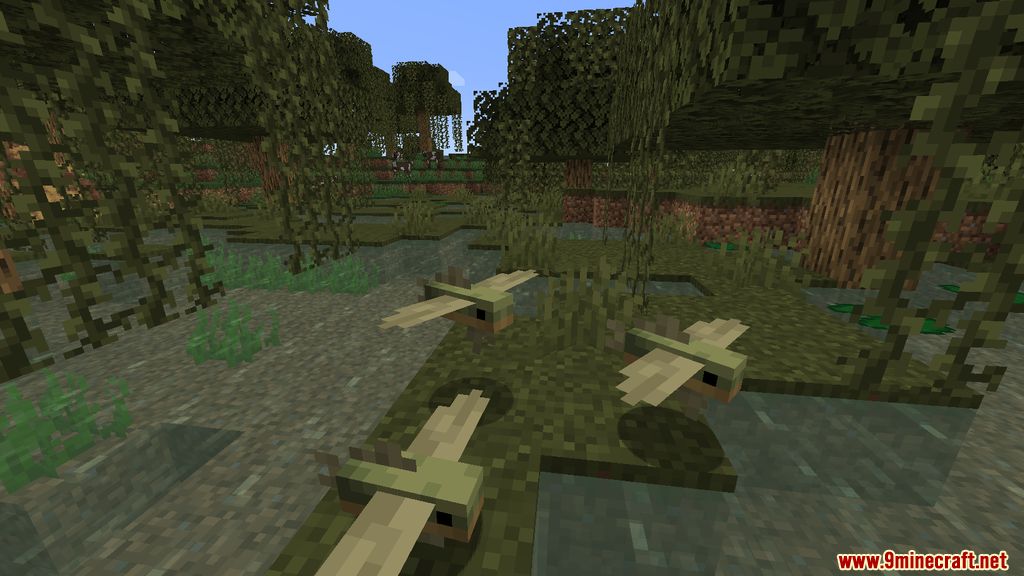
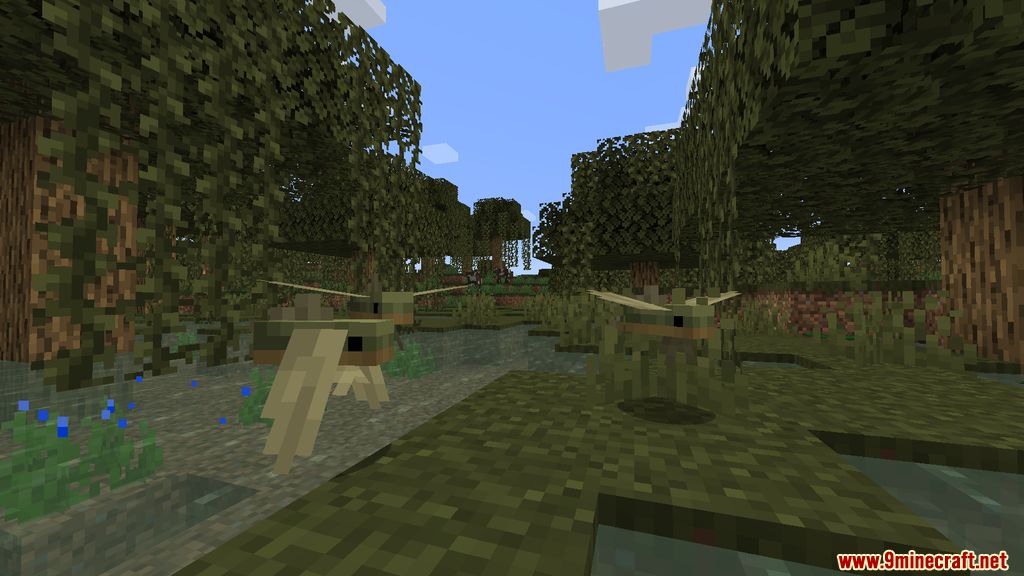
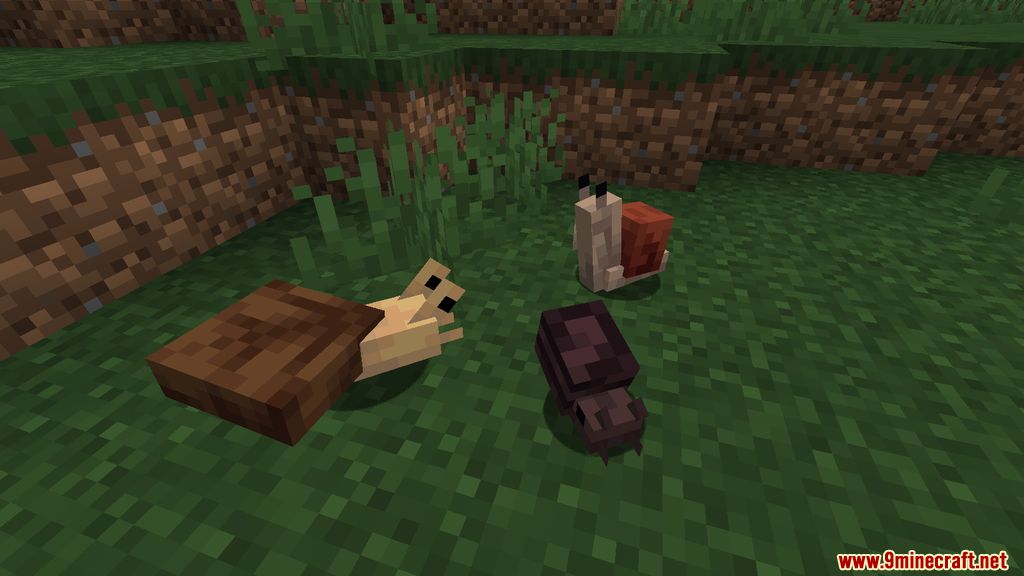
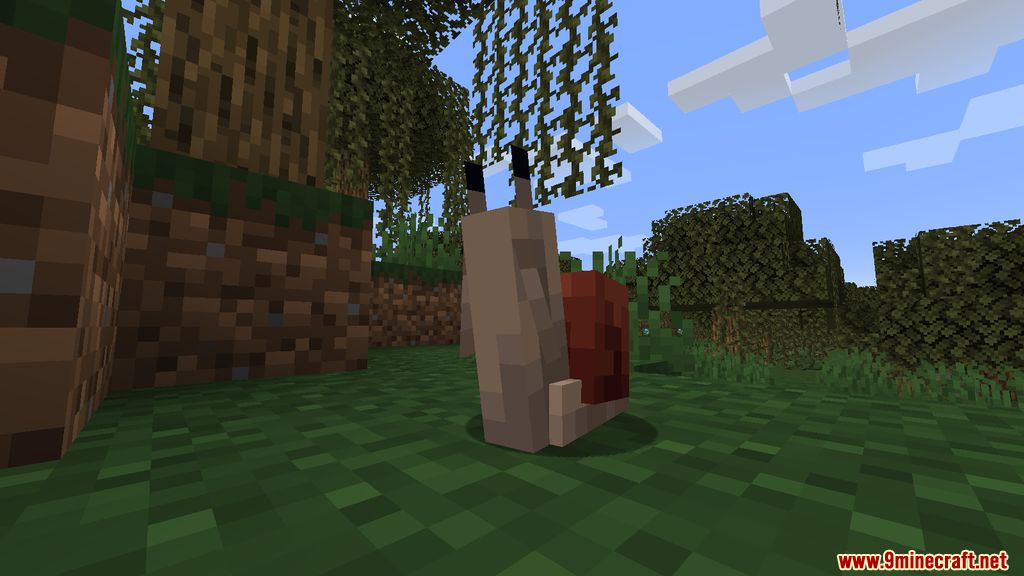
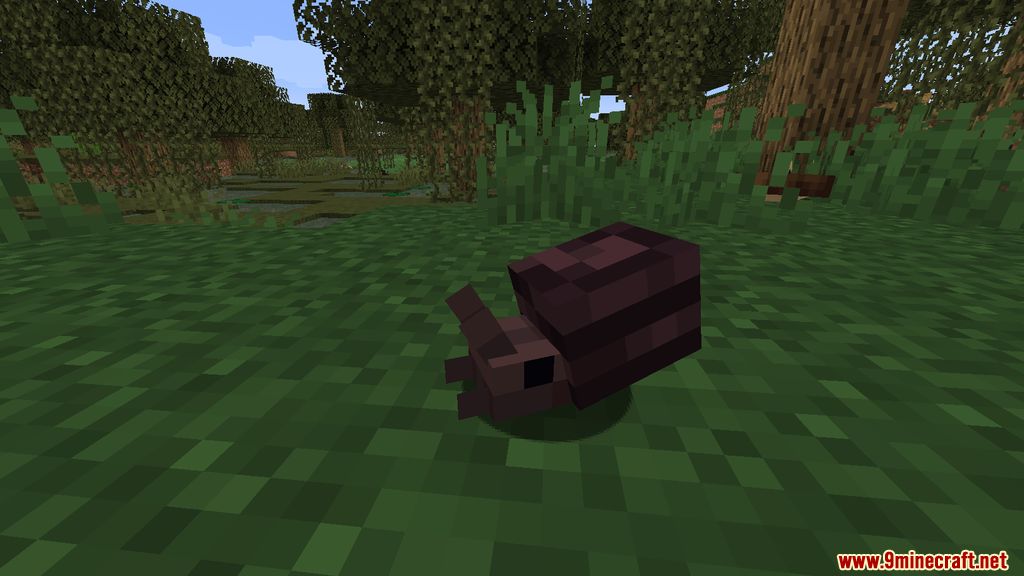
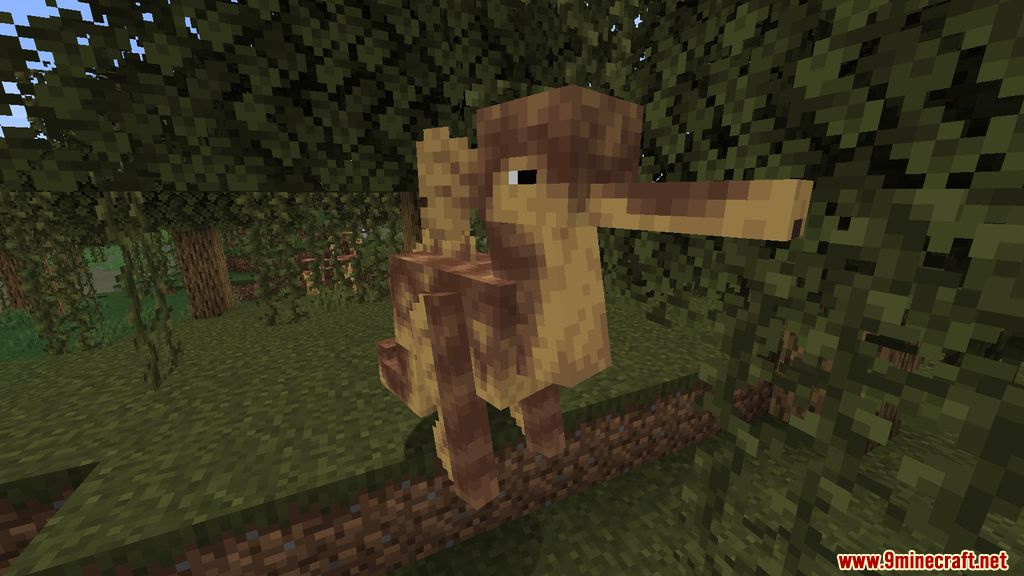
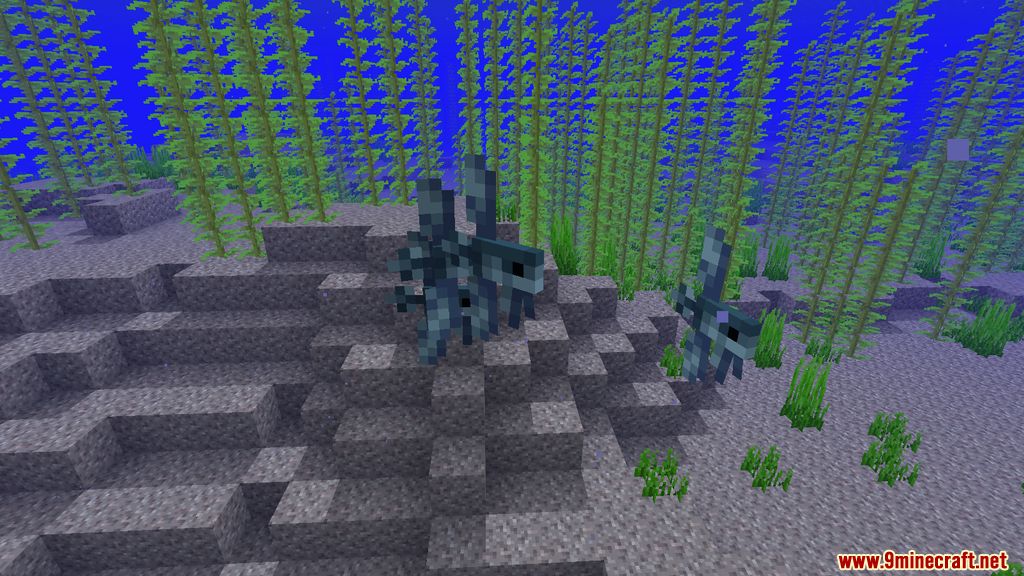
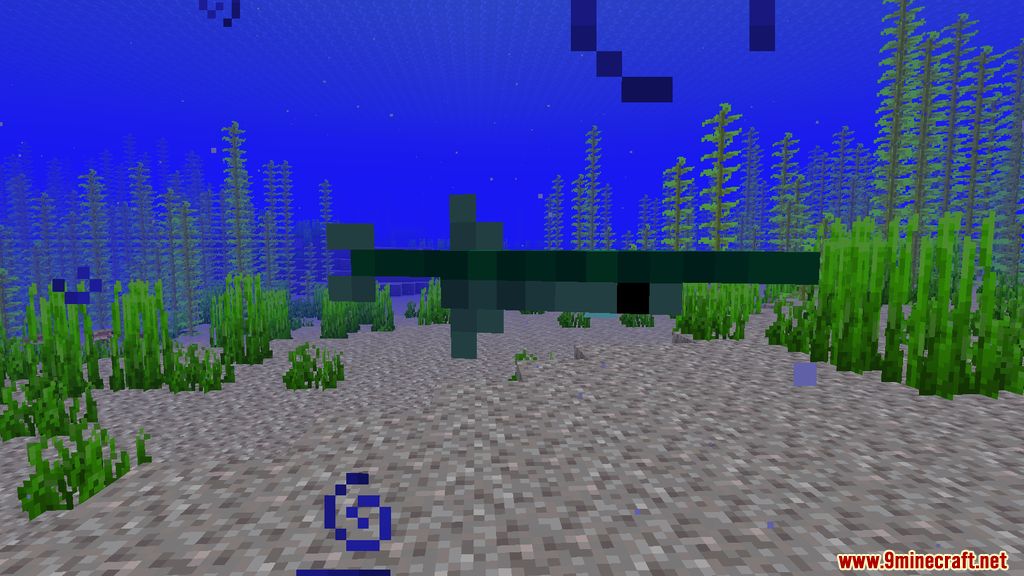
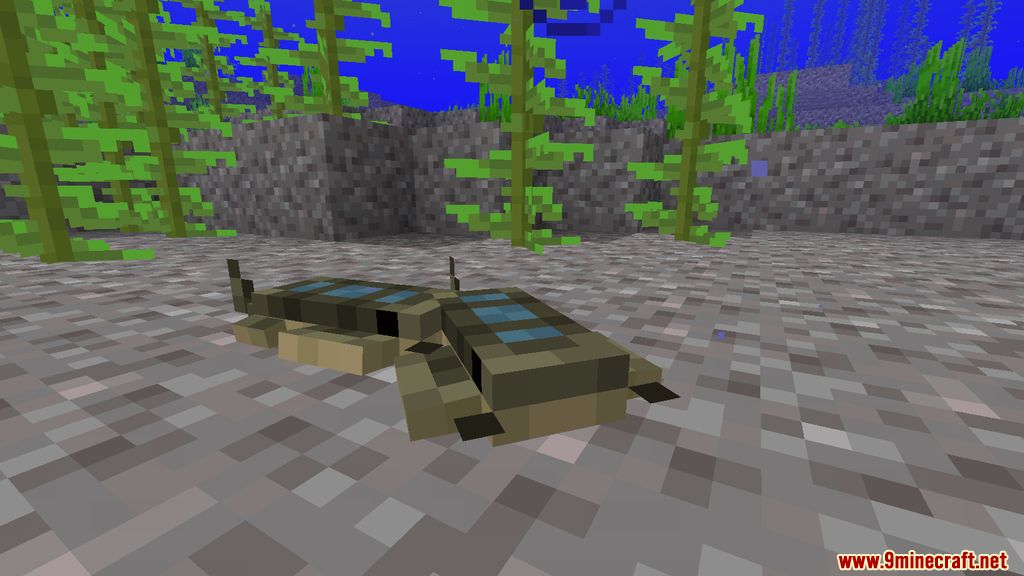
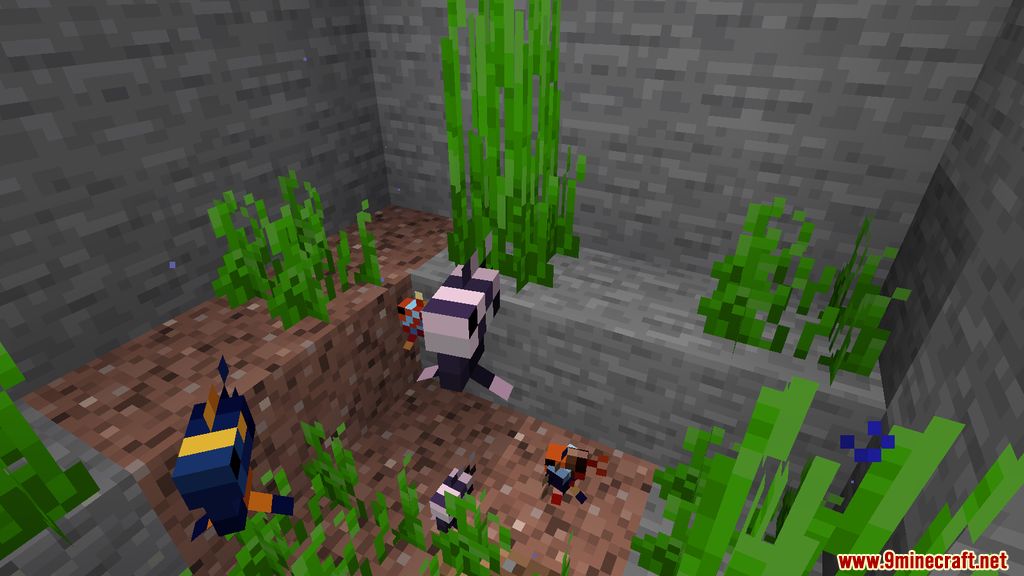
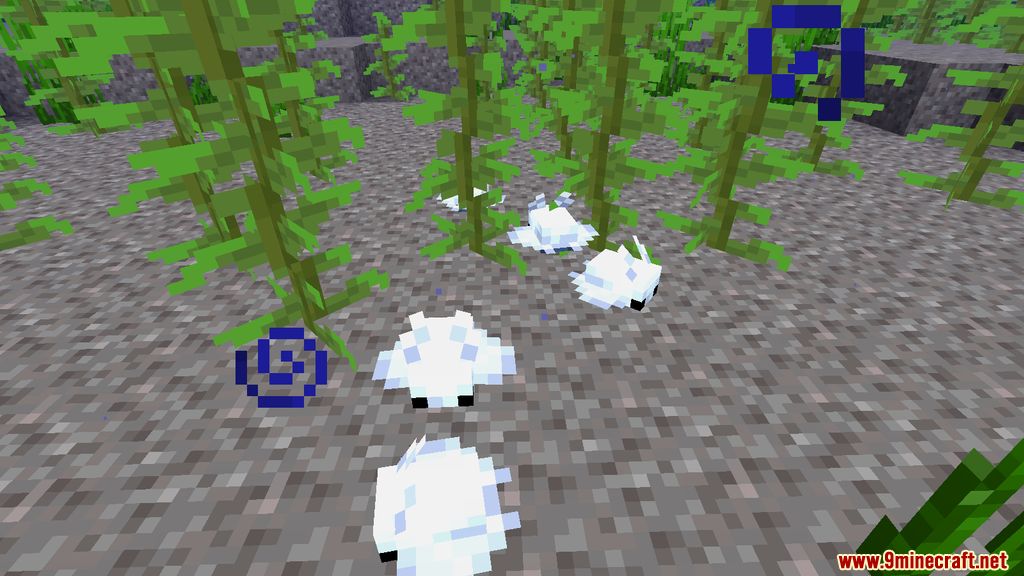
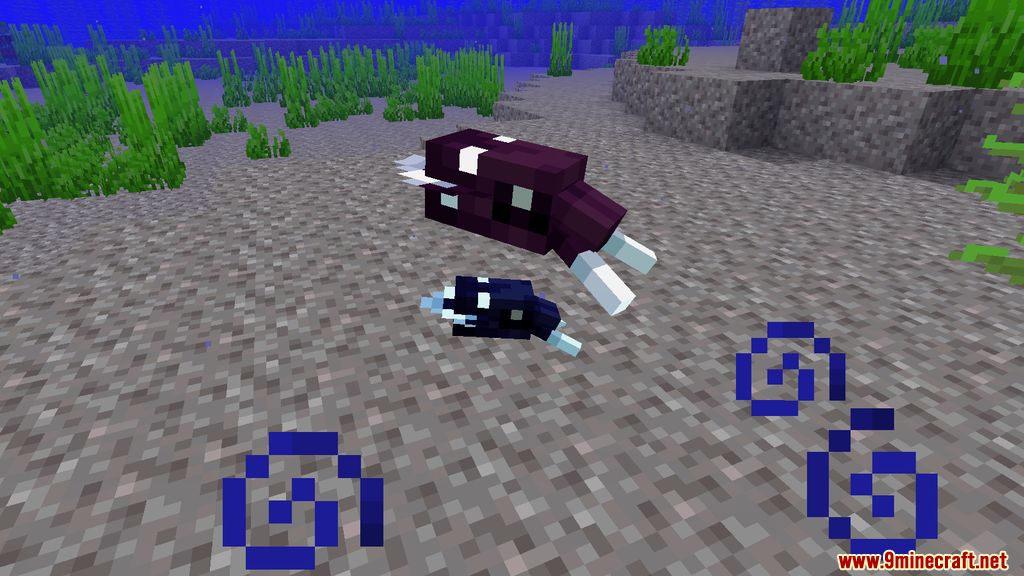
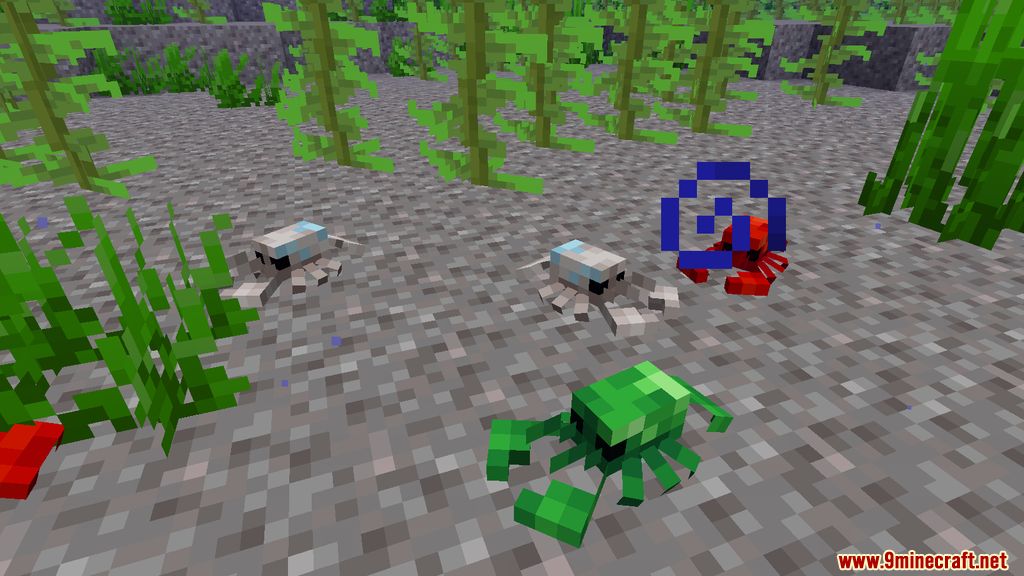
Fins and Tails Mod adds 19+ new creatures to Minecraft, enhancing and diversifying the game’s environment. Currently, most of these are fish and snails. These mobs don’t directly affect gameplay-they exist as part of the world’s natural surroundings. Players can collect them as food or use them for item drops, making the underwater world feel more immersive and lively. Even though they aren’t interactive like some other mobs, they add a great touch to exploration!
Features:
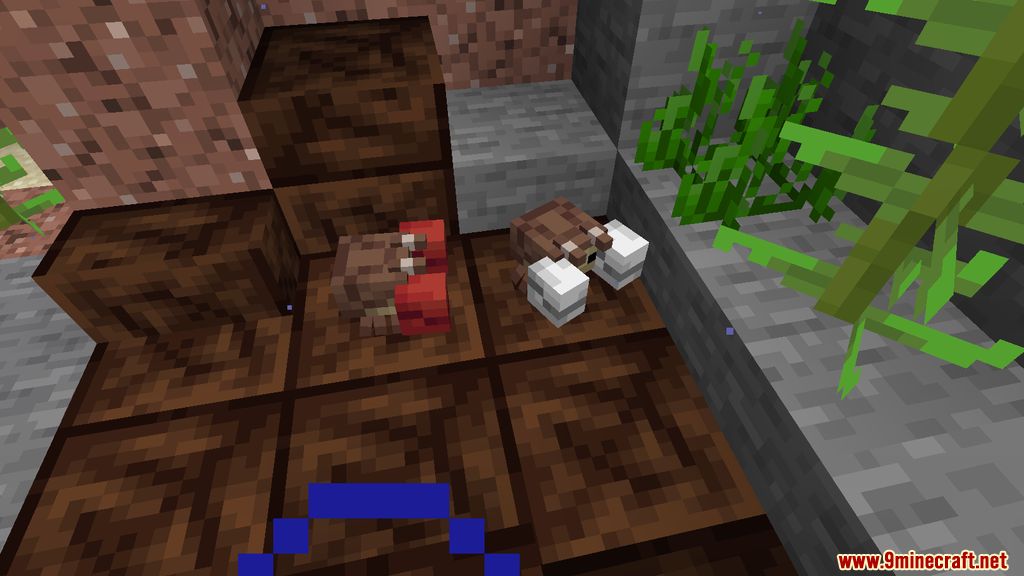
- Introduces fictional fish, crustaceans, and snails, each with distinct designs.
- Most creatures can be used as food, while some drop special items.
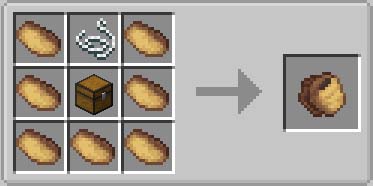
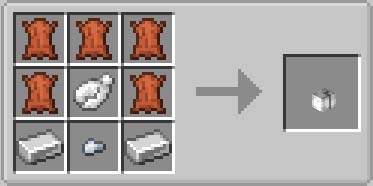
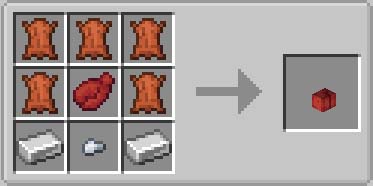
- Mudhorse Pouch: A storage item that holds up to 9 items, useful for carrying supplies.
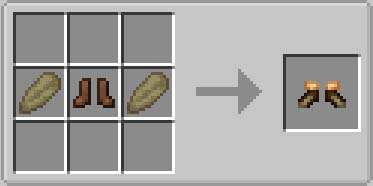
- Fwinged Boots: A new armor piece that boosts swimming speed but slows movement on land.
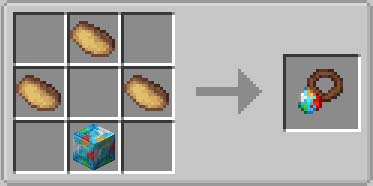
- Spindly Gem Charm: Grants temporary effects when worn but breaks after use.
- Crab Gauntlets: Red and White Bull Crab Gauntlets provide combat advantages.
- New Enchantments: Includes Fluked Edge, Uppercutting, and Crab’s Favor, enhancing underwater combat.
- Swamp Digeridoo: An item that commands Mudhorses to fight for you.
- Gopjet Jetpack: Allows flight when above water or when carrying water bottles/buckets.
- Adds snail shell blocks and new banner designs.
Screenshots:
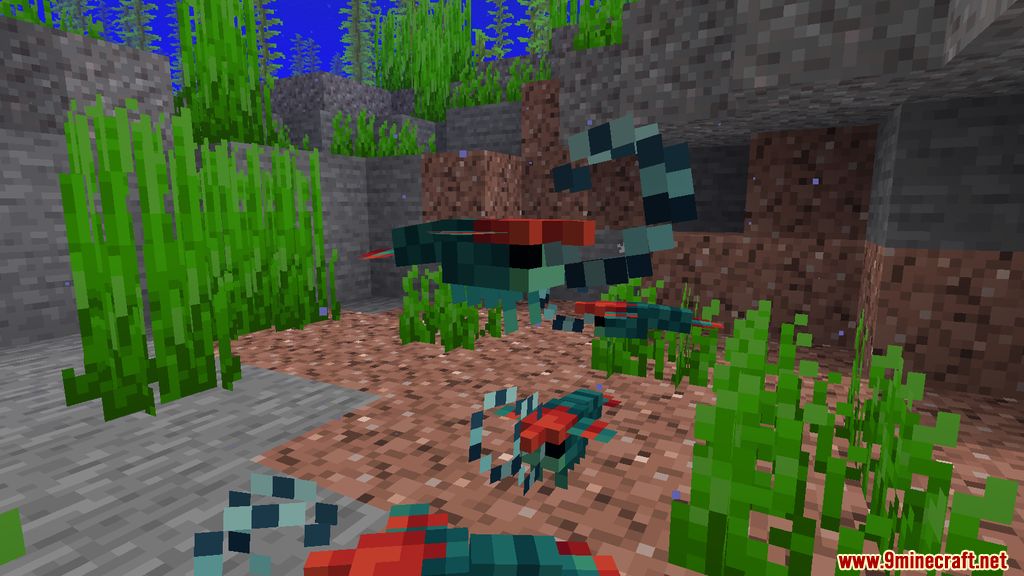
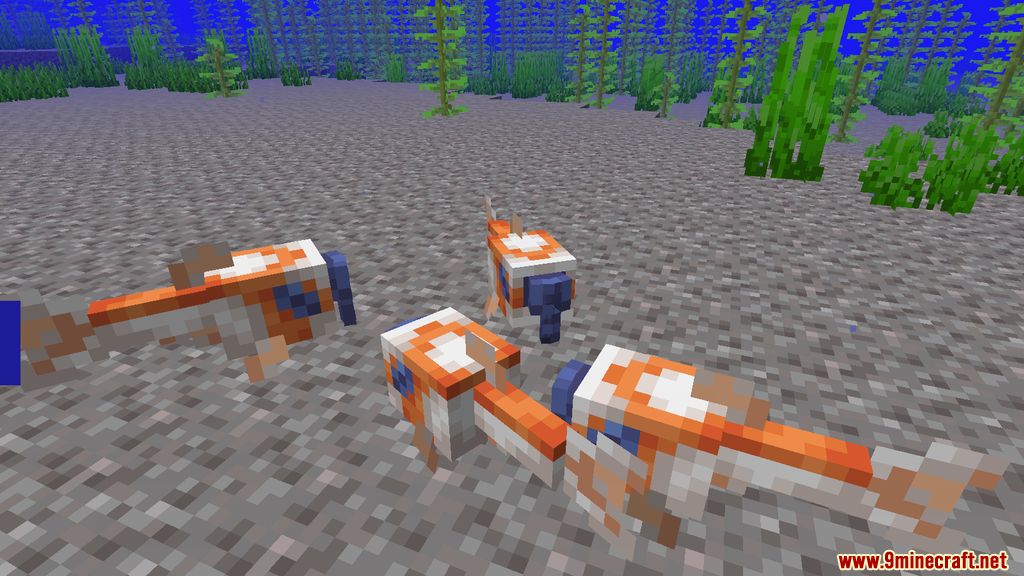
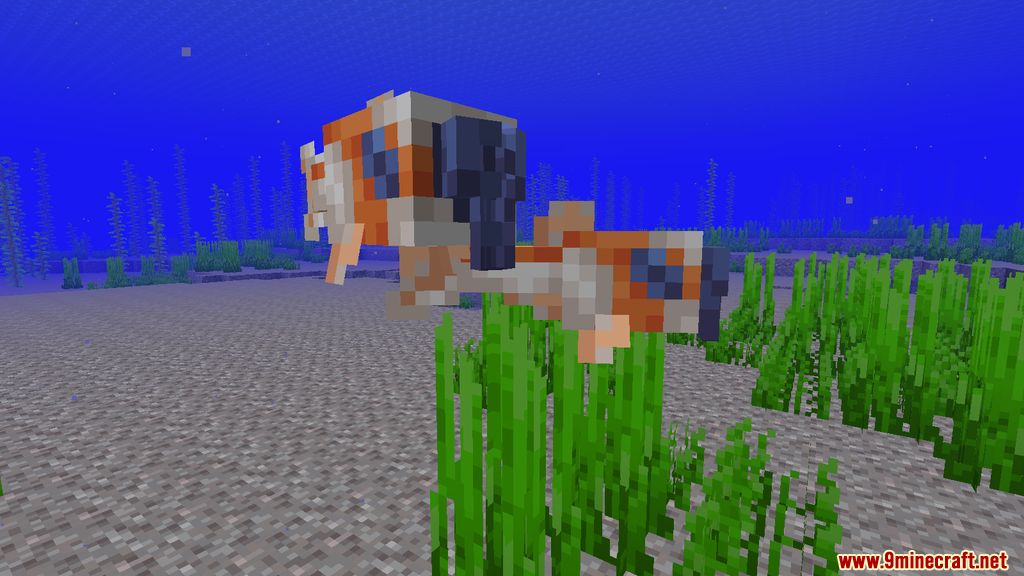
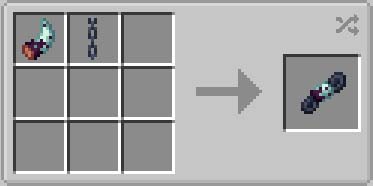
Crafting Recipes:
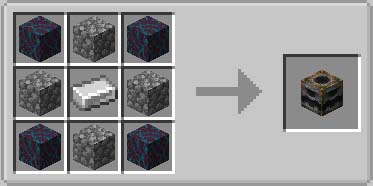
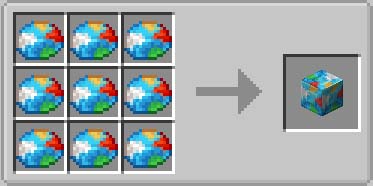
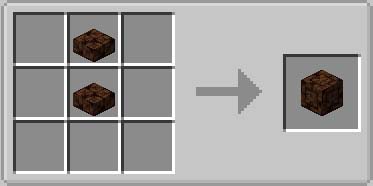
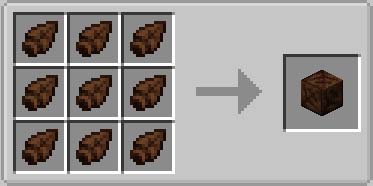
Fins and Tails Mod Download Links
For Minecraft 1.16.5
Forge version: Download from Server 1
For Minecraft 1.18.2
Forge version: Download from Server 1 – Download from Server 2
For Minecraft 1.19.2
Forge version: Download from Server 1 – Download from Server 2
For Minecraft 1.20.1, 1.20
Forge version: Download from Server 1 – Download from Server 2
- Edition: Minecraft Java
- File type: .jar
- Minecraft versions listed: 1.20.1, 1.19.2
- How to install: Install the matching mod loader (Forge, Fabric or NeoForge) for your Minecraft version. → Download the .jar. → Put it in the .minecraft/mods folder and launch that loader profile.
- Where to get it: In MC Java Mods, or directly above on this page.
Install steps are the general flow for this file type — How to install Minecraft Java mods & modpacks walks through it step by step.
- Downloads as 178372.mcaddon
- Download size: 2.1 MB
- Download link checked 24 Jul 2026 — working
- Mirrored on our own servers — the download does not depend on the original host
These come from our own check of the pack file, not from the source page.