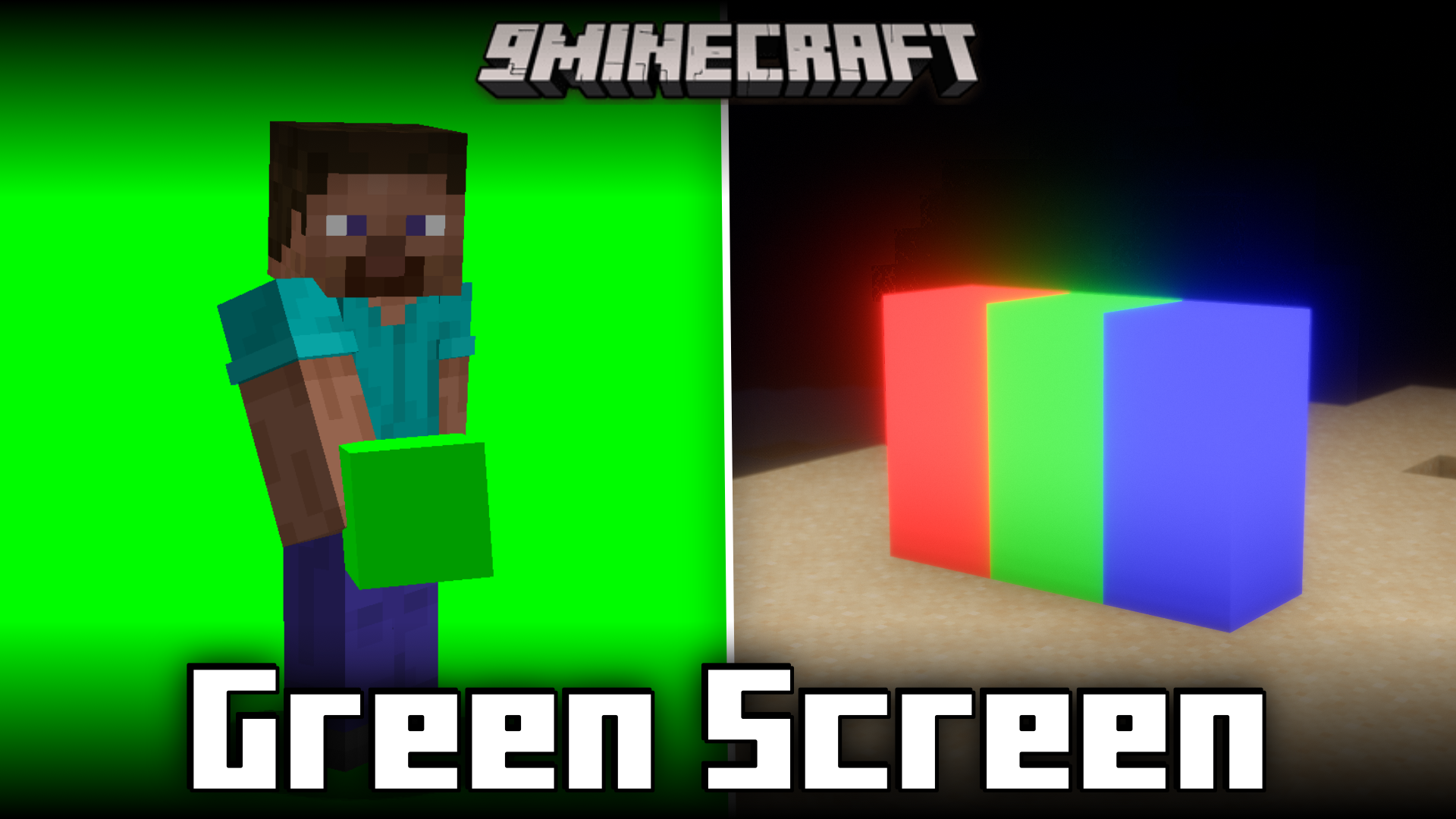
Woodiertexas Green Screen Mod (1.21.1, 1.20.1) – Adds Blocks For Chroma Keying
For many video editing purposes, a technique called "chroma keying" is used to replace the background of an object. To do this with ease, the surrounding…
⬇ Download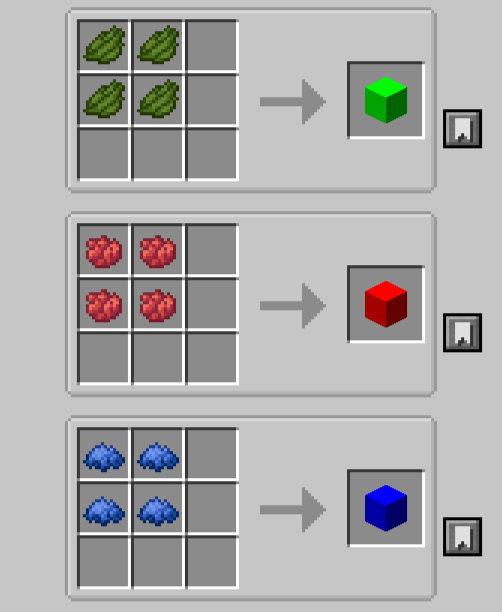

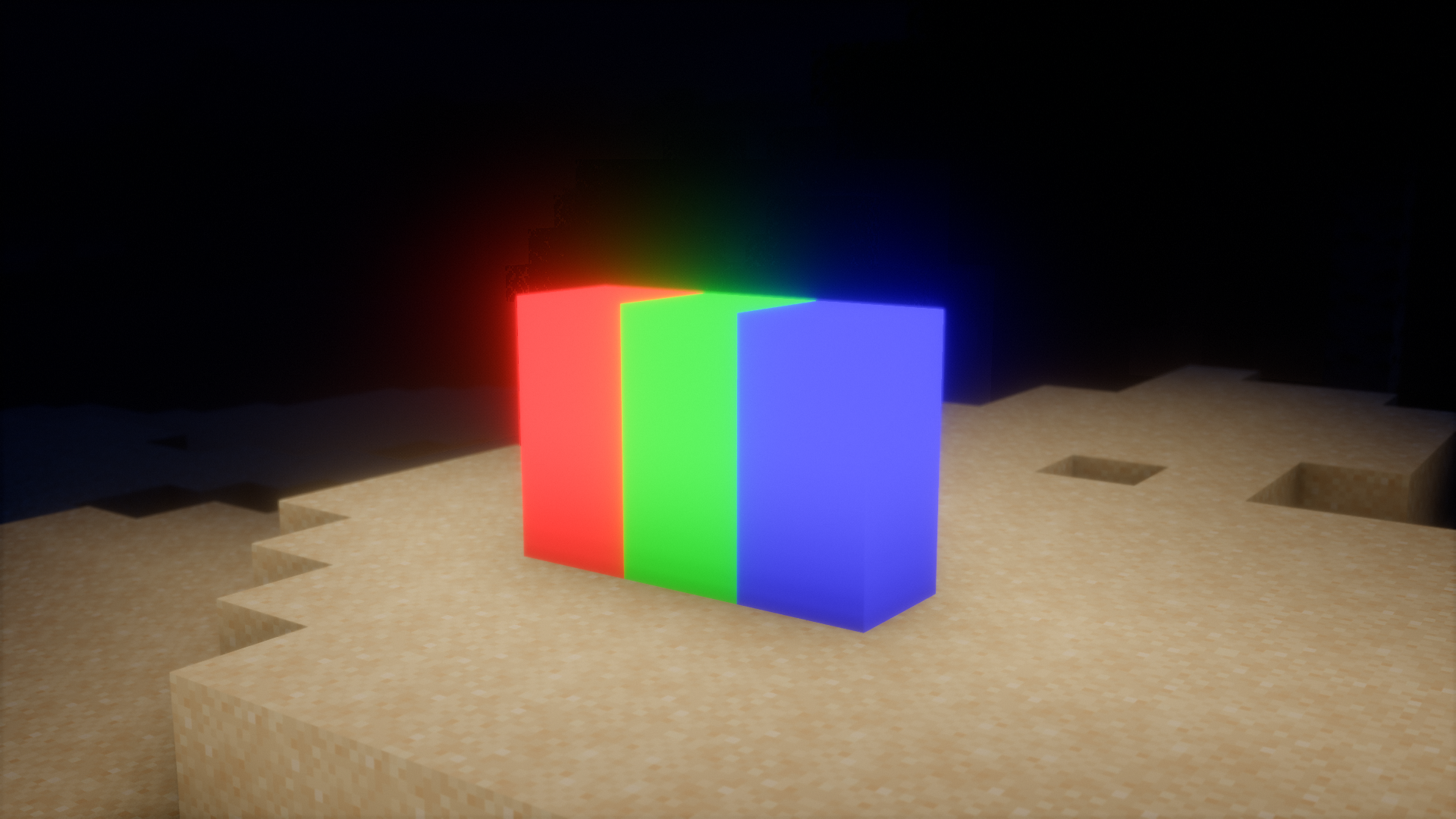
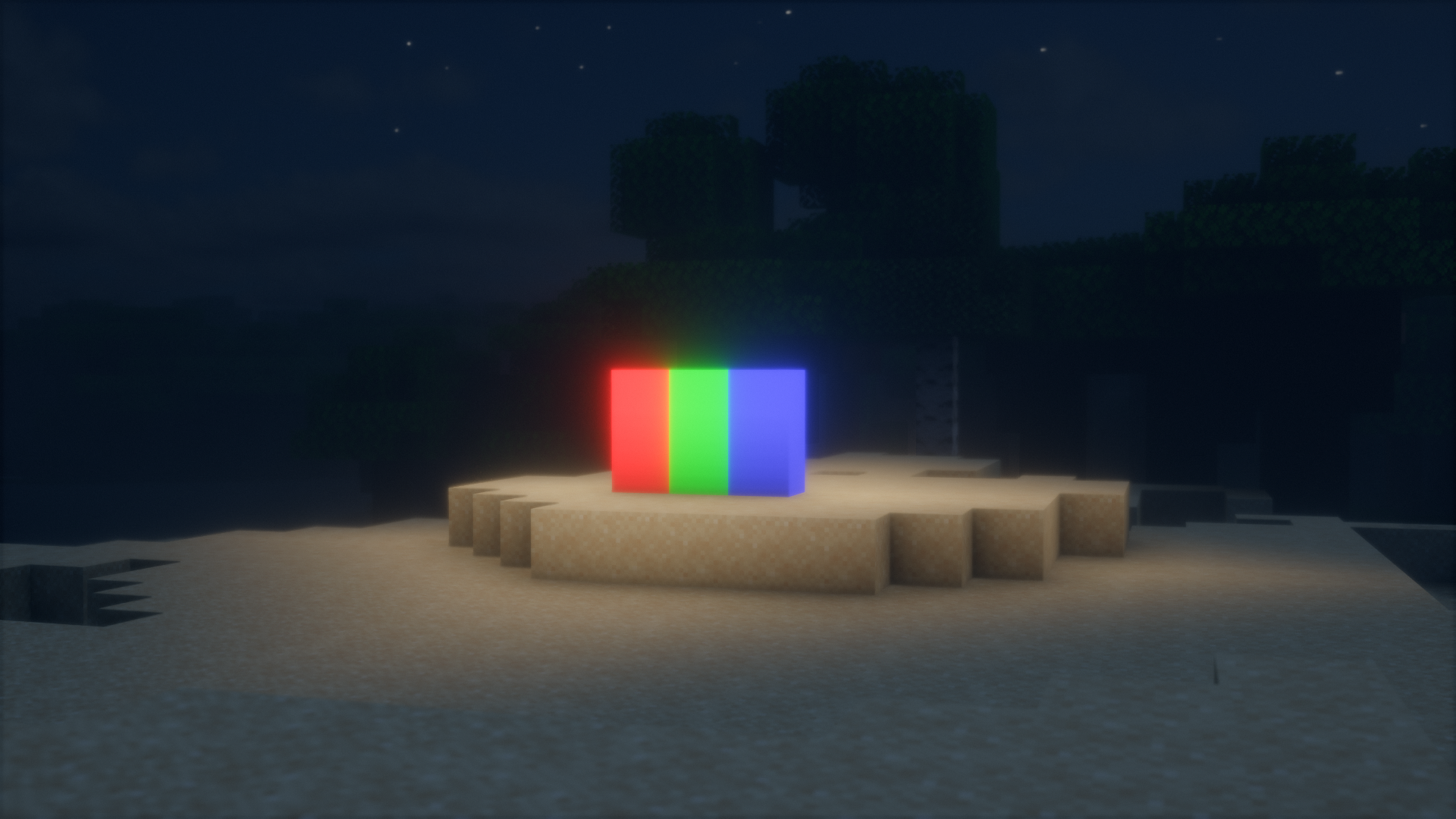
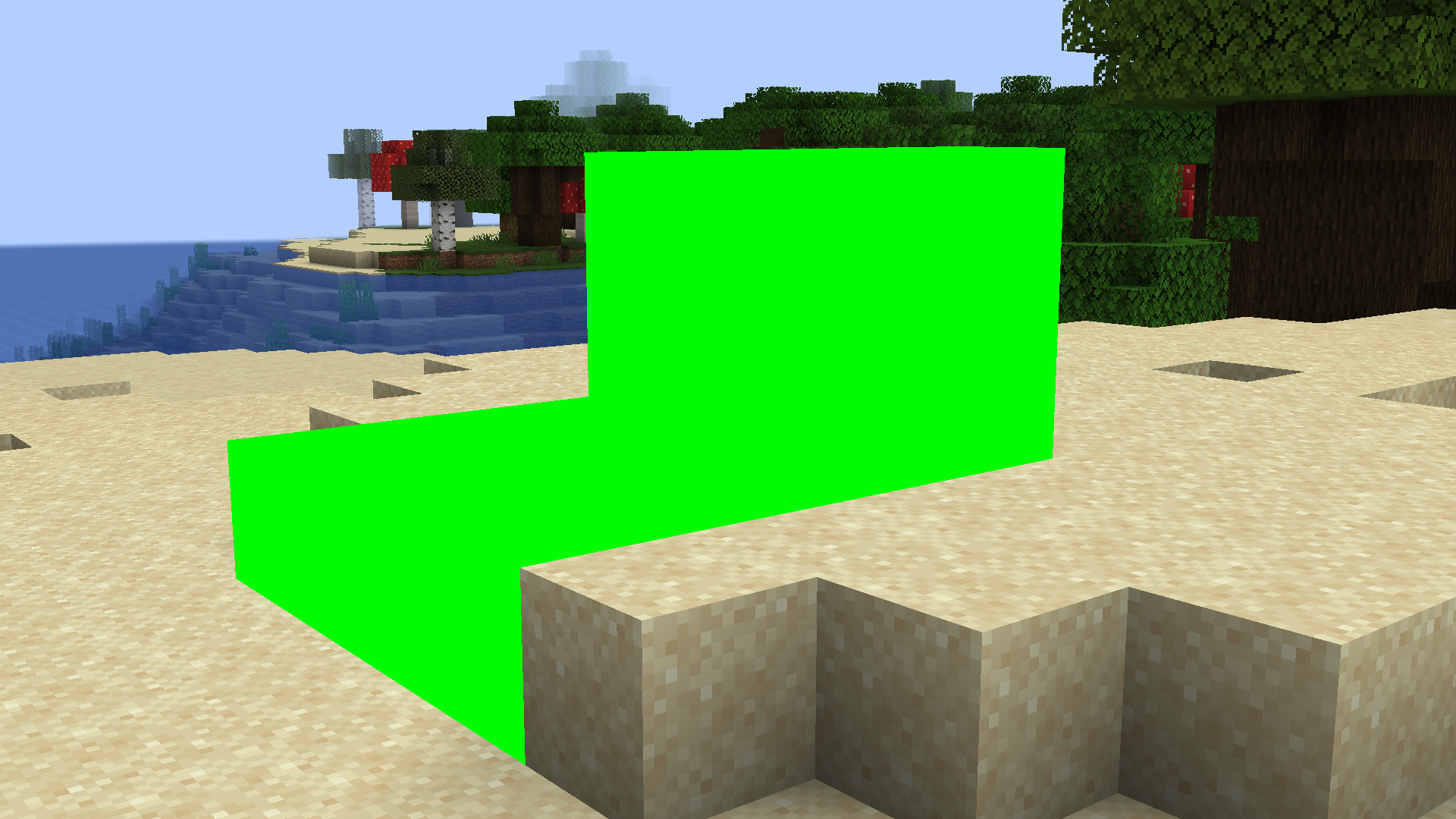
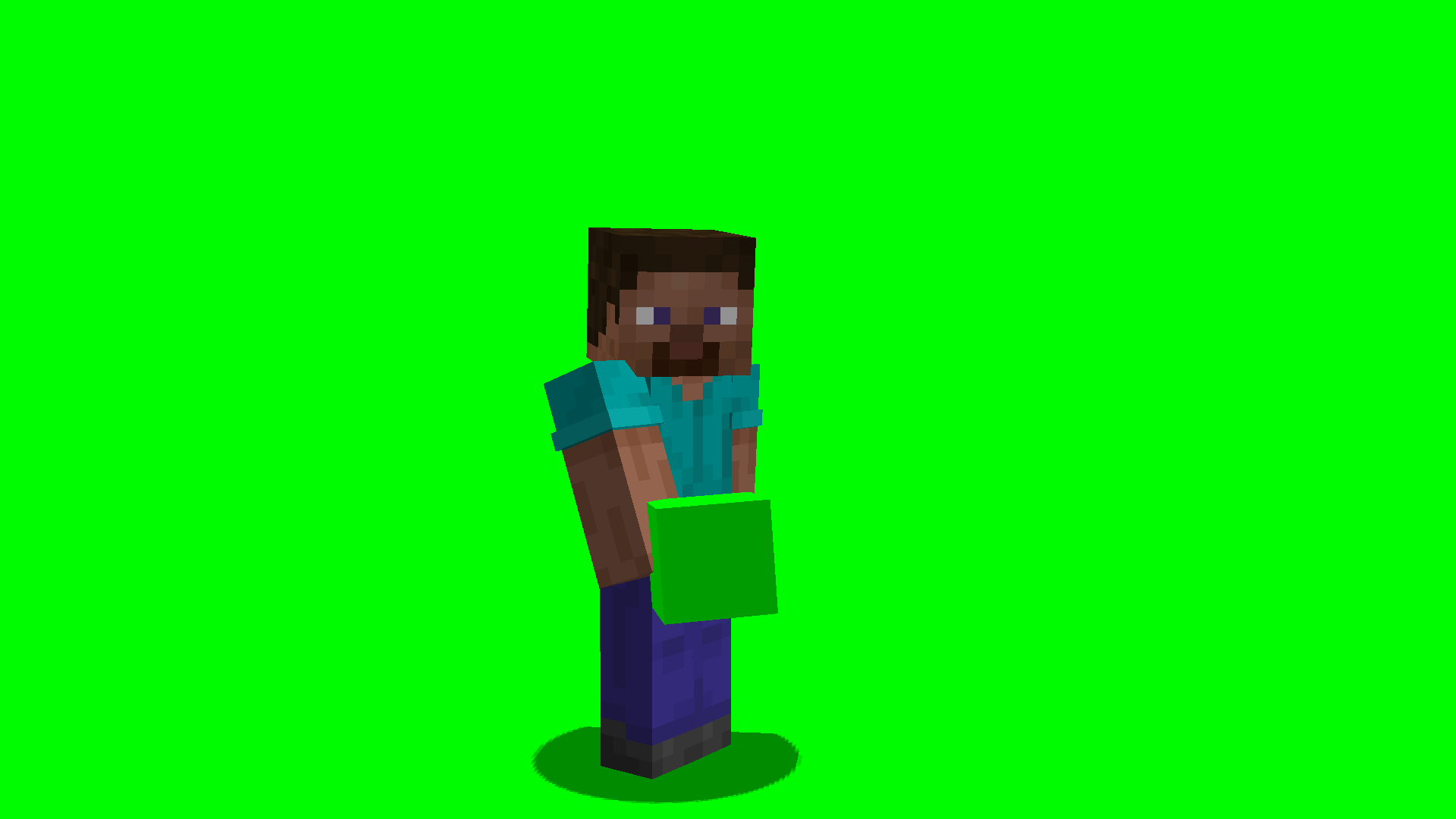
For many video editing purposes, a technique called “chroma keying” is used to replace the background of an object. To do this with ease, the surrounding of the focus object must be single colored. In movie sets, you will have seen them using green screens for this purpose. Woodiertexas Green Screen Mod, as the name suggests, adds green screens into Minecraft. There are three blocks in total and it is recommended to use these blocks without shaders for the ideal effect.
Features:
- Adds blocks suitable for chroma keying.
- Comes in three different colors.
- Using shaders is not recommended for the ideal effect.
Crafting Recipes:
Screenshots:
Woodiertexas Green Screen Mod Download Links
For Minecraft 1.21.1
Fabric/Quilt version: Download from Server 1 – Download from Server 2
For Minecraft 1.20.1
Fabric/Quilt version: Download from Server 1 – Download from Server 2
- Edition: Minecraft Java
- File type: .jar
- Minecraft versions listed: 1.21.1, 1.20.1
- How to install: Install the matching mod loader (Forge, Fabric or NeoForge) for your Minecraft version. → Download the .jar. → Put it in the .minecraft/mods folder and launch that loader profile.
- Where to get it: In MC Java Mods, or directly above on this page.
Install steps are the general flow for this file type — How to install Minecraft Java mods & modpacks walks through it step by step.
- Downloads as 178398.mcaddon
- Download size: 15 KB
- Download link checked 24 Jul 2026 — working
- Mirrored on our own servers — the download does not depend on the original host
These come from our own check of the pack file, not from the source page.