


Tag Stack Mod allows you to use tags to configure the maximum possible stack sizes of items using tags. To do this, you first have to create a datapack and then add items to the appropriate tag in data/tag_stack/tags/items/ if you are on versions above 1.21, it’d be placed in data/tag_stack/tags/item/. You can then use the /reload command in the game to activate the datapack.
Features:
Tag-Based Stack Sizes: Change stack sizes by applying these tags to items:
tag_stack:stackable_to_1
tag_stack:stackable_to_2
tag_stack:stackable_to_4
tag_stack:stackable_to_8
tag_stack:stackable_to_16
tag_stack:stackable_to_32
tag_stack:stackable_to_64
Special Bucket Support: On versions 1.20.1-1.20.4 and 1.21.1-1.21.2, includes special handling for:
- Vanilla buckets
- Dispensers
- Lumisene bucket (Supplementaries)
- Wooden buckets (Let’s Do Meadow)
Actually reloads: Changes apply when reloading datapacks (clients need to rejoin to see changes).
How to use:
Create a datapack
Add items to the appropriate tag in data/tag_stack/tags/items/ if you are on versions above 1.21, it’d be placed in data/tag_stack/tags/item/
Reload datapacks (/reload)
Let players rejoin to see changes
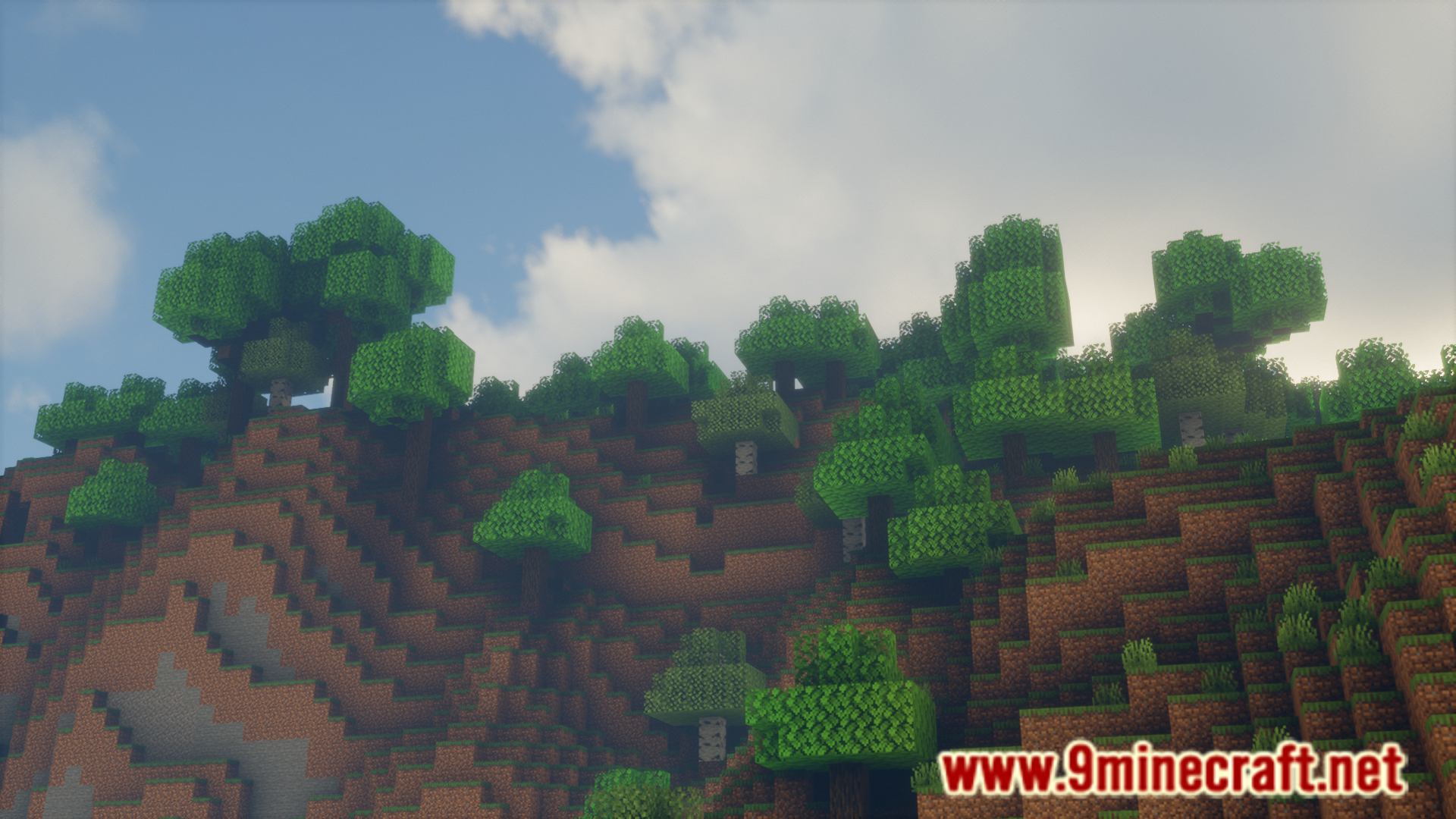
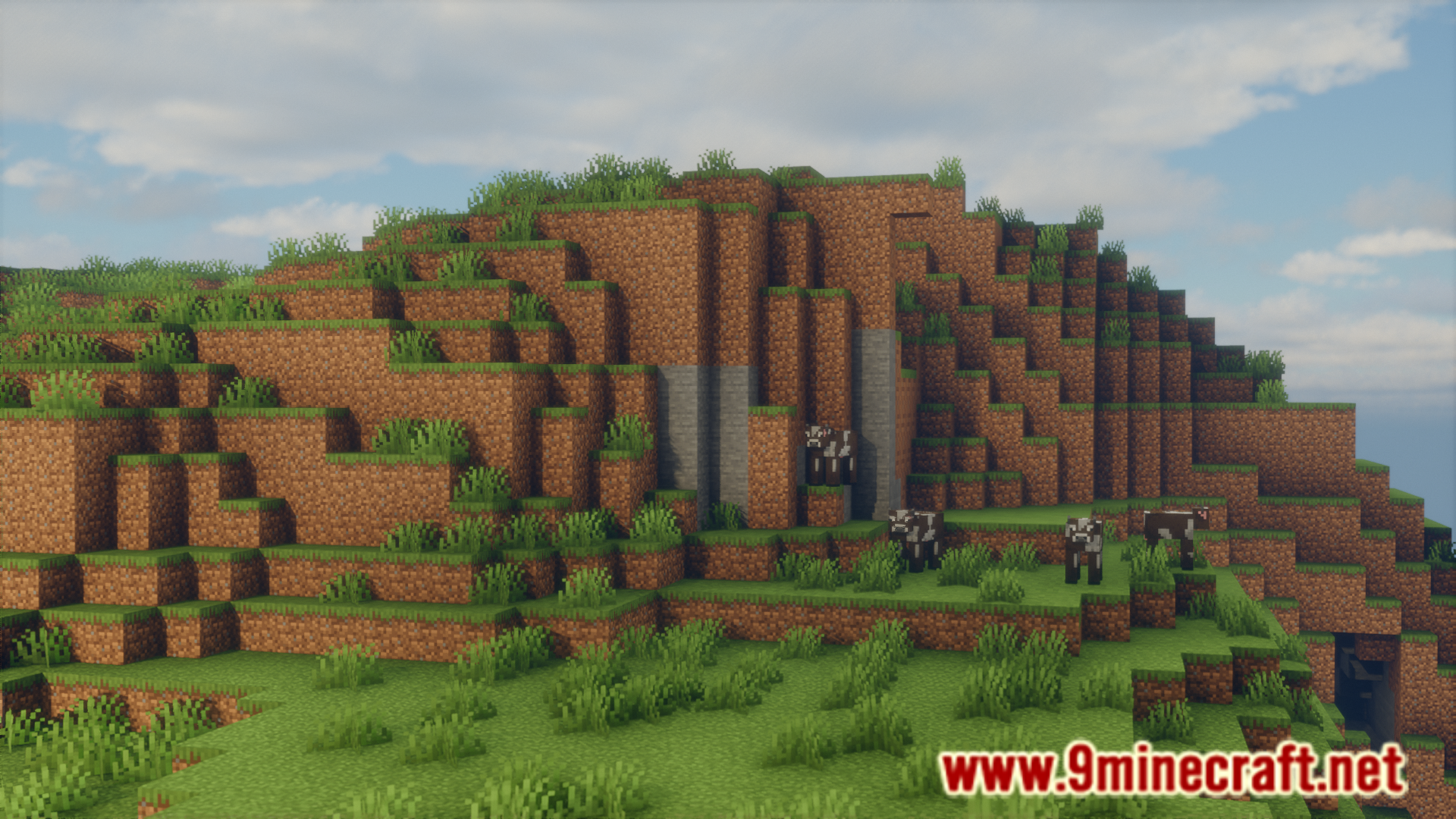
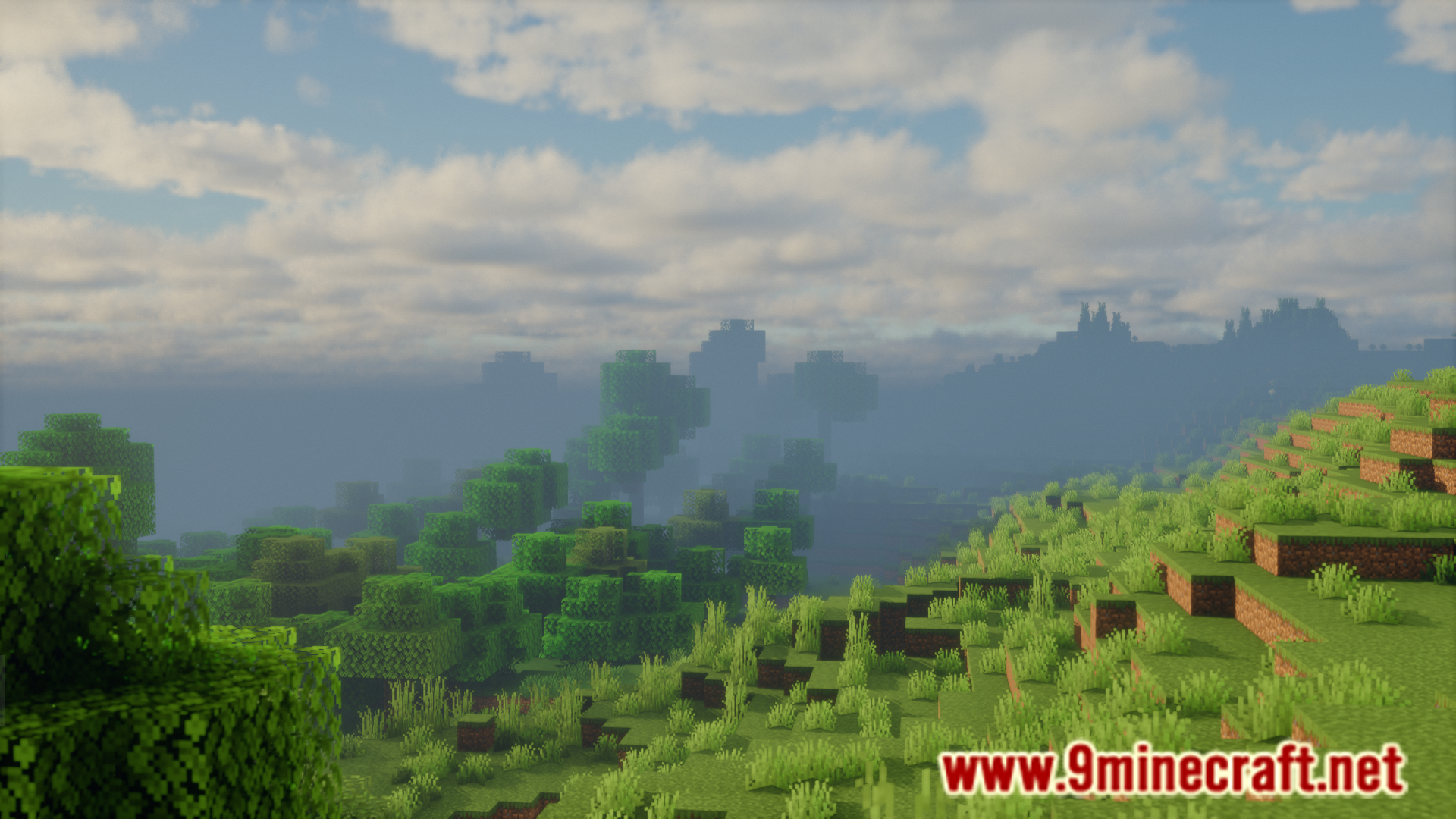
Screenshots:
Tag Stack Mod Download Links
For Minecraft 1.21.5
Fabric/Quilt version: Download from Server 1 – Download from Server 2
For Minecraft 1.20.4, 1.20.1
Fabric/Quilt version: Download from Server 1 – Download from Server 2
- Edition: Minecraft Java
- File type: .jar
- Minecraft versions listed: 1.21.5, 1.20.1, 1.21
- How to install: Install the matching mod loader (Forge, Fabric or NeoForge) for your Minecraft version. → Download the .jar. → Put it in the .minecraft/mods folder and launch that loader profile.
- Where to get it: In MC Java Mods, or directly above on this page.
Install steps are the general flow for this file type — How to install Minecraft Java mods & modpacks walks through it step by step.
- Downloads as 178406.mcaddon
- Download size: 30 KB
- Download link checked 24 Jul 2026 — working
- Mirrored on our own servers — the download does not depend on the original host
These come from our own check of the pack file, not from the source page.