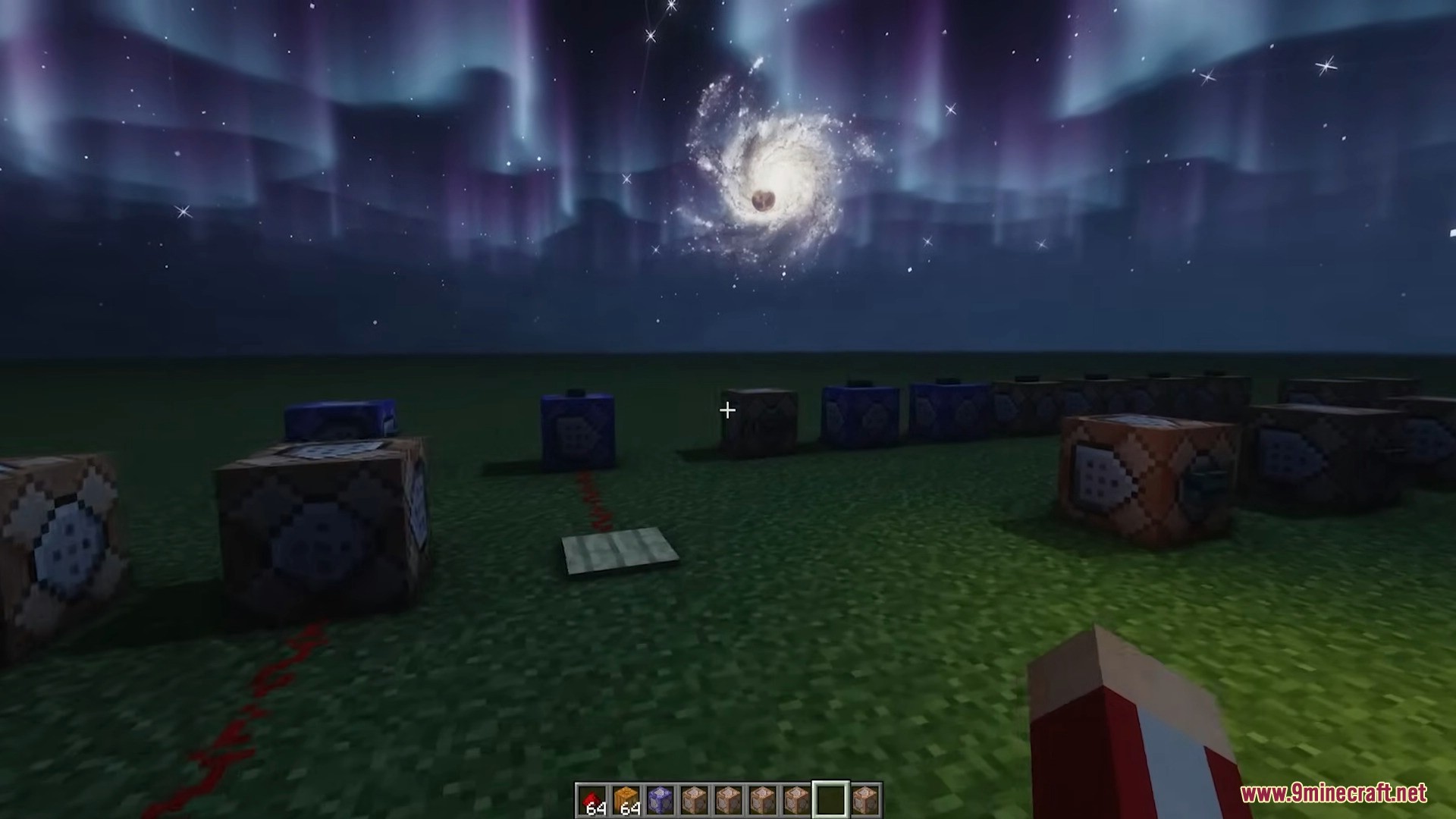
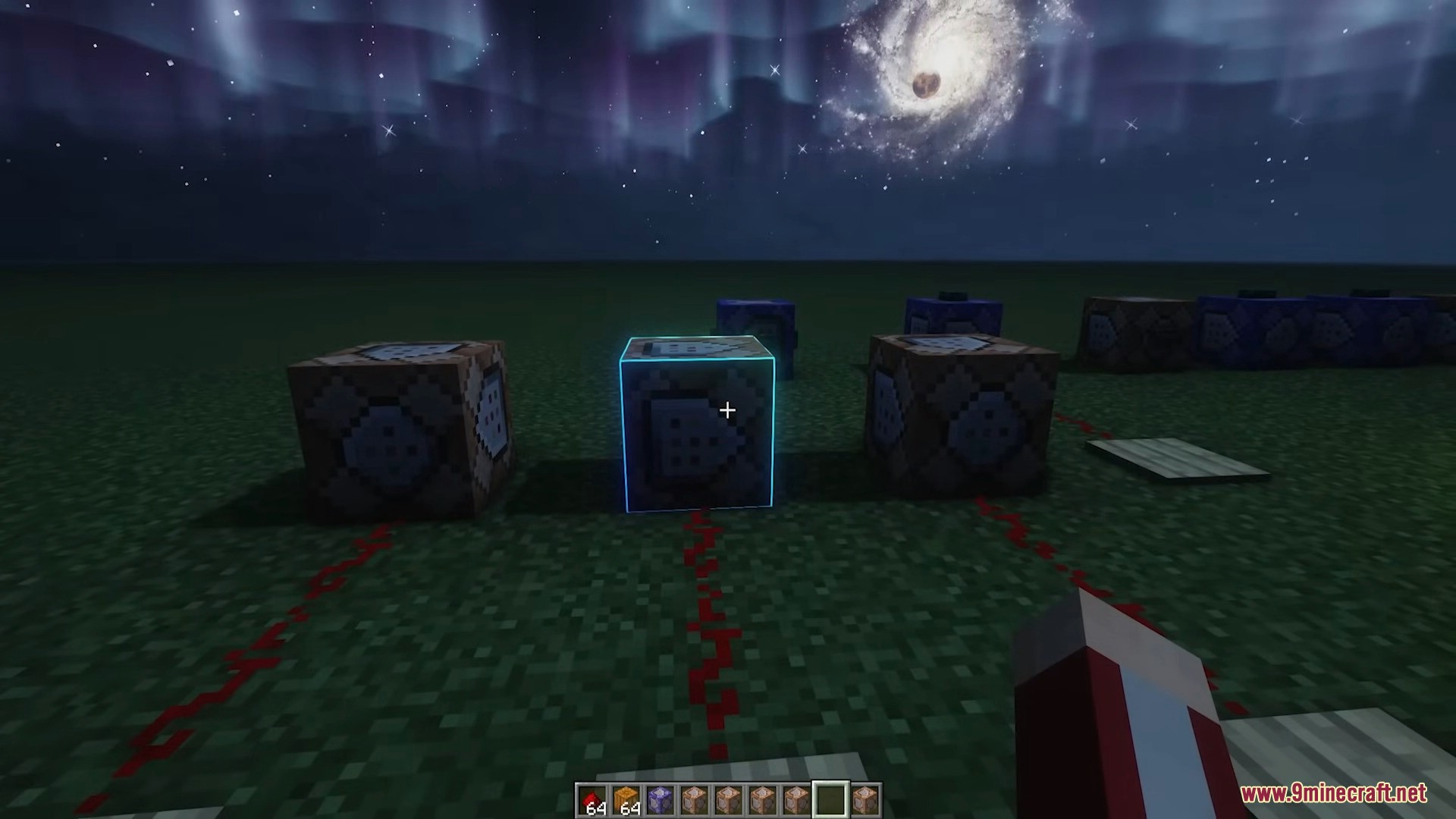
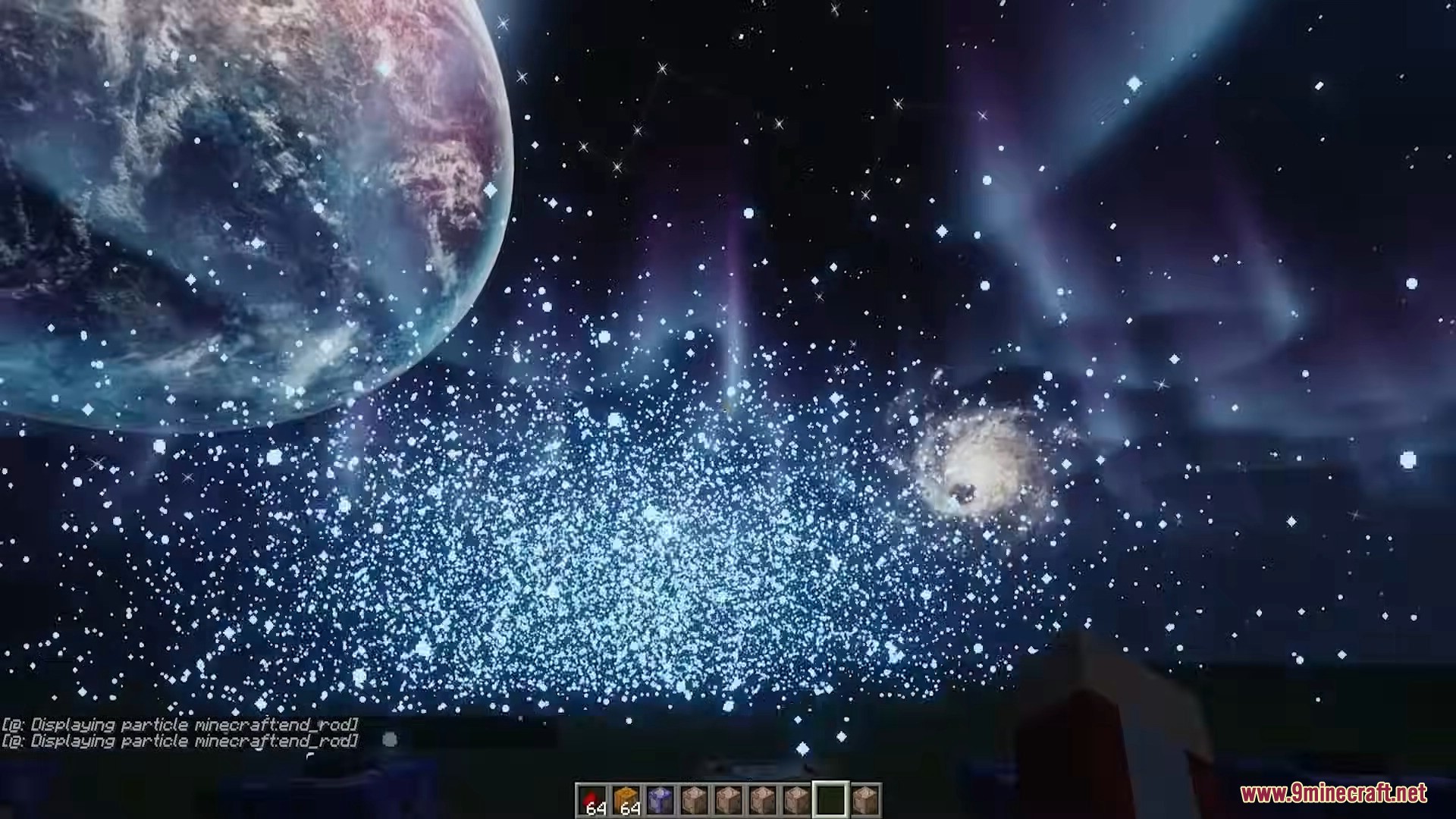
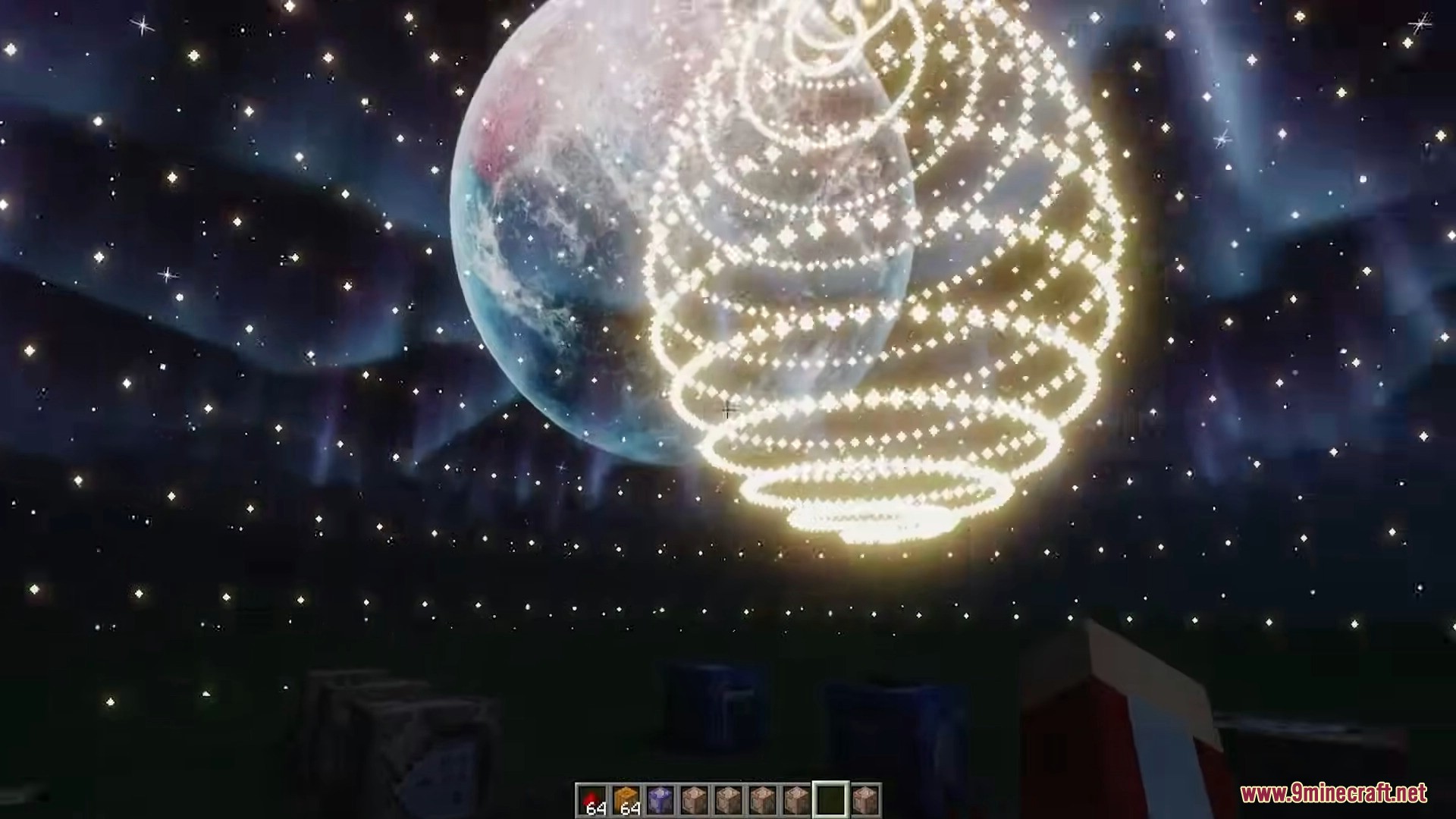
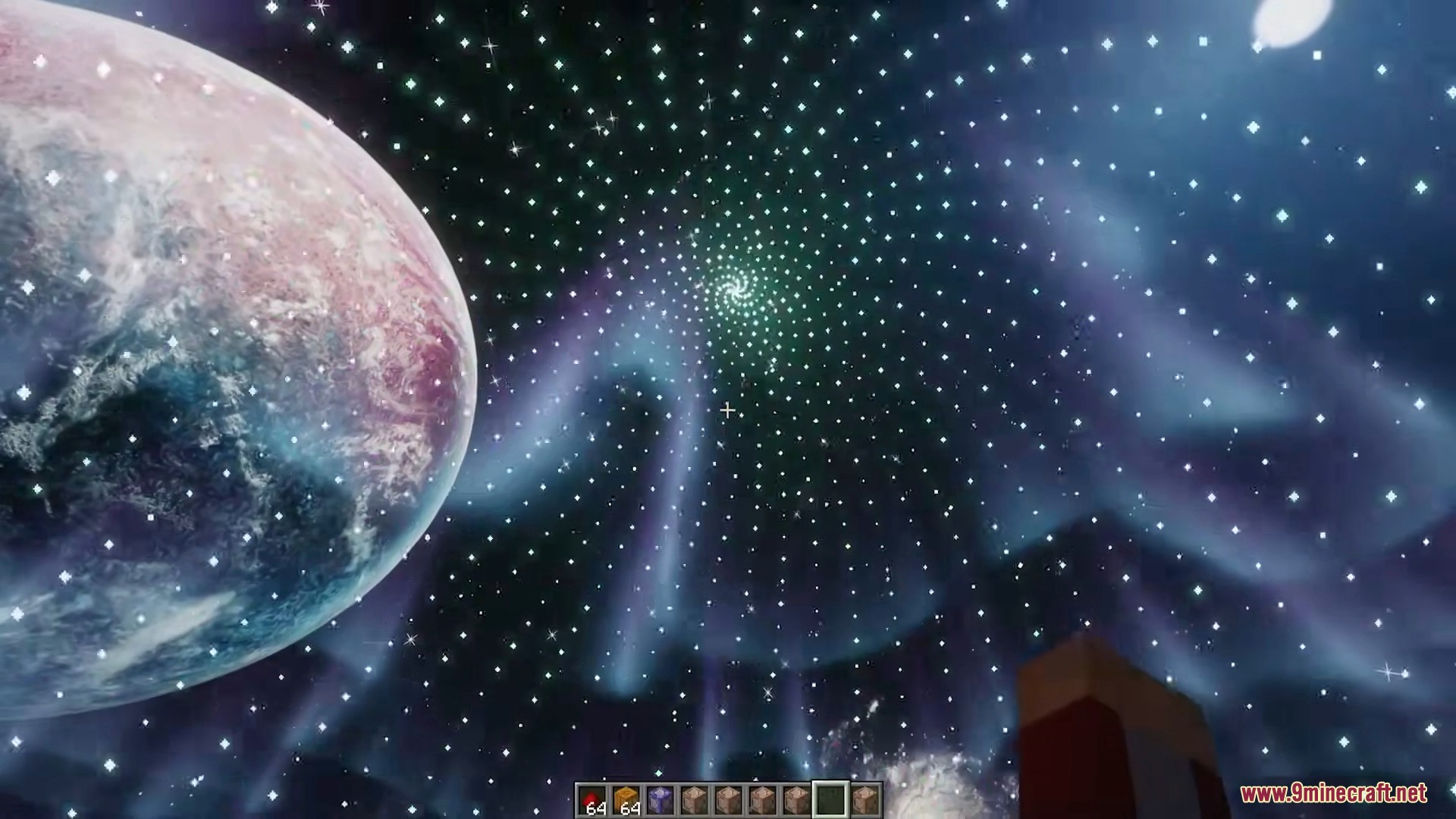
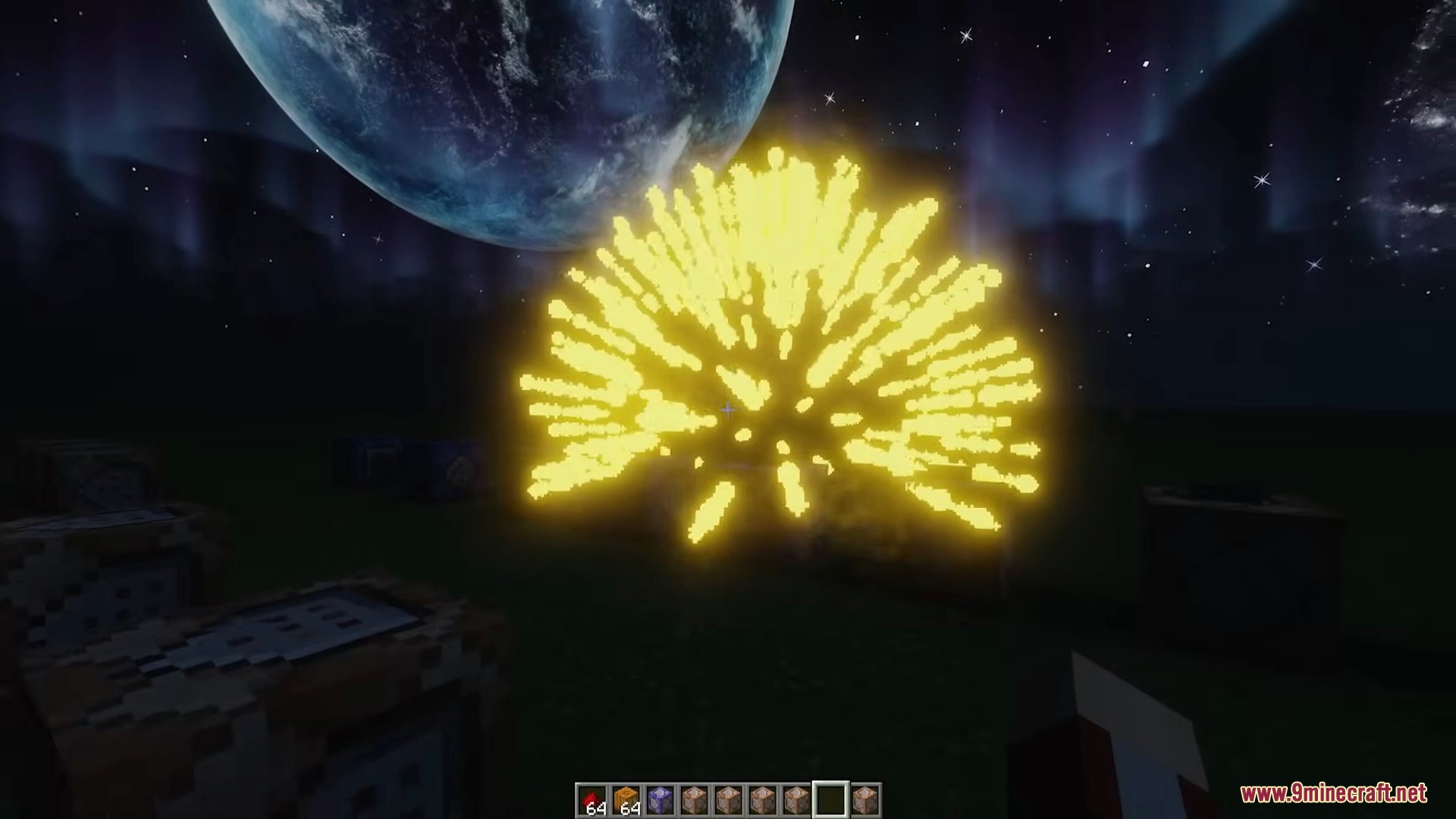
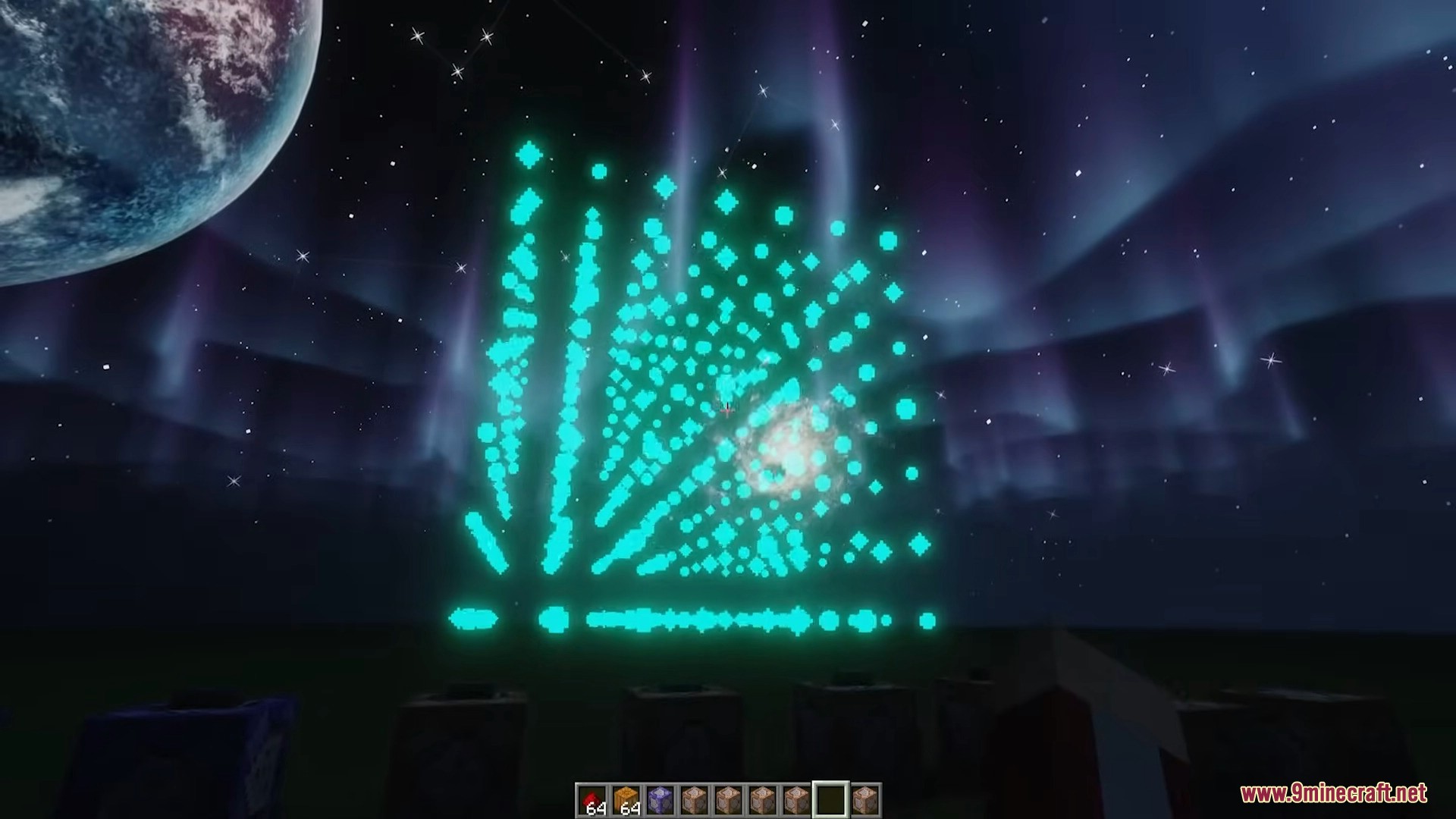
Another Color Block Mod is a standalone mod for Minecraft, designed to expand the capabilities of the game’s particle system, allowing players to create complex and unique particle effects through commands and mathematical expressions. This mod offers limitless creativity for visual effects, suitable for various purposes, from decoration and enhancing redstone contraptions to educational use for illustrating mathematical functions.
Features:
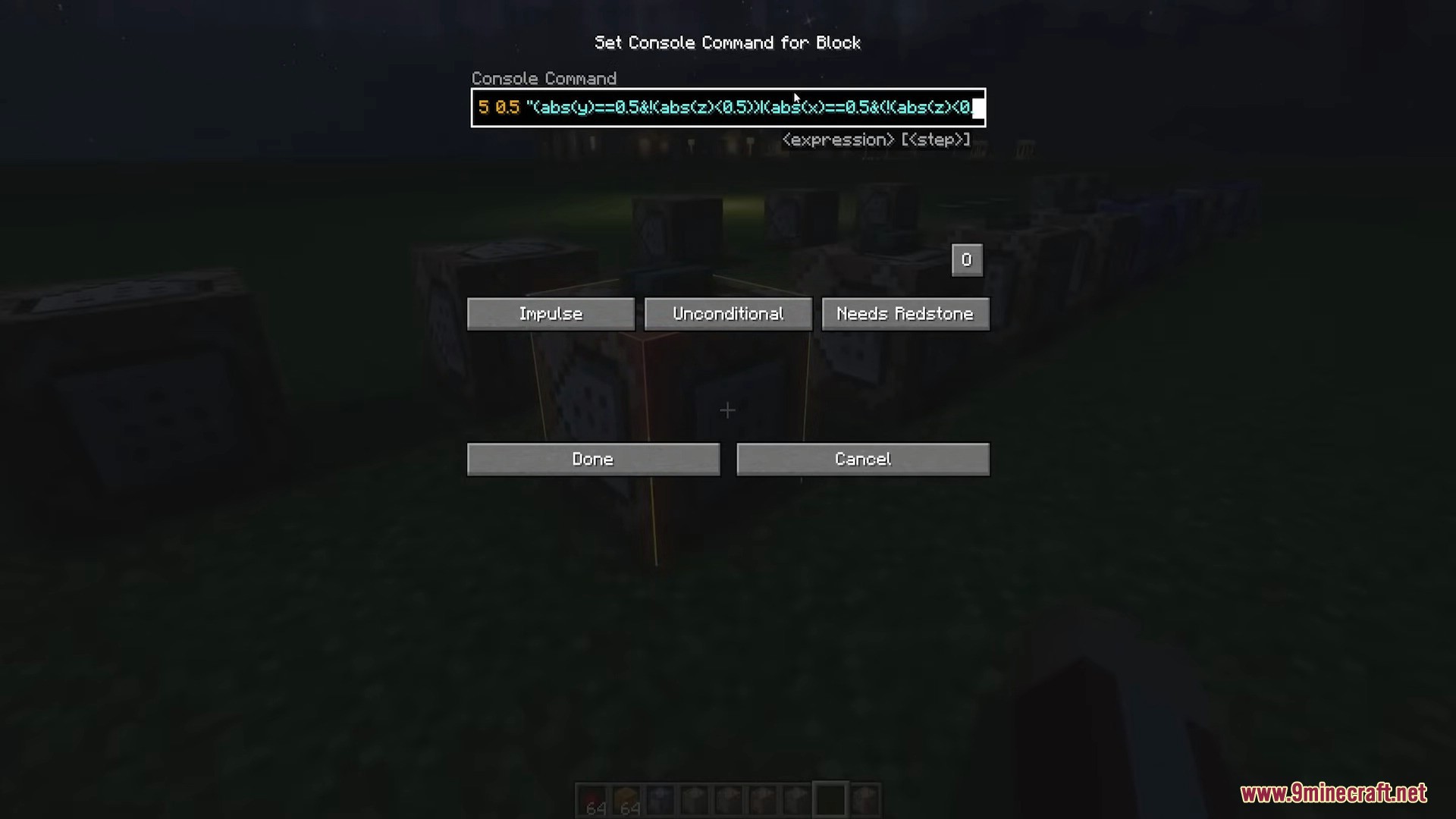
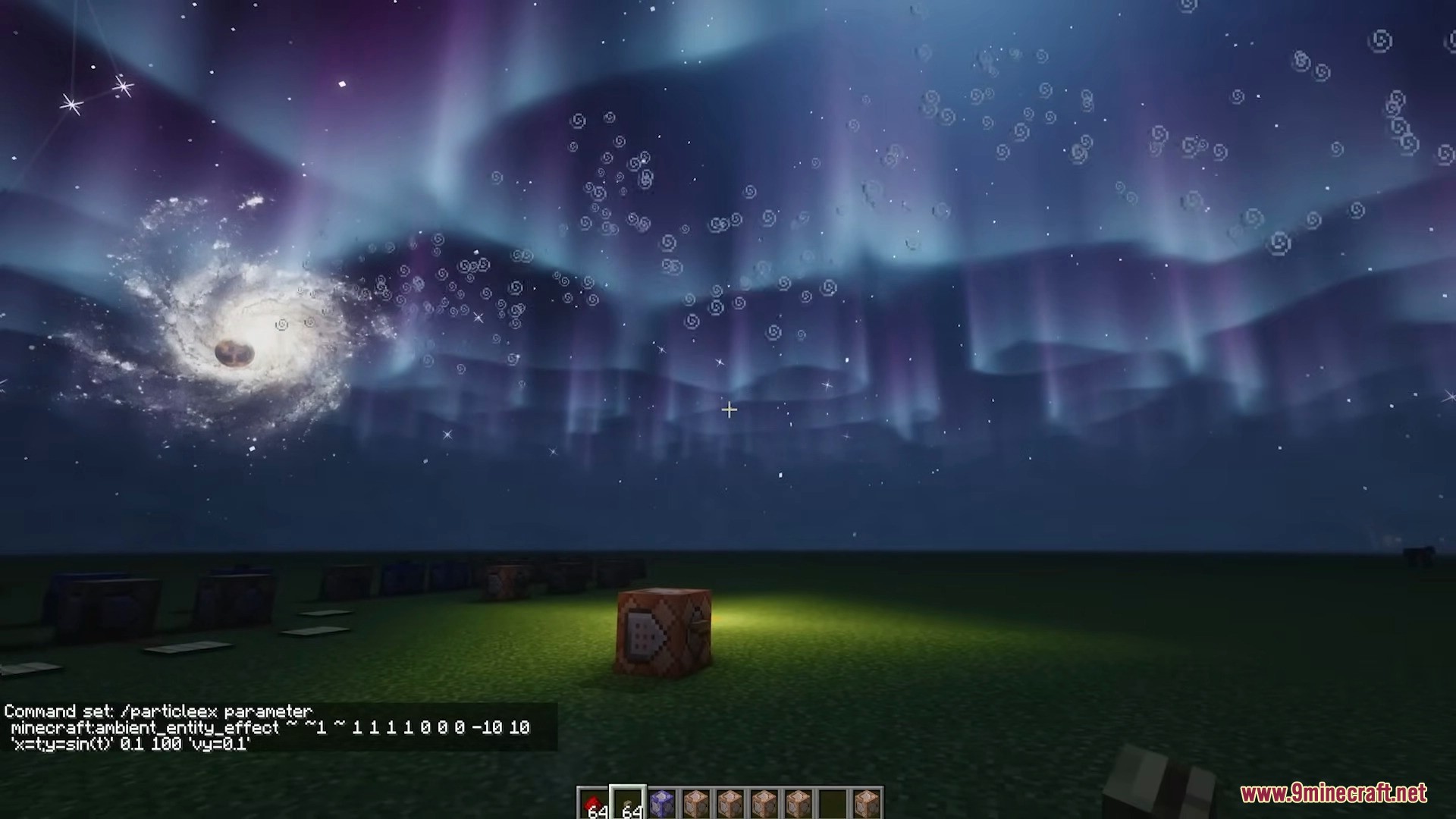
- Advanced Particle Customization: Players can use /particleex commands to create particles with customizable color (RGBA), brightness, speed, range, and quantity. The mod supports mathematical expressions to shape particle trajectories, enabling the creation of complex effects such as curves, spirals, or even images from image files.
- Mathematical Expression Support: The mod allows the input of functions or matrices to control the position, movement, and color of particles. For example, you can use an expression like (cos(t), 0, -sin(t)) to create a circular trajectory or more intricate dynamic effects.
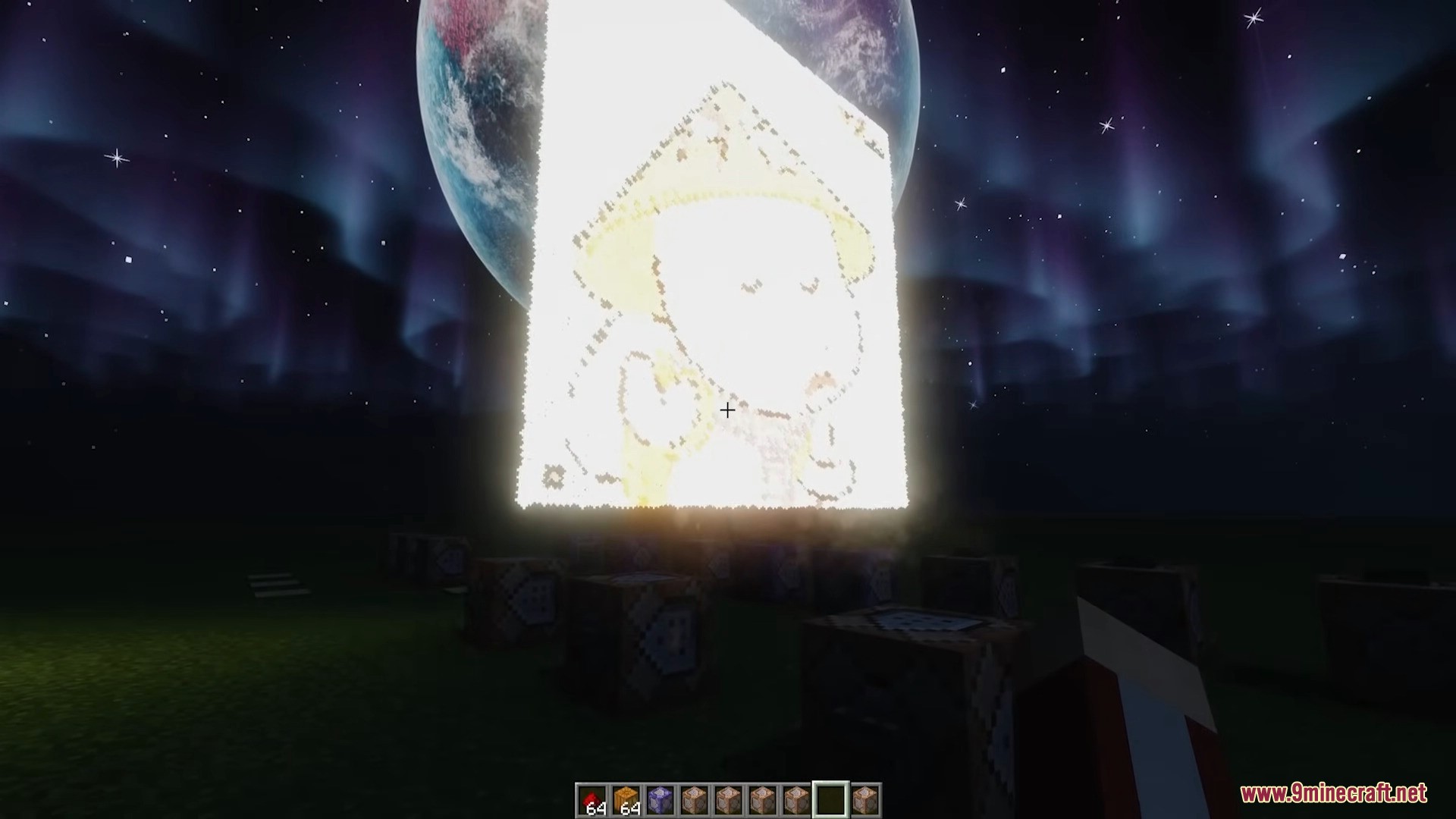
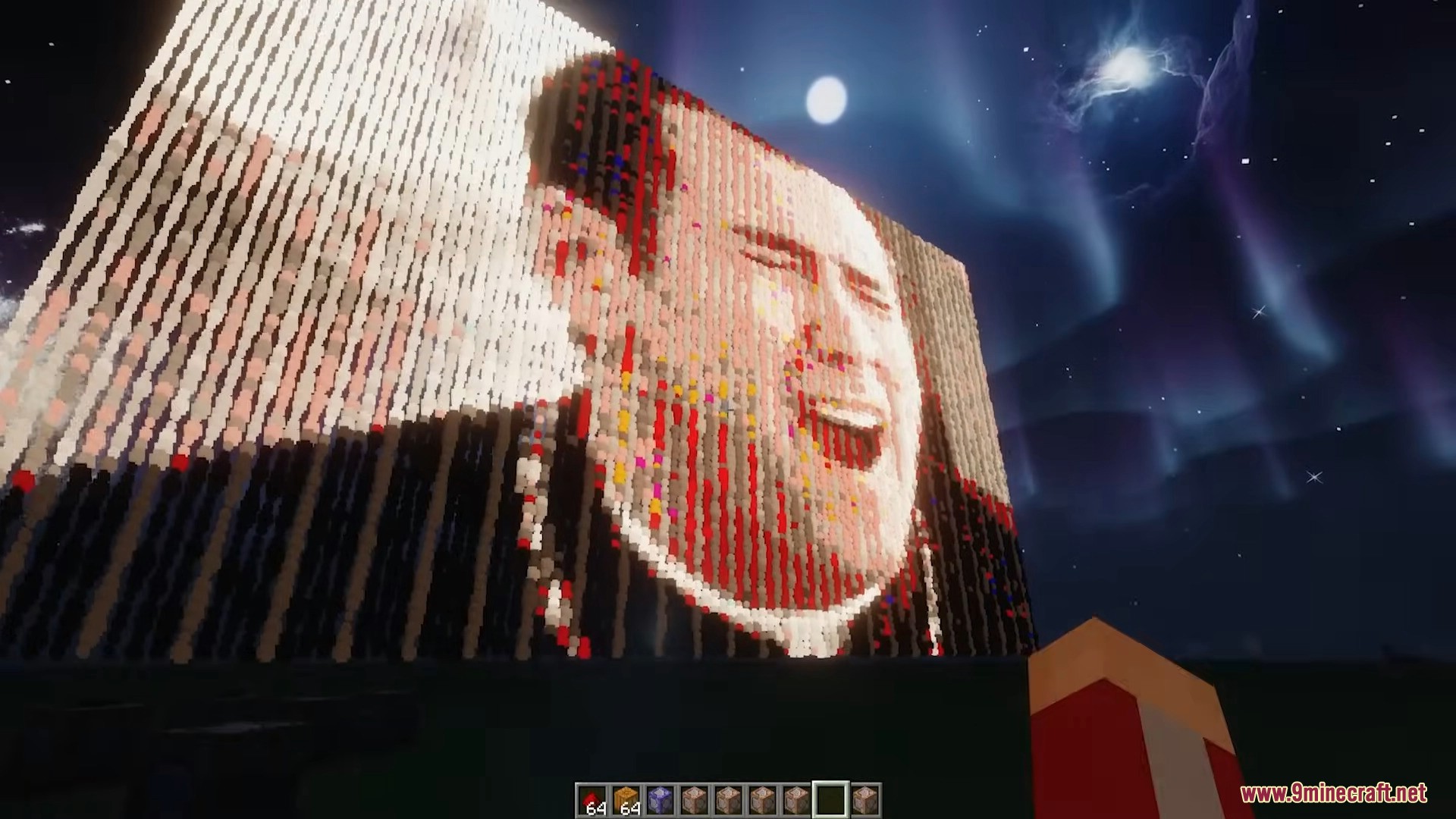
- Image-Based Visual Effects: Players can upload images to the .minecraft\particleImages folder and use commands to display them as particles, with options for rotation, flipping, or linear transformations.
- Versatile Applications: This mod is not only used for decoration but can also be integrated with redstone contraptions (e.g., creating effects for redstone music) or even used in education to illustrate mathematical concepts like functions or matrices.
- Performance Configuration: The mod provides configuration options to limit the number of particles (default maximum of 1,048,576 compared to vanilla’s 16,384) and supports parallel particle updates (in version 1.12.2), optimizing performance.
Screenshots:
Commands:
/particleex normal: Generates particles in a standard way but allows customization of color, speed, and trajectory.
/particleex conditional: Creates particles based on conditional expressions.
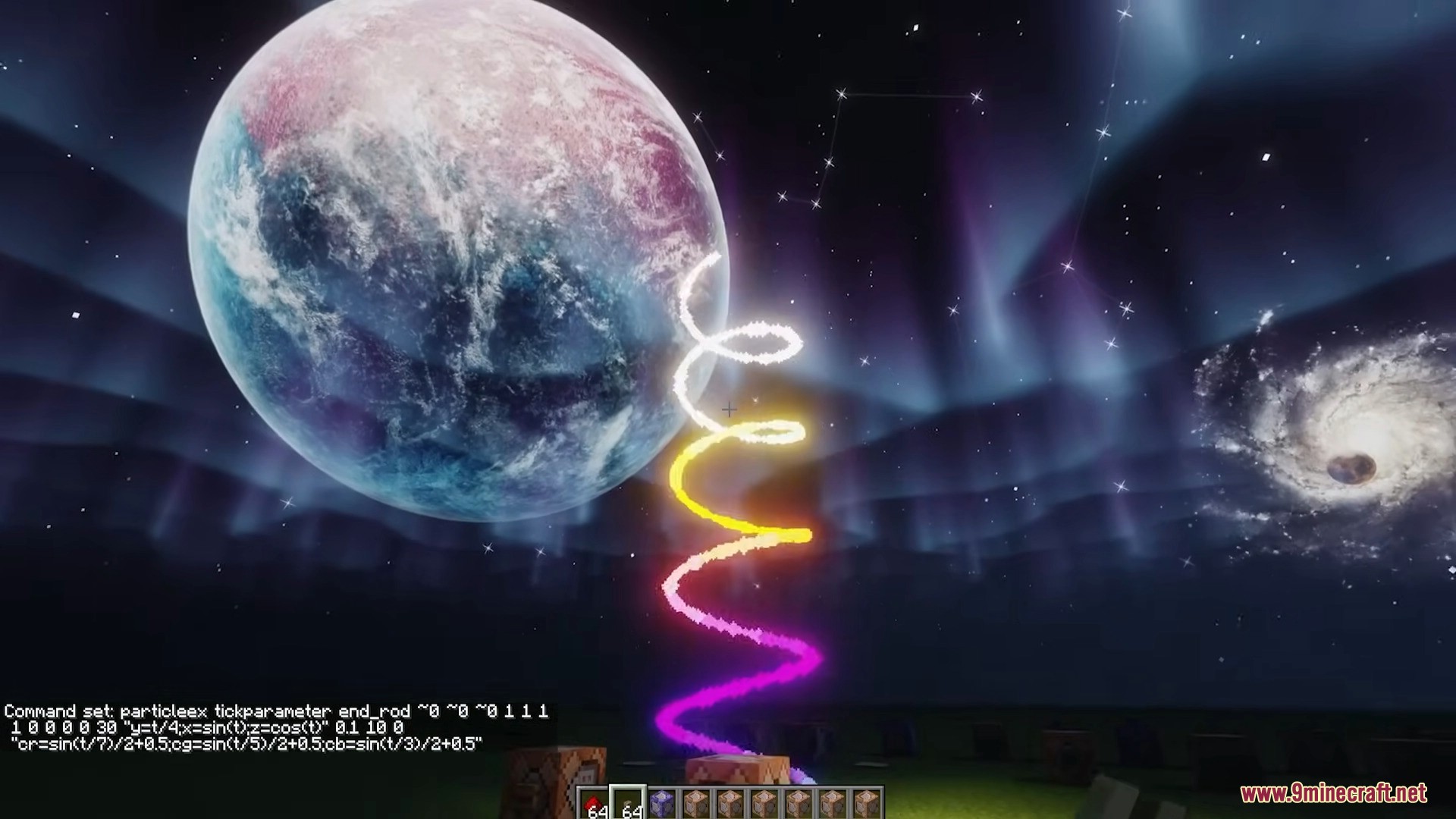
/particleex parameter and its variants (polarparameter, tickparameter, etc.): Generates particles using parametric or polar functions, allowing detailed control over trajectory and color over time.
/particleex image and /particleex imagematrix: Creates particle effects from images with customizations like scaling, rotation, or matrix transformations.
/particleex clearparticle and /particleex clearcache: Clears particle effects or image cache to optimize performance.
How to use:
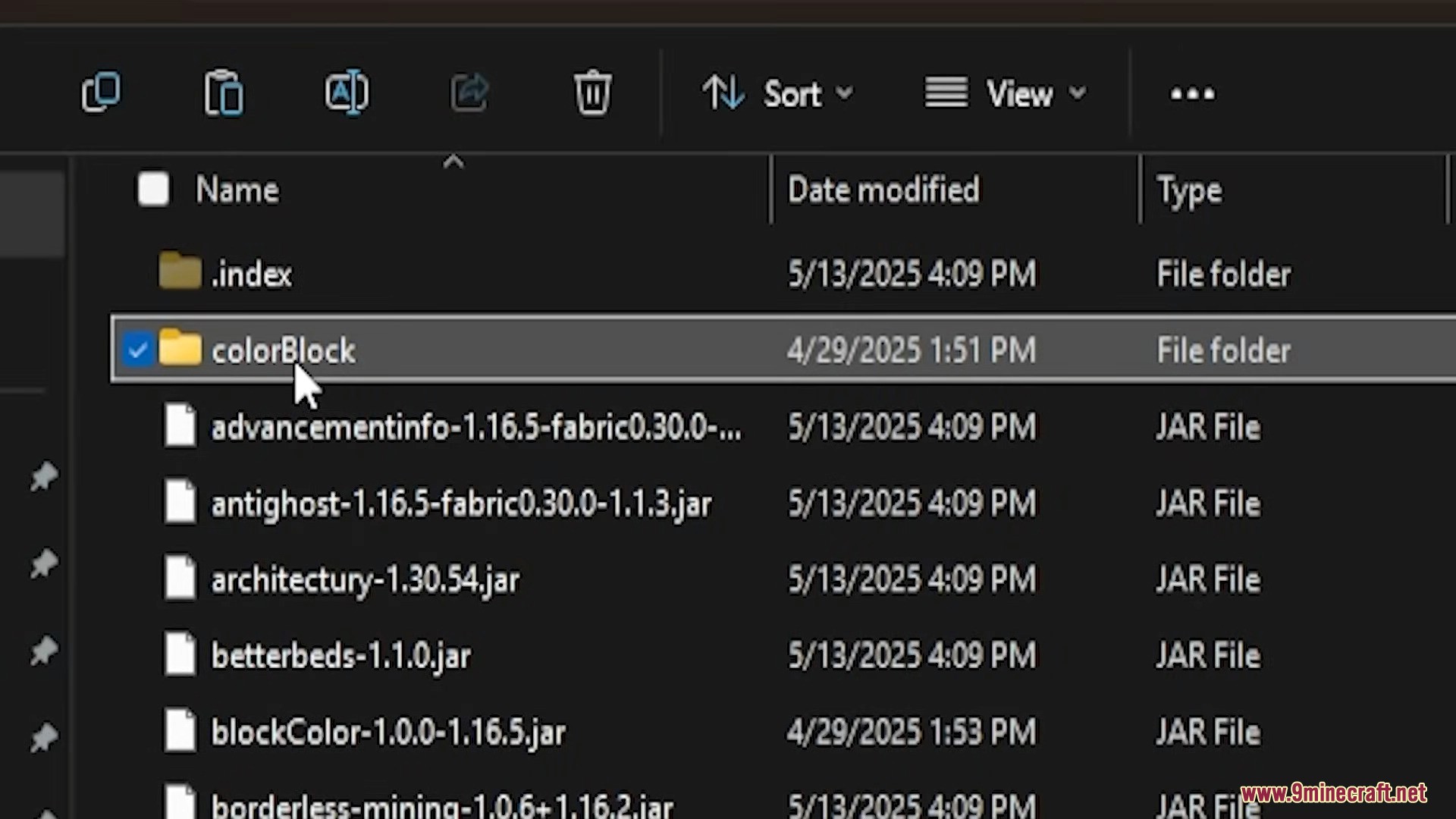
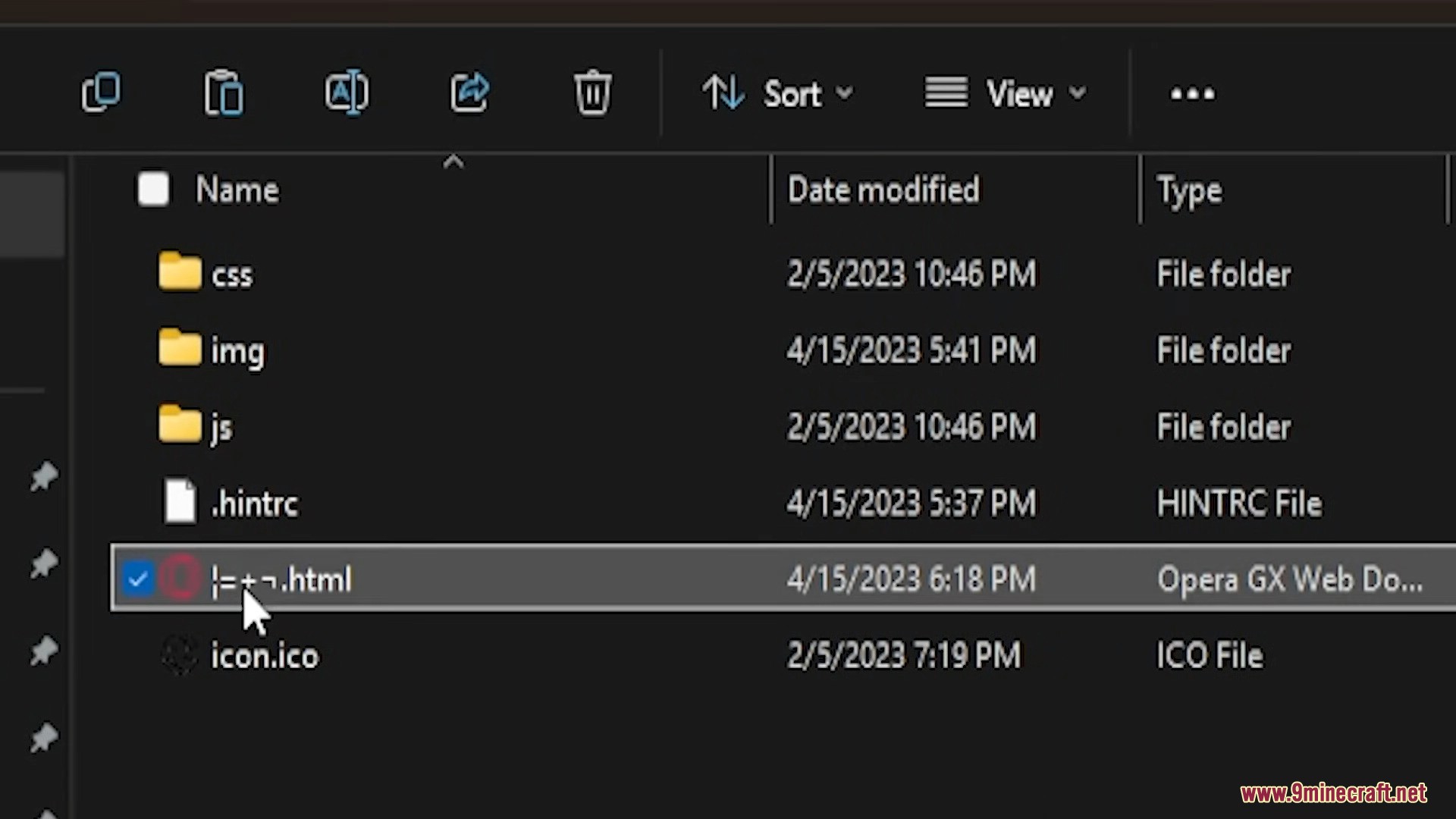
Players need to place image files in the .minecraft\particleImages folder to use the image display feature.
Version 1.12.2
- /particleex funlist –
Displays the list of functions available for use in expressions. - /particleex clearcache –
Clears the image cache. - /particleex clearparticle –
Clears particle effects. - /particleex normal <particle> <x> <y> <z> <red> <green> <blue> <alpha> <brightness> <vx> <vy> <vz> <dx> <dy> <dz> <count> [lifetime] [speed_expression] [interval] [group] [parameters] –
Creates particles with customizable parameters. - /particleex conditional <particle> <x> <y> <z> <red> <green> <blue> <alpha> <brightness> <vx> <vy> <vz> <dx> <dy> <dz> <condition_expression> [interval] [lifetime] [speed_expression] [interval] [group] [parameters] –
Creates particles based on a conditional expression. - /particleex parameter <particle> <x> <y> <z> <red> <green> <blue> <alpha> <brightness> <vx> <vy> <vz> <tStart> <tEnd> <expression> [interval] [lifetime] [speed_expression] [interval] [group] [parameters] –
Creates particles using parametric functions. - /particleex polarparameter <particle> <x> <y> <z> <red> <green> <blue> <alpha> <brightness> <vx> <vy> <vz> <tStart> <tEnd> <expression> [interval] [lifetime] [speed_expression] [interval] [group] [parameters] –
Creates particles using parametric functions in polar coordinates. - /particleex tickparameter <particle> <x> <y> <z> <red> <green> <blue> <alpha> <brightness> <vx> <vy> <vz> <tStart> <tEnd> <expression> [interval] [CPT] [lifetime] [speed_expression] [interval] [group] [parameters] –
Creates particles using parametric functions with per-tick updates. - /particleex tickpolarparameter <particle> <x> <y> <z> <red> <green> <blue> <alpha> <brightness> <vx> <vy> <vz> <tStart> <tEnd> <expression> [interval] [CPT] [lifetime] [speed_expression] [interval] [group] [parameters] –
Creates particles using polar parametric functions with per-tick updates. - /particleex parameterrgb <particle> <x> <y> <z> <tStart> <tEnd> <expression> [interval] [lifetime] [speed_expression] [interval] [group] [parameters] –
Creates particles with color changes based on an expression. - /particleex polarparameterrgb <particle> <x> <y> <z> <tStart> <tEnd> <expression> [interval] [lifetime] [speed_expression] [interval] [group] [parameters] –
Creates particles with color changes based on an expression in polar coordinates. - /particleex tickparameterrgb <particle> <x> <y> <z> <tStart> <tEnd> <expression> [interval] [CPT] [lifetime] [speed_expression] [interval] [group] [parameters] –
Creates particles with color changes per tick. - /particleex tickpolarparameterrgb <particle> <x> <y> <z> <tStart> <tEnd> <expression> [interval] [CPT] [lifetime] [speed_expression] [interval] [group] [parameters] –
Creates particles with color changes per tick in polar coordinates. - /particleex image <particle> <x> <y> <z> <path> [scale] [x_rotation] [y_rotation] [z_rotation] [flip] [DPB] [brightness] [vx] [vy] [vz] [lifetime] [speed_expression] [interval] [group] [parameters] –
Creates particle effects from an image. - /particleex imagematrix <particle> <x> <y> <z> <path> [scale] [matrix] [DPB] [brightness] [vx] [vy] [vz] [lifetime] [speed_expression] [interval] [group] [parameters] –
Creates particle effects from an image with matrix transformations. - /particleex group remove <group> [condition_expression] [x] [y] [z] –
Removes a particle group. - /particleex group change parameter|speedexpression <group> <expression> [condition_expression] [x] [y] [z] –
Changes parameters or speed expression of a particle group.
Version 1.16.5
- /particleex funlist –
Displays the list of functions available for use in expressions. - /particleex clearcache –
Clears the image cache. - /particleex clearparticle –
Clears particle effects. - /particleex normal <particle> <coordinates> <color> <speed> <range> <count> [lifetime] [speed_expression] [interval] [group] –
Creates particles with customizable parameters. - /particleex conditional <particle> <coordinates> <color> <speed> <range> <condition_expression> [interval] [lifetime] [speed_expression] [interval] [group] –
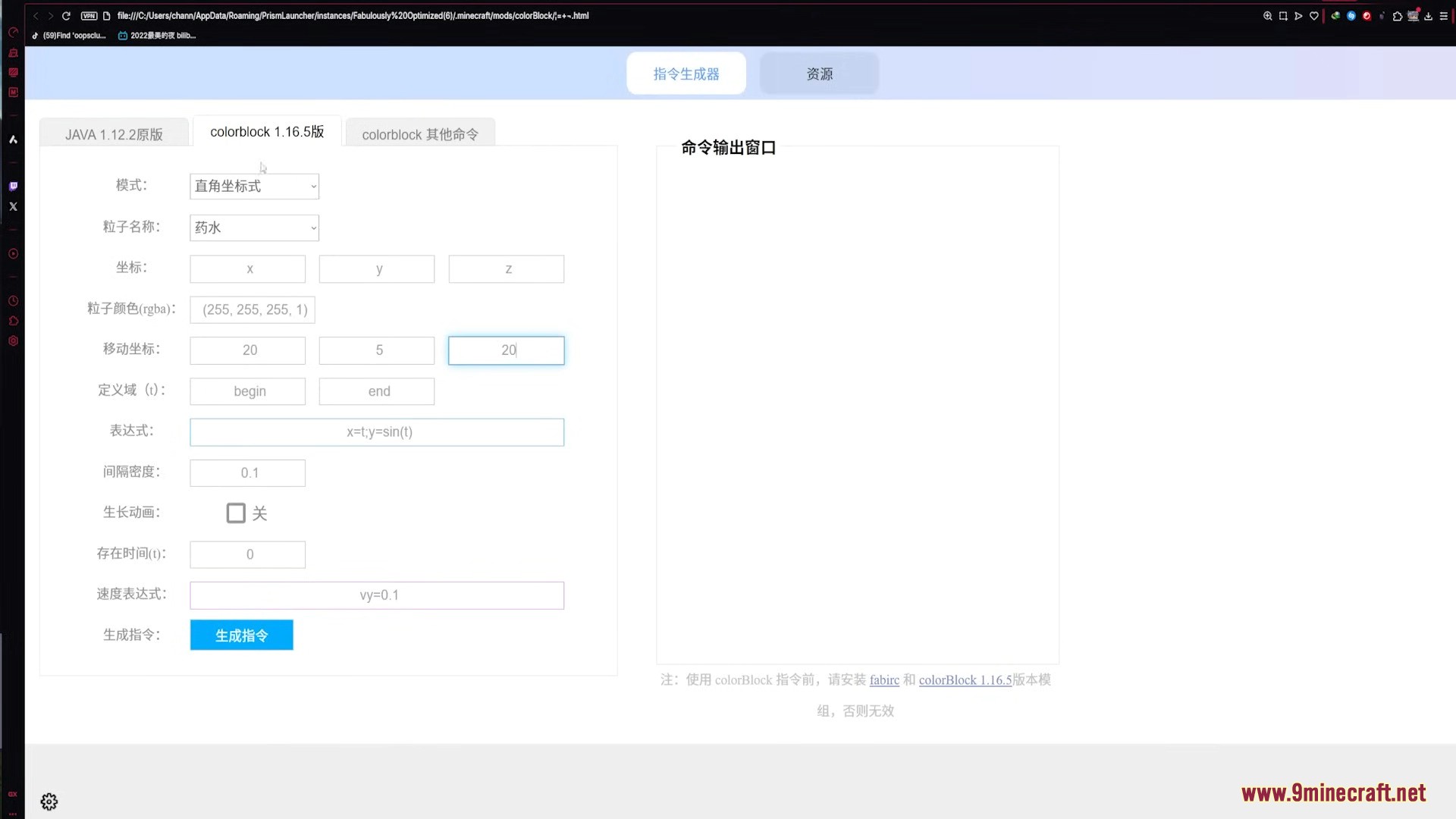
Creates particles based on a conditional expression. - /particleex parameter <particle> <coordinates> <color> <speed> <begin> <end> <expression> [interval] [lifetime] [speed_expression] [interval] [group] –
Creates particles using parametric functions. - /particleex polarparameter <particle> <coordinates> <color> <speed> <begin> <end> <expression> [interval] [lifetime] [speed_expression] [interval] [group] –
Creates particles using parametric functions in polar coordinates. - /particleex tickparameter <particle> <coordinates> <color> <speed> <begin> <end> <expression> [interval] [CPT] [lifetime] [speed_expression] [interval] [group] –
Creates particles using parametric functions with per-tick updates. - /particleex tickpolarparameter <particle> <coordinates> <color> <speed> <begin> <end> <expression> [interval] [CPT] [lifetime] [speed_expression] [interval] [group] –
Creates particles using polar parametric functions with per-tick updates. - /particleex rgbaparameter <particle> <coordinates> <begin> <end> <expression> [interval] [lifetime] [speed_expression] [interval] [group] –
Creates particles with RGBA color changes based on an expression. - /particleex rgbapolarparameter <particle> <coordinates> <begin> <end> <expression> [interval] [lifetime] [speed_expression] [interval] [group] –
Creates particles with RGBA color changes based on an expression in polar coordinates. - /particleex rgbatickparameter <particle> <coordinates> <begin> <end> <expression> [interval] [CPT] [lifetime] [speed_expression] [interval] [group] –
Creates particles with RGBA color changes per tick. - /particleex rgbatickpolarparameter <particle> <coordinates> <begin> <end> <expression> [interval] [CPT] [lifetime] [speed_expression] [interval] [group] –
Creates particles with RGBA color changes per tick in polar coordinates. - /particleex image <particle> <coordinates> <path> [scale] [x_rotation] [y_rotation] [z_rotation] [flip] [DPB] [speed] [lifetime] [speed_expression] [interval] [group] –
Creates particle effects from an image. - /particleex imagematrix <particle> <coordinates> <path> [scale] [matrix] [DPB] [speed] [lifetime] [speed_expression] [interval] [group] –
Creates particle effects from an image with matrix transformations. - /particleex group remove <group> [condition_expression] [coordinates] –
Removes a particle group. - /particleex group change parameter|speedexpression <group> <expression> [condition_expression] [coordinates] –
Changes parameters or speed expression of a particle group.
Notes:
- The above commands are used to create and manage particle effects in the ColorBlock mod.
- Some parameters like <particle> (particle name), <x> <y> <z> or <coordinates> (coordinates), <red> <green> <blue> <alpha> or <color> (color), and <expression> (expression) need to be replaced with specific values when used.
- Commands in version 1.16.5 have a simplified syntax compared to 1.12.2, particularly in how coordinates and colors are input.
- To view the list of available functions, use the /particleex funlist command.
Example:
/particleex conditional endRod ~ ~ ~ 0 0 1 1 240 0 0 0 1 1 1 (x<-0.45|x>0.45)&dis<1 0.1 40
/particleex parameter endRod ~ ~2 ~ 1 0 1 1 240 0 0 0 0 10 x=t;y=sin(t)
/particleex polarparameter endRod ~ ~2 ~ 0 1 0 1 240 0 0 0 0 50 s1=t;s2=t/50;dis=t/10
/particleex parameterrgb endRod ~ ~2 ~ 0 30

x=sin(t);z=cos(t);y=t/5;cr=sin(t/7)/2+0.5;cg=sin(t/5)/2+0.5;cb=sin(t/3)/2+0.5
/particleex tickparameter endRod ~ ~2 ~ 1 0 1 1 240 0 0 0 0 20 x=t;y=sin(t) 0.1 10
/particleex image endRod ~-90.9 ~ ~-100 dt.png
Another Color Block Mod Download Links
For Minecraft 1.7.10
Forge version: Download from Server 1 – Download from Server 2
For Minecraft 1.12.2
Forge version: Download from Server 1 – Download from Server 2
For Minecraft 1.14.4
Forge version: Download from Server 1 – Download from Server 2
For Minecraft 1.16.5
Fabric version: Download from Server 1 – Download from Server 2
For Minecraft 1.17.1
Fabric version: Download from Server 1 – Download from Server 2
- Edition: Minecraft Java
- File type: .jar
- Minecraft version listed: 1.16.5
- How to install: Install the matching mod loader (Forge, Fabric or NeoForge) for your Minecraft version. → Download the .jar. → Put it in the .minecraft/mods folder and launch that loader profile.
- Where to get it: In MC Java Mods, or directly above on this page.
Install steps are the general flow for this file type — How to install Minecraft Java mods & modpacks walks through it step by step.
- Downloads as 178415.mcaddon
- Download size: 113 KB
- Download link checked 24 Jul 2026 — working
- Mirrored on our own servers — the download does not depend on the original host
These come from our own check of the pack file, not from the source page.