
Pack Analytics Mod (1.21.1, 1.20.1) – Collects Anonymous Player Count Metrics
Java mod listed for Minecraft 1.20–1.21. Downloads from the MC Java Mods app on Android.
⬇ Download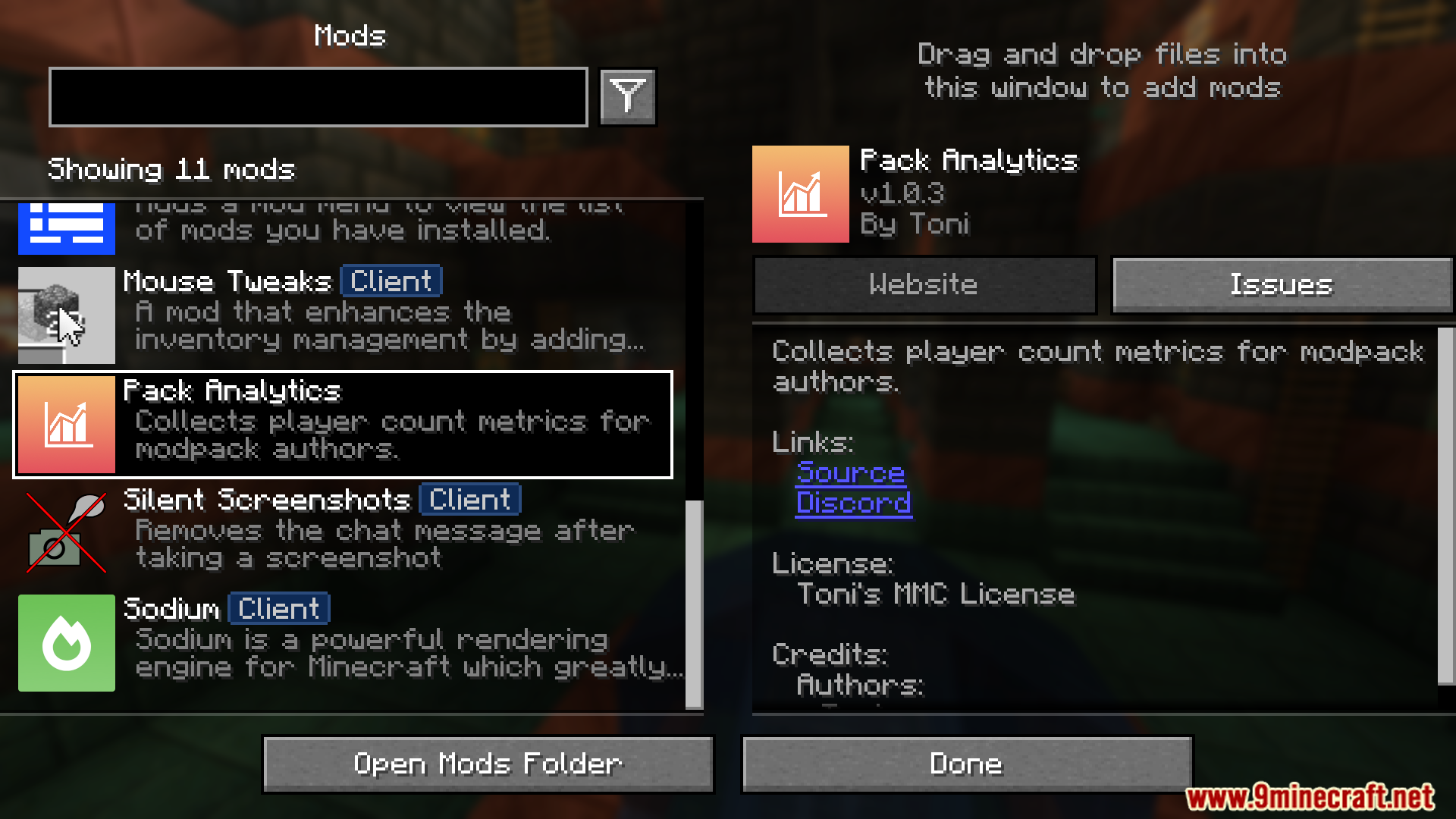
Pack Analytics Mod collects anonymous player count metrics for modpack authors. It sends data to a centralized web server and stores it in InfluxDB. Enables historical data viewing through Grafana and integrates with Better Compatibility Checker. It offers configurable options for metrics endpoint URL, pack ID, and keepalive request rate.
Features:
- Collects anonymous player count metrics for modpack monitoring.
- Sends data to a centralized web server.
- Stores metrics in InfluxDB for historical data analysis.
- Enables easy Grafana visualization.
- Integrates with Better Compatibility Checker for version tracking.
- Provides configurable settings for endpoint URL, pack ID, and keepalive rate.
Screenshots:
Pack Analytics Mod Download Links
For Minecraft 1.21.1, 1.21
Fabric Version: Download from Server 1 – Download from Server 2
NeoForge Version: Download from Server 1 – Download from Server 2
For Minecraft 1.20.1, 1.20
Forge Version: Download from Server 1 – Download from Server 2
Fabric Version: Download from Server 1 – Download from Server 2
- Edition: Minecraft Java
- File type: .jar
- Minecraft versions listed: 1.21.1, 1.20.1
- How to install: Install the matching mod loader (Forge, Fabric or NeoForge) for your Minecraft version. → Download the .jar. → Put it in the .minecraft/mods folder and launch that loader profile.
- Where to get it: In MC Java Mods, or directly above on this page.
Install steps are the general flow for this file type — How to install Minecraft Java mods & modpacks walks through it step by step.
- Downloads as 178429.mcaddon
- Download size: 1.3 MB
- Download link checked 26 Jul 2026 — working
- Mirrored on our own servers — the download does not depend on the original host
These come from our own check of the pack file, not from the source page.