ModsJava
Gufl Chat Toggle Mod (1.21.1) – Toggle Chat Visibility Using Keybind
Java mod listed for Minecraft 1.21. Downloads from the MC Java Mods app on Android.
⬇ Download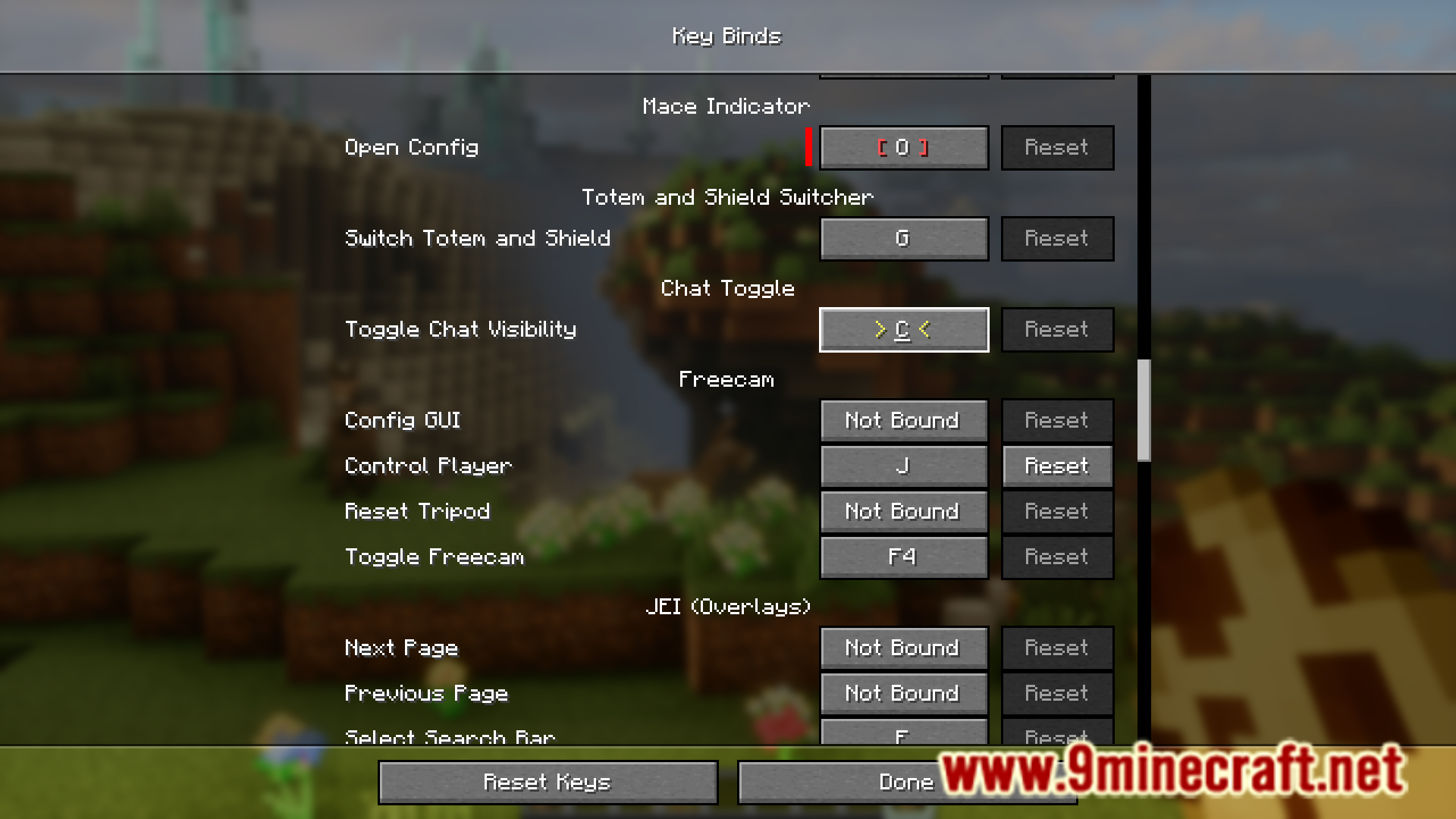
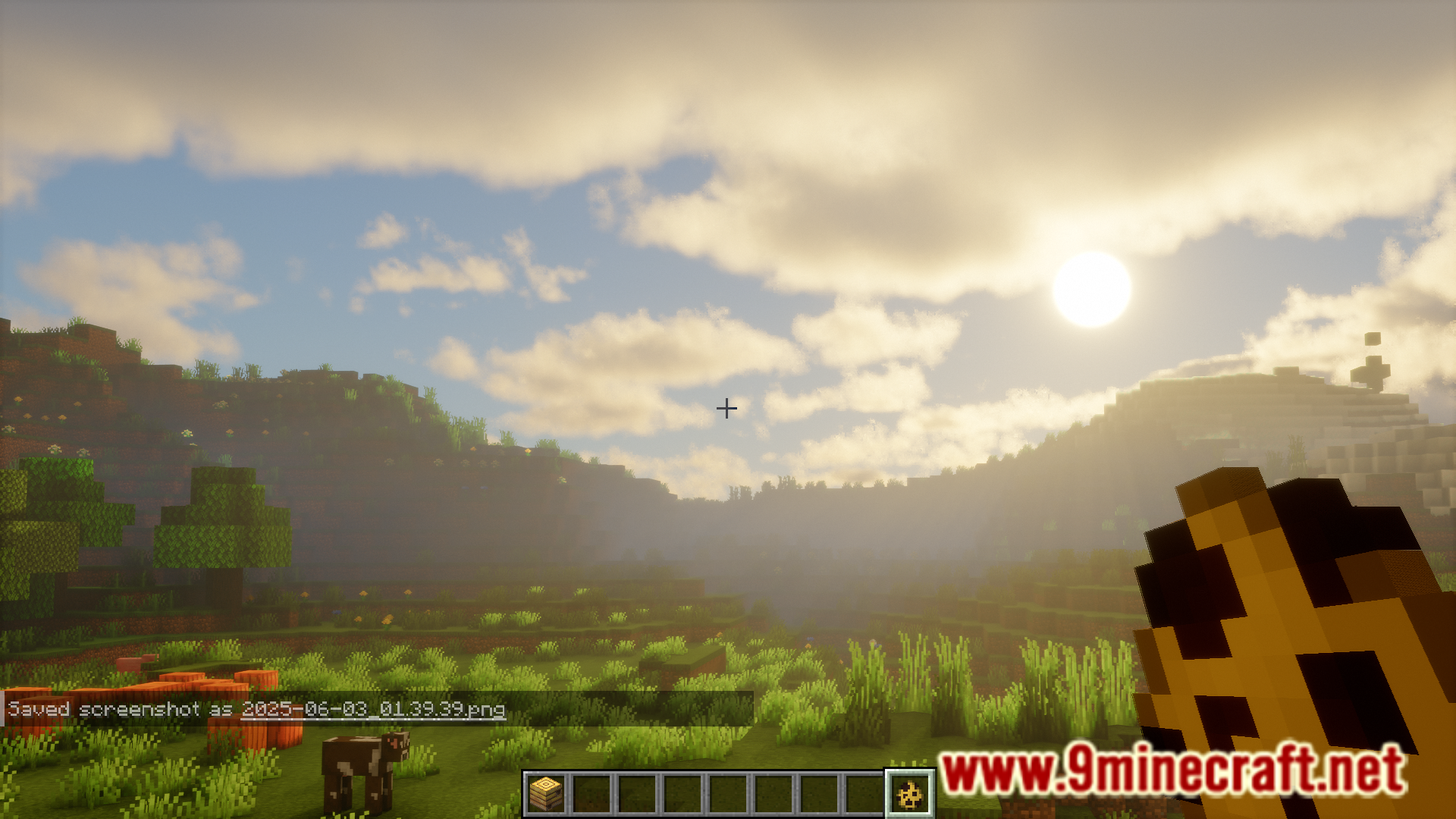
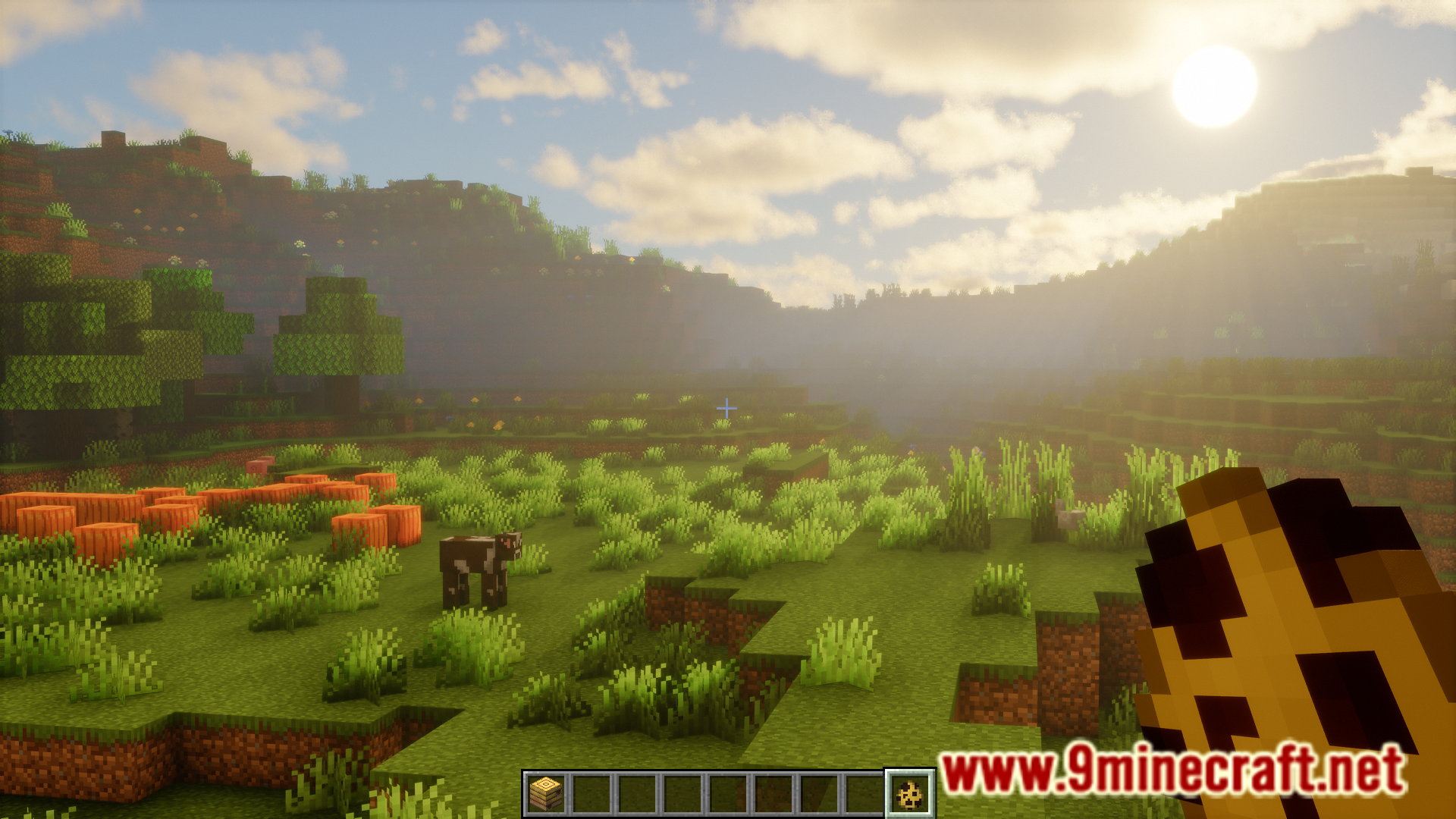
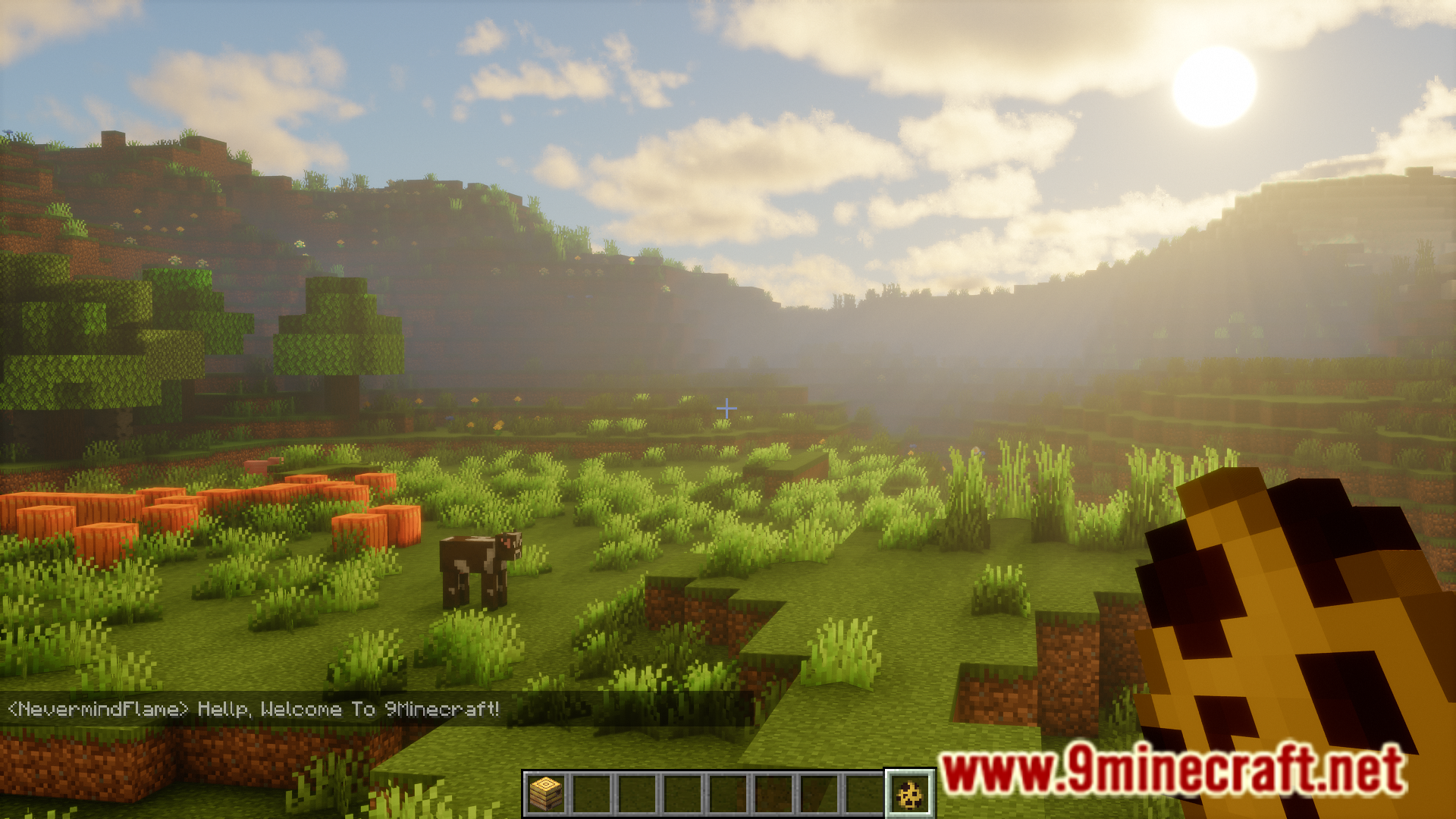
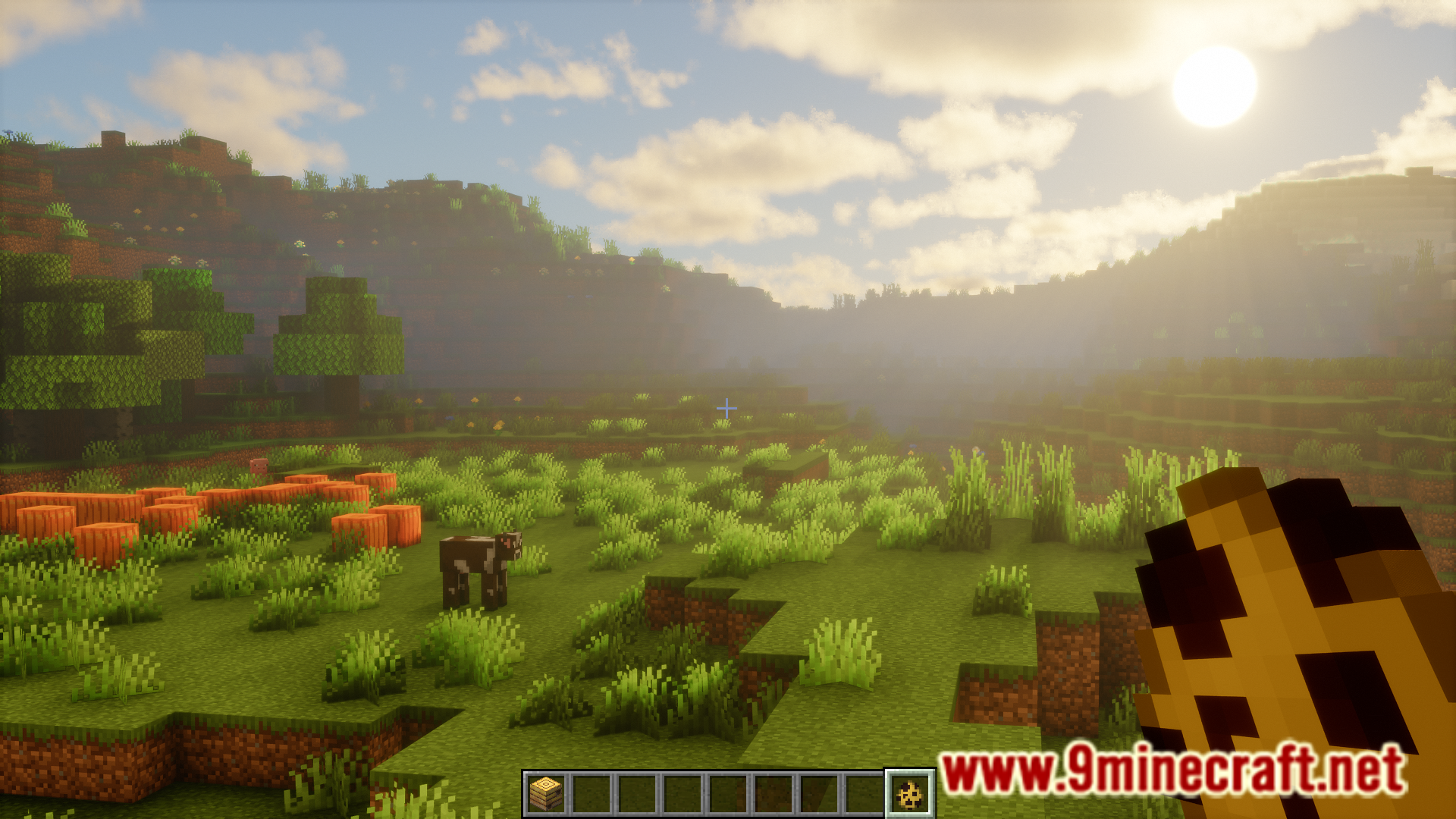
Minecraft’s in-game chat can be annoying at times. Sometimes they obstruct your view and you would prefer to turn down the opacity. But manually adjusting the chat opacity in the game settings can be an inconvenience. Gufl Chat Toggle Mod is here with a one-click solution. This mod basically allows you to toggle the visibility of the in-game chat just by pressing a keybind.
Features:
- Toggle the visibility of the in-game chat.
- Simply press a keybind.
- Keybind is set to C key by default. Can be configured.
Screenshots:
Gufl Chat Toggle Mod Download Links
For Minecraft 1.21.1, 1.21
Fabric version: Download from Server 1 – Download from Server 2
Quick facts
- Edition: Minecraft Java
- File type: .jar
- Minecraft version listed: 1.21.1
- How to install: Install the matching mod loader (Forge, Fabric or NeoForge) for your Minecraft version. → Download the .jar. → Put it in the .minecraft/mods folder and launch that loader profile.
- Where to get it: In MC Java Mods, or directly above on this page.
Install steps are the general flow for this file type — How to install Minecraft Java mods & modpacks walks through it step by step.
File checked by MCModsHub
- Downloads as 178461.mcaddon
- Download size: 42 KB
- Download link checked 24 Jul 2026 — working
- Mirrored on our own servers — the download does not depend on the original host
These come from our own check of the pack file, not from the source page.