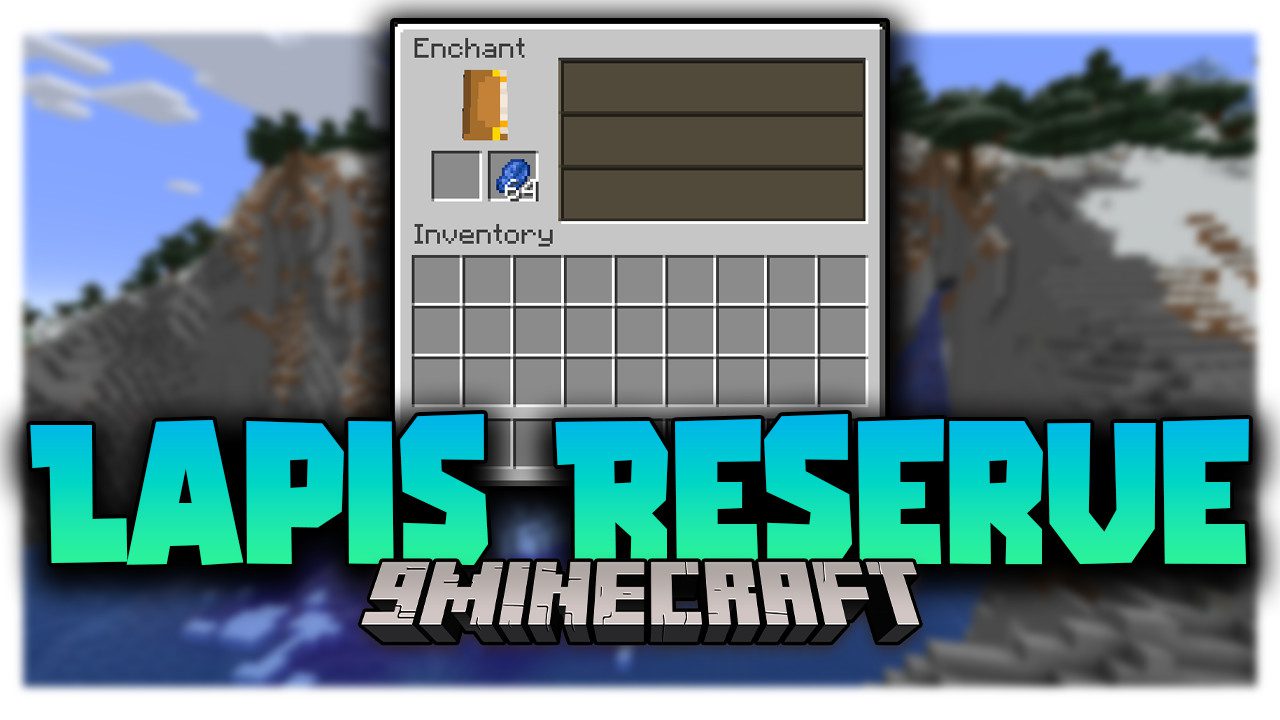
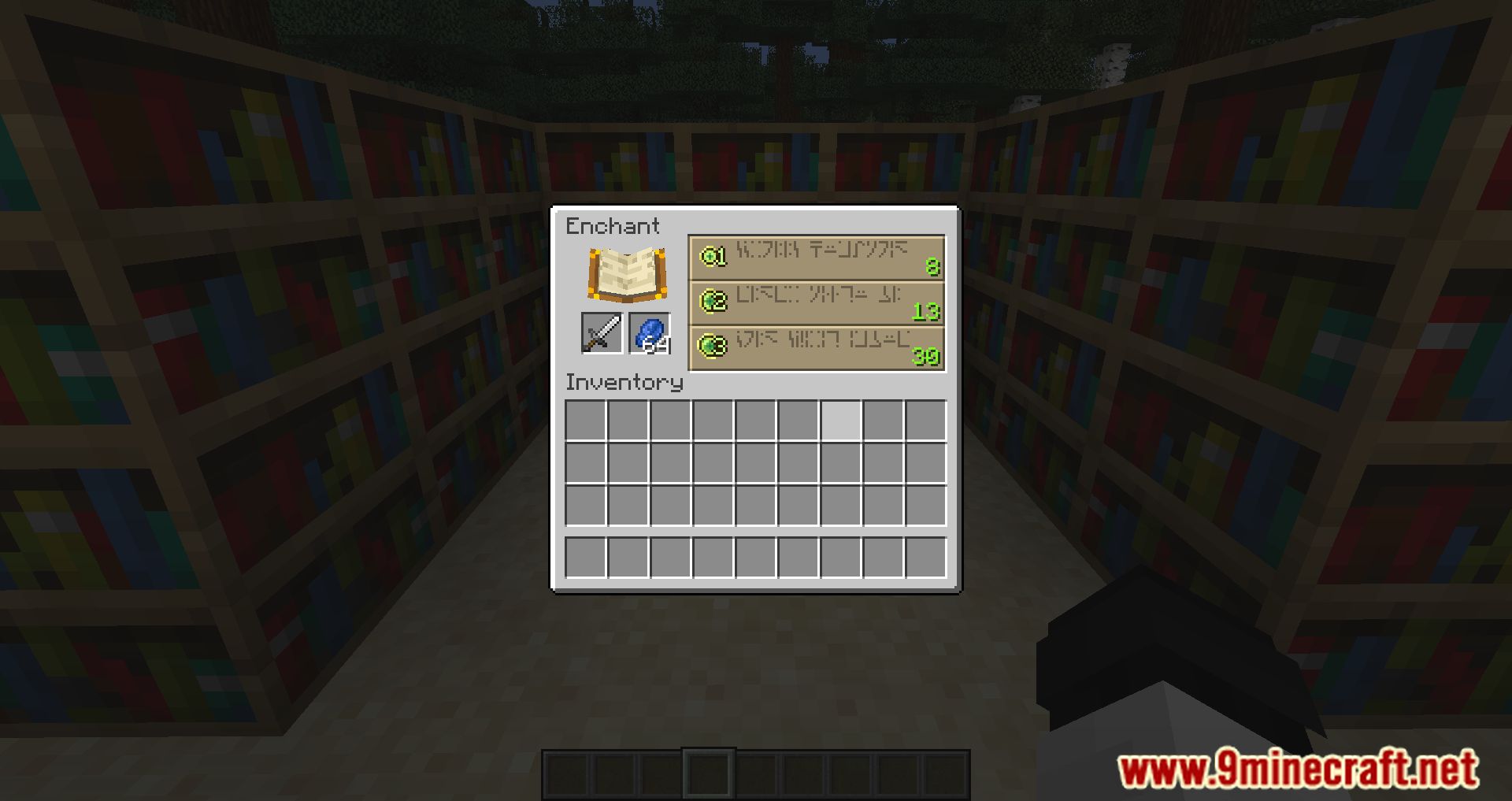
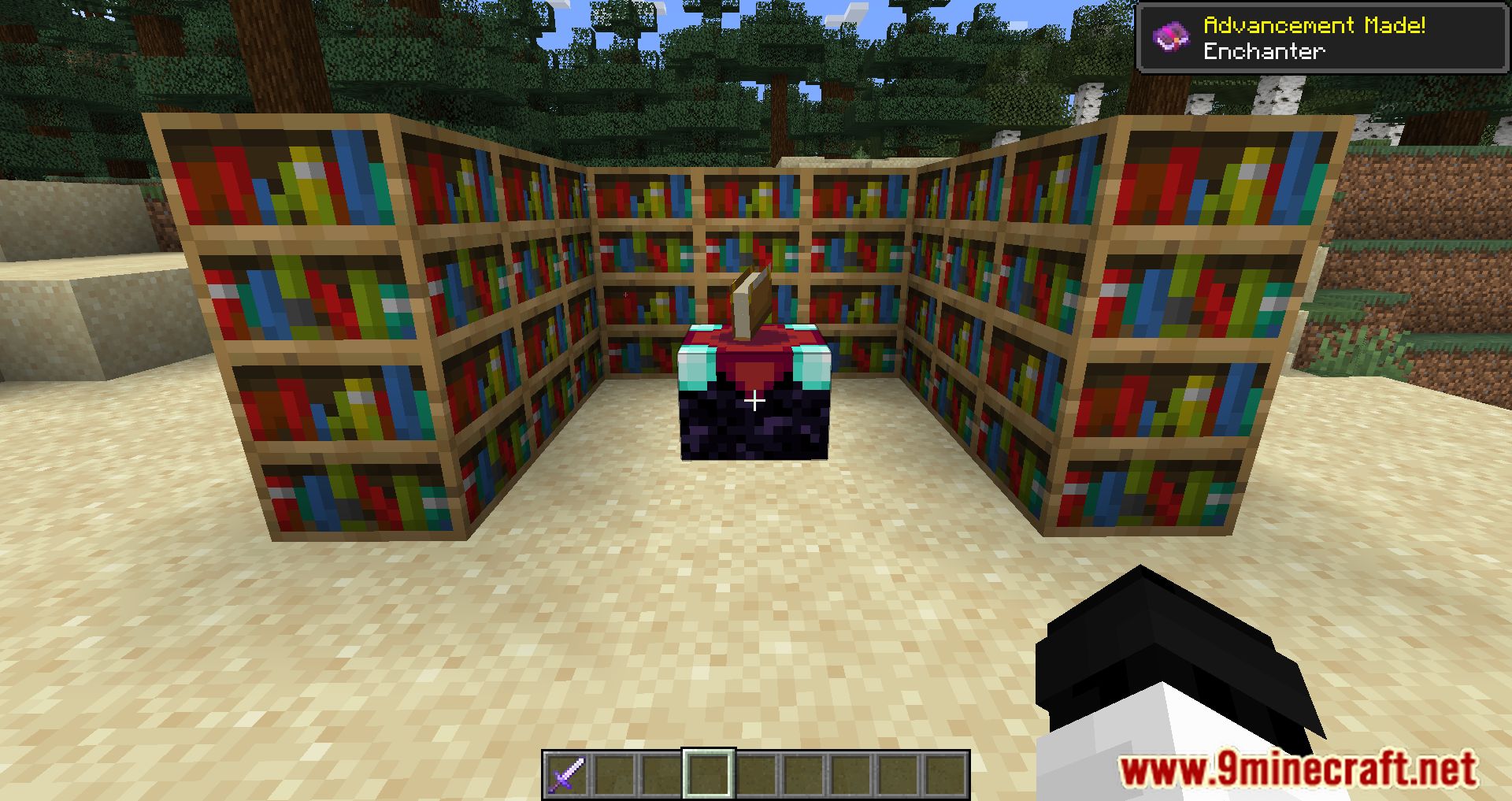
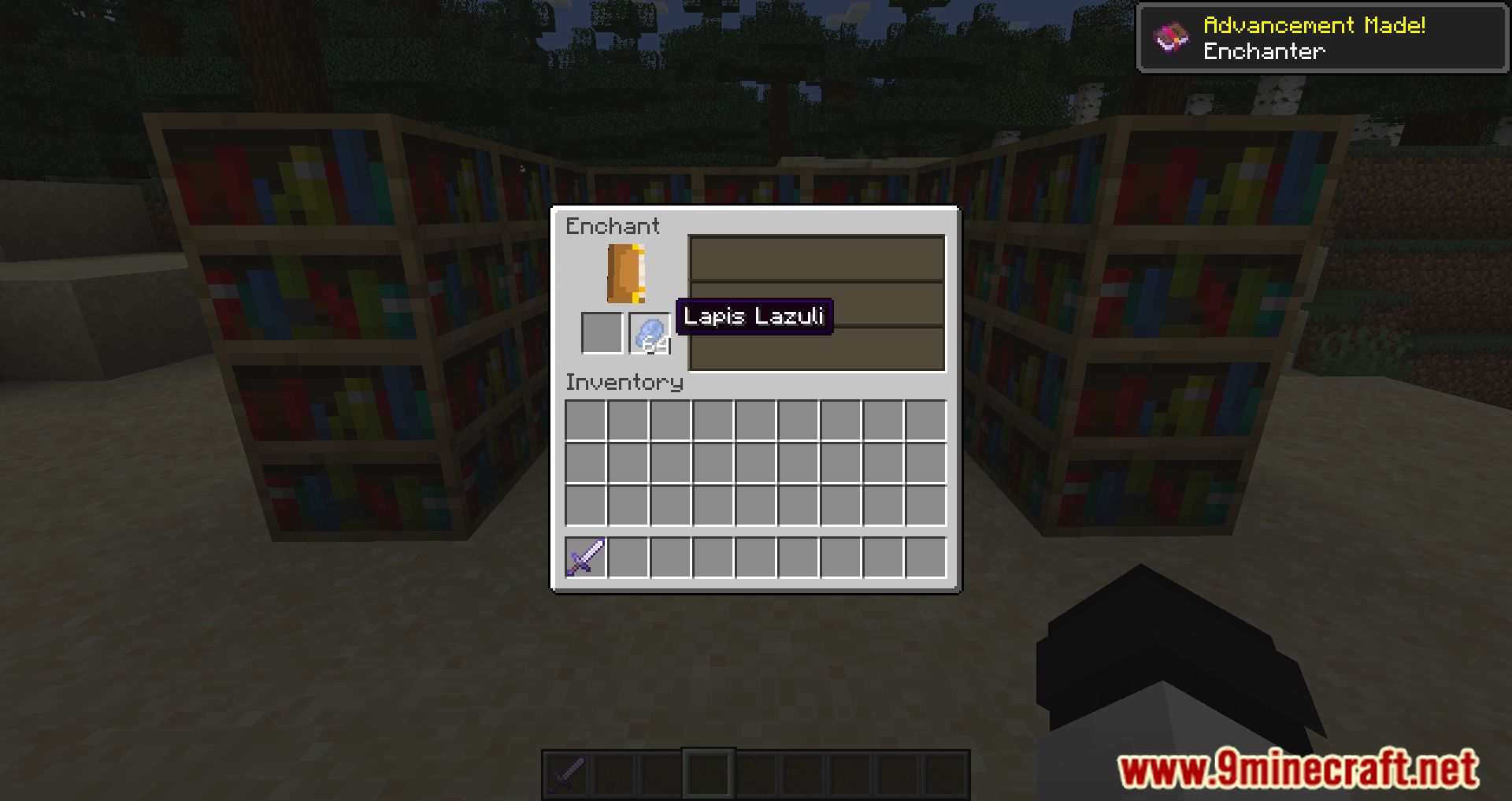
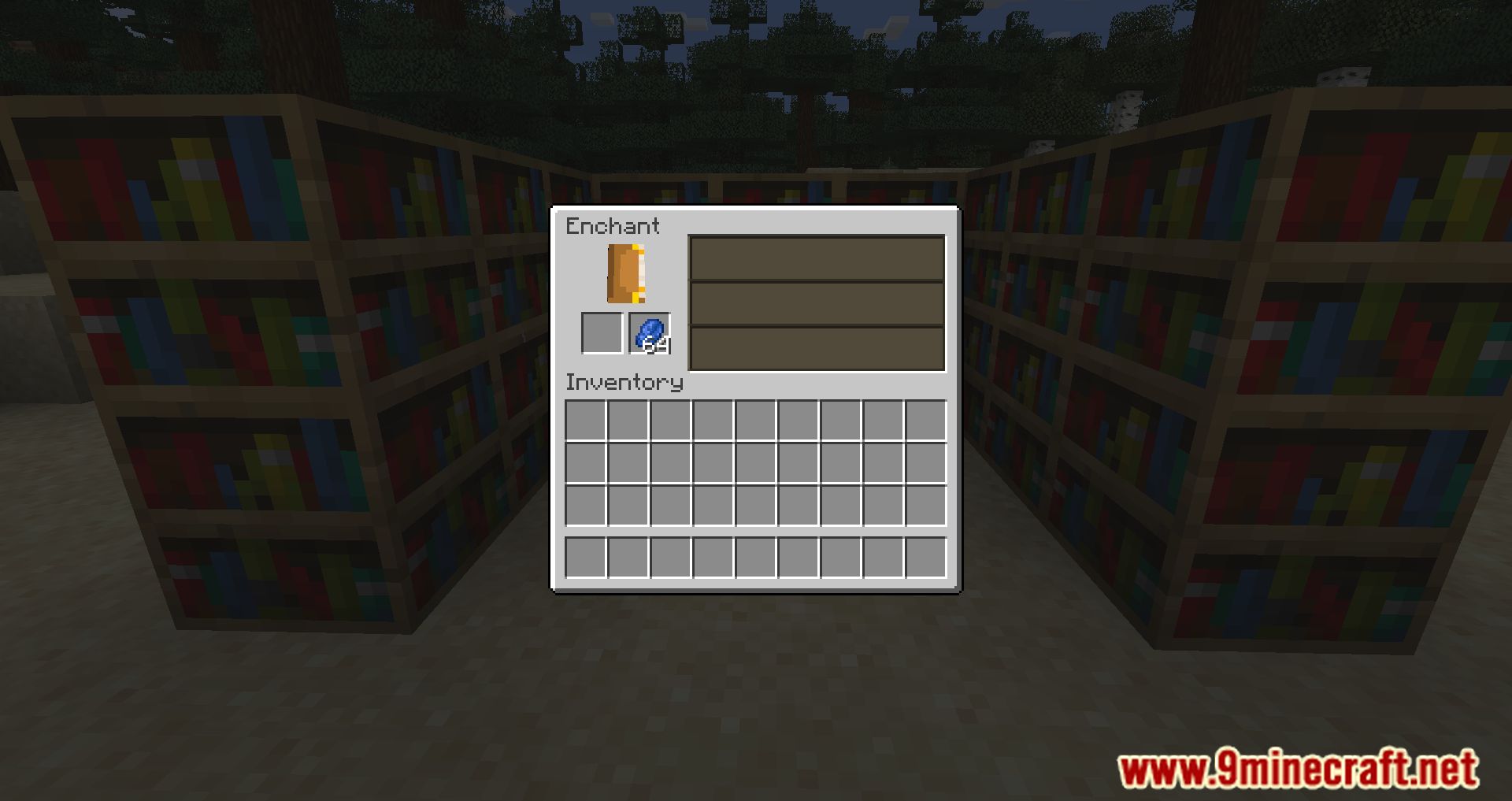
Lapis Reserve Mod is a very simple mod that will fix the annoying feature of the enchantment table, where if you exit it, all the lapis placed in it will fall out. With this mod, you can store lapis inside the table, saving a bit of time and allowing you to make a small reserve and then accidentally remember it later. Most often, the dropped lapis is annoying when enchanting multiple items; you want to take off your armor or forgot the needed book in a chest, exited the table’s interface, and there you go, put the lapis again.
Features:
- Lapis inside an Enchanting Table will now be reserved for next uses.
- Different Enchanting Tables now share one source of Lapis.
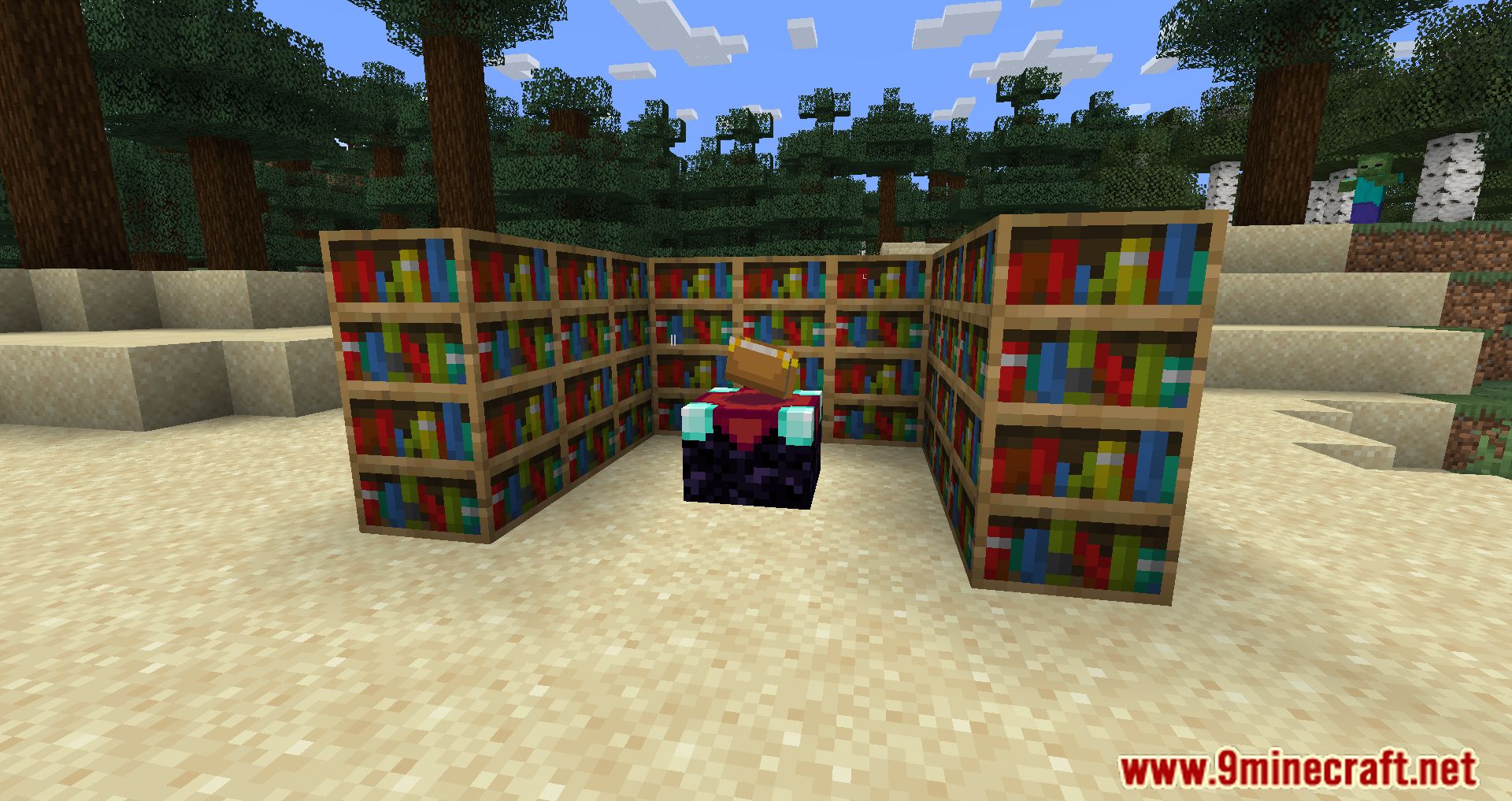
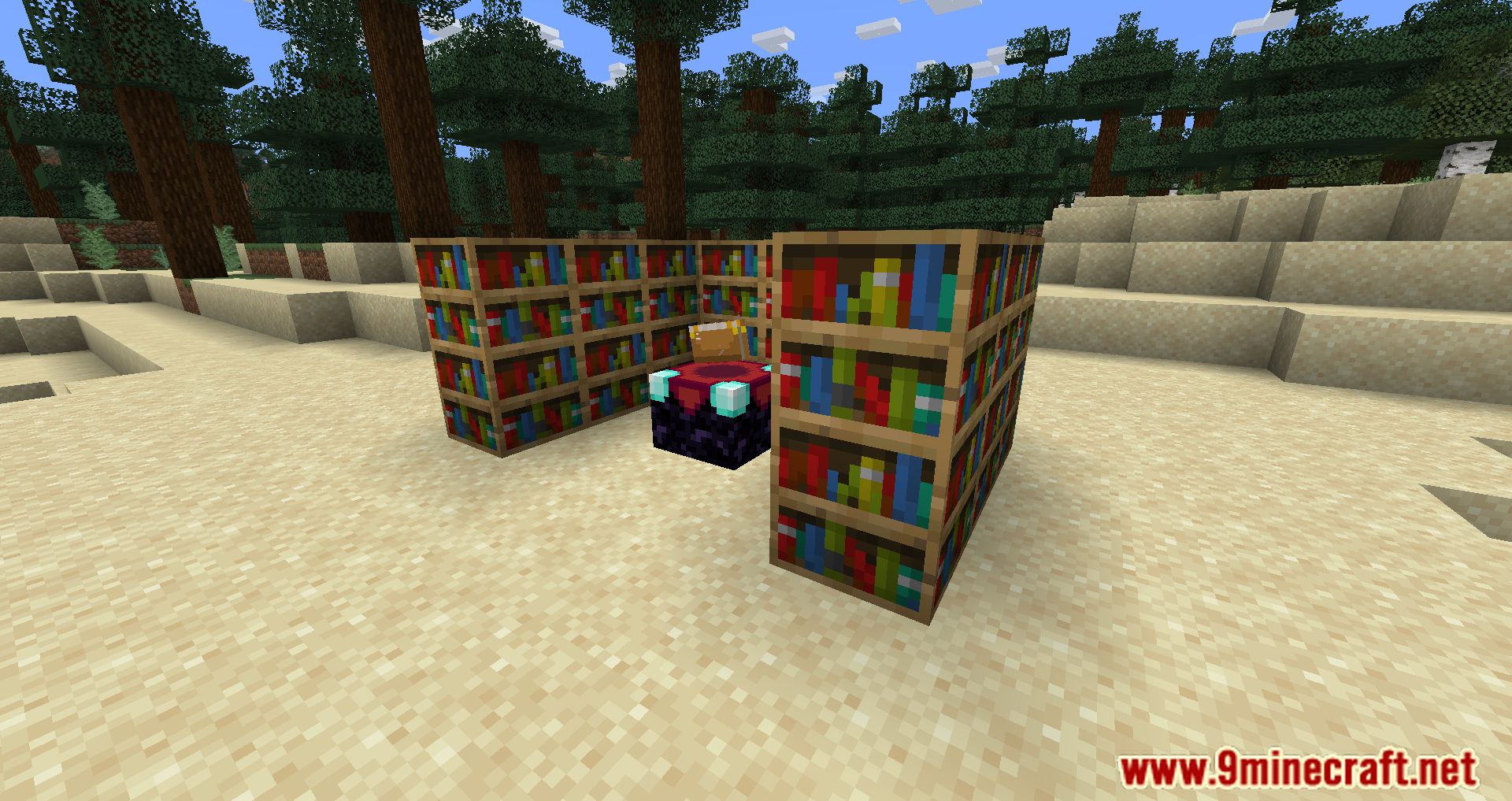
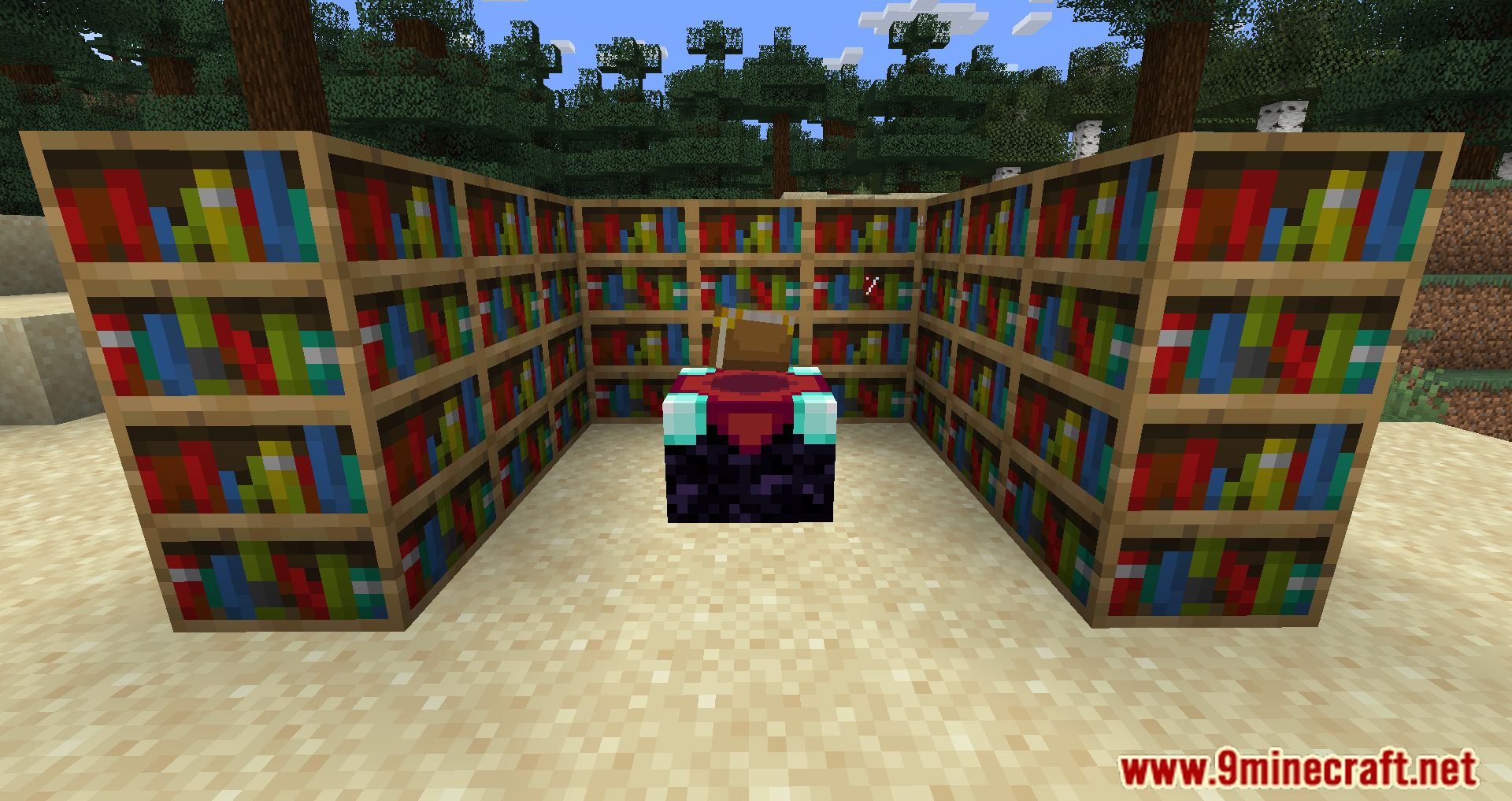
Screenshots:
Lapis Reserve Mod Download Links
For Minecraft 1.21.1, 1.21
Fabric/Quilt version: Download from Server 1 – Download from Server 2
For Minecraft 1.20.6
Forge version: Download from Server 1 – Download from Server 2
Fabric/Quilt version: Download from Server 1 – Download from Server 2
For All Versions From Minecraft 1.18.2 to Minecraft 1.20.4
Forge version: Download from Server 1 – Download from Server 2
Fabric/Quilt version: Download from Server 1 – Download from Server 2
For All Versions From Minecraft 1.18.2 to Minecraft 1.20.2
Forge version: Download from Server 1 – Download from Server 2
Fabric/Quilt version: Download from Server 1 – Download from Server 2
For All Versions From Minecraft 1.17.1 to Minecraft 1.20.1
Fabric/Quilt version: Download from Server 1 – Download from Server 2
For All Versions From Minecraft 1.17.1 to Minecraft 1.19.3
Fabric/Quilt version: Download from Server 1 – Download from Server 2
For All Versions From Minecraft 1.17.1 to Minecraft 1.19.2
Fabric/Quilt version: Download from Server 1
For All Versions From Minecraft 1.14.4 to Minecraft 1.16.5
Fabric version: Download from Server 1
For Minecraft 1.12.2
LiteLoader version: Download from Server 1
- Edition: Minecraft Java
- File type: .jar
- Minecraft versions listed: 1.21.1, 1.20.1
- How to install: Install the matching mod loader (Forge, Fabric or NeoForge) for your Minecraft version. → Download the .jar. → Put it in the .minecraft/mods folder and launch that loader profile.
- Where to get it: In MC Java Mods, or directly above on this page.
Install steps are the general flow for this file type — How to install Minecraft Java mods & modpacks walks through it step by step.
- Downloads as 178474.mcaddon
- Download size: 7 KB
- Download link checked 26 Jul 2026 — working
- Mirrored on our own servers — the download does not depend on the original host
These come from our own check of the pack file, not from the source page.