
Outer Glow Mod (1.21.1, 1.20.1) – Highlights Players With Outer Layer In The Tab Screen
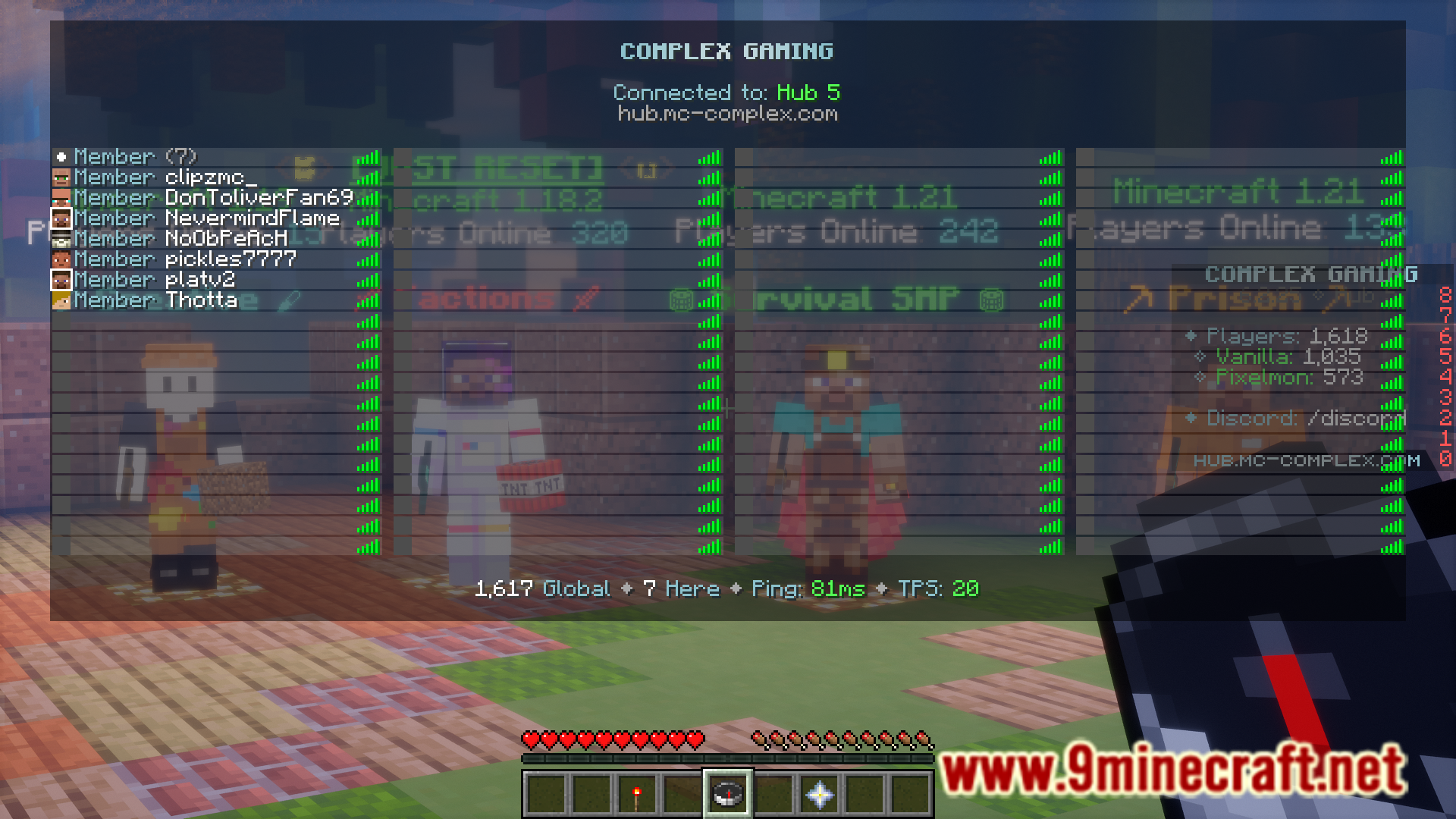
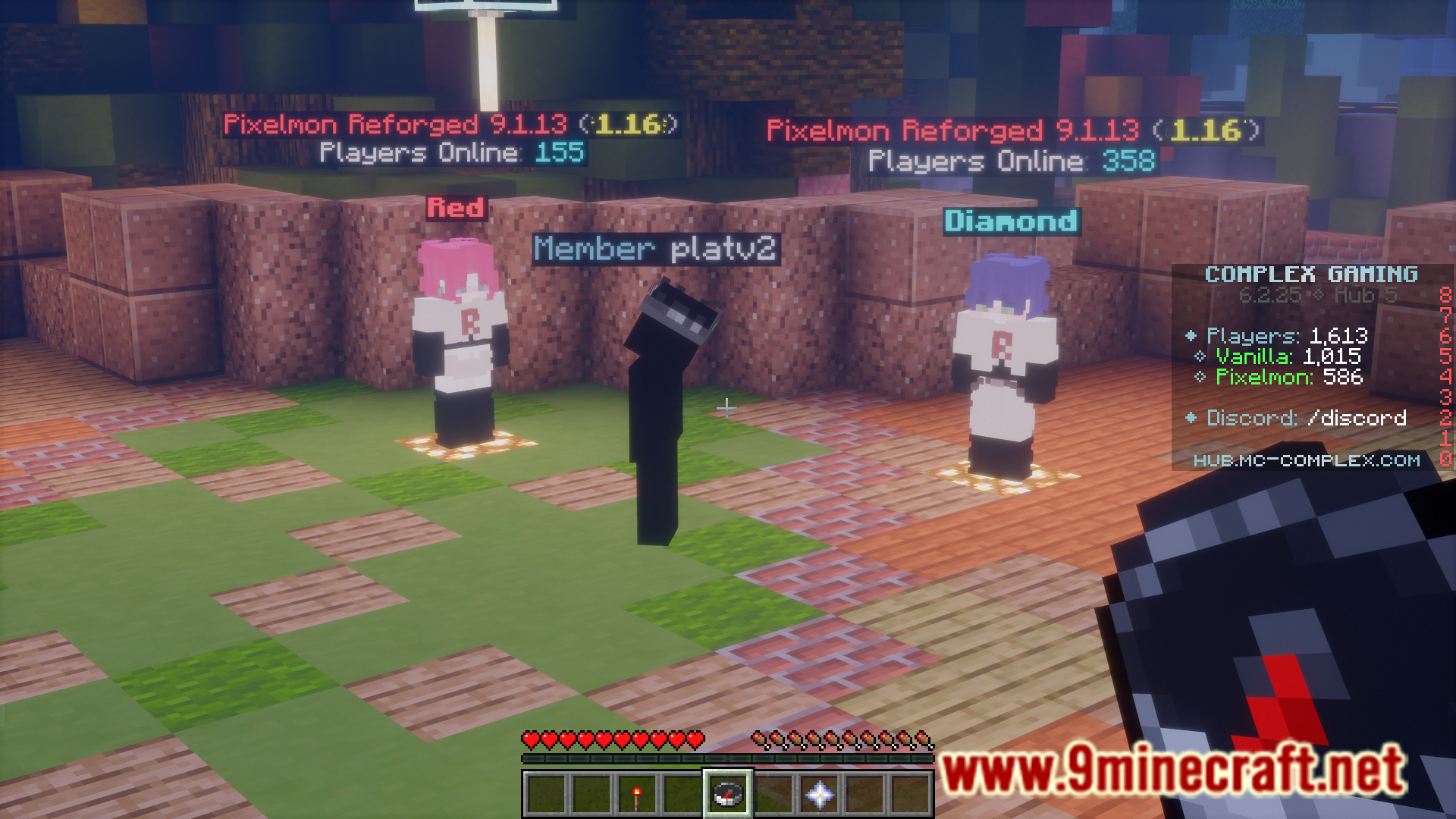
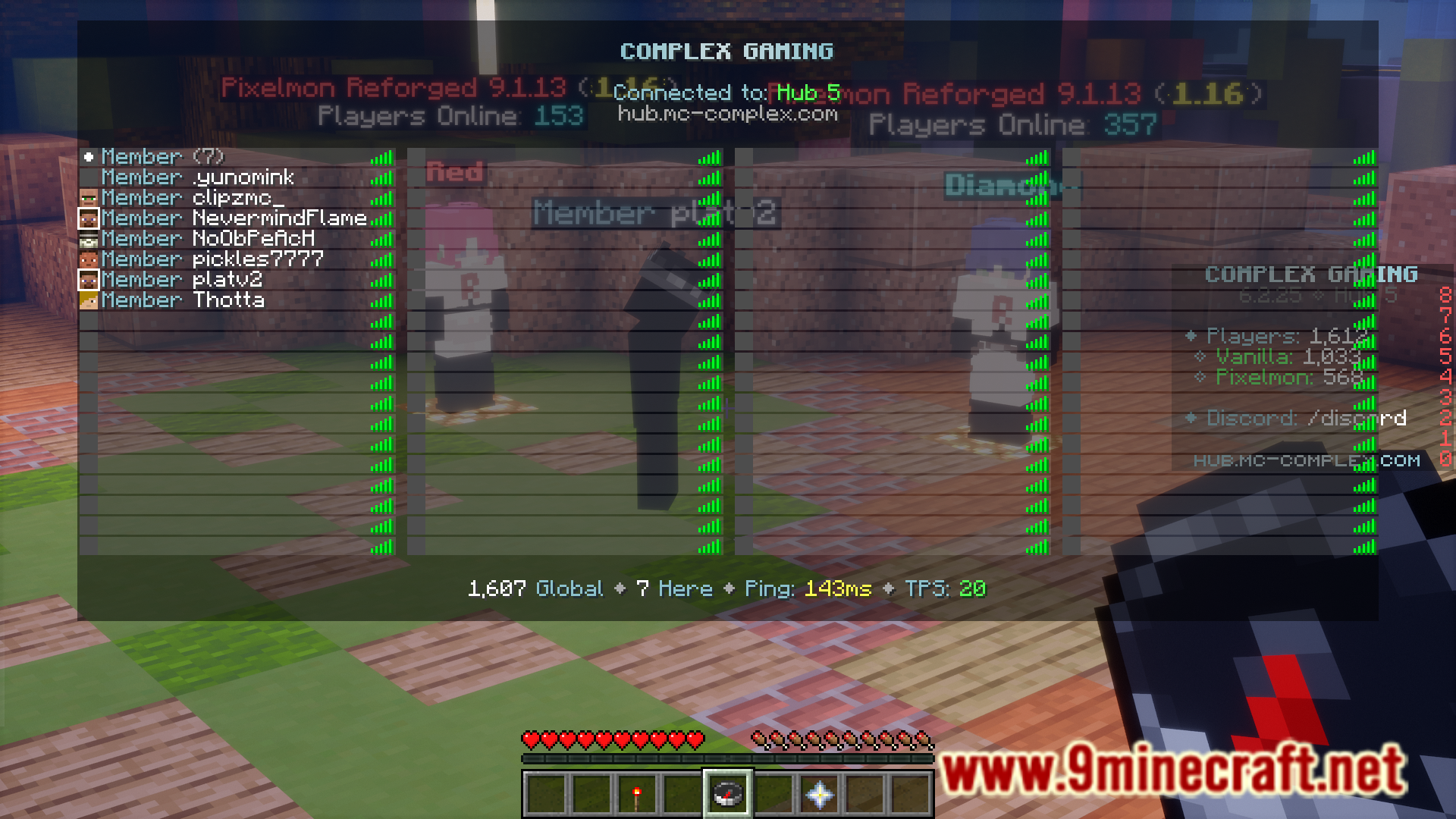
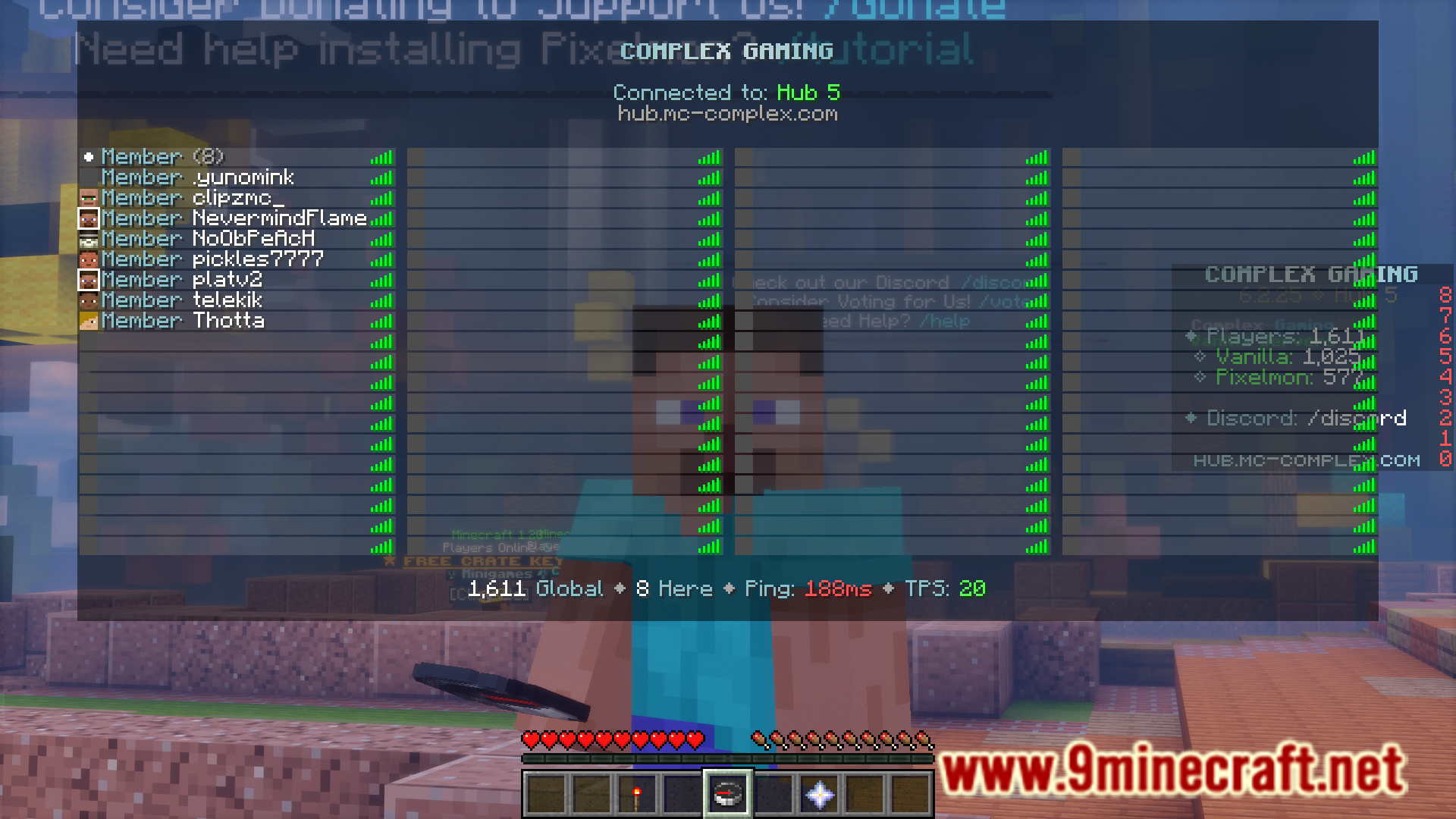
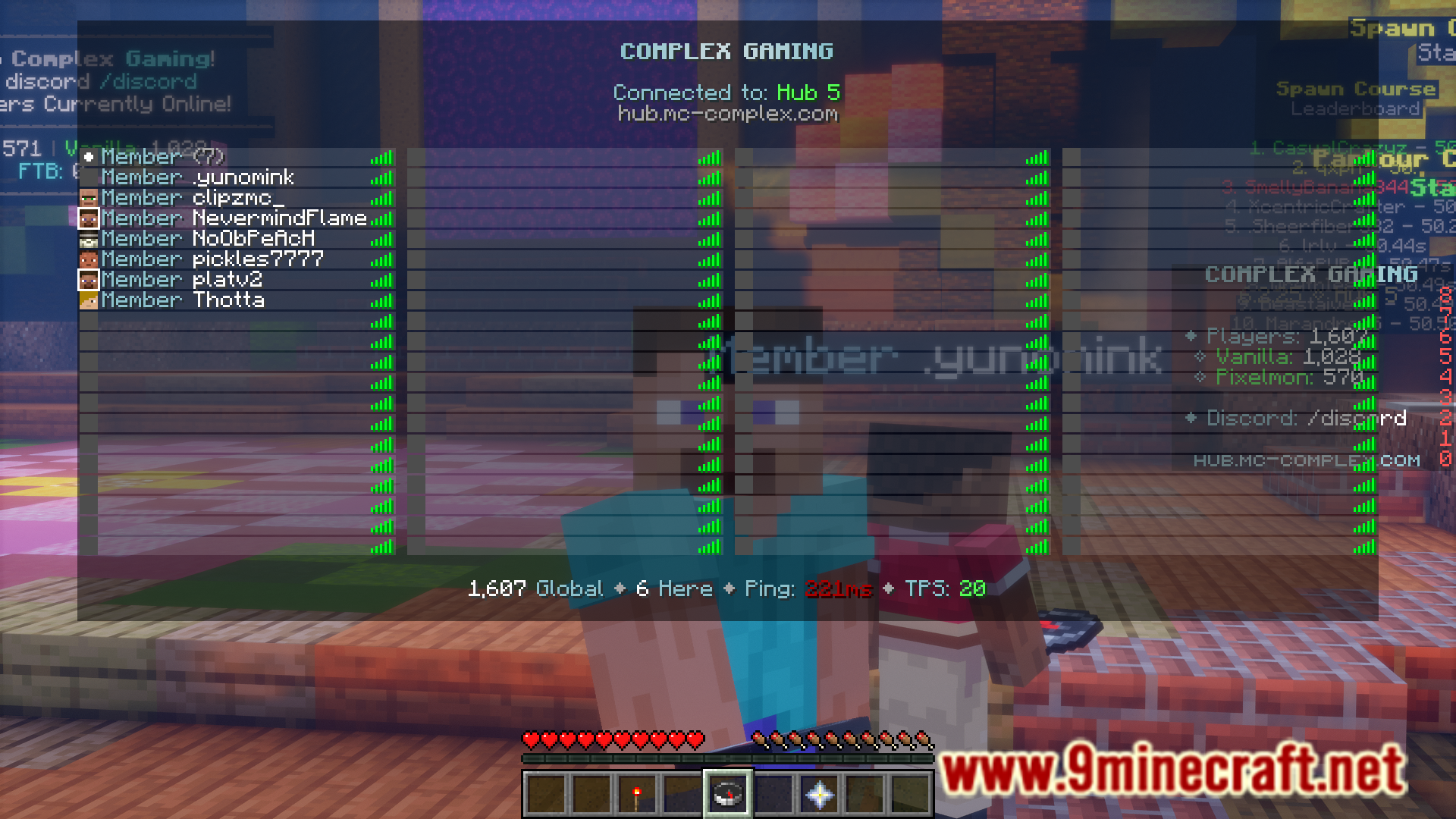
Minecraft allows players to wear an additional layer of skin. The game also provides the option to disable it. In the tab player list screen, the player’s second layer will show up even if it is disabled. Outer Glow Mod is here to help you identify players with outer layers. This mod basically adds a glow outline to the head icons of players with an outer layer.
Features:
- Helps identify players wearing an outer layer.
- Adds a glow to their head icon in the tab player list.
Screenshots:
Outer Glow Mod Download Linksserver
For Minecraft 1.21.1, 1.21
Fabric version: Download from Server 1 – Download from Server 2
For Minecraft 1.20.6
Fabric version: Download from Server 1 – Download from Server 2
For Minecraft 1.20.1
Fabric version: Download from Server 1 – Download from Server 2
- Edition: Minecraft Java
- File type: .jar
- Minecraft versions listed: 1.21.1, 1.20.1
- How to install: Install the matching mod loader (Forge, Fabric or NeoForge) for your Minecraft version. → Download the .jar. → Put it in the .minecraft/mods folder and launch that loader profile.
- Where to get it: Opens on the file's original source — not every file is mirrored on our own servers.
Install steps are the general flow for this file type — How to install Minecraft Java mods & modpacks walks through it step by step.
Outer Glow Mod (1.21.1, 1.20.1) – Highlights Players With Outer Layer In The Tab Screen is a free Minecraft Java mod. Compatible with Minecraft 1.21.1, 1.20.1. Download it and open it directly in the game.