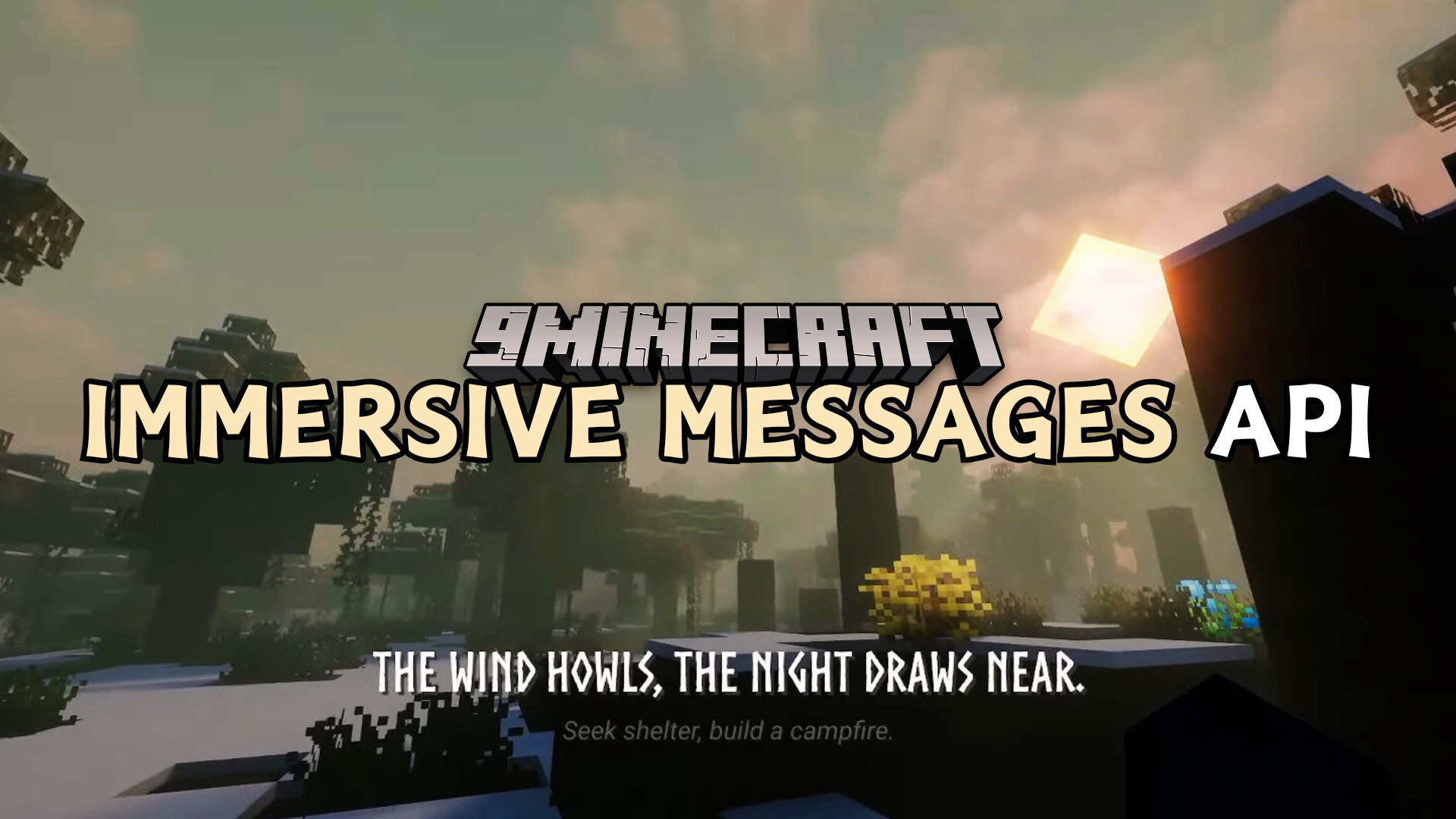
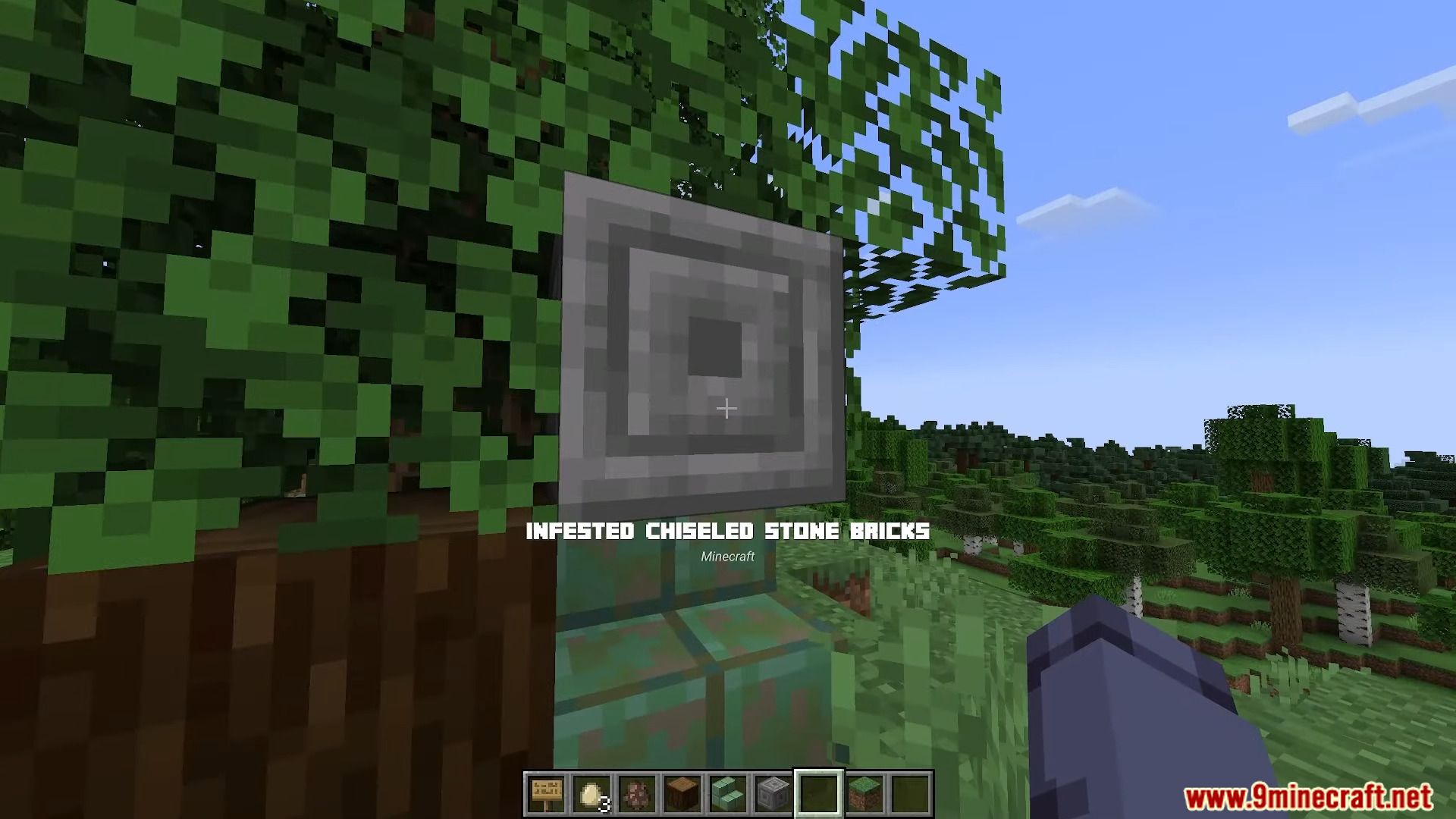
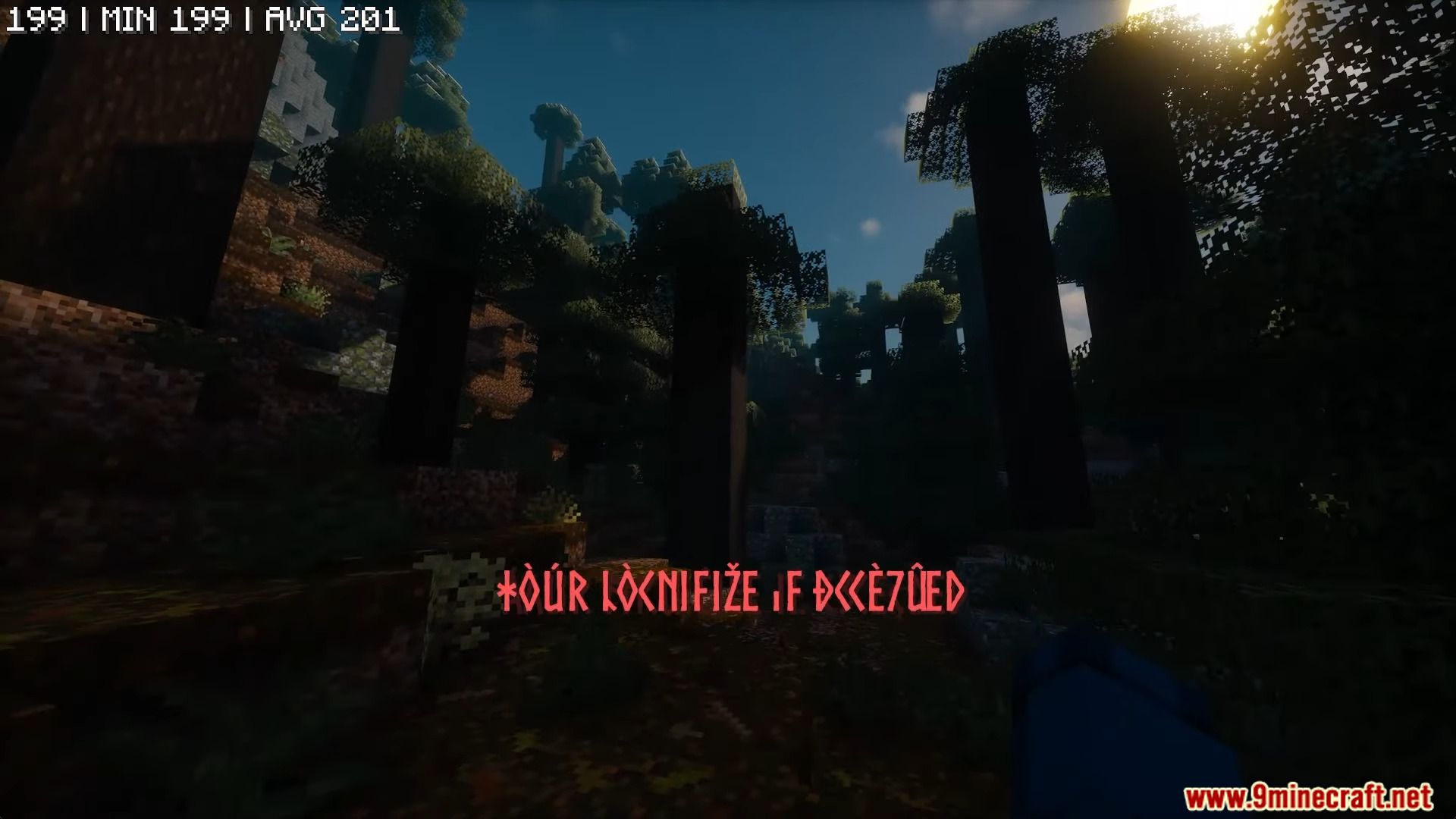
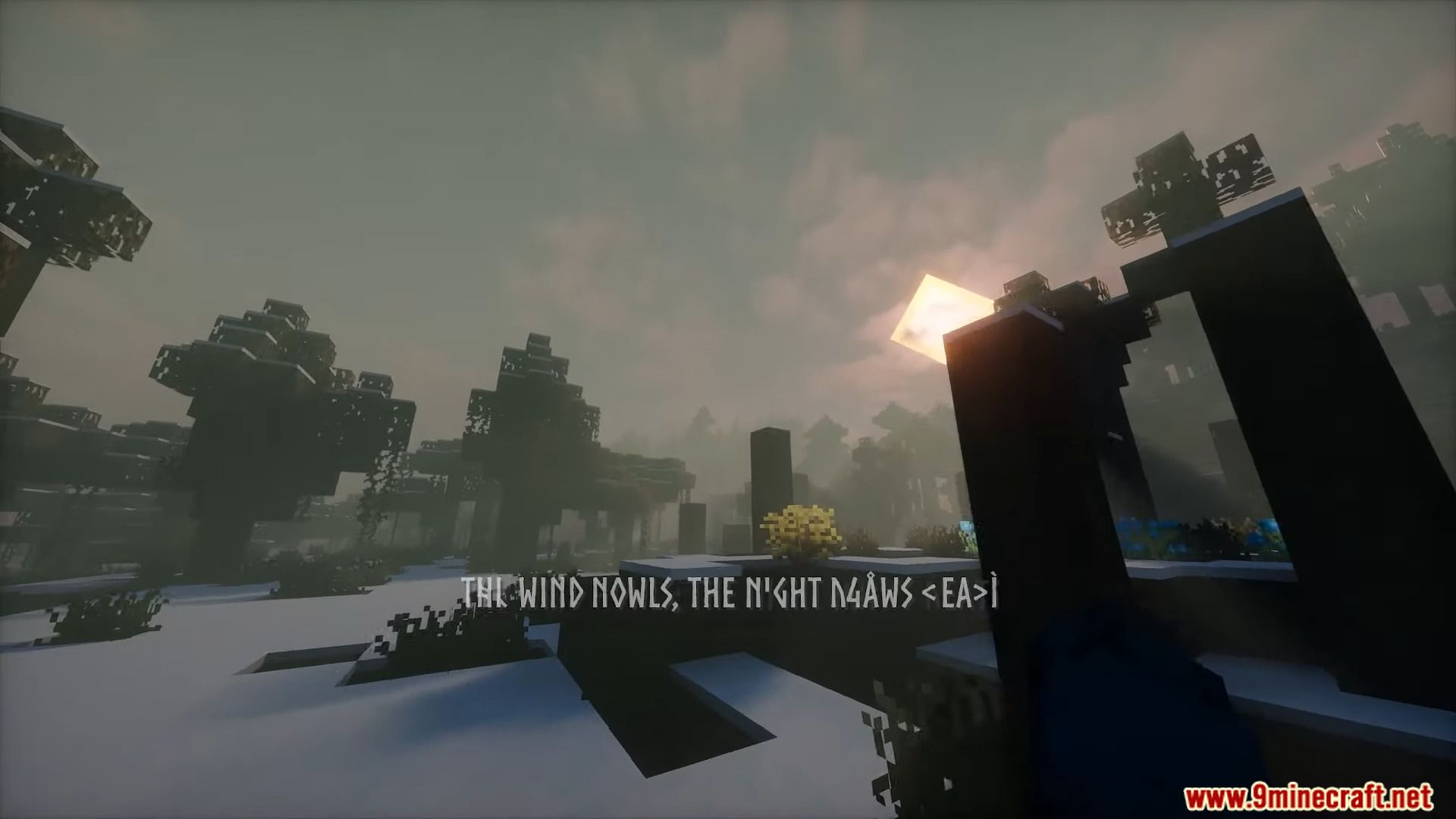
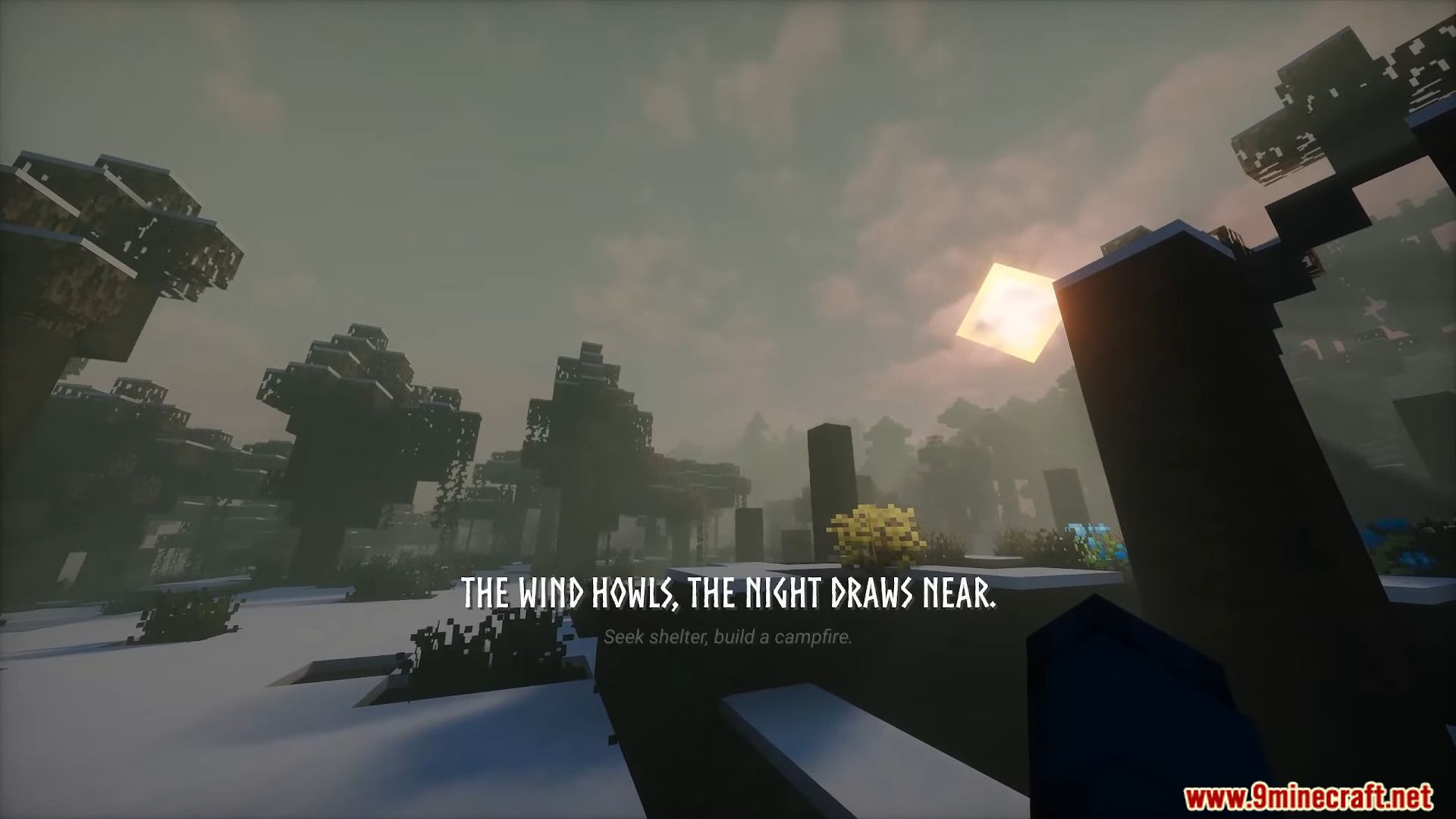
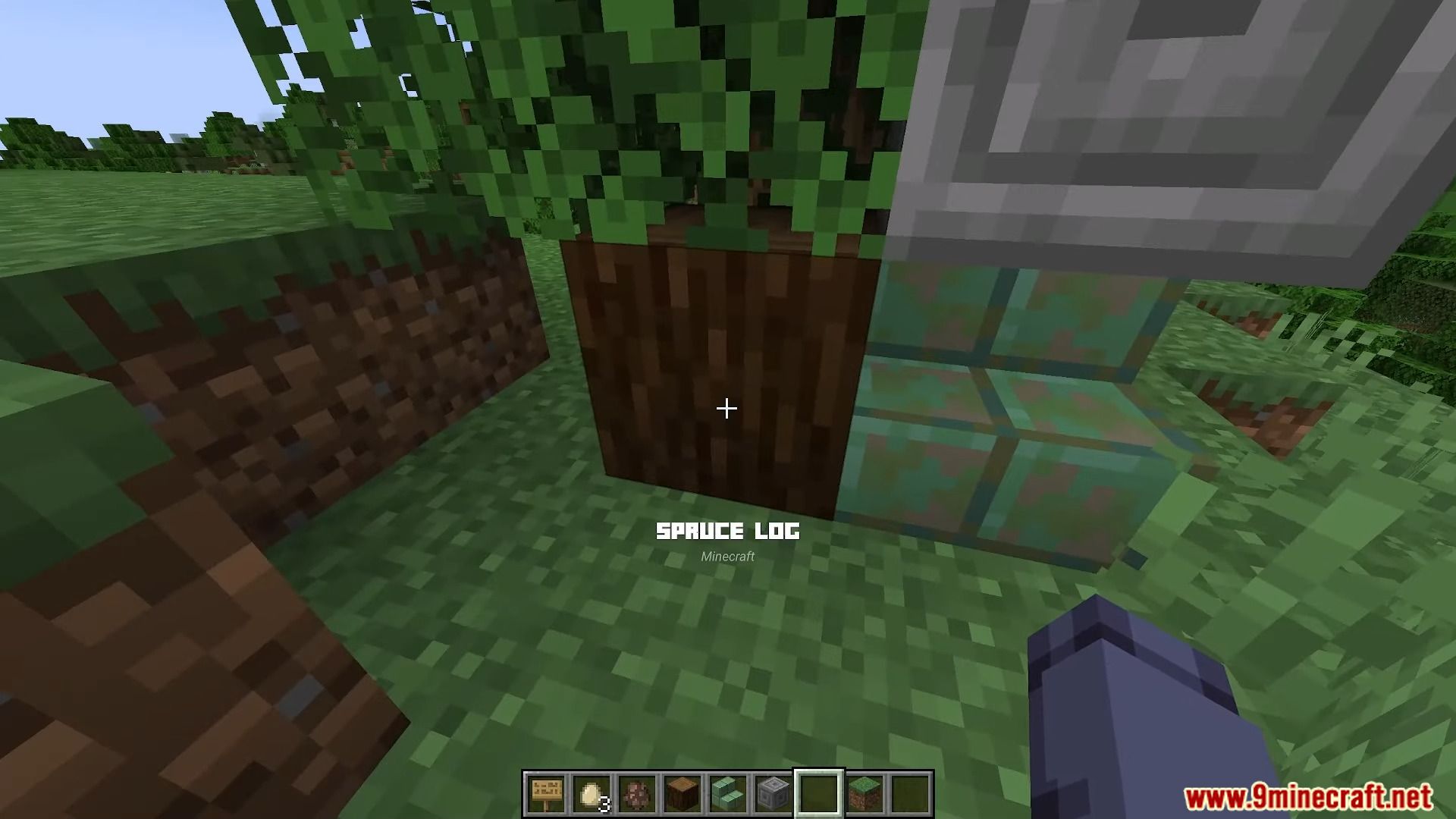
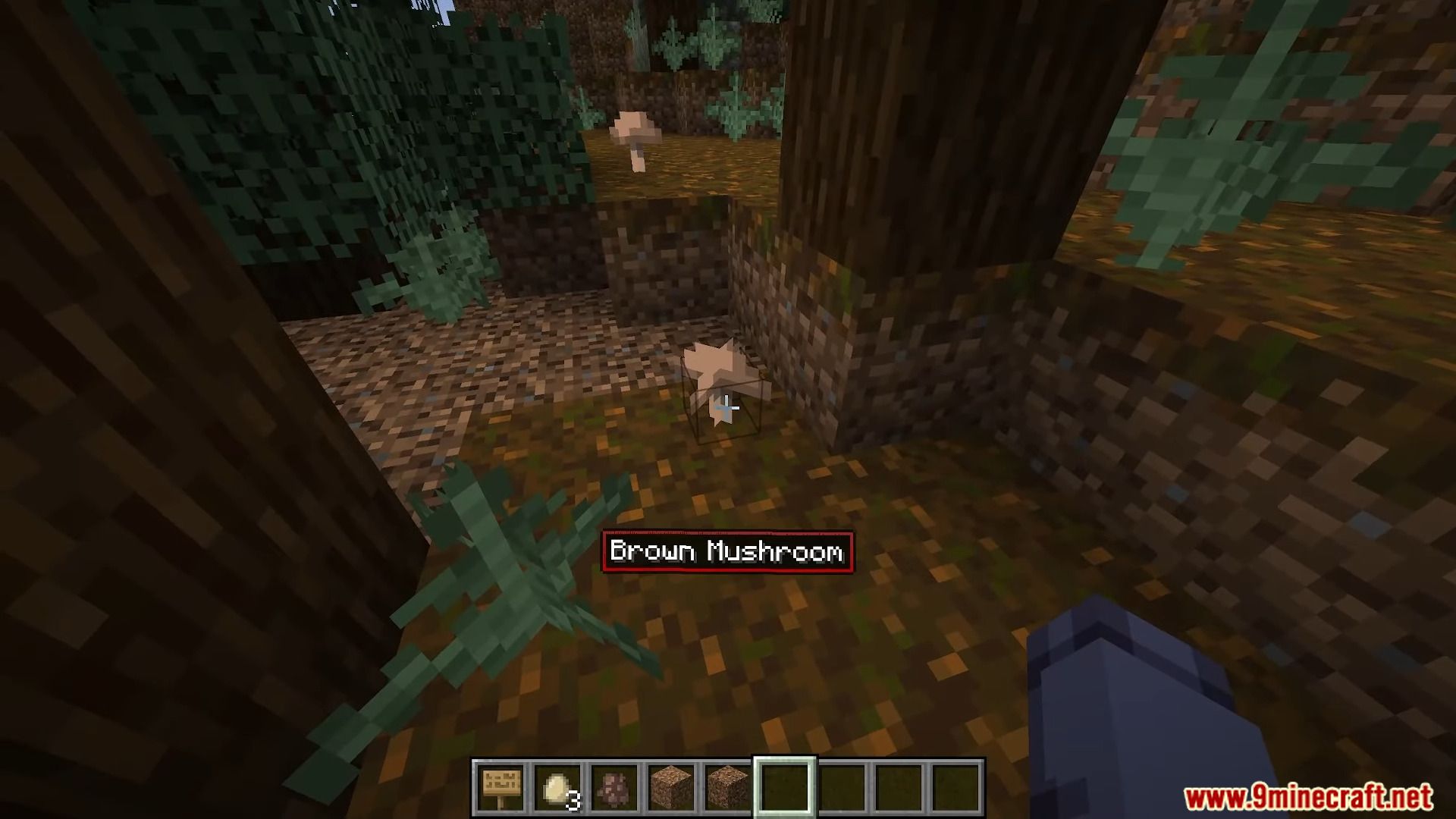
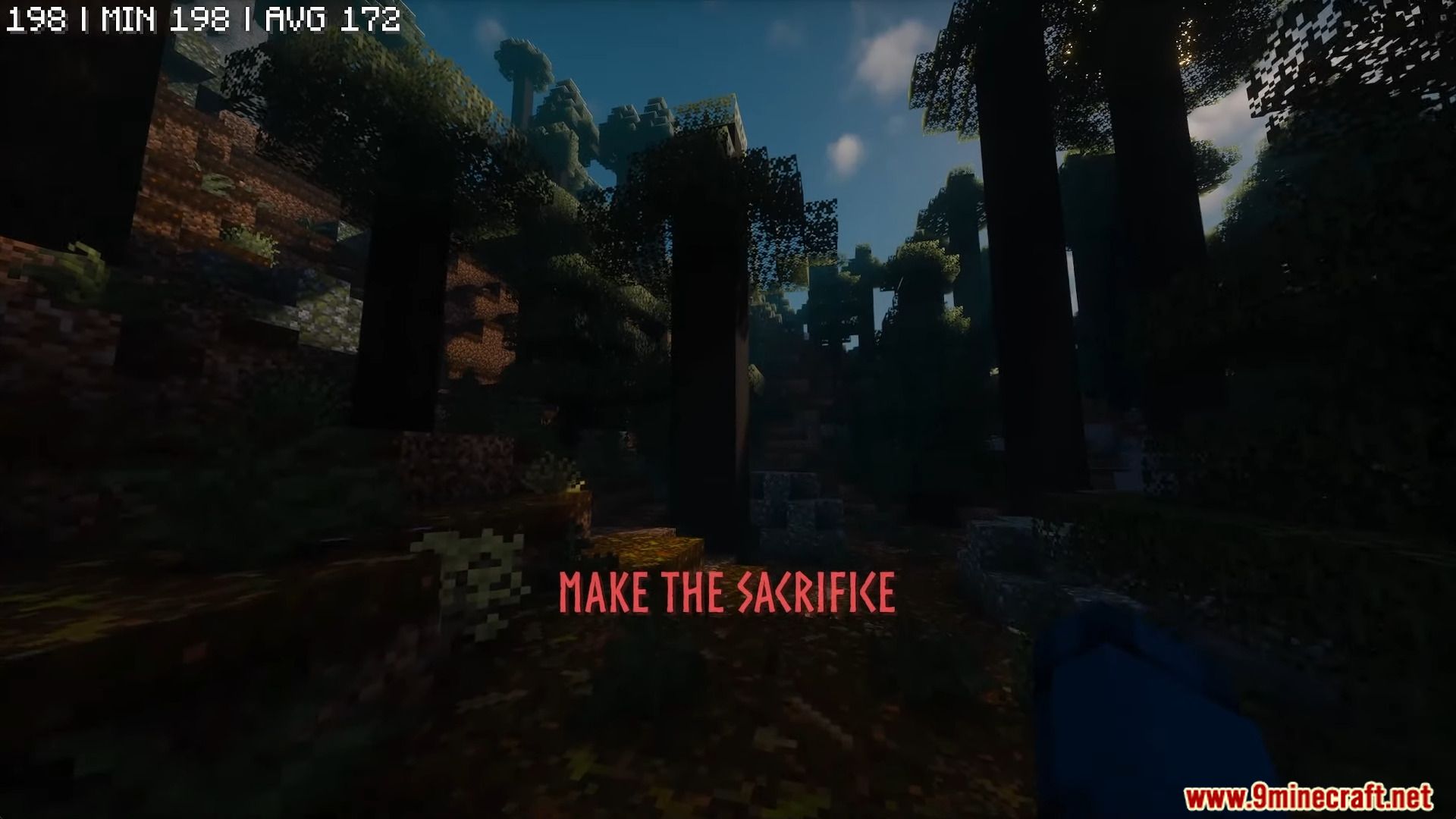
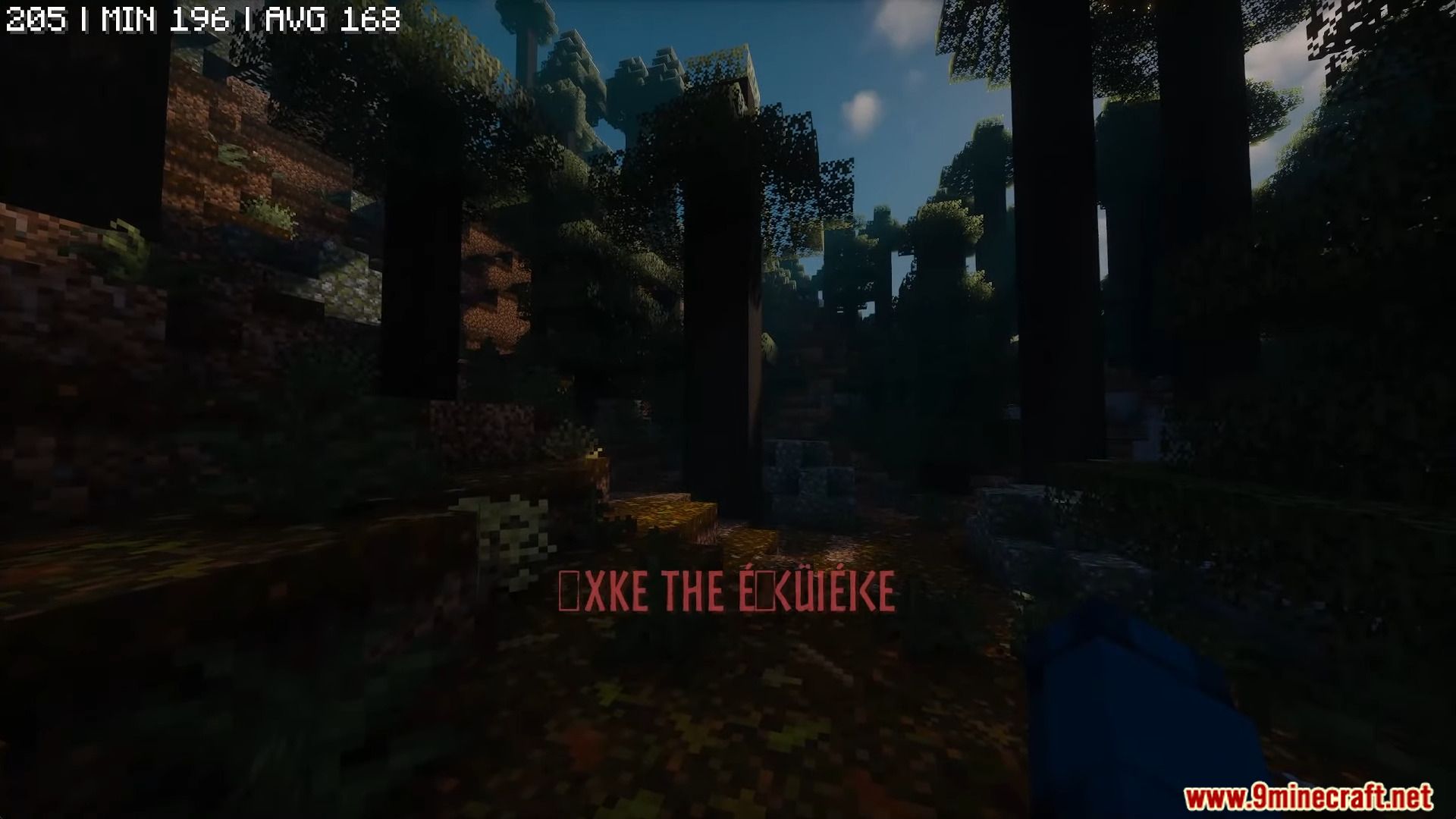
Immersive Messages API Mod is a tool for mod developers and creators to display important information directly on the player’s screen using subtitles. It supports custom fonts through Caxton for a more immersive experience and allows full control over text size, color, and position. The mod includes built-in animations and text effects like shaking and waving, making messages more engaging. It also allows messages to be sent from server to client using an easy command or the mod’s API.
Features:
- Displays messages on the player’s screen using subtitles.
- Supports custom fonts with Caxton for stylized text.
- Includes text animations like shaking, waving, and transitions.
- Full control over text size, color, and position.
- Messages can be sent from server to client using commands or the API.
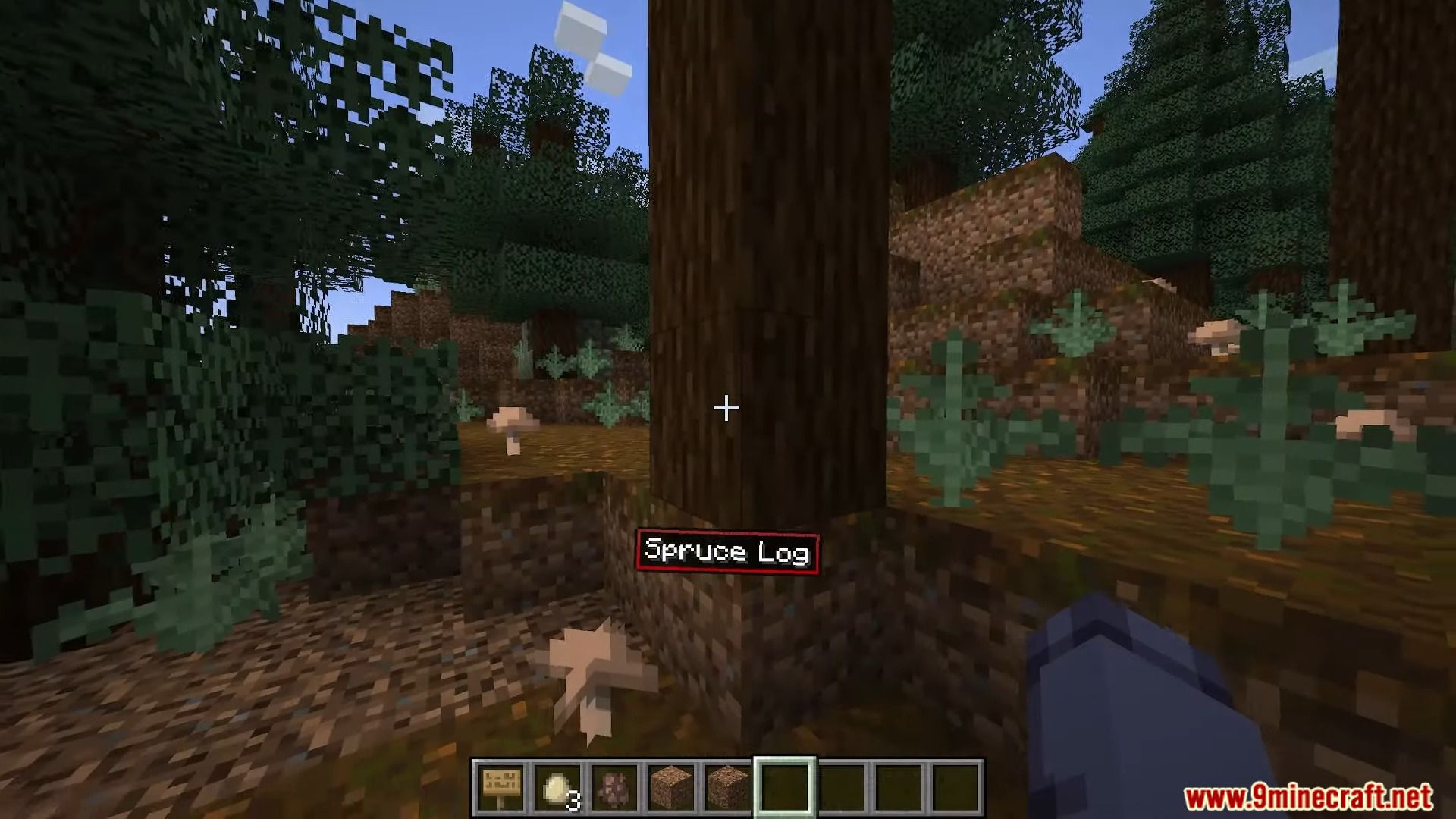
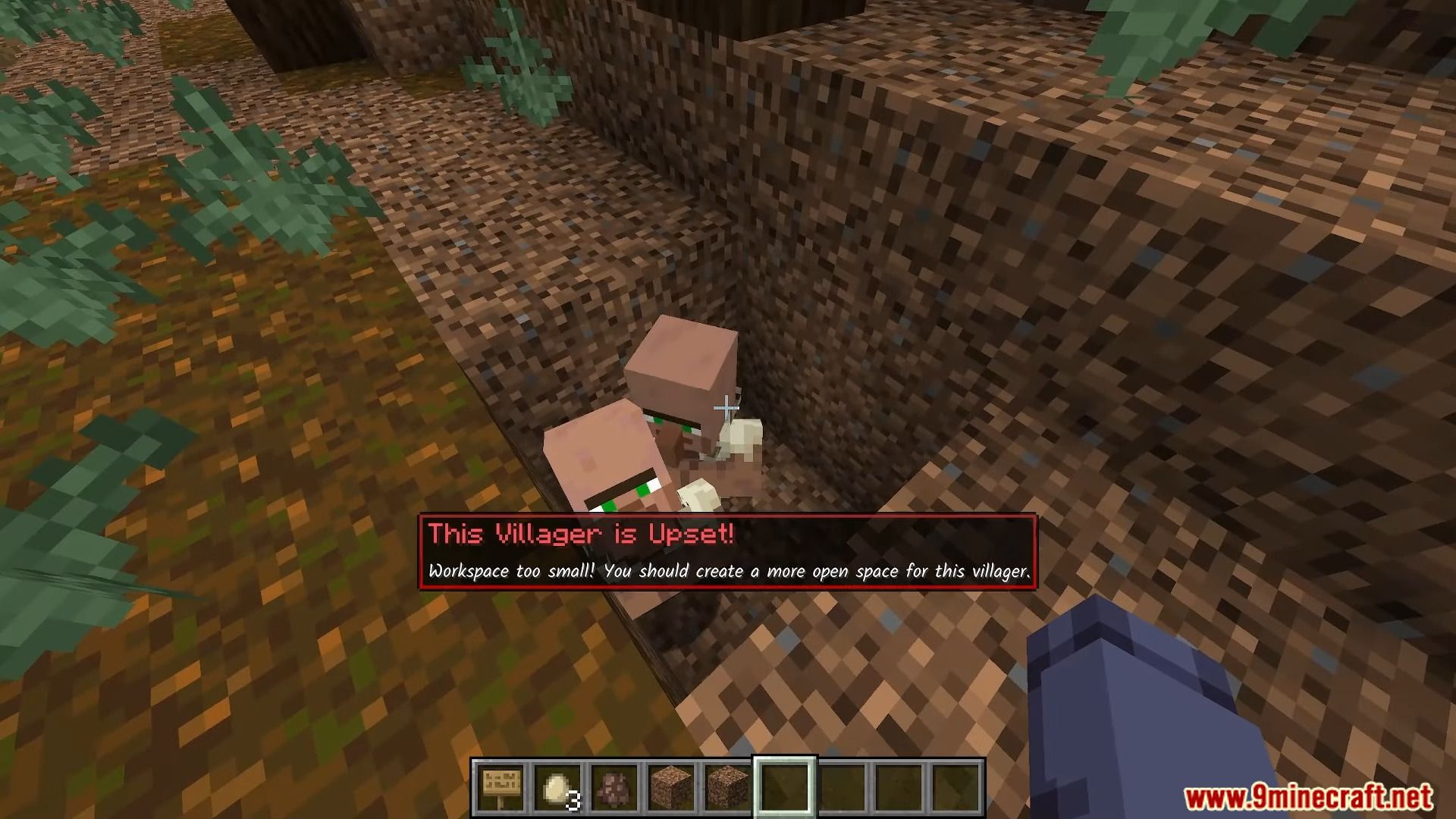
Screenshots:
Immersive Messages API Mod Download Links
For Minecraft 1.21.1, 1.21
Fabric Version: Download from Server 1 – Download from Server 2
NeoForge Version: Download from Server 1 – Download from Server 2
For Minecraft 1.20.1, 1.20
Forge Version: Download from Server 1 – Download from Server 2
Fabric Version: Download from Server 1 – Download from Server 2
- Edition: Minecraft Java
- File type: .jar
- Minecraft versions listed: 1.21.1, 1.20.1
- How to install: Install the matching mod loader (Forge, Fabric or NeoForge) for your Minecraft version. → Download the .jar. → Put it in the .minecraft/mods folder and launch that loader profile.
- Where to get it: In MC Java Mods, or directly above on this page.
Install steps are the general flow for this file type — How to install Minecraft Java mods & modpacks walks through it step by step.
- Downloads as 178513.mcaddon
- Download size: 1.9 MB
- Download link checked 24 Jul 2026 — working
- Mirrored on our own servers — the download does not depend on the original host
These come from our own check of the pack file, not from the source page.