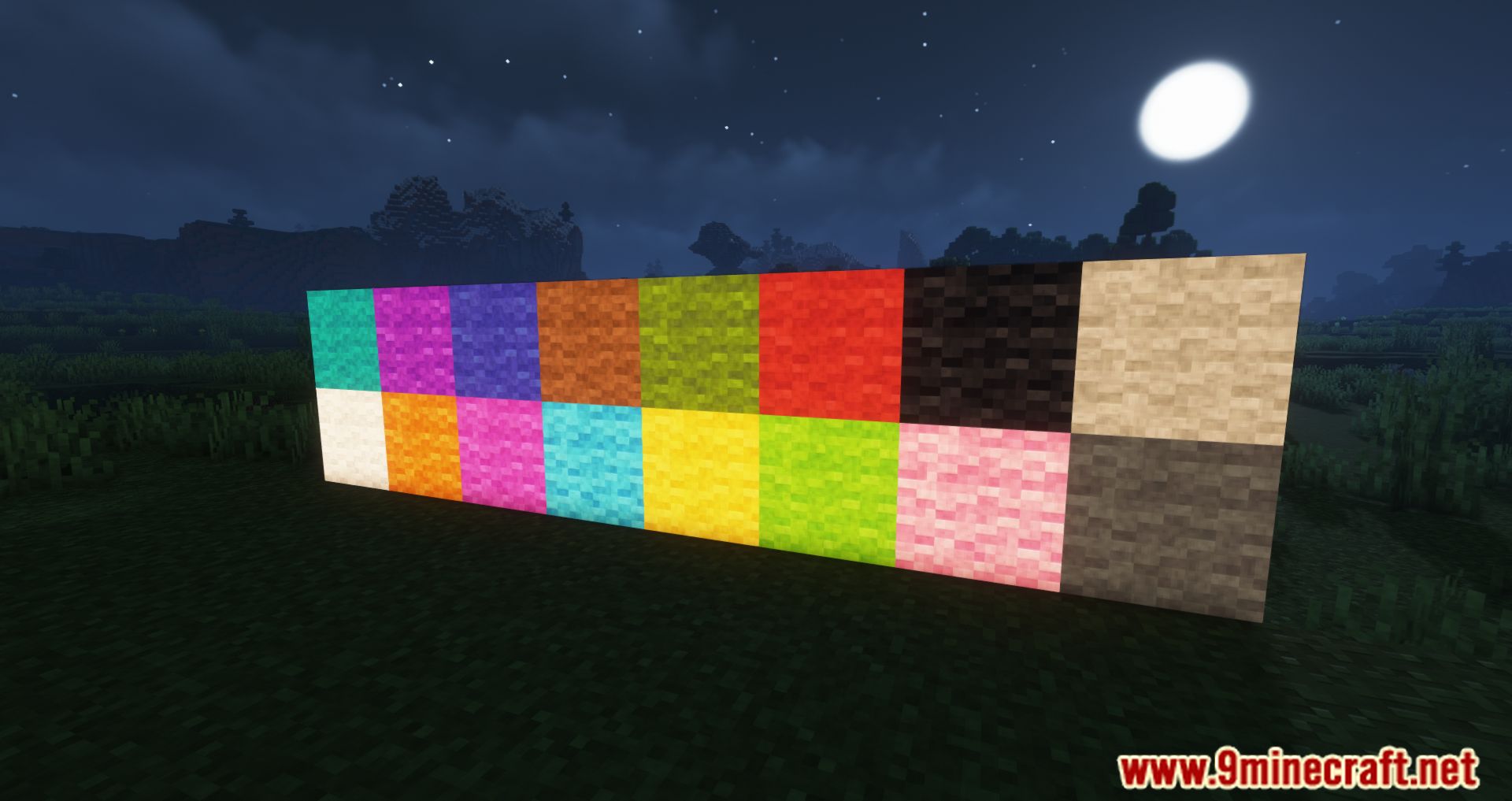
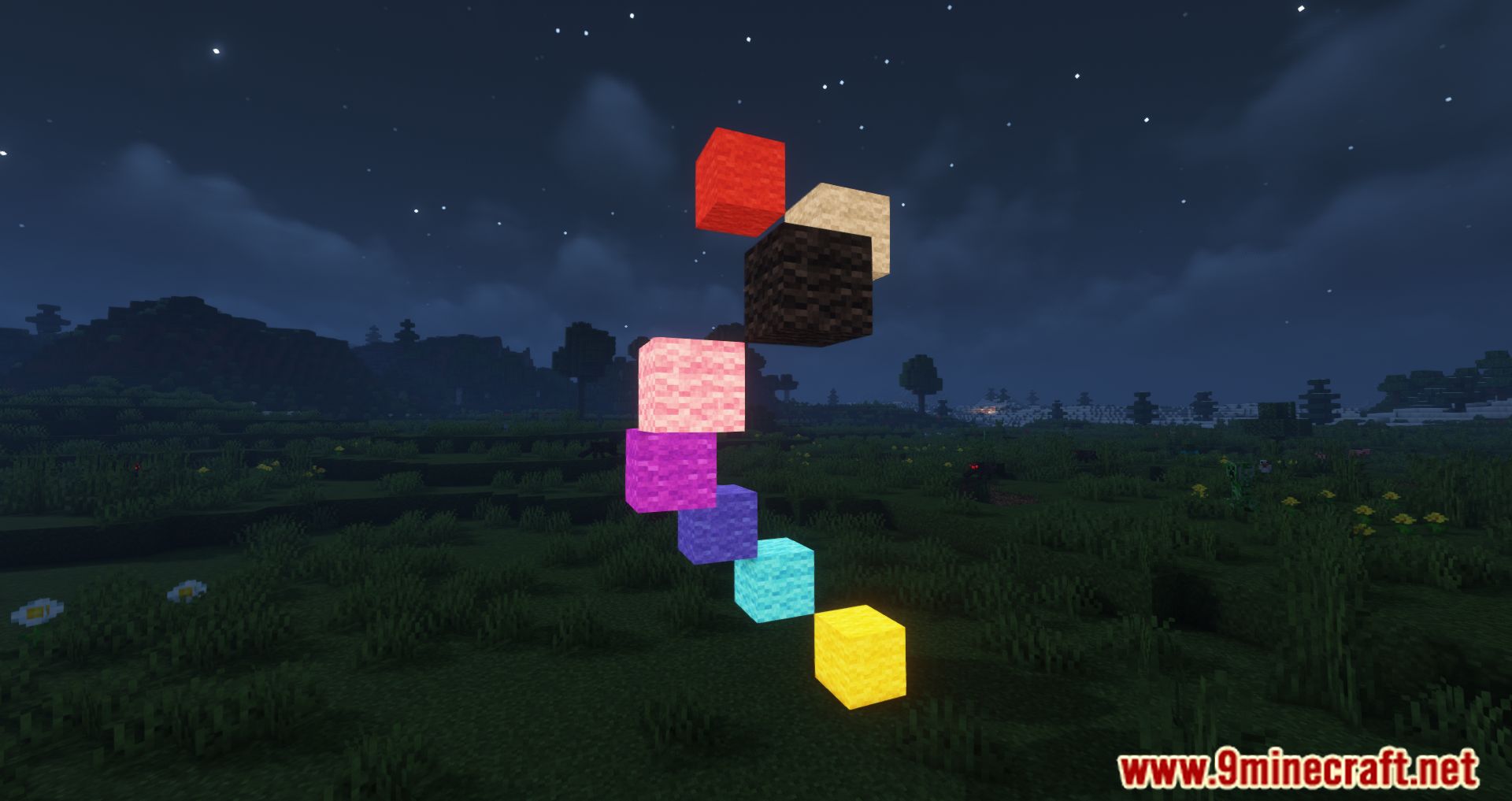
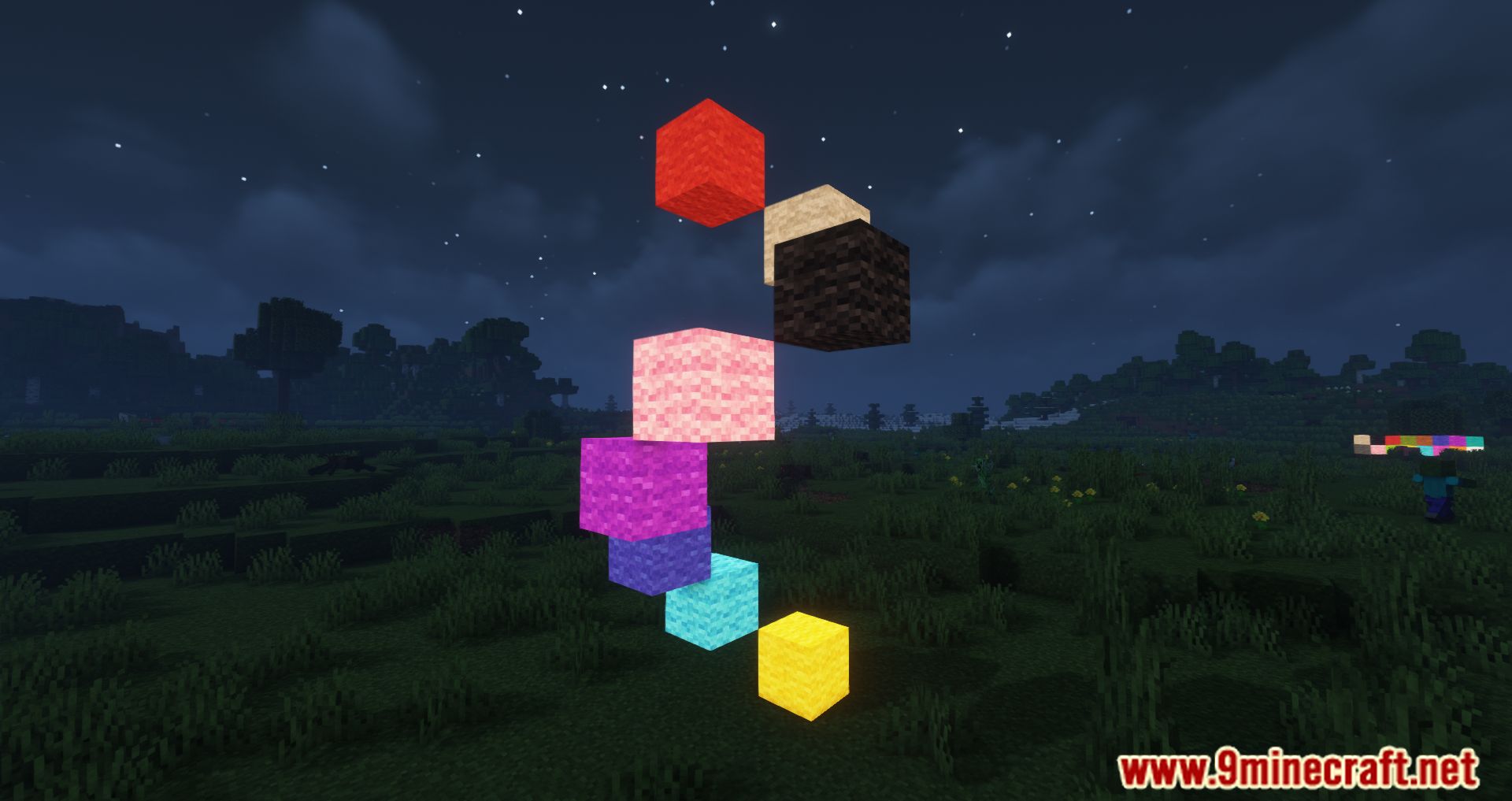
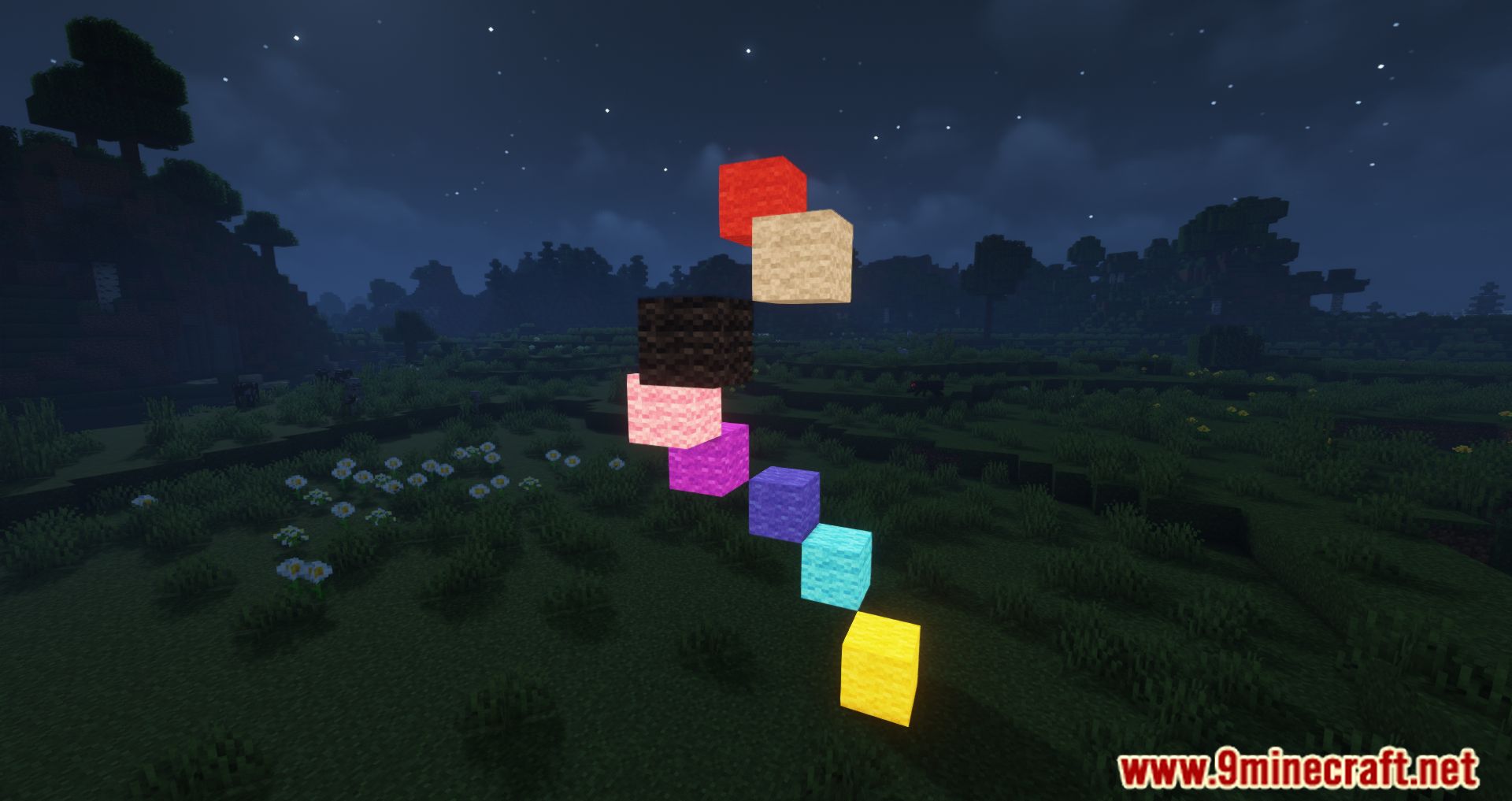
Luminous Wool Mod lets you add a bright glow to standard wool blocks. This mod uses glow ink to turn regular wool, carpets, beds, and banners into emissive light sources. It gives you a great way to light up your builds at night while keeping the colorful look of wool. The glowing effect looks best when you play on low brightness settings.
Features:
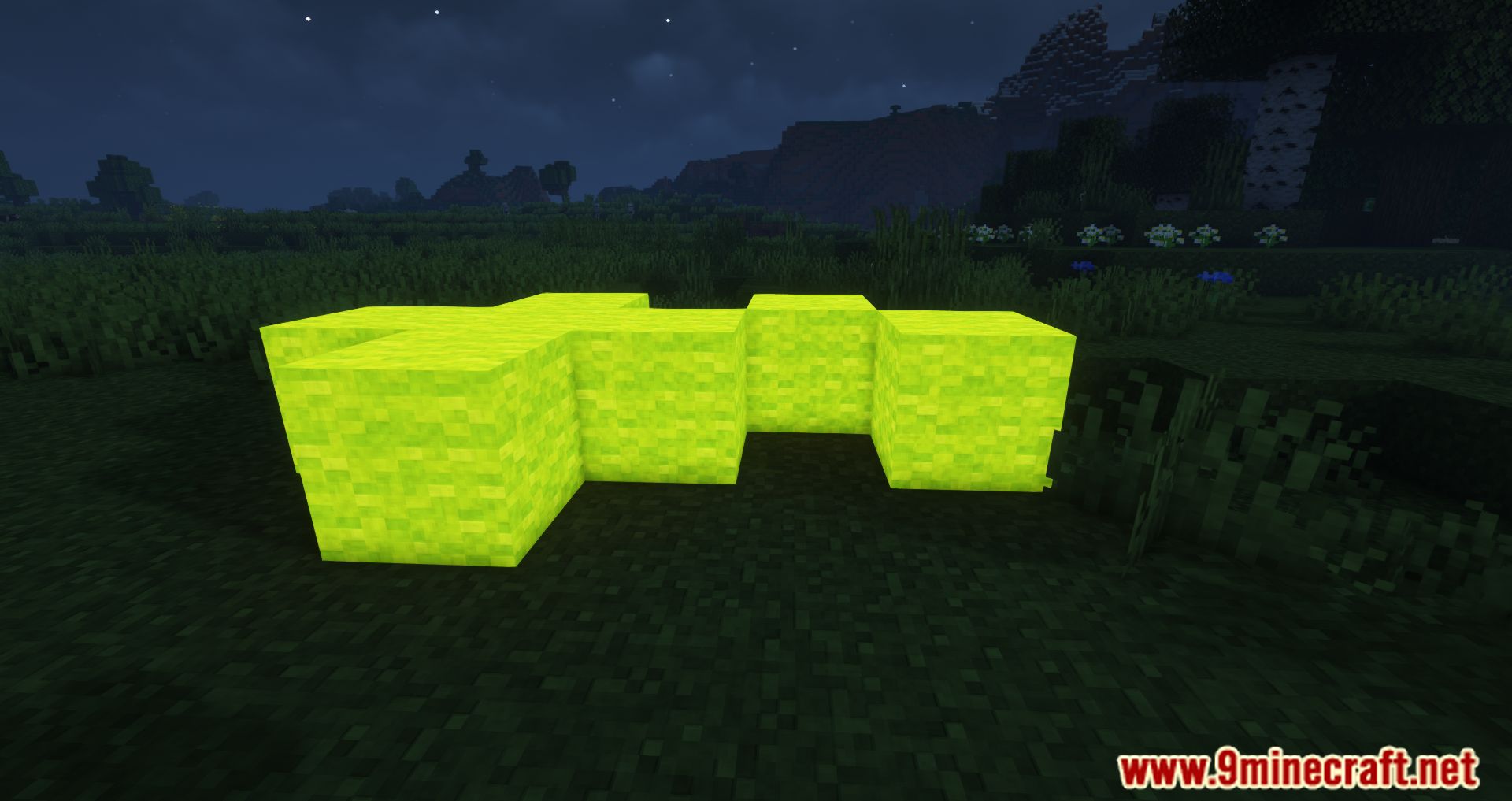
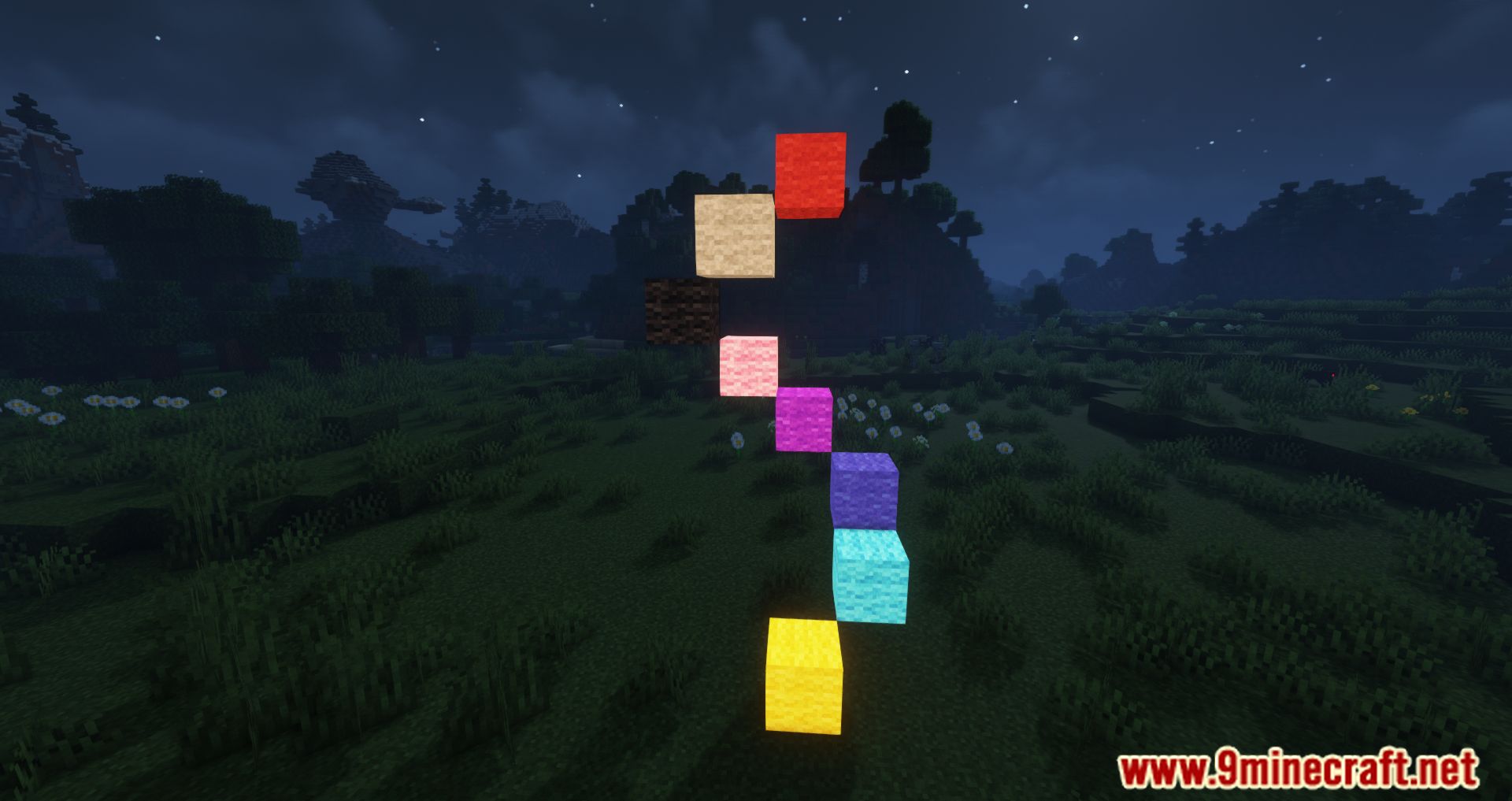
- Turns standard wool blocks into glowing light sources.
- Applies the emissive effect to carpets, beds, and banners.
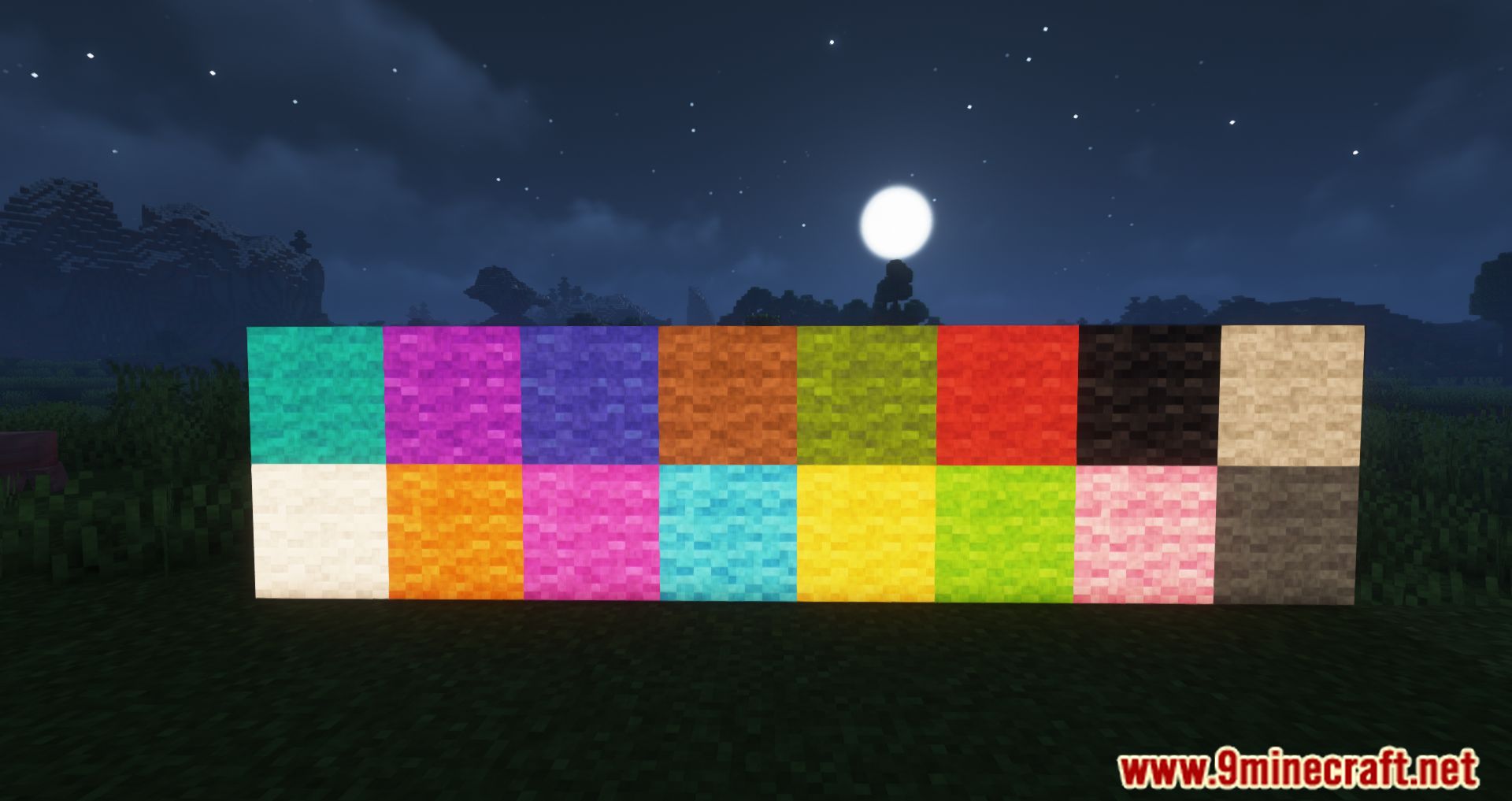
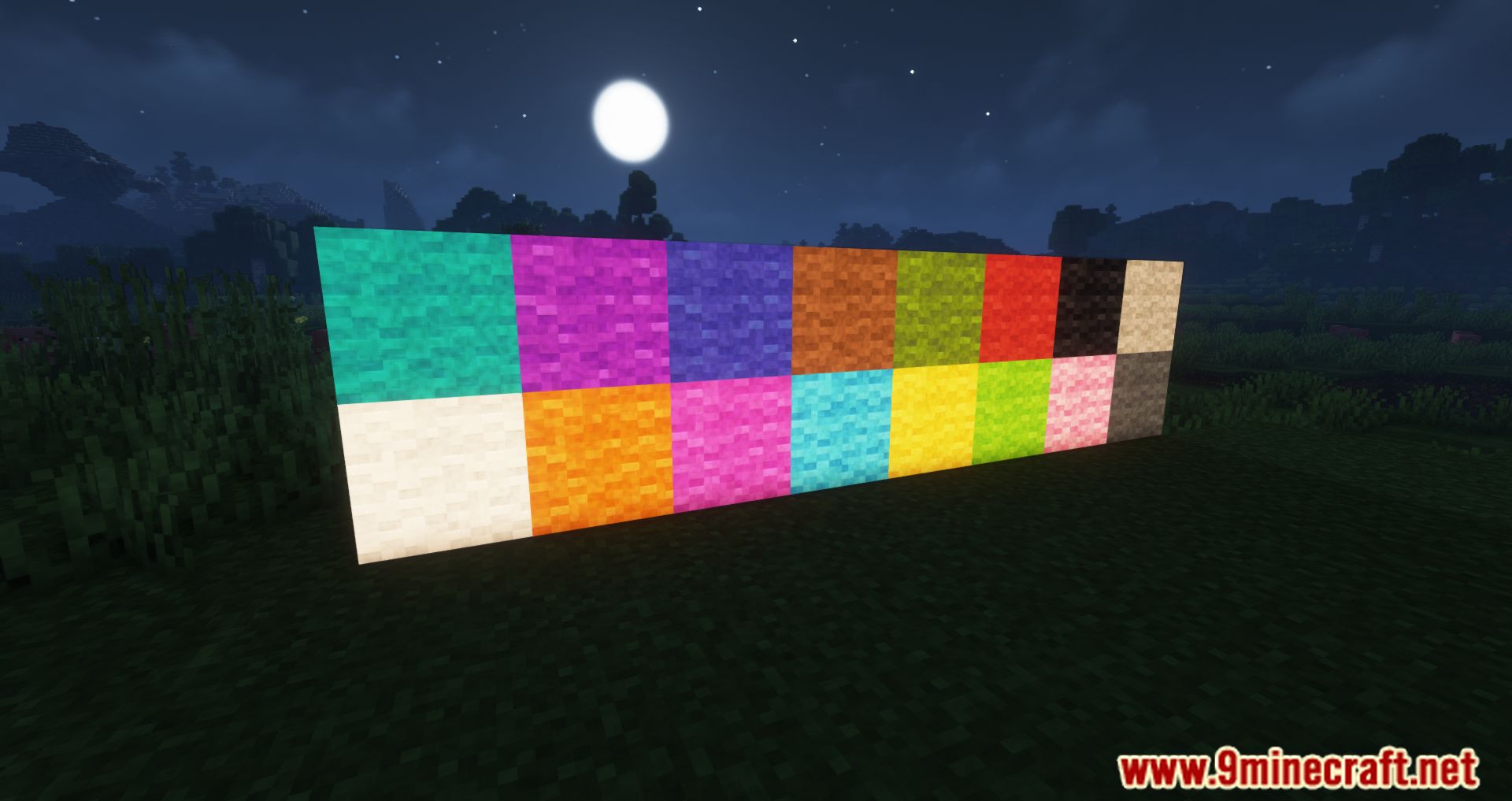
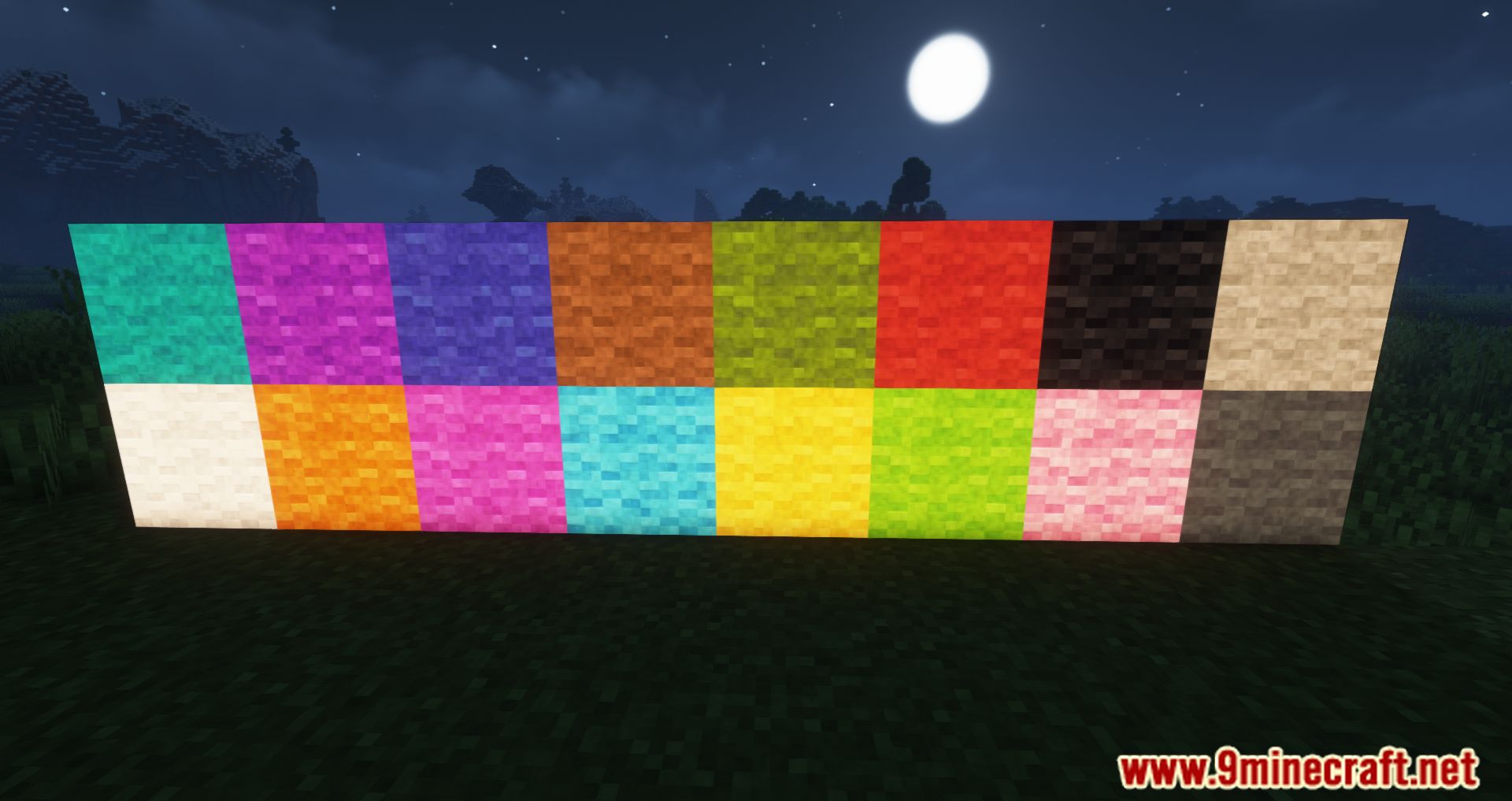
- Keeps the original bright colors of the blocks while illuminating the area around them.
- Enhances night landscapes and dark rooms with colorful glowing patterns.
How to Use:
- Hold a glow ink sac in your hand.
- Right-click on any placed wool, carpet, bed, or banner to apply the glowing effect in the world.
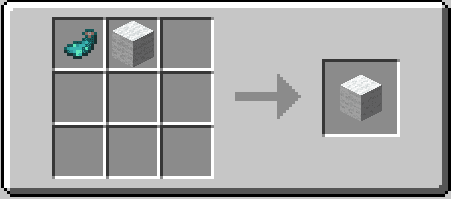
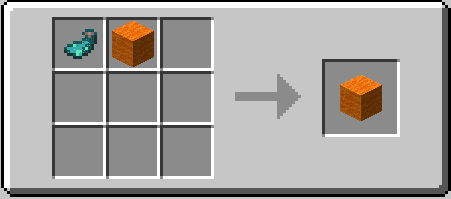
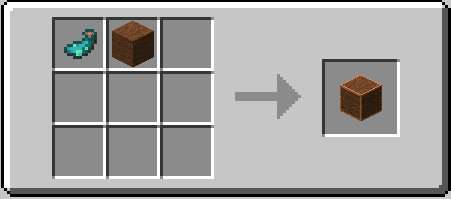
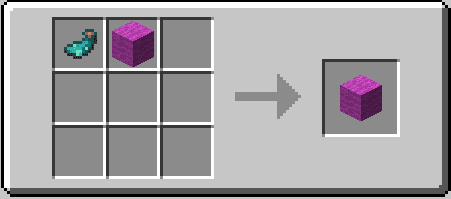
- Alternatively, place a glow ink sac and your chosen wool item together in the crafting menu to craft the emissive version directly.
Crafting Recipes:
Screenshots:
Luminous Wool Mod Download Links
Quick facts
- Edition: Minecraft Java
- File type: .jar
- Minecraft version listed: 1.18.2
- How to install: Install the matching mod loader (Forge, Fabric or NeoForge) for your Minecraft version. → Download the .jar. → Put it in the .minecraft/mods folder and launch that loader profile.
- Where to get it: Opens on the file's original source — not every file is mirrored on our own servers.
Install steps are the general flow for this file type — How to install Minecraft Java mods & modpacks walks through it step by step.
Luminous Wool Mod (26.2, 1.18.2) – Light Up Your Colorful Builds is a free Minecraft Java mod. Compatible with Minecraft 1.18.2. Download it and open it directly in the game.