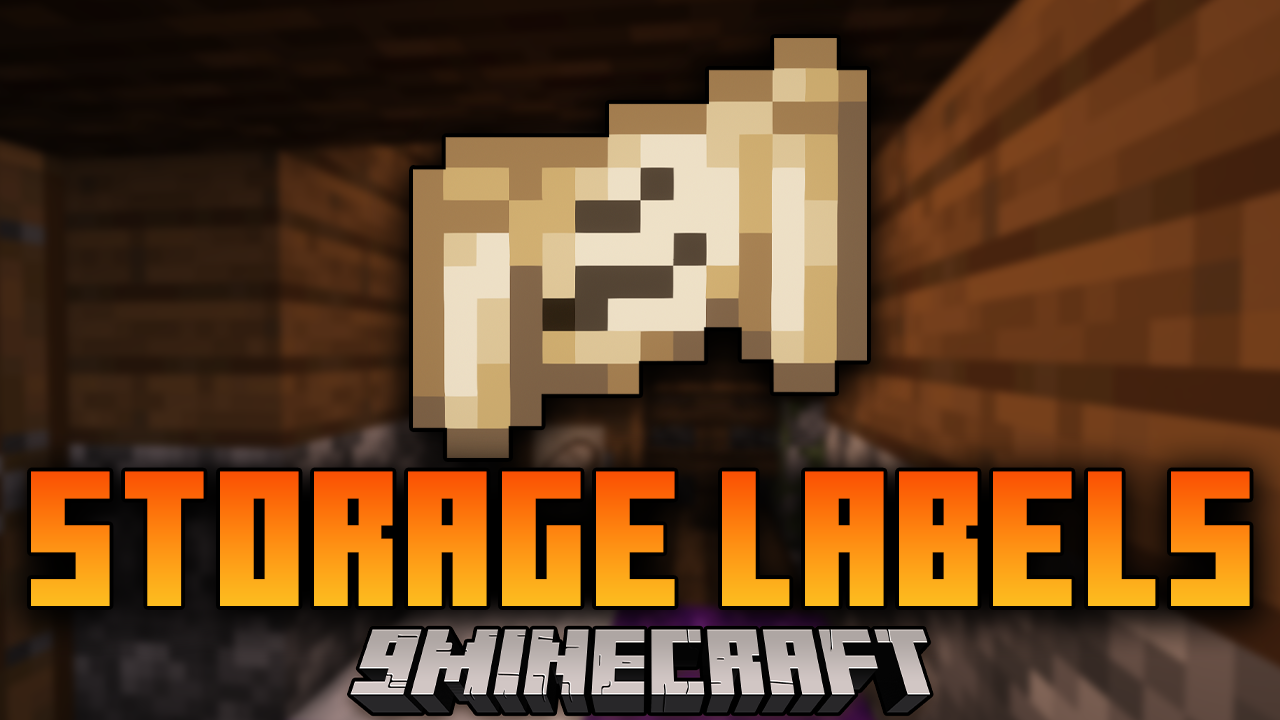
Storage Labels Mod (1.21.1, 1.20.1) – Fancy Item Labels
Java mod listed for Minecraft 1.20–1.21. Downloads from the MC Java Mods app on Android.
⬇ Download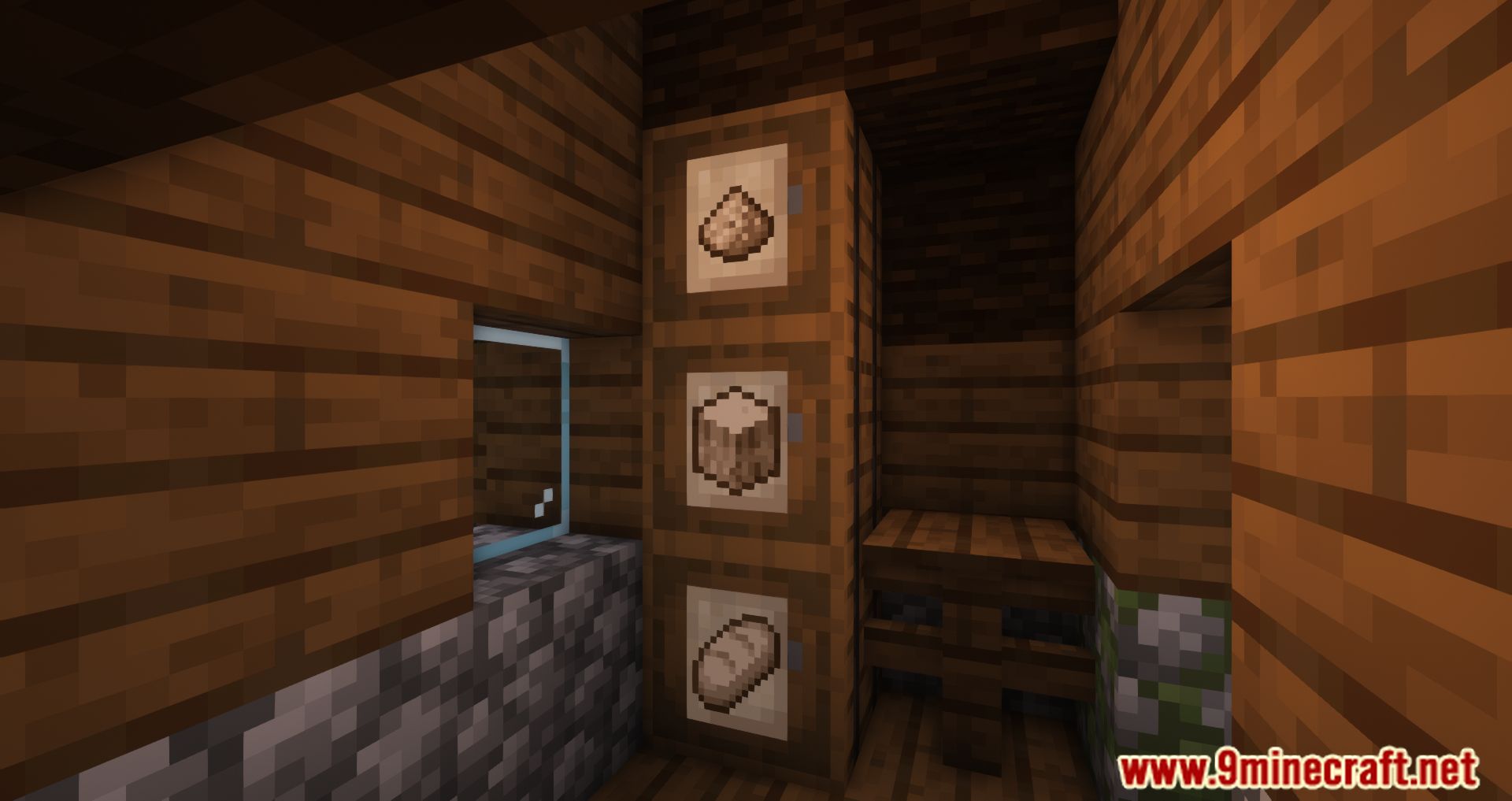
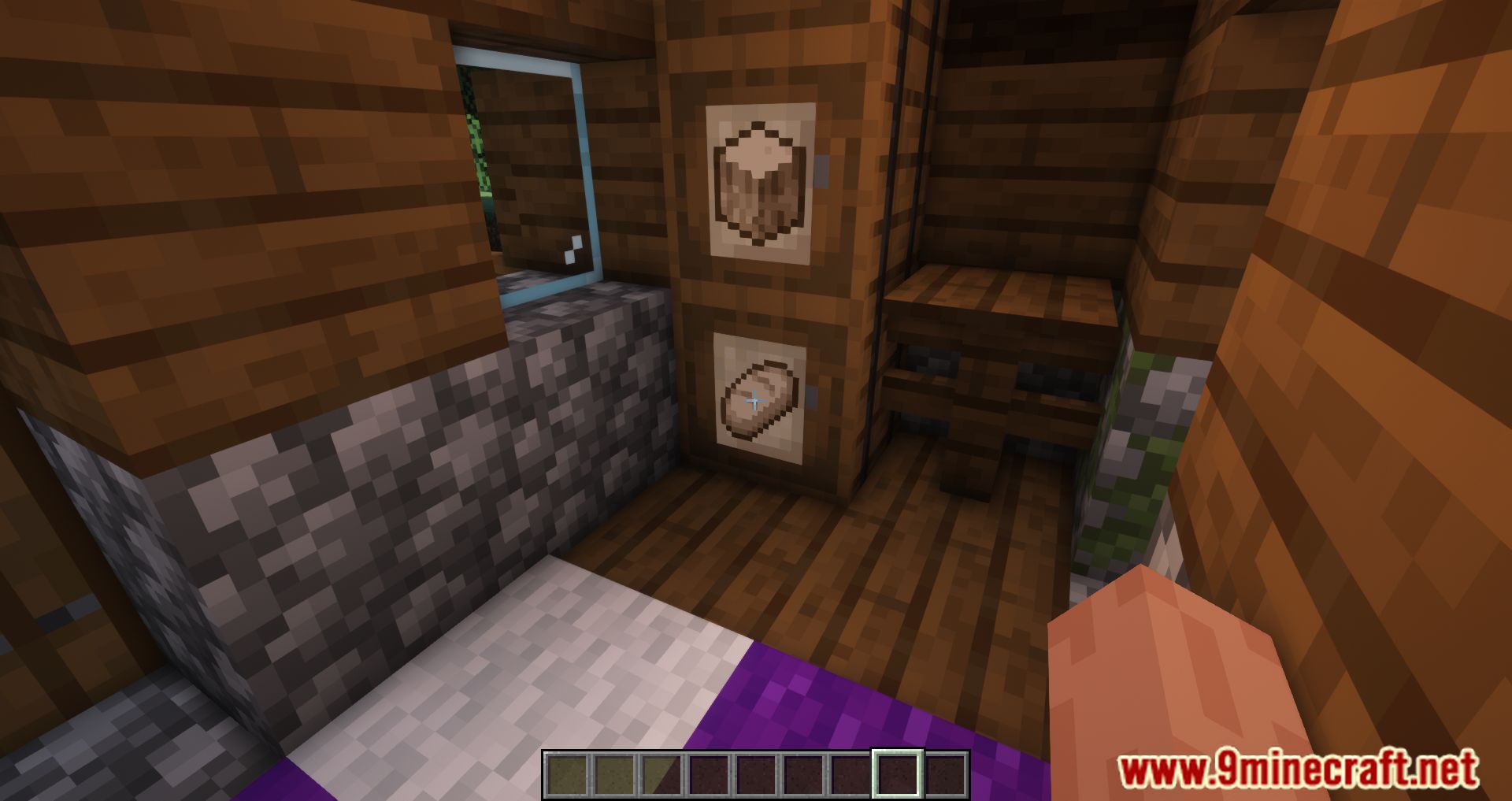
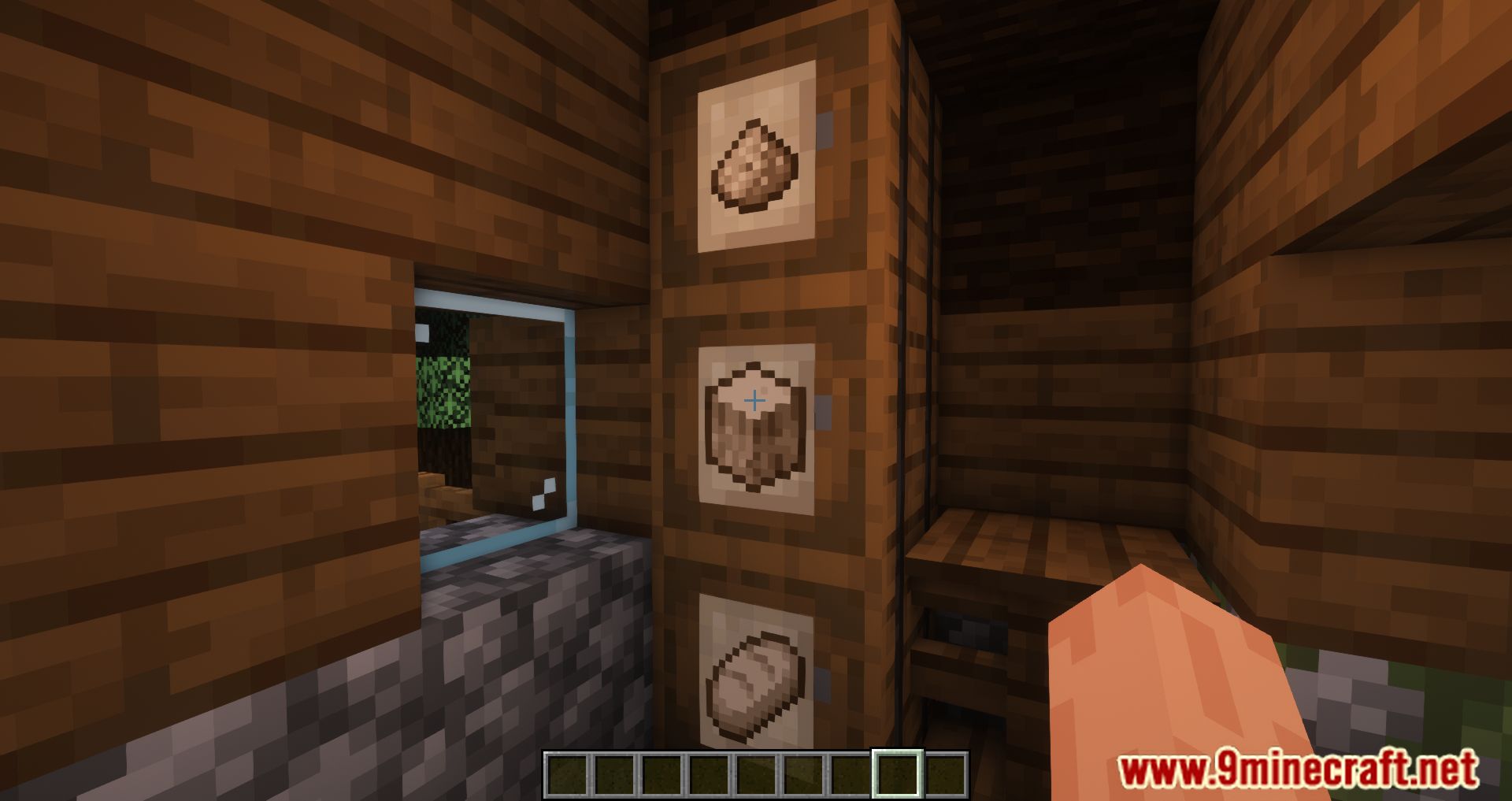
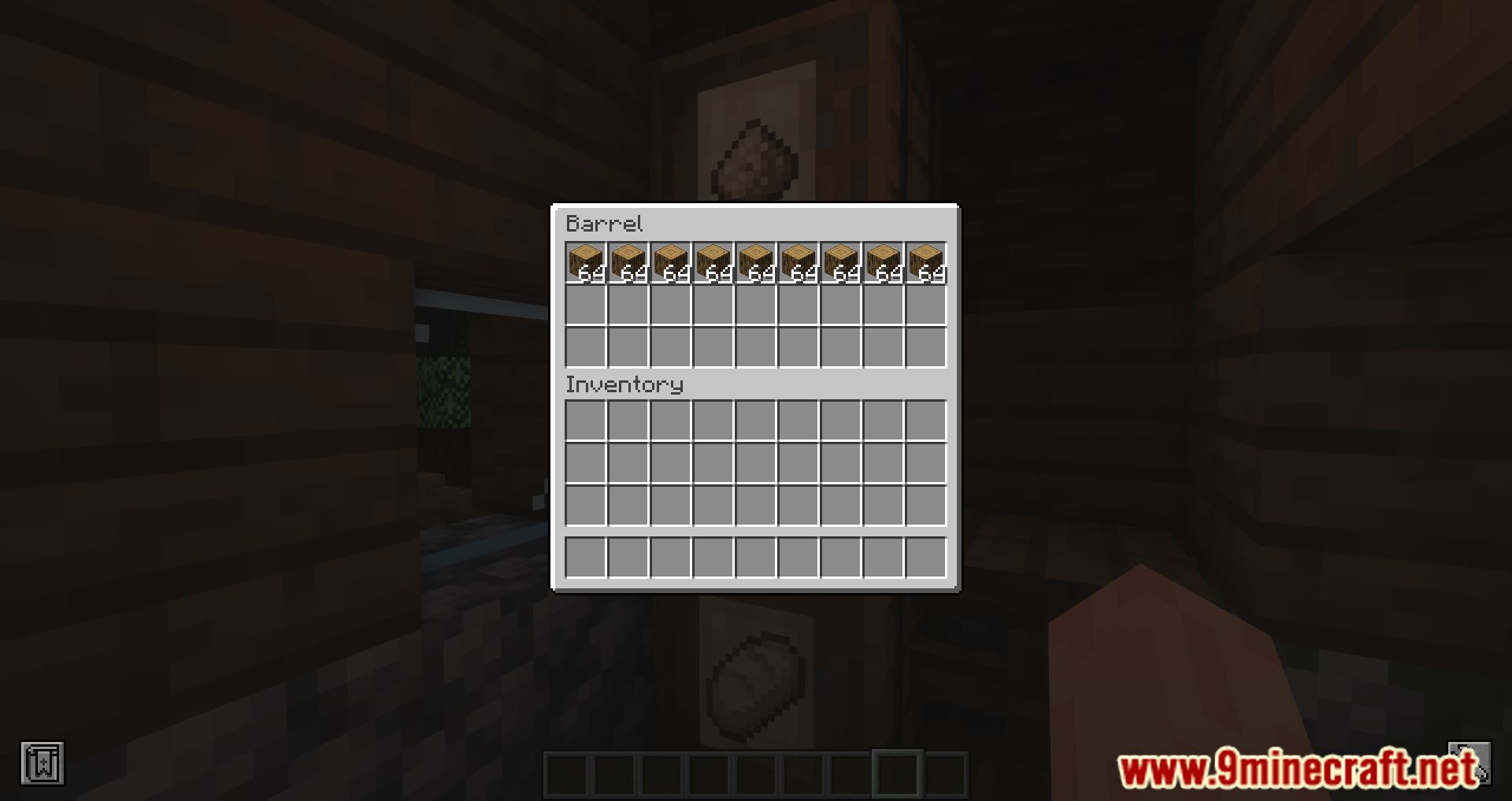
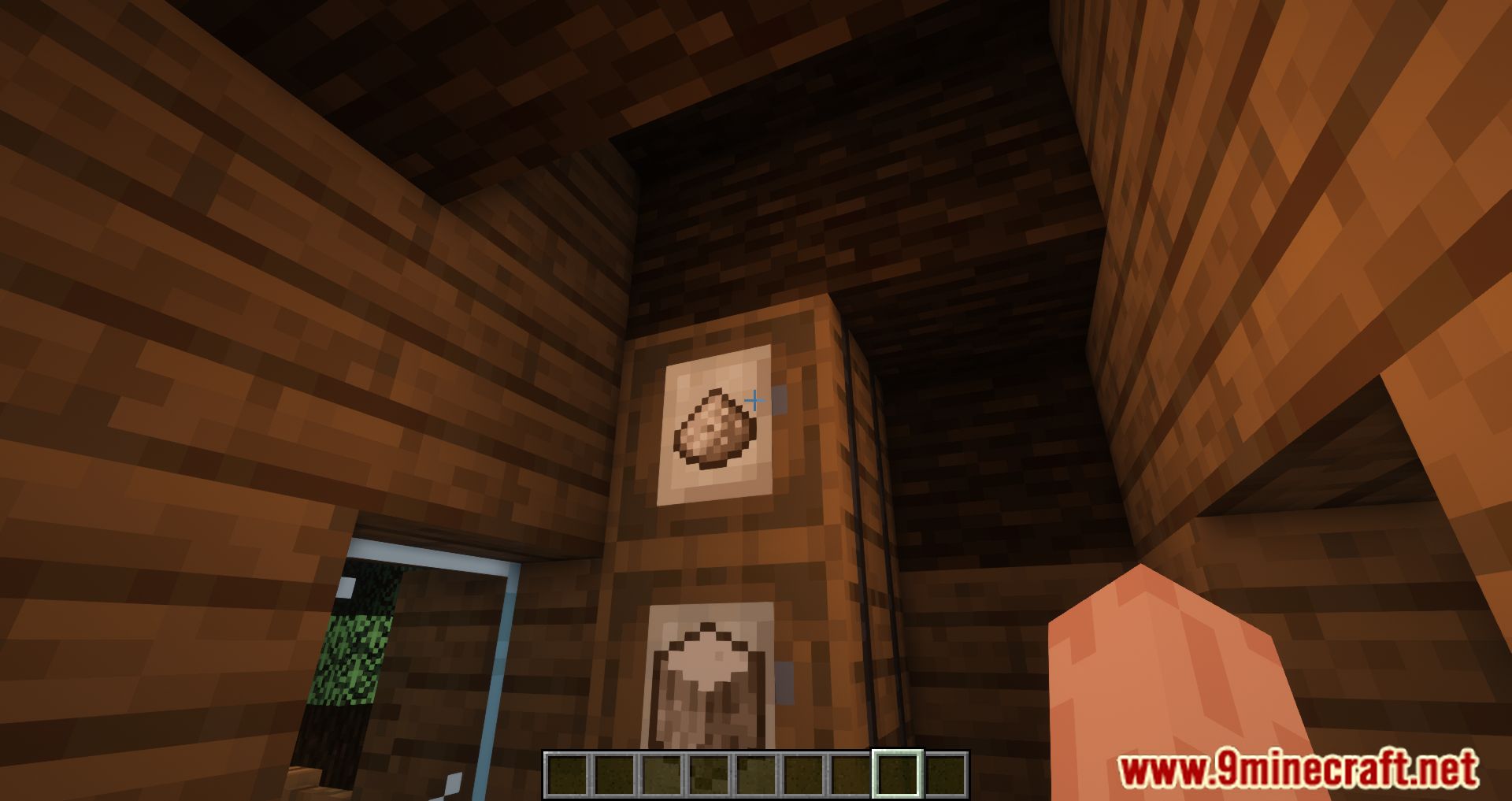
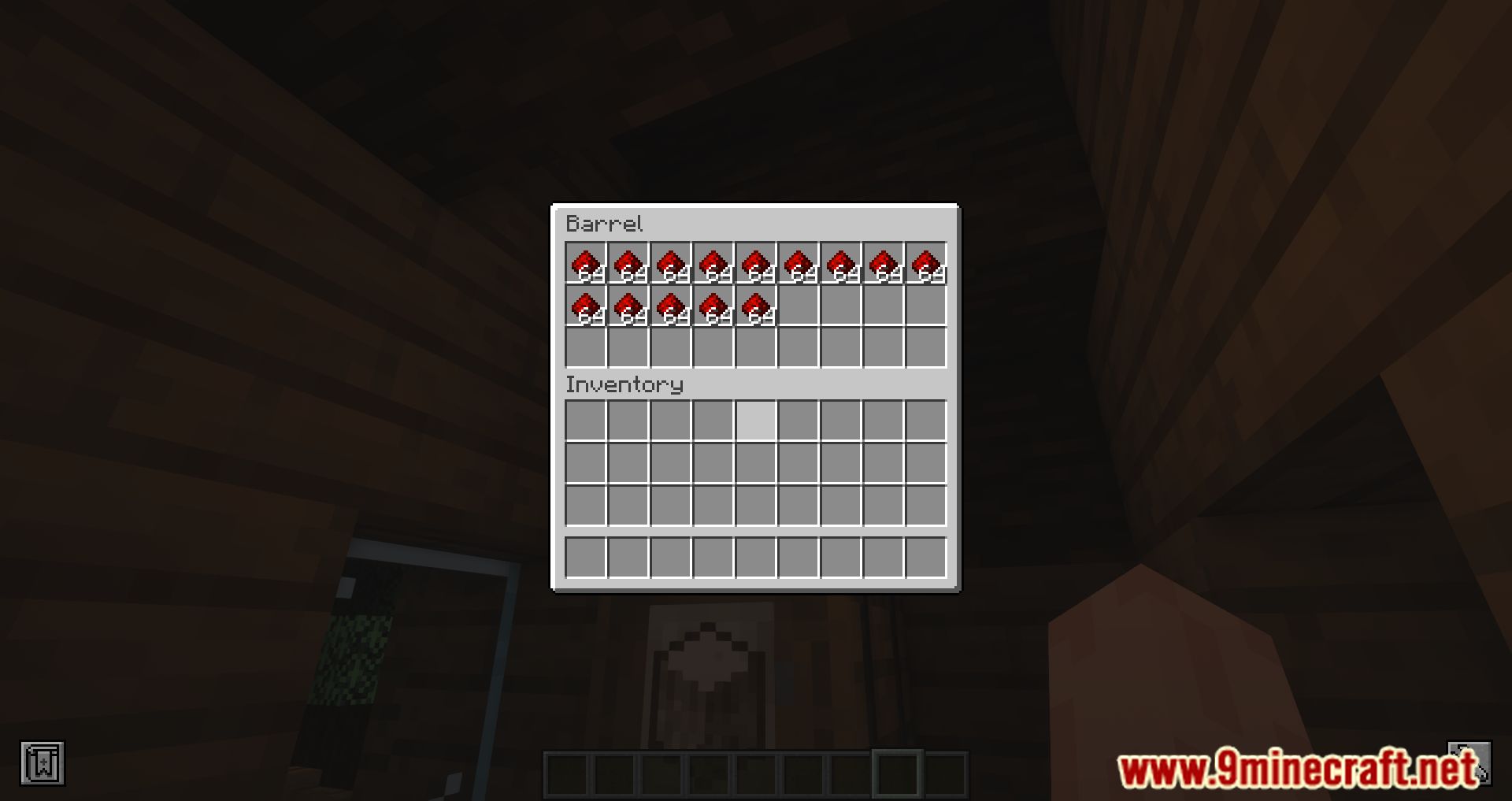
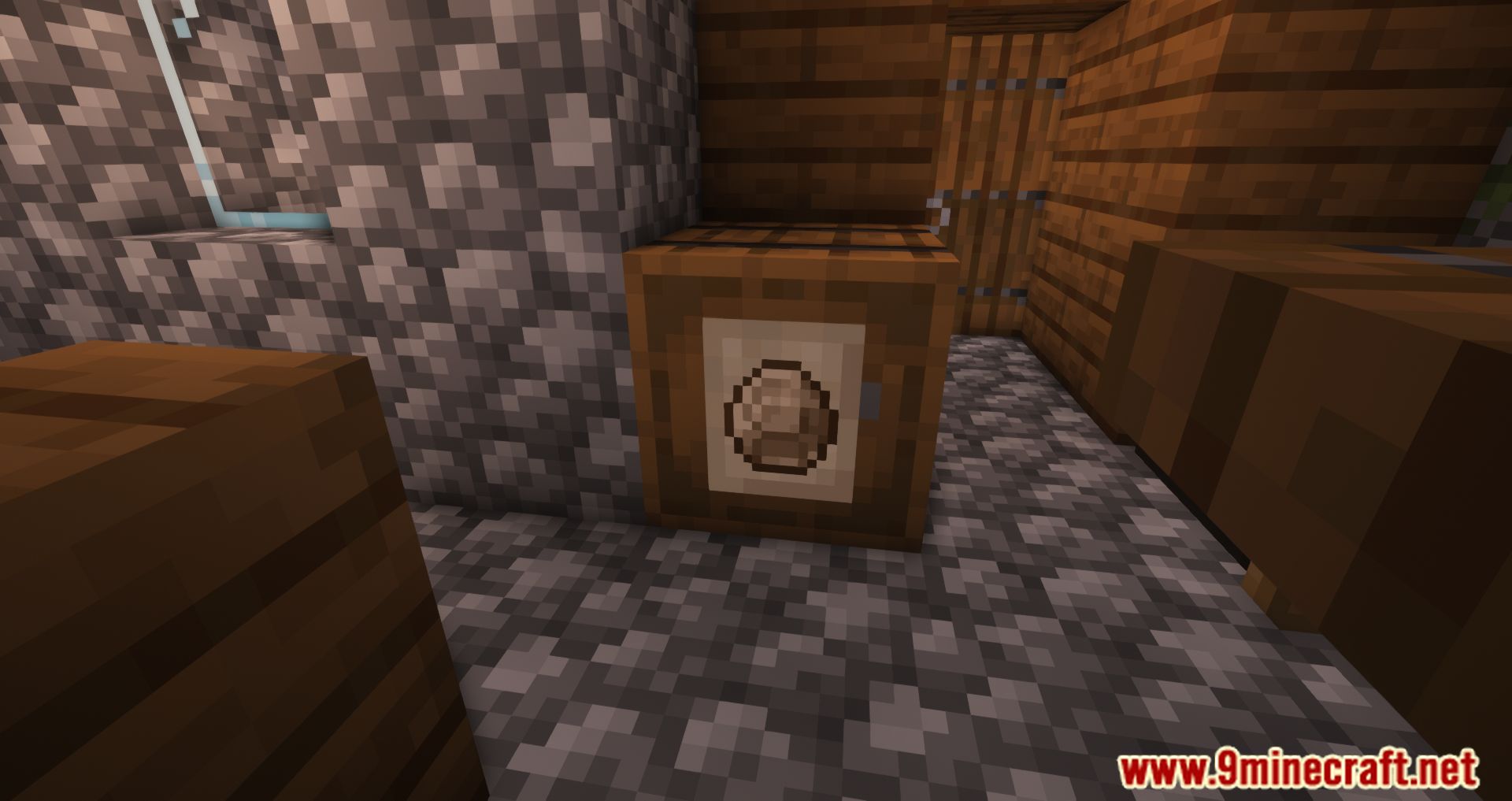
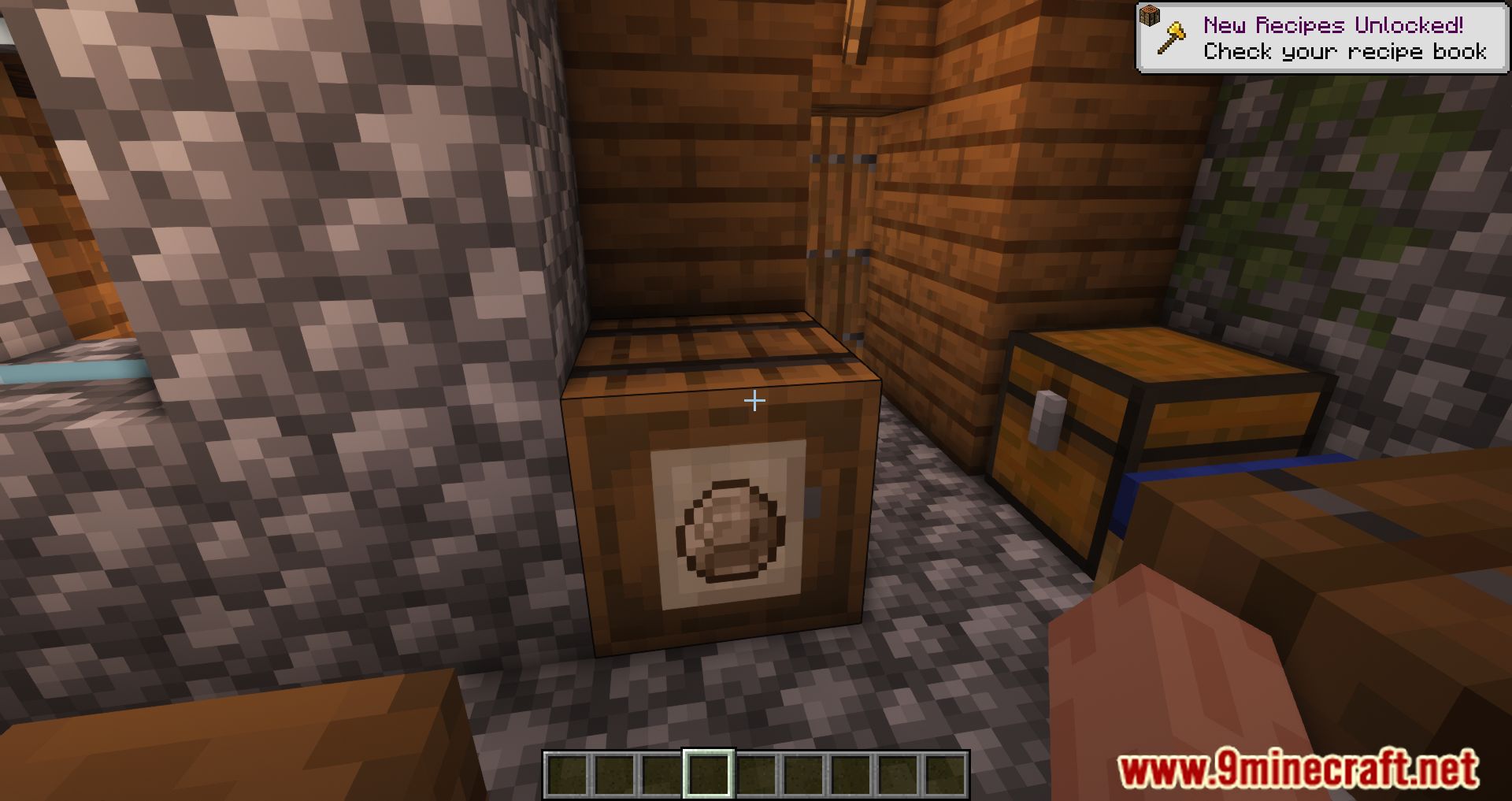
Storage Labels Mod is a mod that adds a single new item to the game-labels. These labels function similarly to item frames, but they can be placed on any block or object, regardless of shape. Label icons can be colored with any dye in the game, and they can even glow in the dark if you apply Glow Ink Sacks. Additionally, using a feather on a label will display the name of the item.
The process is simple:
- Shift + Click on a label with an item in hand, and the label’s image will update to match the item.
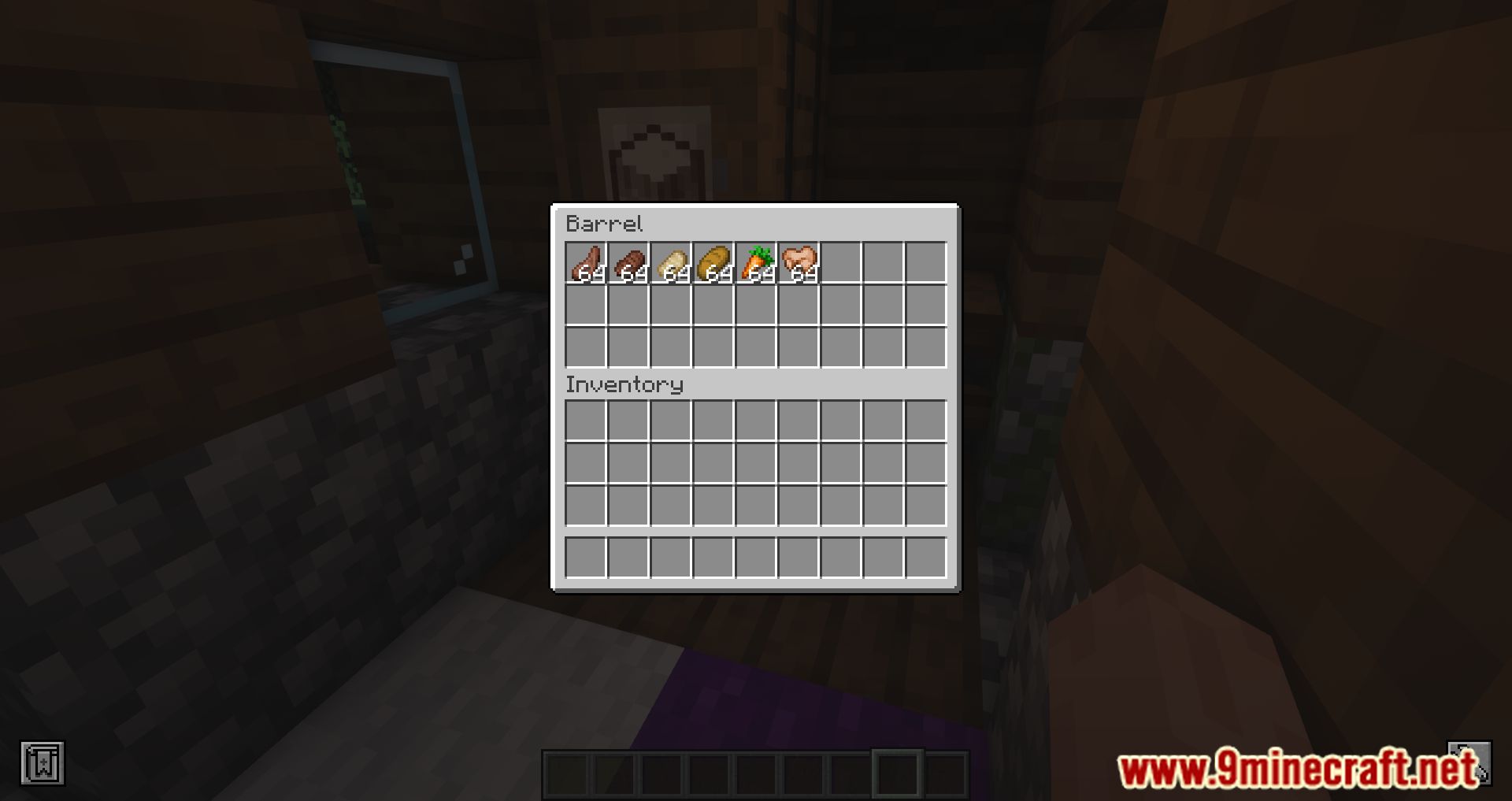
- Clicking on an already placed label allows players to interact with the block or object to which the label is attached.
Features:
- Labels can be attached to any block or object, regardless of shape.
- Labels can be colored with any dye and glow in the dark when using Glow Ink Sacks.
- Shift-clicking a label with an item updates its image to match the item in hand.
- Clicking on a placed label allows players to interact with the block behind it, making storage access more efficient.
- Using a feather on a label reveals the name of the item.
Screenshots:
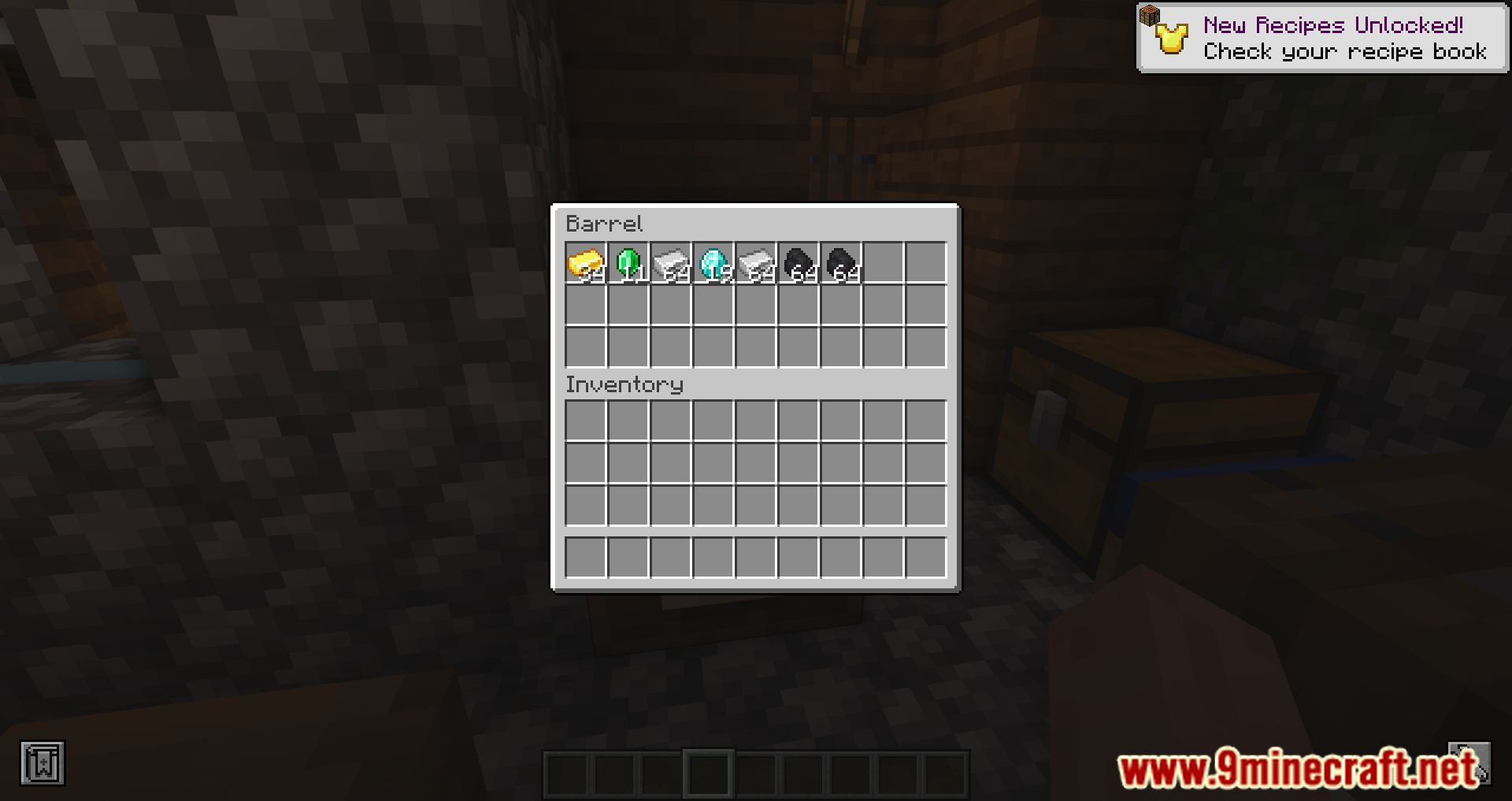
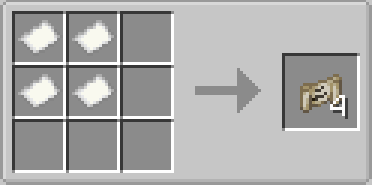
Crafting Recipes:
Storage Labels Mod Download Links
For Minecraft 1.21.1, 1.21
NeoForge Version: Download from Server 1 – Download from Server 2
Fabric Version: Download from Server 1 – Download from Server 2
For Minecraft 1.20.1, 1.20
Forge Version: Download from Server 1 – Download from Server 2
Fabric Version: Download from Server 1 – Download from Server 2
For Minecraft 1.19.4
Forge Version: Download from Server 1 – Download from Server 2
Fabric Version: Download from Server 1 – Download from Server 2
For Minecraft 1.19.3
Forge Version: Download from Server 1 – Download from Server 2
For Minecraft 1.19.2, 1.19.1
Forge Version: Download from Server 1 – Download from Server 2
Fabric Version: Download from Server 1 – Download from Server 2
- Edition: Minecraft Java
- File type: .jar
- Minecraft versions listed: 1.21.1, 1.20.1
- How to install: Install the matching mod loader (Forge, Fabric or NeoForge) for your Minecraft version. → Download the .jar. → Put it in the .minecraft/mods folder and launch that loader profile.
- Where to get it: In MC Java Mods, or directly above on this page.
Install steps are the general flow for this file type — How to install Minecraft Java mods & modpacks walks through it step by step.
- Downloads as 178547.mcaddon
- Download size: 91 KB
- Download link checked 26 Jul 2026 — working
- Mirrored on our own servers — the download does not depend on the original host
These come from our own check of the pack file, not from the source page.