TexTrue's Rubidium Options Mod (1.20.1, 1.19.2) – Tweak Graphics with Ease
Java mod listed for Minecraft 1.19–1.20. Downloads from the MC Java Mods app on Android.
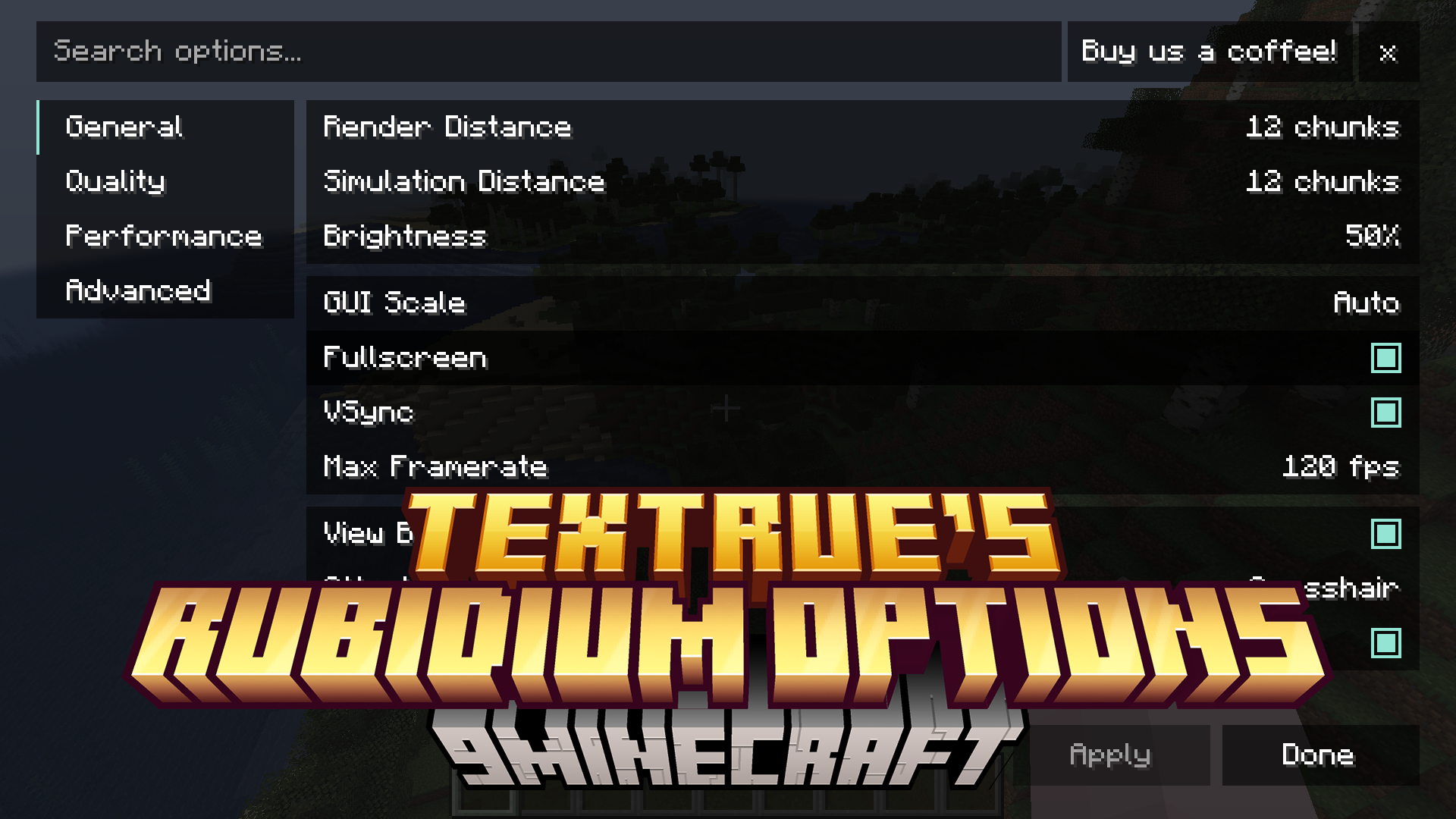
TexTrue's Rubidium Options Mod brings the popular video settings menu from Reese's Sodium Options to players using the Rubidium mod. It replaces the…
⬇ Download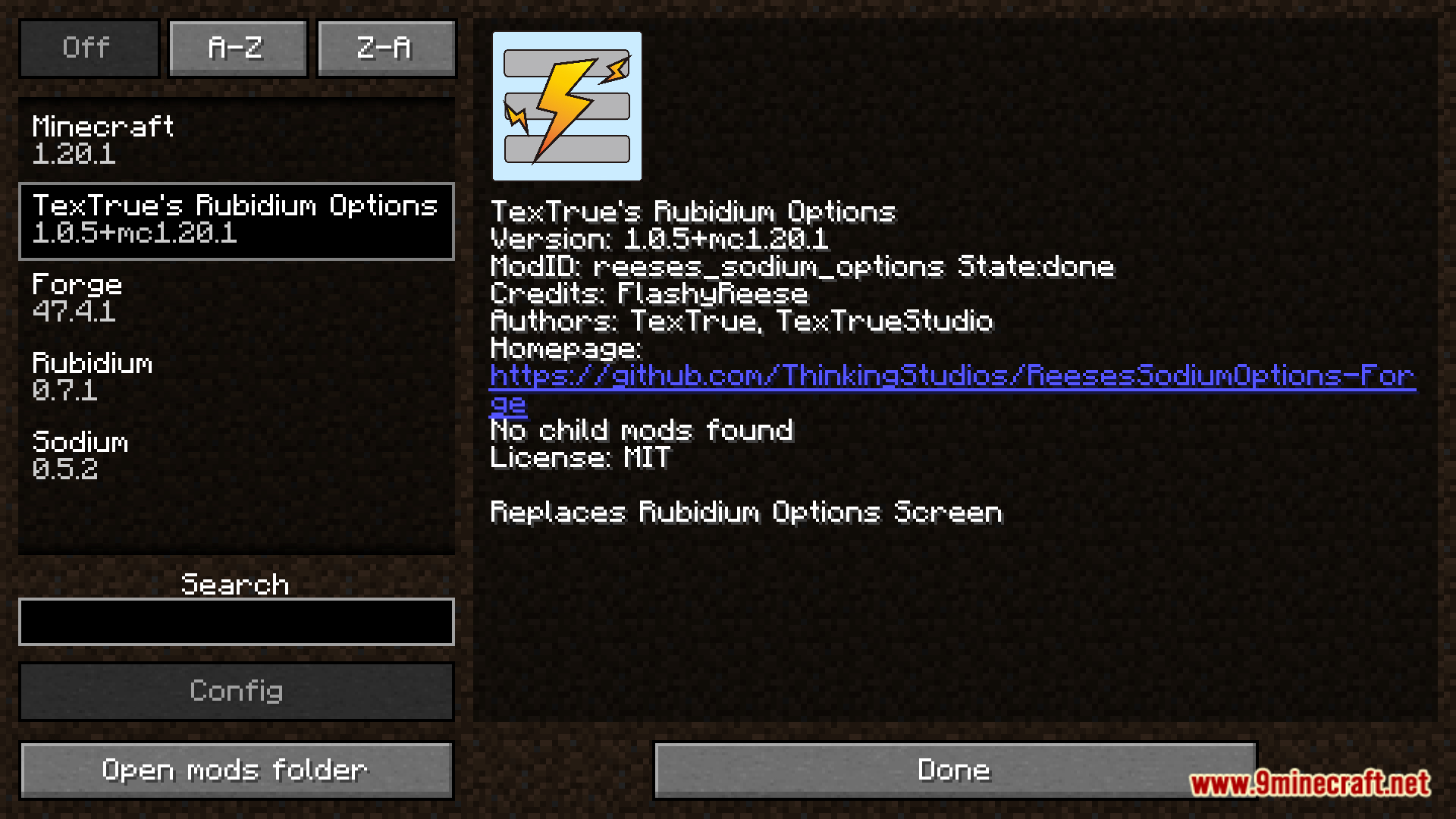
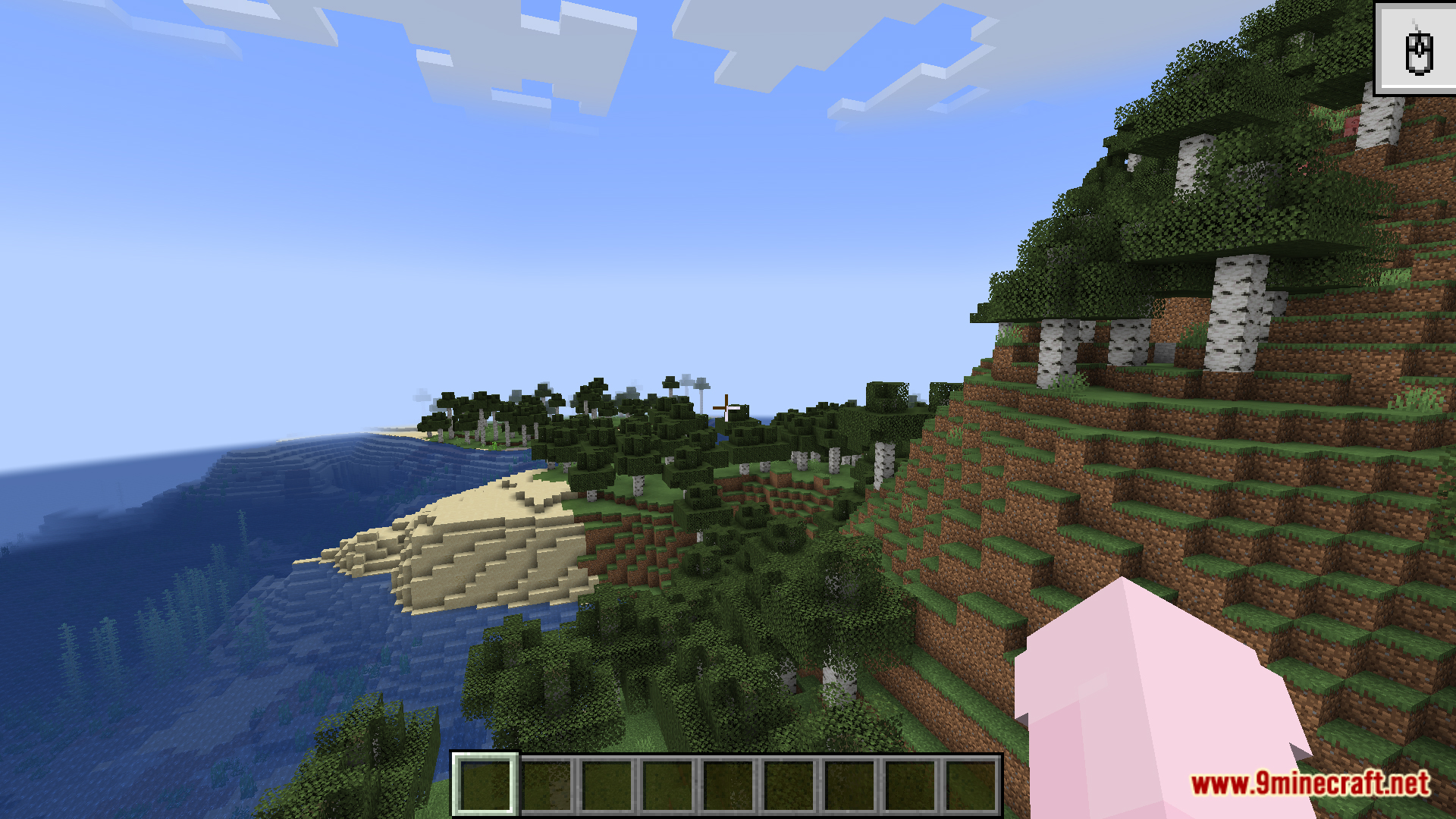
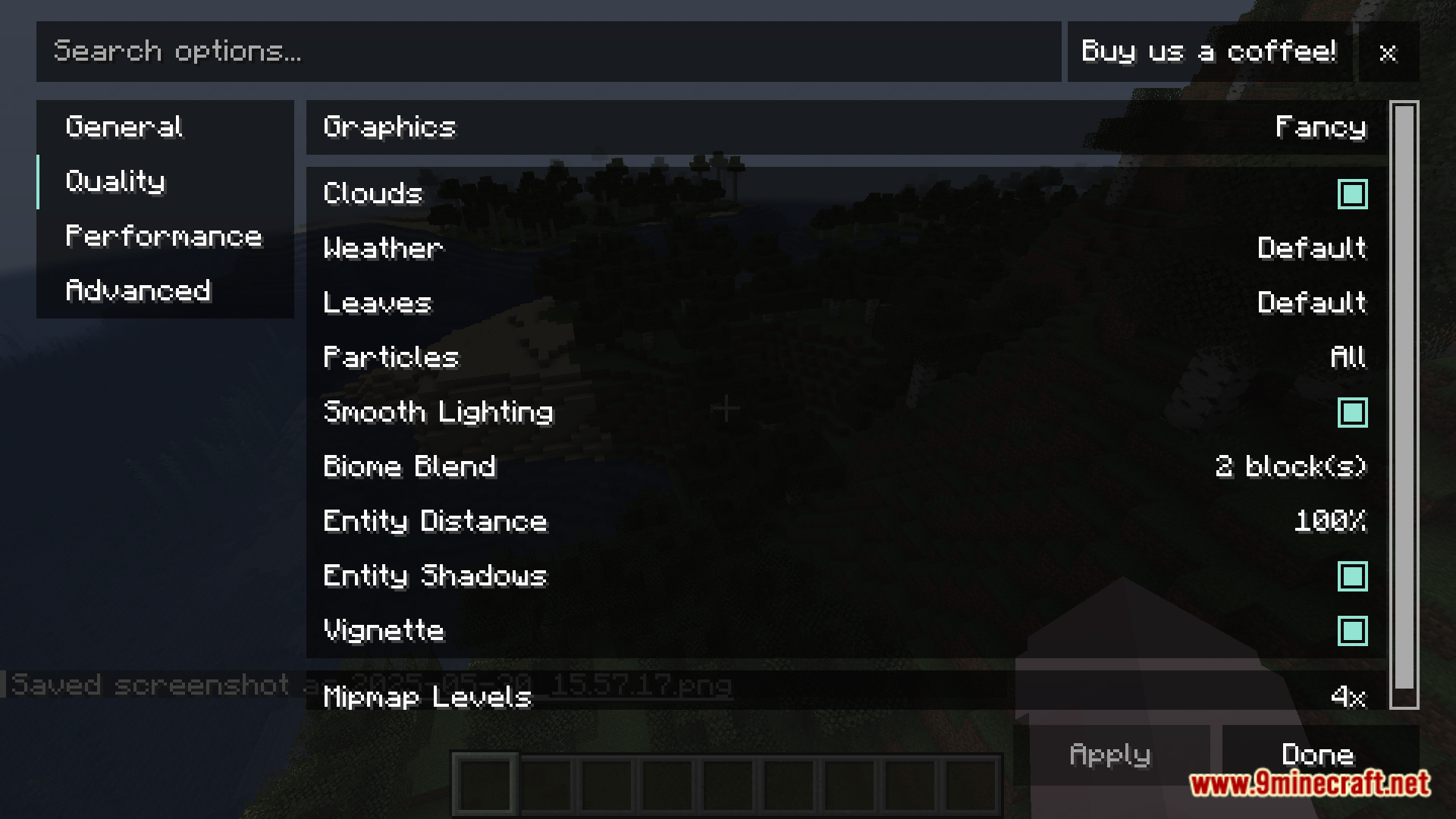
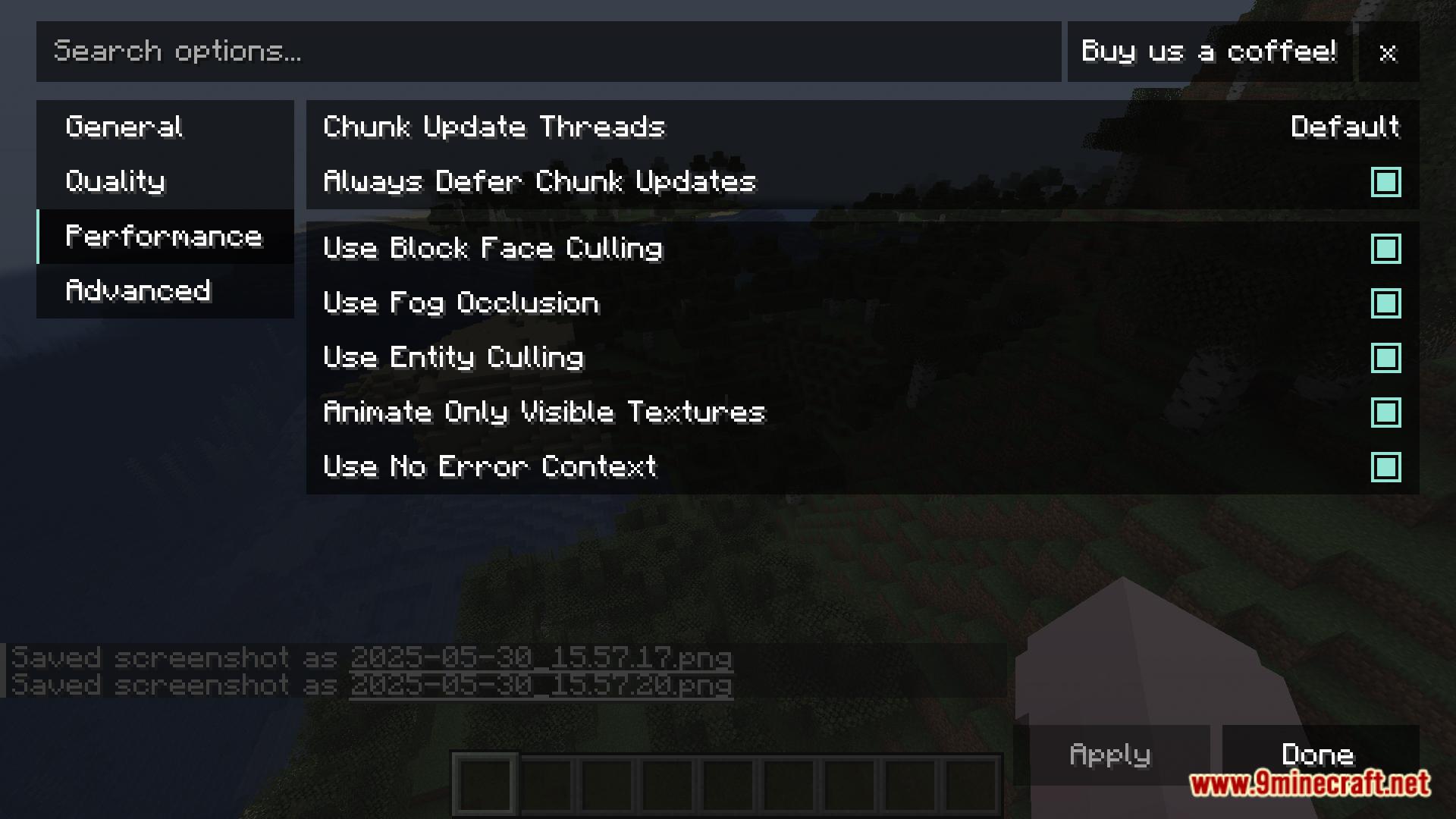
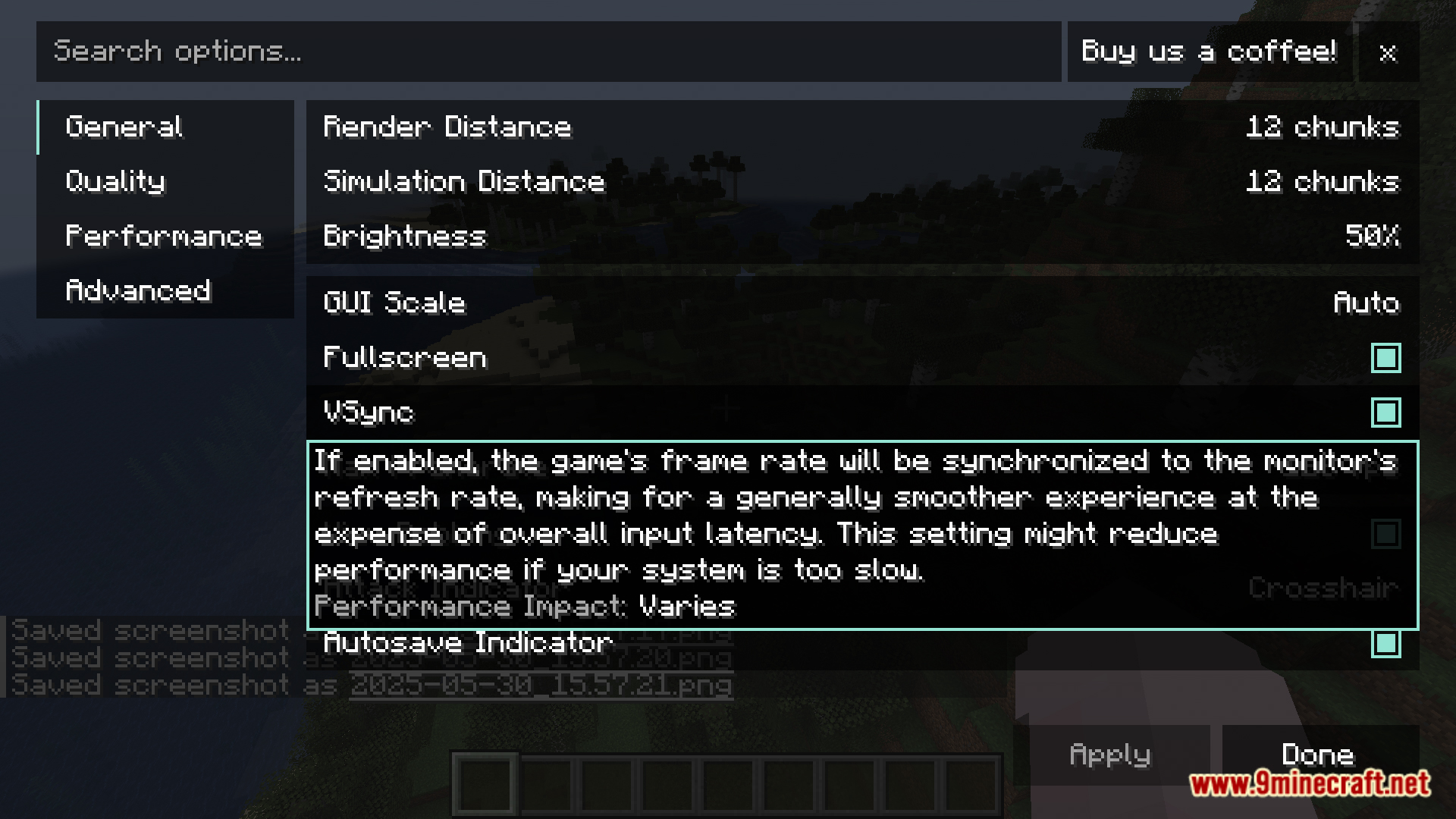
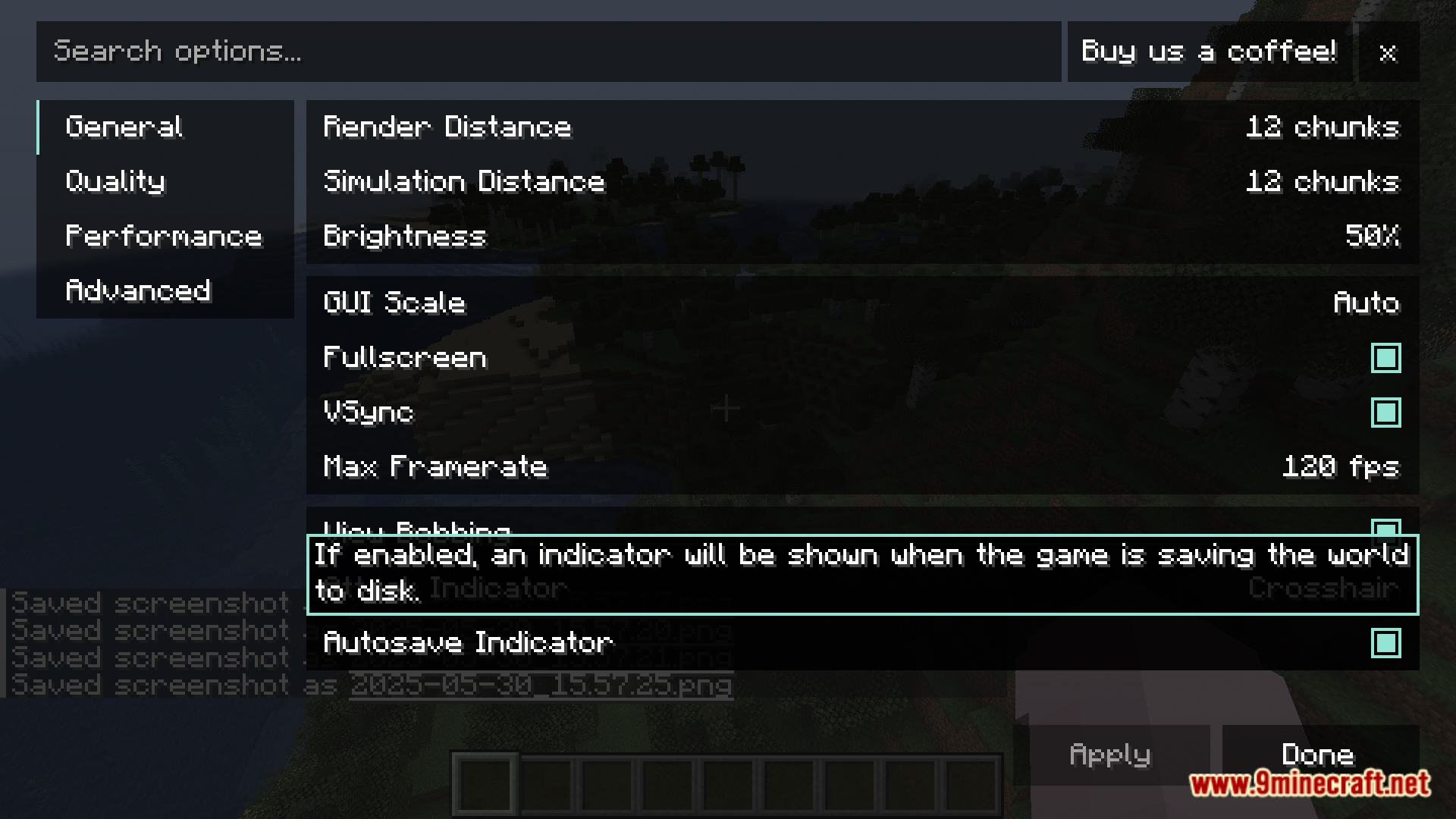
TexTrue’s Rubidium Options Mod brings the popular video settings menu from Reese’s Sodium Options to players using the Rubidium mod. It replaces the default settings screen with a more user-friendly interface. This makes it easier to change your graphics options and improve game performance.
Features:
- Adds a new, easy-to-use video settings menu for the Rubidium mod.
- Gives you more control over graphics options to fine-tune your game.
- Helps you adjust settings easily to get better performance and smoother gameplay.
Screenshots:
TexTrue's Rubidium Options Mod Download Links
For Minecraft 1.20.1
Forge/NeoForge version: Download from Server 1 – Download from Server 2
For Minecraft 1.19.2
Forge version: Download from Server 1 – Download from Server 2
For Minecraft 1.18.2
Forge version: Download from Server 1 – Download from Server 2
For Minecraft 1.16.5
Forge version: Download from Server 1 – Download from Server 2
- Edition: Minecraft Java
- File type: .jar
- Minecraft versions listed: 1.20.1, 1.19.2
- How to install: Install the matching mod loader (Forge, Fabric or NeoForge) for your Minecraft version. → Download the .jar. → Put it in the .minecraft/mods folder and launch that loader profile.
- Where to get it: In MC Java Mods, or directly above on this page.
Install steps are the general flow for this file type — How to install Minecraft Java mods & modpacks walks through it step by step.
- Downloads as 178557.mcaddon
- Download size: 217 KB
- Download link checked 24 Jul 2026 — working
- Mirrored on our own servers — the download does not depend on the original host
These come from our own check of the pack file, not from the source page.