Create Extended Cogwheels Mod is an addon to Create Mod adding more cogwheels to the create mod aswell as providing progression systems to modpack developers through configurations.
Features:
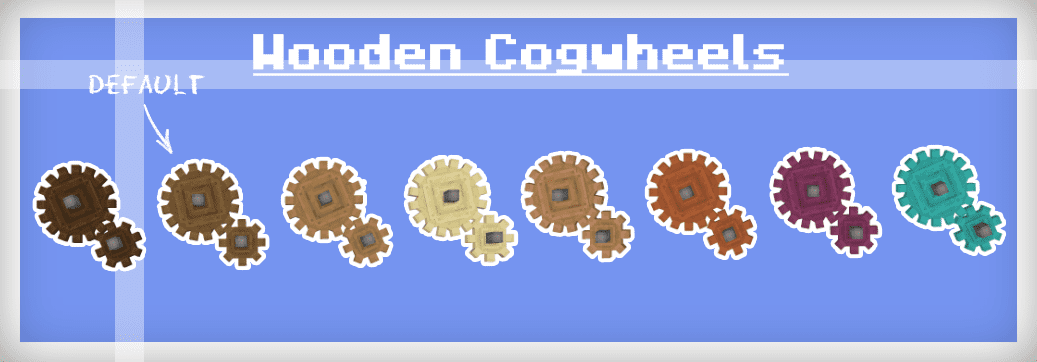
- Expanded Cogwheel Materials: Supports any wood type, dynamically mapping textures.
- Allows players to encase cogwheels with different materials for aesthetic customization.
- Reduces clutter by merging all cogwheel materials into a single block per shape.
- Introduces chunky brass cogwheels with unique models.
- Enhances shaftless and half-shaft cogwheel placement for better usability.
Screenshots:
Materials:
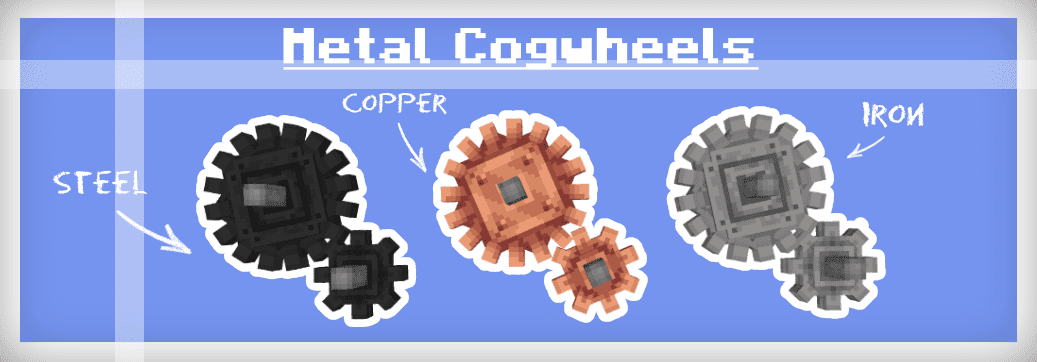
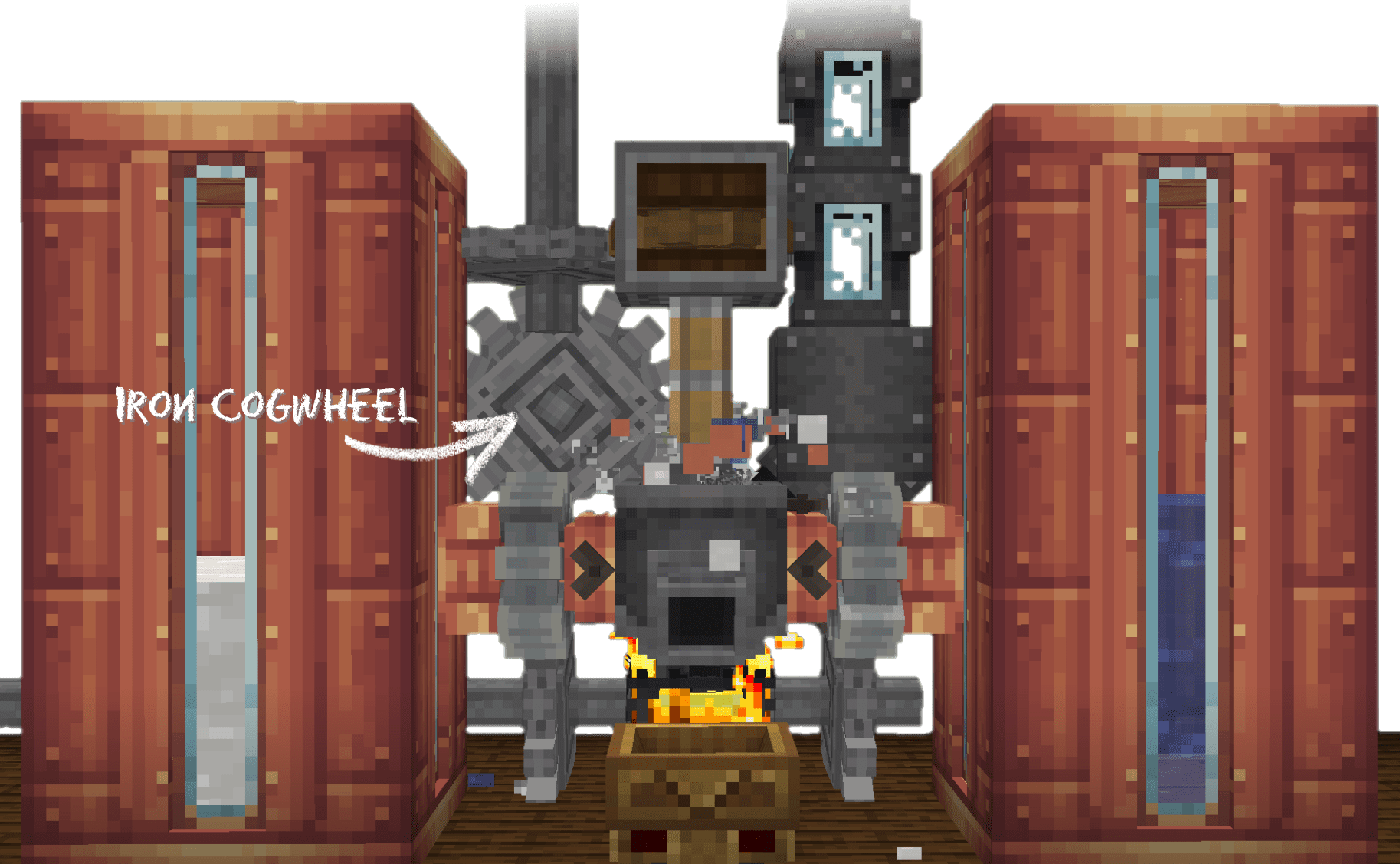
Dont worry there isn’t yet another steel ingot implemented in this mod nor does it depend on any other mods that add steel. To make the mod as compatible with existing worlds as possible iron cogwheels can be blasted to turn into steel flywheels, or if steel is in your modpack then they can be crafted like any other cogwheel using steel ingots.
The recipe for regular cogwheels has been changed so that they can only be crafted with spruce planks, all recipes that use cogwheels have also been altered to accept any cogwheel type to prevent incompatibility
Create Extended Cogwheels Mod Download Links
For Minecraft 1.20.1, 1.20
Forge/NeoForge version: Download from Server 1 – Download from Server 2
Fabric version: Download from Server 1 – Download from Server 2
For Minecraft 1.19.2
Forge version: Download from Server 1 – Download from Server 2
Fabric version: Download from Server 1 – Download from Server 2
For Minecraft 1.18.2
Forge version: Download from Server 1 – Download from Server 2
Fabric version: Download from Server 1 – Download from Server 2
- Edition: Minecraft Java
- File type: .jar
- Minecraft versions listed: 1.20.1, 1.19.2
- How to install: Install the matching mod loader (Forge, Fabric or NeoForge) for your Minecraft version. → Download the .jar. → Put it in the .minecraft/mods folder and launch that loader profile.
- Where to get it: In MC Java Mods, or directly above on this page.
Install steps are the general flow for this file type — How to install Minecraft Java mods & modpacks walks through it step by step.
- Downloads as 178580.mcaddon
- Download size: 224 KB
- Download link checked 24 Jul 2026 — working
- Mirrored on our own servers — the download does not depend on the original host
These come from our own check of the pack file, not from the source page.