ModsJava
Xenon Client Mod (1.21.1) – Free Ghost Client
Java mod listed for Minecraft 1.21. Download on the author's site.
⬇ Download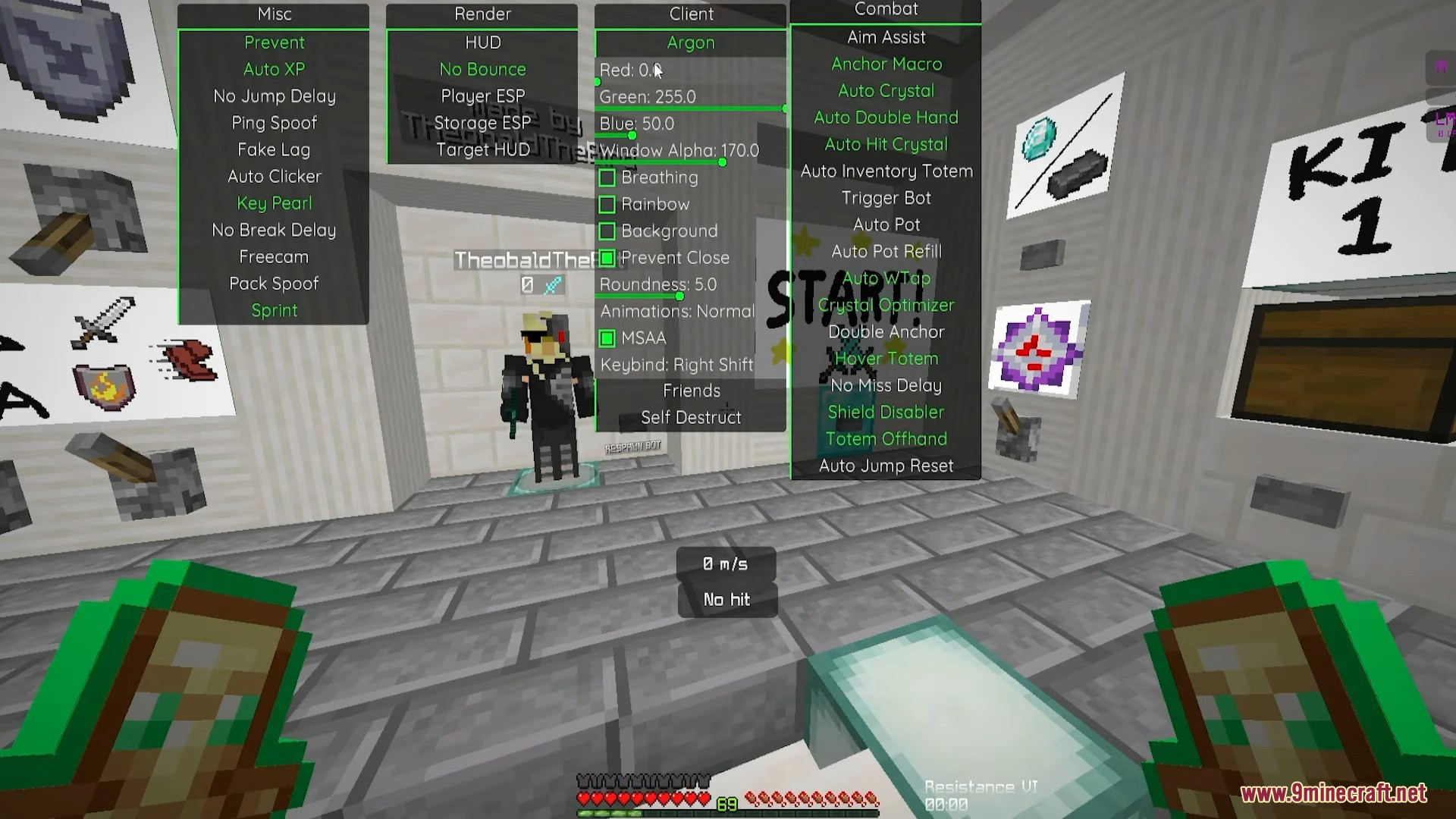
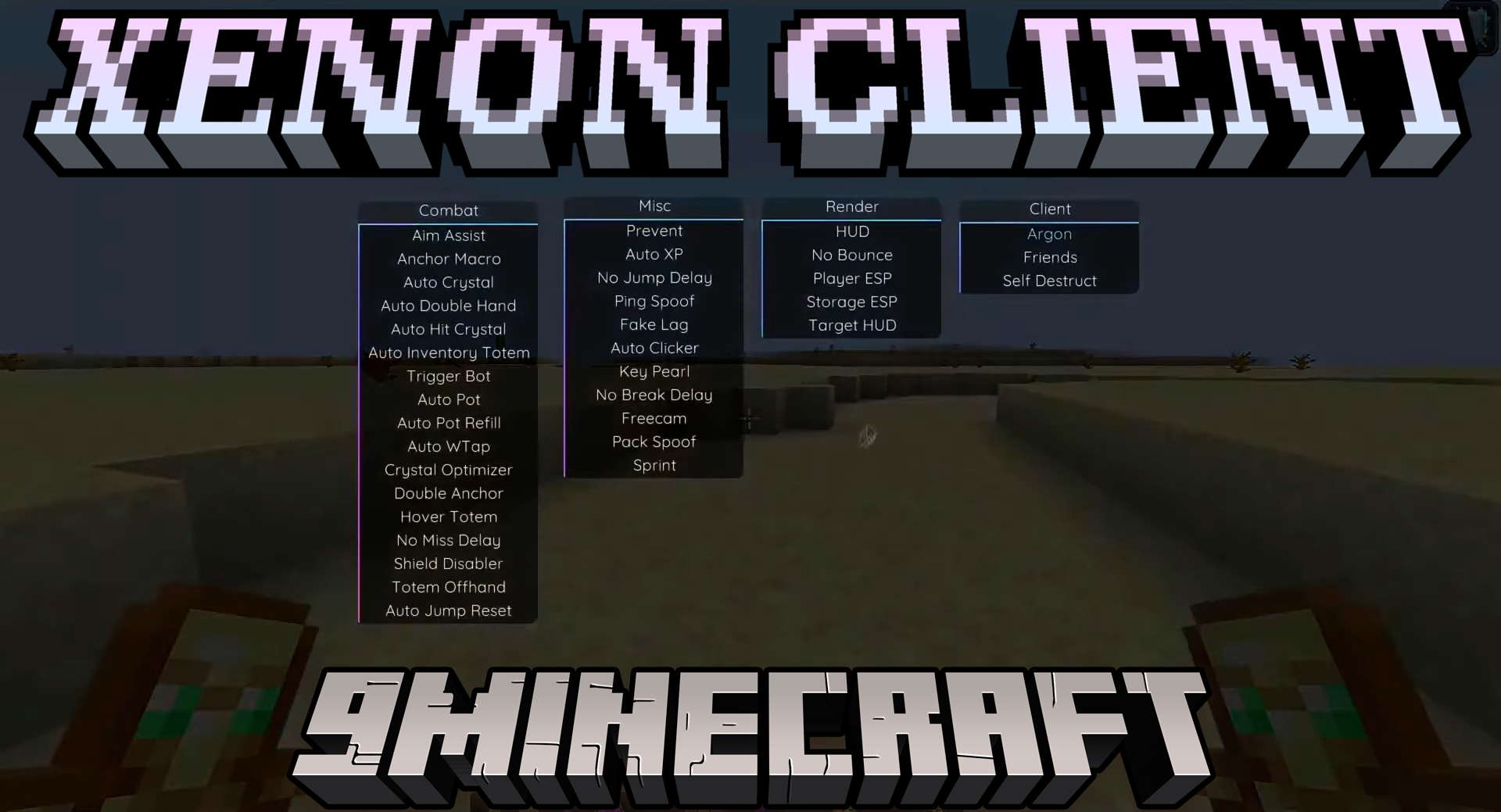
Xenon Client Mod provides a variety of features designed to enhance gameplay or provide unfair advantages.
Features:
- Misc: Features like “Prevent Auto XP,” “No Jump Delay,” “Ping Spoof,” “Fake Lag,” “Auto Clicker,” “Key Pearl,” “No Break Delay,” “Freecam,” “Pack Spoof,” and “Sprint” for manipulating game mechanics and movement.
- Render: Options such as “HUD,” “No Bounce,” “Player ESP,” “Storage ESP,” “Target HUD,” “Breathing,” “Rainbow,” “Background,” and “Prevent Close” for visual enhancements and interface customization, with settings like “Roundedness: 5.0” and “MSAA: Normal,” and a keybind set to Right Shift.
- Client: Displays user info with the username “TheobaldThe” and options like “Self Destruct.”
- Combat: Includes “Aim Assist,” “Anchor Macro,” “Auto Double Hand,” “Auto Hit Crystal,” “Auto Inventory Totem,” “Trigger Bot,” “Auto Pot,” “Auto WTap,” “Optimizer,” “Double Anchor,” “Hover Totem,” “No Miss Delay,” “Shield Disabler,” “Totem Offhand,” and “Auto Jump Reset” for automated combat and item management.
Screenshots:
How to use:
- Bind: Alt Gr
Xenon Client Mod Download Links
Quick facts
- Edition: Minecraft Java
- File type: .jar
- Minecraft version listed: 1.21.1
- How to install: Install the matching mod loader (Forge, Fabric or NeoForge) for your Minecraft version. → Download the .jar. → Put it in the .minecraft/mods folder and launch that loader profile.
- Where to get it: Opens on the file's original source — not every file is mirrored on our own servers.
Install steps are the general flow for this file type — How to install Minecraft Java mods & modpacks walks through it step by step.
Xenon Client Mod (1.21.1) – Free Ghost Client is a free Minecraft Java mod. Compatible with Minecraft 1.21.1. Download it and open it directly in the game.