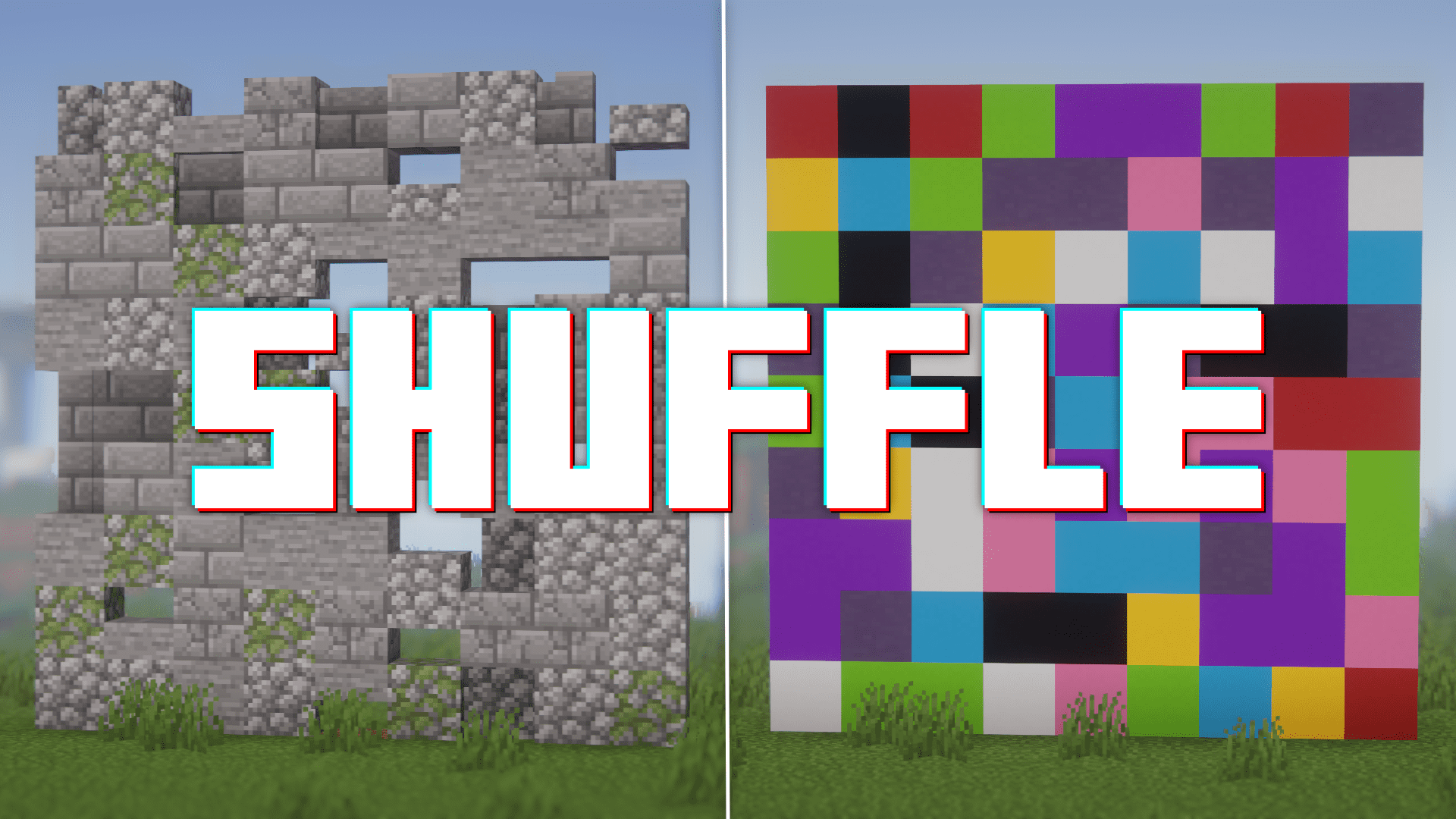
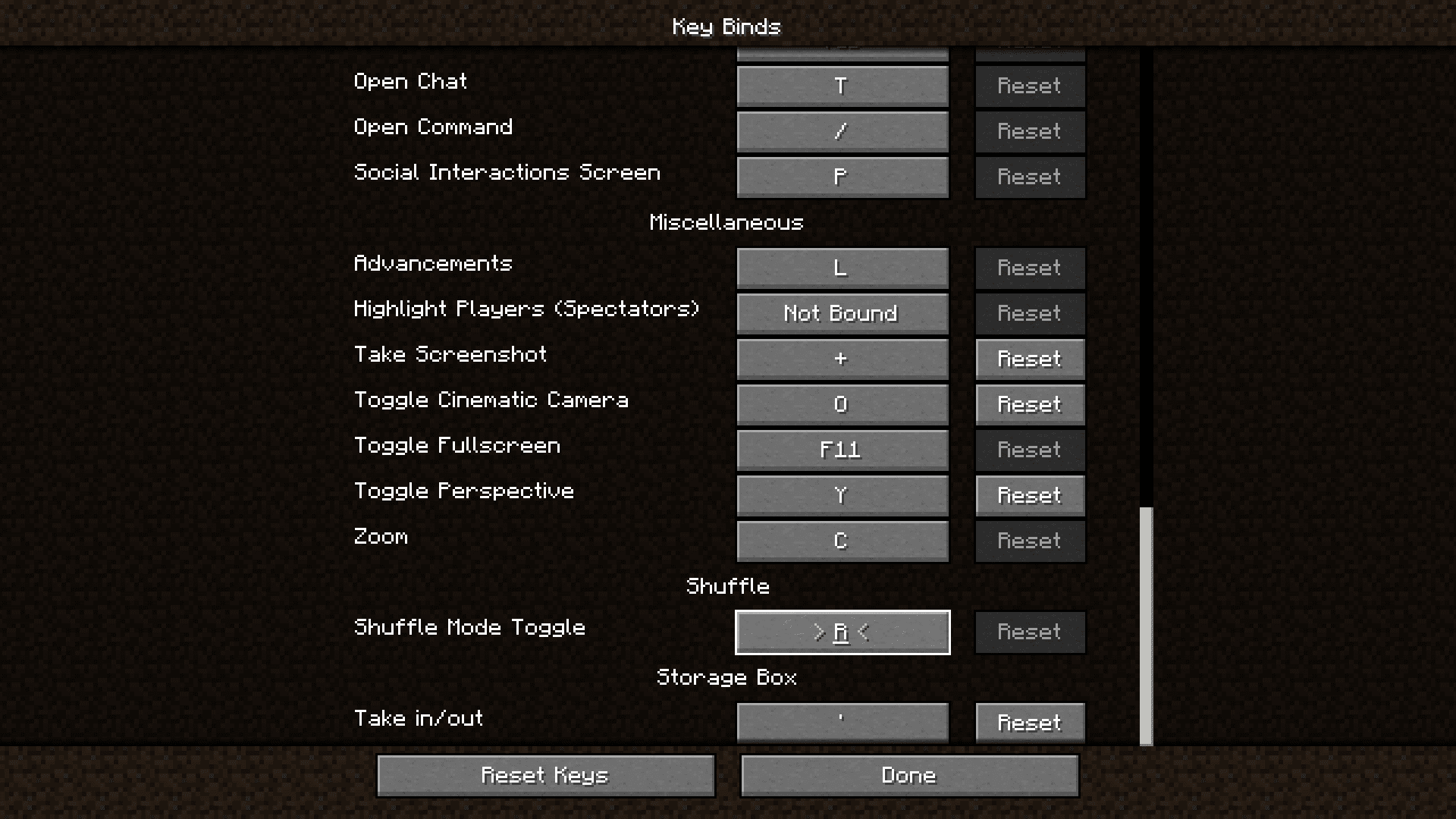
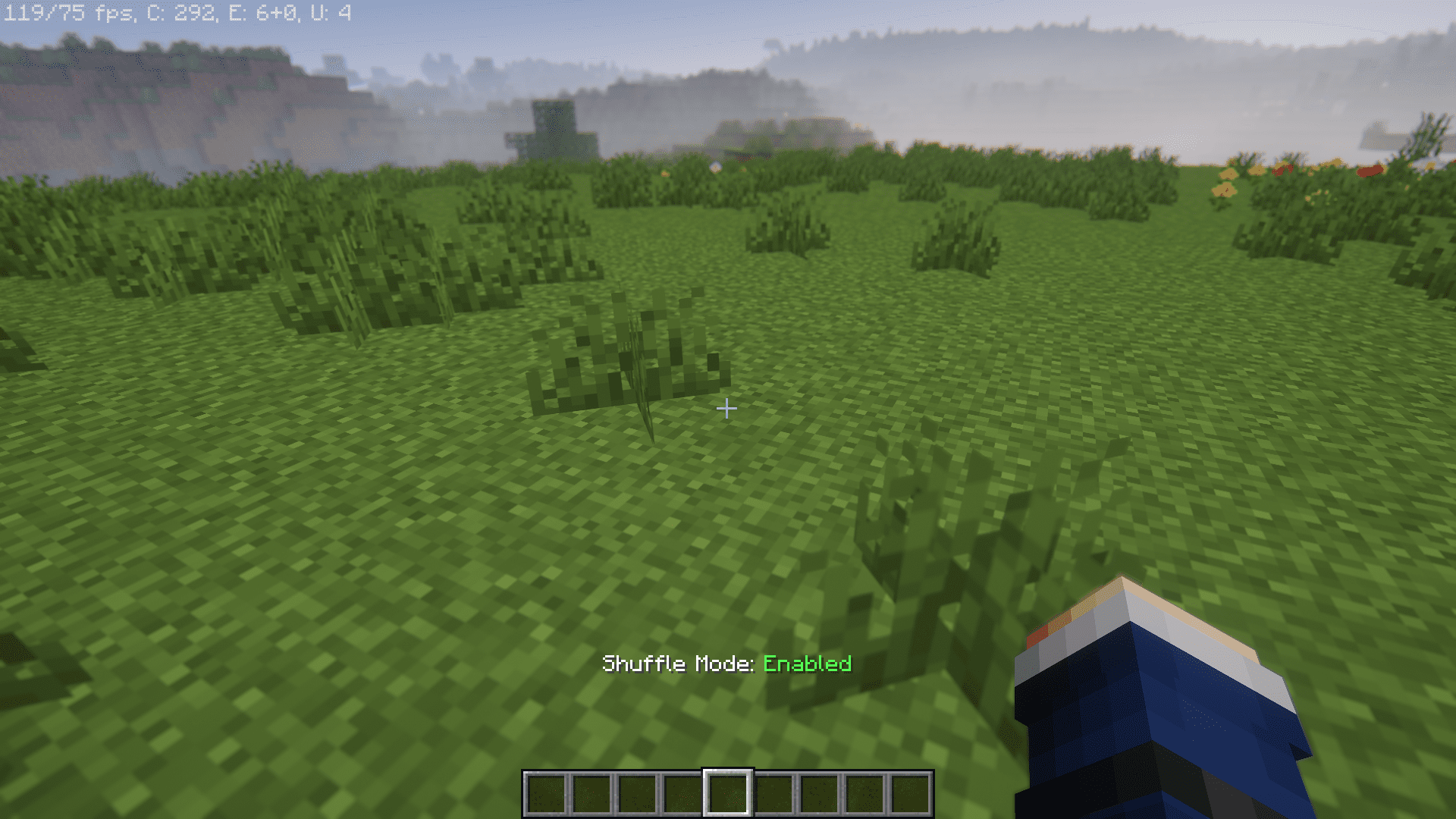
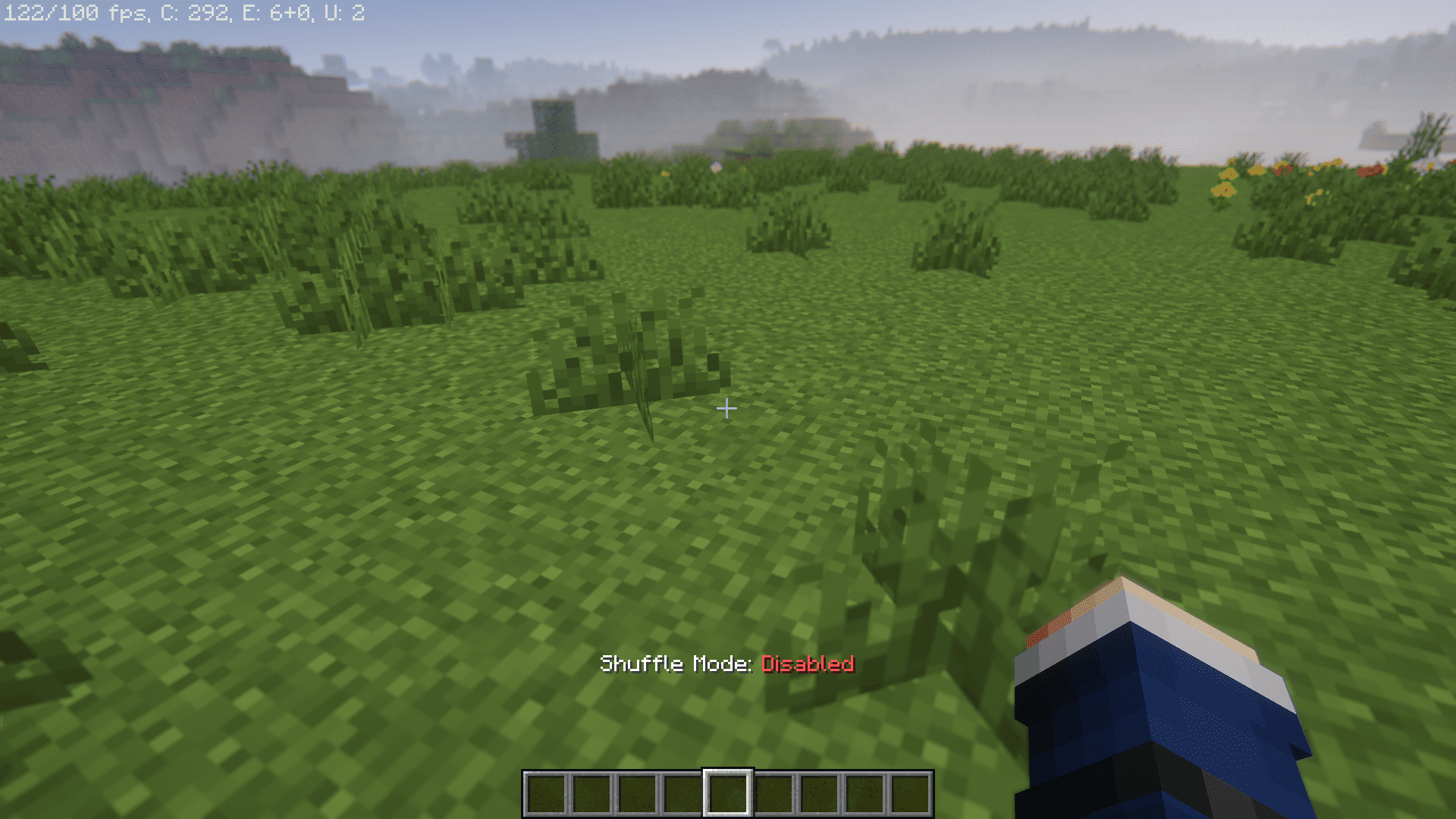
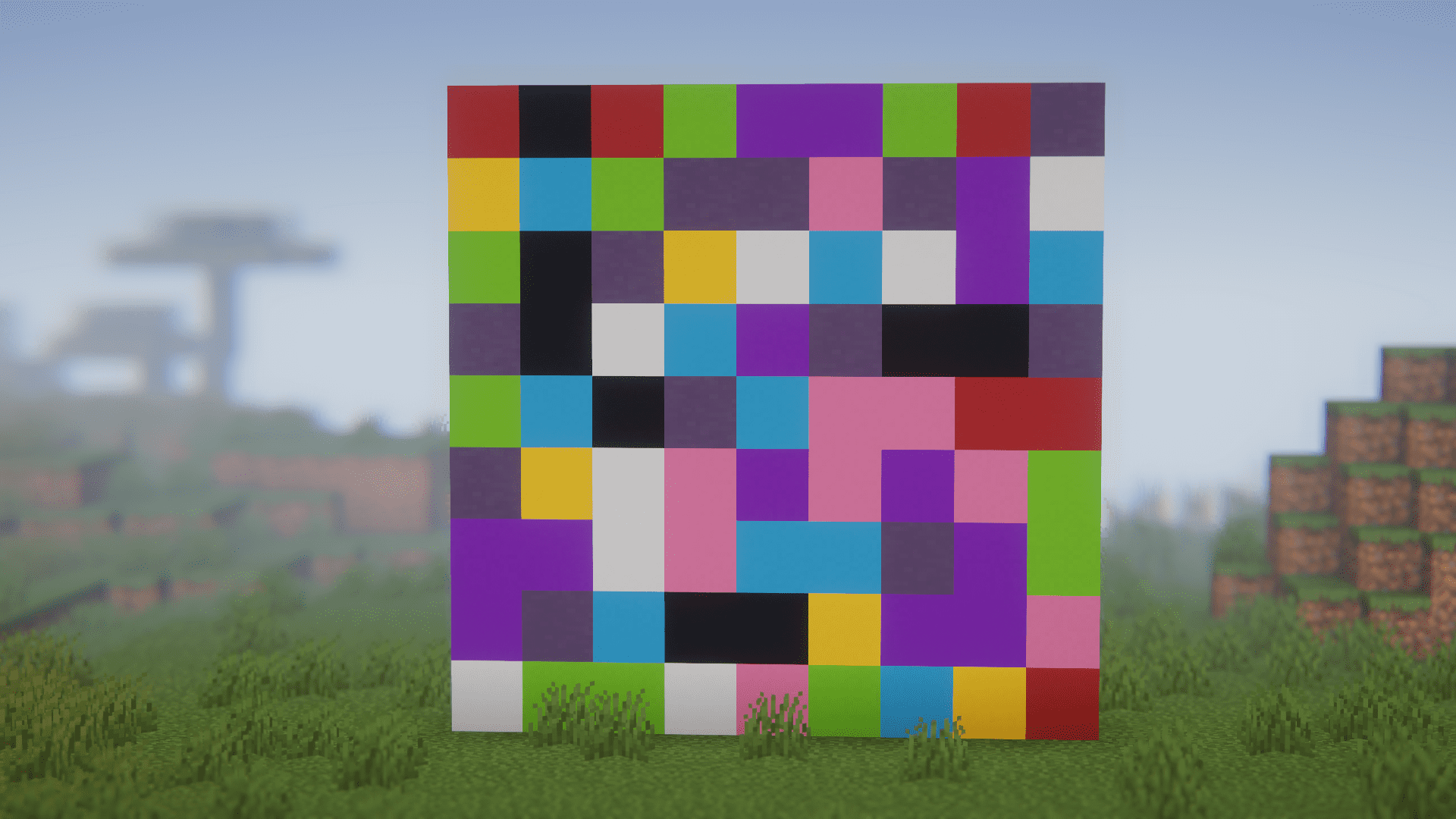
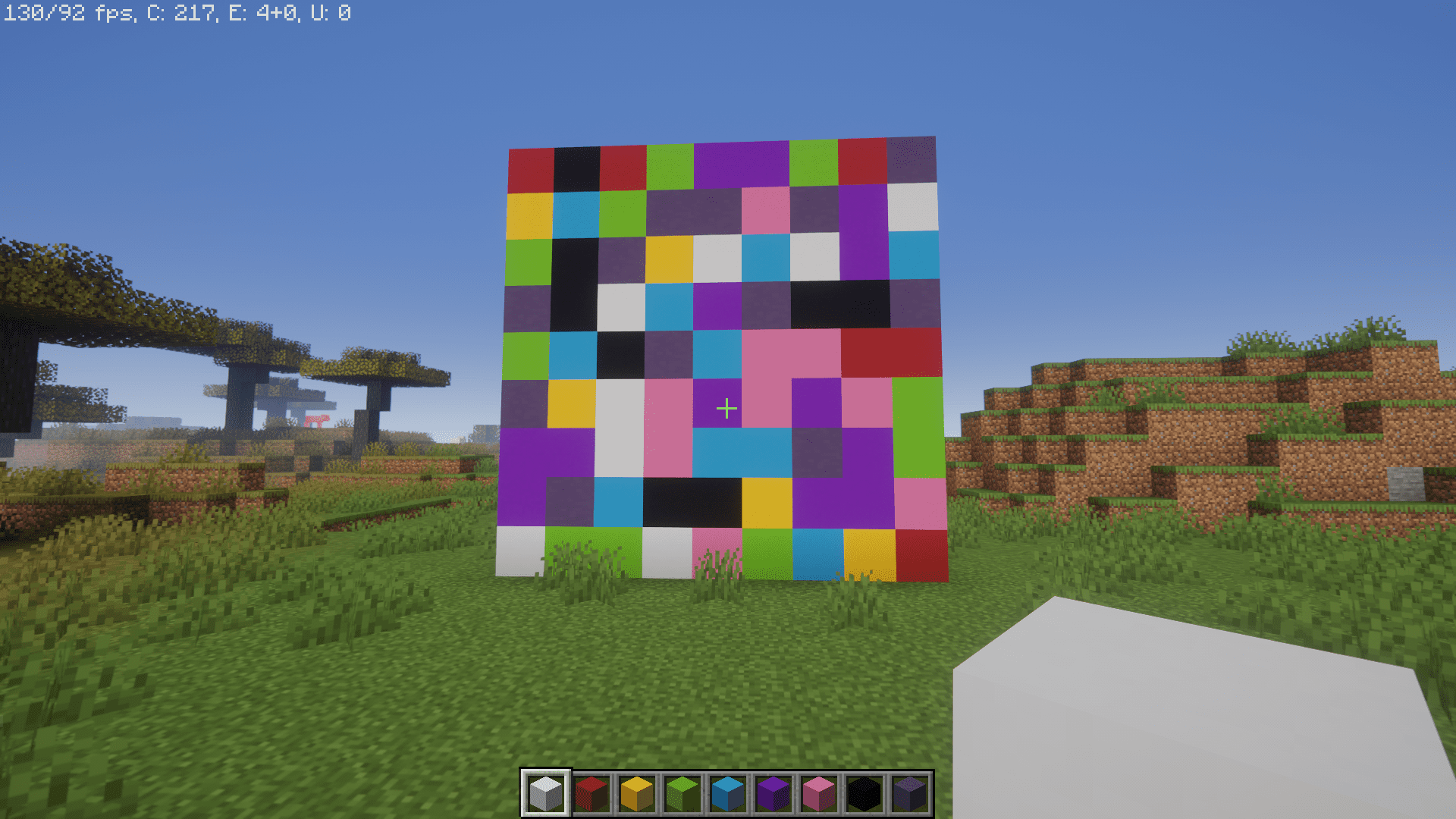
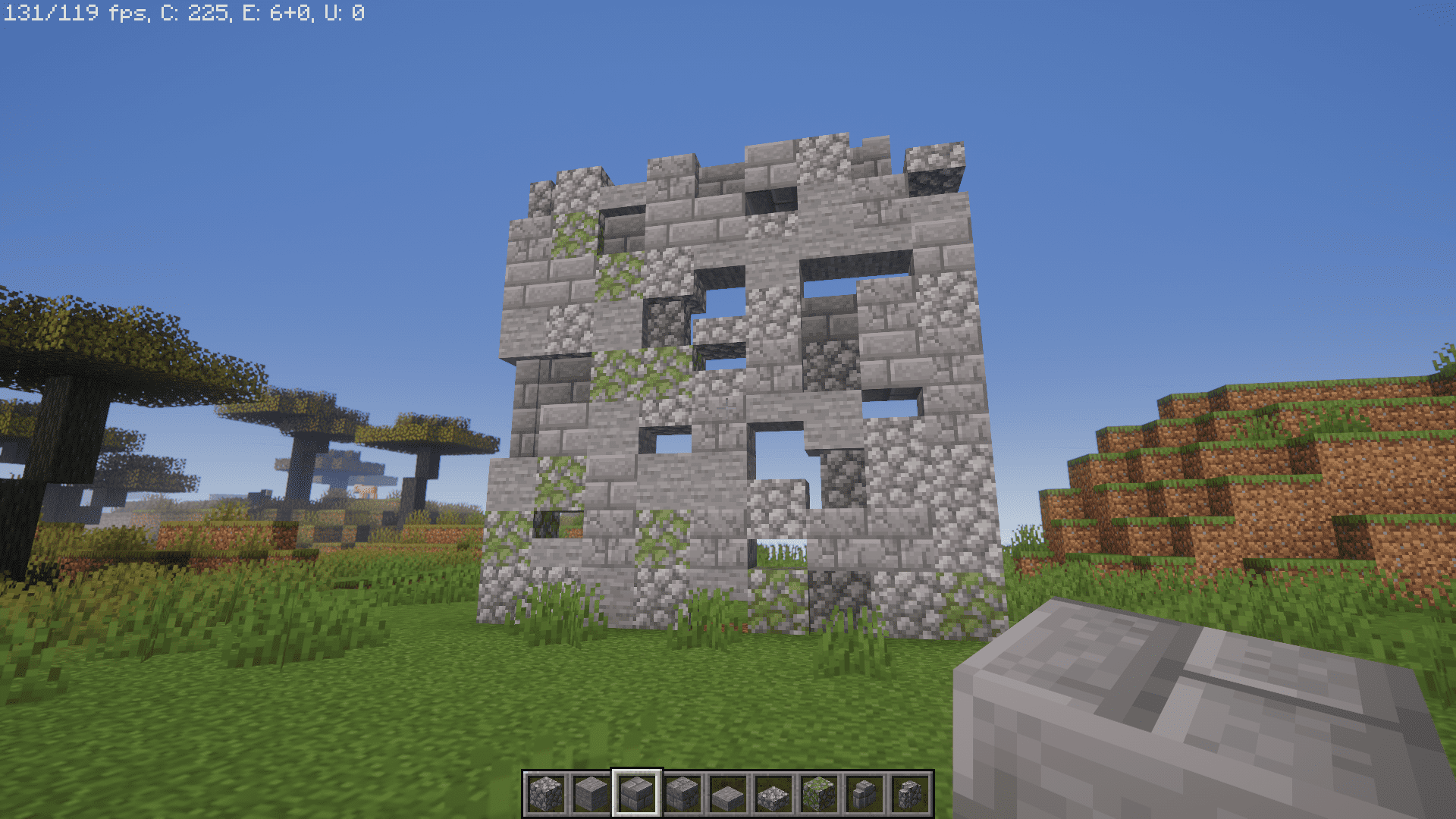
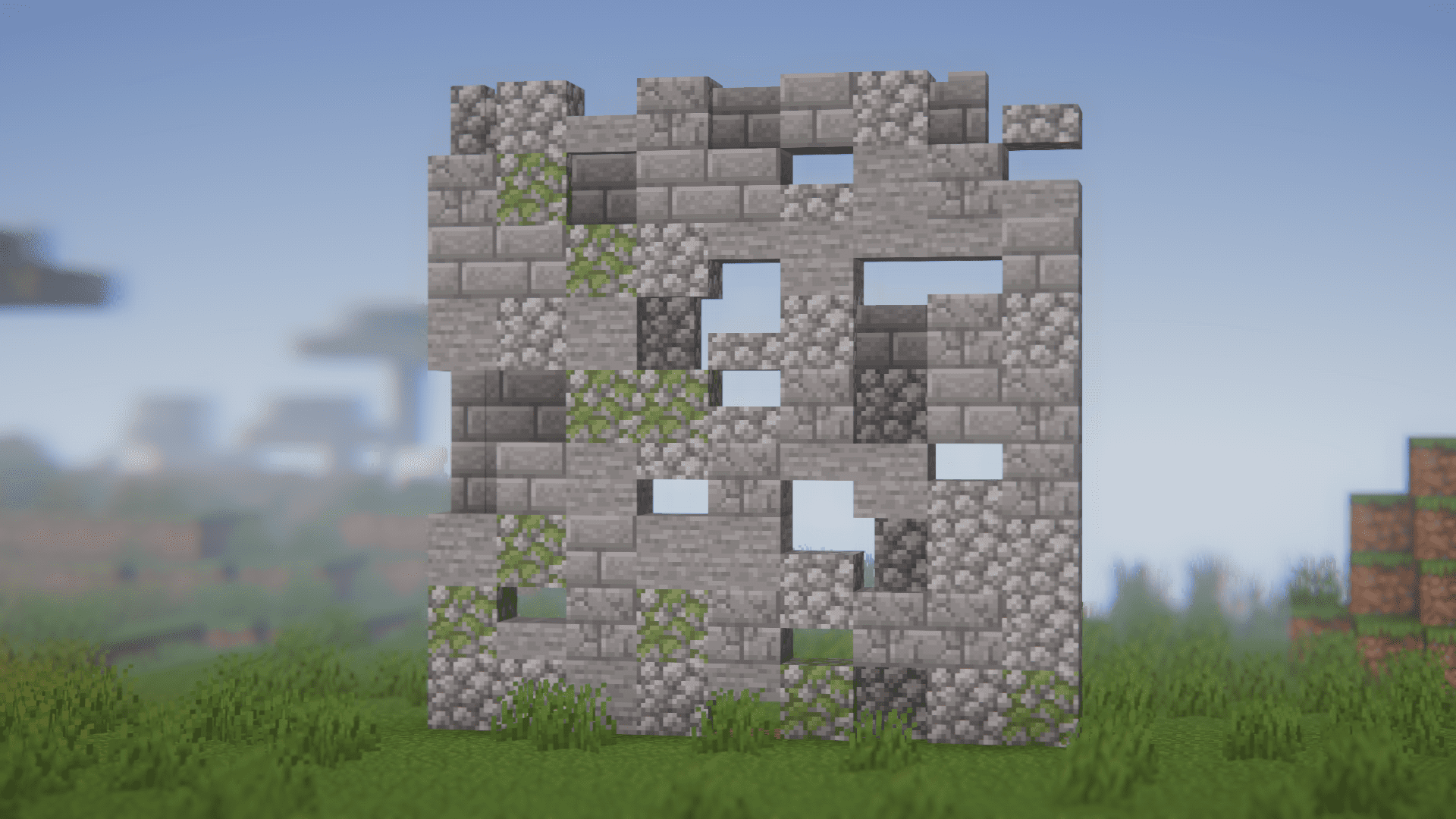
Shuffle Mod lets players place blocks randomly from their hotbar, adding a fun twist to building. When activated (by pressing the “R” key by default, customizable in the controls menu), it switches your active hotbar slot to a random block after each placement. This speeds up construction and introduces variety, breaking the monotony of repetitive designs and sparking creativity with unexpected combinations.
Features:
- Enhanced Creativity: The Shuffle mod encourages you to think outside the box. With random block placements, you’ll find yourself experimenting with new color combinations, textures, and patterns you might not have considered before.
- Time Efficiency: Tired of spending hours on end perfecting each block placement? This mod speeds up the building process considerably.
- Unique Designs: Every Minecraft player strives to create unique and eye-catching builds. This mod ensures that no two placements are the same, resulting in structures that stand out from the crowd.
- Reduced Predictability: Even the most experienced builders can fall into a pattern of predictability. This mod disrupts this cycle, keeping you on your toes and maintaining the element of surprise in your creations.
- Endless Inspiration: Whether you’re building a cozy cottage or an imposing castle, the Shuffle mod sparks inspiration by presenting you with unexpected block combinations. This can lead to innovative design solutions that you might not have thought of otherwise.
Screenshots:
Shuffle Mod Download Links
For Minecraft 1.16.5
Fabric version: Download from Server 1 – Download from Server 2
For Minecraft 1.17.1
Forge version: Download from Server 1 – Download from Server 2
Fabric version: Download from Server 1 – Download from Server 2
For Minecraft 1.18.2
Forge version: Download from Server 1 – Download from Server 2
Fabric version: Download from Server 1 – Download from Server 2
Quilt version: Download from Server 1 – Download from Server 2
For Minecraft 1.19.2
Forge version: Download from Server 1 – Download from Server 2
Fabric version: Download from Server 1 – Download from Server 2
Quilt version: Download from Server 1 – Download from Server 2
For Minecraft 1.19.4
Forge version: Download from Server 1 – Download from Server 2
Fabric version: Download from Server 1 – Download from Server 2
Quilt version: Download from Server 1 – Download from Server 2
For Minecraft 1.20.1
Forge version: Download from Server 1 – Download from Server 2
Fabric version: Download from Server 1 – Download from Server 2
Quilt version: Download from Server 1 – Download from Server 2
For Minecraft 1.20.2
Forge version: Download from Server 1 – Download from Server 2
Fabric version: Download from Server 1 – Download from Server 2
NeoForge version: Download from Server 1 – Download from Server 2
For Minecraft 1.20.4
Forge version: Download from Server 1 – Download from Server 2
Fabric version: Download from Server 1 – Download from Server 2
NeoForge version: Download from Server 1 – Download from Server 2
For Minecraft 1.20.6
Forge version: Download from Server 1 – Download from Server 2
Fabric/Quilt version: Download from Server 1 – Download from Server 2
NeoForge version: Download from Server 1 – Download from Server 2
For Minecraft 1.21.1, 1.21
NeoForge version: Download from Server 1 – Download from Server 2
Fabric/Quilt version: Download from Server 1 – Download from Server 2
For Minecraft 1.21.4
NeoForge version: Download from Server 1 – Download from Server 2
Fabric/Quilt version: Download from Server 1 – Download from Server 2
For Minecraft 1.21.5
NeoForge version: Download from Server 1 – Download from Server 2
Fabric/Quilt version: Download from Server 1 – Download from Server 2
- Edition: Minecraft Java
- File type: .jar
- Minecraft versions listed: 1.21.5, 1.20.1
- How to install: Install the matching mod loader (Forge, Fabric or NeoForge) for your Minecraft version. → Download the .jar. → Put it in the .minecraft/mods folder and launch that loader profile.
- Where to get it: In MC Java Mods, or directly above on this page.
Install steps are the general flow for this file type — How to install Minecraft Java mods & modpacks walks through it step by step.
- Downloads as 178614.mcaddon
- Download size: 83 KB
- Download link checked 26 Jul 2026 — working
- Mirrored on our own servers — the download does not depend on the original host
These come from our own check of the pack file, not from the source page.