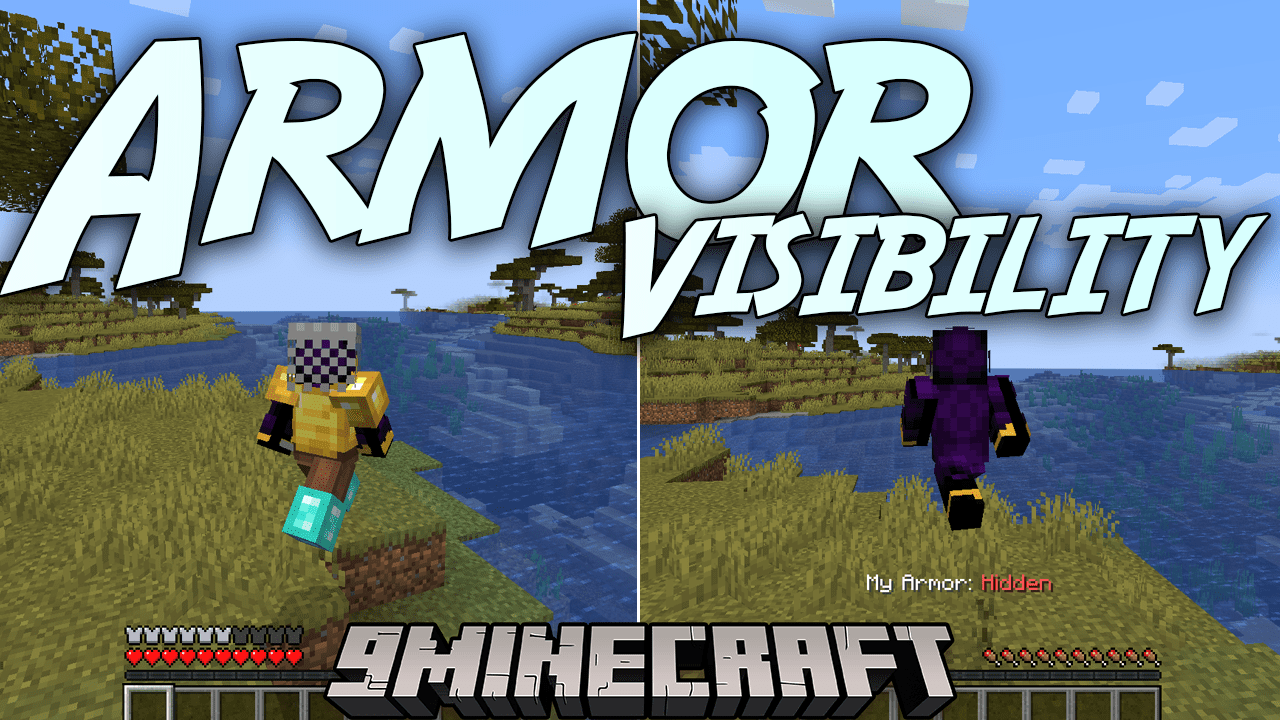
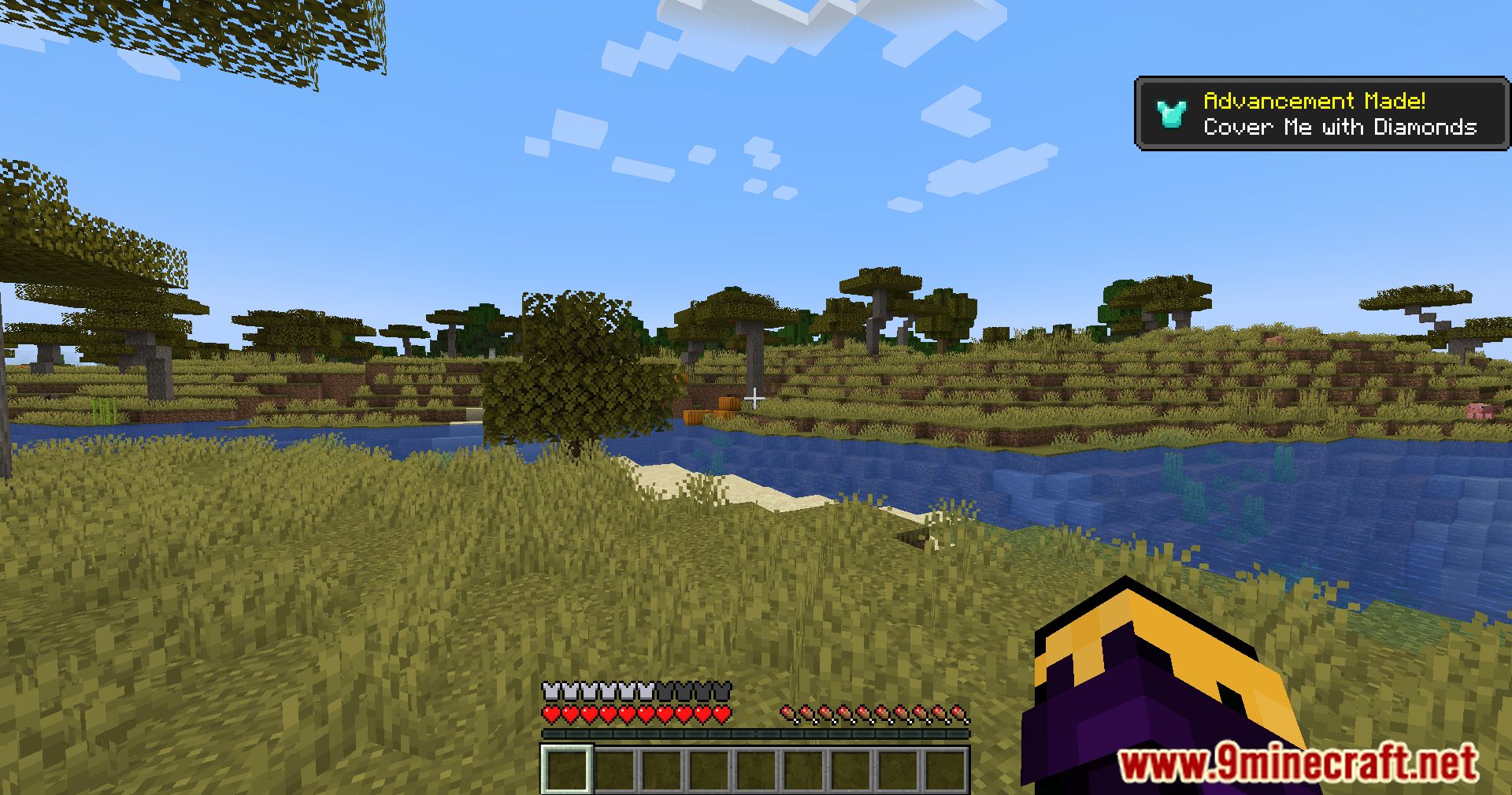
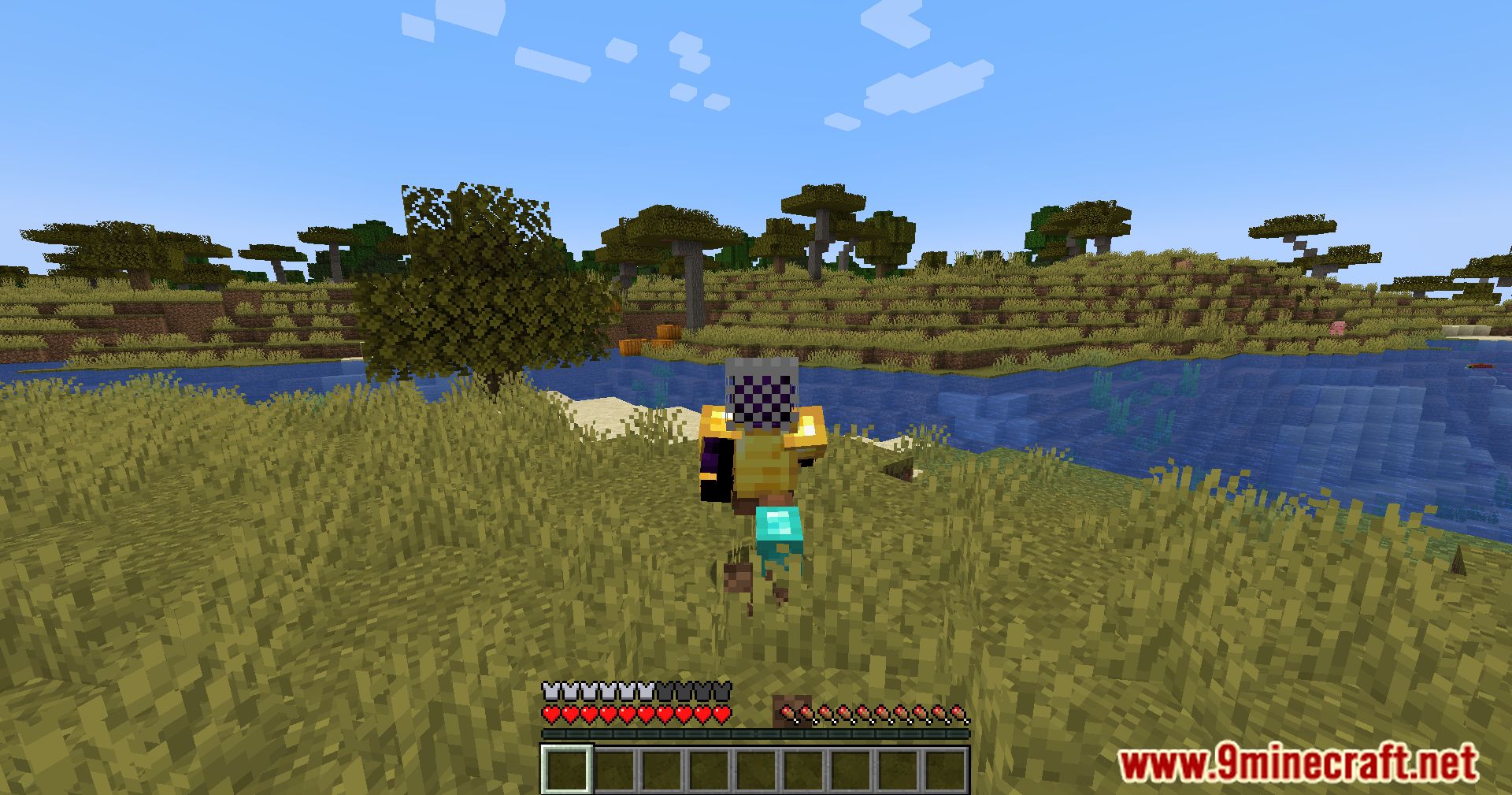
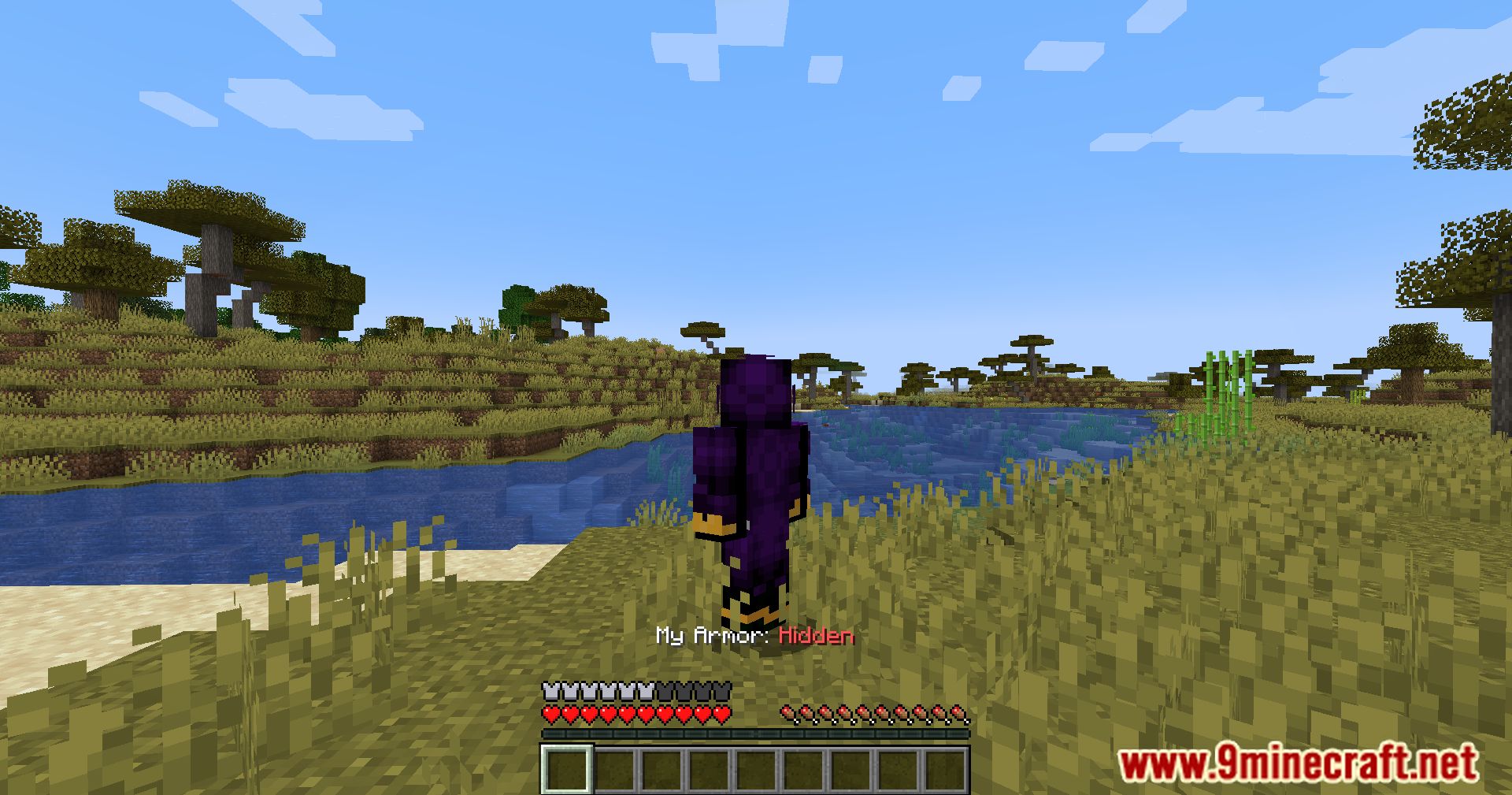
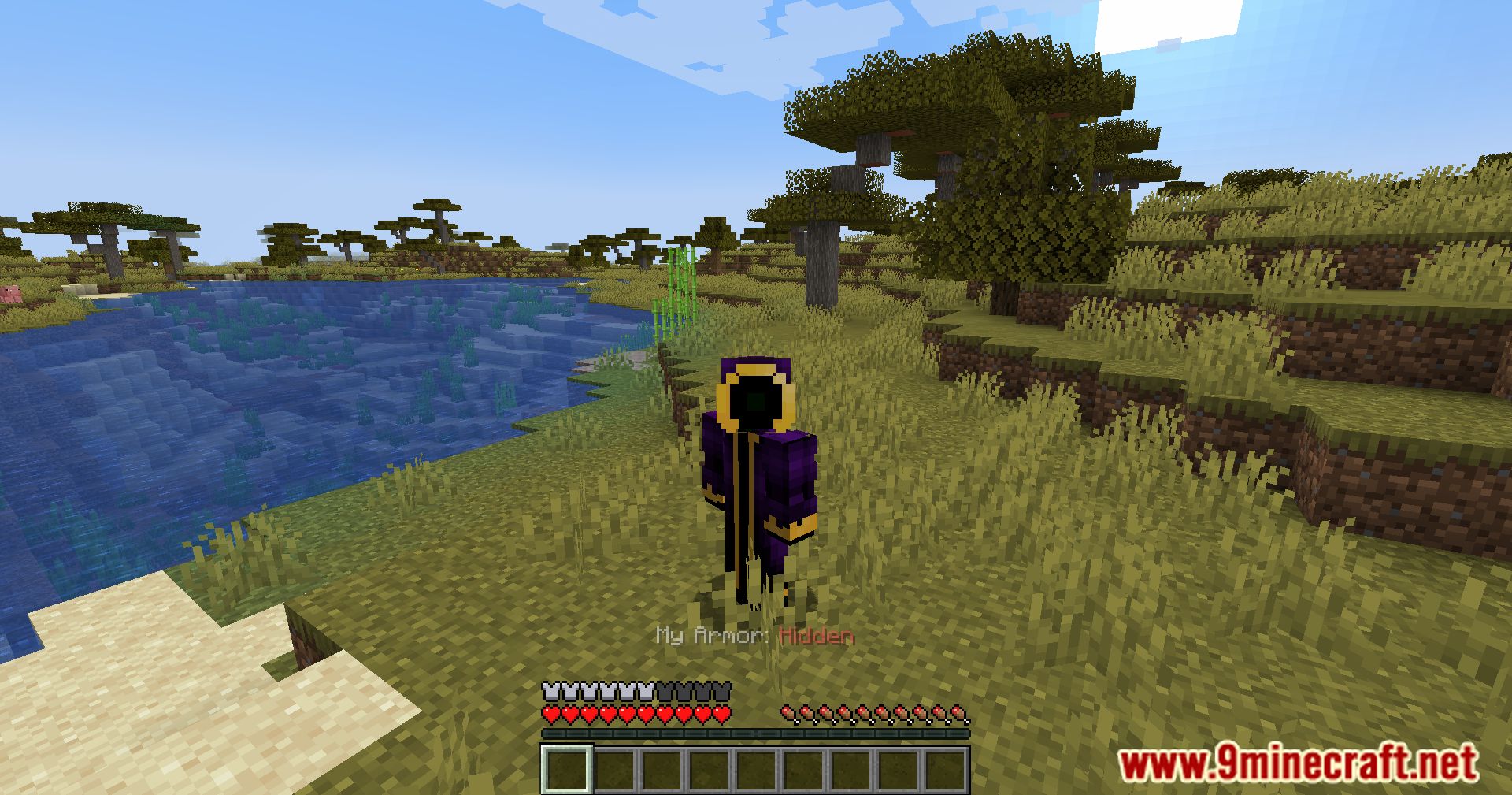
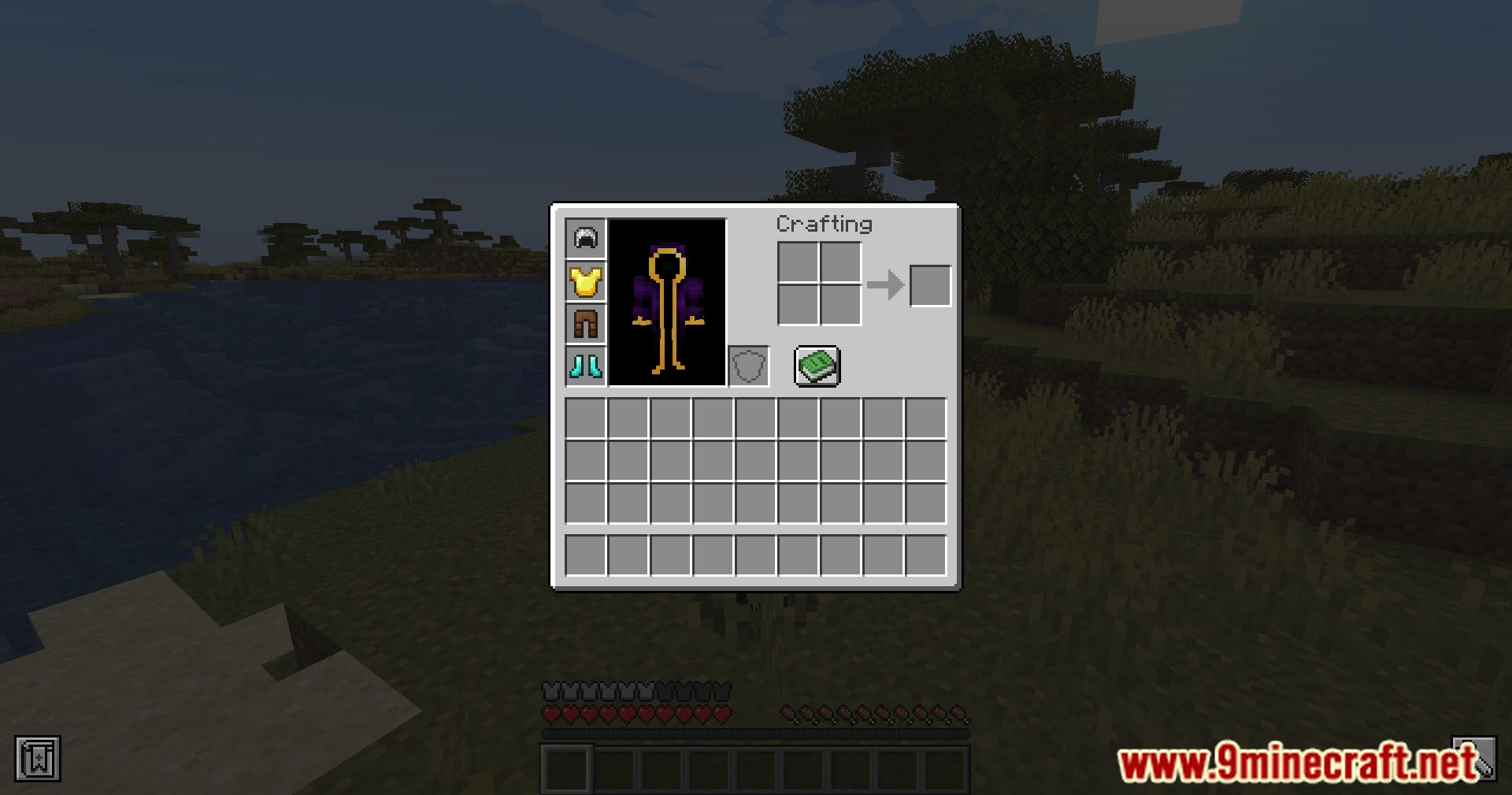
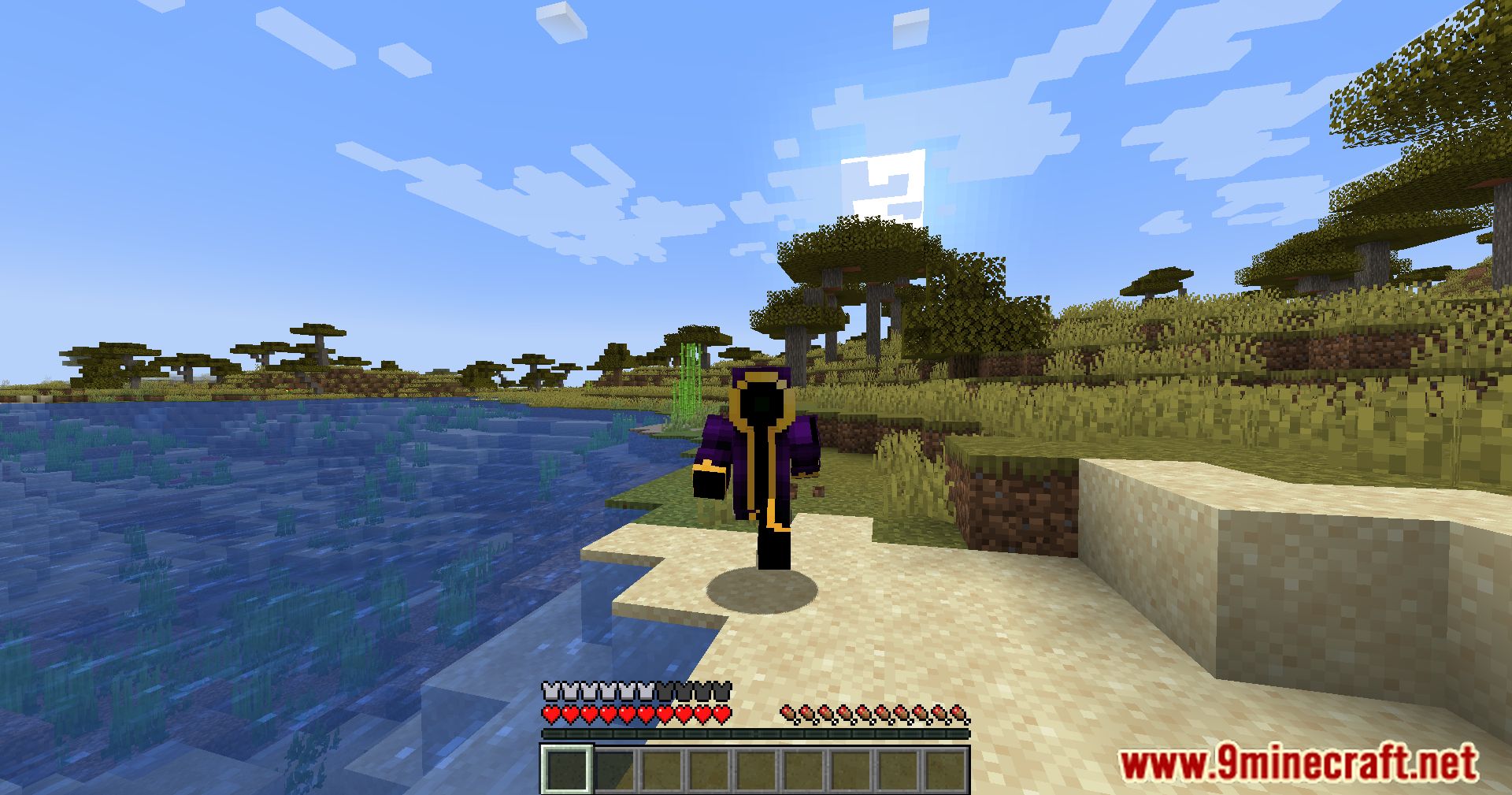
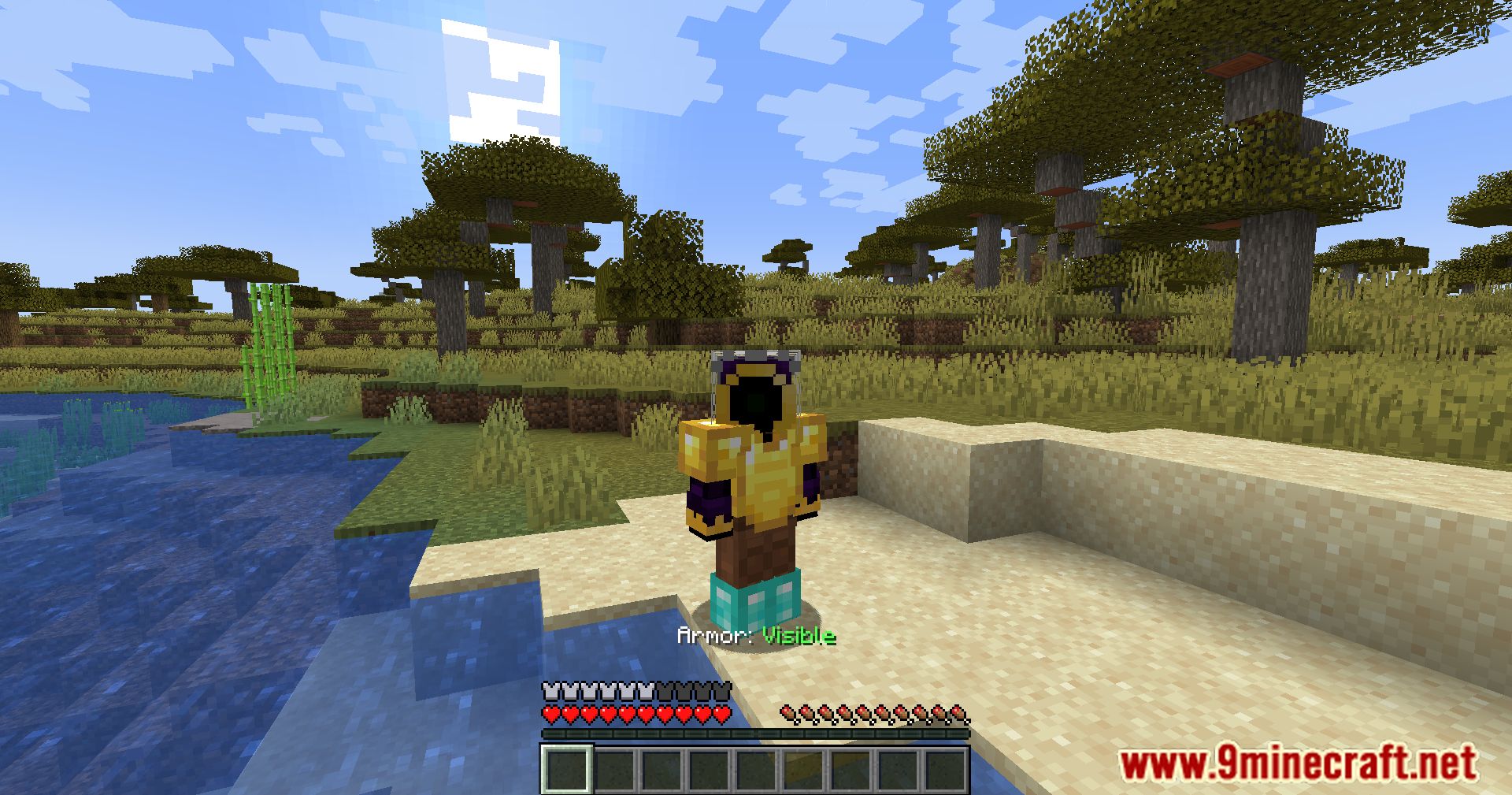
Armor Visibility Mod adds the ability to hide your armor in Minecraft, letting you show off your beautiful skin. You didn’t spend all that time choosing it just to have it covered up by diamond armor, right? The armor is hidden by pressing the V key – a great option for servers, where everyone can hide their armor and play with their favorite skin visible.
Features:
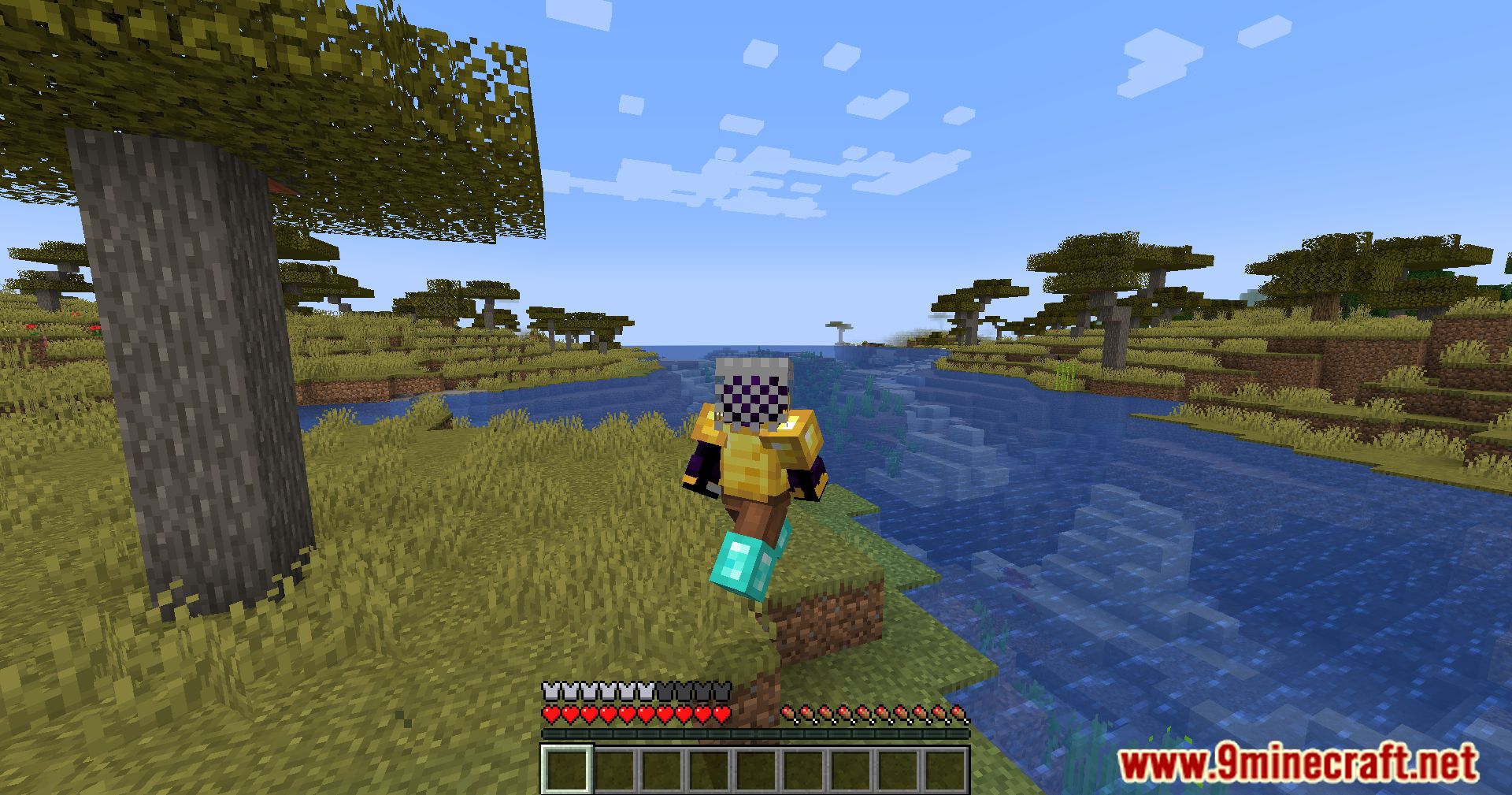
- View yours and others’ skins through armor.
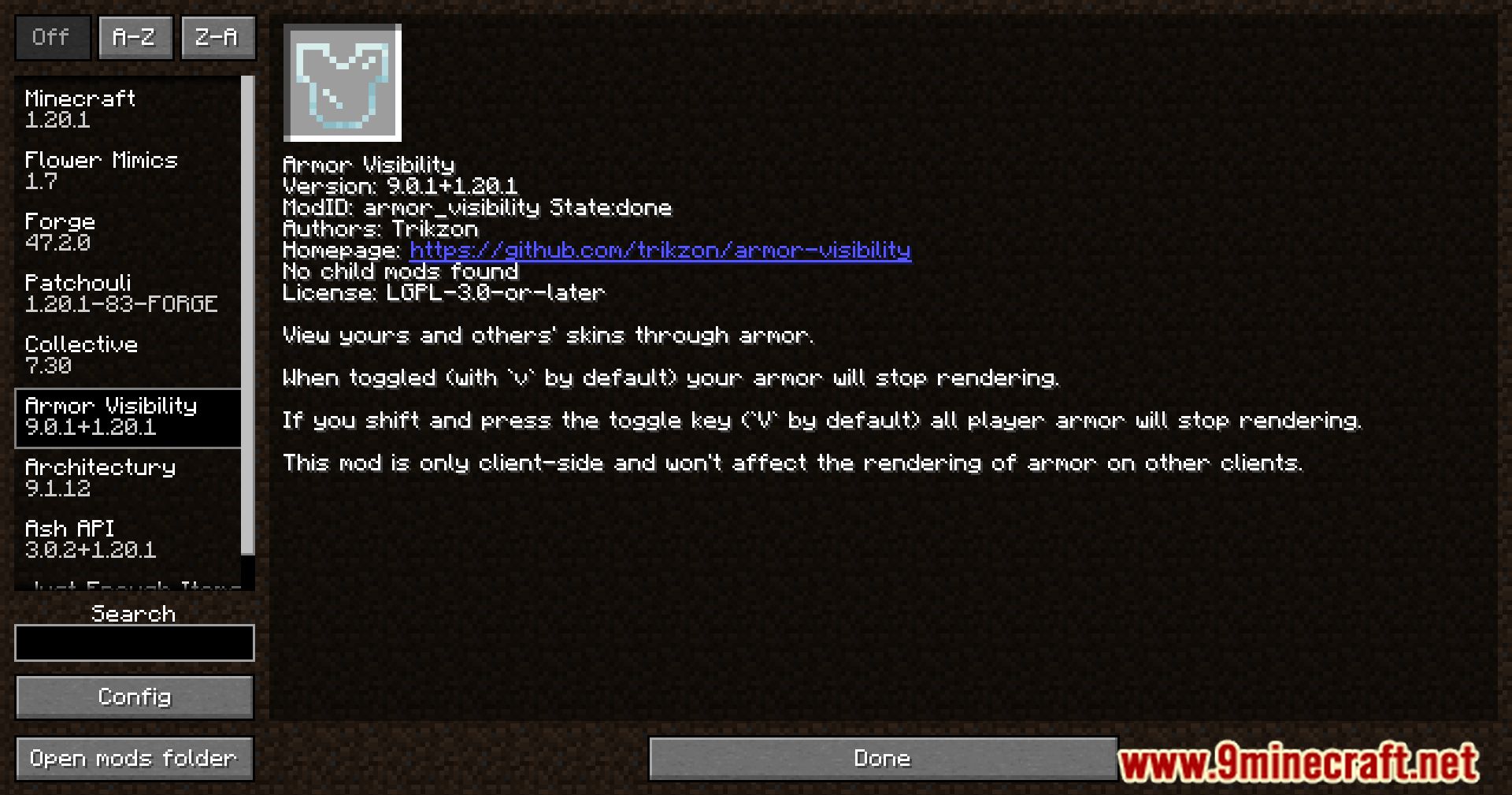
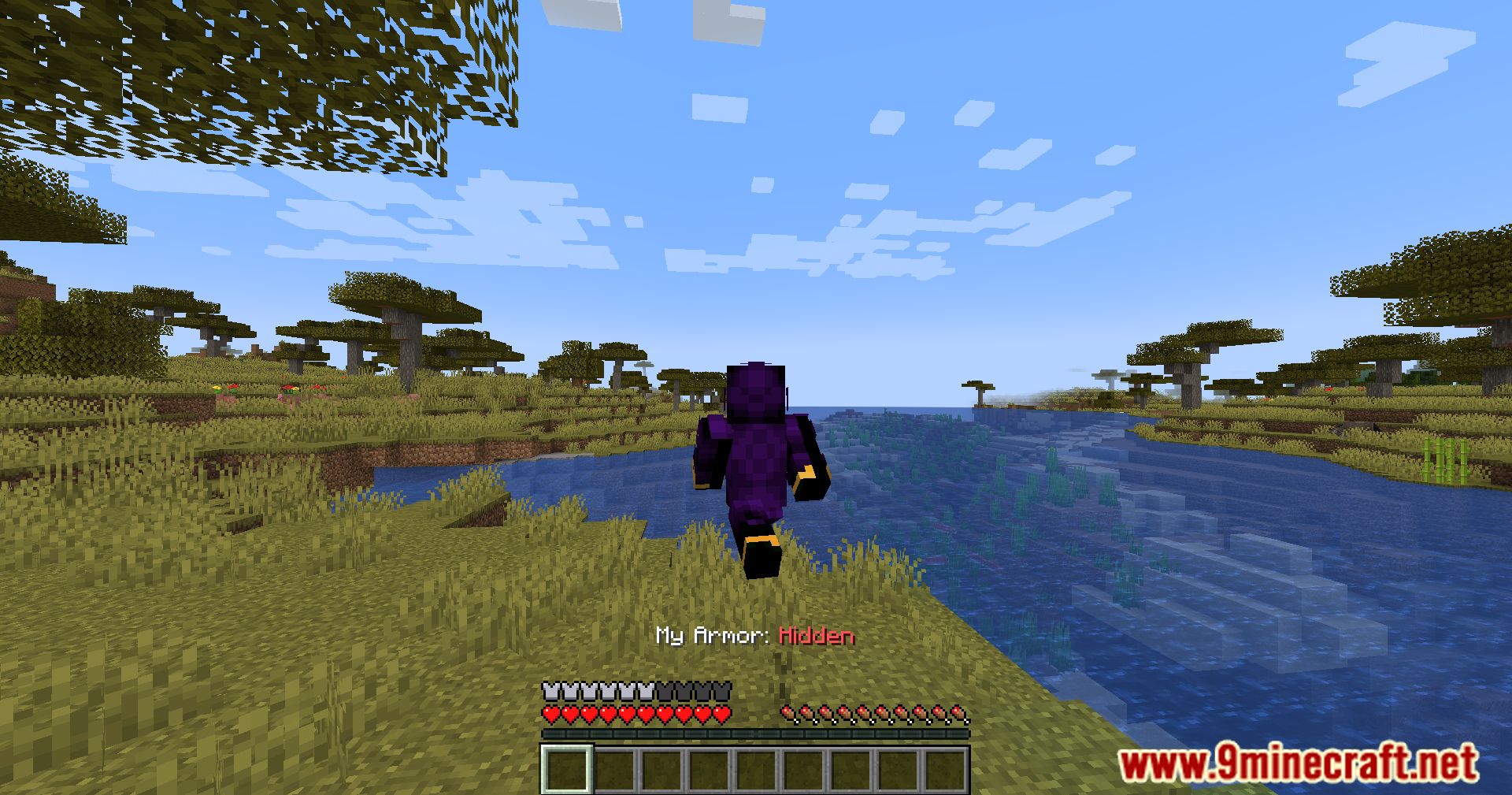
- When toggled (with
vby default) your armor will stop rendering. - If you shift and press the toggle key (
Vby default) all player armor will stop rendering. - This mod is only client-side and won’t affect the rendering of armor on other clients.
Configuration
The configuration file is located at .minecraft/config/armor_visibility.json. It can also be edited through in-game UI (using Mod Menu Mod).
Default Config File:
{
  "version": 3,
  "keep_elytra_visible": false,
  "keep_cape_visible": true,
  "players_only": true
}
Config Option Descriptions:
keep_elytra_visible: When true, elytra will remain visible.keep_cape_visible: When true, capes will remain visible.players_only: When true, armor rendering on other entities (zombies, armor stands, etc.) won’t be toggle-able.
Screenshots:
Armor Visibility Mod Download Links
For Minecraft 1.15.2
Forge Version: Download from Server 1 – Download from Server 2
Fabric Version: Download from Server 1 – Download from Server 2
For Minecraft 1.16.5
Forge Version: Download from Server 1 – Download from Server 2
Fabric Version: Download from Server 1 – Download from Server 2
For Minecraft 1.17.1
Forge Version: Download from Server 1 – Download from Server 2
Fabric Version: Download from Server 1 – Download from Server 2
For Minecraft 1.18.2
Forge Version: Download from Server 1 – Download from Server 2
Fabric Version: Download from Server 1 – Download from Server 2
Quilt Version: Download from Server 1 – Download from Server 2
For Minecraft 1.19.2, 1.19.1, 1.19
Forge Version: Download from Server 1 – Download from Server 2
Fabric Version: Download from Server 1 – Download from Server 2
Quilt Version: Download from Server 1 – Download from Server 2
For Minecraft 1.19.4, 1.19.3
Forge Version: Download from Server 1 – Download from Server 2
Fabric Version: Download from Server 1 – Download from Server 2
Quilt Version: Download from Server 1 – Download from Server 2
For Minecraft 1.20.1, 1.20
Forge Version: Download from Server 1 – Download from Server 2
Fabric Version: Download from Server 1 – Download from Server 2
Quilt Version: Download from Server 1 – Download from Server 2
For Minecraft 1.20.2
Forge Version: Download from Server 1 – Download from Server 2
Fabric/Quilt Version: Download from Server 1 – Download from Server 2
NeoForge Version: Download from Server 1 – Download from Server 2
For Minecraft 1.20.4
Forge Version: Download from Server 1 – Download from Server 2
Fabric/Quilt Version: Download from Server 1 – Download from Server 2
NeoForge Version: Download from Server 1 – Download from Server 2
For Minecraft 1.20.6
Forge Version: Download from Server 1 – Download from Server 2
Fabric/Quilt Version: Download from Server 1 – Download from Server 2
NeoForge Version: Download from Server 1 – Download from Server 2
For Minecraft 1.21.1, 1.21
Fabric/Quilt Version: Download from Server 1 – Download from Server 2
NeoForge Version: Download from Server 1 – Download from Server 2
For Minecraft 1.21.4
Fabric/Quilt Version: Download from Server 1 – Download from Server 2
NeoForge Version: Download from Server 1 – Download from Server 2
For Minecraft 1.21.5
Fabric/Quilt Version: Download from Server 1 – Download from Server 2
NeoForge Version: Download from Server 1 – Download from Server 2
- Edition: Minecraft Java
- File type: .jar
- Minecraft versions listed: 1.21.5, 1.20.1
- How to install: Install the matching mod loader (Forge, Fabric or NeoForge) for your Minecraft version. → Download the .jar. → Put it in the .minecraft/mods folder and launch that loader profile.
- Where to get it: In MC Java Mods, or directly above on this page.
Install steps are the general flow for this file type — How to install Minecraft Java mods & modpacks walks through it step by step.
- Downloads as 178615.mcaddon
- Download size: 18 KB
- Download link checked 26 Jul 2026 — working
- Mirrored on our own servers — the download does not depend on the original host
These come from our own check of the pack file, not from the source page.