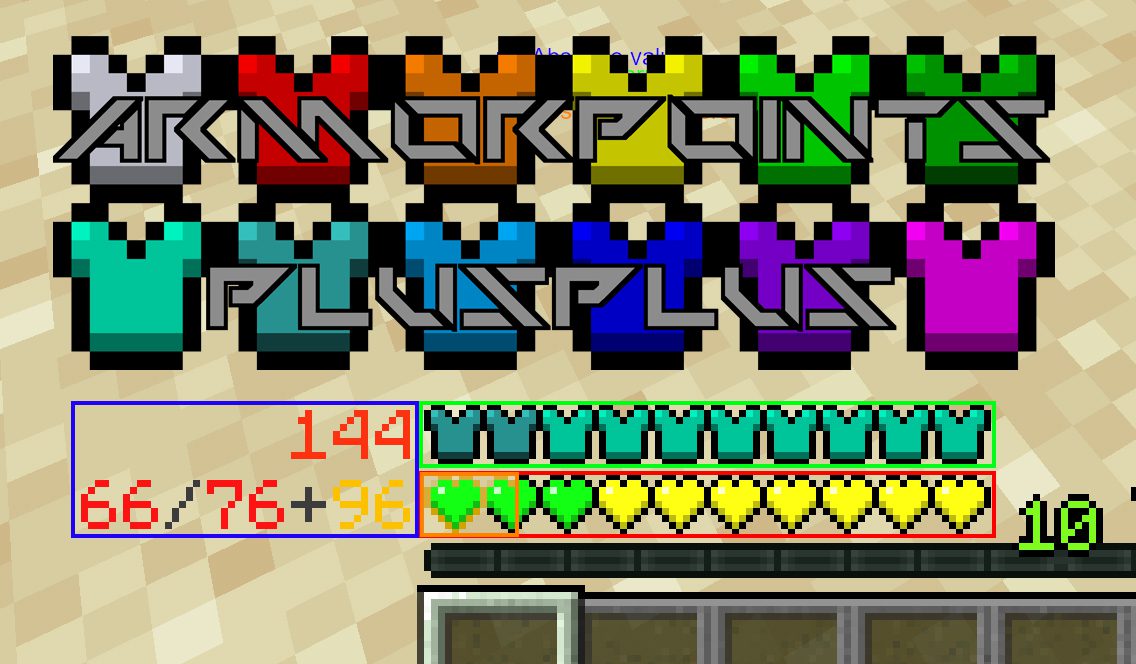
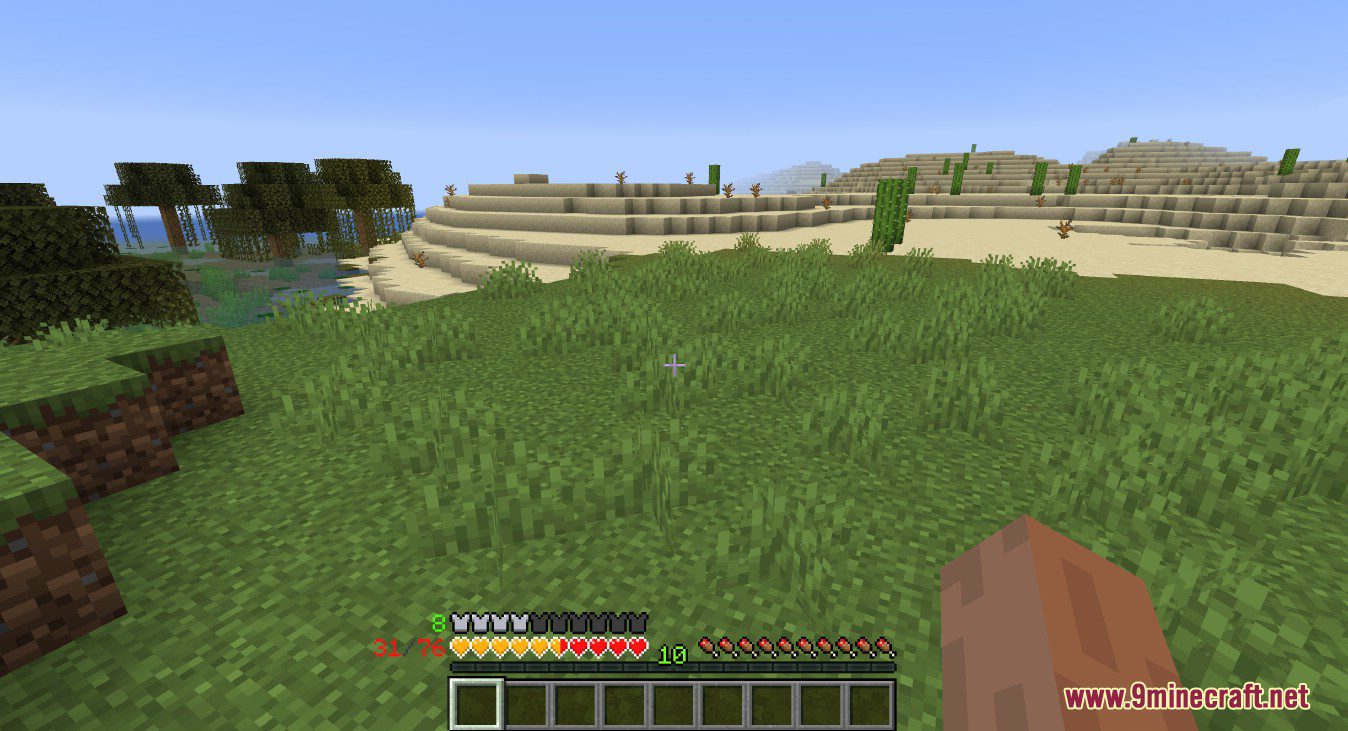
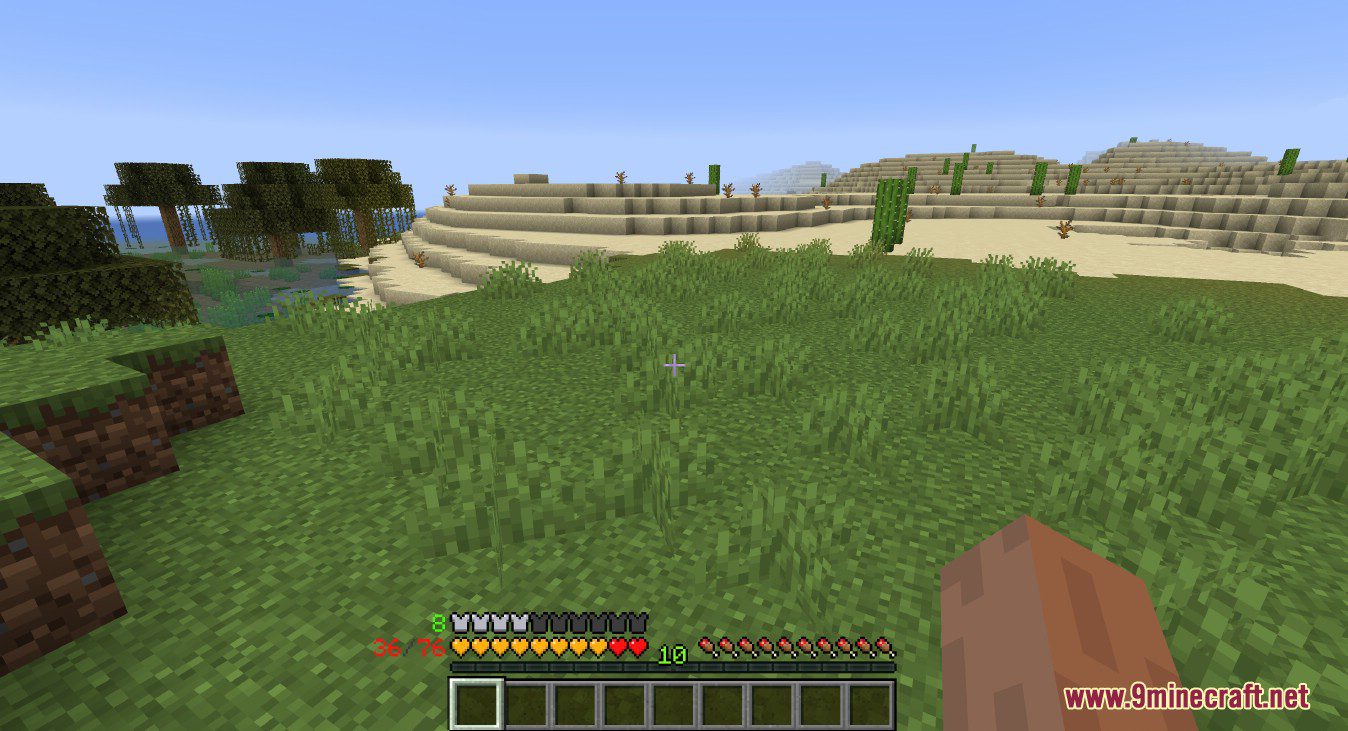
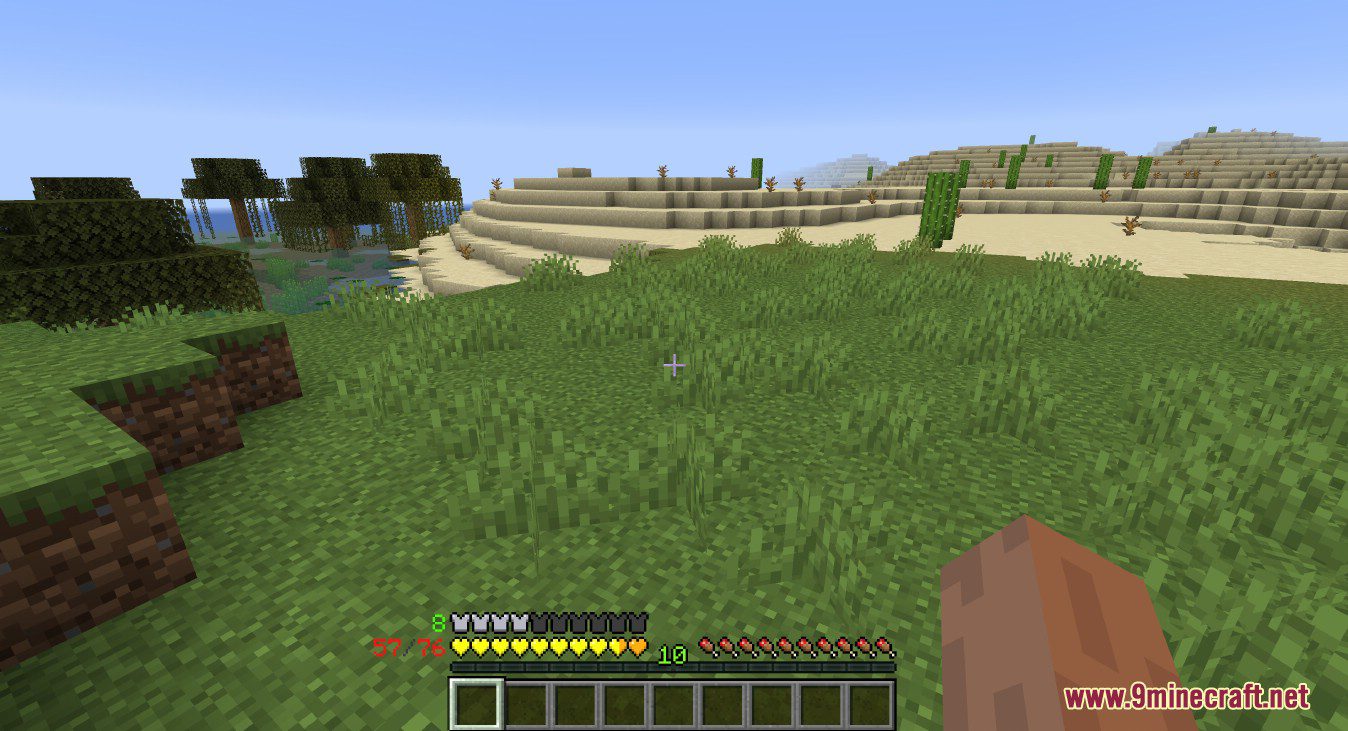
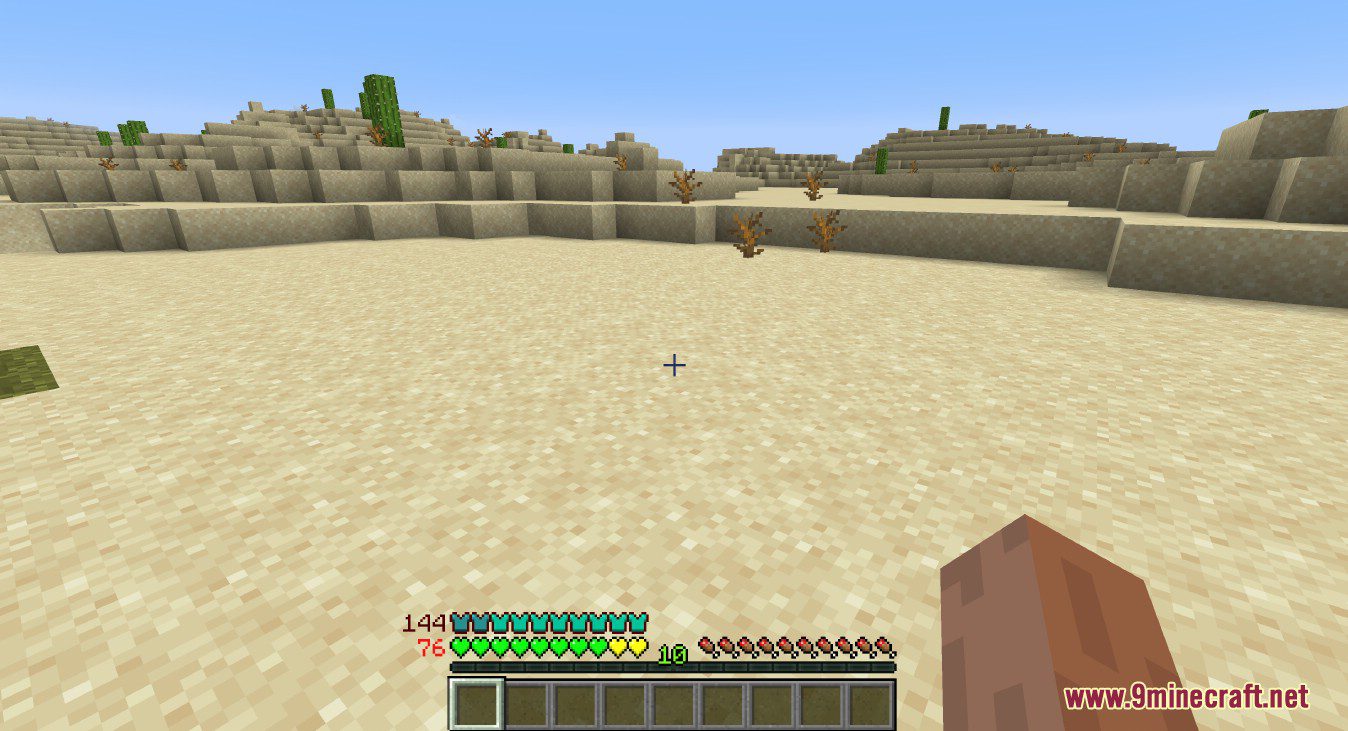
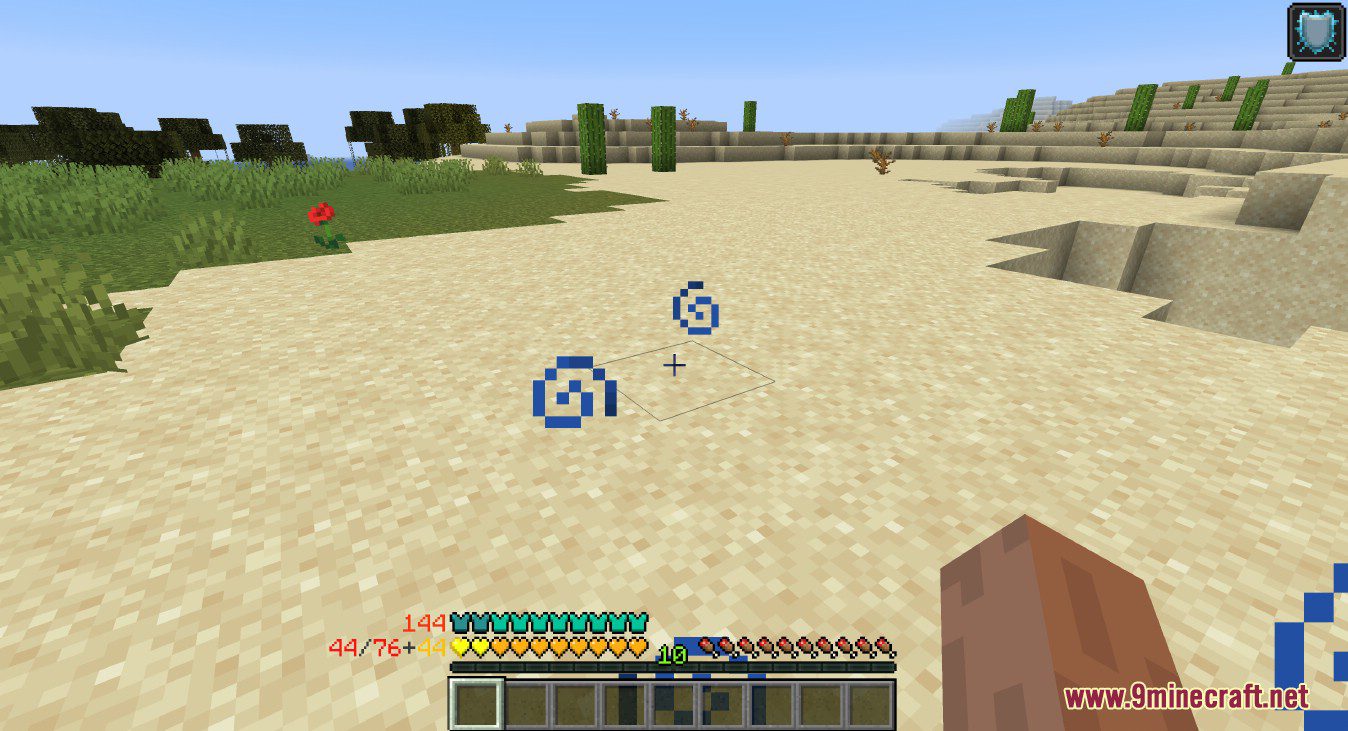
Armor Points Mod is a small mod that allows you to see more than 20 armor points and let you stack your health onto one bar and much more. A light-weight mod overhauling vanilla ui components.
Features:
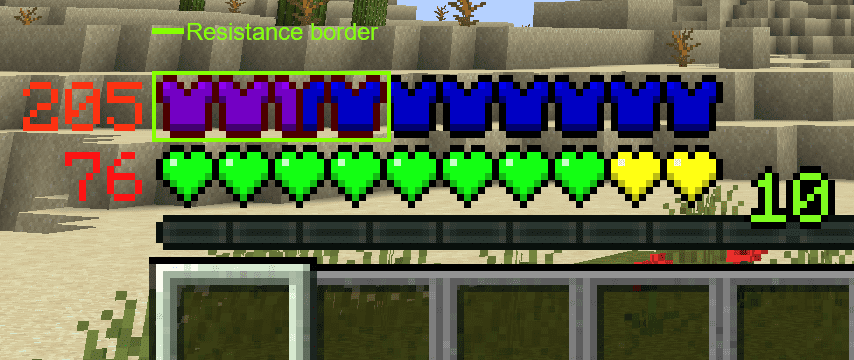
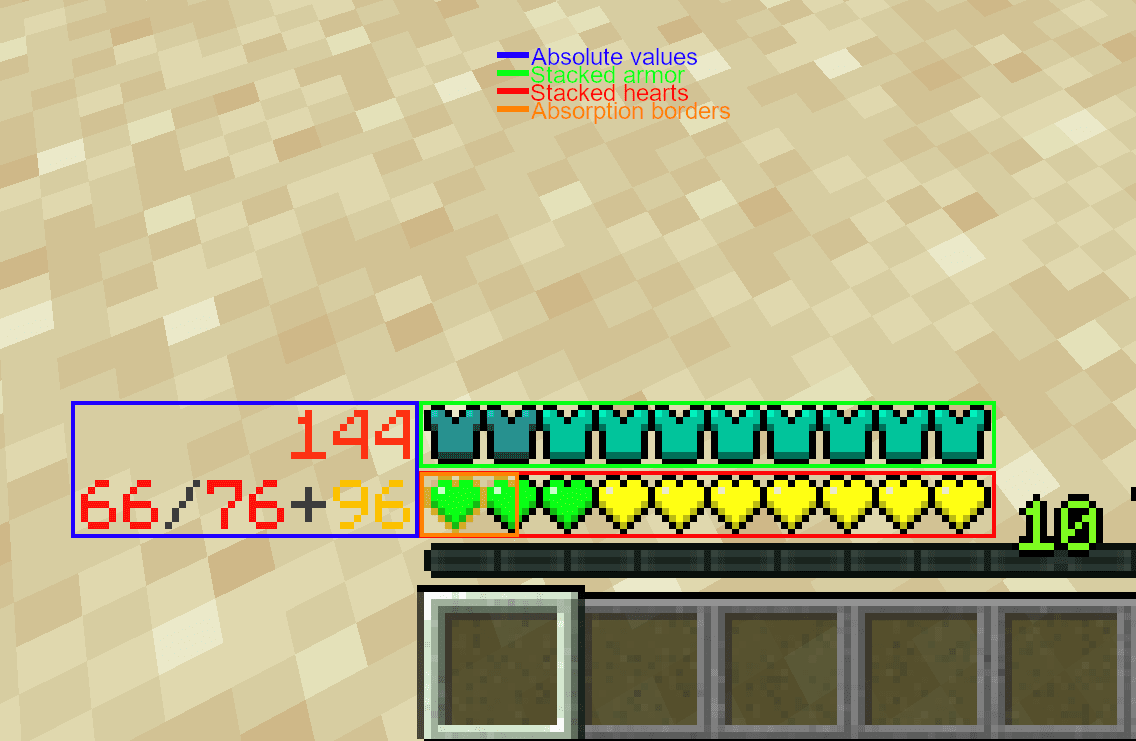
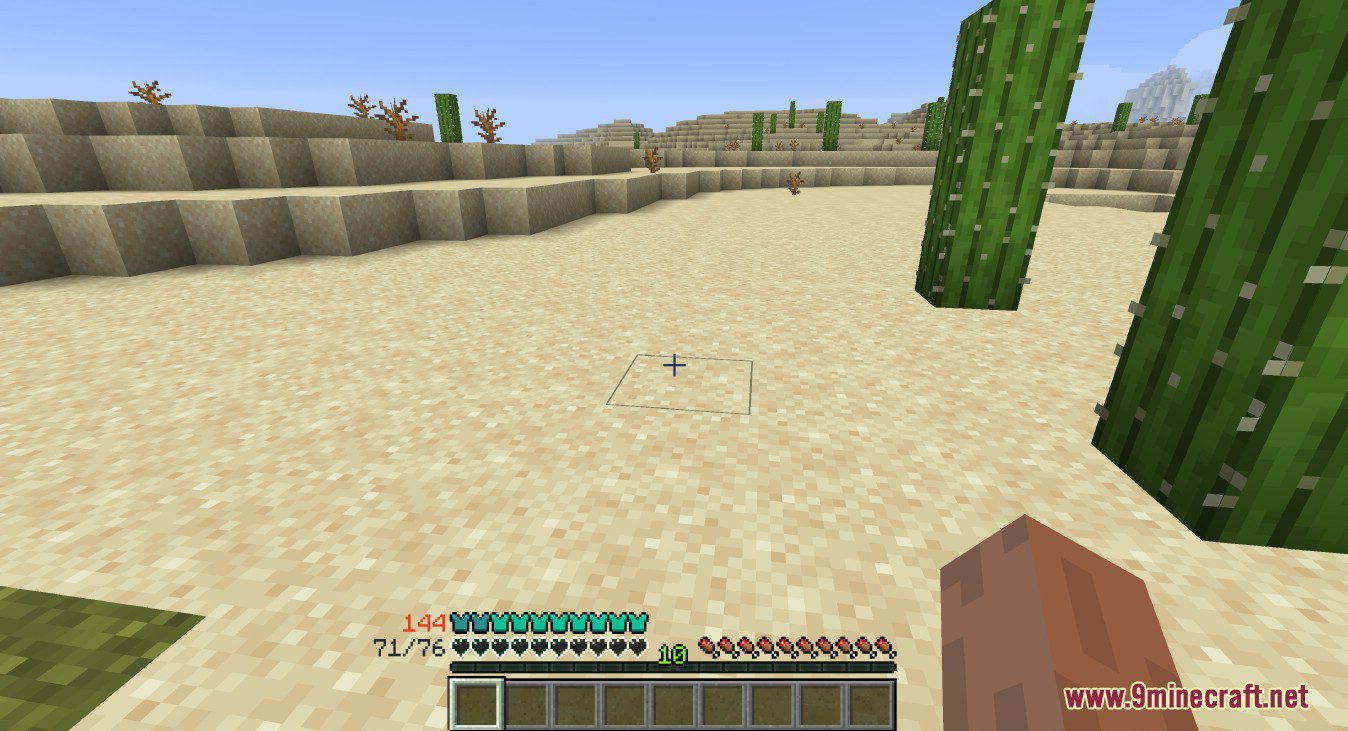
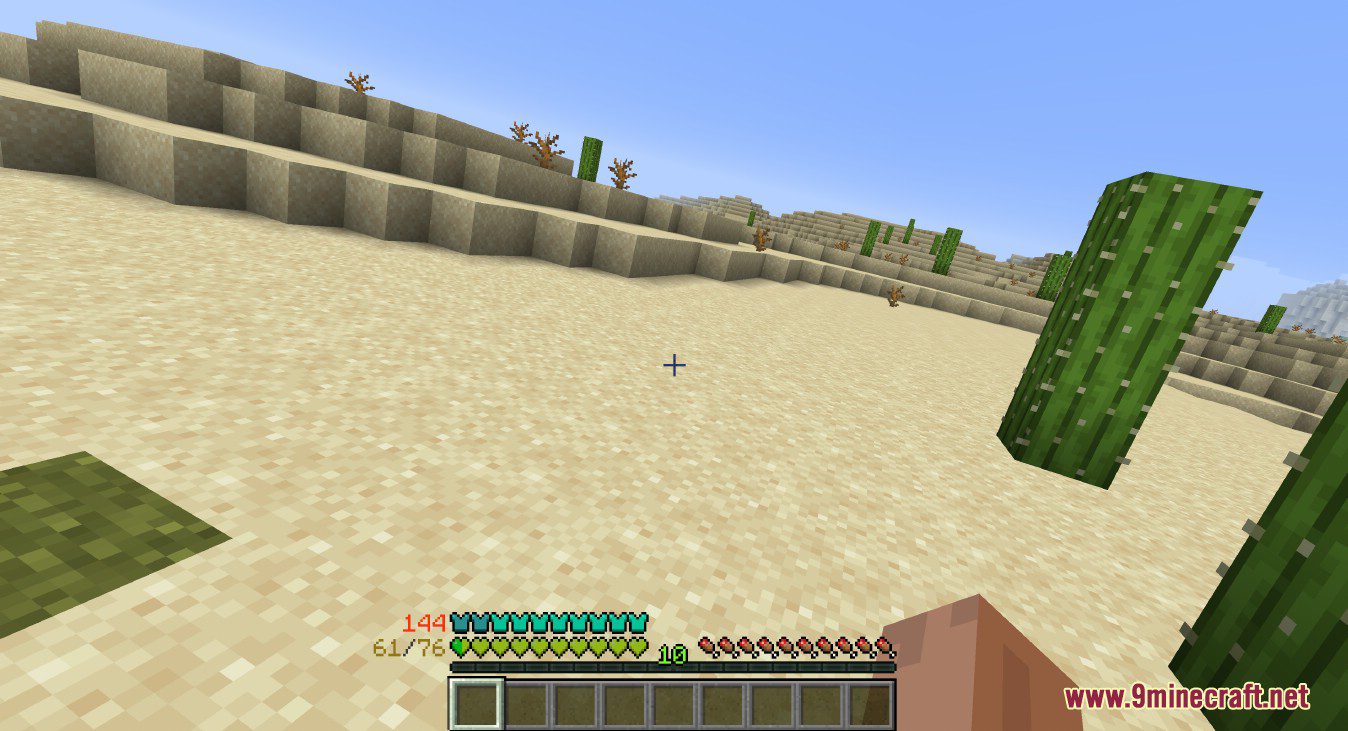
- Armor values above 20 get shown in the armor bar.
- Resistance gets rendered as a border around the armor bar.
- Armor Toughness overlay for the armor bar.
- Individual Armor Toughness bar.
- Protection Enchantment overlay for the armor bar.
- Multiple health bars get stacked onto one colored bar.
- Absorption gets rendered as a border around the health bar.
- Armor and health values get shown as text next to their respective bars.
- PotionCore support (1.12 only).
- Fully configurable.
- Clientside ONLY.
- Please note that AttributeFix or any similar mod is required if armor points are handled via attribute modifiers to reach more than 30 armor points. (Not required when playing old versions of Minecraft).
- Some mods which override/draw over the armor/health bar may be incompatible and must either be removed or some config setting must be changed for this mod to work correctly.
Screenshots:
Armor Points Mod Download Links
For Minecraft 1.12.2
Forge version: Download from Server 1 – Download from Server 2
For Minecraft 1.16.5
Forge version: Download from Server 1 – Download from Server 2
For Minecraft 1.17.1
Forge version: Download from Server 1
For Minecraft 1.18.2
Forge version: Download from Server 1 – Download from Server 2
Fabric version: Download from Server 1 – Download from Server 2
For Minecraft 1.19.2, 1.19.1, 1.19
Forge version: Download from Server 1 – Download from Server 2
Fabric version: Download from Server 1 – Download from Server 2
For Minecraft 1.19.3
Forge version: Download from Server 1 – Download from Server 2
Fabric version: Download from Server 1 – Download from Server 2
For Minecraft 1.19.4
Forge version: Download from Server 1 – Download from Server 2
Fabric version: Download from Server 1 – Download from Server 2
For Minecraft 1.20.1, 1.20
Forge version: Download from Server 1 – Download from Server 2
Fabric version: Download from Server 1 – Download from Server 2
For Minecraft 1.20.2
Fabric version: Download from Server 1 – Download from Server 2
For Minecraft 1.20.4
NeoForge version: Download from Server 1 – Download from Server 2
Fabric version: Download from Server 1 – Download from Server 2
- Edition: Minecraft Java
- File type: .jar
- Minecraft versions listed: 1.20.1, 1.19.2
- How to install: Install the matching mod loader (Forge, Fabric or NeoForge) for your Minecraft version. → Download the .jar. → Put it in the .minecraft/mods folder and launch that loader profile.
- Where to get it: In MC Java Mods, or directly above on this page.
Install steps are the general flow for this file type — How to install Minecraft Java mods & modpacks walks through it step by step.
- Downloads as 178640.mcaddon
- Download size: 196 KB
- Download link checked 29 Jul 2026 — working
- Mirrored on our own servers — the download does not depend on the original host
These come from our own check of the pack file, not from the source page.