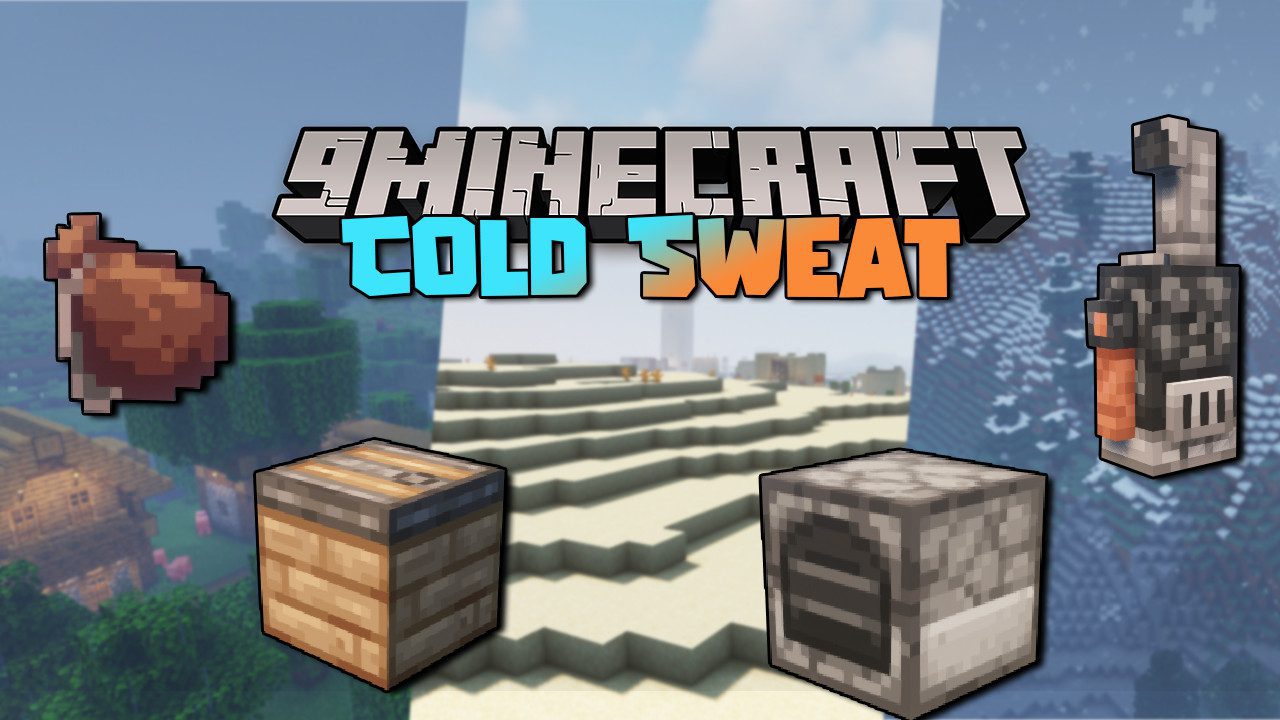
Cold Sweat Mod (1.21.1, 1.20.1) – Dynamic Temperature System
Java mod listed for Minecraft 1.20–1.21. Downloads from the MC Java Mods app on Android.
Besides finding food, now you'll have to worry about the ambient temperature. Cold Sweat Mod is a mod that introduces the concept of temperature into…
⬇ Download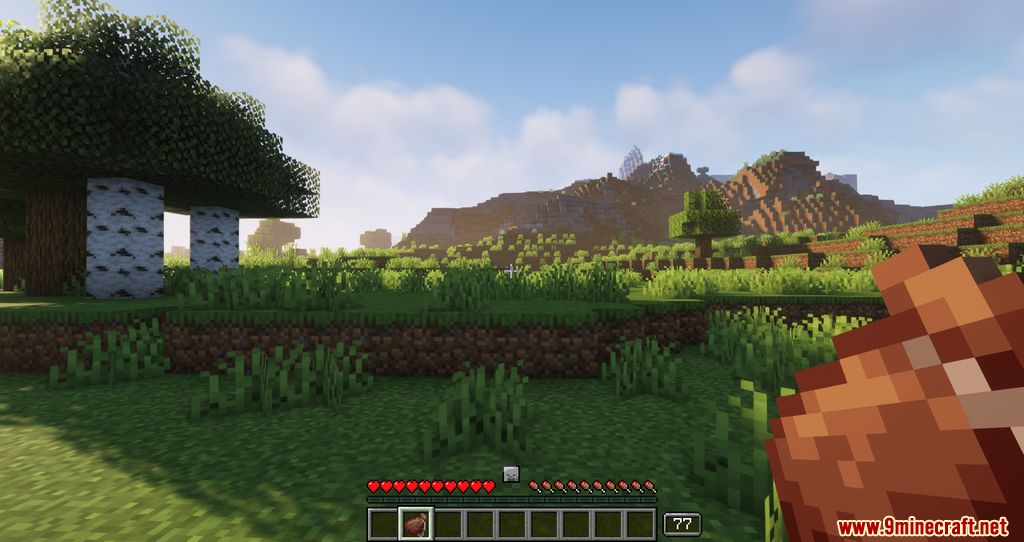
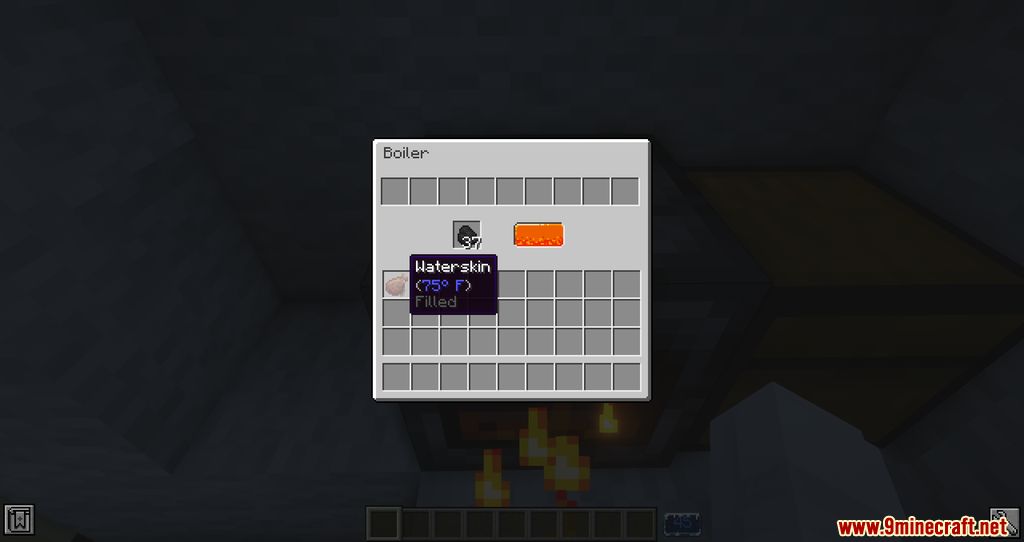
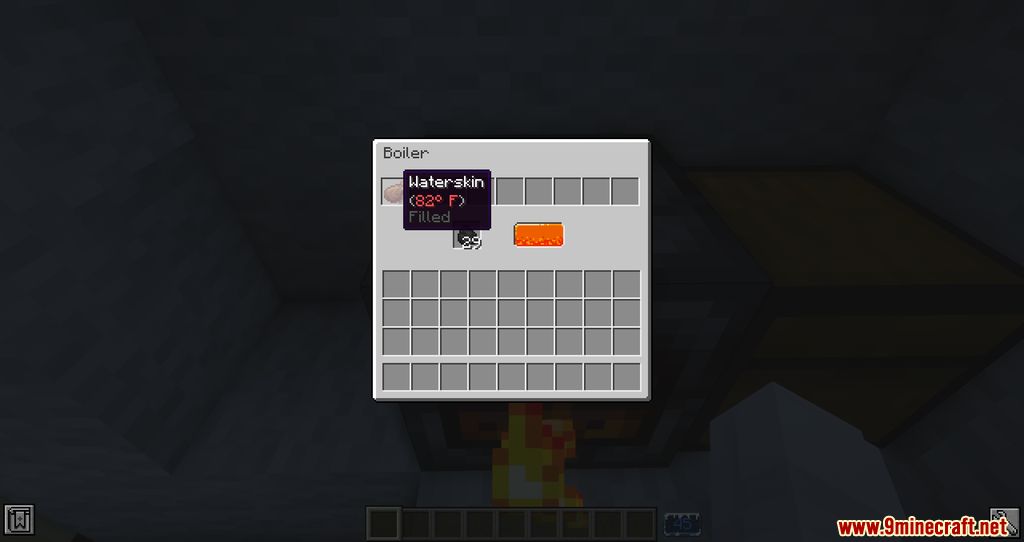
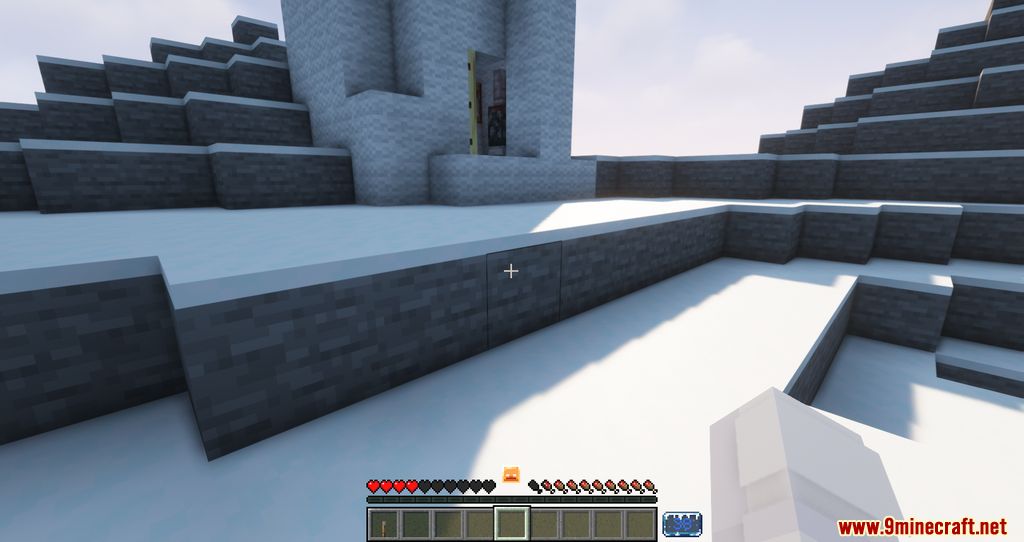
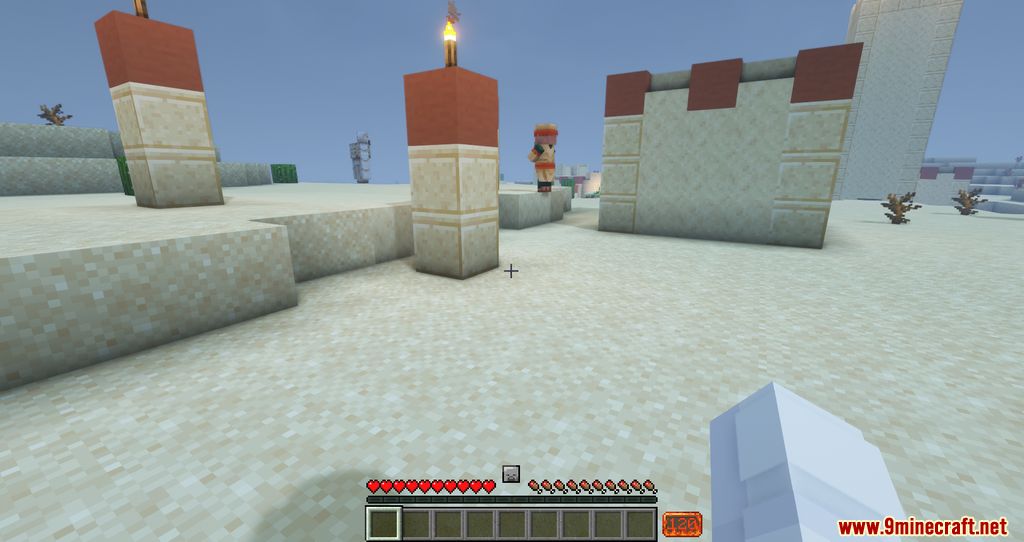
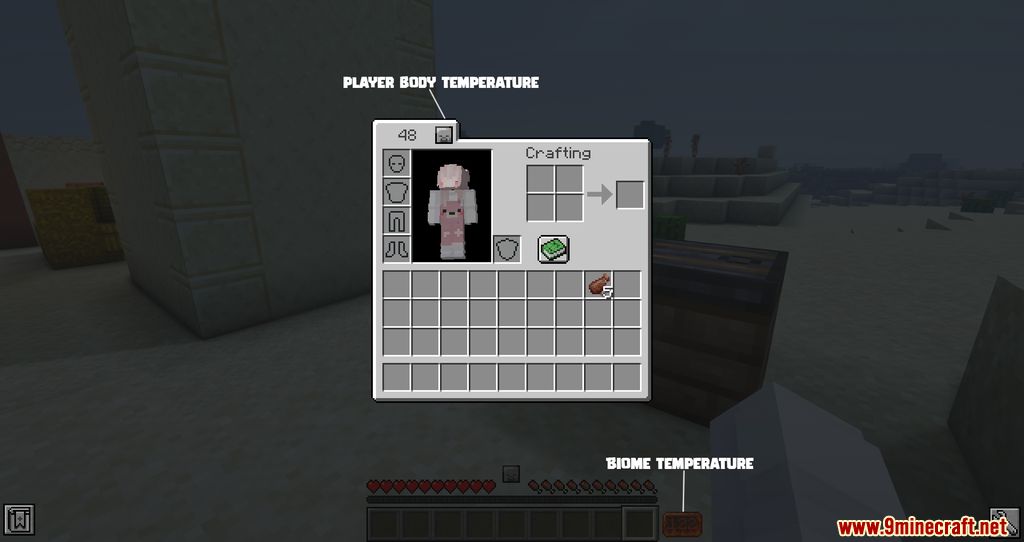
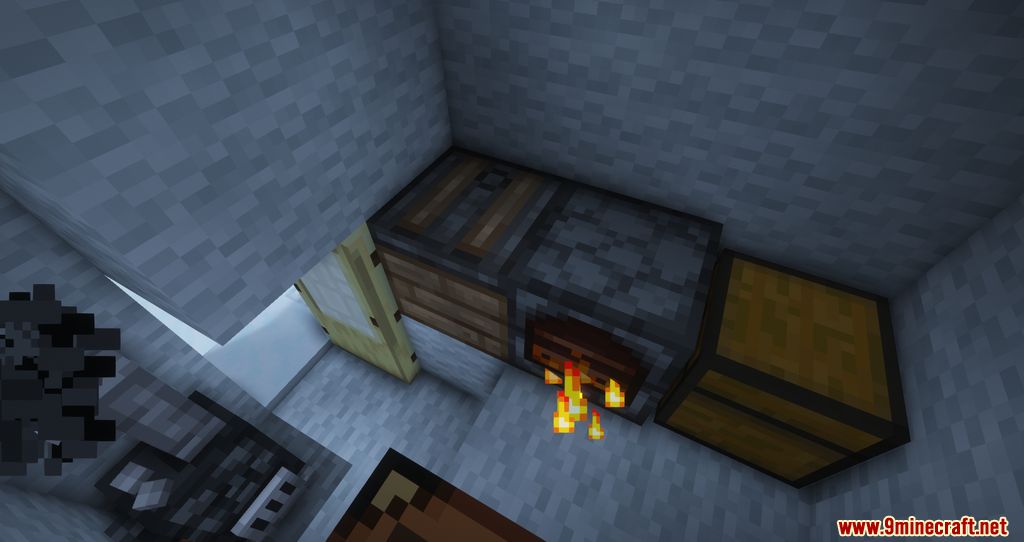
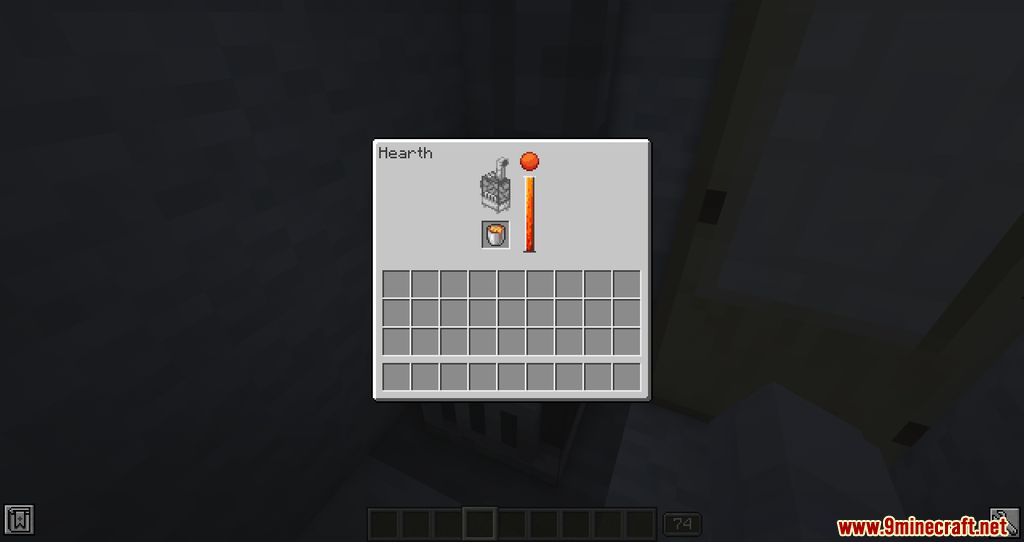
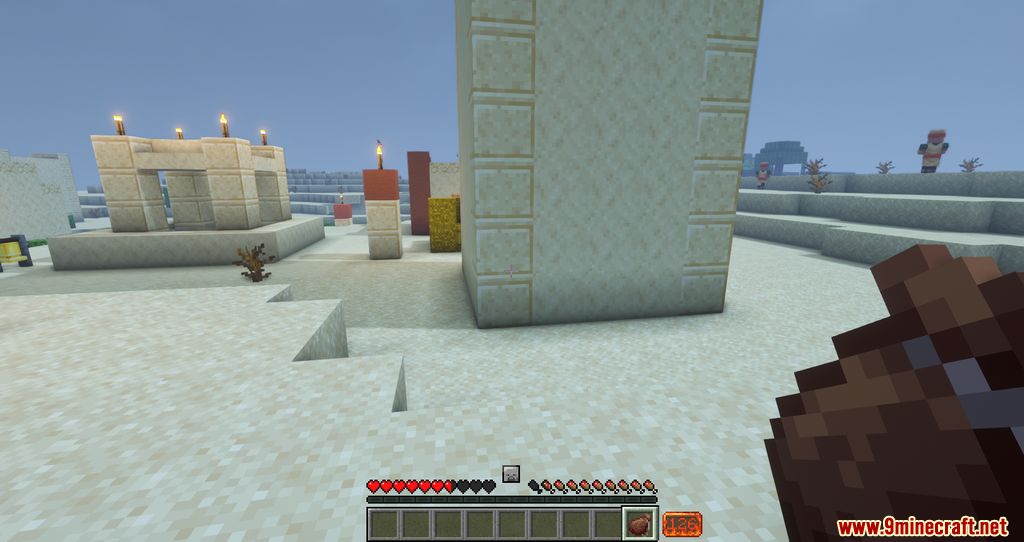
Besides finding food, now you’ll have to worry about the ambient temperature. Cold Sweat Mod is a mod that introduces the concept of temperature into Minecraft’s survival mode. This means that, in addition to searching for food, players will need to pay attention to the ambient temperature, as it will affect their character. Players will experience different temperatures depending on the biome they are in, whether they are above or below sea level, the climate of the area, and even the blocks they are standing on. To help combat extreme heat or cold, players can use new blocks and items. The ambient temperature indicator is located between the health bar and the hunger bar, in the center of the screen.
Features:
- Temperature System: Your body temperature is affected by biomes, altitude, weather, and blocks.
- Survival Mechanics: Stay near heat sources to warm up or find cooling blocks to lower your temperature.
- Insulated Armor: Modify armor to resist extreme temperatures.
- Thermometer: Displays precise temperature readings.
- Waterskins: Used for quick relief or as heating/cooling packs.
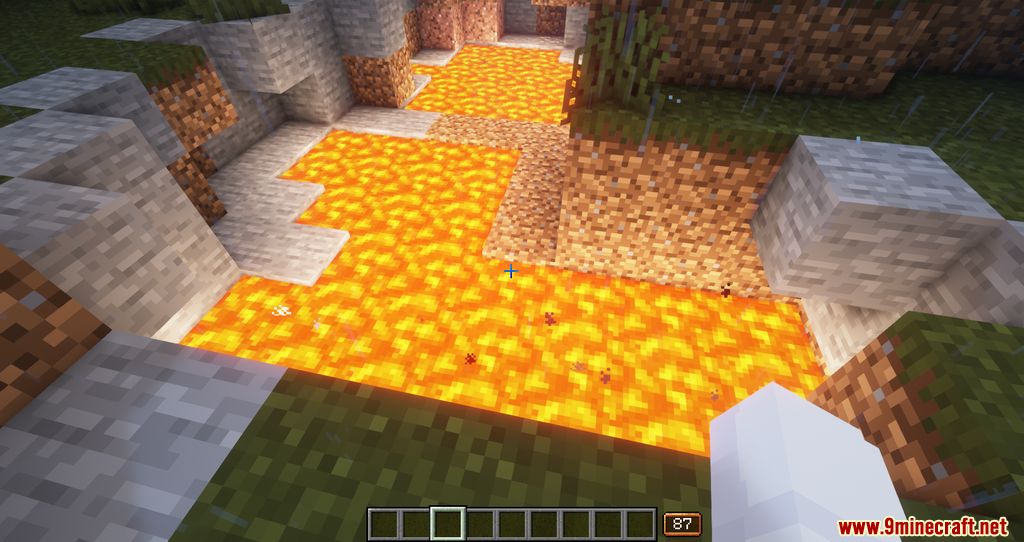
Screenshots:
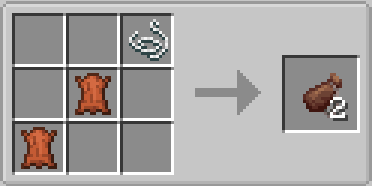
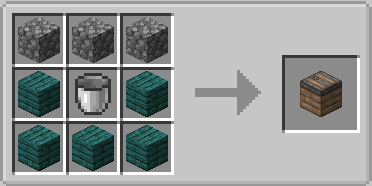
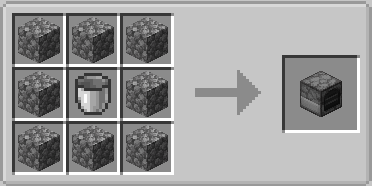
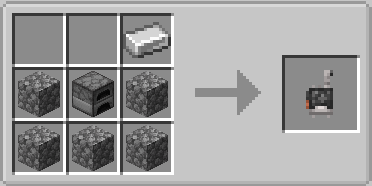
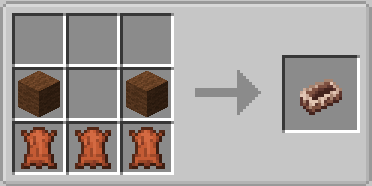
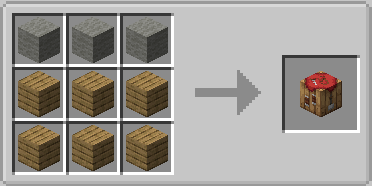
Crafting Recipes:
Cold Sweat Mod Download Links
For Minecraft 1.21.1, 1.21
NeoForge version: Download from Server 1 – Download from Server 2
For Minecraft 1.20.1, 1.20
Forge/NeoForge version: Download from Server 1 – Download from Server 2
For Minecraft 1.19.4
Forge version: Download from Server 1 – Download from Server 2
For Minecraft 1.19.2
Forge version: Download from Server 1 – Download from Server 2
For Minecraft 1.18.2
Forge version: Download from Server 1
For Minecraft 1.18.1
Forge version: Download from Server 1
For Minecraft 1.16.5
Forge version: Download from Server 1
- Edition: Minecraft Java
- File type: .jar
- Minecraft versions listed: 1.21.1, 1.20.1
- How to install: Install the matching mod loader (Forge, Fabric or NeoForge) for your Minecraft version. → Download the .jar. → Put it in the .minecraft/mods folder and launch that loader profile.
- Where to get it: In MC Java Mods, or directly above on this page.
Install steps are the general flow for this file type — How to install Minecraft Java mods & modpacks walks through it step by step.
- Downloads as 178645.mcaddon
- Download size: 2.2 MB
- Download link checked 26 Jul 2026 — working
- Mirrored on our own servers — the download does not depend on the original host
These come from our own check of the pack file, not from the source page.