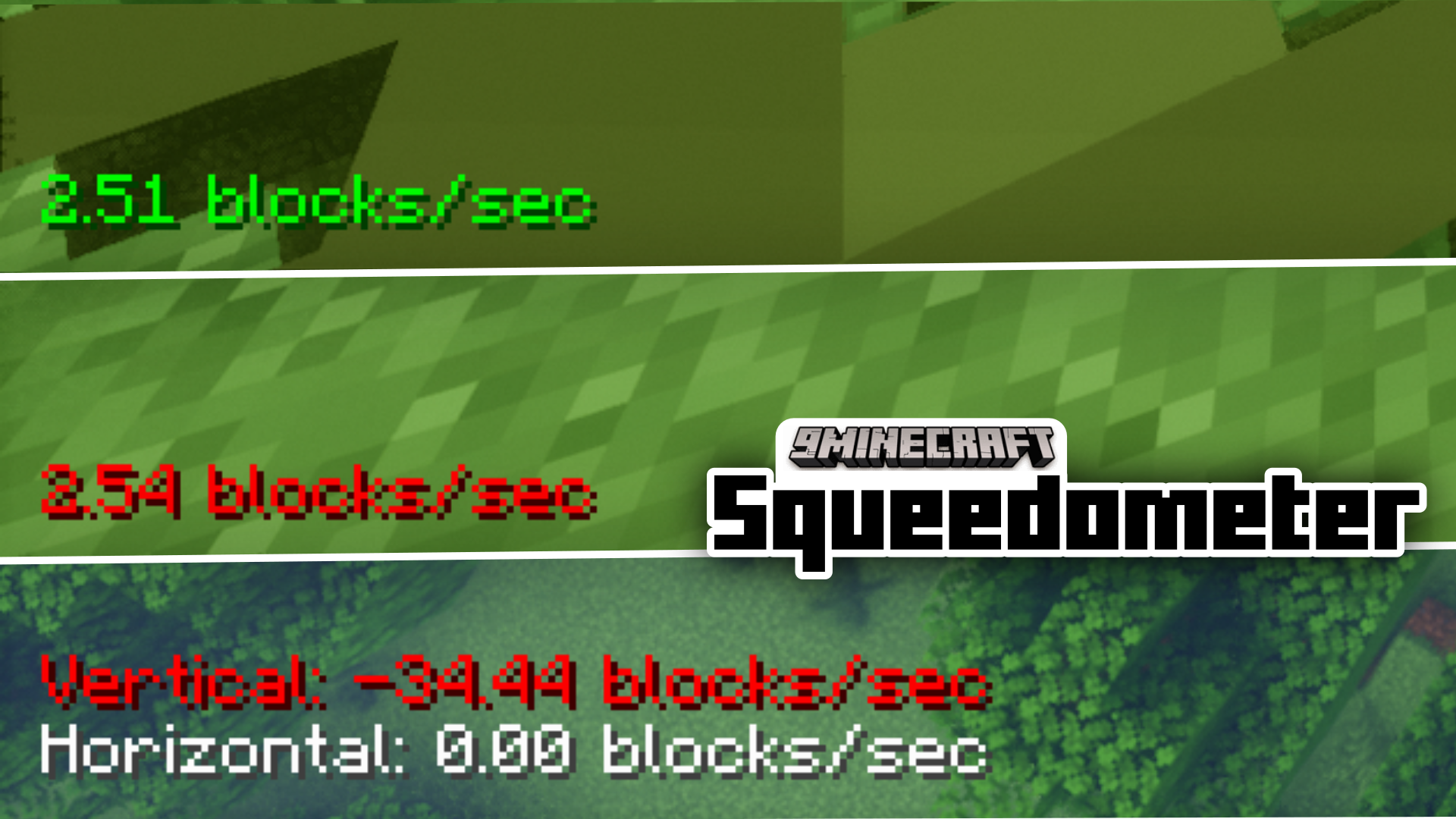



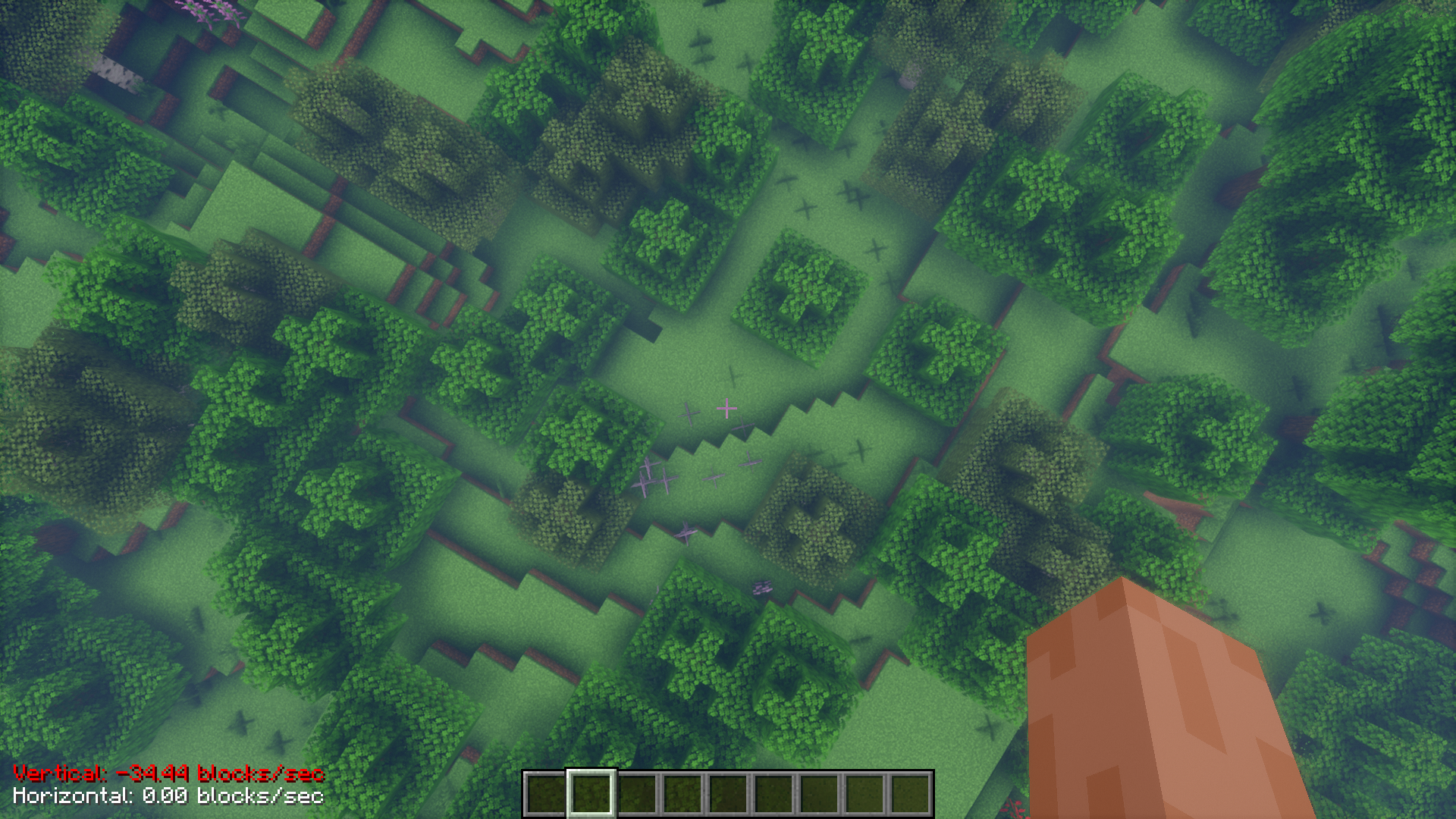
Have you ever wondered how fast you are moving in the game? The vanilla game has no metric to show how fast you are moving through the world. Squeedometer Mod is here to add just that. This mod adds overlays onto your screen to tell you how fast you are moving. Separate indicators are given for vertical and horizontal speeds.
Features:
- Adds speed metric overlays.
- Separate indicators for vertical and horizontal speed.
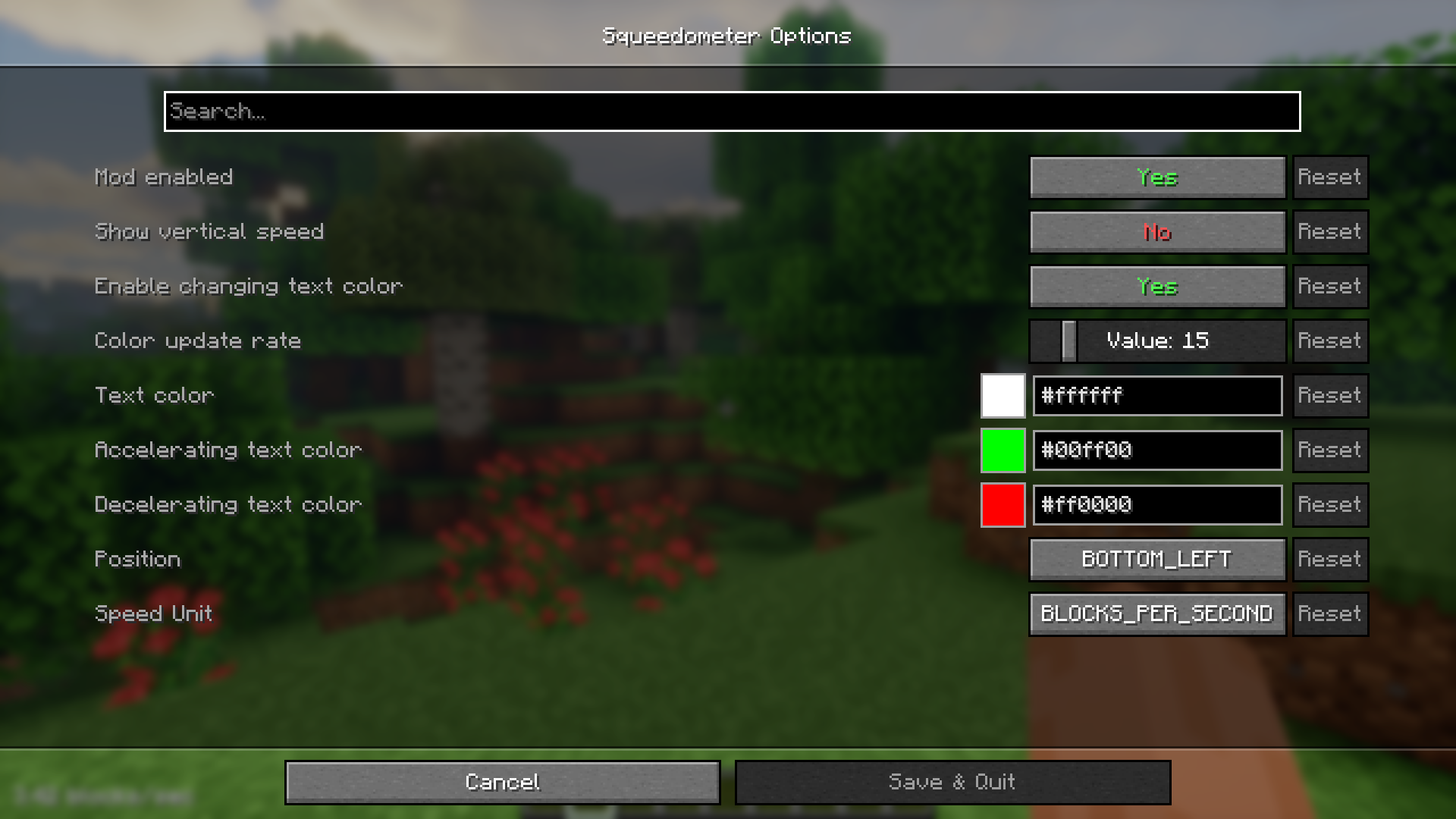
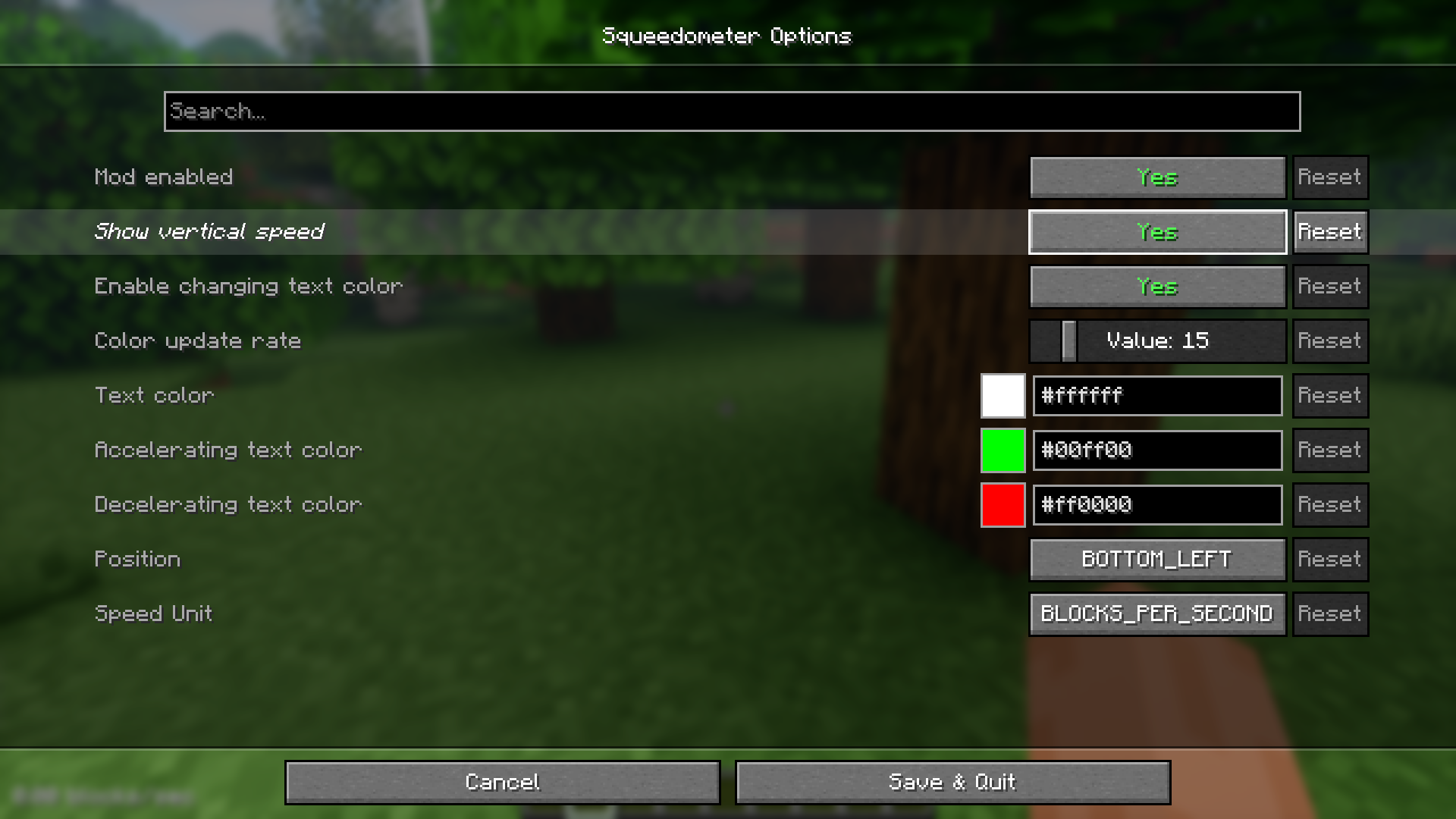
- High configurability.
Screenshots:
Squeedometer Mod Download Links
For Minecraft 1.21.1, 1.21
Fabric version: Download from Server 1 – Download from Server 2
For Minecraft 1.20.6
Fabric version: Download from Server 1 – Download from Server 2
For Minecraft 1.20.4, 1.20.1
Fabric version: Download from Server 1 – Download from Server 2
For Minecraft 1.19.4
Fabric version: Download from Server 1 – Download from Server 2
- Edition: Minecraft Java
- File type: .jar
- Minecraft versions listed: 1.21.1, 1.20.1
- How to install: Install the matching mod loader (Forge, Fabric or NeoForge) for your Minecraft version. → Download the .jar. → Put it in the .minecraft/mods folder and launch that loader profile.
- Where to get it: In MC Java Mods, or directly above on this page.
Install steps are the general flow for this file type — How to install Minecraft Java mods & modpacks walks through it step by step.
- Downloads as 178652.mcaddon
- Download size: 18 KB
- Download link checked 24 Jul 2026 — working
- Mirrored on our own servers — the download does not depend on the original host
These come from our own check of the pack file, not from the source page.