ComputerCraft Create Bridge Mod (1.20.1, 1.19.2) – Make Your Factories Even Smarter
ComputerCraft Create Bridge Mod adds compatibility between the ComputerCraft Mod and Create Mod. Make your factories even smarter or use Display Boards and Nixie Tubes like you ever dreamed of. This mod adds a hand full of peripherals that allow futher access to Creates features. Two essential blocks of this mod are the Source Block and Target Block. They simulate a source or target, making it possible to comunicate within every other source/target that Create provides. Another block that can come in very handy is the RedRouter Block. It can send or receive redstone signals without having to worry about wireless channels or by using multible Computers, using the Redstone API. This mod also adds some smaller, fun things like the Scroller Pane or Animatronic. The Scroller Pane lets you select a number and send it to a Computer using Creates interface, while the Animatronic is a puppet you can control and animate as you like.
Features:
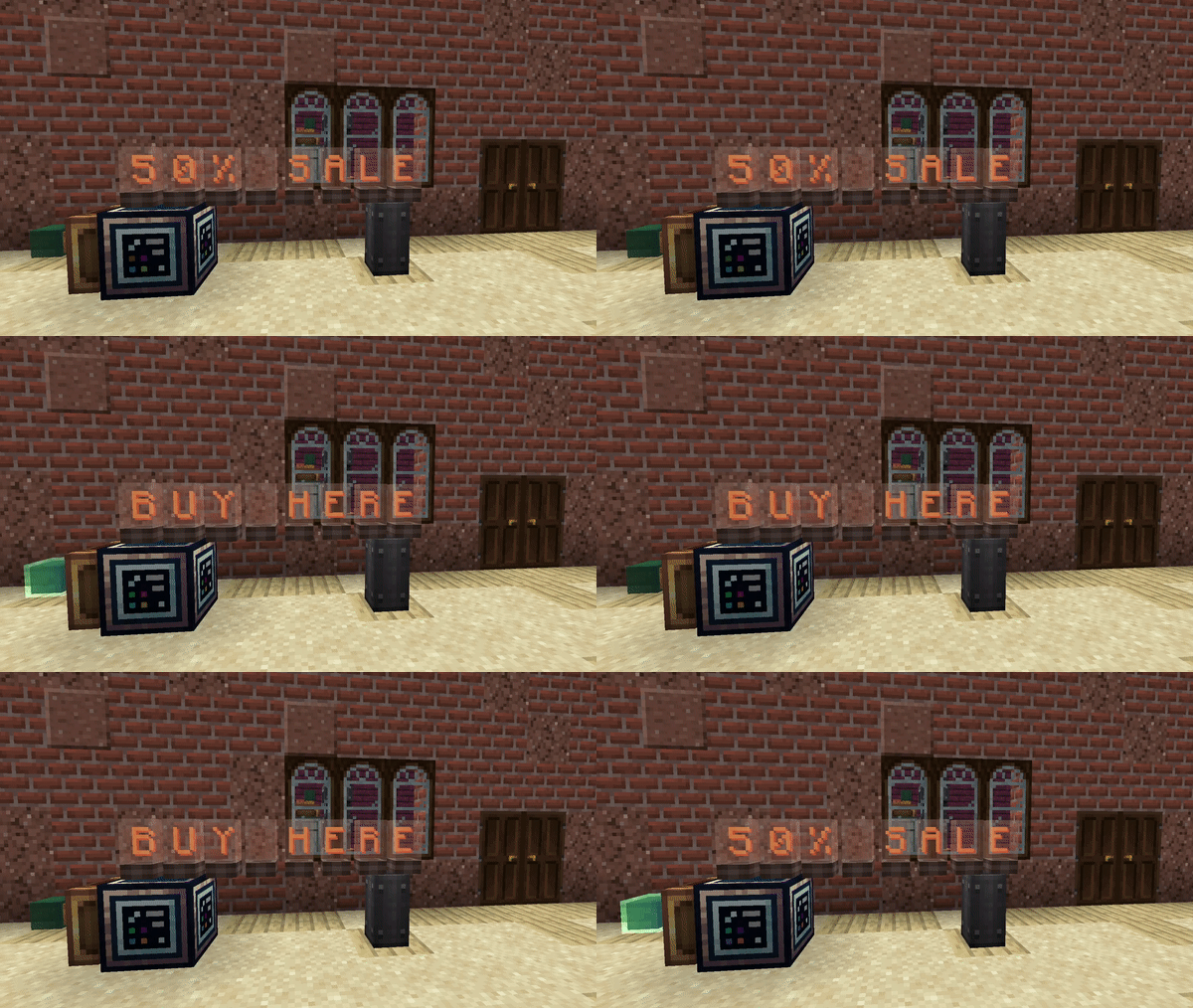
- You can display all your f a n c y stuff with e.g. Displays (those flip things), Signs, Lecterns or Nixie Tubes via the Source Block.
- You can also get informations from blocks via the Target Block. For example, you can now get how much stress your network exactly has (in SU), a death counter, how many you produce, etc.
- You control Trains by using the Train Station as a peripheral or handle much more stuff with the RedRouter Block. (Uses the Redstone API)
- With these blocks, many things you always wanted to handle precicely and easily via lua scripts, are now possible.
Screenshots:
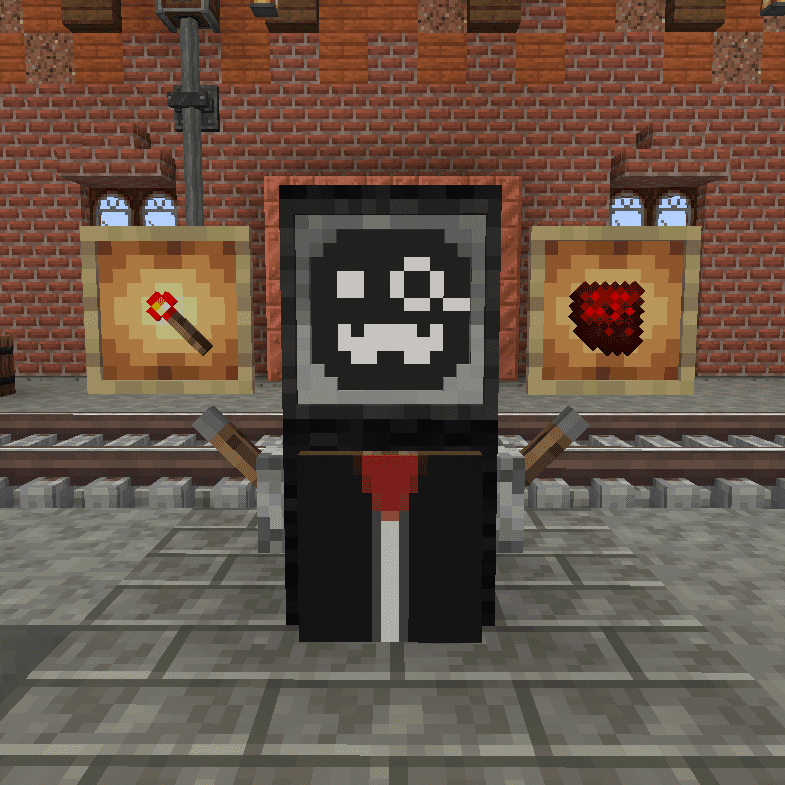
Mumbo Routo
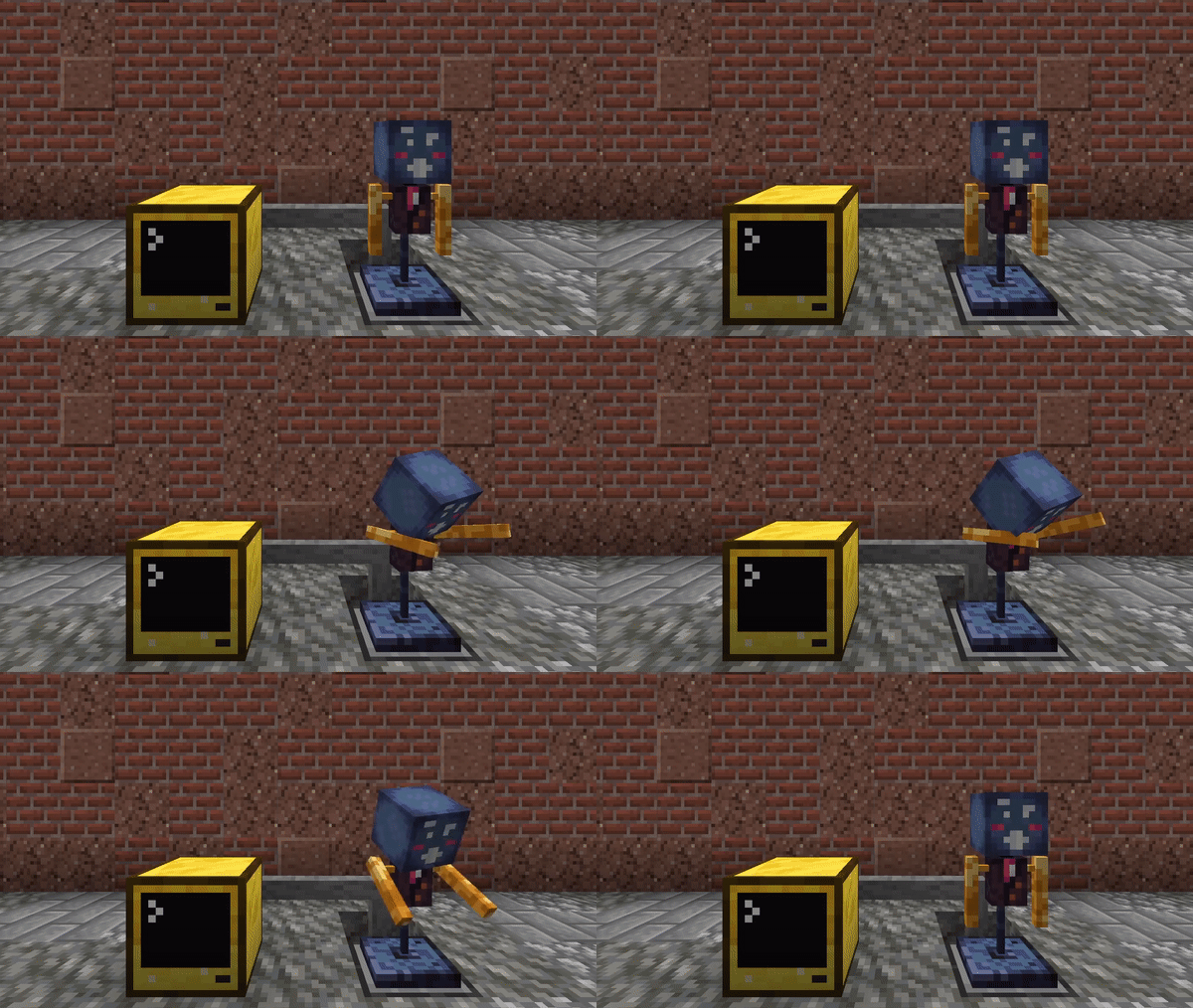
Dabbing Animatronic
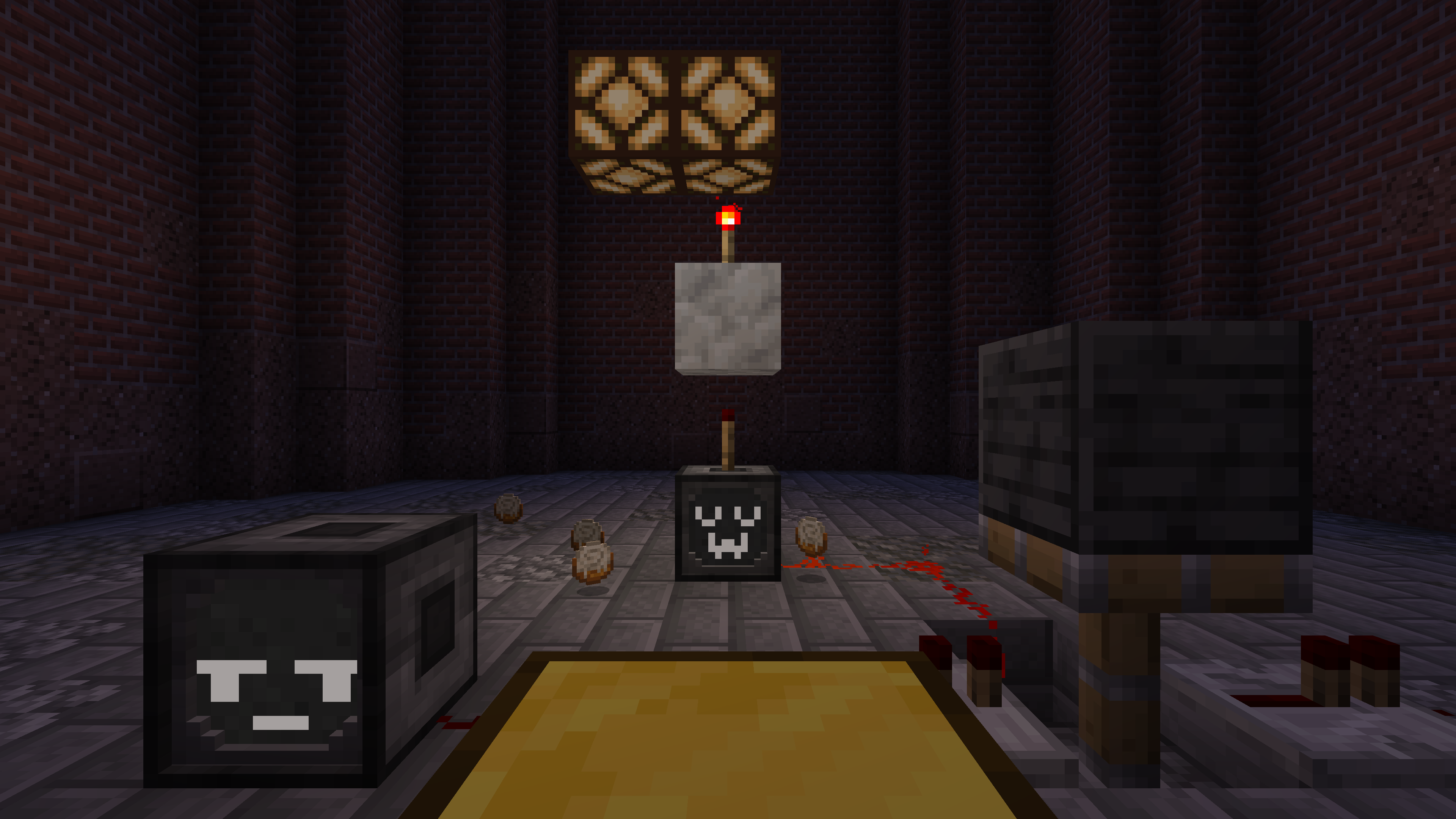
Red Routers & Redstone
Demo shop
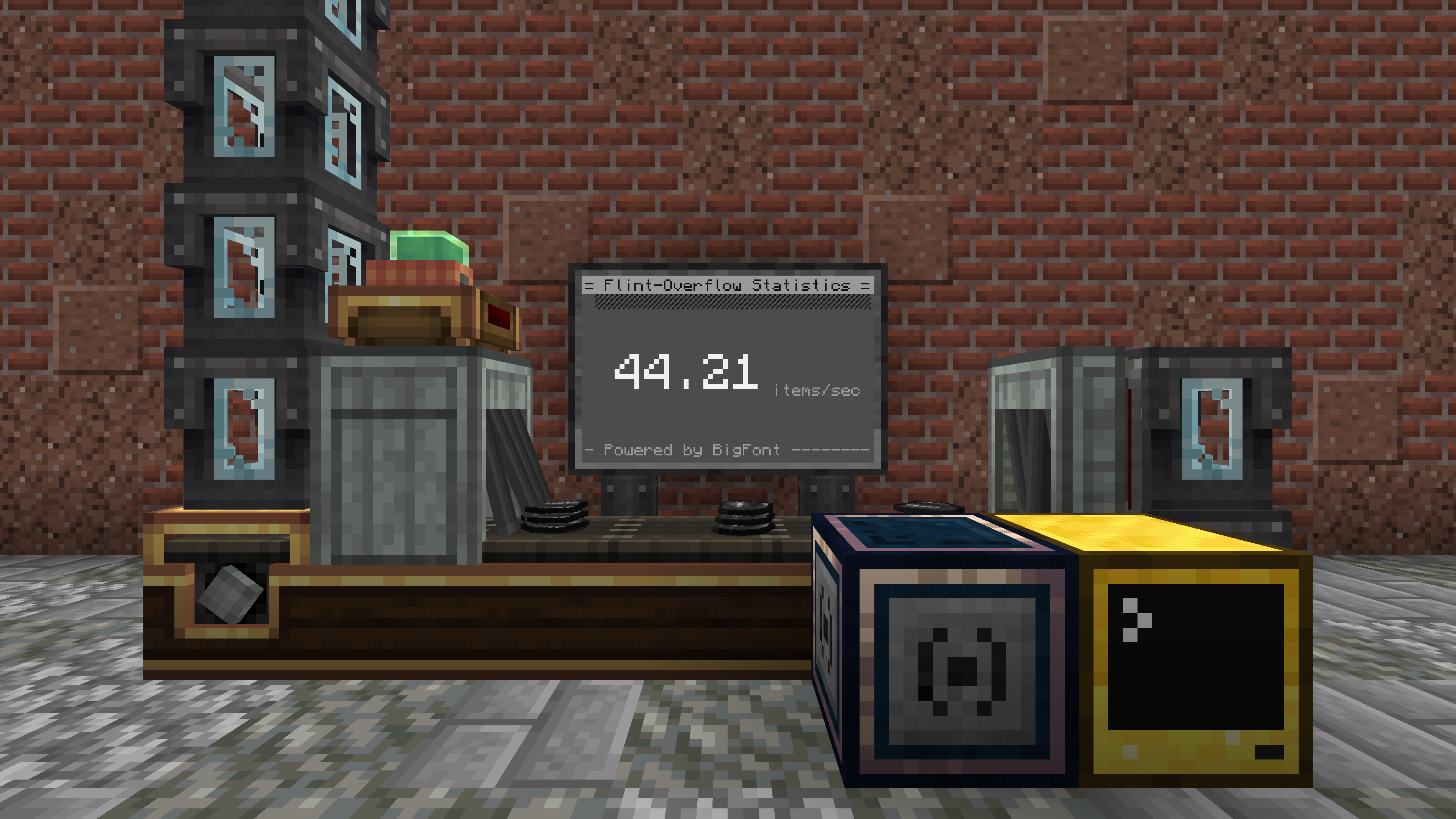
Statistics: A efficient factory is a good factory.
ComputerCraft Create Bridge Mod Download Links
For Minecraft 1.20.2
Forge version: Download from Server 1 – Download from Server 2
For Minecraft 1.20.1, 1.20
Forge version: Download from Server 1 – Download from Server 2
Fabric version: Download from Server 1 – Download from Server 2
For Minecraft 1.19.2
Forge version: Download from Server 1 – Download from Server 2
Fabric version: Download from Server 1 – Download from Server 2
For Minecraft 1.18.2
Forge version: Download from Server 1 – Download from Server 2
Fabric version: Download from Server 1 – Download from Server 2
- Edition: Minecraft Java
- File type: .jar
- Minecraft versions listed: 1.20.1, 1.19.2
- How to install: Install the matching mod loader (Forge, Fabric or NeoForge) for your Minecraft version. → Download the .jar. → Put it in the .minecraft/mods folder and launch that loader profile.
- Where to get it: In MC Java Mods, or directly above on this page.
Install steps are the general flow for this file type — How to install Minecraft Java mods & modpacks walks through it step by step.
- Downloads as 178763.mcaddon
- Download size: 283 KB
- Download link checked 27 Jul 2026 — working
- Mirrored on our own servers — the download does not depend on the original host
These come from our own check of the pack file, not from the source page.