GregTechCEu Modern Mod (1.21.1, 1.20.1) – Modern GregTech Based On GTCEu
Java mod listed for Minecraft 1.20–1.21. Downloads from the MC Java Mods app on Android.
⬇ Download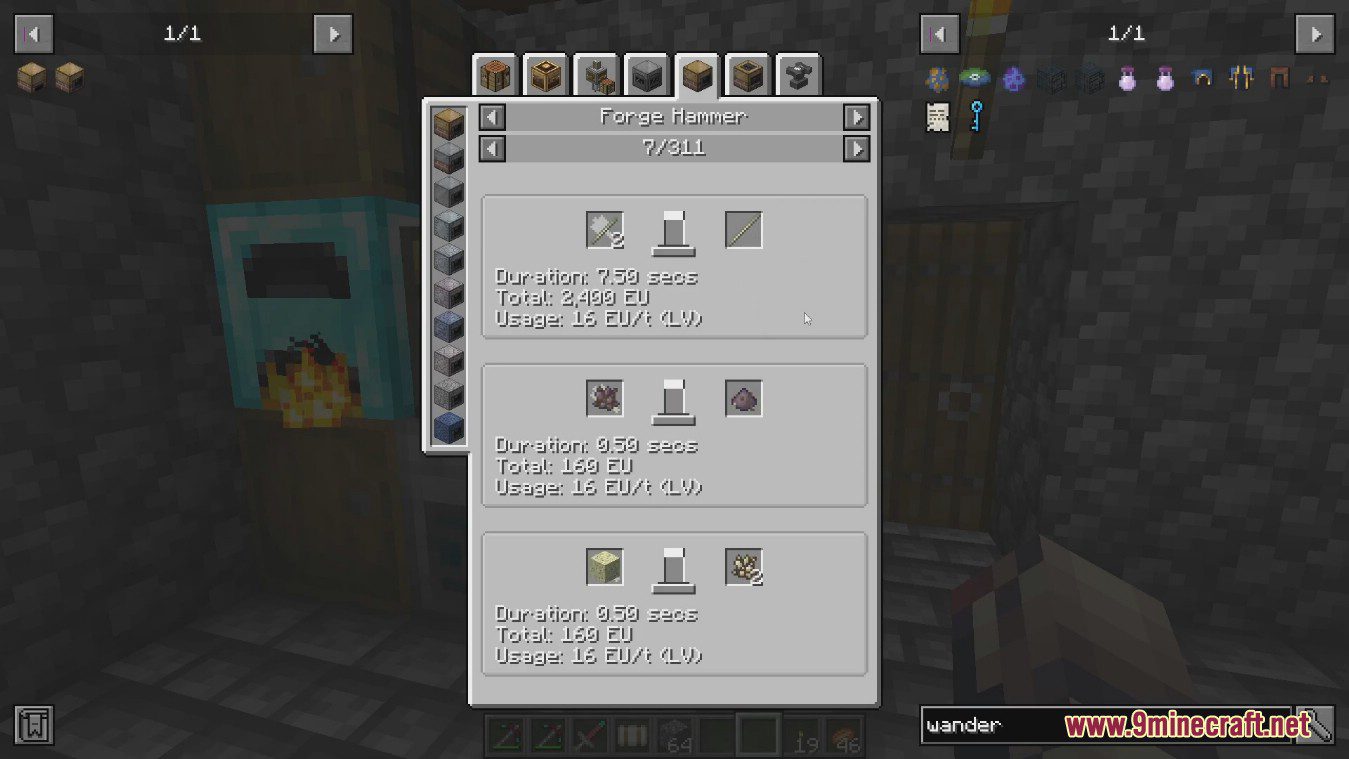
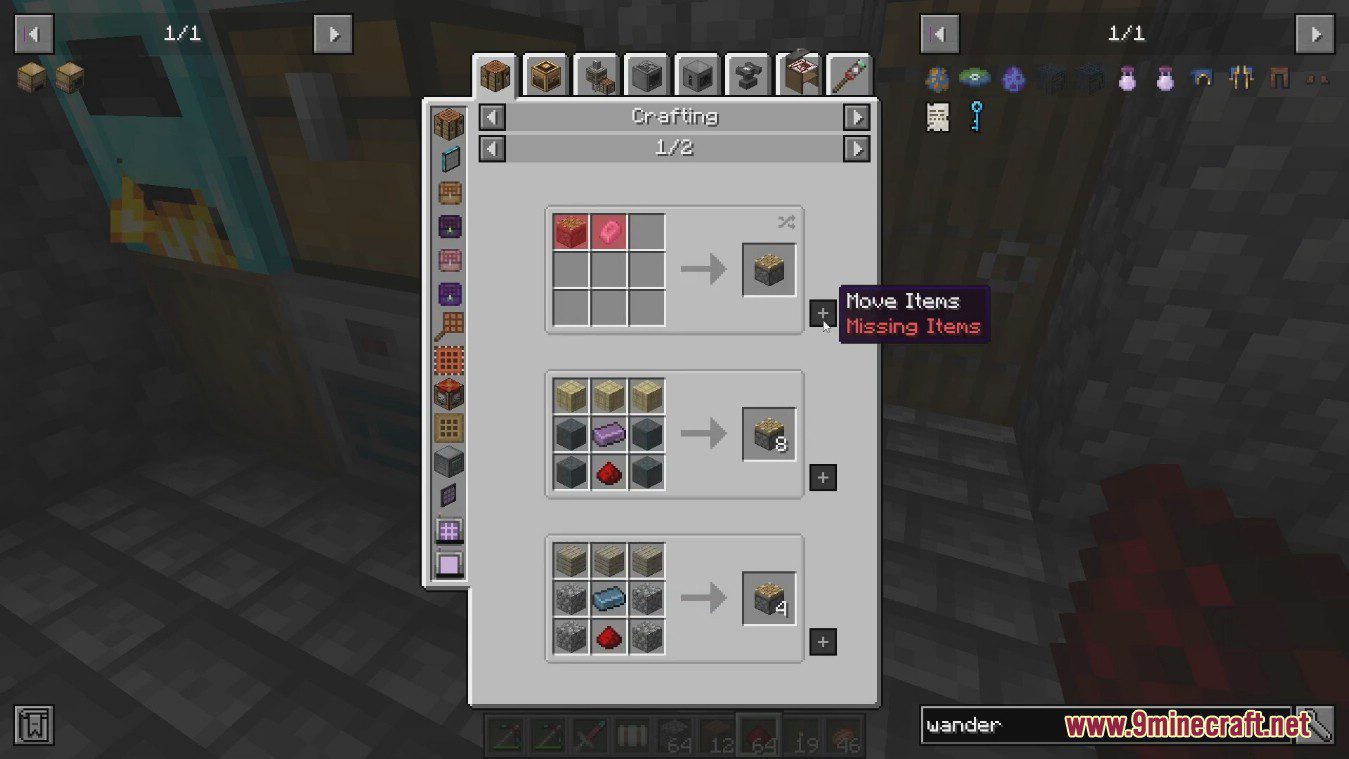
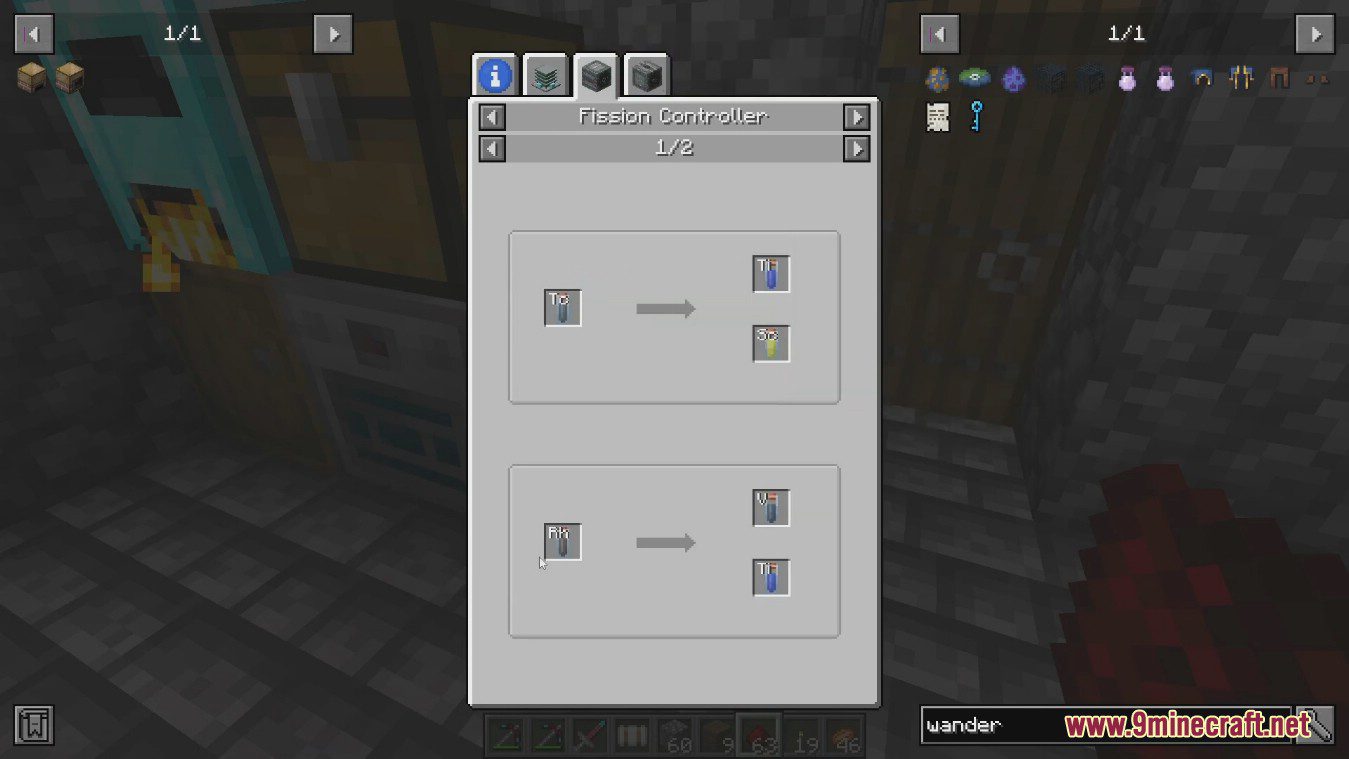
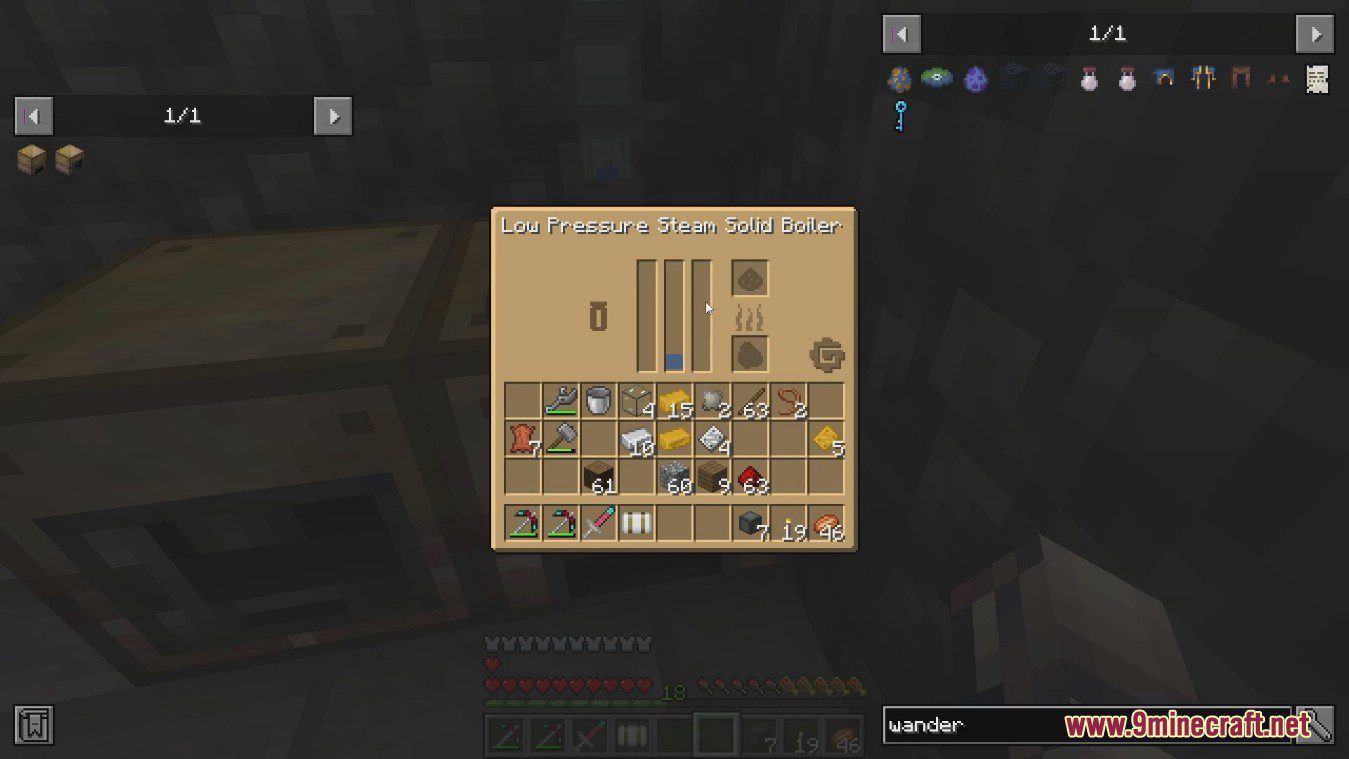
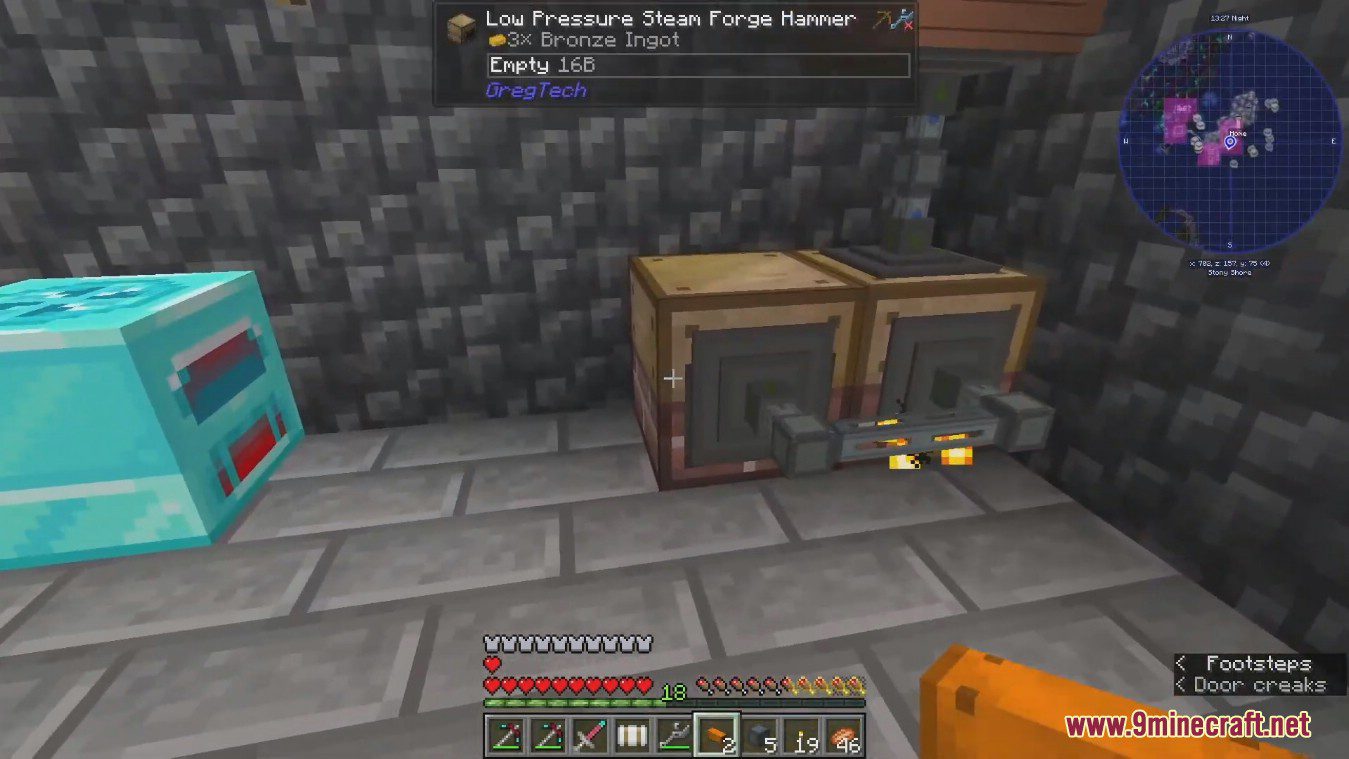
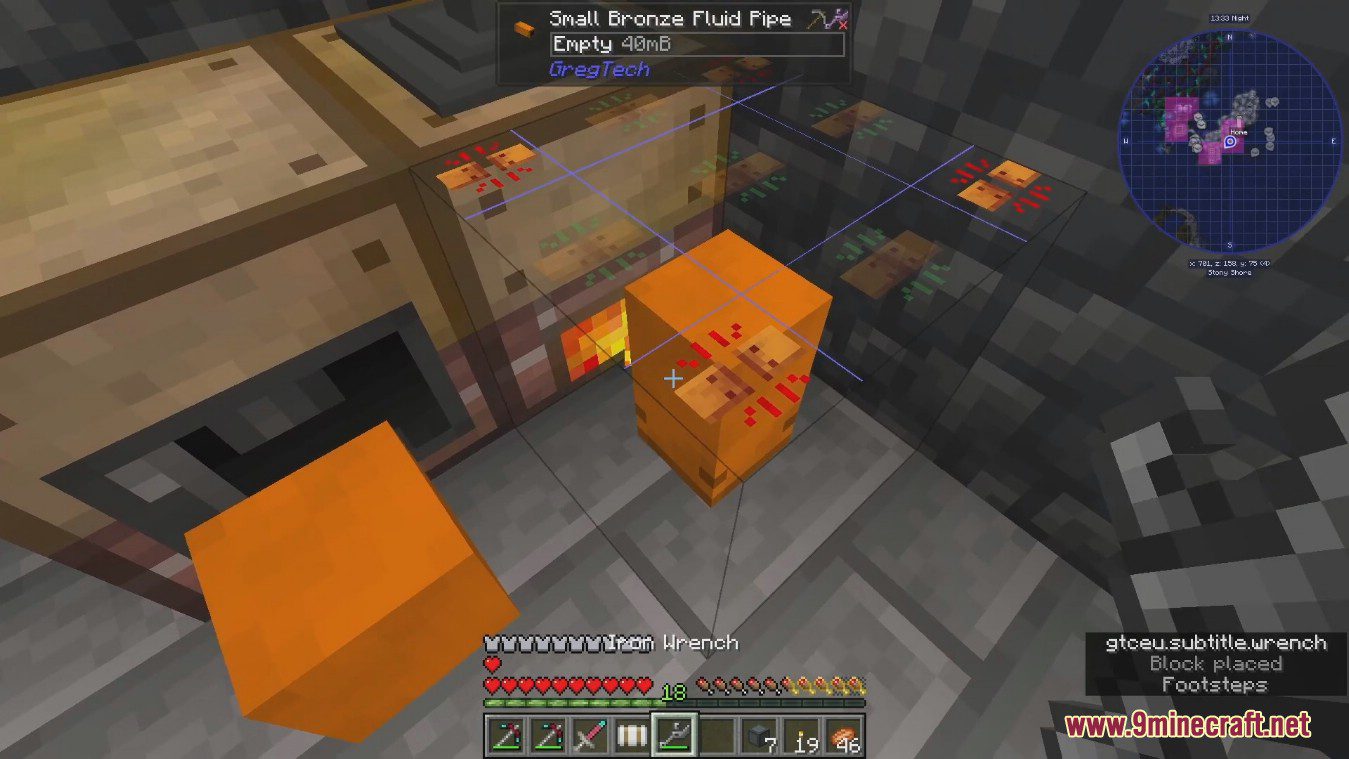
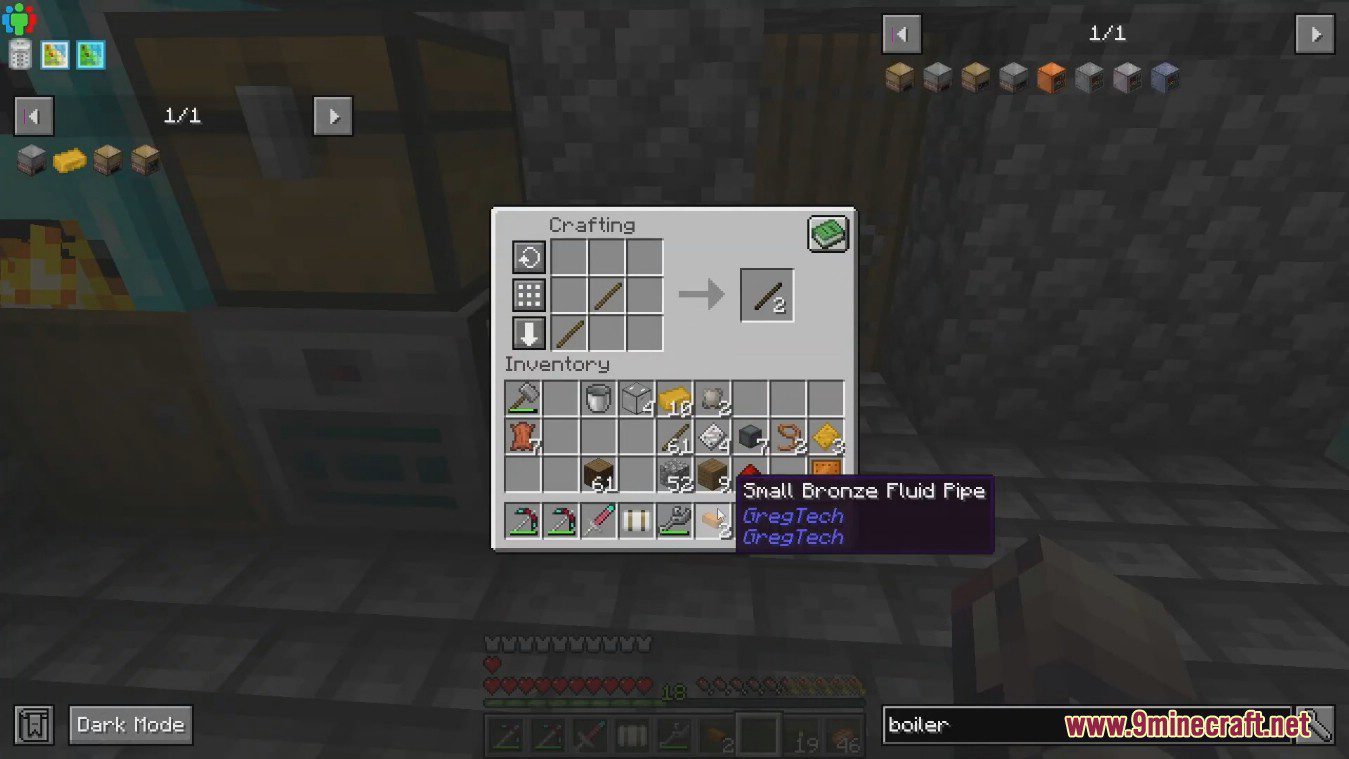
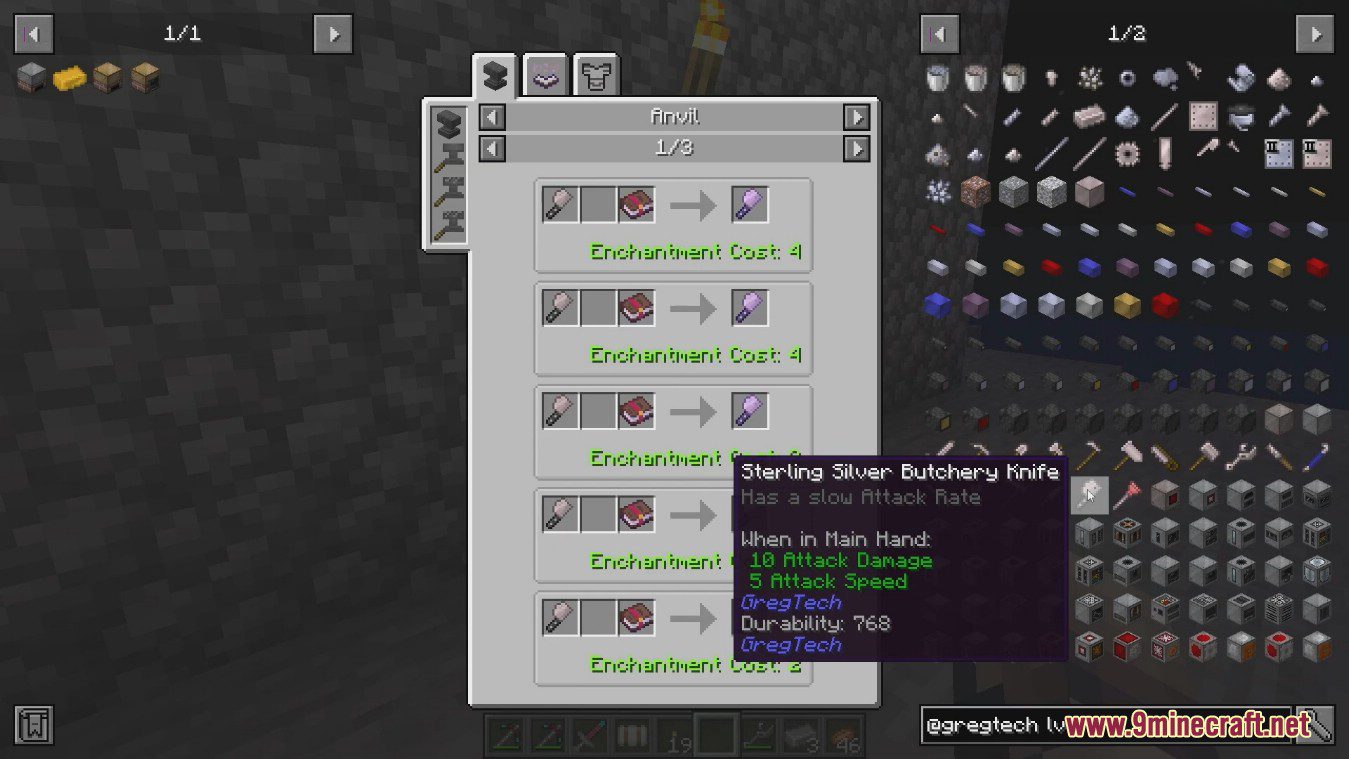
GregTechCEu Modern Mod is a mod based on GTCEu which aims to provide the ultimate GT experience in modern versions.
Features:
Different from 1.12.2:
- More consistent with higher versions of minecraft, e.g. raw ores, datapack for recipes and ore/fluid veins.
- Better performance makes later stages of GregTech smoother.
- New textures, UI, built-in CTM.
- No need to install dependencies.
- More customization capabilities, custom UIs, custom machines, multiblocks, etc.
New Features:
- Greatly improved performance and optimization from GTCE. Most users should enjoy improved RAM usage, FPS and TPS.
- Fixed many GTCE bugs (invisible blocks, infinite amps) Improved player experience and QoL. Example: Different stone types of ores don’t clog player inventories.
- Completely reworked and improved fluid pipes and energy cables.
- New item pipe system with huge throughputs and configurable logistics.
- World generation improvements. Better performance, rebalanced ores. New virtual fluid veins for harvesting.
- New content integrated from Shadows of Greg, Gregicality, GT5 Unofficial, TecTech, Nomifactory, GT New Horizons, GT IMPACT and more.
- Fancy rendering effects including emissive textures and bloom.
- Content added at every single tier of the game. No stone left unturned, this is a completely different GregTech experience from GTCE.
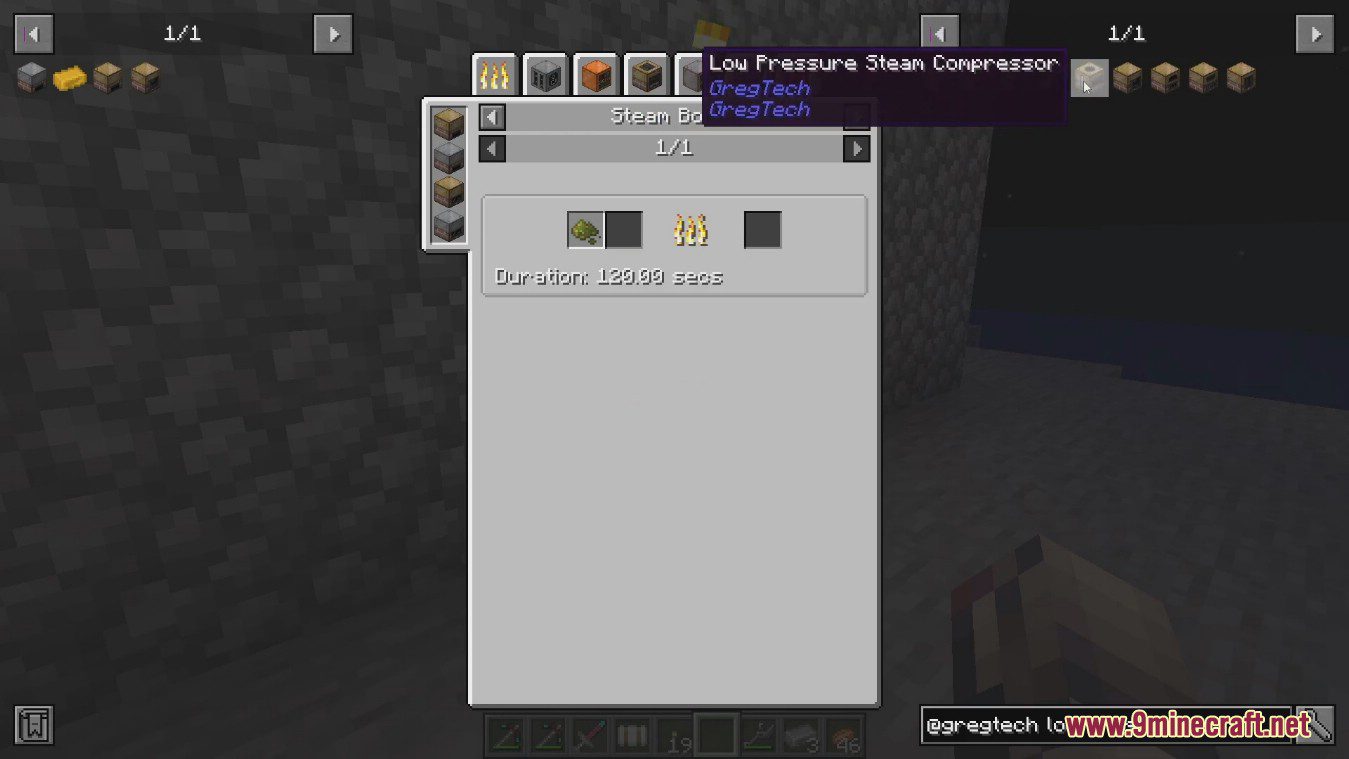
Screenshots:
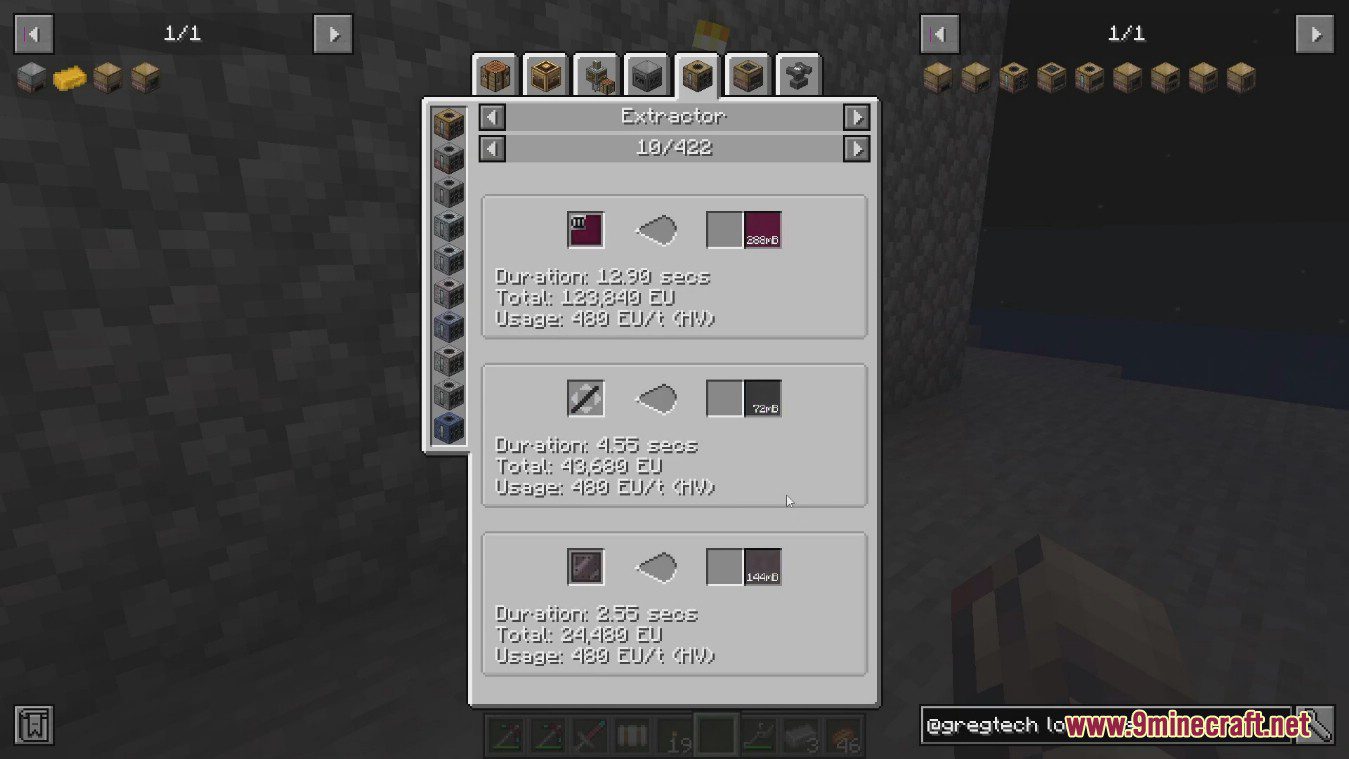
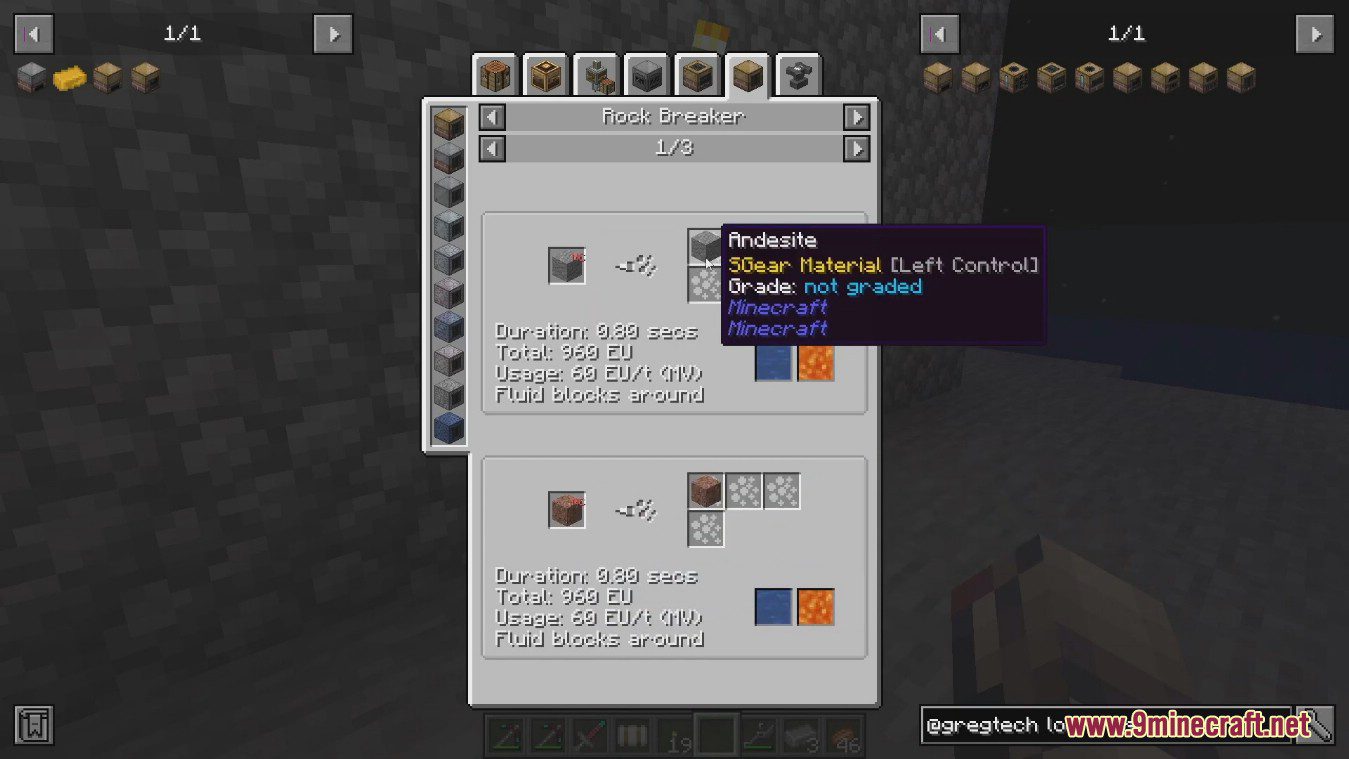
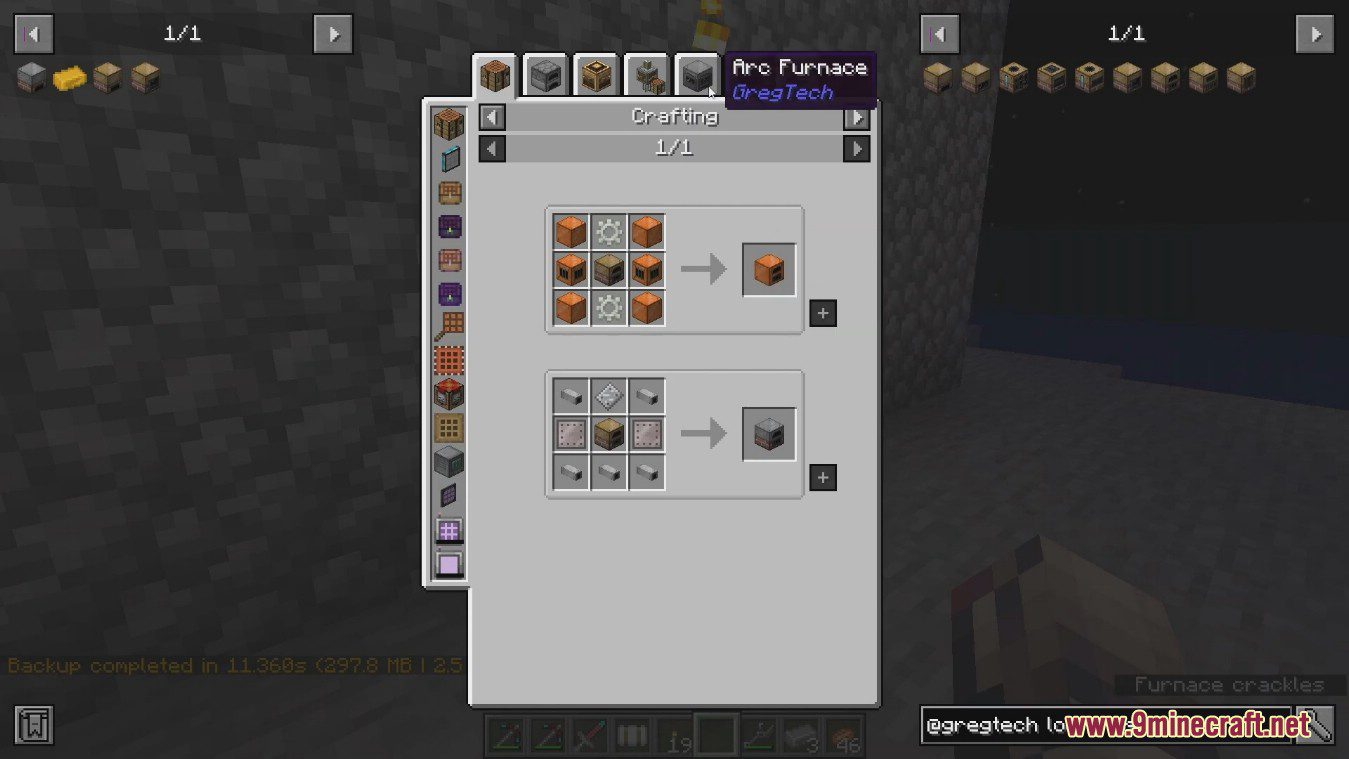
GregTechCEu Modern Mod Download Links
For Minecraft 1.21.1, 1.21
NeoForge version: Download from Server 1 – Download from Server 2
For Minecraft 1.20.1, 1.20
Forge version: Download from Server 1 – Download from Server 2
Fabric version: Download from Server 1 – Download from Server 2
For Minecraft 1.19.2
Forge version: Download from Server 1 – Download from Server 2
Fabric version: Download from Server 1 – Download from Server 2
- Edition: Minecraft Java
- File type: .jar
- Minecraft versions listed: 1.21.1, 1.20.1
- How to install: Install the matching mod loader (Forge, Fabric or NeoForge) for your Minecraft version. → Download the .jar. → Put it in the .minecraft/mods folder and launch that loader profile.
- Where to get it: In MC Java Mods, or directly above on this page.
Install steps are the general flow for this file type — How to install Minecraft Java mods & modpacks walks through it step by step.
- Downloads as 178768.mcaddon
- Download size: 14.3 MB
- Download link checked 10 Jul 2026 — working
- Mirrored on our own servers — the download does not depend on the original host
These come from our own check of the pack file, not from the source page.