Adaptive Performance Tweaks Items Mod (1.21.1, 1.20.1) – Item Clustering
Java mod listed for Minecraft 1.20–1.21. Downloads from the MC Java Mods app on Android.
⬇ Download
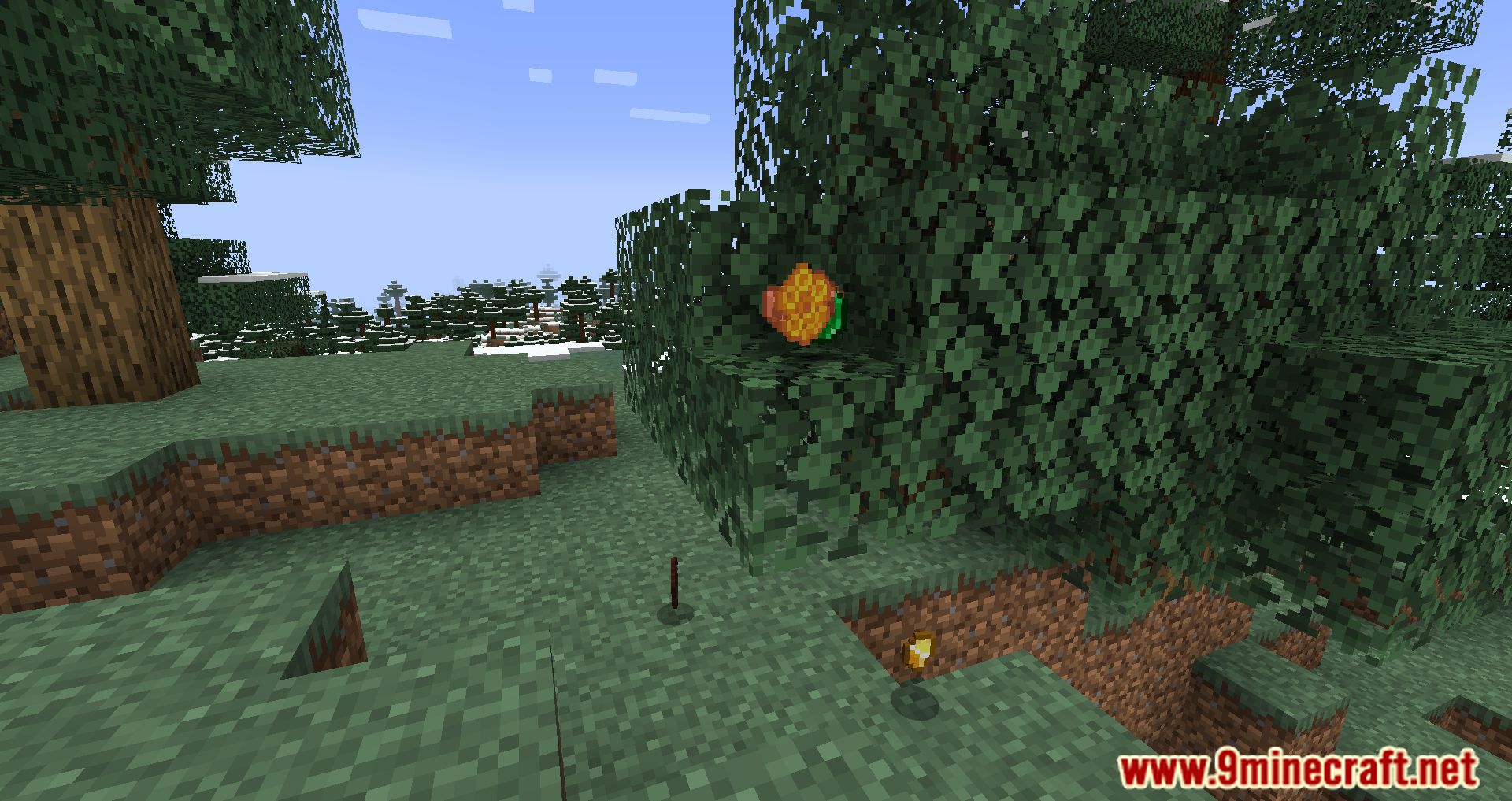
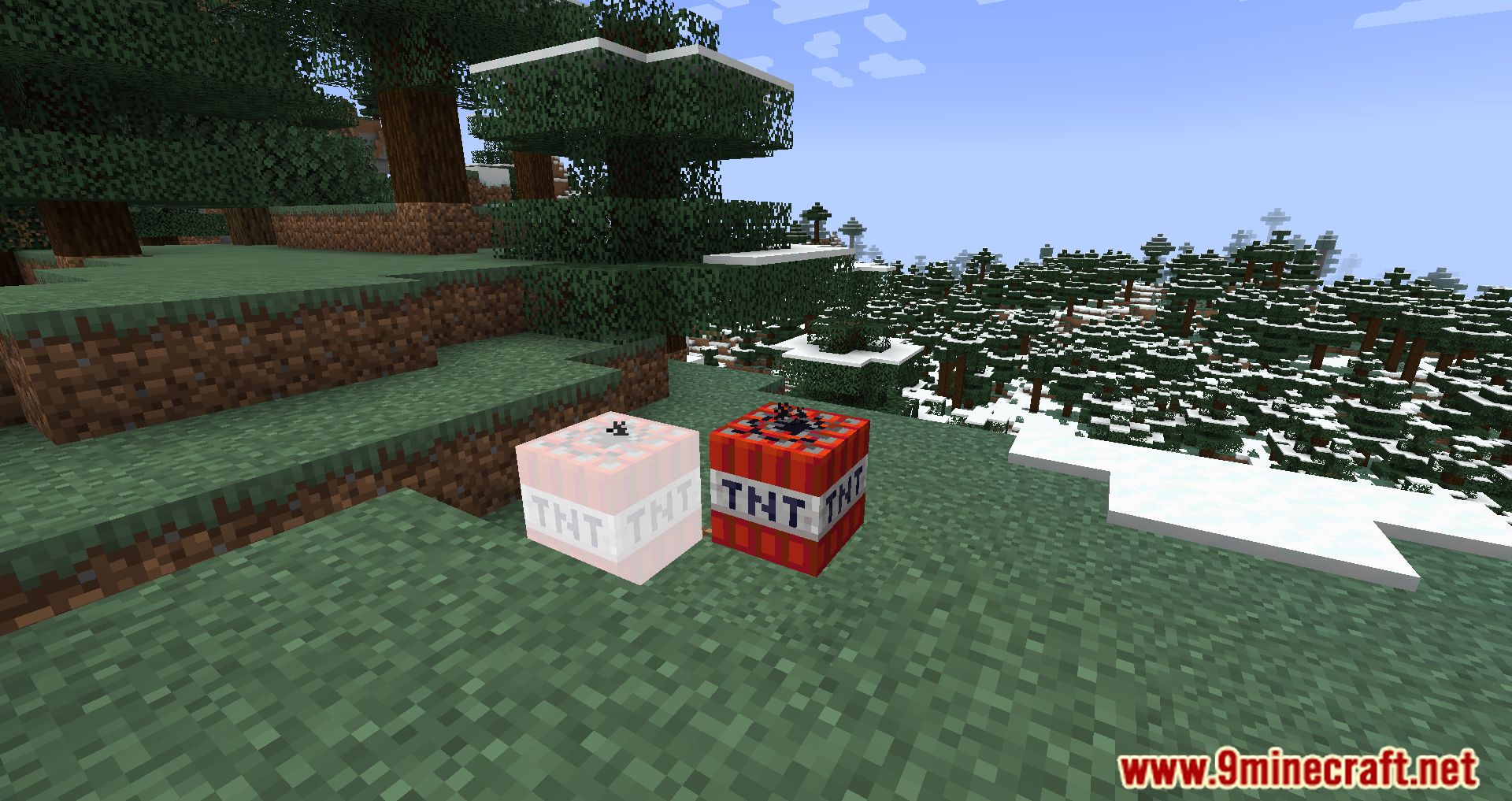
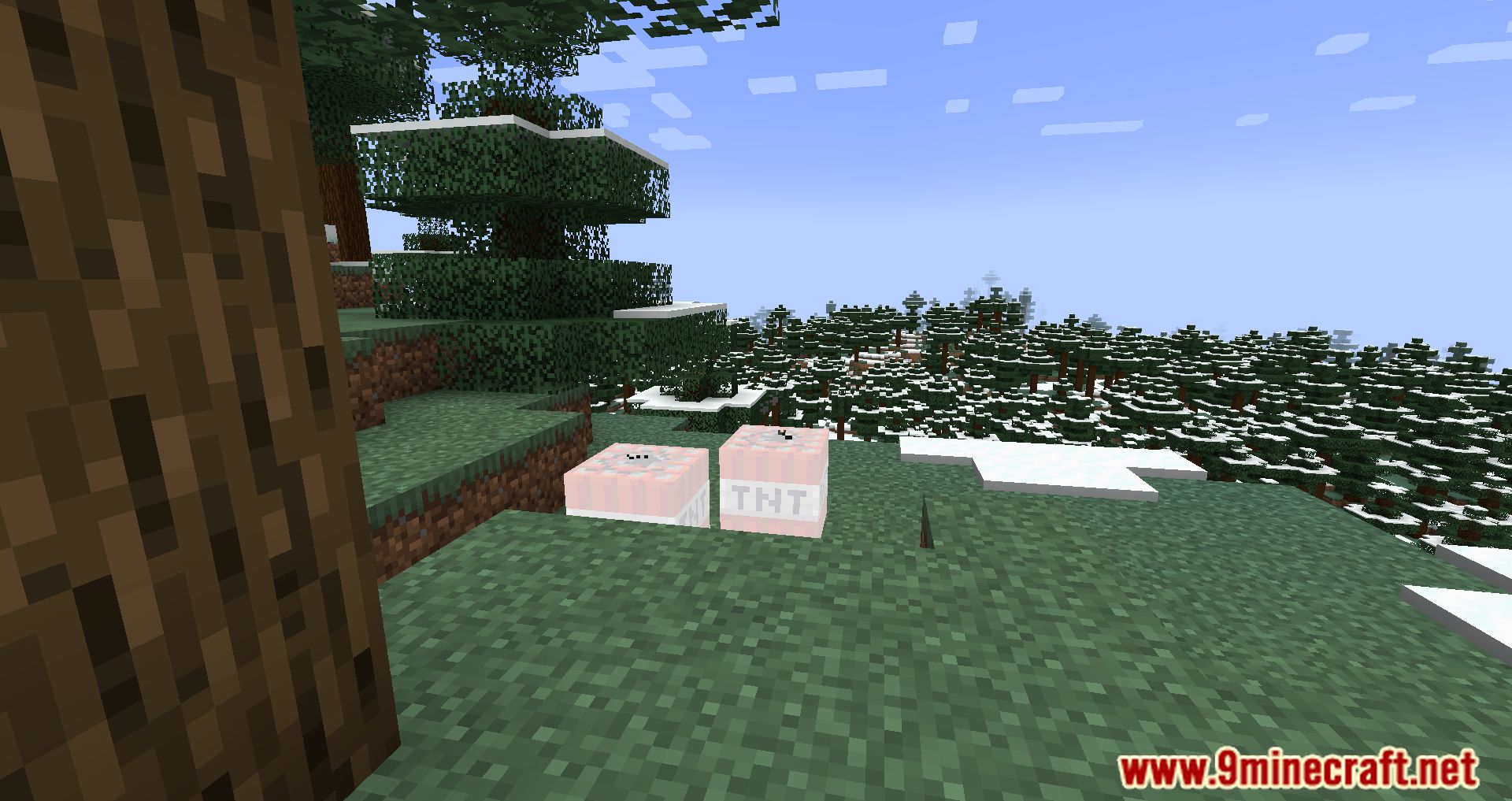
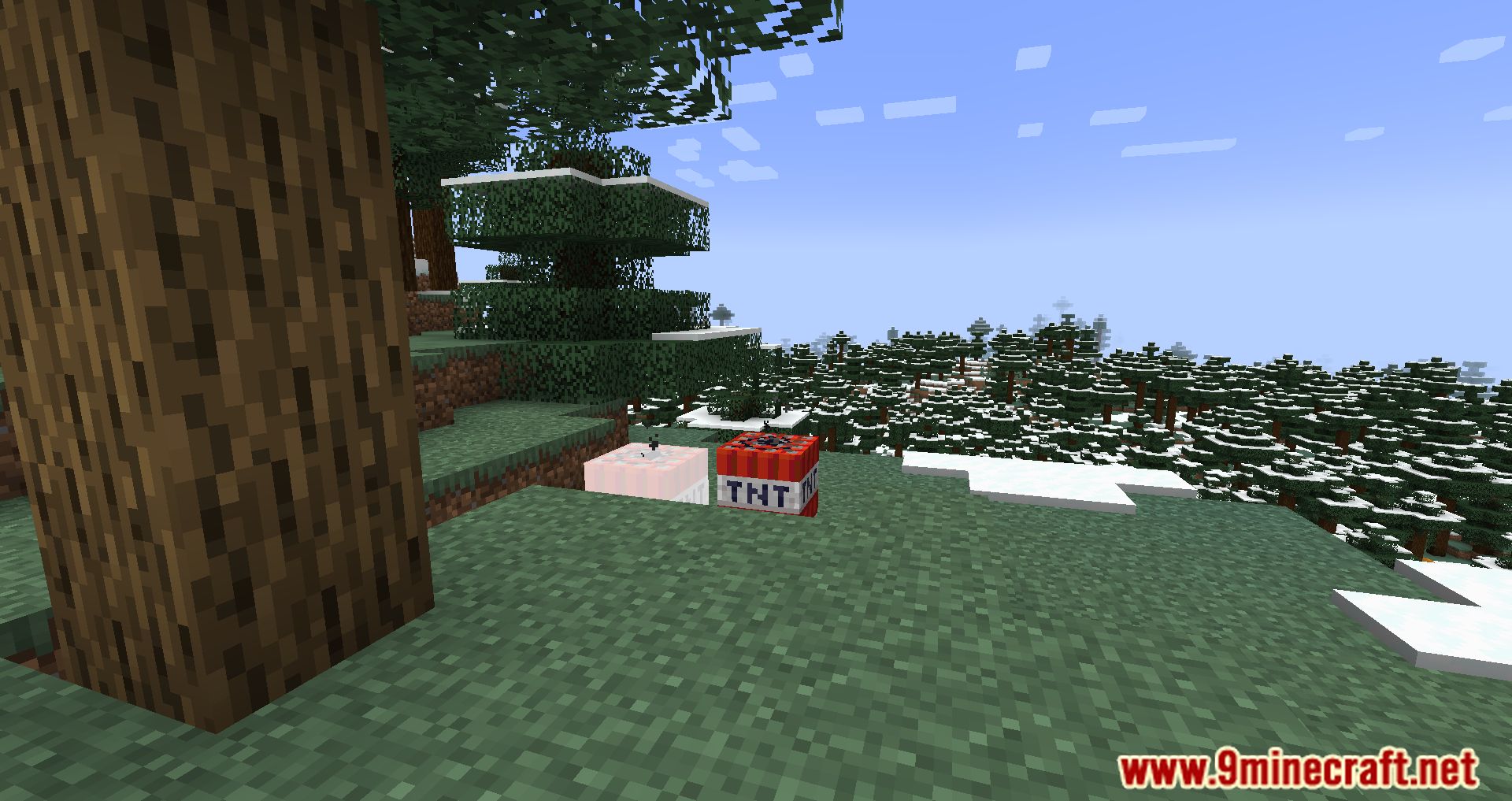


Adaptive Performance Tweaks (APTweaks) is a collection of Minecraft server-side mods which automatically adjust specific settings on the server to allow a more balanced TPS/FPS. The goal of this mod is to allow a smoother experience on a server with several (=> 180) Mods. Adaptive Performance Tweaks Items Mod optimizes item behavior to improve game performance.
Features:
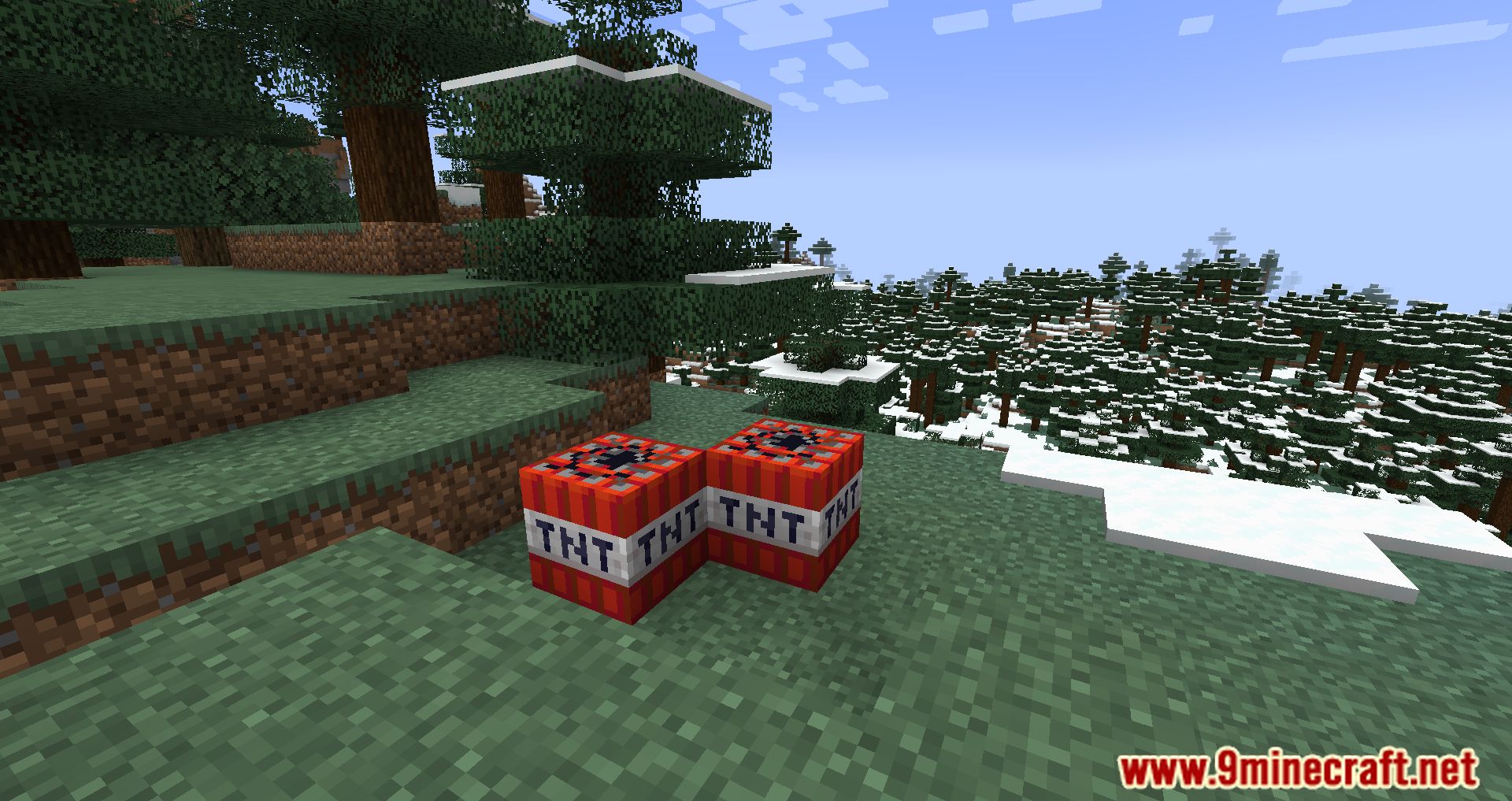
- Groups fallen blocks, experience orbs, and other items to reduce lag.
- Automatically removes unnecessary items to keep the world running smoothly.
- Helps maintain balanced TPS/FPS on multiplayer servers.
Screenshots:

Adaptive Performance Tweaks Items Mod Download Links
For Minecraft 1.21.1, 1.21
Forge Version: Download from Server 1 – Download from Server 2
For Minecraft 1.20.6
Forge Version: Download from Server 1 – Download from Server 2
For Minecraft 1.20.4
Forge Version: Download from Server 1 – Download from Server 2
For Minecraft 1.20.2
Forge Version: Download from Server 1 – Download from Server 2
For Minecraft 1.20.1, 1.20
Forge Version: Download from Server 1 – Download from Server 2
For Minecraft 1.19.4
Forge Version: Download from Server 1 – Download from Server 2
For Minecraft 1.19.3
Forge Version: Download from Server 1 – Download from Server 2
For Minecraft 1.19.2
Forge Version: Download from Server 1 – Download from Server 2
For Minecraft 1.19.1
Forge Version: Download from Server 1 – Download from Server 2
For Minecraft 1.19
Forge Version: Download from Server 1 – Download from Server 2
For Minecraft 1.18.2
Forge Version: Download from Server 1 – Download from Server 2
For Minecraft 1.18.1
Forge Version: Download from Server 1 – Download from Server 2
- Edition: Minecraft Java
- File type: .jar
- Minecraft versions listed: 1.21.1, 1.20.1
- How to install: Install the matching mod loader (Forge, Fabric or NeoForge) for your Minecraft version. → Download the .jar. → Put it in the .minecraft/mods folder and launch that loader profile.
- Where to get it: In MC Java Mods, or directly above on this page.
Install steps are the general flow for this file type — How to install Minecraft Java mods & modpacks walks through it step by step.
- Downloads as 178803.mcaddon
- Download size: 70 KB
- Download link checked 25 Jul 2026 — working
- Mirrored on our own servers — the download does not depend on the original host
These come from our own check of the pack file, not from the source page.