SmoothMenu Mod (1.19.2, 1.18.2) – Uncap Main Menu FPS
Java mod listed for Minecraft 1.18–1.19. Downloads from the MC Java Mods app on Android.
⬇ Download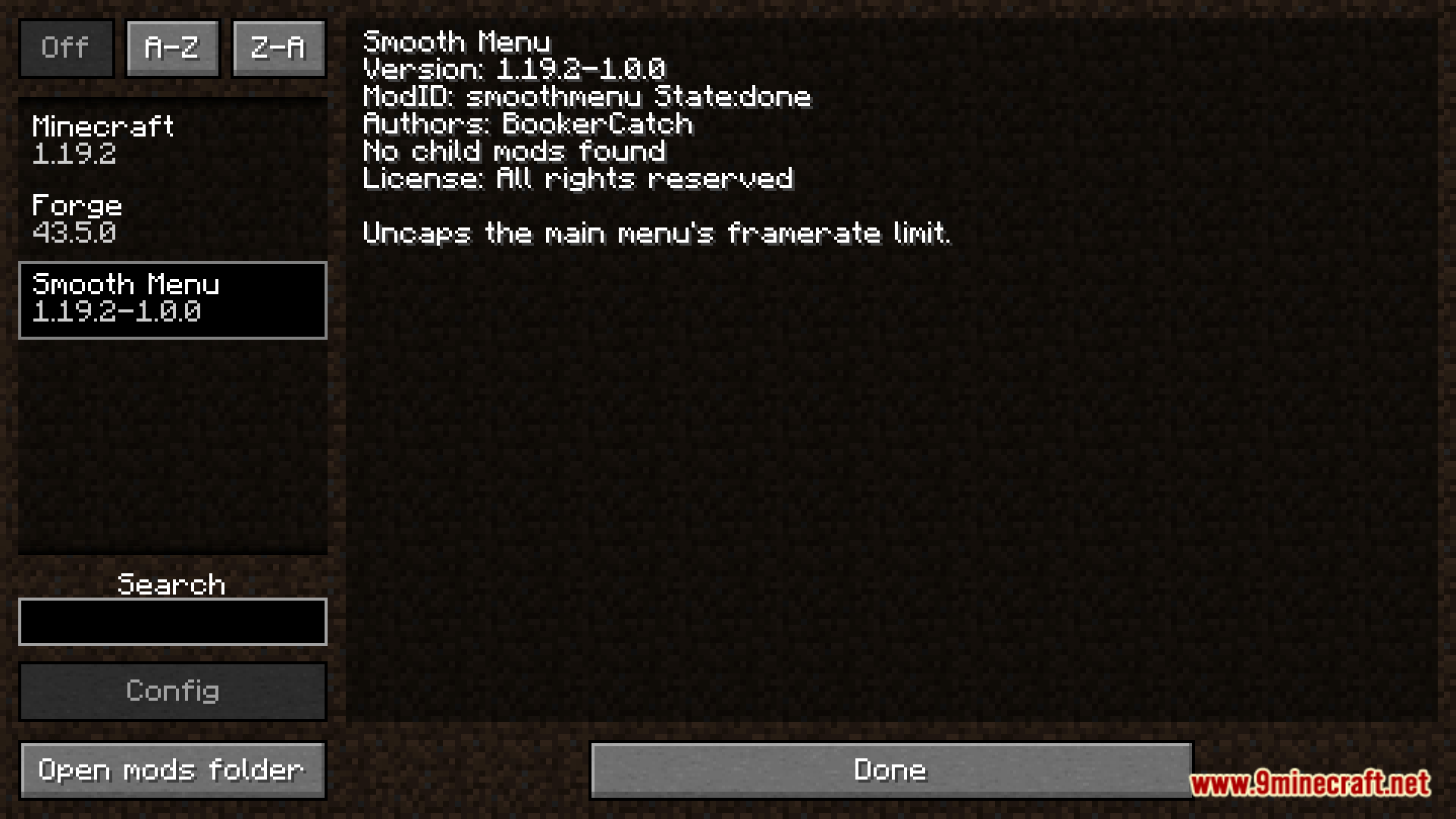
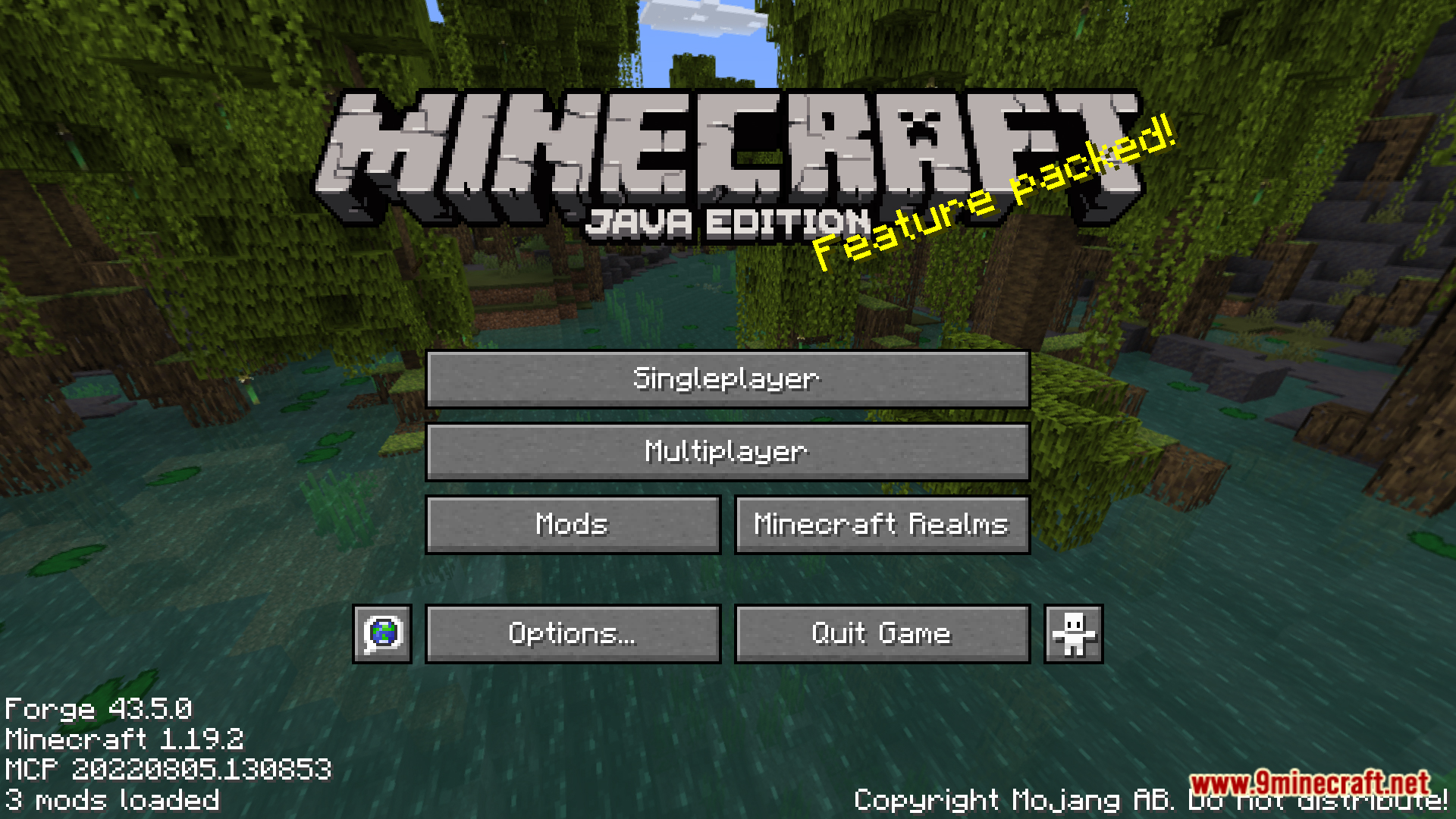
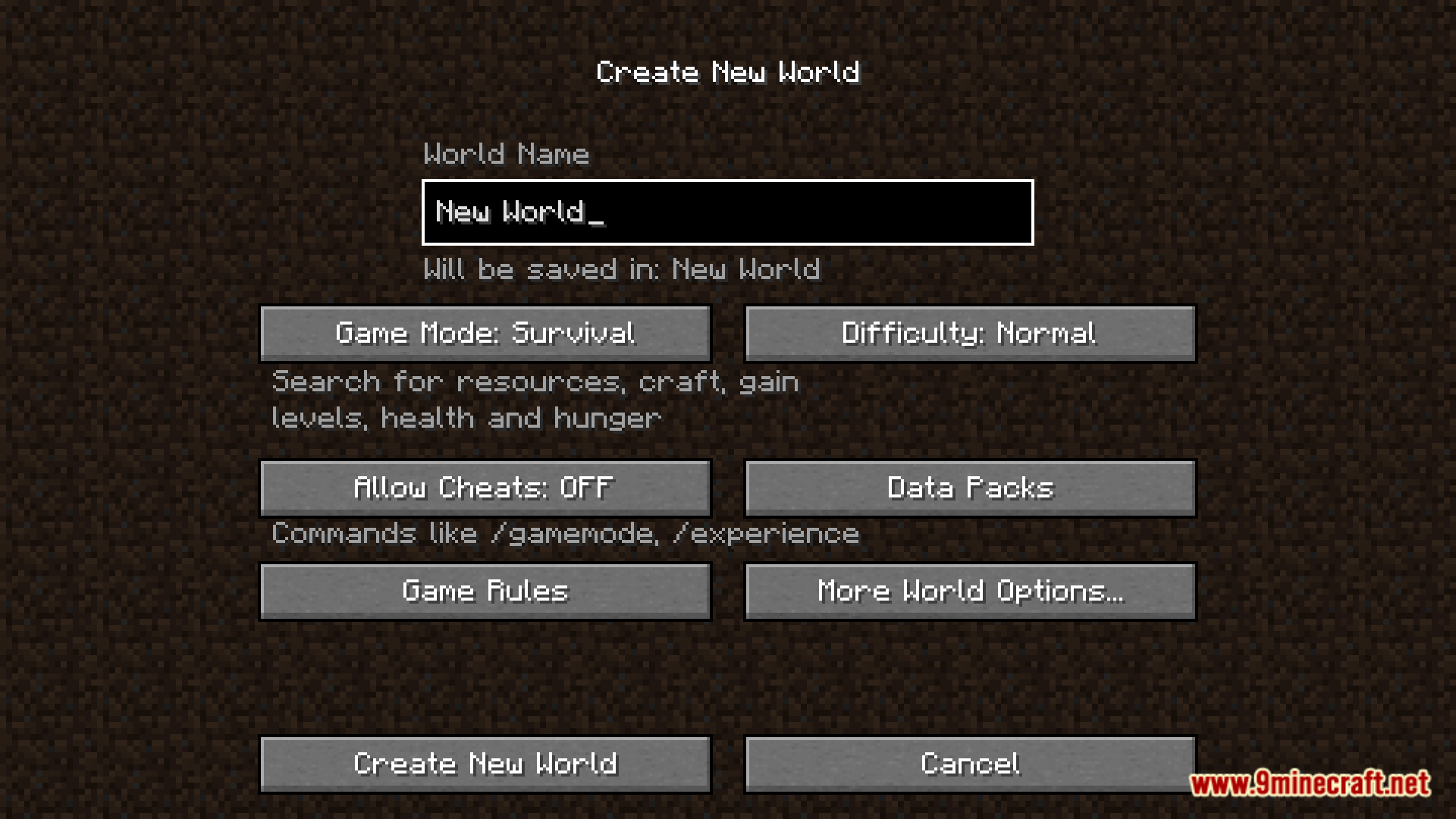
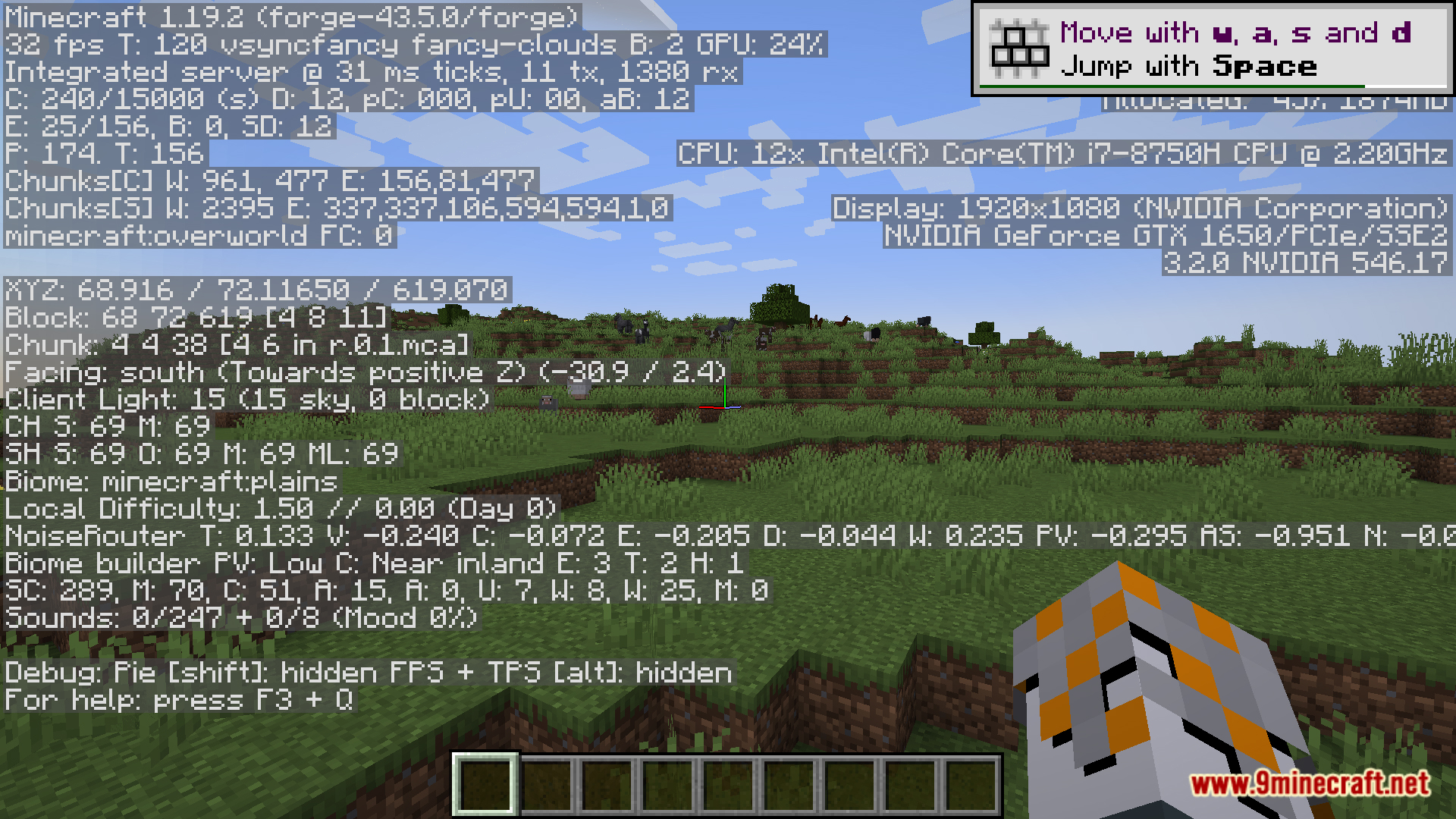
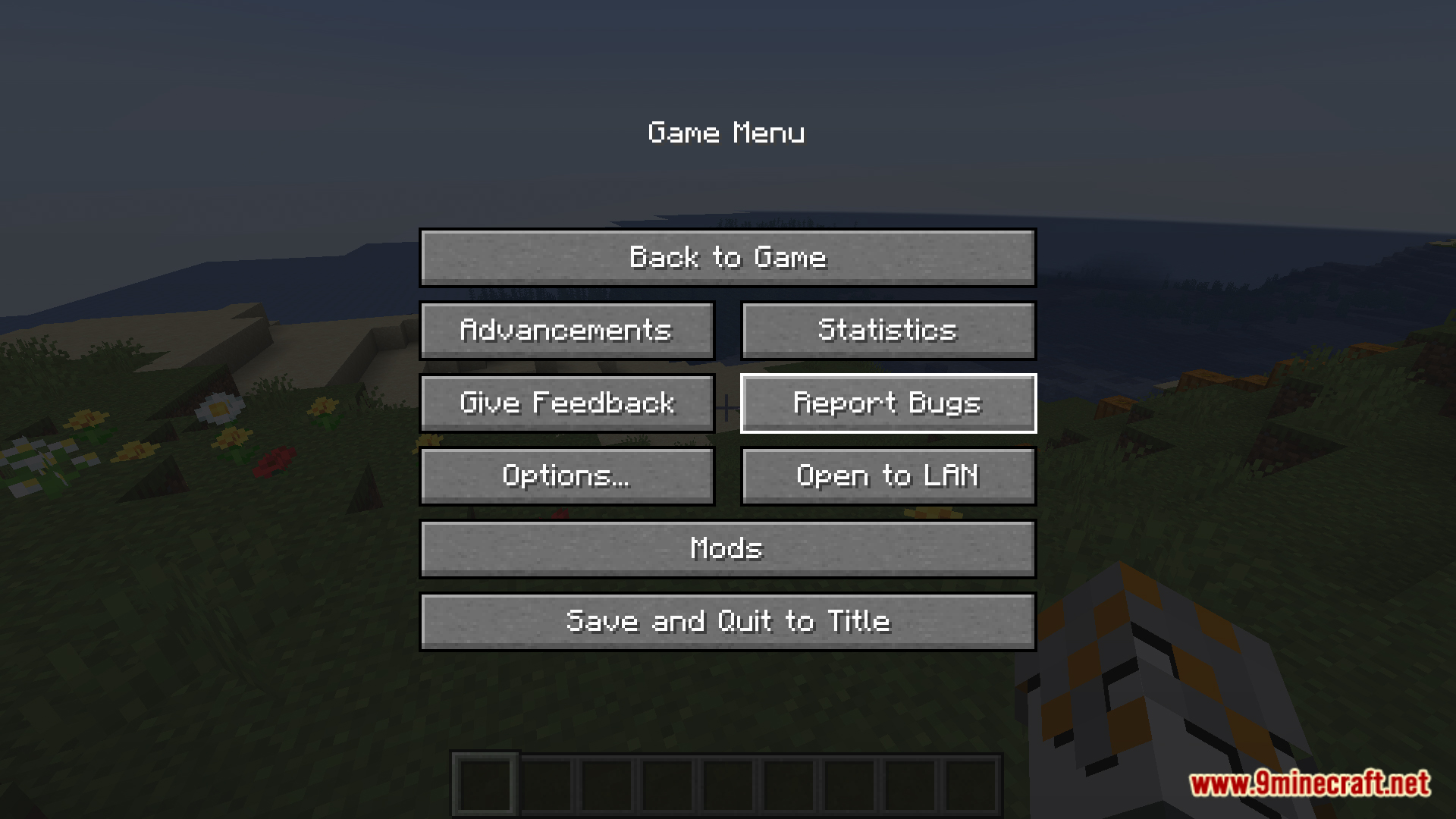
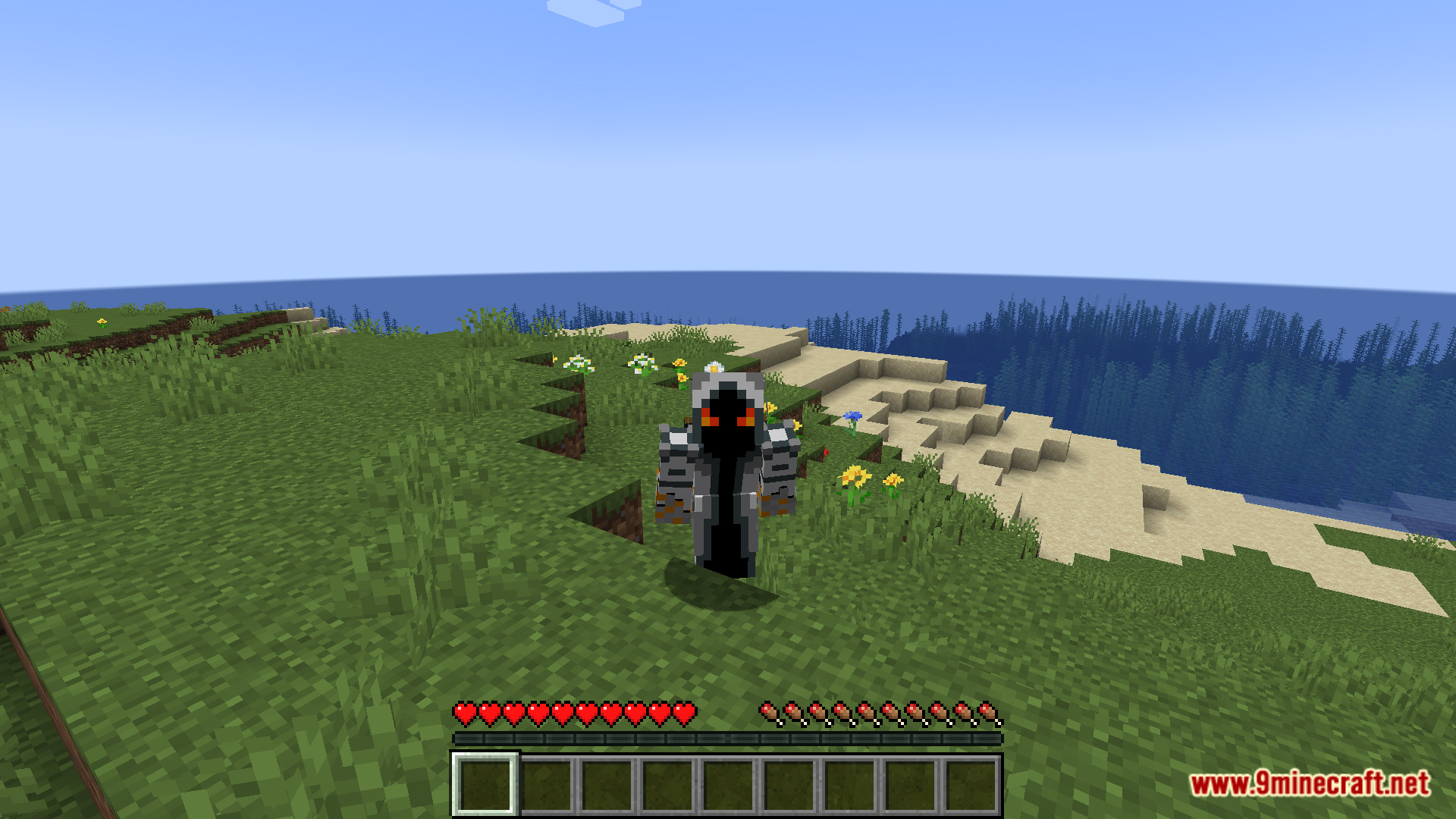
SmoothMenu Mod is a lightweight utility mod designed to enhance the responsiveness of Minecraft’s main menu, particularly benefiting players with high refresh rate monitors. By default, Minecraft caps the main menu at 60 FPS, which can result in a choppy and unresponsive experience when navigating the interface. SmoothMenu addresses this by removing the FPS cap, allowing the main menu to run at your monitor’s native refresh rate, providing a smoother and more fluid user experience.
Features:
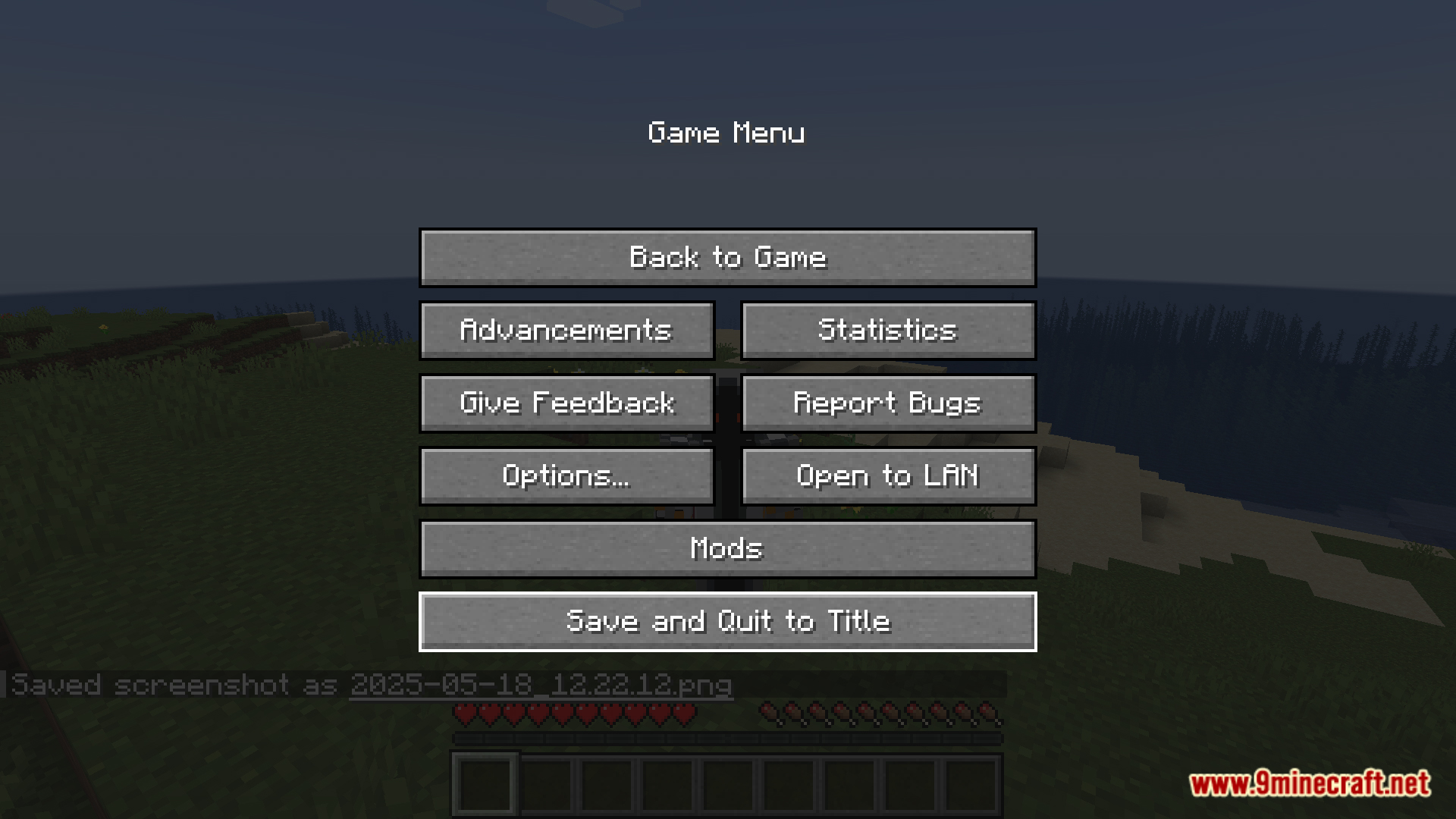
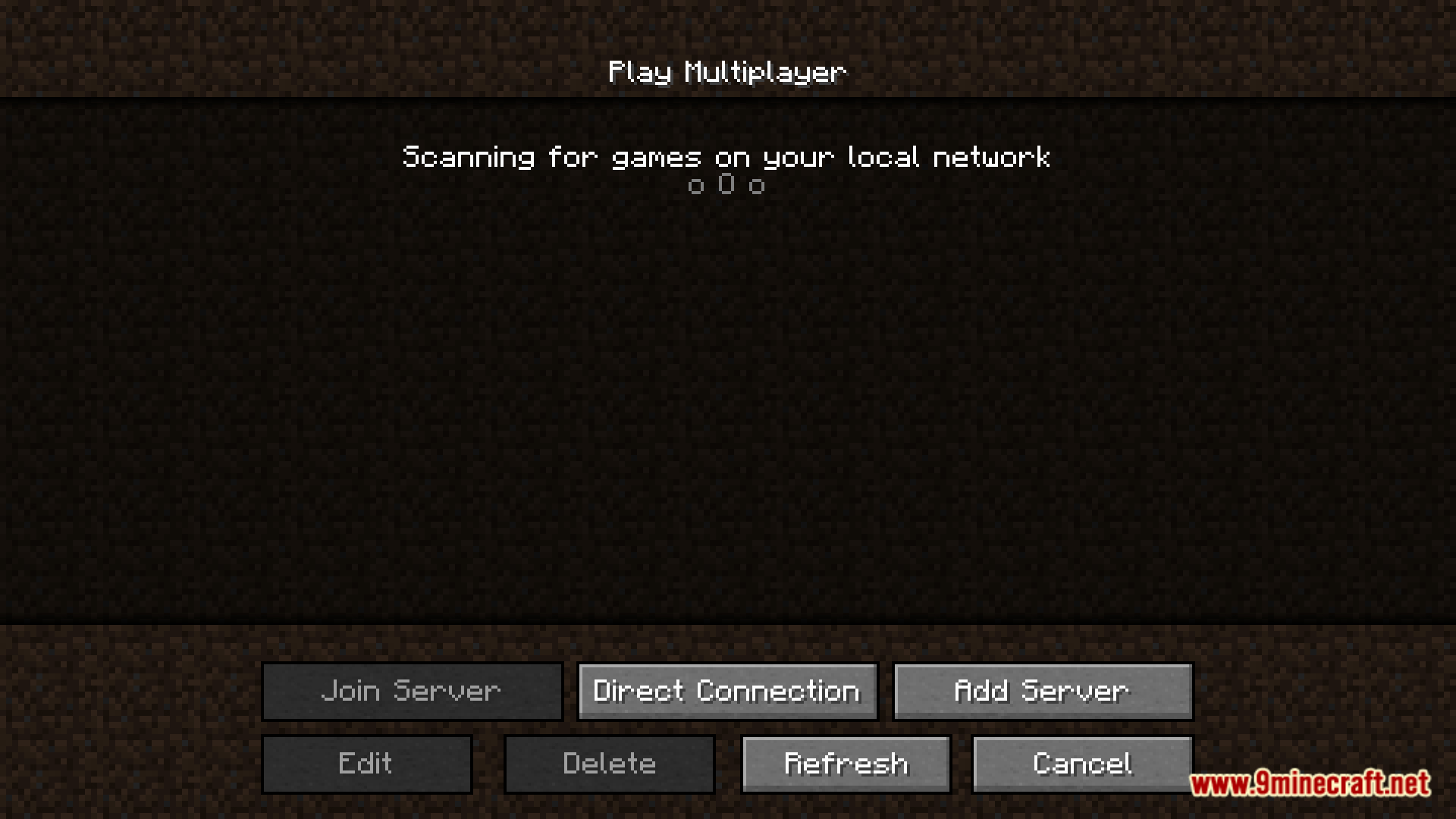
- Eliminates the 60 FPS limit in the main menu, ensuring smoother cursor movements and interactions, especially noticeable on monitors with refresh rates above 60Hz.
Screenshots:
SmoothMenu Mod Download Links
For Minecraft 1.19.2
Forge version: Download from Server 1 – Download from Server 2
For Minecraft 1.18.2
Forge version: Download from Server 1 – Download from Server 2
- Edition: Minecraft Java
- File type: .jar
- Minecraft versions listed: 1.19.2, 1.18.2
- How to install: Install the matching mod loader (Forge, Fabric or NeoForge) for your Minecraft version. → Download the .jar. → Put it in the .minecraft/mods folder and launch that loader profile.
- Where to get it: In MC Java Mods, or directly above on this page.
Install steps are the general flow for this file type — How to install Minecraft Java mods & modpacks walks through it step by step.
- Downloads as 178825.mcaddon
- Download size: 3 KB
- Download link checked 25 Jul 2026 — working
- Mirrored on our own servers — the download does not depend on the original host
These come from our own check of the pack file, not from the source page.