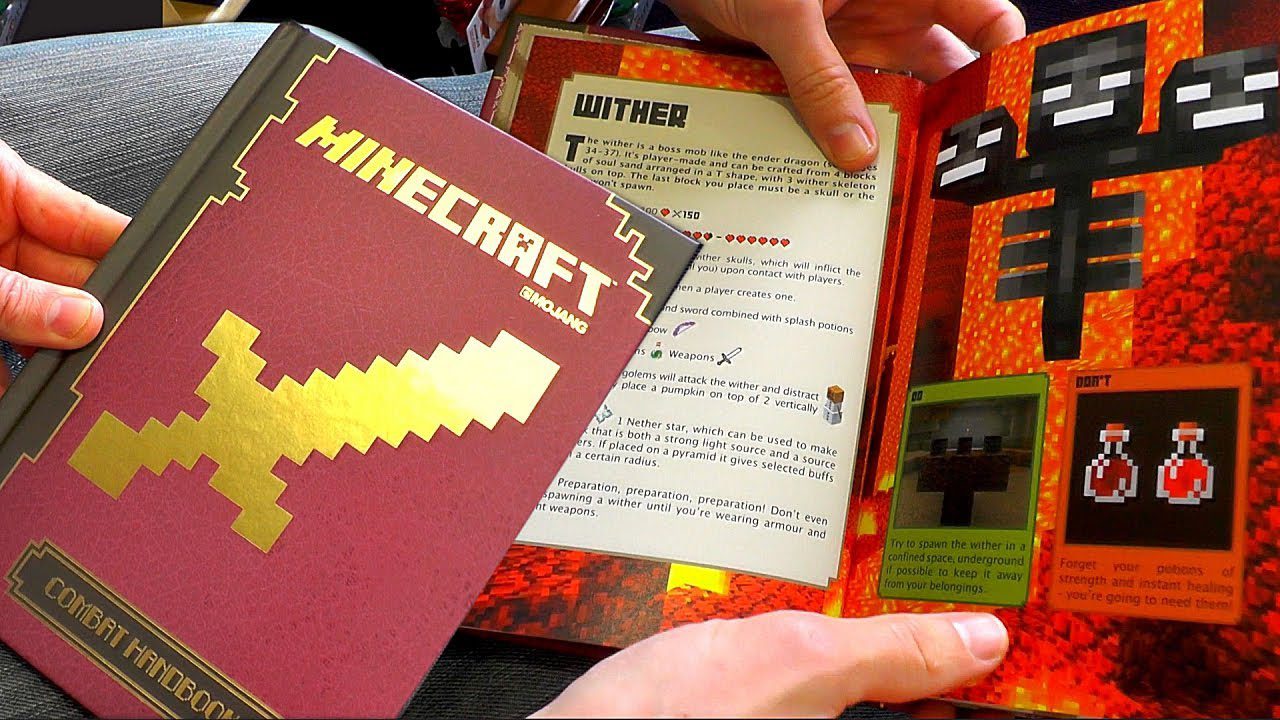
GuideBook Mod (1.21.1, 1.20.1) – Finally Understand How That New Mod Works
Java mod listed for Minecraft 1.20–1.21. Downloads from the MC Java Mods app on Android.
⬇ Download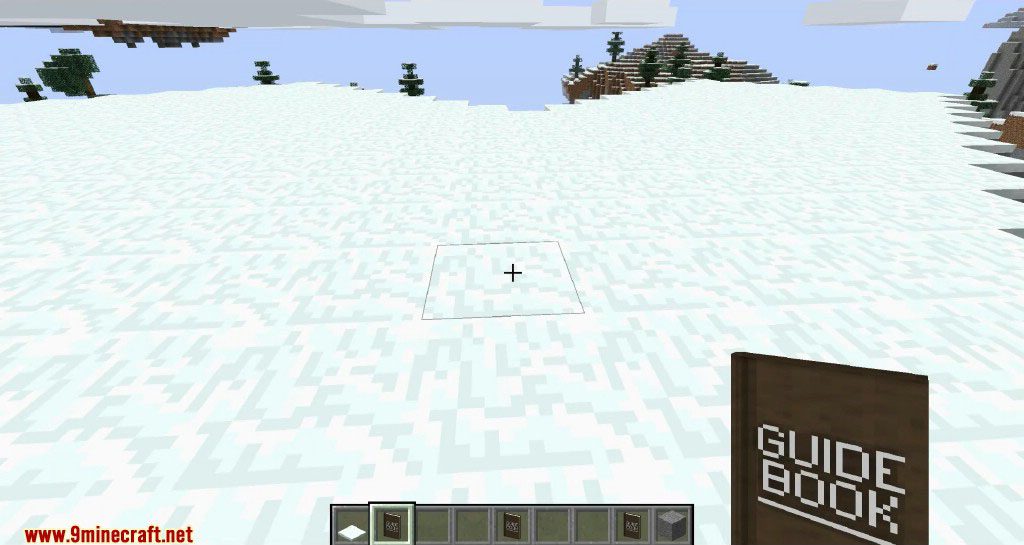
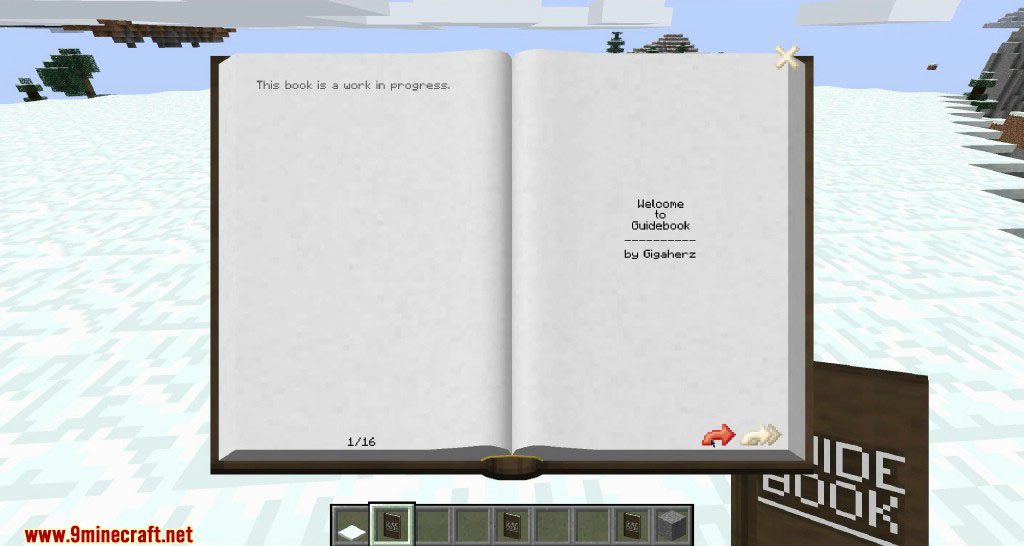
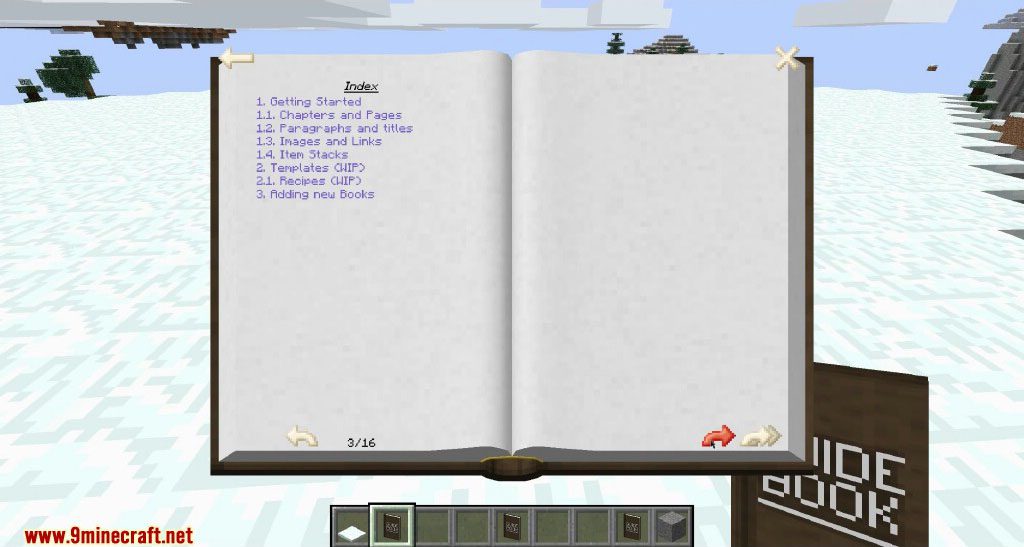
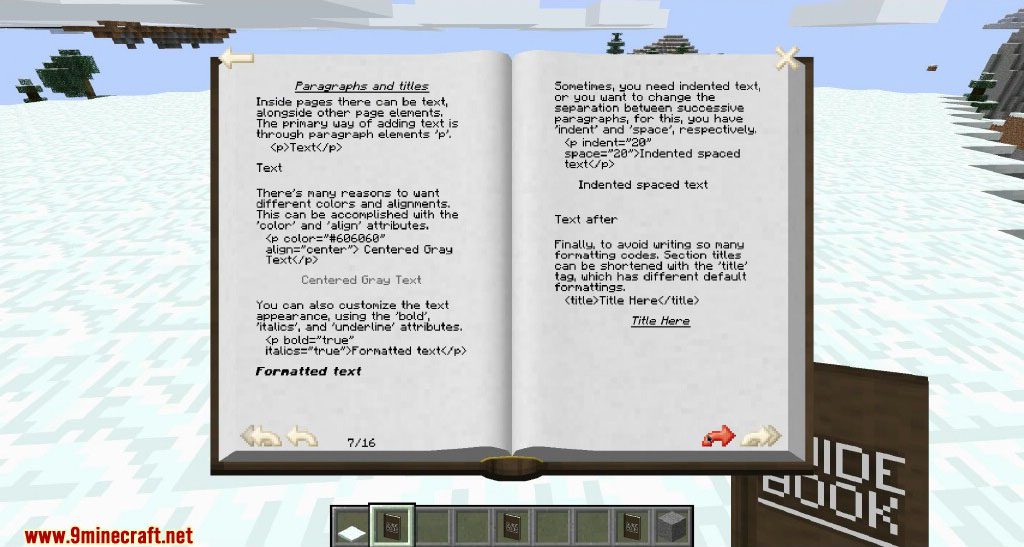
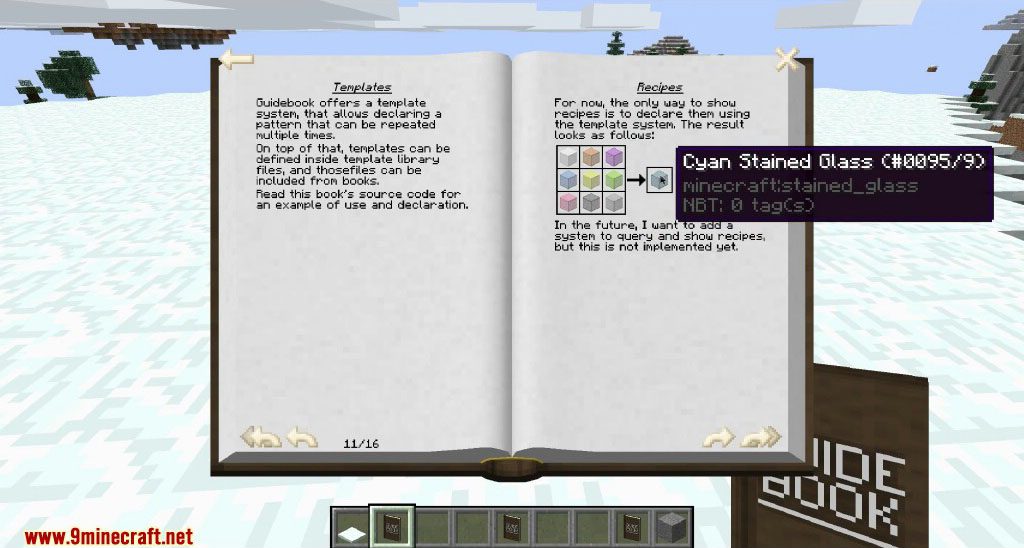
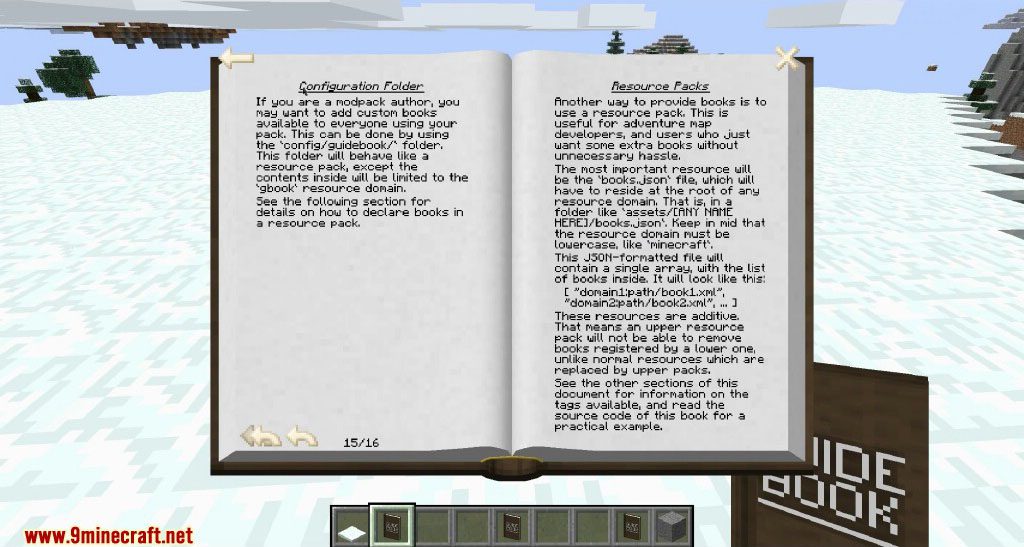
GuideBook Mod adds a system for creating fully customizable books in Minecraft. These books can include formatted text, images, and item stacks, making them perfect for mod guides or adventure maps. You can add new books through other mods, resource packs, or by using the configuration folder.
Features:
- Create books using XML files, with support for different languages.
- Organize content into chapters, sections, and paragraphs.
- Include formatted text, images, and item stacks within the pages.
- Text and images automatically flow to fit the page, and sections create new pages as needed.
- Show or hide chapters and sections based on which mods are installed or a player’s Game Stages.
- Use a template system to reuse common book structures.
- Display crafting recipes by their output item or recipe name.
- Add hyperlinks to navigate inside the book, open websites, or copy text to the clipboard.
How to Use:
- To add a book, you first need to create it using the XML file format.
- Organize your content within the XML file using a structure of chapters, sections, and paragraphs.
- You can add your custom book to the game by placing the file inside another mod, a resource pack, or the configuration folder.
Screenshots:
GuideBook Mod Download Links
For Minecraft 1.21.1, 1.21
NeoForge version: Download from Server 1 – Download from Server 2
For Minecraft 1.20.6
NeoForge version: Download from Server 1 – Download from Server 2
For Minecraft 1.20.5
NeoForge version: Download from Server 1 – Download from Server 2
For Minecraft 1.20.4
NeoForge version: Download from Server 1 – Download from Server 2
For Minecraft 1.20.1, 1.20
Forge version: Download from Server 1 – Download from Server 2
For Minecraft 1.19.4
Forge version: Download from Server 1 – Download from Server 2
For Minecraft 1.19.3
Forge version: Download from Server 1 – Download from Server 2
For Minecraft 1.19.2
Forge version: Download from Server 1
For Minecraft 1.19.1
Forge version: Download from Server 2
For Minecraft 1.19
Forge version: Download from Server 1
For Minecraft 1.18.2
Forge version: Download from Server 1
For Minecraft 1.18.1
Forge version: Download from Server 1
For Minecraft 1.17.1
Forge version: Download from Server 1
For Minecraft 1.16.5
Forge version: Download from Server 1
For Minecraft 1.15.2
Forge version: Download from Server 1
For Minecraft 1.12.2
Forge version: Download from Server 1
- Edition: Minecraft Java
- File type: .jar
- Minecraft versions listed: 1.21.1, 1.20.1
- How to install: Install the matching mod loader (Forge, Fabric or NeoForge) for your Minecraft version. → Download the .jar. → Put it in the .minecraft/mods folder and launch that loader profile.
- Where to get it: In MC Java Mods, or directly above on this page.
Install steps are the general flow for this file type — How to install Minecraft Java mods & modpacks walks through it step by step.
- Downloads as 178837.mcaddon
- Download size: 248 KB
- Download link checked 27 Jul 2026 — working
- Mirrored on our own servers — the download does not depend on the original host
These come from our own check of the pack file, not from the source page.