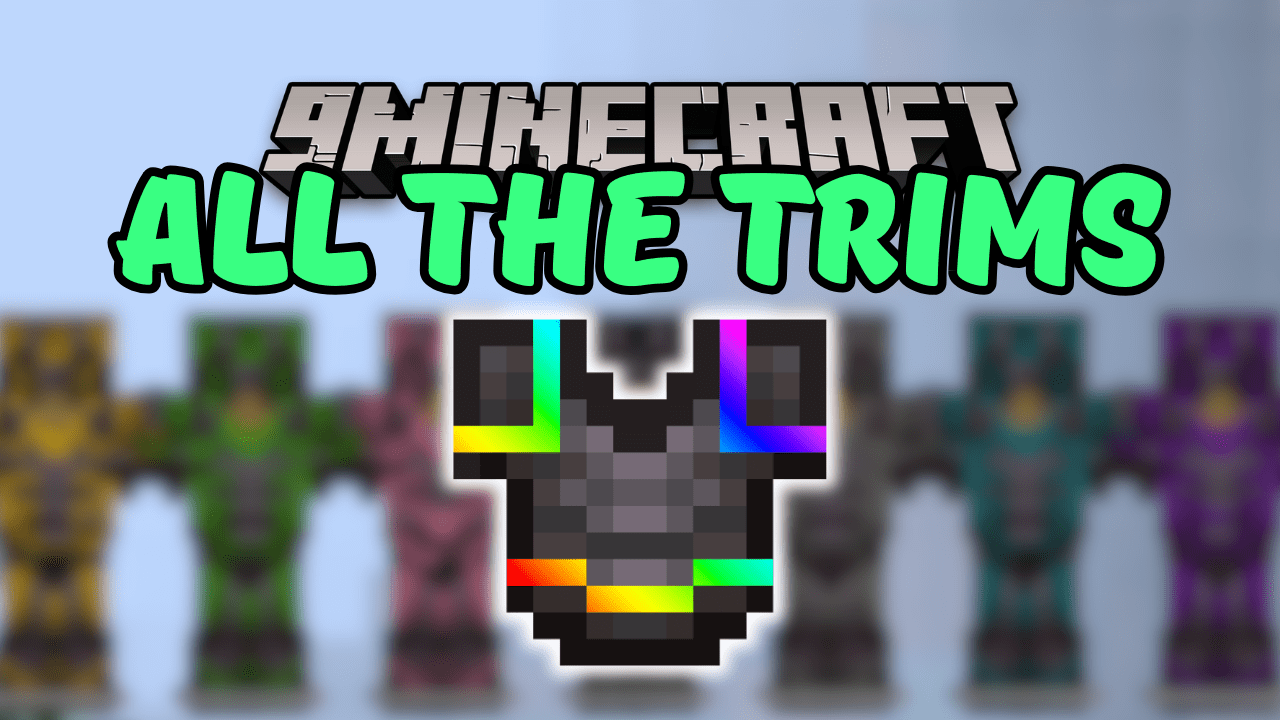
All The Trims Mod (1.21.1, 1.20.1) – Armor Trims to Any Item
Java mod listed for Minecraft 1.20–1.21. Downloads from the MC Java Mods app on Android.
⬇ Download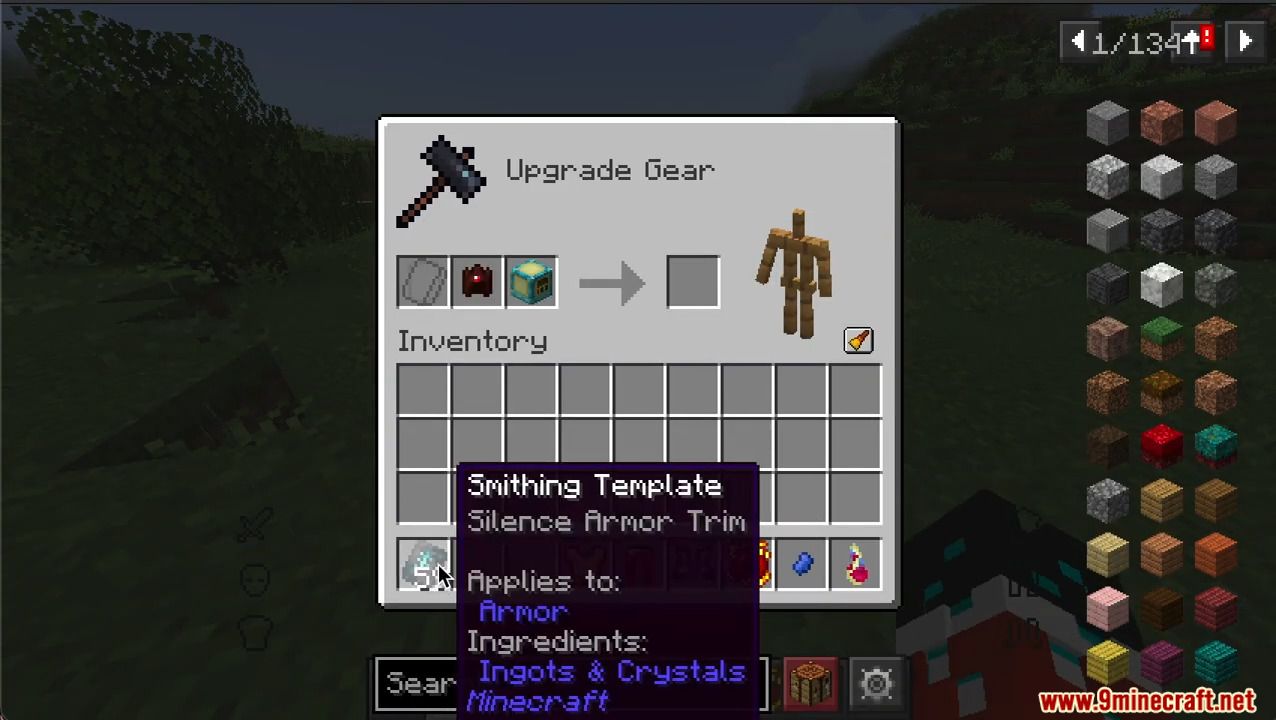
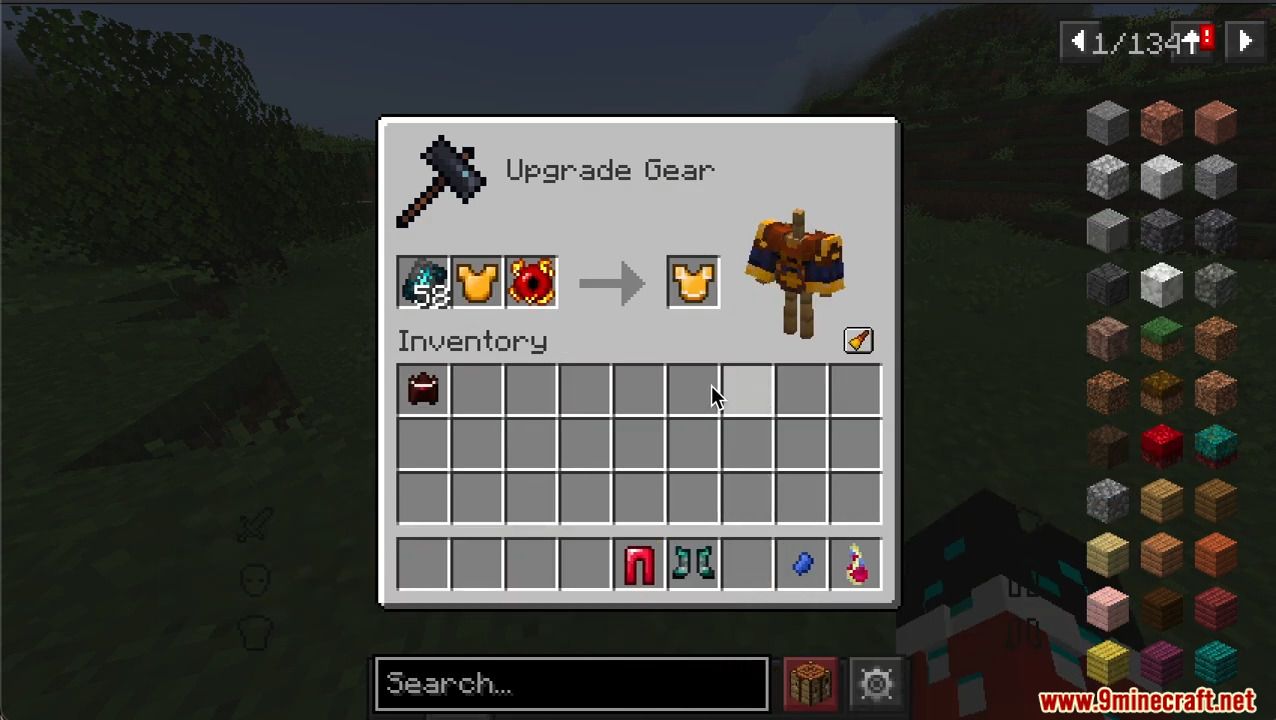
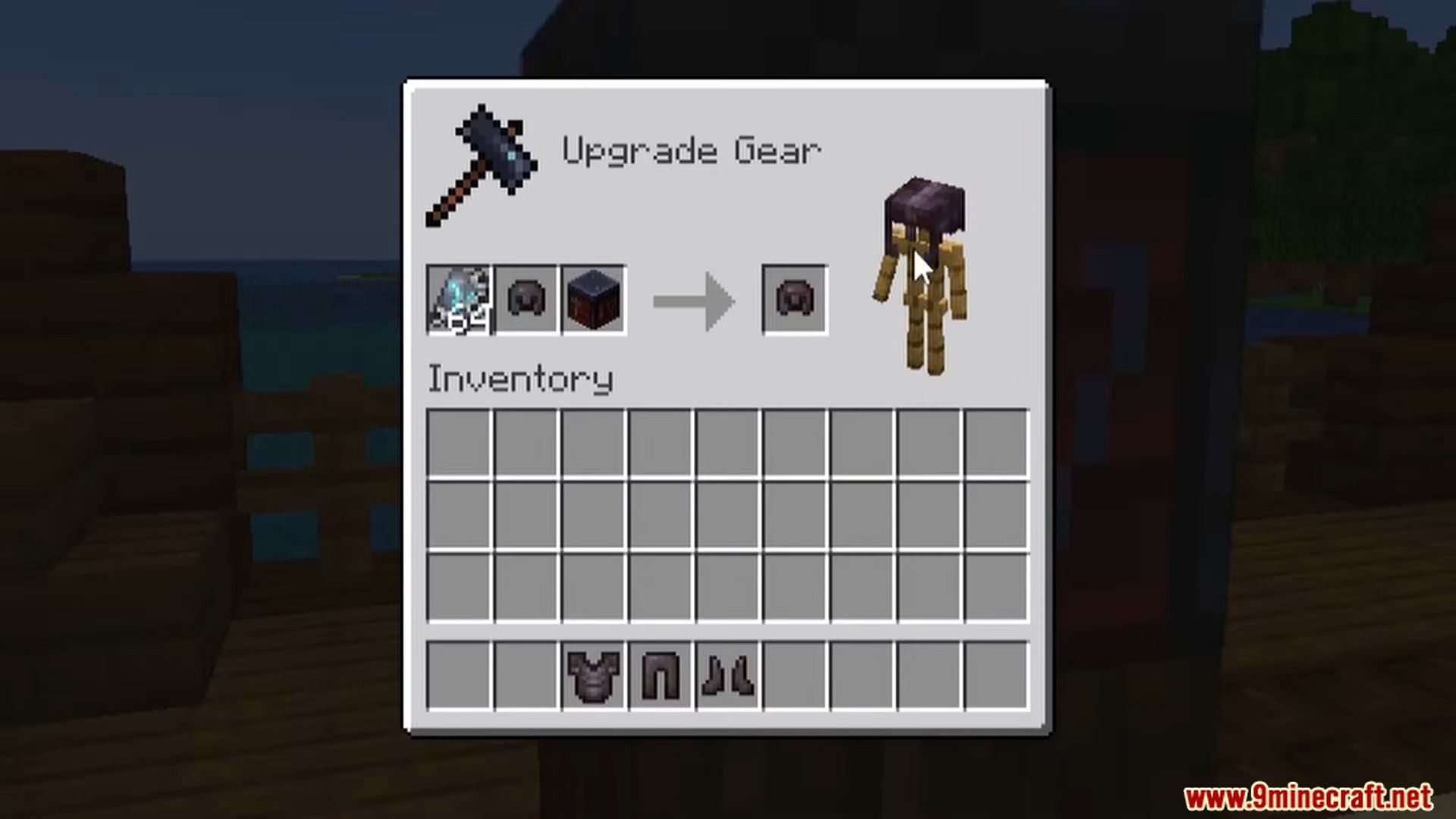
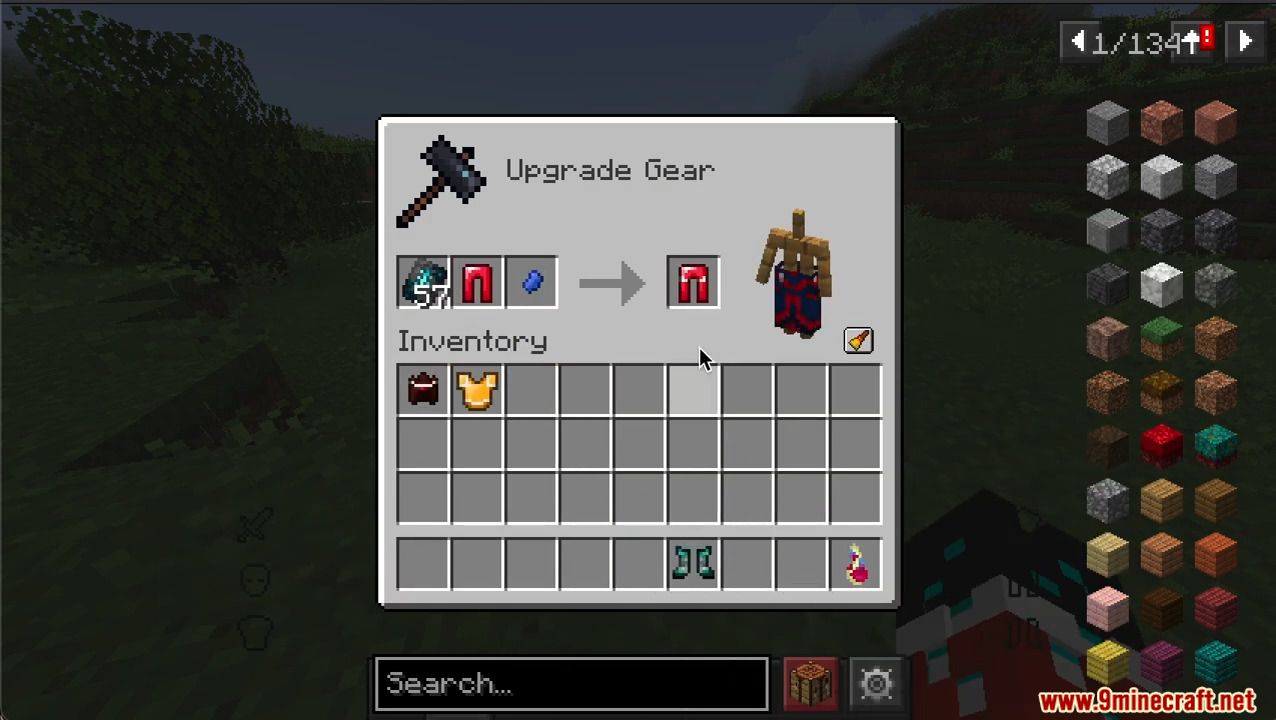
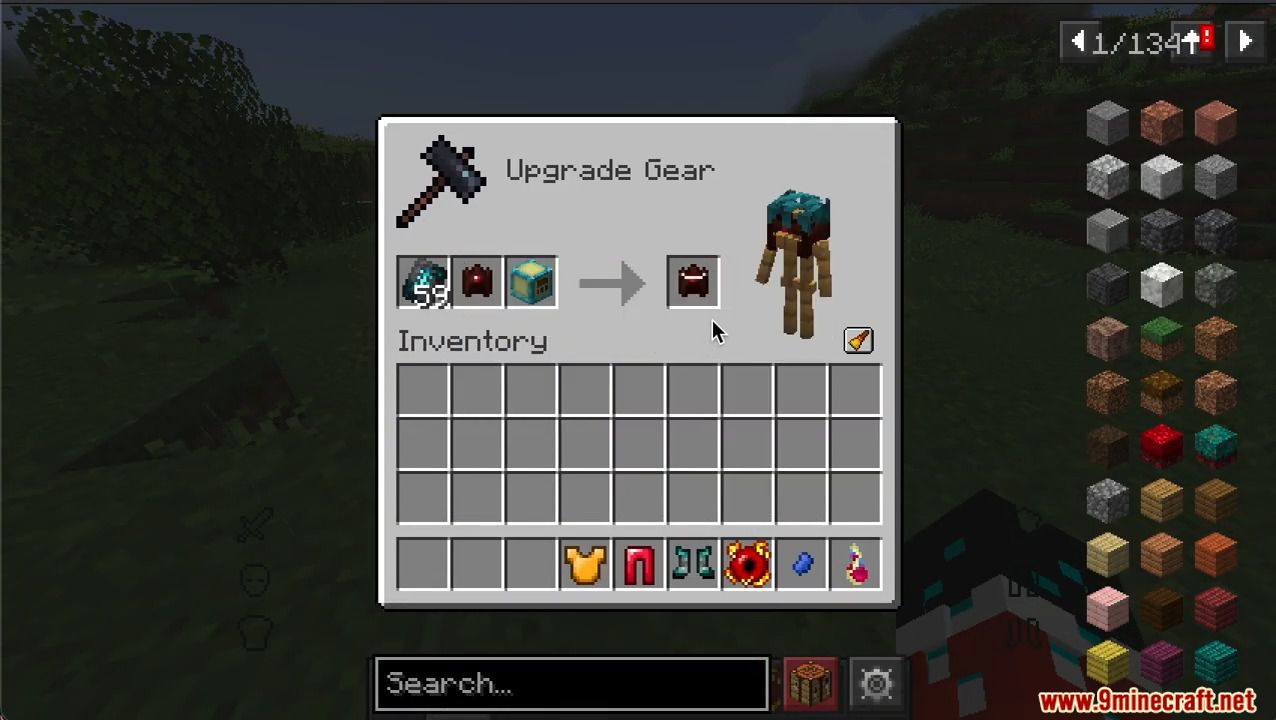
All The Trims Mod will allow almost any material to be used as an armor trim material and will make all armor customizable with trims. Want to decorate your armor with leaves or maybe a pufferfish? Or do you want to apply a pattern to armor from third-party mods? Now that won’t be a problem! The color of the trim will depend on the average color of the texture of the material used.
Features:
- Allows any item to be used as an armor trim material.
- Makes all armor trimmable, even armor from other mods.
- Color of trims is based on a gradient palette.
- Adds 500,000+ armor trim combinations in vanilla Minecraft.
Screenshots:
All The Trims Mod Download Links
For Minecraft 1.21.1, 1.21
NeoForge Version: Download from Server 1 – Download from Server 2
Fabric Version: Download from Server 1 – Download from Server 2
For Minecraft 1.20.1, 1.20
Forge Version: Download from Server 1 – Download from Server 2
Fabric Version: Download from Server 1 – Download from Server 2
- Edition: Minecraft Java
- File type: .jar
- Minecraft versions listed: 1.21.1, 1.20.1
- How to install: Install the matching mod loader (Forge, Fabric or NeoForge) for your Minecraft version. → Download the .jar. → Put it in the .minecraft/mods folder and launch that loader profile.
- Where to get it: In MC Java Mods, or directly above on this page.
Install steps are the general flow for this file type — How to install Minecraft Java mods & modpacks walks through it step by step.
- Downloads as 178860.mcaddon
- Download size: 320 KB
- Download link checked 25 Jul 2026 — working
- Mirrored on our own servers — the download does not depend on the original host
These come from our own check of the pack file, not from the source page.