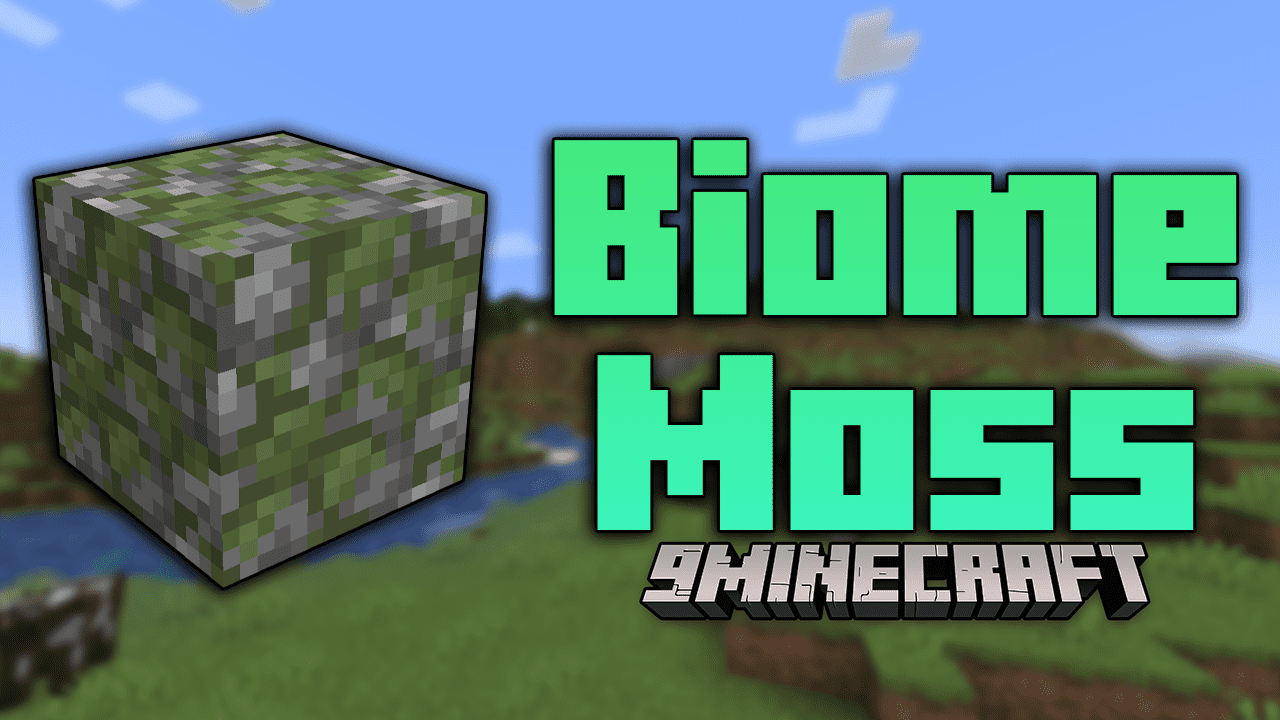
Biome Moss Mod (1.21.5, 1.20.1) – Biome-Specific Moss Colors
Java mod listed for Minecraft 1.20–1.21. Downloads from the MC Java Mods app on Android.
⬇ Download
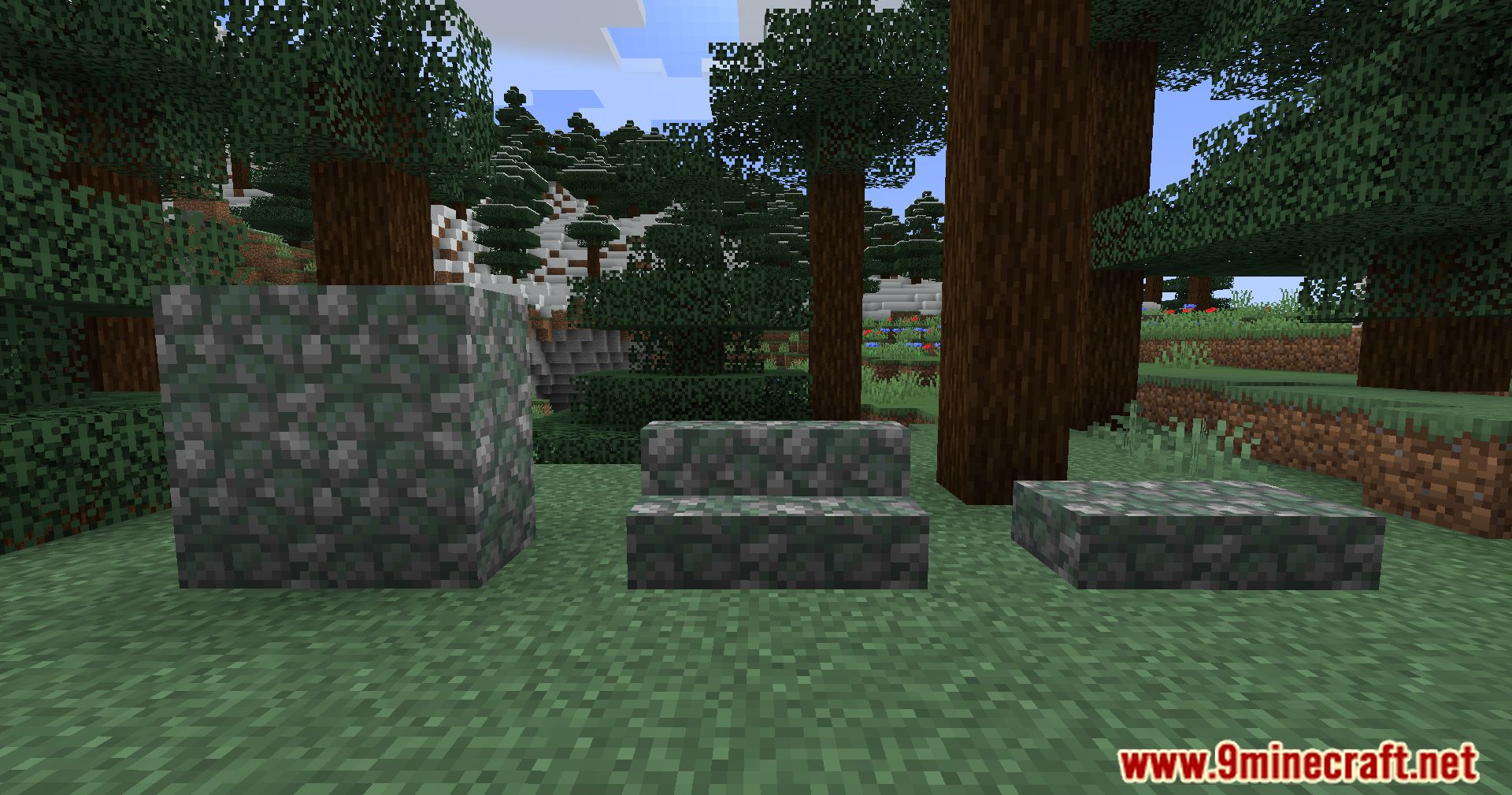
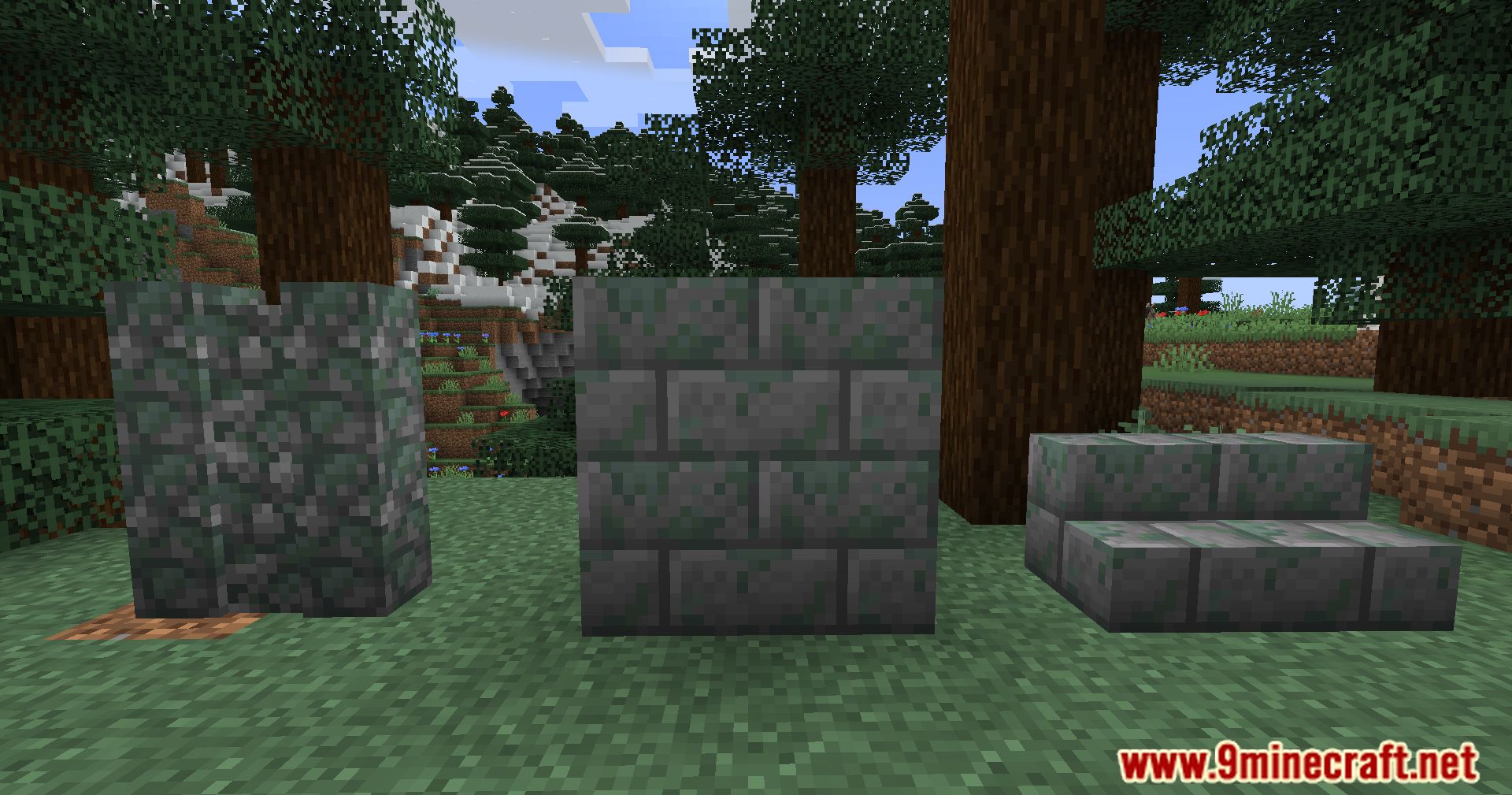
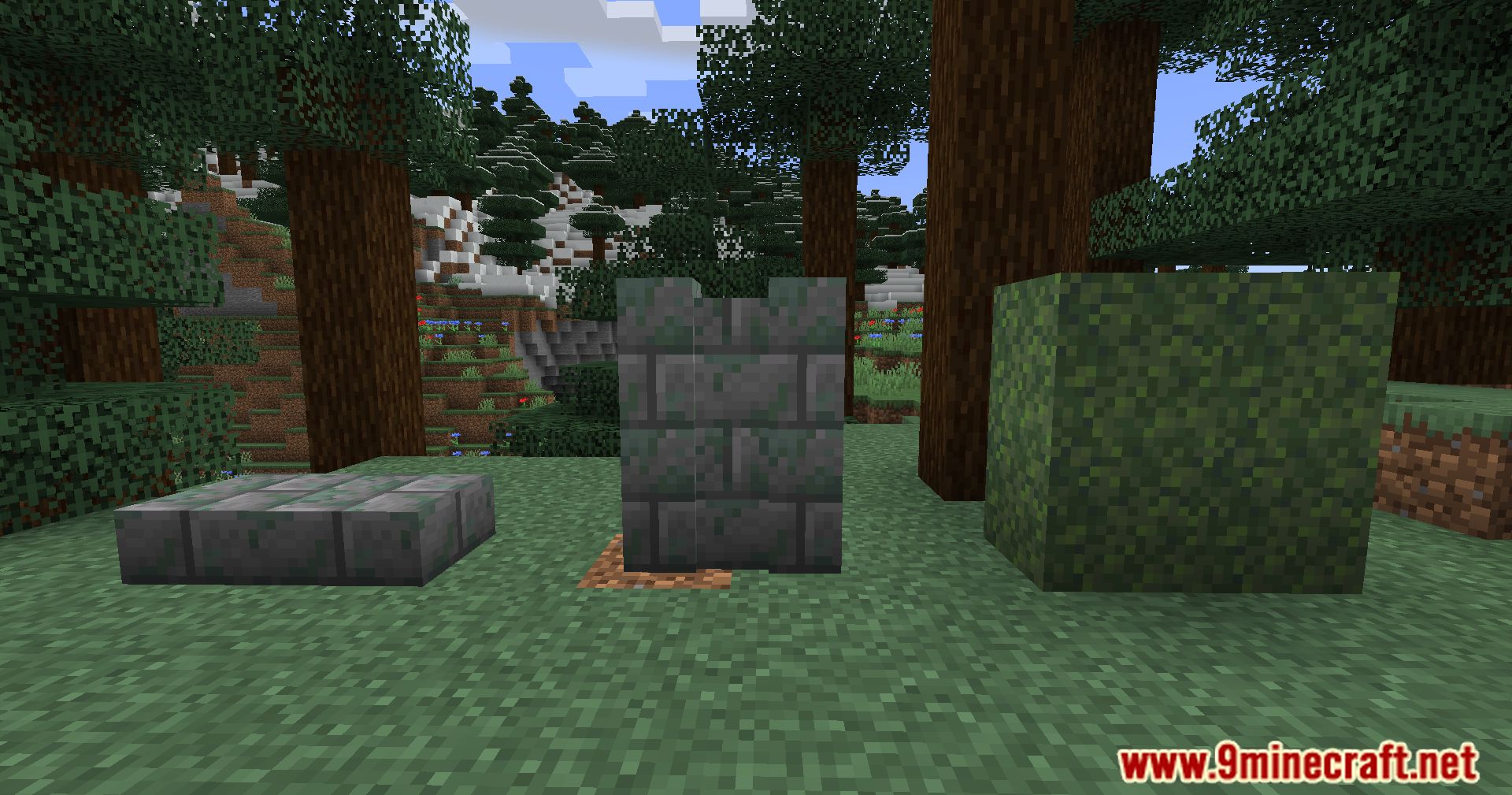
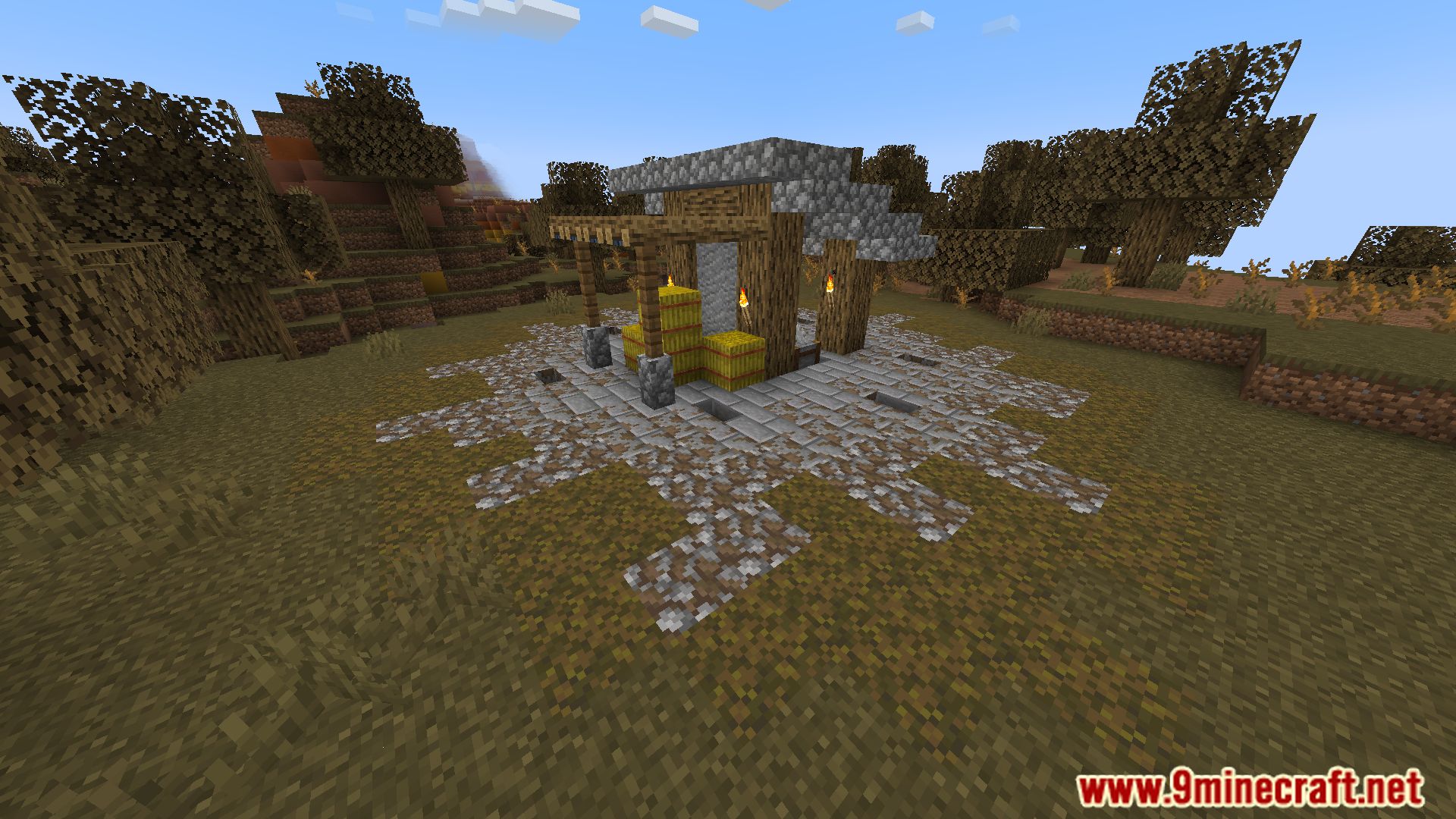
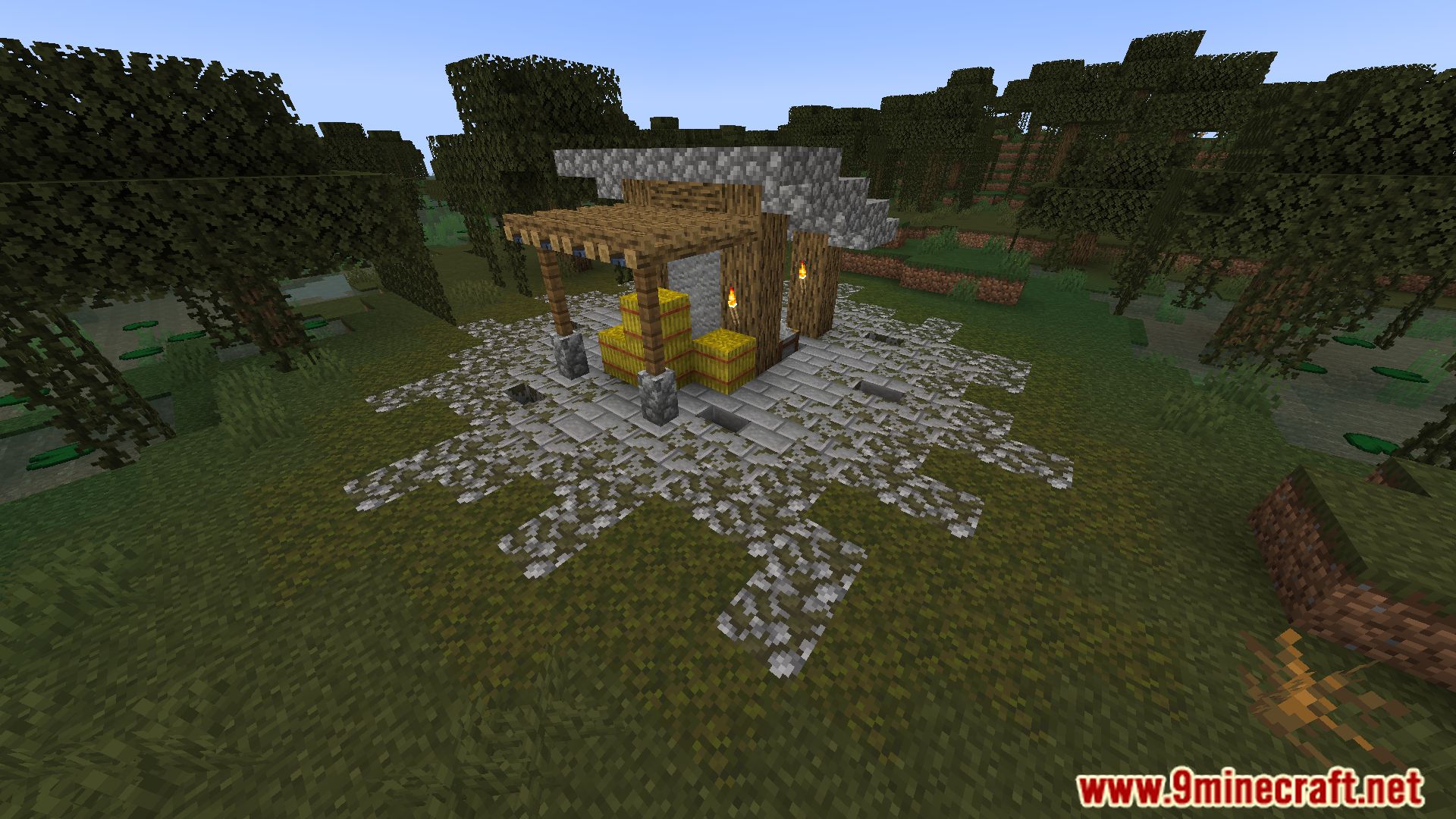
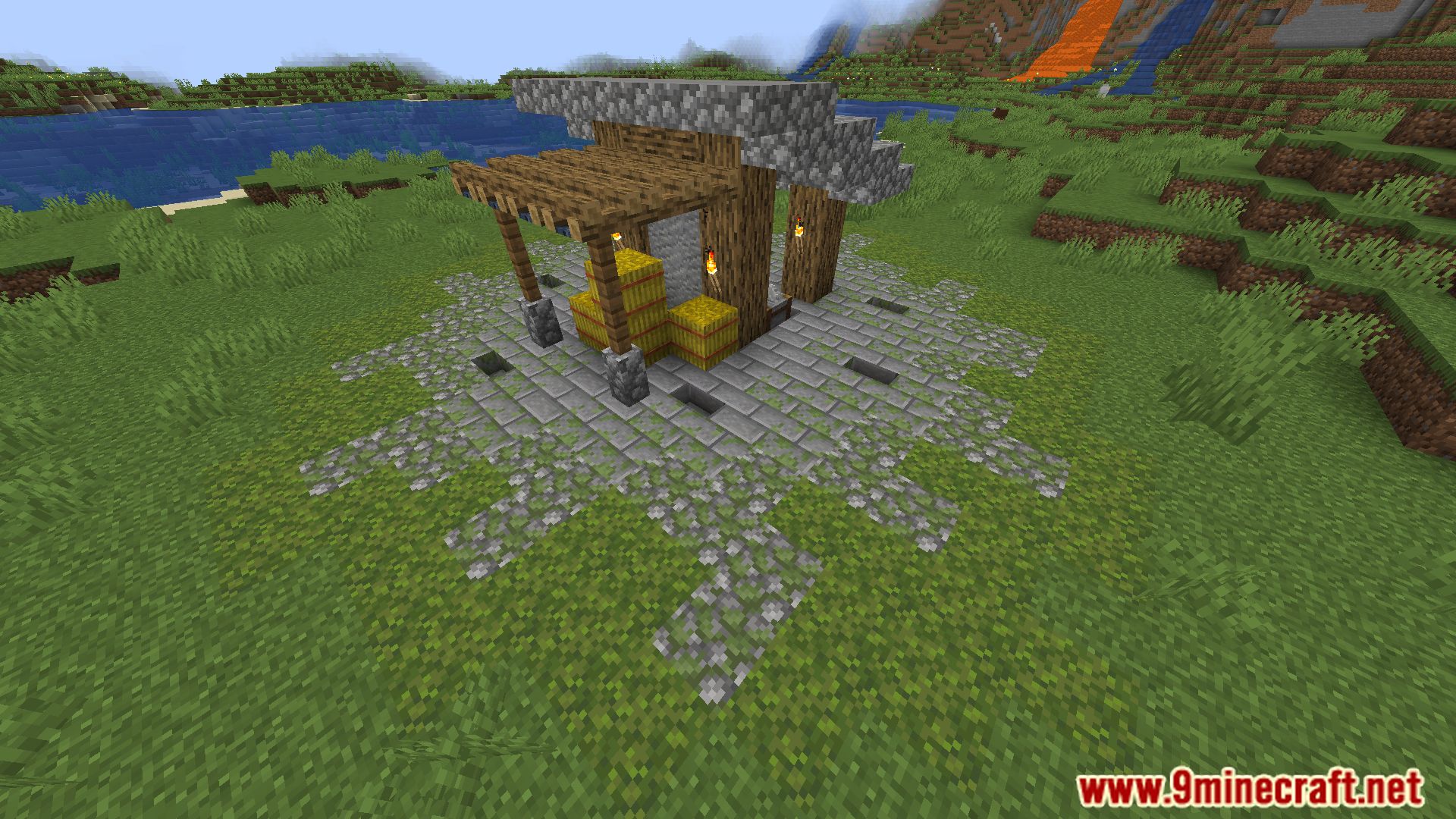
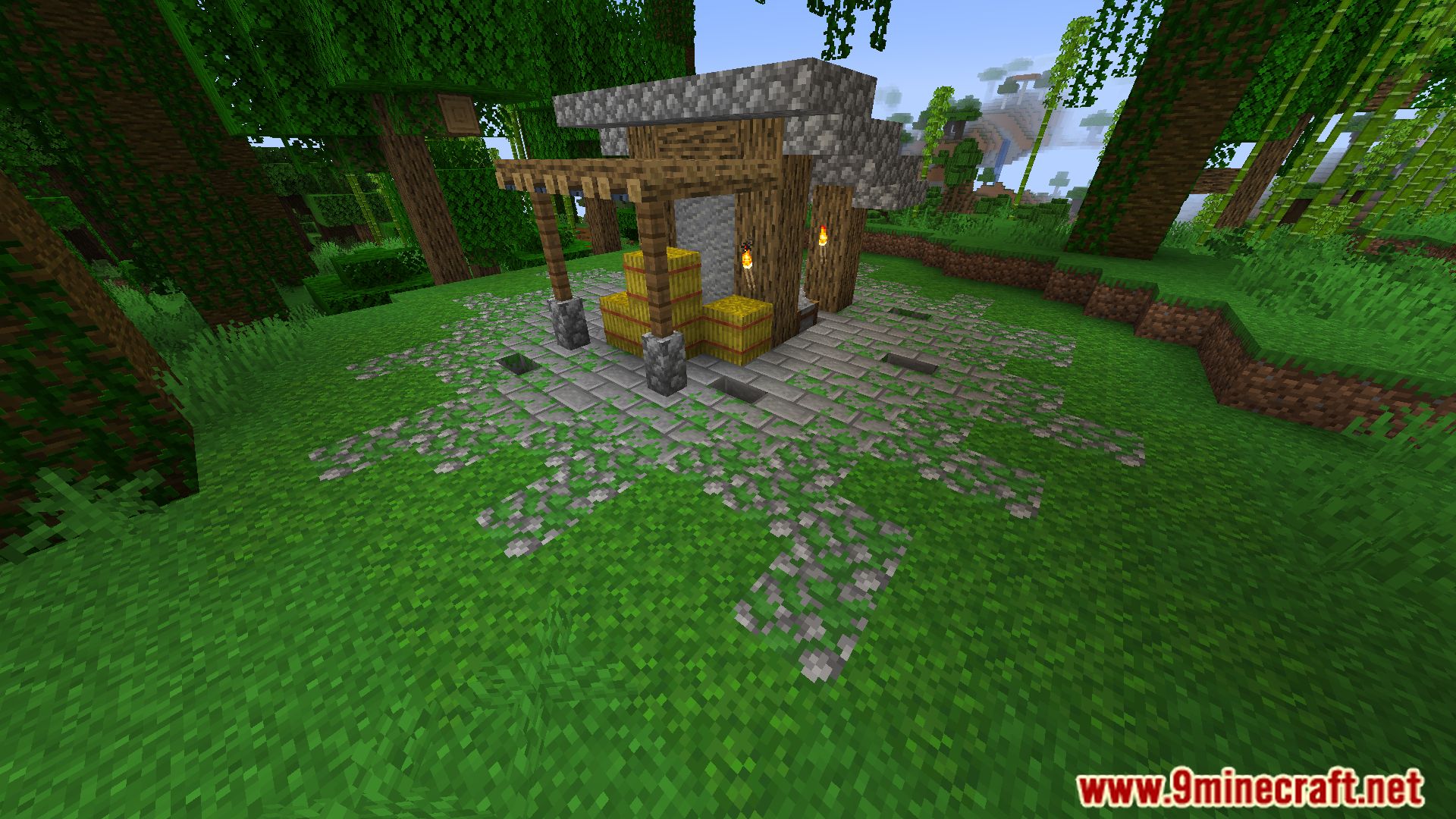
Biome Moss Mod enhances the visual appeal of moss in Minecraft by making its color biome-dependent. Now the color of moss will vary depending on the biome, similar to grass. The effect will apply not only to moss and moss carpets but also to any mossy blocks, such as mossy cobblestone or mossy stone brick walls.
Features:
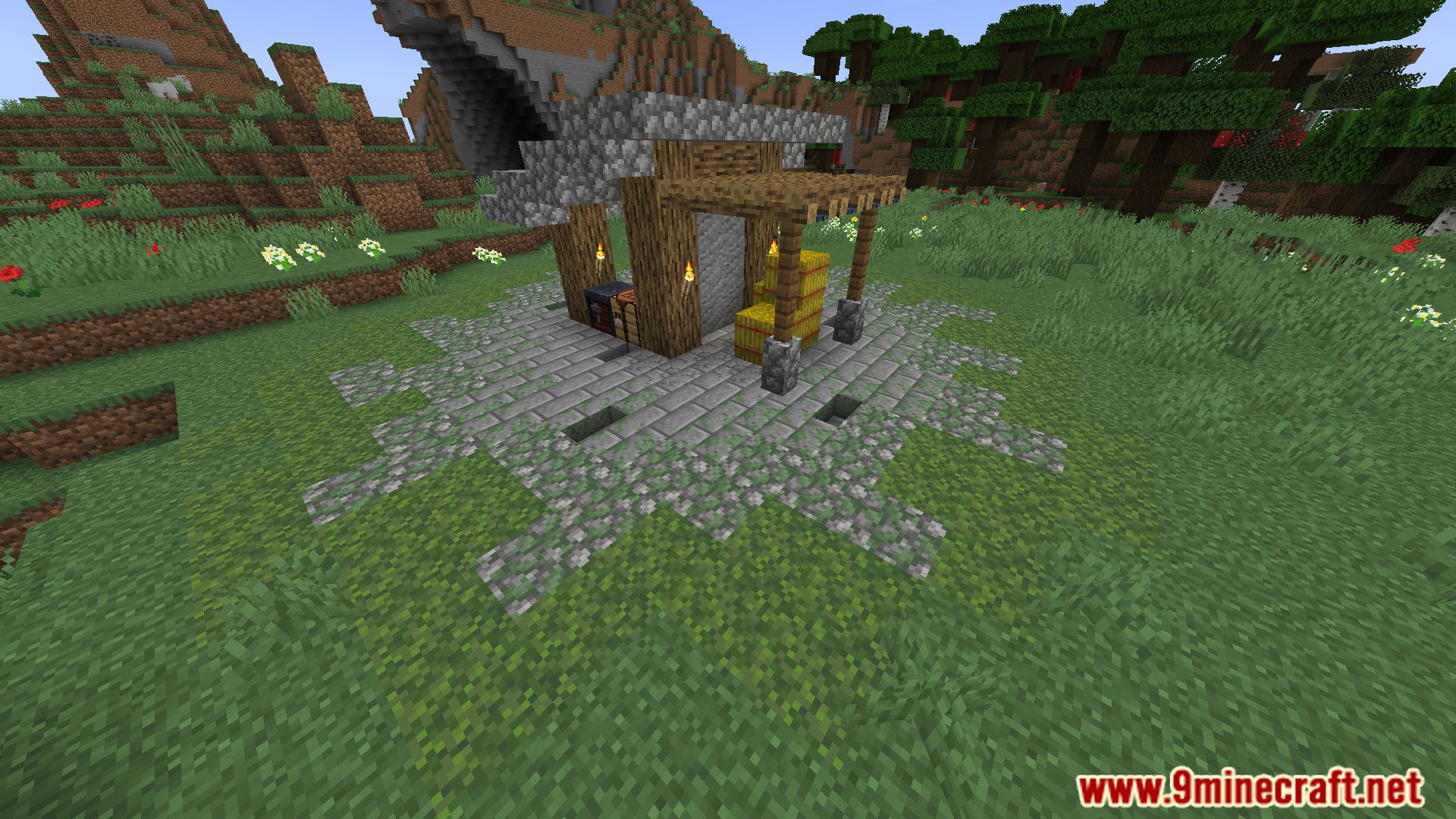
- Moss and mossy blocks, such as moss carpets, mossy cobblestone, and mossy stone brick walls, change color based on the biome they are in.
- The mod blends moss colors naturally with the surrounding environment, similar to how grass behaves.
- Adds a touch of realism and variety to builds and landscapes.
Screenshots:
Biome Moss Mod Download Links
For Minecraft 1.21.5
Fabric version: Download from Server 1 – Download from Server 2
For Minecraft 1.21.1, 1.21
Fabric version: Download from Server 1 – Download from Server 2
For All Versions from Minecraft 1.19 to Minecraft 1.20.1
Fabric version: Download from Server 1 – Download from Server 2
- Edition: Minecraft Java
- File type: .jar
- Minecraft versions listed: 1.21.5, 1.20.1
- How to install: Install the matching mod loader (Forge, Fabric or NeoForge) for your Minecraft version. → Download the .jar. → Put it in the .minecraft/mods folder and launch that loader profile.
- Where to get it: In MC Java Mods, or directly above on this page.
Install steps are the general flow for this file type — How to install Minecraft Java mods & modpacks walks through it step by step.
- Downloads as 178869.mcaddon
- Download size: 58 KB
- Download link checked 24 Jul 2026 — working
- Mirrored on our own servers — the download does not depend on the original host
These come from our own check of the pack file, not from the source page.