
ModsJava
Optimizer Mod (1.21.5, 1.20.1) – Aims to Improve Game Performance
Java mod listed for Minecraft 1.20–1.21. Downloads from the MC Java Mods app on Android.
⬇ Download






Optimizer Mod improves game performance, specifically focusing on how smoothly the game world runs (TPS) and how long each game tick takes (MSPT). A unique aspect of this mod is that it only needs to be used once when loading a world; after that, the mod file can be removed.
Features:
- Aims to improve game performance (TPS and MSPT).
- Only needs to be used once when a world is loaded; the mod file can then be removed.
- Works by changing specific game rules.
- Ignores player speed limits, including when using Elytra, which helps prevent movement rollbacks but can make cheating easier on servers.
- Removes the simulation of spawn chunks, which greatly reduces the game’s use of computer resources (RAM and CPU).
- Helps reduce RAM consumption and CPU usage.
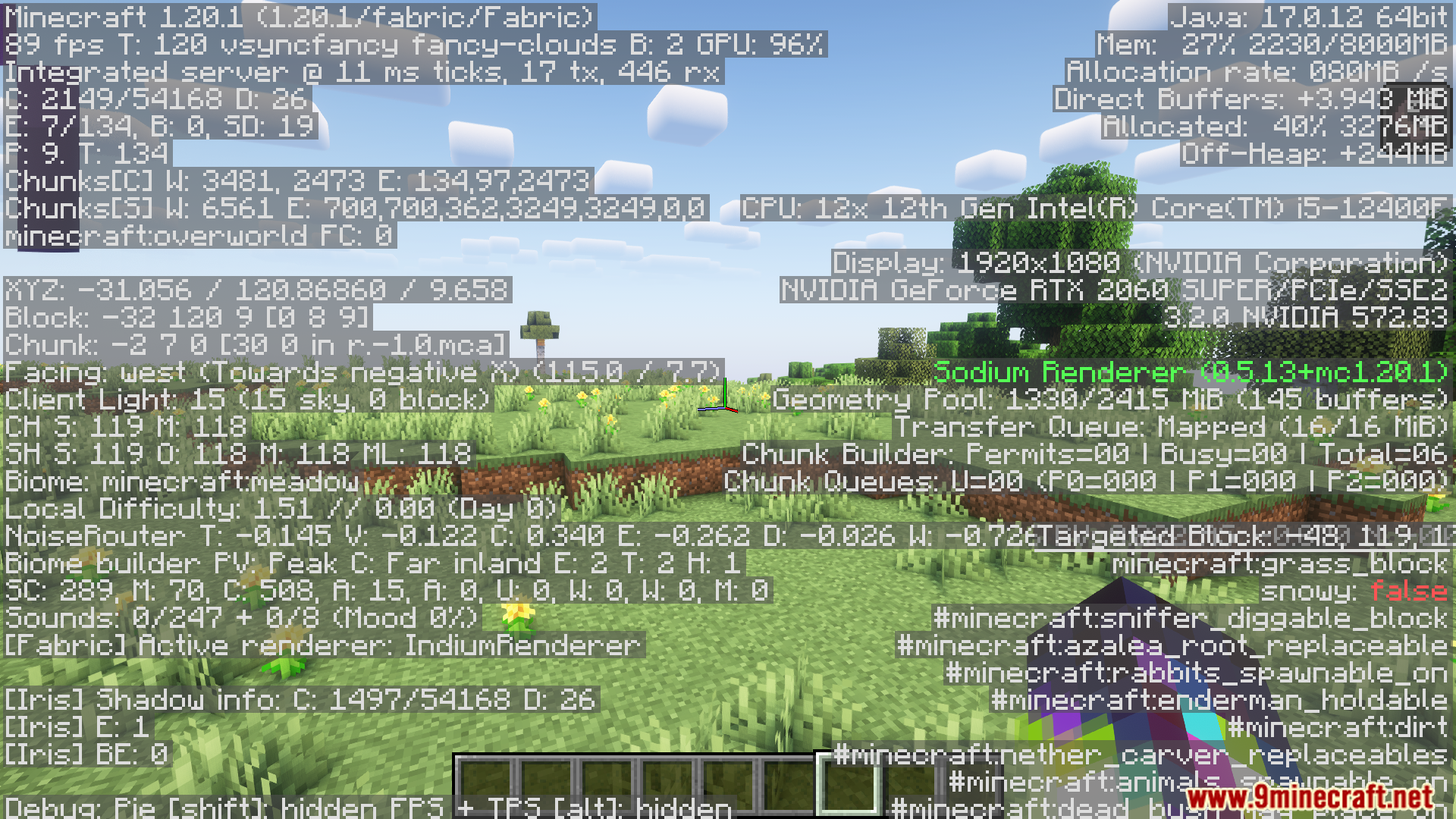
Screenshots:

Optimizer Mod Download Links
For Minecraft 1.21.5, 1.21.4, 1.21.3
Forge/Fabric/Quilt/NeoForge Version: Download from Server 1 – Download from Server 2
For All Versions From Minecraft 1.13.2 to Minecraft 1.21.1
Forge/Fabric/Quilt/NeoForge Version: Download from Server 1 – Download from Server 2
Quick facts
- Edition: Minecraft Java
- File type: .jar
- Minecraft versions listed: 1.21.5, 1.20.1
- How to install: Install the matching mod loader (Forge, Fabric or NeoForge) for your Minecraft version. → Download the .jar. → Put it in the .minecraft/mods folder and launch that loader profile.
- Where to get it: In MC Java Mods, or directly above on this page.
Install steps are the general flow for this file type — How to install Minecraft Java mods & modpacks walks through it step by step.
File checked by MCModsHub
- Downloads as 178876.mcaddon
- Download size: 952 KB
- Download link checked 30 Jul 2026 — working
- Mirrored on our own servers — the download does not depend on the original host
These come from our own check of the pack file, not from the source page.