ModsJava
Simple Hats Mod (26.3, 1.20.1) – Collect and Wear Hundreds of Hats
Java mod listed for Minecraft 1.20–26.x. Downloads from the MC Java Mods app on Android.
⬇ Download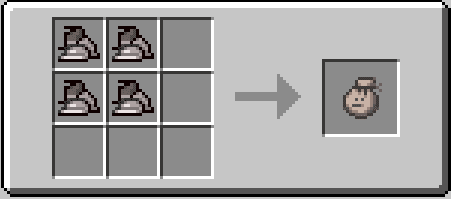
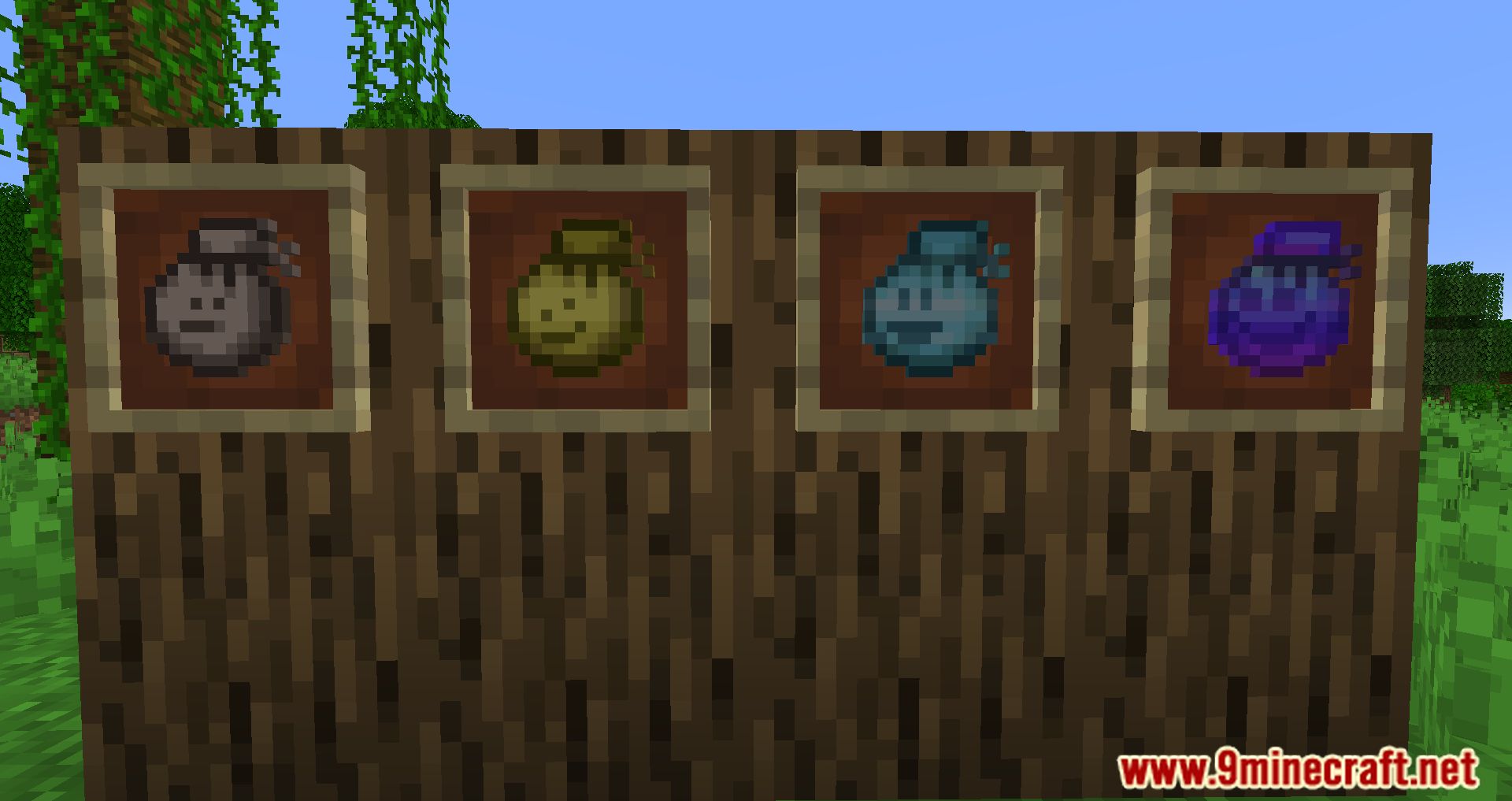
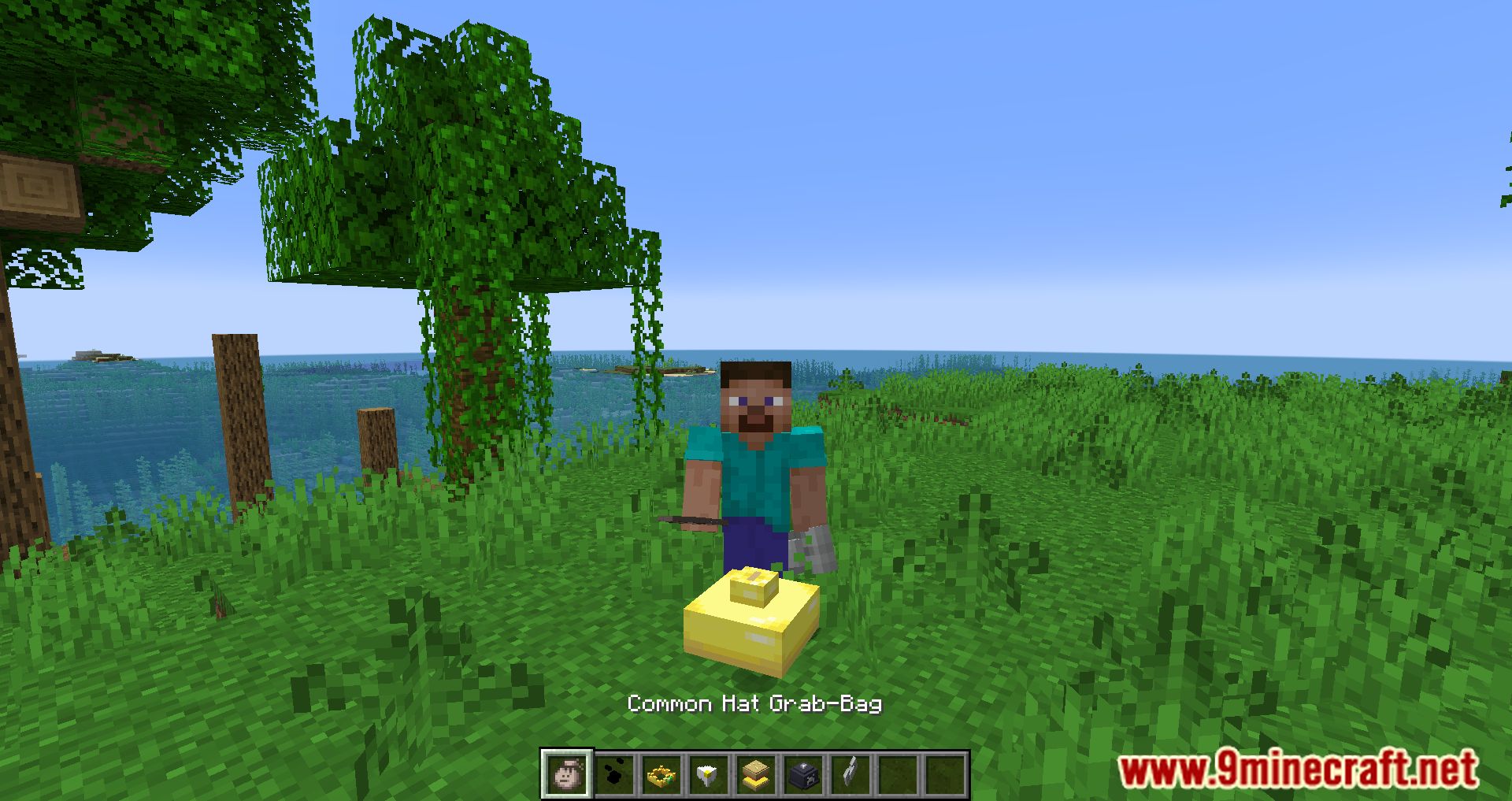
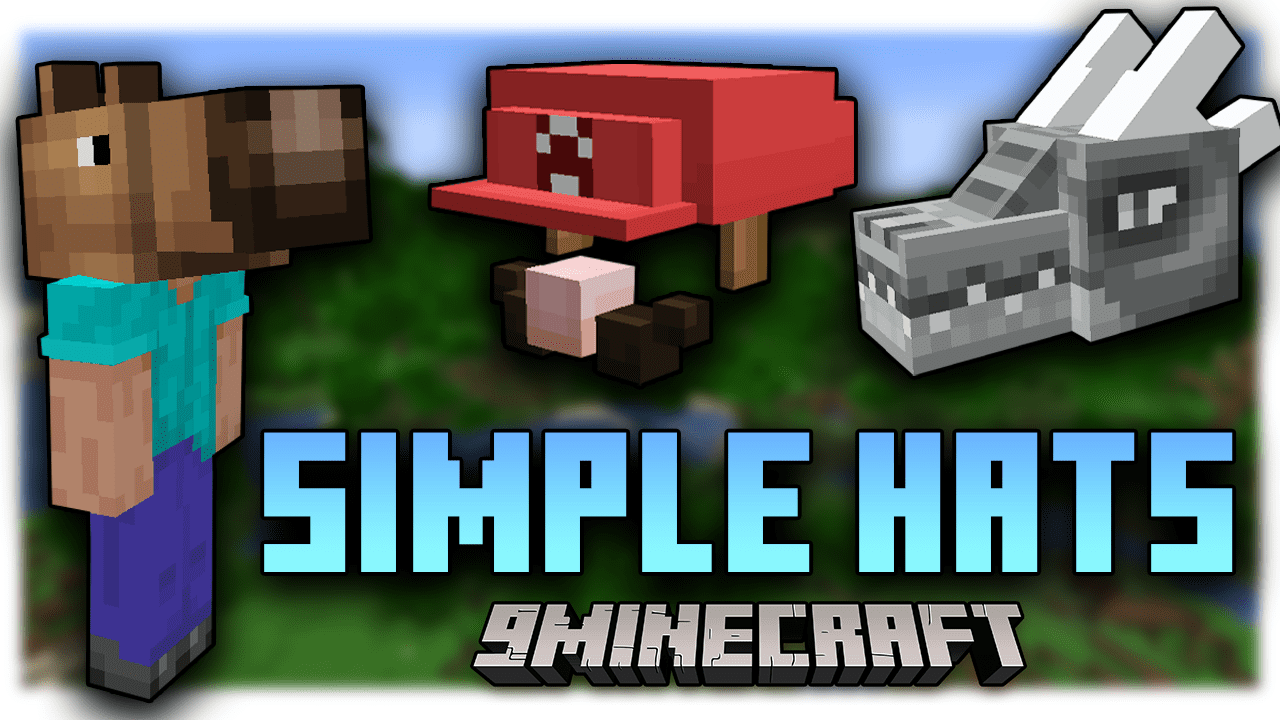
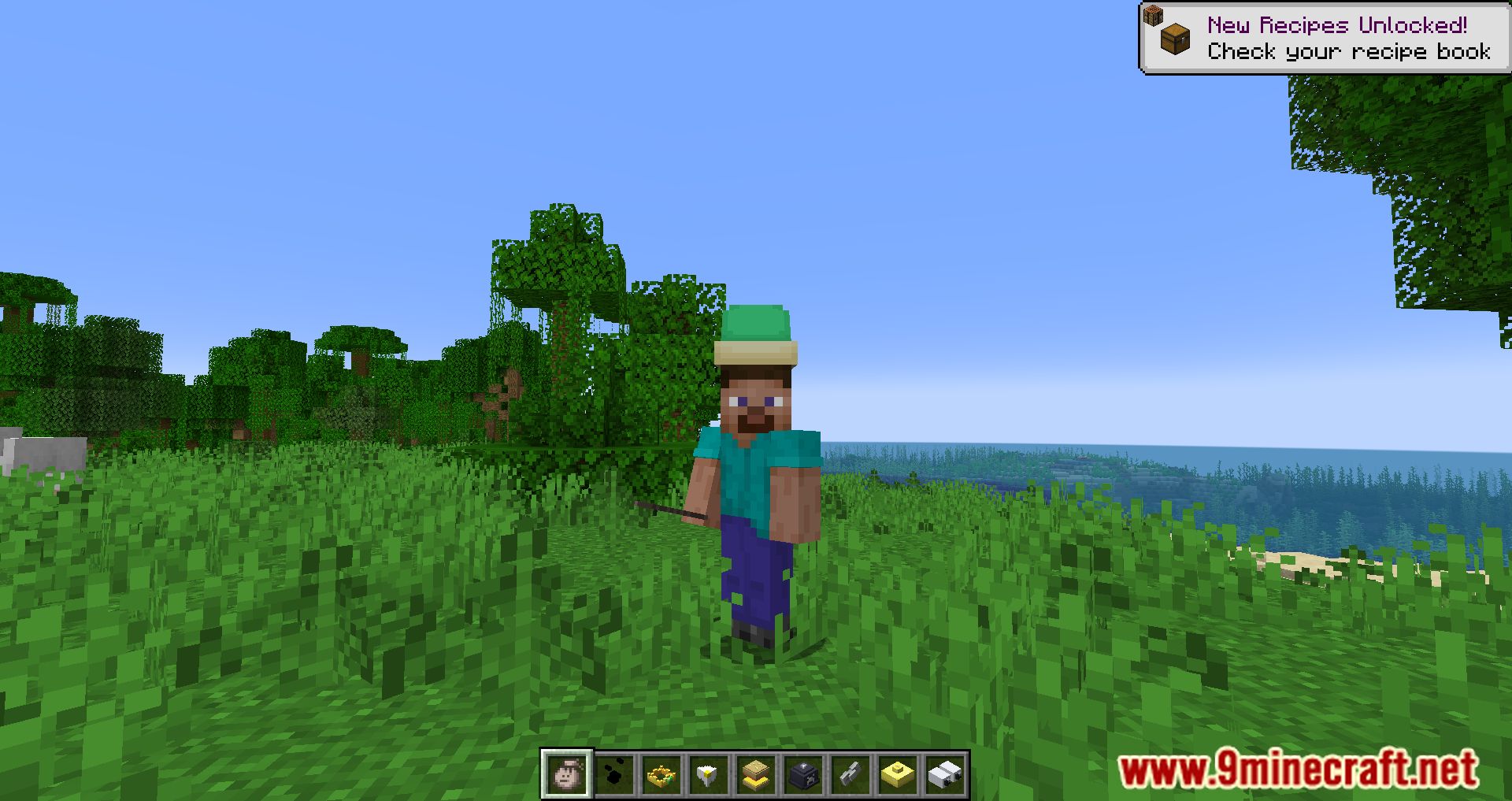
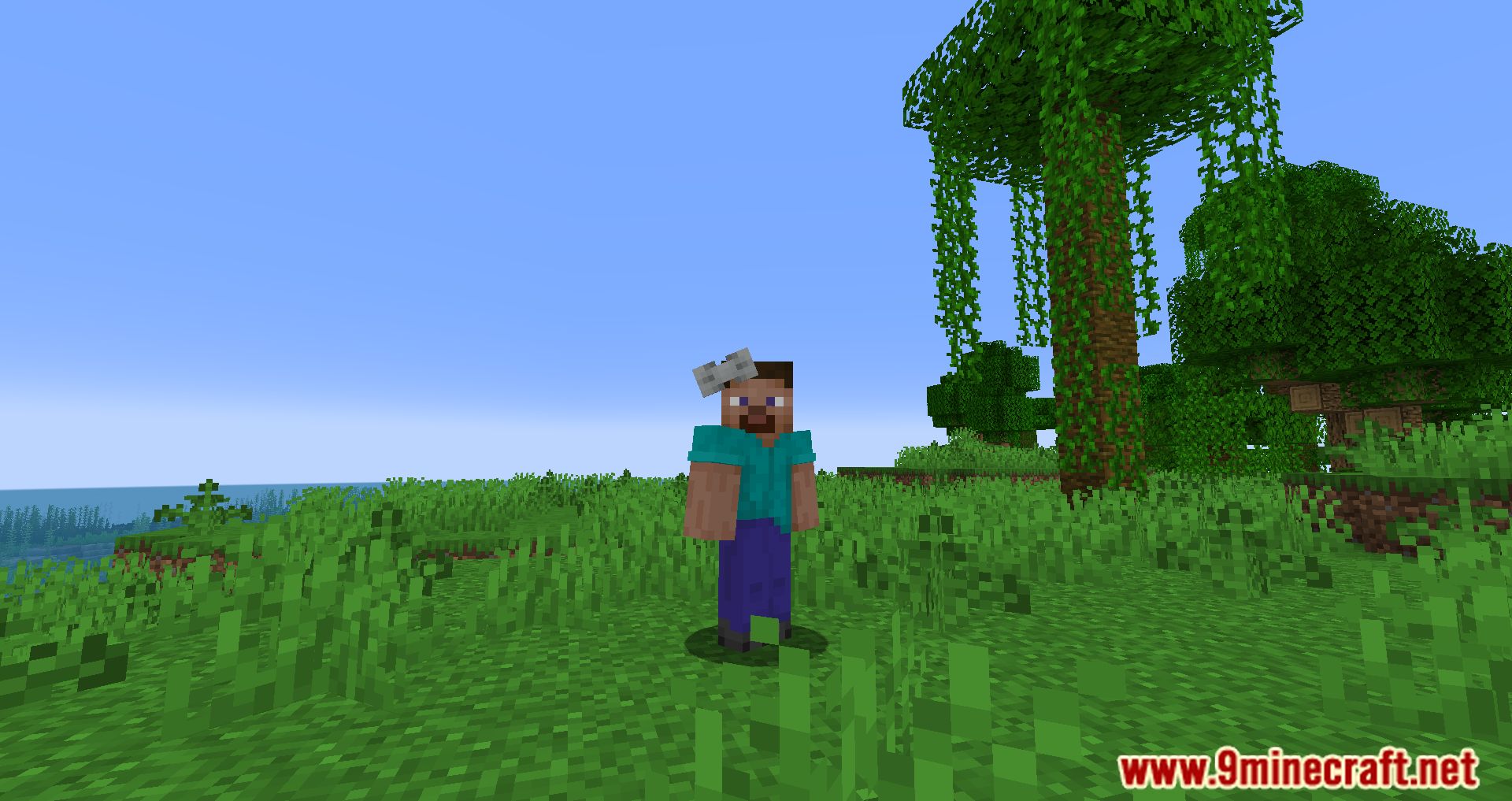
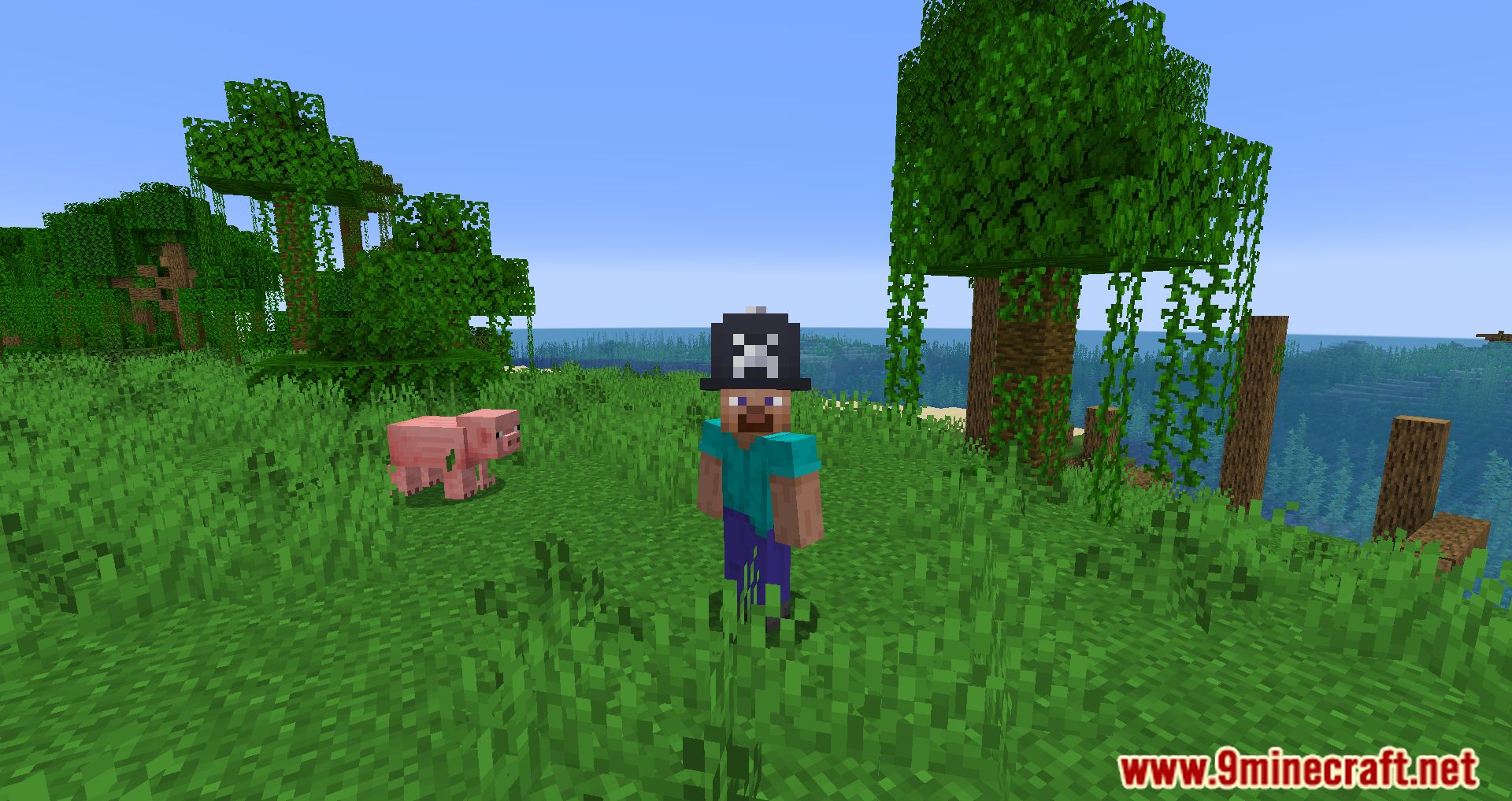
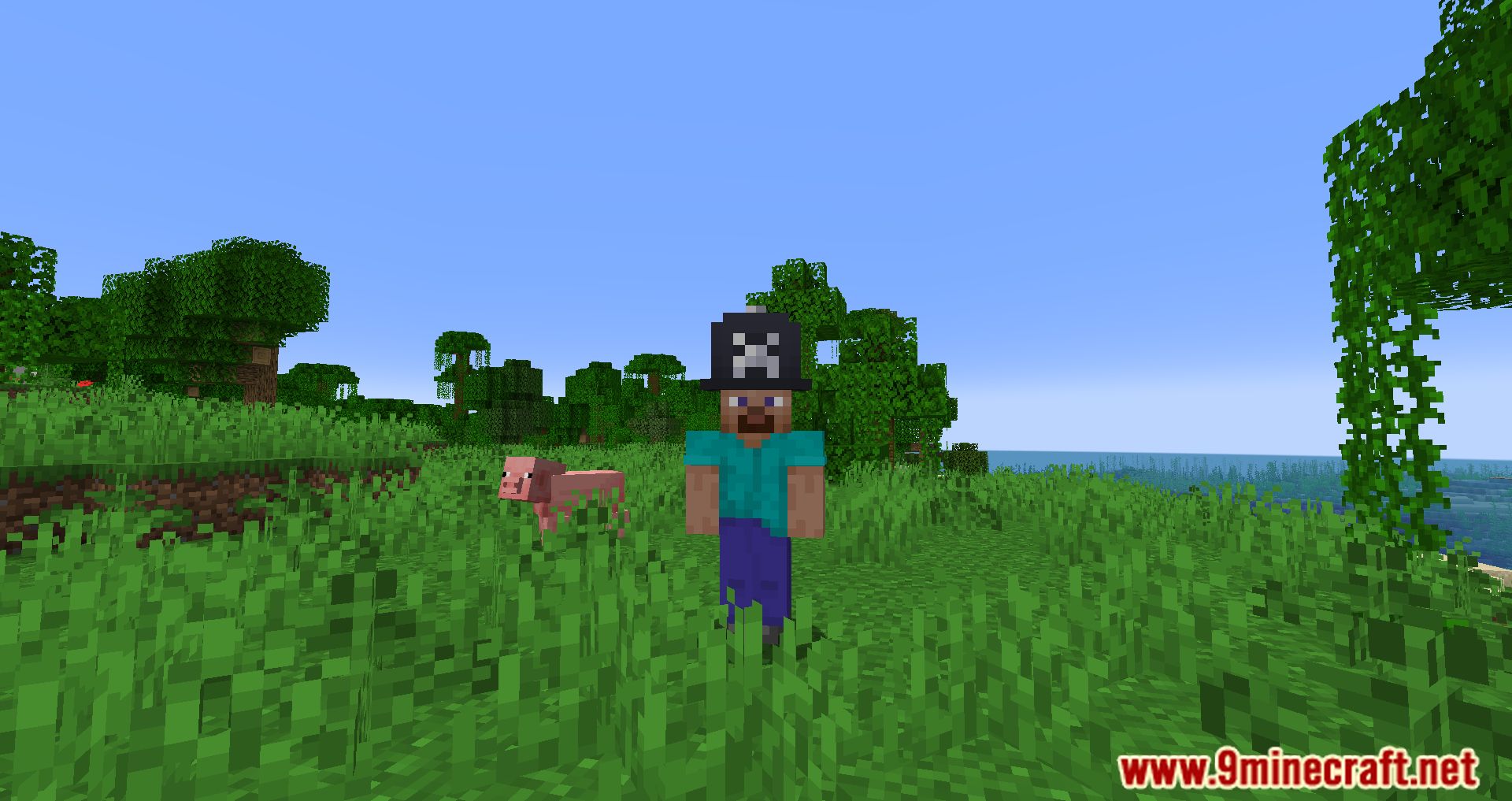
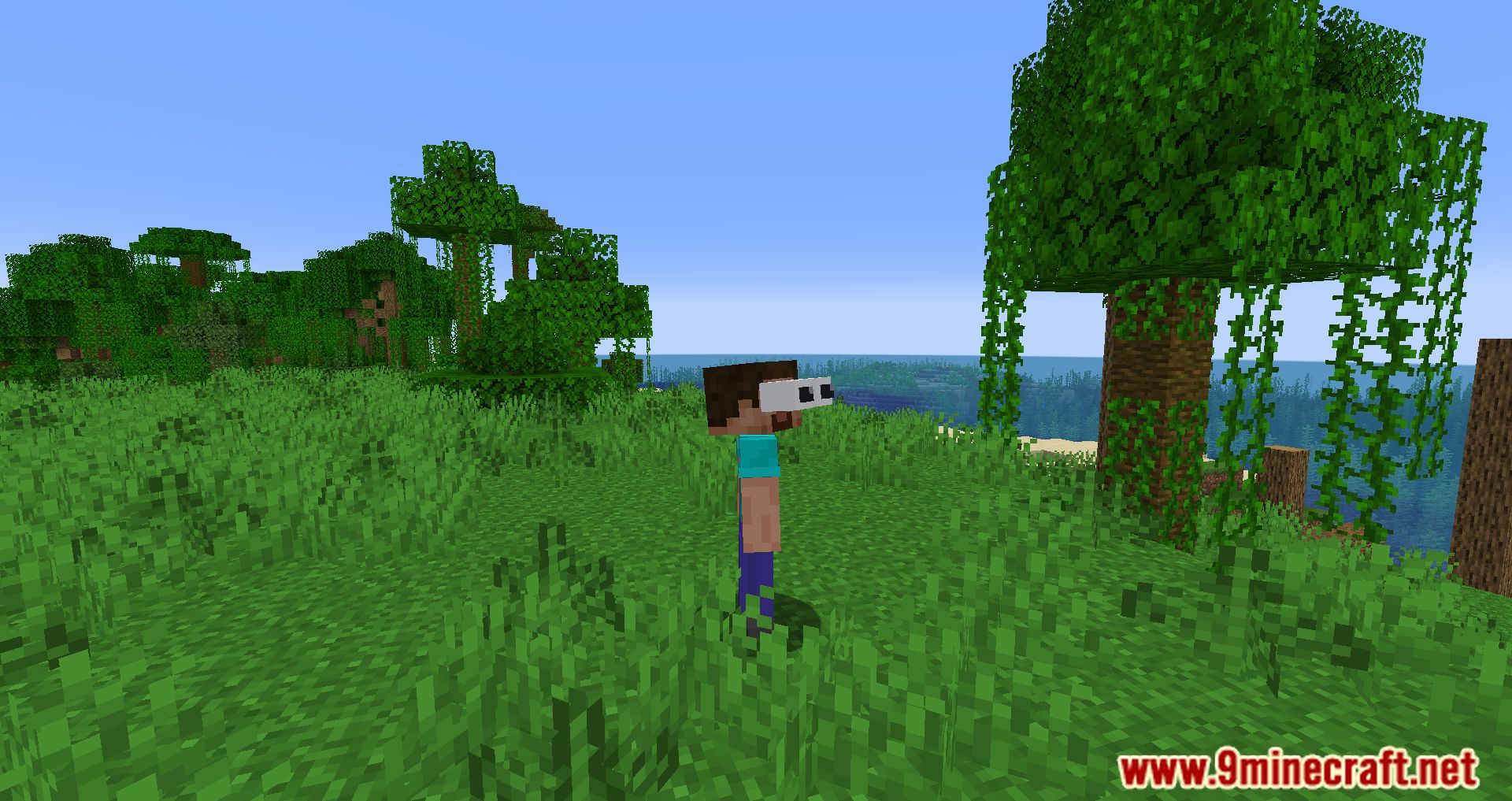
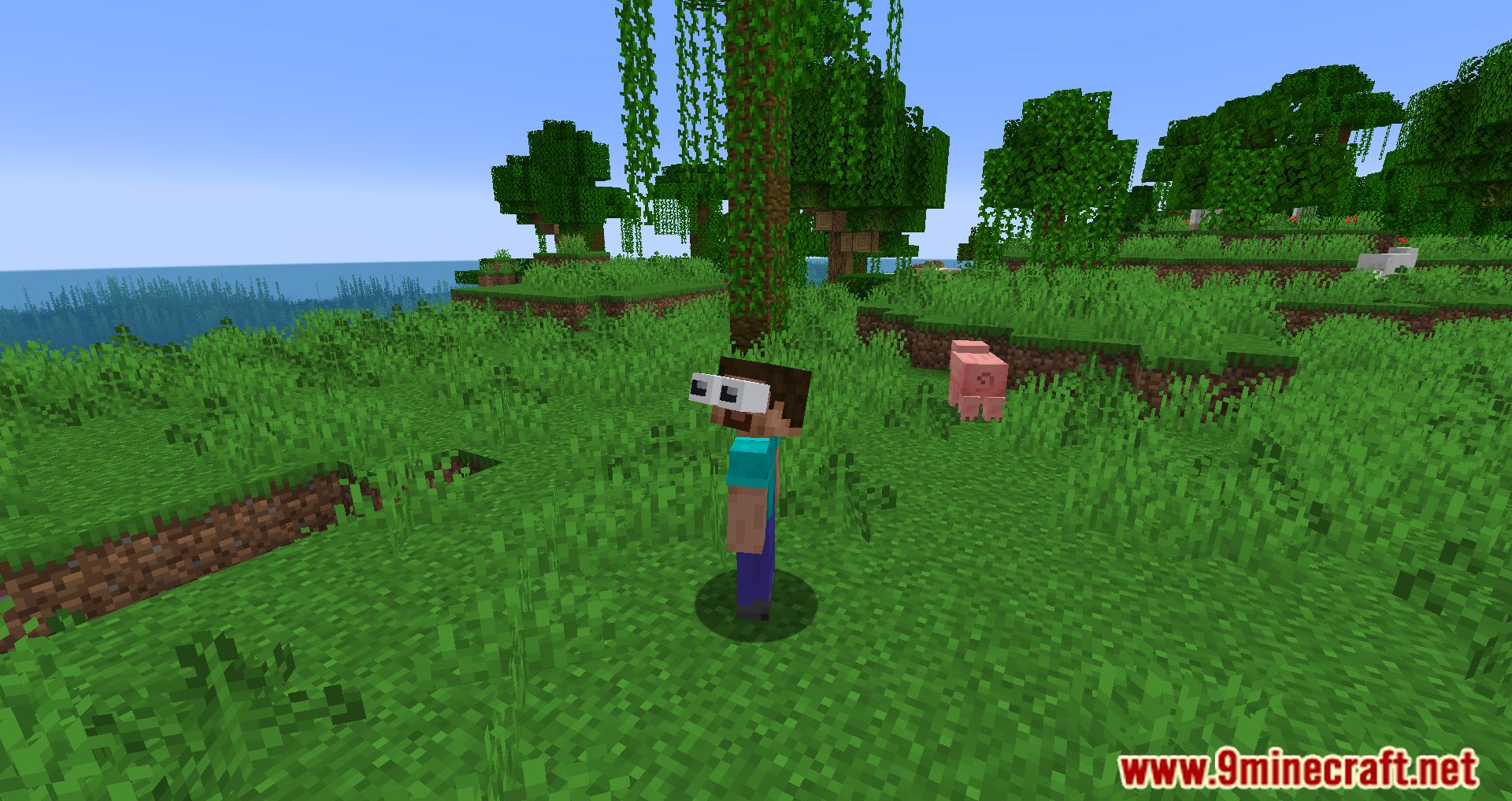
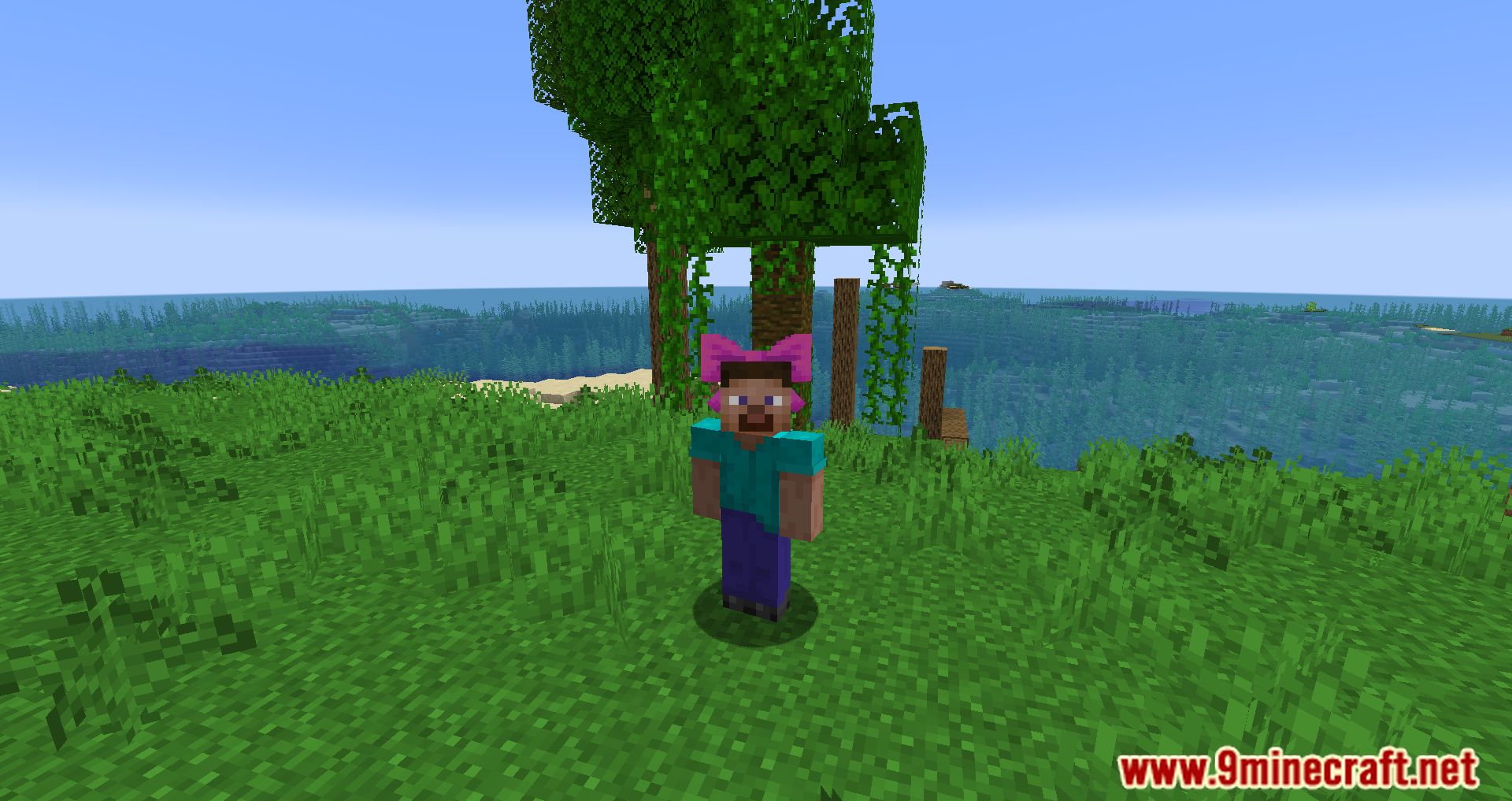
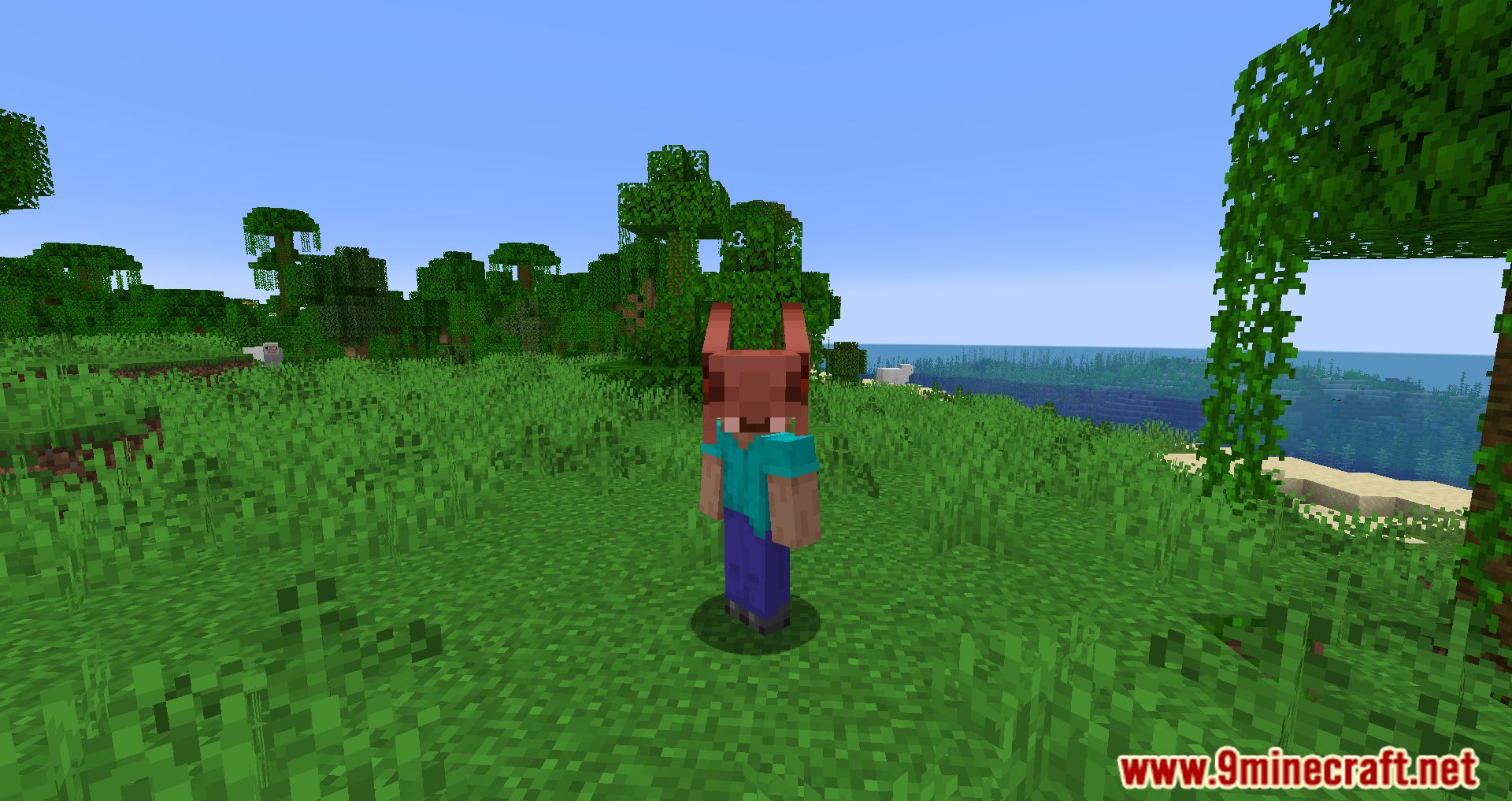
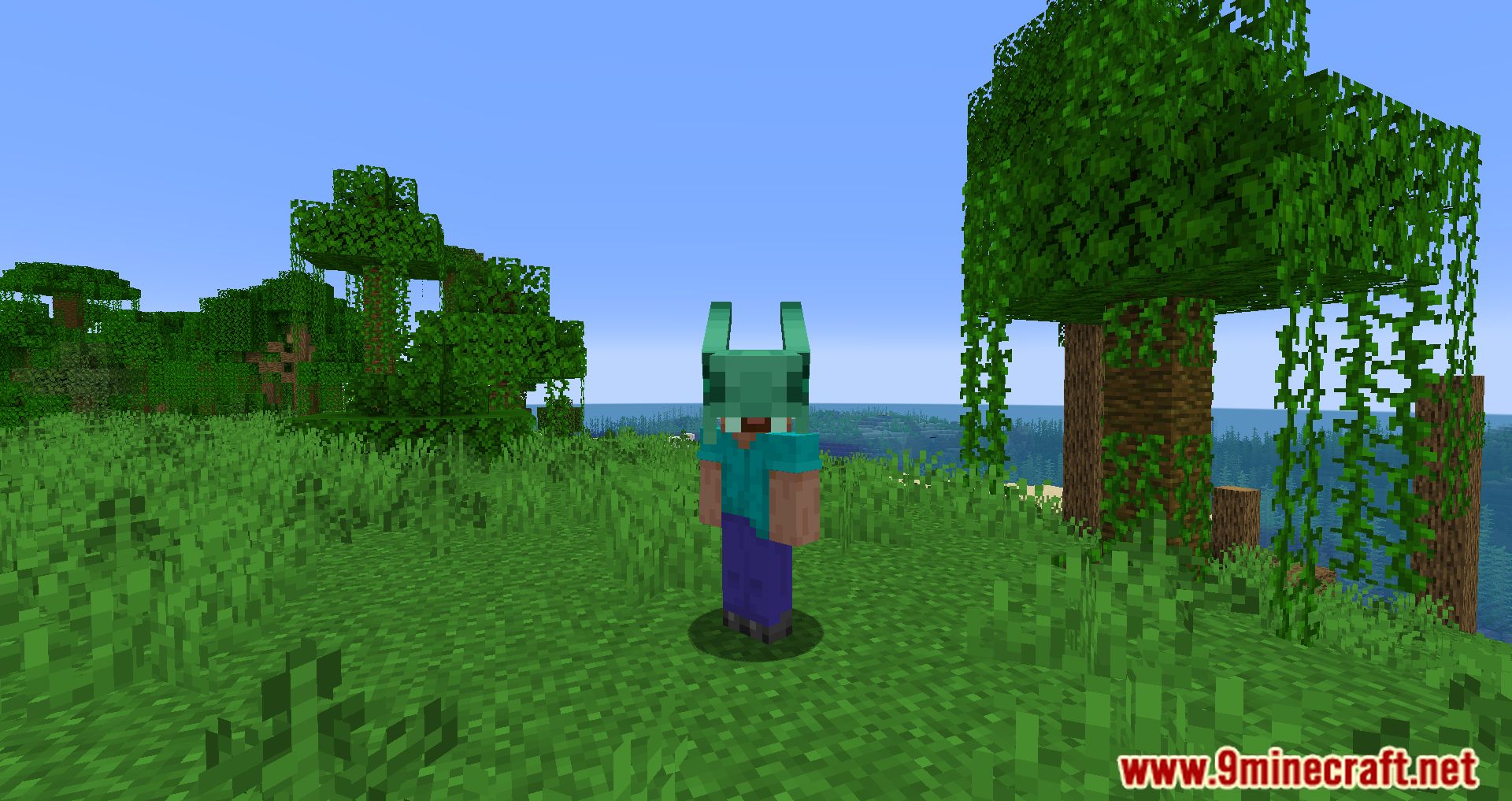
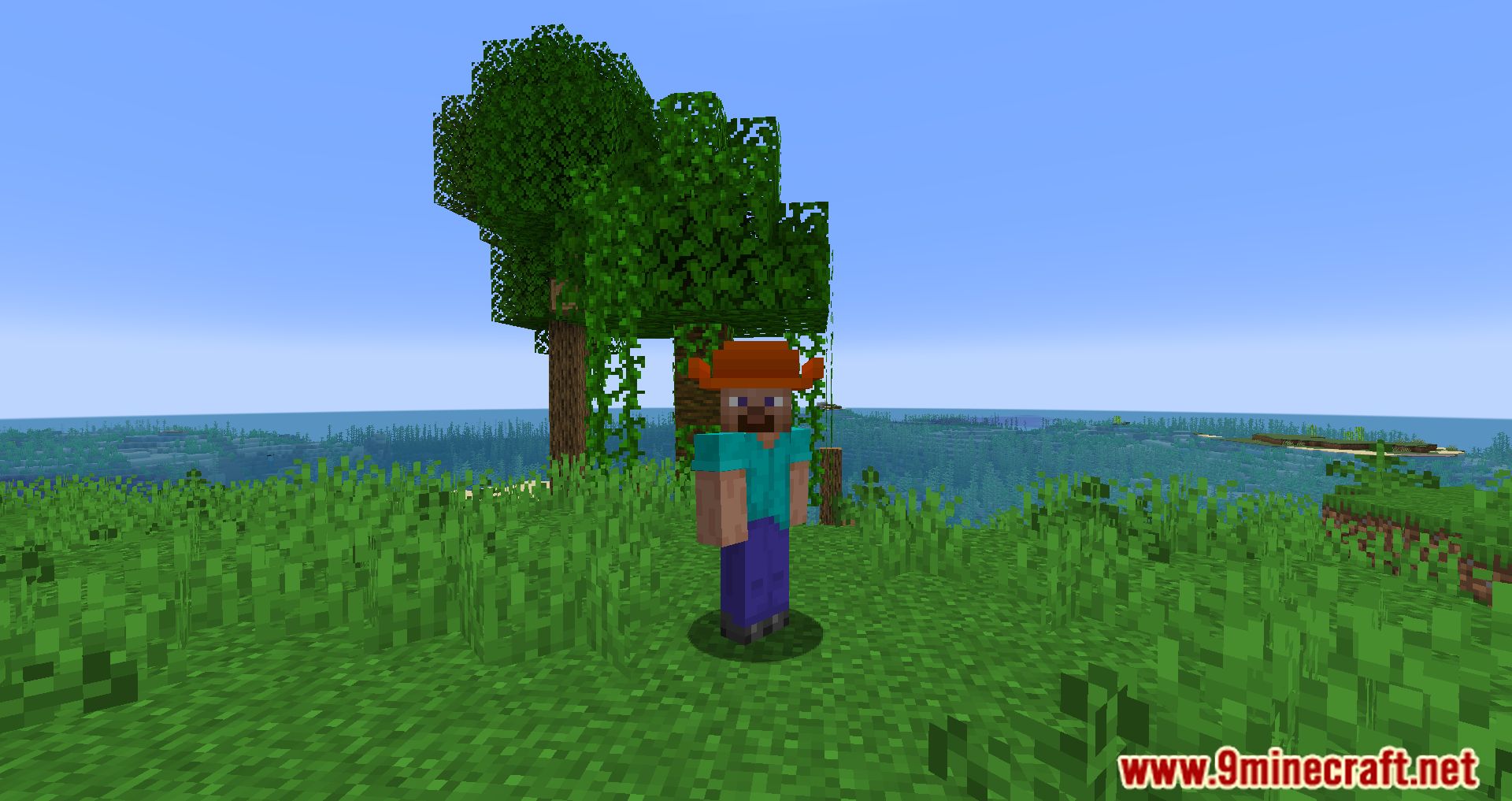
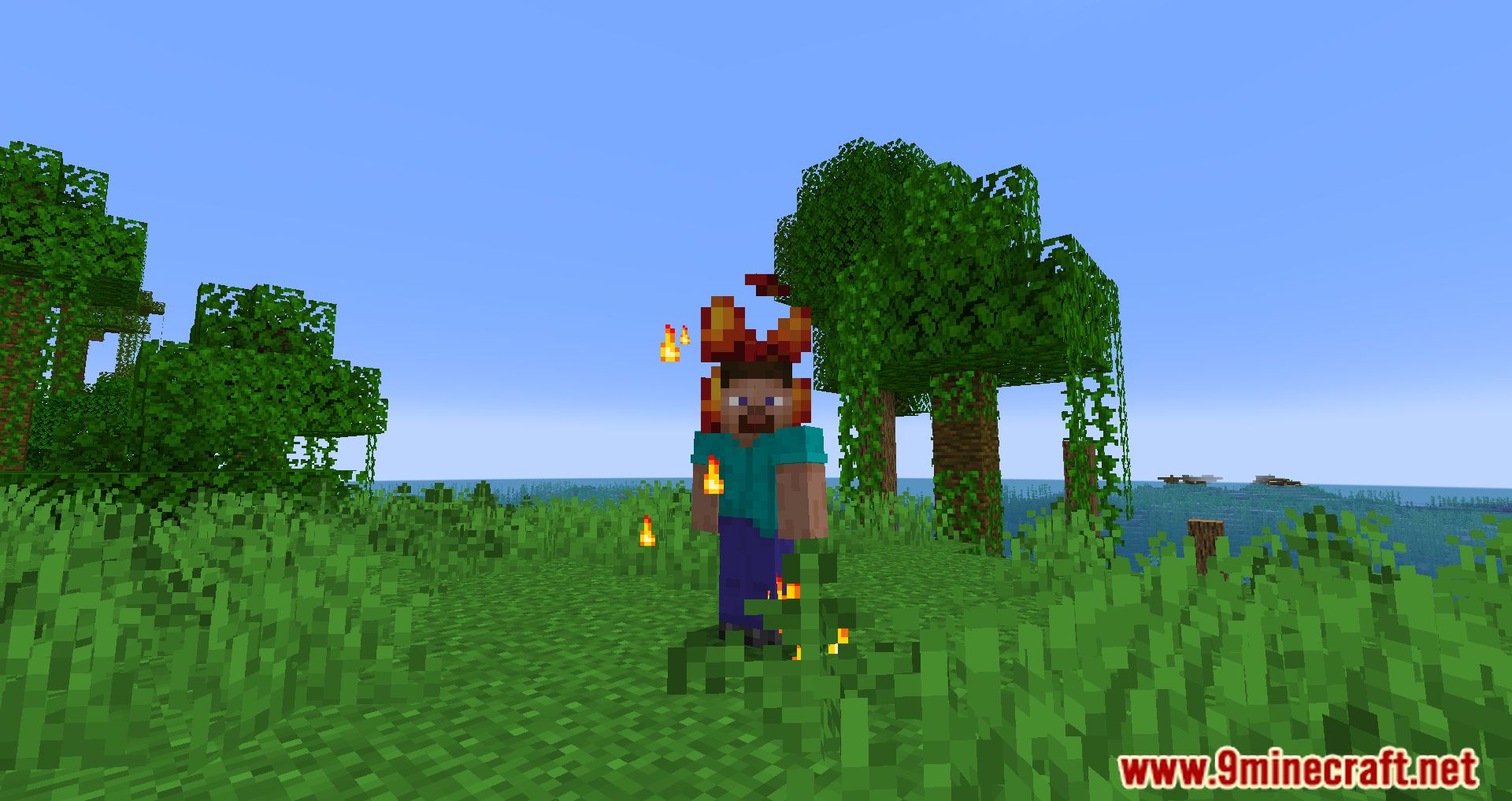
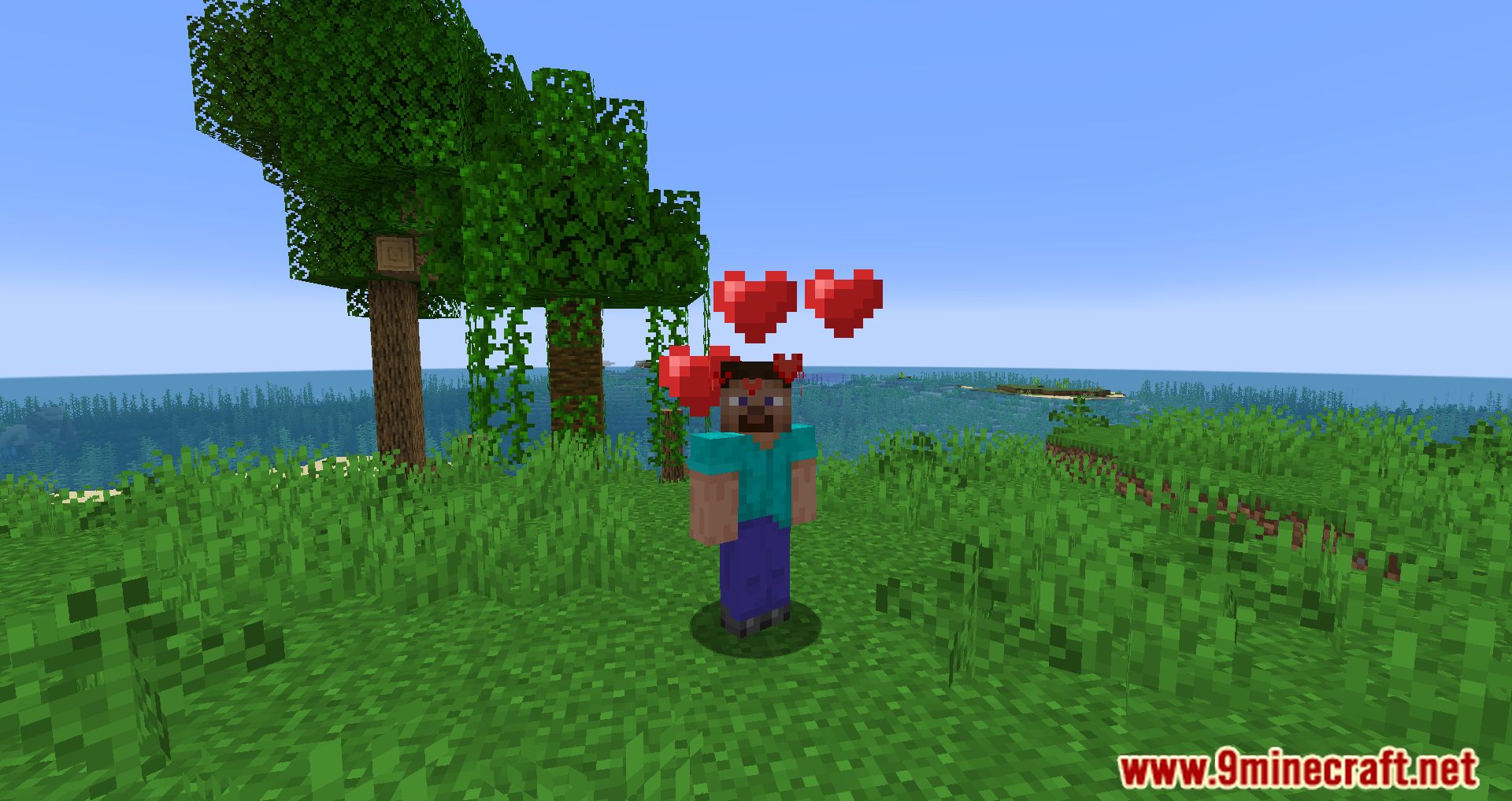
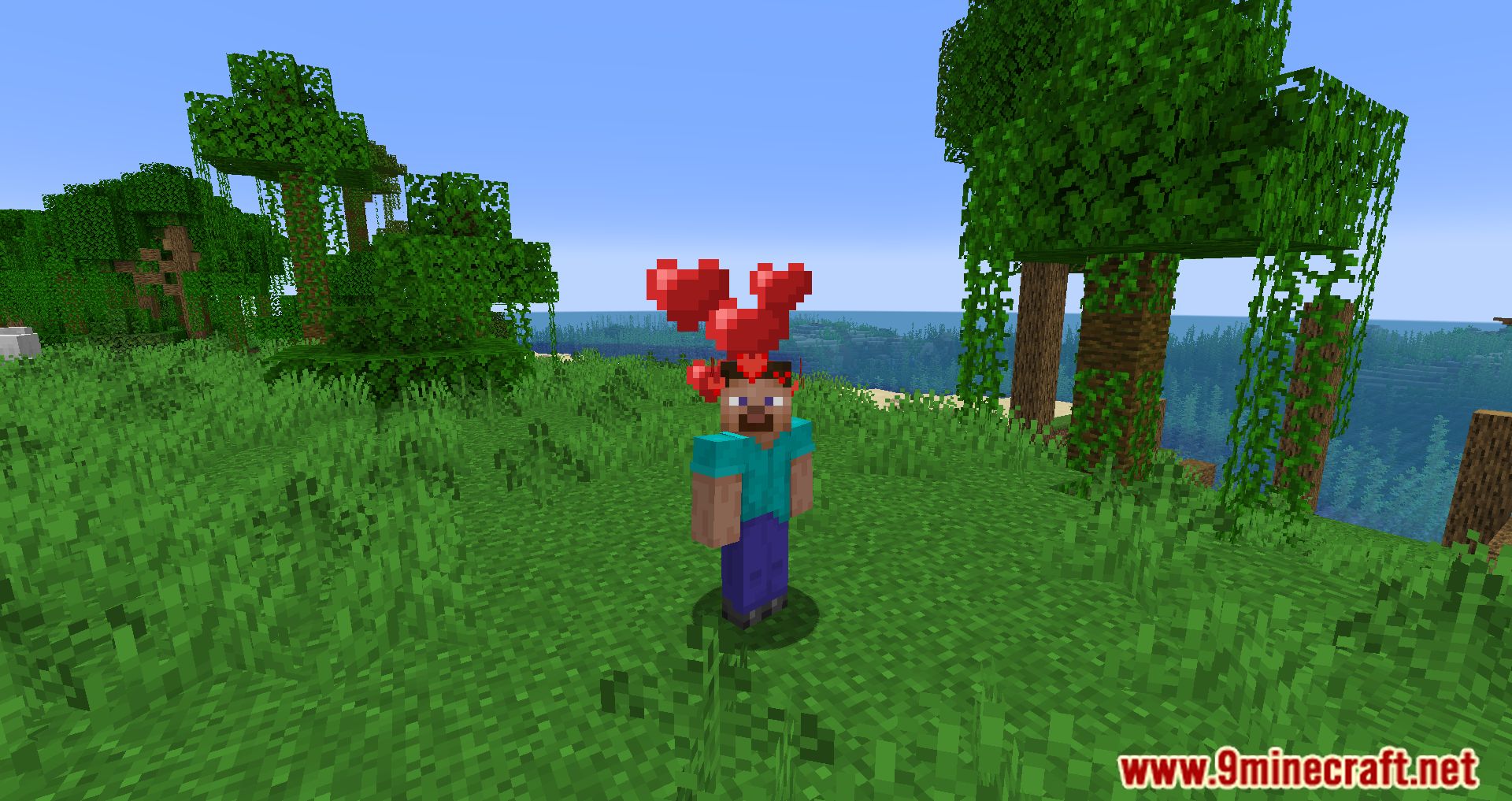
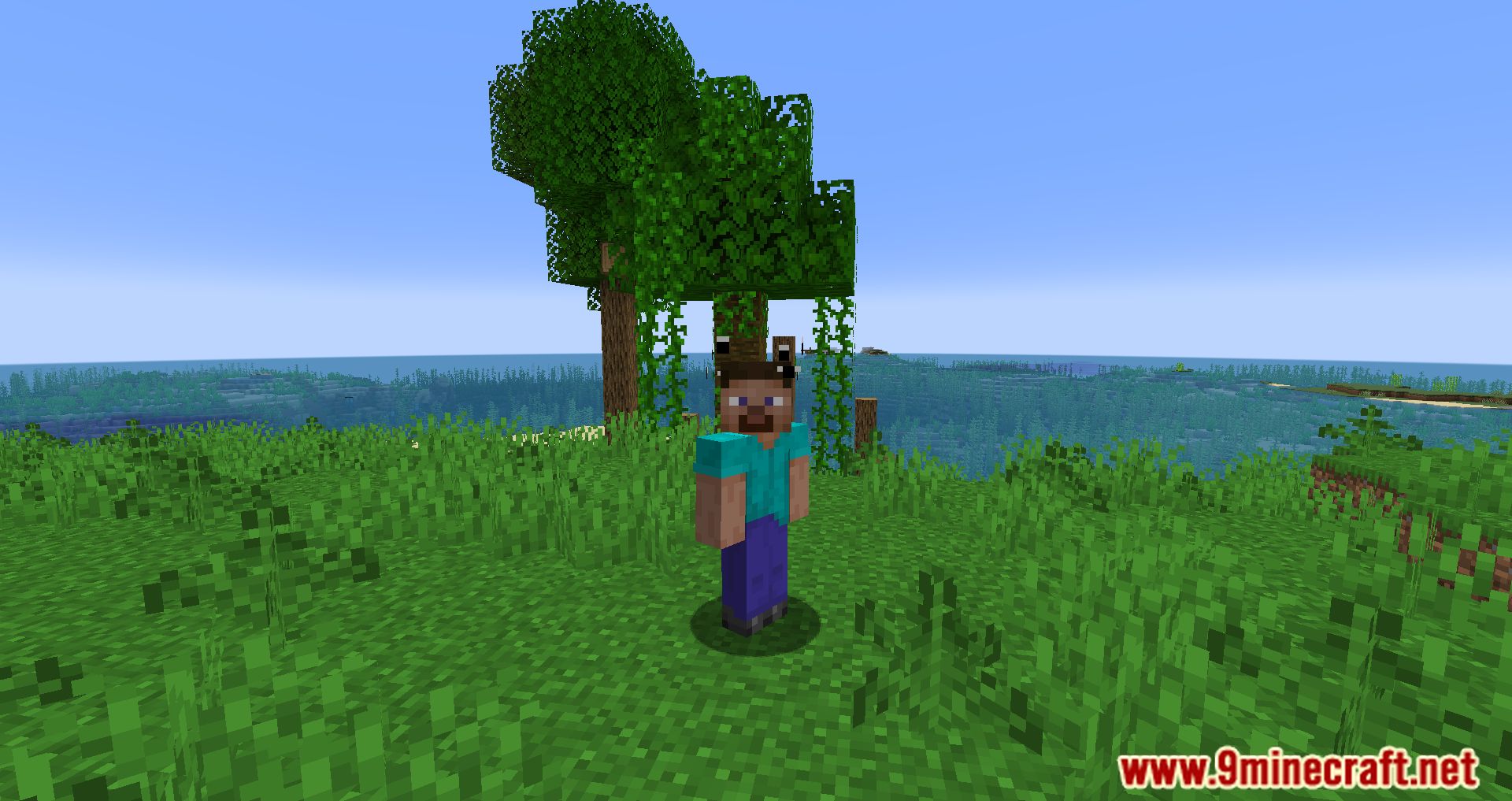
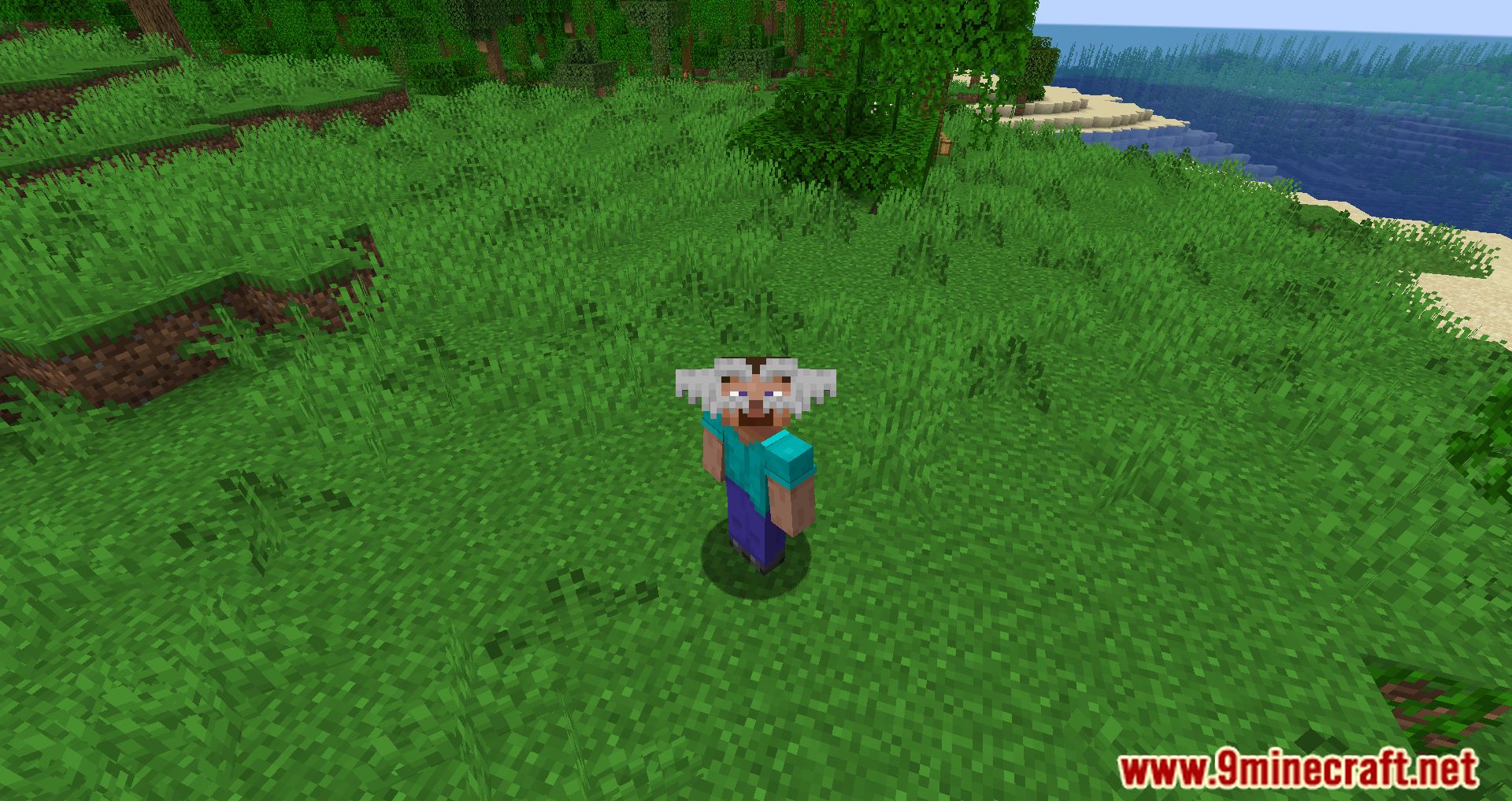
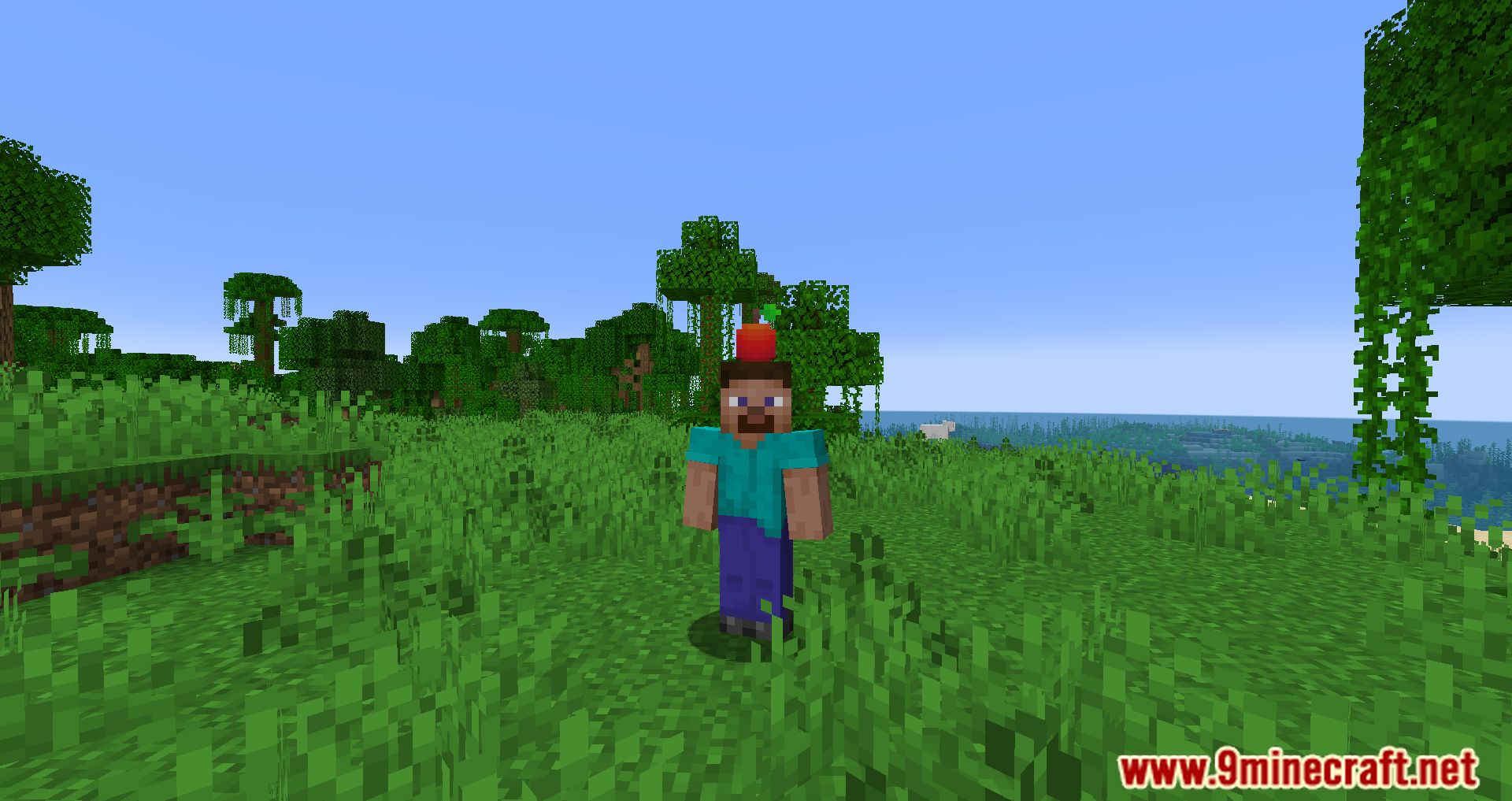
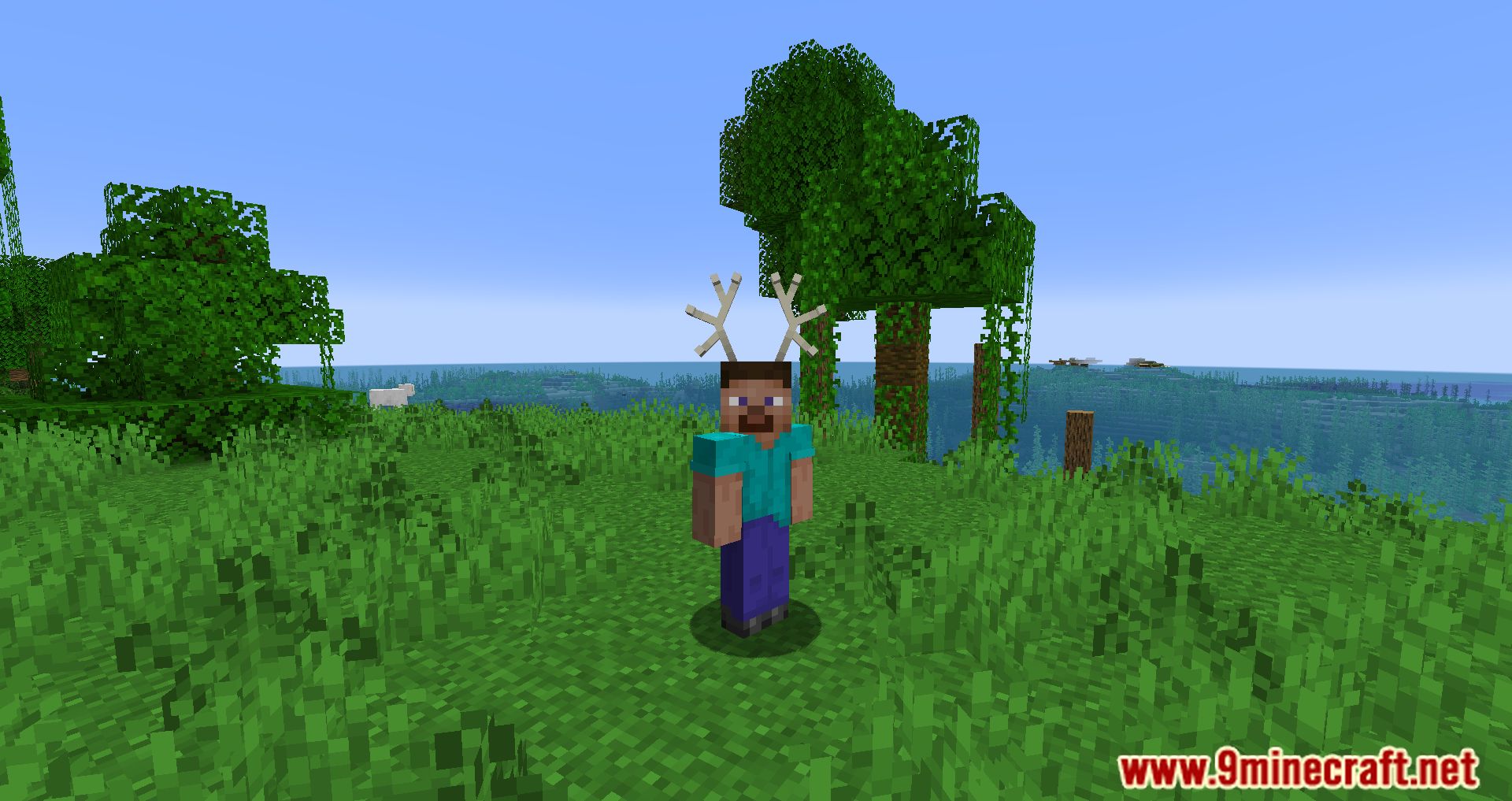
Simple Hats Mod brings a huge collection of cosmetic hats to the game. It lets you decorate your character with nearly 300 custom hats featuring different styles, particle effects, and seasonal themes. You can find these items inside grab-bags dropped by hostile mobs or hidden in loot chests across the world.
Features:
- Massive Hat Collection: Includes nearly 300 different hats with unique styles, themes, and visual effects.
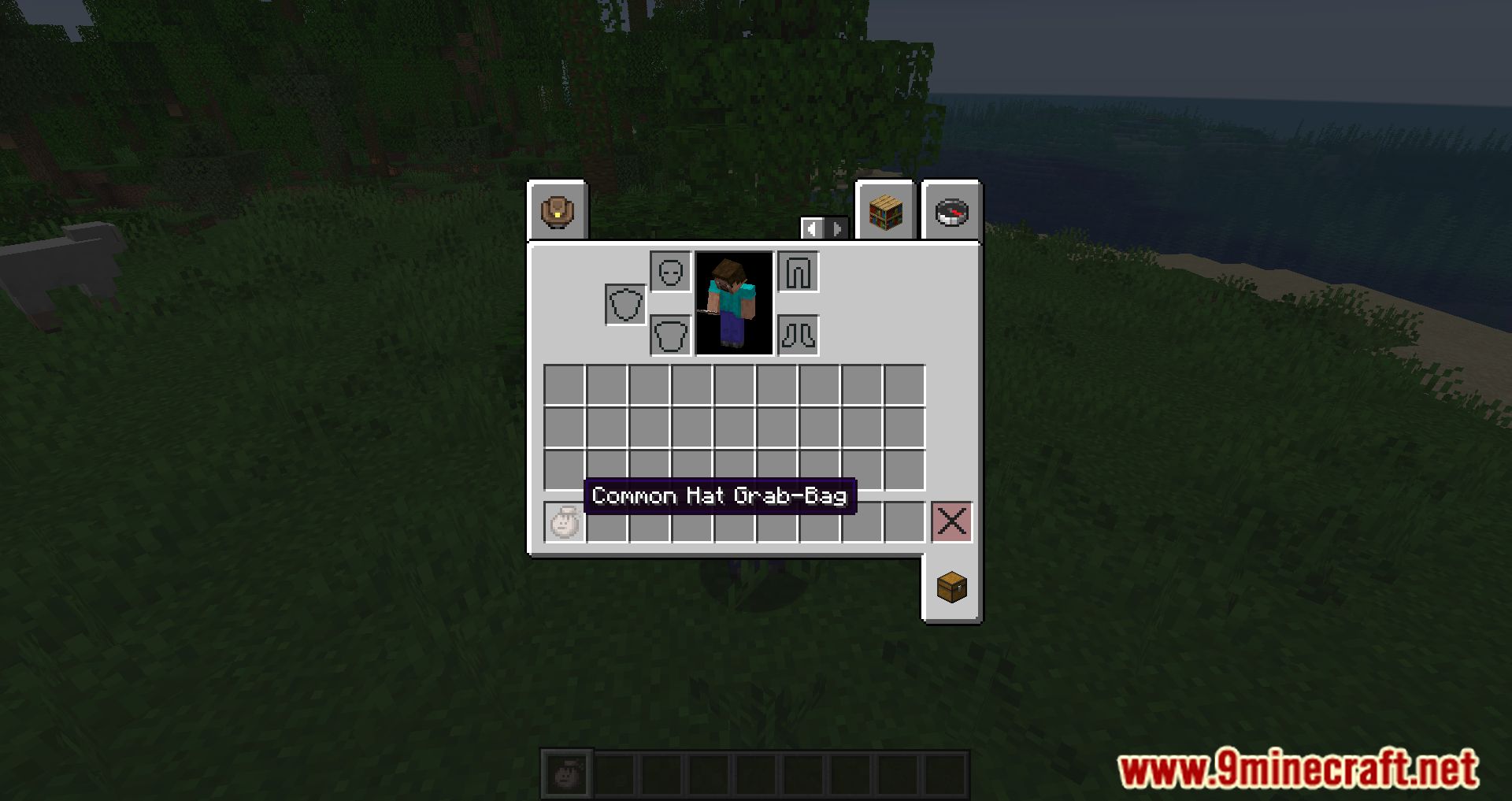
- Grab-Bags: Drops grab-bags from hostile mobs or loot chests that you right-click to open and receive random hats.
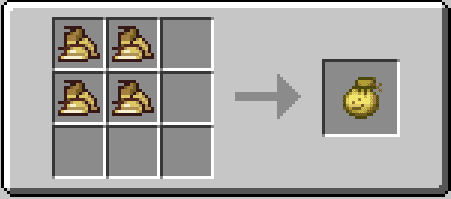
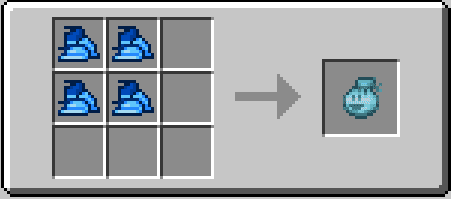
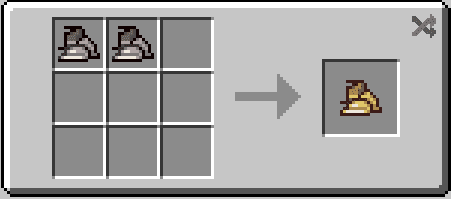
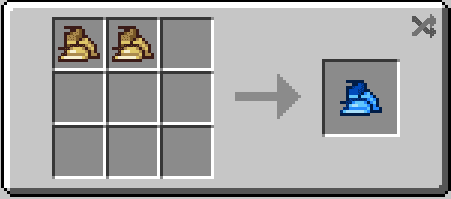
- Recycling System: Allows you to recycle duplicate or unwanted hats to craft new or upgraded bags for rarer rewards.
- Hat Stands: Lets you craft special hat stands to display your collection in the world.
- Variant Cycling: Offers multiple models and textures on select hats that you can cycle right inside the crafting grid.
- Dyeable Designs: Makes certain hats fully dyeable like leather armor and washable in a cauldron.
- Particle Effects: Displays unique particle effects on specific hats that are visible in third-person view or on other players.
- Season System: Features special seasonal grab-bags that drop special hats during certain times of the year.
How to Use:
- Defeat hostile monsters or search loot chests to find hat grab-bags.
- Right-click a grab-bag in your inventory to open it and collect a random hat.
- Equip the hat into your cosmetic hat slot using your accessory or trinket menu.
- Place an unwanted hat in the crafting grid to cycle its variant or put it in a cauldron to wash off dye.
- Craft a hat stand to show off your favorite collected hats.
Crafting Recipes:
Screenshots:
Simple Hats Mod Download Links
Quick facts
- Edition: Minecraft Java
- File type: .jar
- Minecraft versions listed: 26.3, 1.20.1
- How to install: Install the matching mod loader (Forge, Fabric or NeoForge) for your Minecraft version. → Download the .jar. → Put it in the .minecraft/mods folder and launch that loader profile.
- Where to get it: In MC Java Mods, or directly above on this page.
Install steps are the general flow for this file type — How to install Minecraft Java mods & modpacks walks through it step by step.
File checked by MCModsHub
- Download size: 1.4 MB
- Download link checked 14 Jul 2026 — working
- Mirrored on our own servers — the download does not depend on the original host
These come from our own check of the pack file, not from the source page.