Modpack Configuration Checker Mod (1.21.1, 1.20.1) – Better Modpack Support
Modpack Configuration Checker Mod is a highly configurable mod that allows modpack creators to customize Minecraft to better support modpacks. It allows…
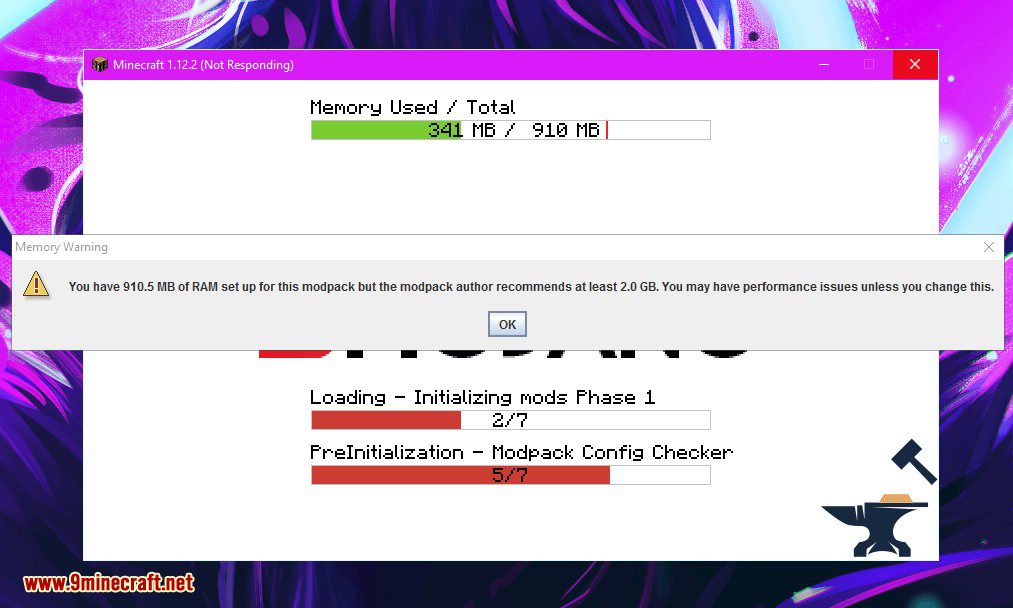
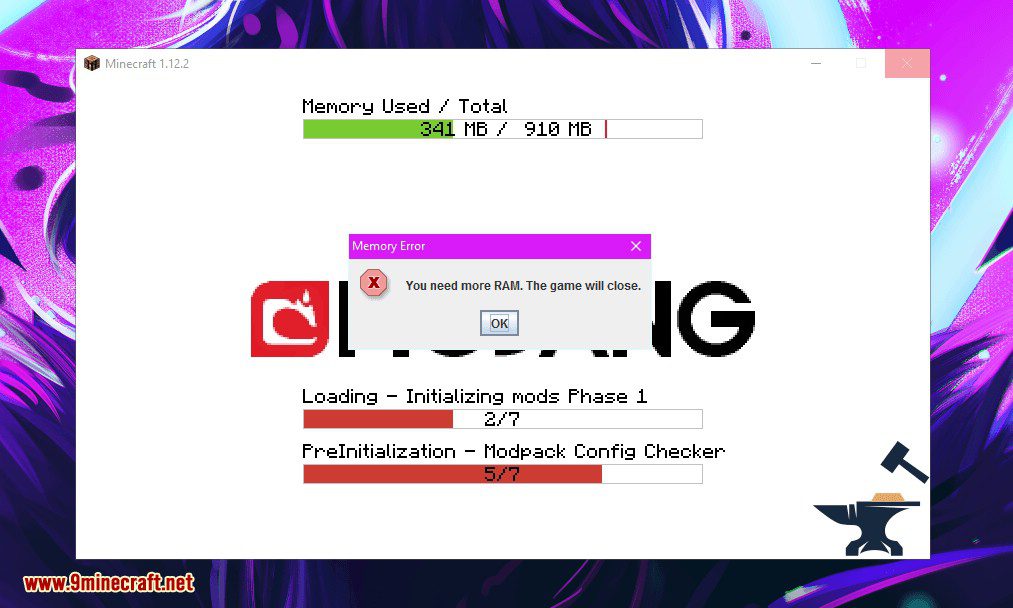
⬇ DownloadOpen in MCModsHubGet it on Google Play →Modpack Configuration Checker Mod is a highly configurable mod that allows modpack creators to customize Minecraft to better support modpacks. It allows features such as displaying web pages on launch to features such as checking the modpack user has assigned enough RAM to the modpack. This mod significantly expands the number of options a modpack author has. The mod can easily be configured from in-game (instructions below). However without configuration Modpack Configuration Checker verifies that at least 2gb of RAM has been assigned to a modpack, greatly increasing performance and minimizing crashes.
Features:
- Setting a required amount of RAM that is needed for the modpack to run. If this requirement is not met it alerts the user and closes the game.
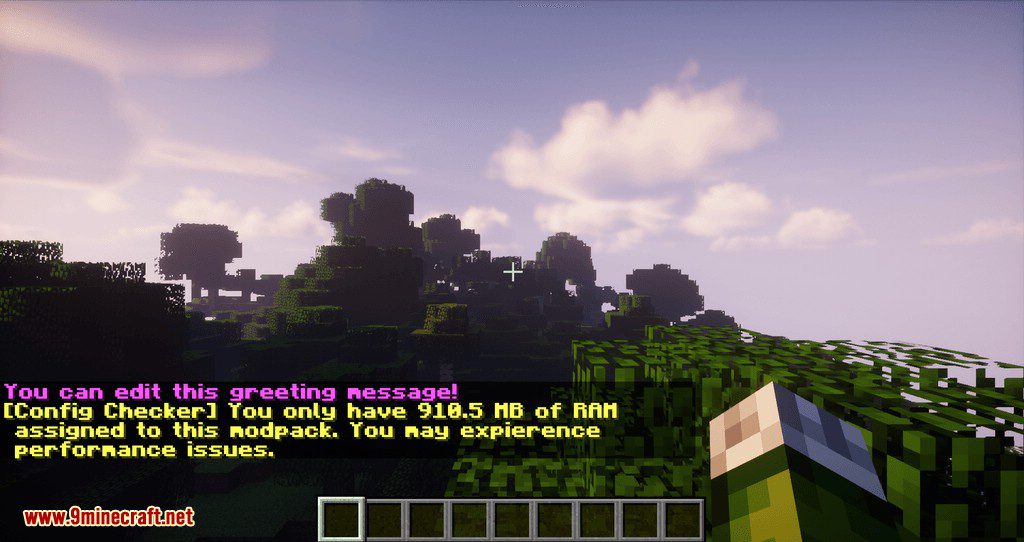
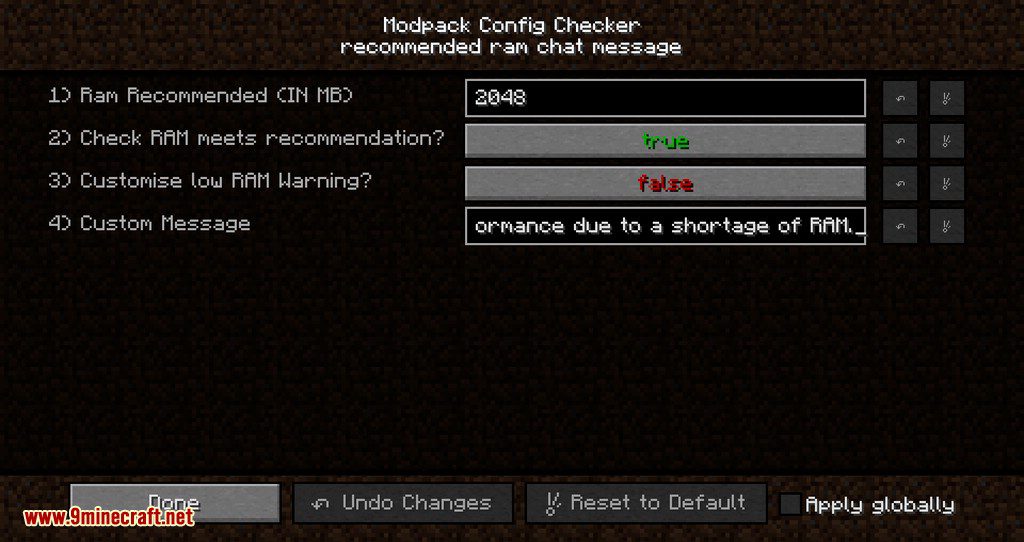
- Setting a recommended amount of RAM that is recommended for the modpack to run. If this requirement is not met then the user is alerted.
- Setting a website to open as the game launches. Useful for opening modpack website or support pages.
- Setting a custom message to be displayed as the game loads for example to display credits.
- Setting custom messages to be displayed when RAM requirements not met. Useful for making the mod fit in with the feel of your pack.
- Ability to change if message boxes appear on top of other windows.
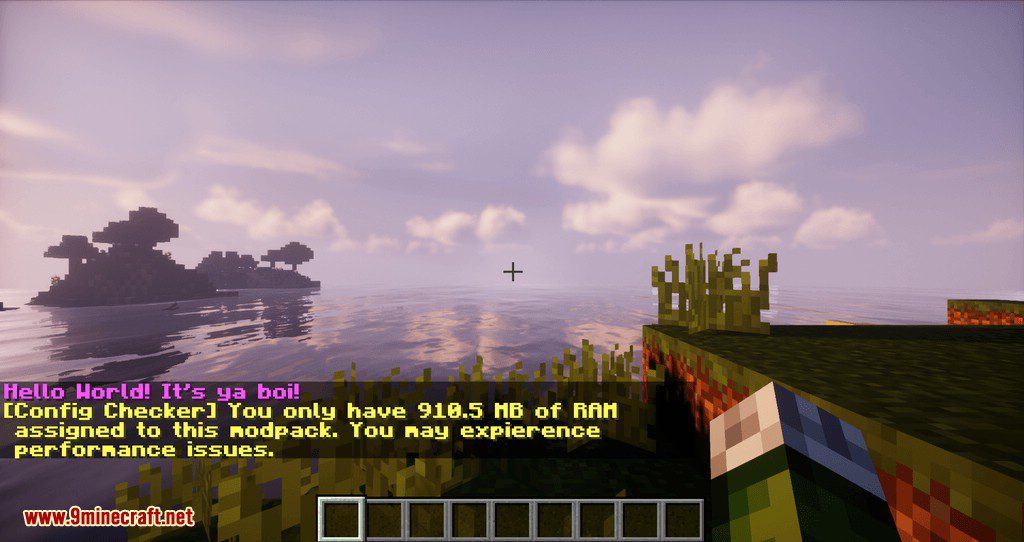
- Set custom greeting messages that appear in chat when a game is loaded.
Screenshots:
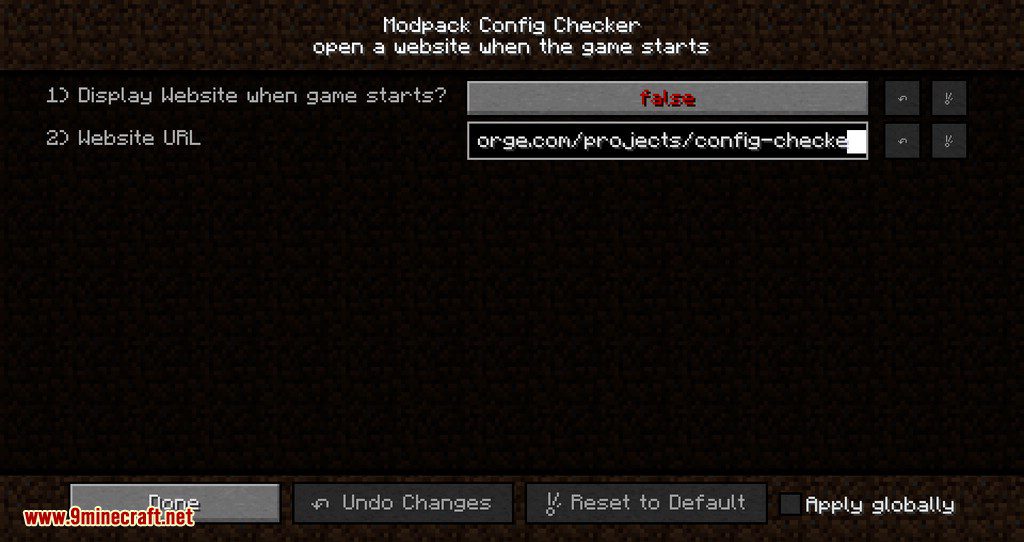
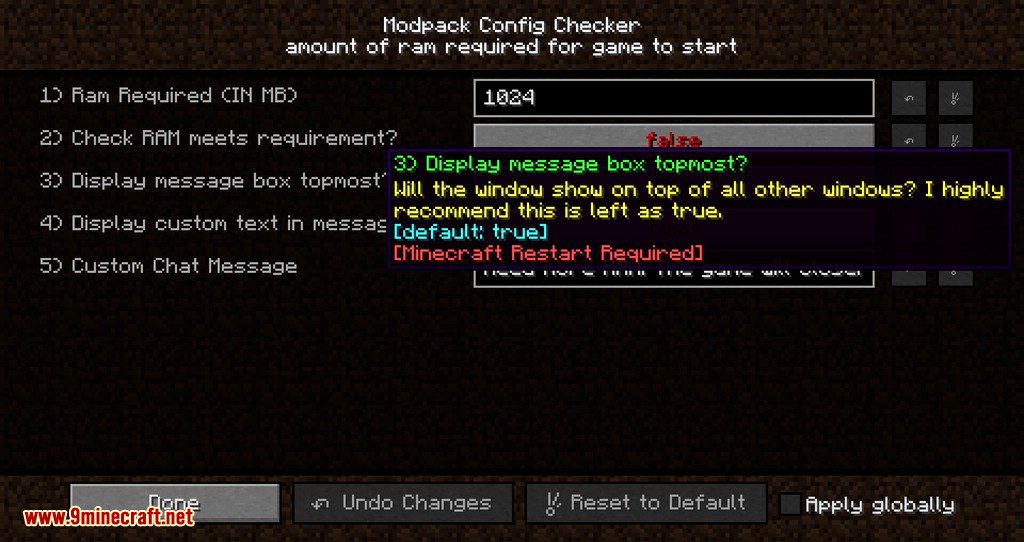
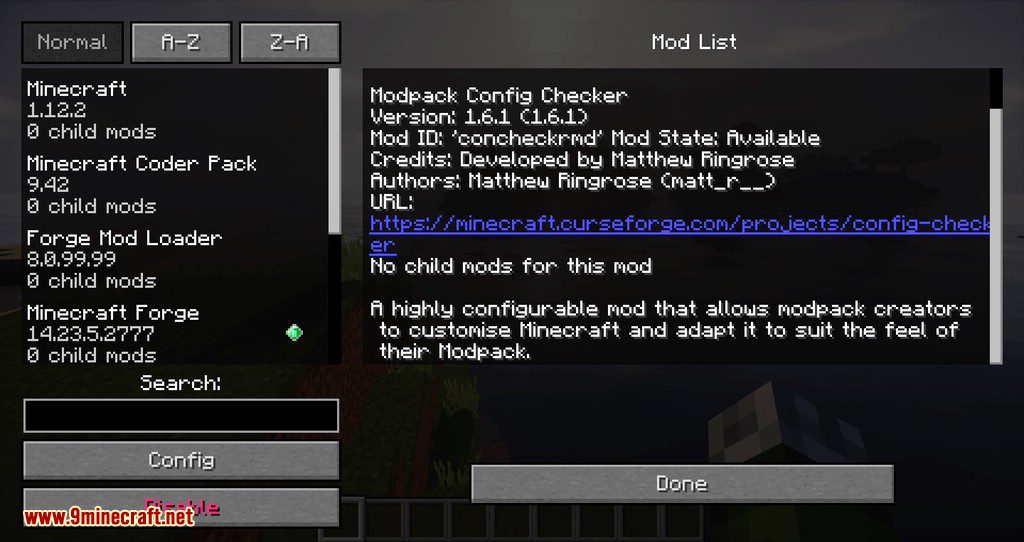
How to Configure: (For MC 1.11 and up)
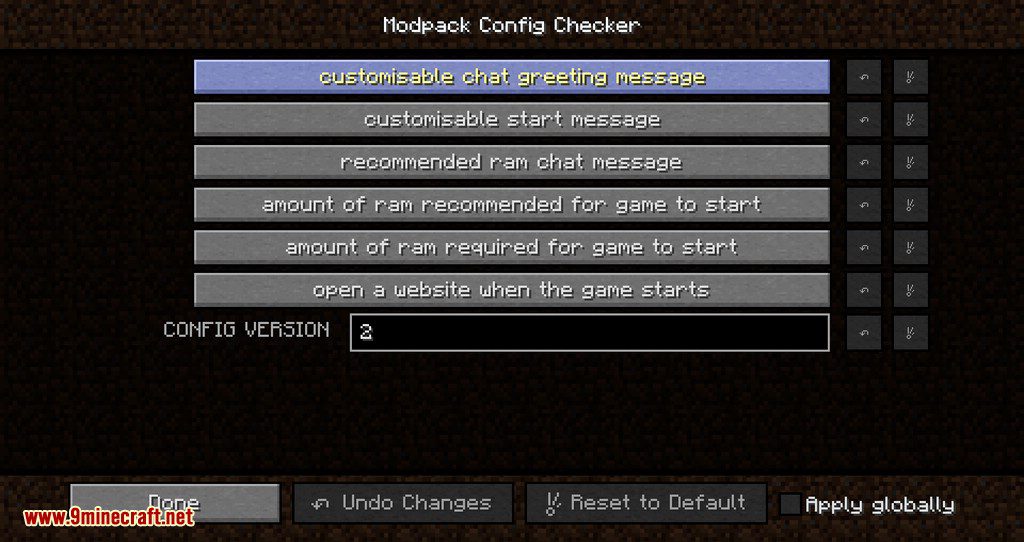
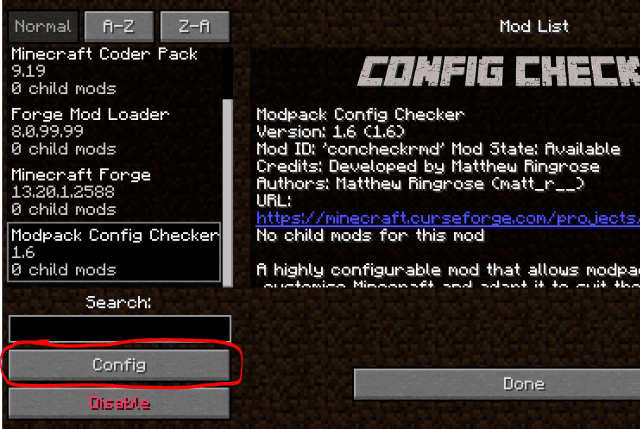
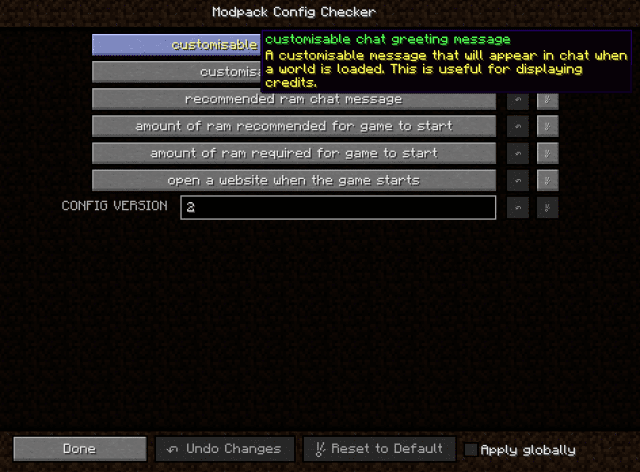
As of newest version this mod can now be completely configured from in game. This means that is it no longer necessary to edit any of the config files manually making the mod MUCH easier to use. The configuration screen can be accessed by following these steps:
1. Click on the ‘Mods’ button on the main menu screen.
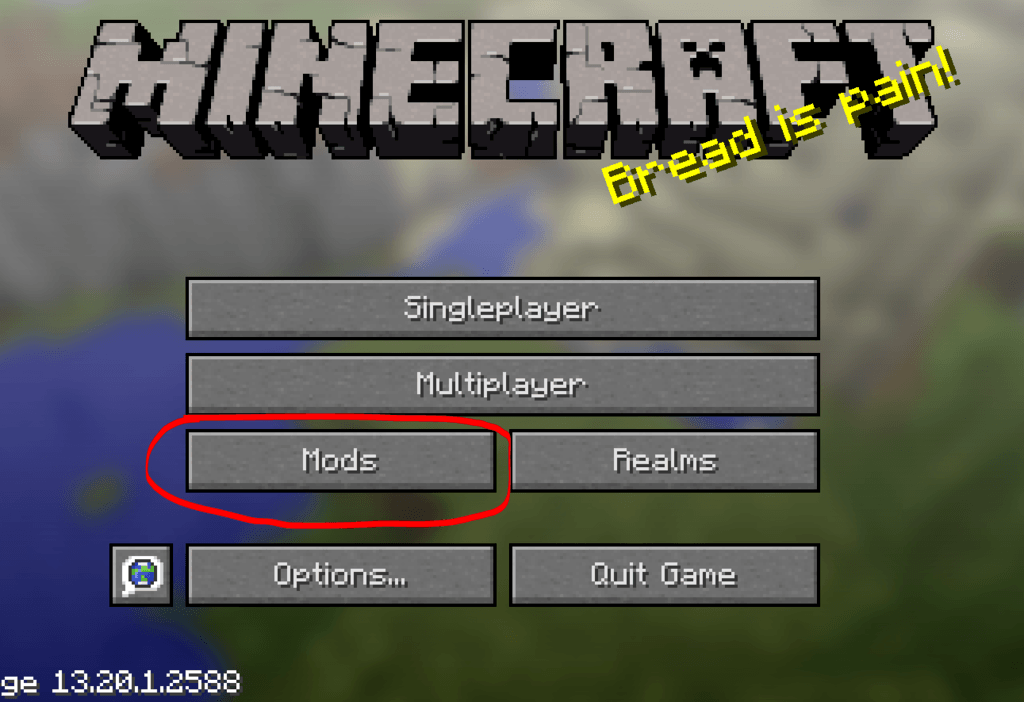
2. Select ‘Modpack Config Checker from the list of mods the left.
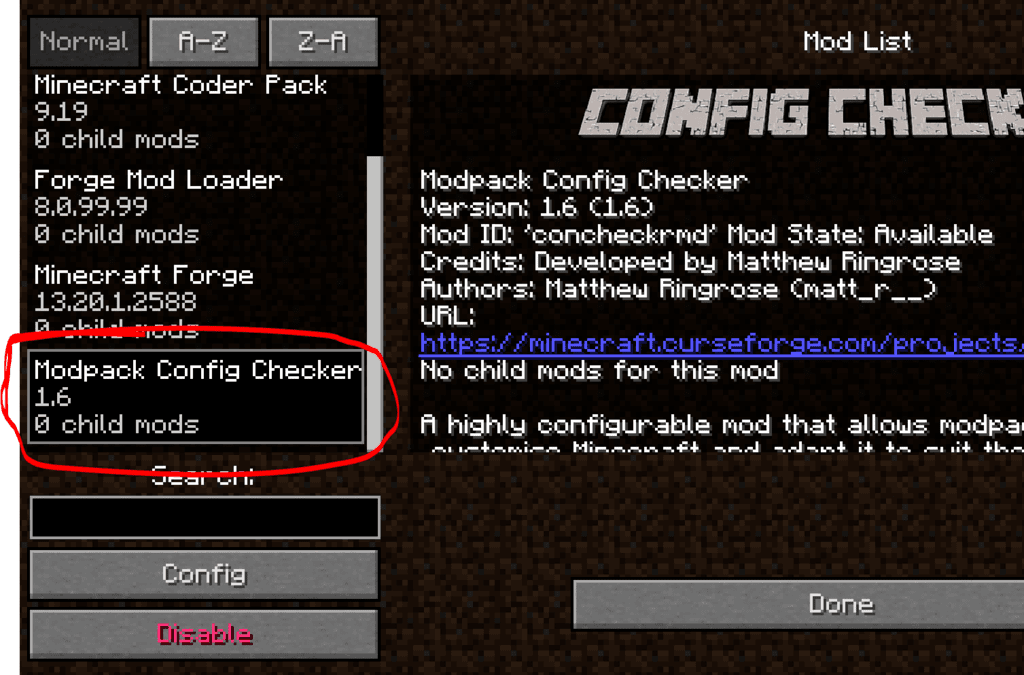
3. Click on the ‘Config’ button in the bottom left.
Notes
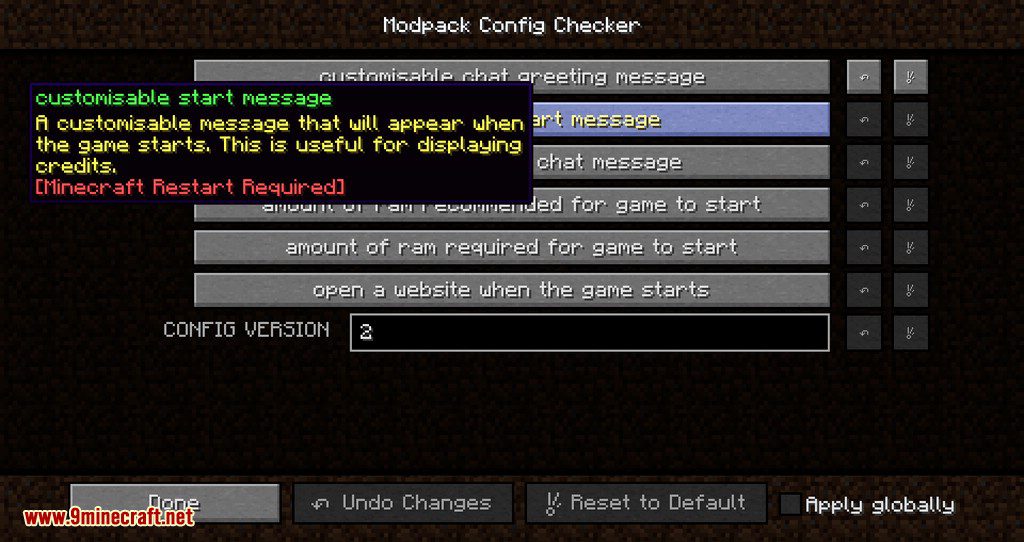
- If you are unsure of what a setting does, hovering over it will display a small description which should make things clearer.
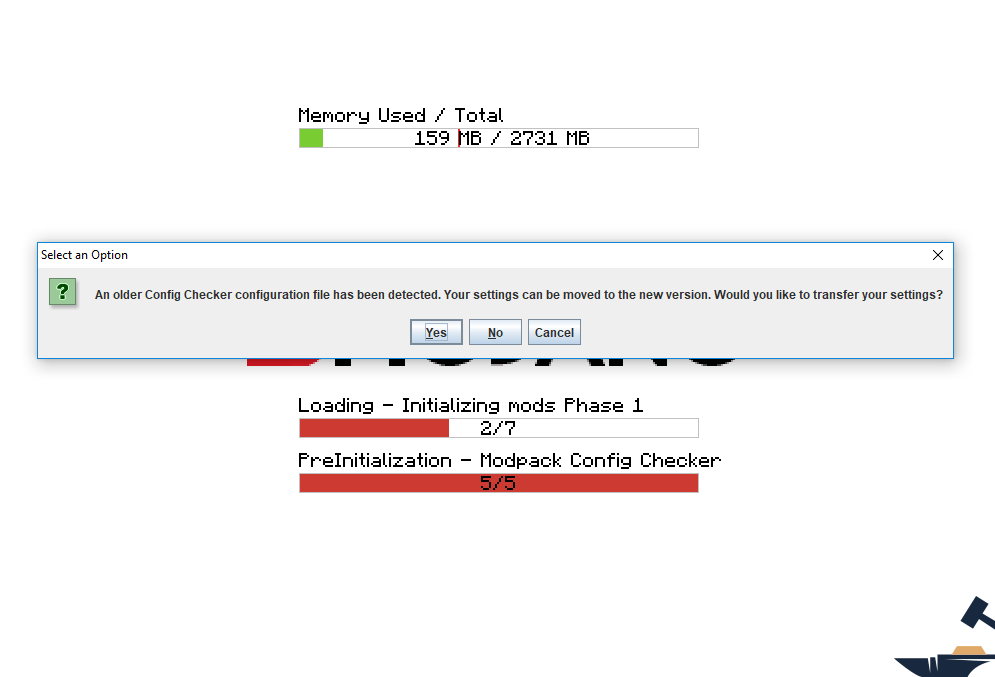
- The author has created a migration tool which means that all of your settings will transfer to updated versions of the mod. This ensures a seamless transfer so that there will be no impact on the average user. If an old Config file is detected then the game will automatically give you the option to import your old settings. This tool has a very very high success rate.
Modpack Configuration Checker Mod Download Links
For Minecraft 1.7.10
Forge version: Download from Server 1
For Minecraft 1.12.2
Forge version: Download from Server 1
For Minecraft 1.14.4
Forge version: Download from Server 1
For Minecraft 1.15.2, 1.15.1
Forge version: Download from Server 1
For Minecraft 1.16.5
Forge version: Download from Server 1
For Minecraft 1.17.1
Forge version: Download from Server 1
For Minecraft 1.18.2, 1.18.1
Forge version: Download from Server 1
For Minecraft 1.19.2
Forge version: Download from Server 1
For Minecraft 1.20.1, 1.20
Forge version: Download from Server 1
For Minecraft 1.21.1, 1.21
Forge version: Download from Server 1 – Download from Server 2
- Download size: 97 KB
- Download link checked 14 Jul 2026 — working
- Mirrored on our own servers — the download does not depend on the original host
These come from our own check of the pack file, not from the source page.