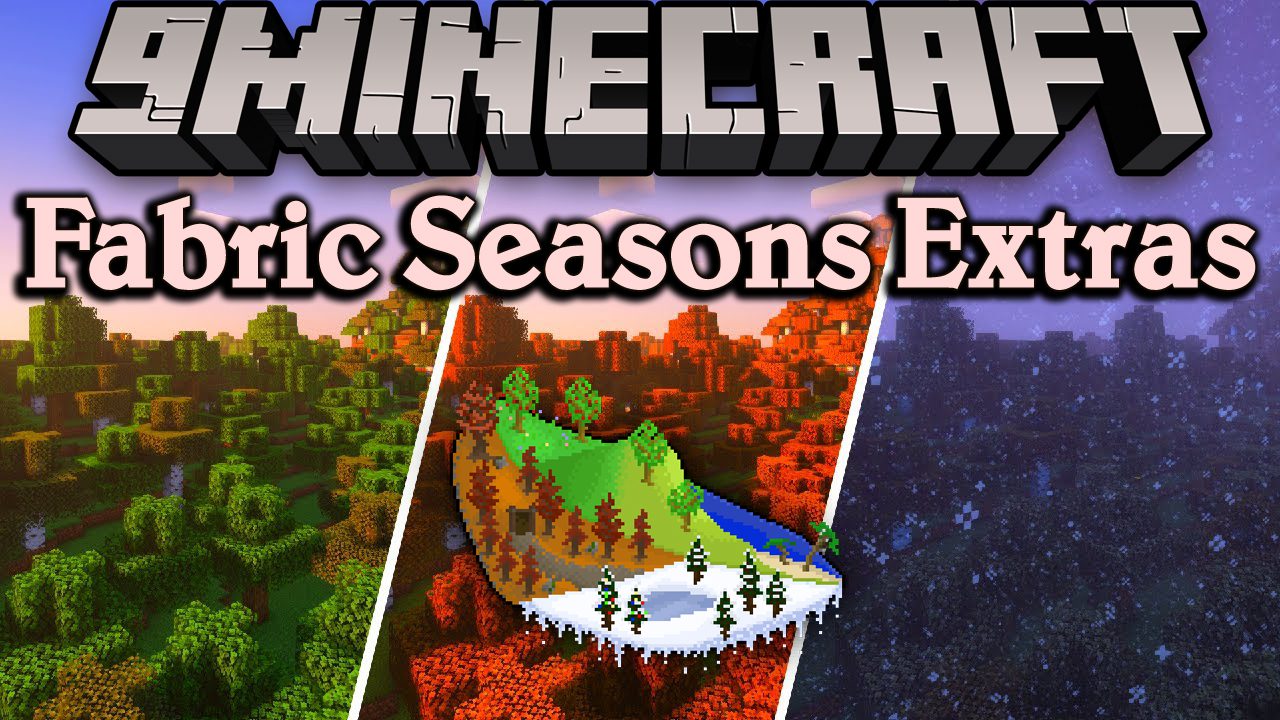
Fabric Seasons Extras Mod (1.21.1, 1.20.1) – Making Your Experience Better
Java mod listed for Minecraft 1.20–1.21. Downloads from the MC Java Mods app on Android.
⬇ Download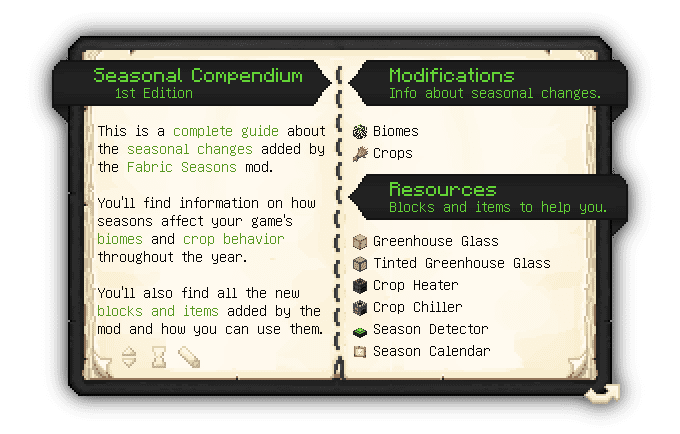
Fabric Seasons Extras Mod is an addon for Fabric Seasons Mod that adds custom blocks and items to make your experience better. Fabric Seasons doesn’t add any items or blocks by itself, so if you want a complete experience you’ll need this mod.
Features:
Greenhouses:
- To deal with the seasonal impact on crop growth Fabric Seasons Extras adds 4 blocks that can be used to build fully functional greenhouses, with their own microclimates, that allow you to optimize crop growth speed in any season.
- The blocks are:
- Greenhouse Glass – Passive block that creates a warmer microclimate
- Tinted Greenhouse Glass – Passive block that creates a colder microclimate
- Crop Heater – Active machine that can create a warmer microclimate with up to 3 levels
- Crop Chiller – Active machine that can create a colder microclimate with up to 3 levels
- To assist you while building your greenhouses, you can craft the Crop Season Tester. An item that scans the right-clicked block and shows what season is currently affecting it.
Miscellaneous:
- Apart from the greenhouse resources, Fabric Seasons Extras adds other blocks such as:
- Season Detector – Redstone component that outputs a redstone signal based on the current season and the block’s configuration.
- Season Calendar – Helpful item/black that can show you the season progress and how many days are left until the next season.
Fabric Seasons Extras Mod Download Links
For Minecraft 1.21.1, 1.21
Fabric version: Download from Server 1 – Download from Server 2
For Minecraft 1.20.1, 1.20
Fabric version: Download from Server 1 – Download from Server 2
For Minecraft 1.19.4
Fabric version: Download from Server 1 – Download from Server 2
For Minecraft 1.19.3
Fabric version: Download from Server 1
For Minecraft 1.19.2, 1.19.1, 1.19
Fabric version: Download from Server 1 – Download from Server 2
- Edition: Minecraft Java
- File type: .jar
- Minecraft versions listed: 1.21.1, 1.20.1
- How to install: Install the matching mod loader (Forge, Fabric or NeoForge) for your Minecraft version. → Download the .jar. → Put it in the .minecraft/mods folder and launch that loader profile.
- Where to get it: In MC Java Mods, or directly above on this page.
Install steps are the general flow for this file type — How to install Minecraft Java mods & modpacks walks through it step by step.
- Downloads as 178972.mcaddon
- Download size: 355 KB
- Download link checked 14 Jul 2026 — working
- Mirrored on our own servers — the download does not depend on the original host
These come from our own check of the pack file, not from the source page.