Server Tab Info Mod (1.20.4, 1.20.1) – Display TPS Information
Java mod listed for Minecraft 1.20. Downloads from the MC Java Mods app on Android.
⬇ Download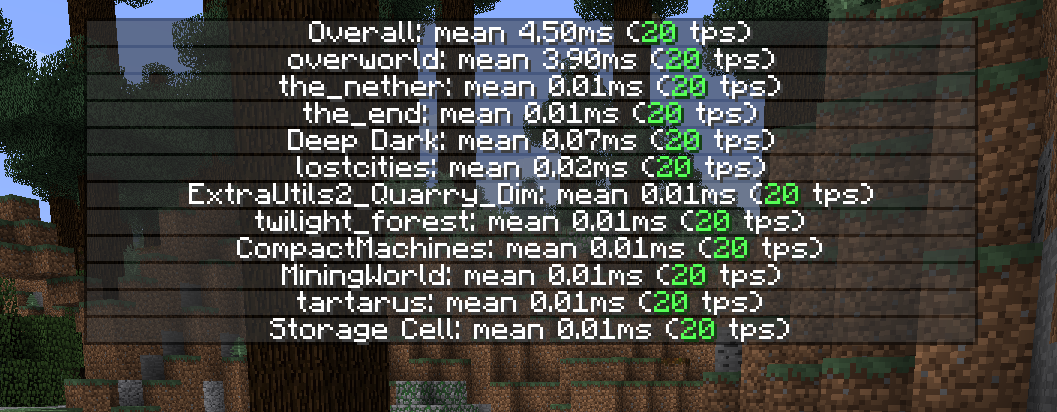
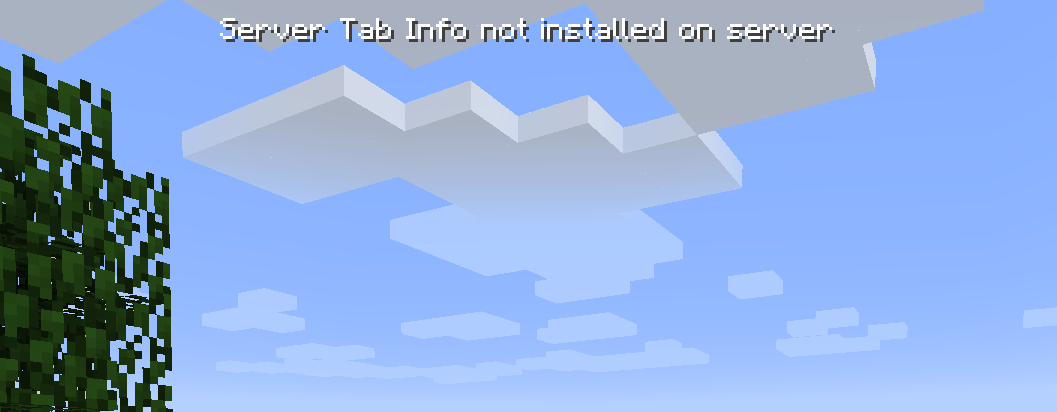

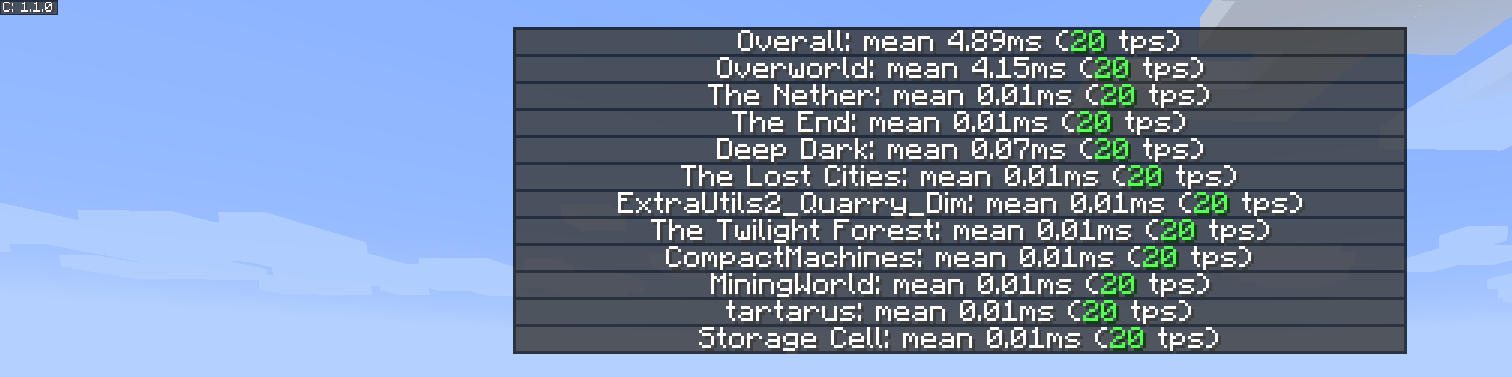
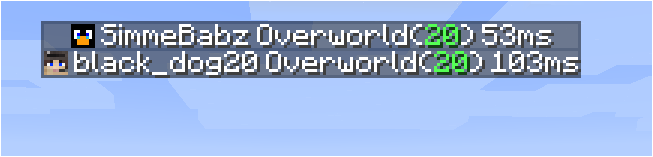
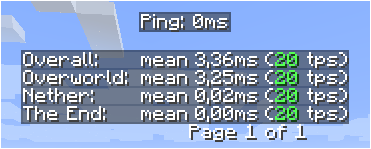

Server Tab Info Mod is a small server utility mod that displays mean tick time and tps information on a nice elegant way. Should really be called Tab Info, because it now also works when in singleplayer. This is a mod that can be installed on both the client and the server without causing missing mod errors for clients without the mod or servers without the mod. When connected to a server the mod only works when the server also has the mod. The version on the server does not need to match the version on the client, but if the client connects to a server with an too-old version some features will be missing.
Features:
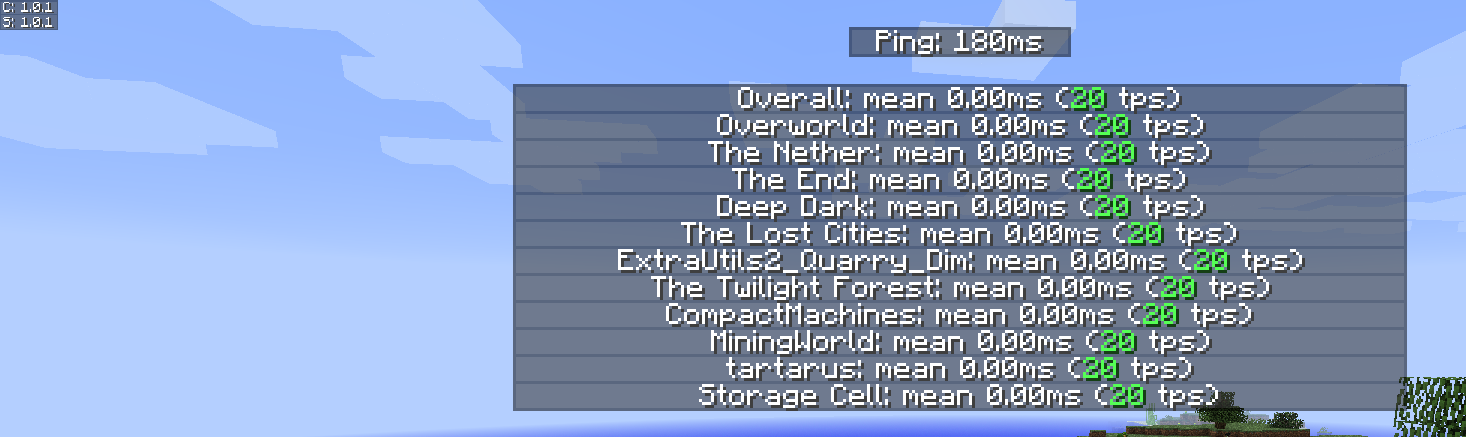
- Shows the mean tick time and ticks per second (TPS) for the server and each dimension.
- Displays additional player information beyond the default tab list.
- Players can open the TPS display using Tab + Ctrl (default, but configurable).
Screenshots:
How to use:
- To activate the gui press Tab + Ctrl (standard but configuable in keybindings) then you are presented with the tps overall for the server and for each dimension.
Server Tab Info Mod Download Links
For Minecraft 1.20.4
NeoForge version: Download from Server 1 – Download from Server 2
For Minecraft 1.20.1, 1.20
Forge version: Download from Server 1 – Download from Server 2
For Minecraft 1.19.4
Forge version: Download from Server 1 – Download from Server 2
For Minecraft 1.19.3
Forge version: Download from Server 1 – Download from Server 2
For Minecraft 1.19.2
Forge version: Download from Server 1
For Minecraft 1.18.2
Forge version: Download from Server 1
For Minecraft 1.17.1
Forge version: Download from Server 1
For Minecraft 1.16.5
Forge version: Download from Server 1
For Minecraft 1.15.2
Forge version: Download from Server 1
- Edition: Minecraft Java
- File type: .jar
- Minecraft versions listed: 1.20.4, 1.20.1
- How to install: Install the matching mod loader (Forge, Fabric or NeoForge) for your Minecraft version. → Download the .jar. → Put it in the .minecraft/mods folder and launch that loader profile.
- Where to get it: In MC Java Mods, or directly above on this page.
Install steps are the general flow for this file type — How to install Minecraft Java mods & modpacks walks through it step by step.
- Downloads as 178990.mcaddon
- Download size: 109 KB
- Download link checked 27 Jul 2026 — working
- Mirrored on our own servers — the download does not depend on the original host
These come from our own check of the pack file, not from the source page.