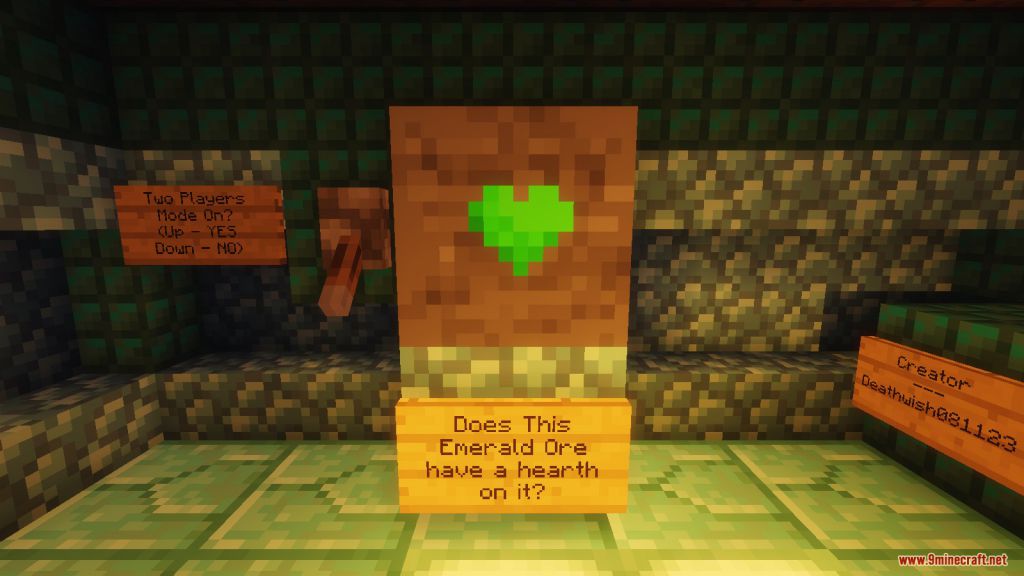
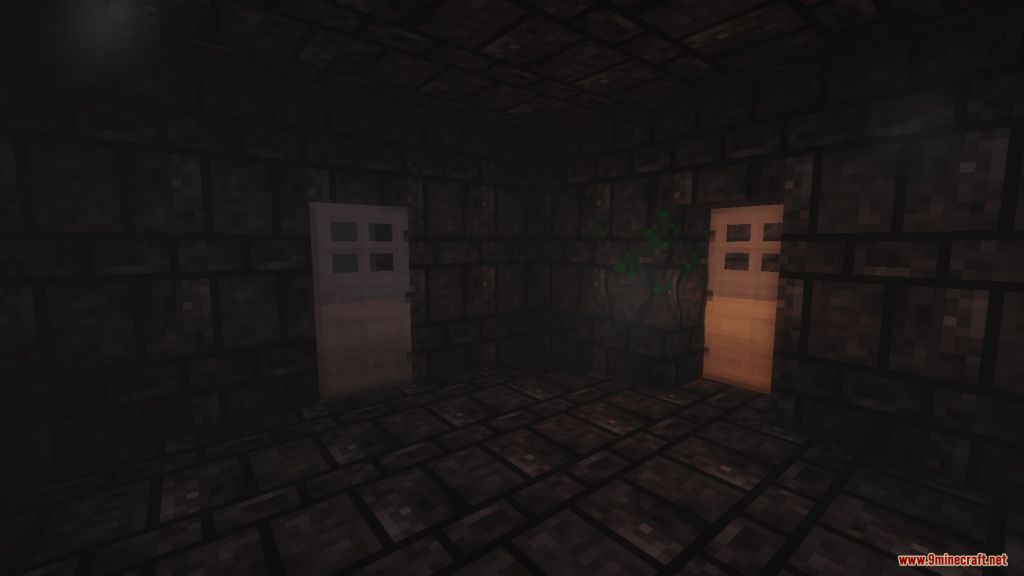
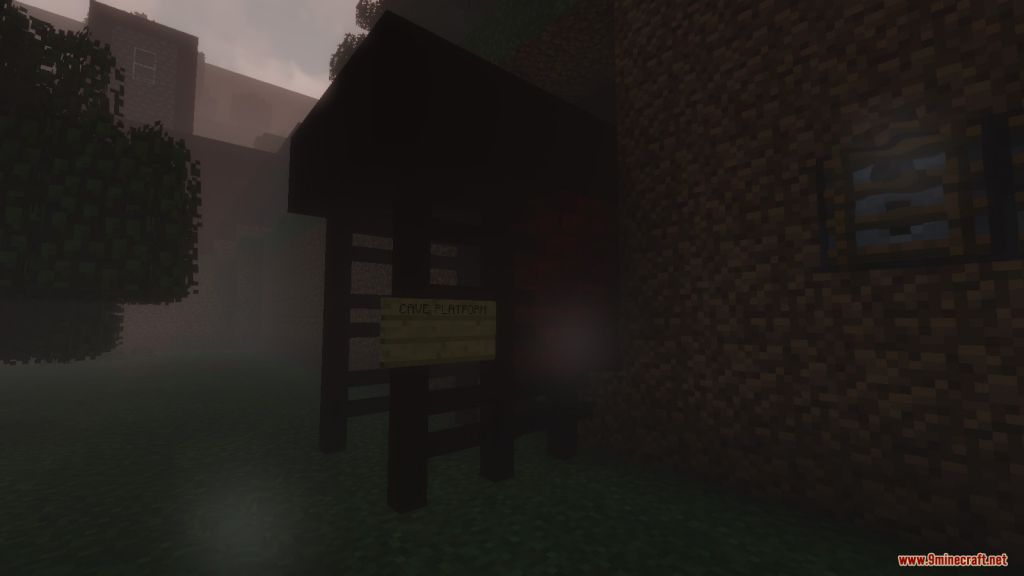
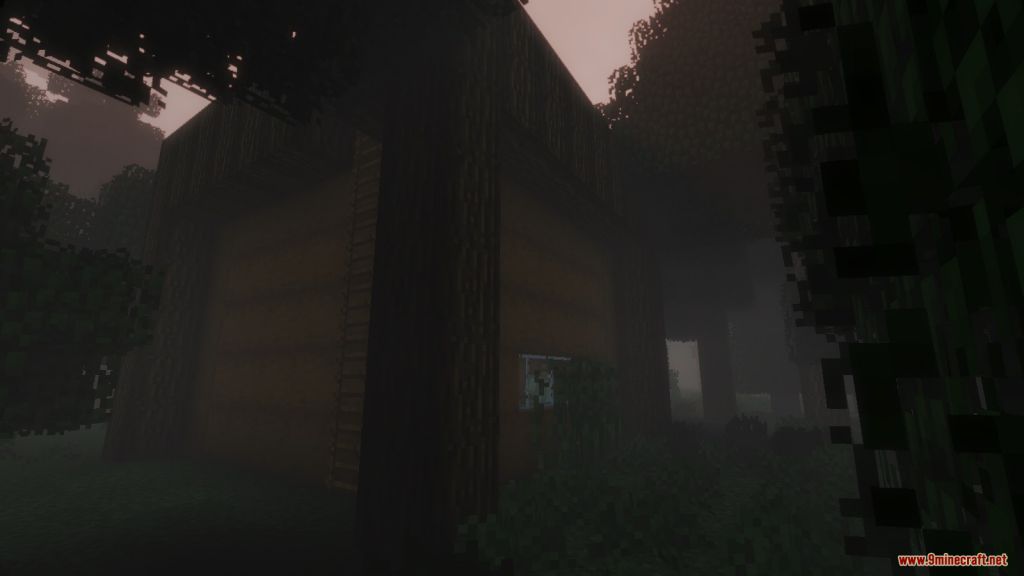
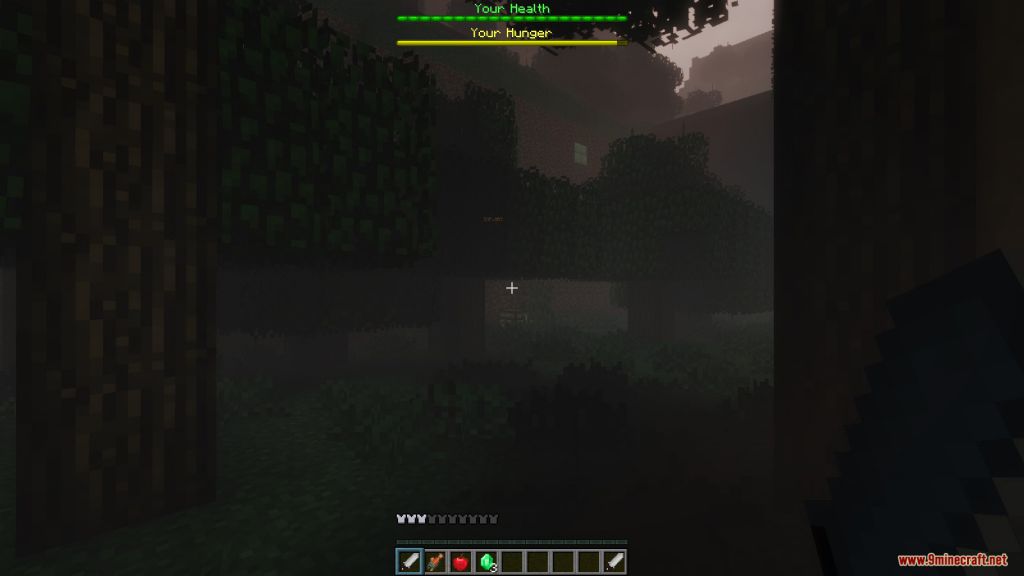
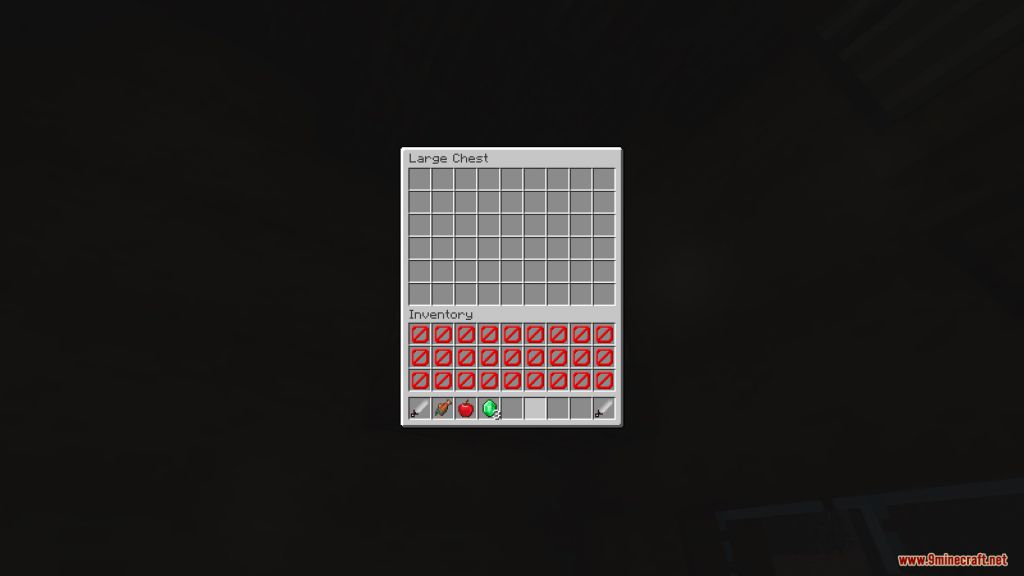
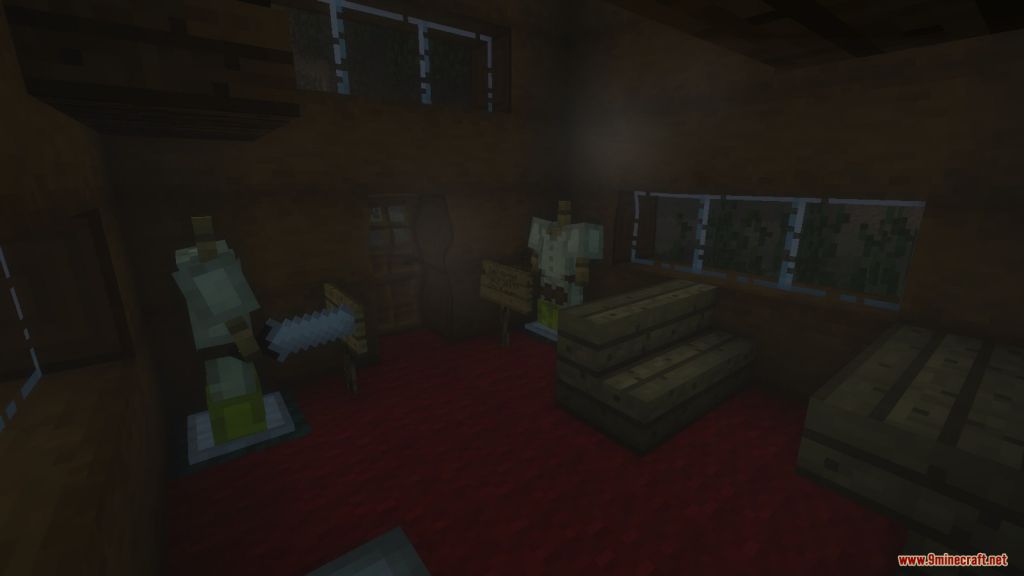
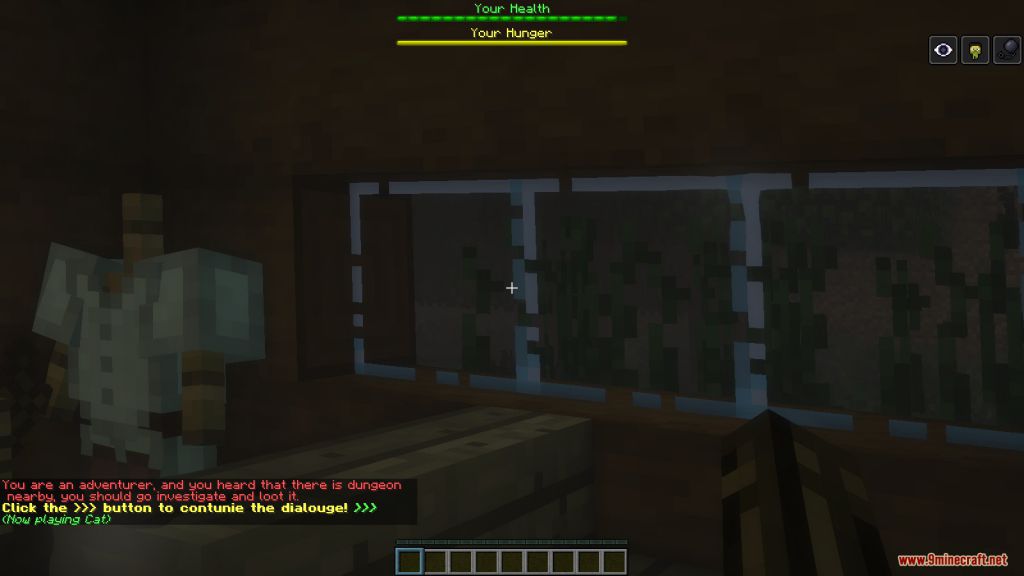
Explore Map is an adventure map created by DeathWish081123. A map, dedicated around the concept of an open world adventure. There are five dungeons in total; each has a unique layout and idea. In EXPLORE, you, well, explore a land called Ahramia. In Ahramia, there is a secret to be discovered and looted in almost every corner. Don’t just follow a map and finish this in under an hour, take your time to explore. Who knows, maybe you’ll find a new weapon to play with. Or a spell that can create arrows out of thin air. Or just some money. There is also leveling up the system too. When you level up by killing a lot of enemies, your maximum health, damage output, and knockback resistance go up. There are four other weapons as well. Five if you include the nostalgic sword, for those who dislike the new combat mechanics. A limited inventory space can encourage or discourage you from adventuring. Because 10 Inventory spaces most likely won’t be enough. You’ll need certain items to get more items. For example, a water breathing spell may be useful when diving, or a parachute and a telescope is required to get on your horse. And last of all TWO PLAYER SUPPORT. Yes, you can adventure around this land, with a friend. Sadly, with a friend, not friends.
Screenshots:
Notes:
- Please do not play on any other version or it may not work!
- You should set Render Distance to 12 or upper.
Explore Map Download Links
- Edition: Minecraft Java
- File type: .zip (world save)
- Minecraft version listed: 1.20.1
- How to install: Download the .zip world. → Unzip it. → Move the folder into .minecraft/saves.
- Where to get it: In MC Java Mods, or directly above on this page.
Install steps are the general flow for this file type — How to install Minecraft Java maps & worlds walks through it step by step.
- Downloads as 179857.mcworld
- Download size: 11.5 MB
- Download link checked 13 Jul 2026 — working
- Mirrored on our own servers — the download does not depend on the original host
These come from our own check of the pack file, not from the source page.