Crainer's Escape: Zelda Map (26.2, 1.20.1) for Minecraft
Crainer's Escape: Zelda Map for Minecraft is a puzzle map created by McTsts. In this map, you are lost after entering a portal. Your mission is to find…
⬇ Download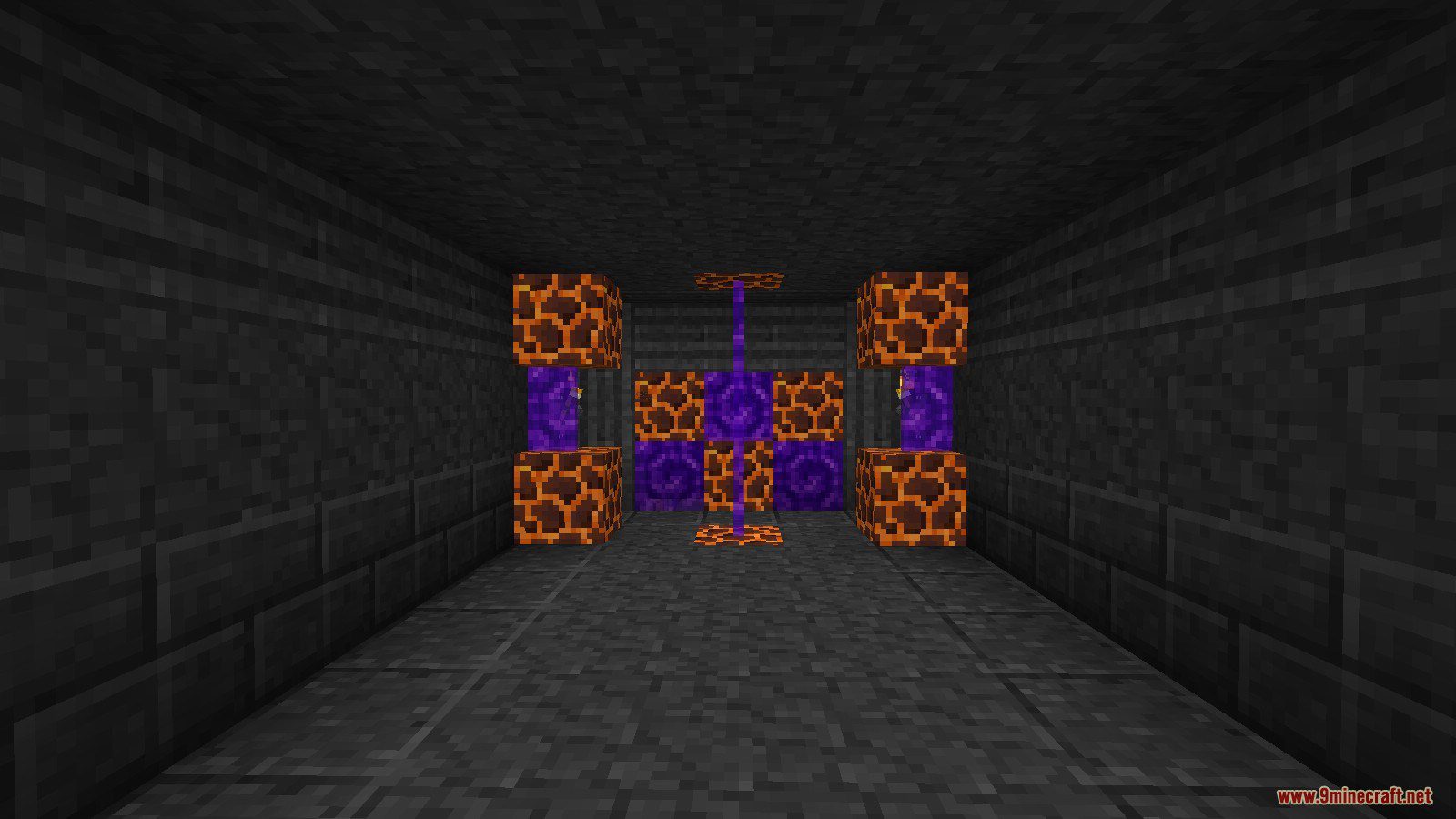
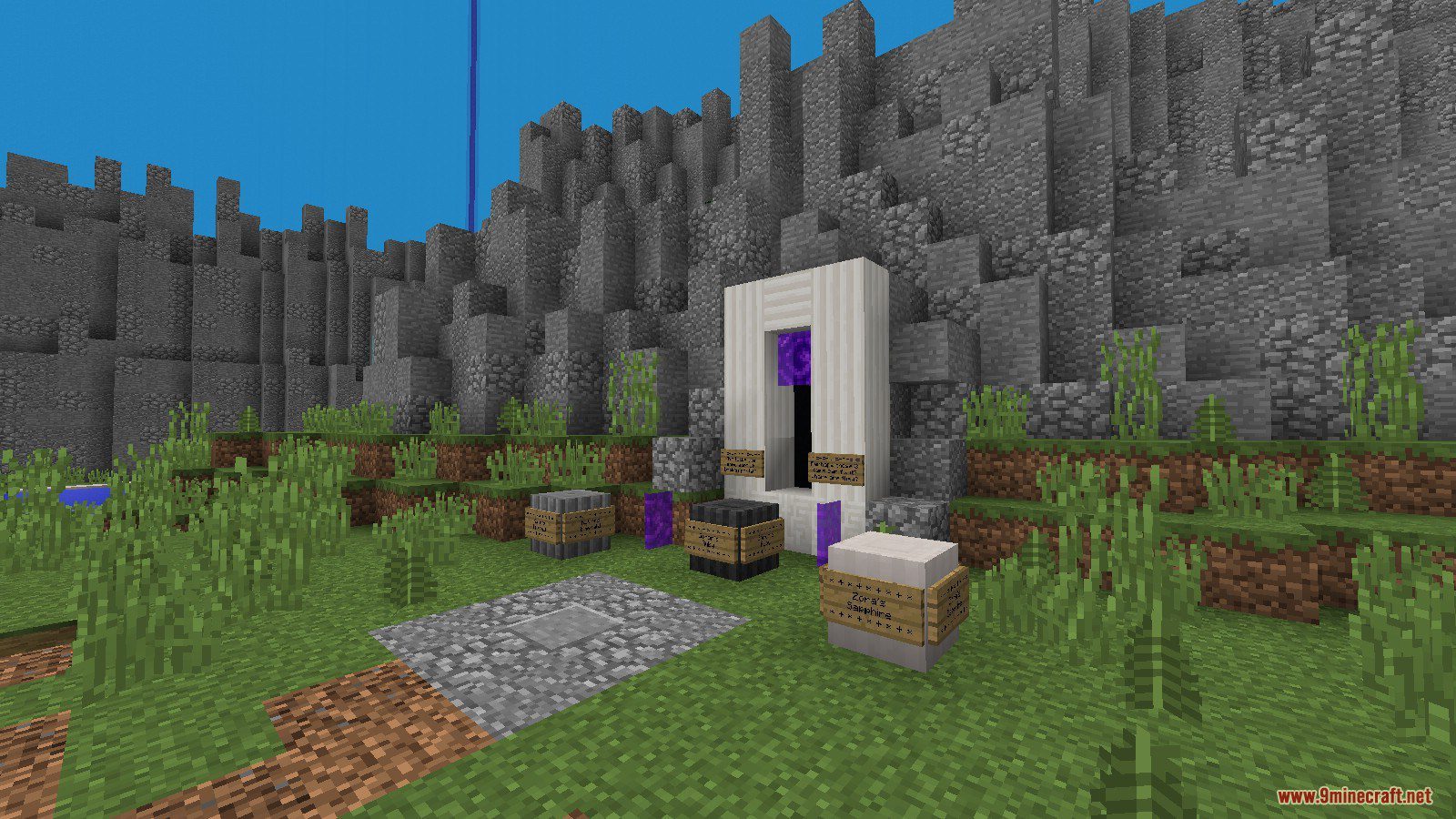
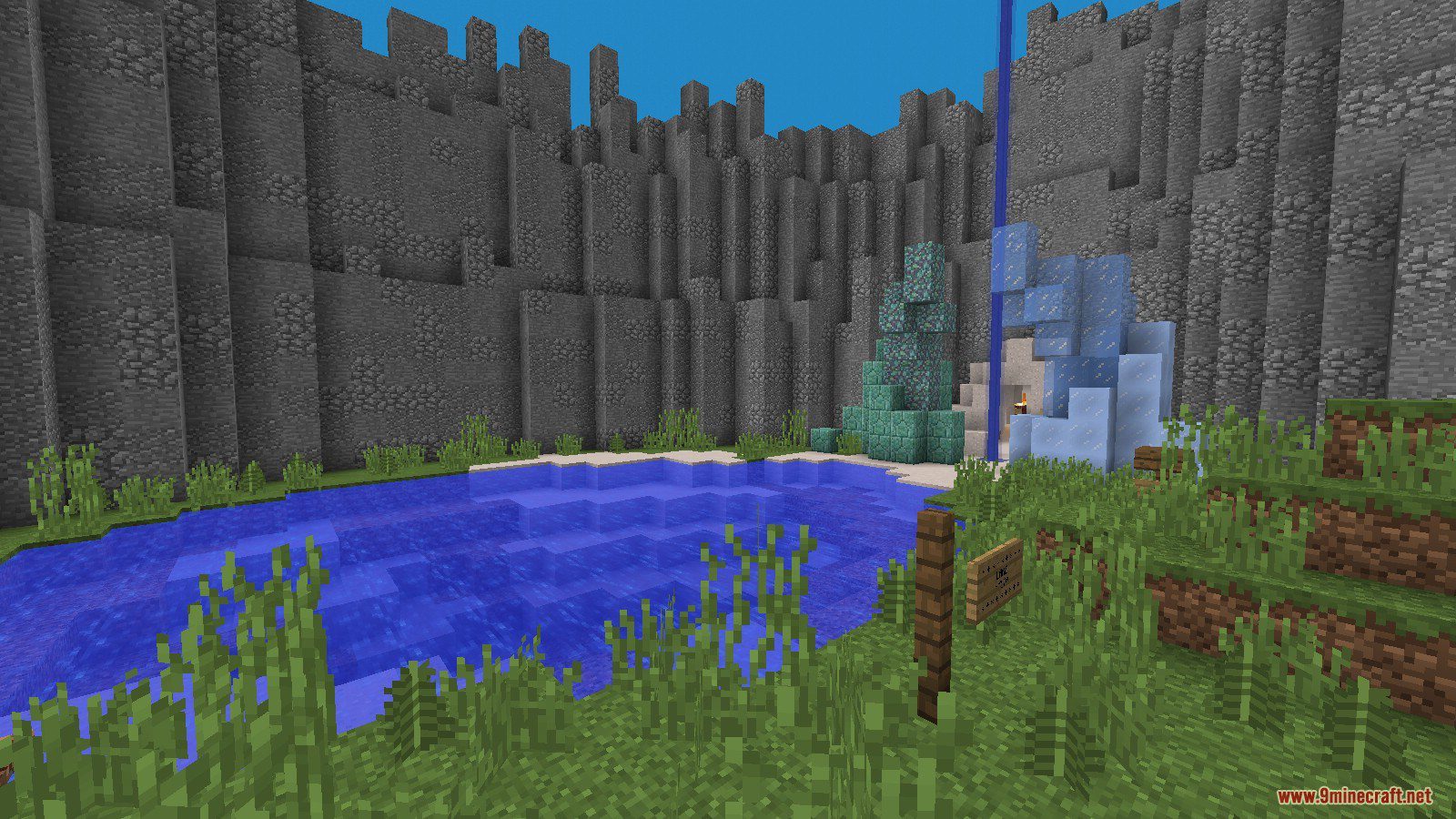
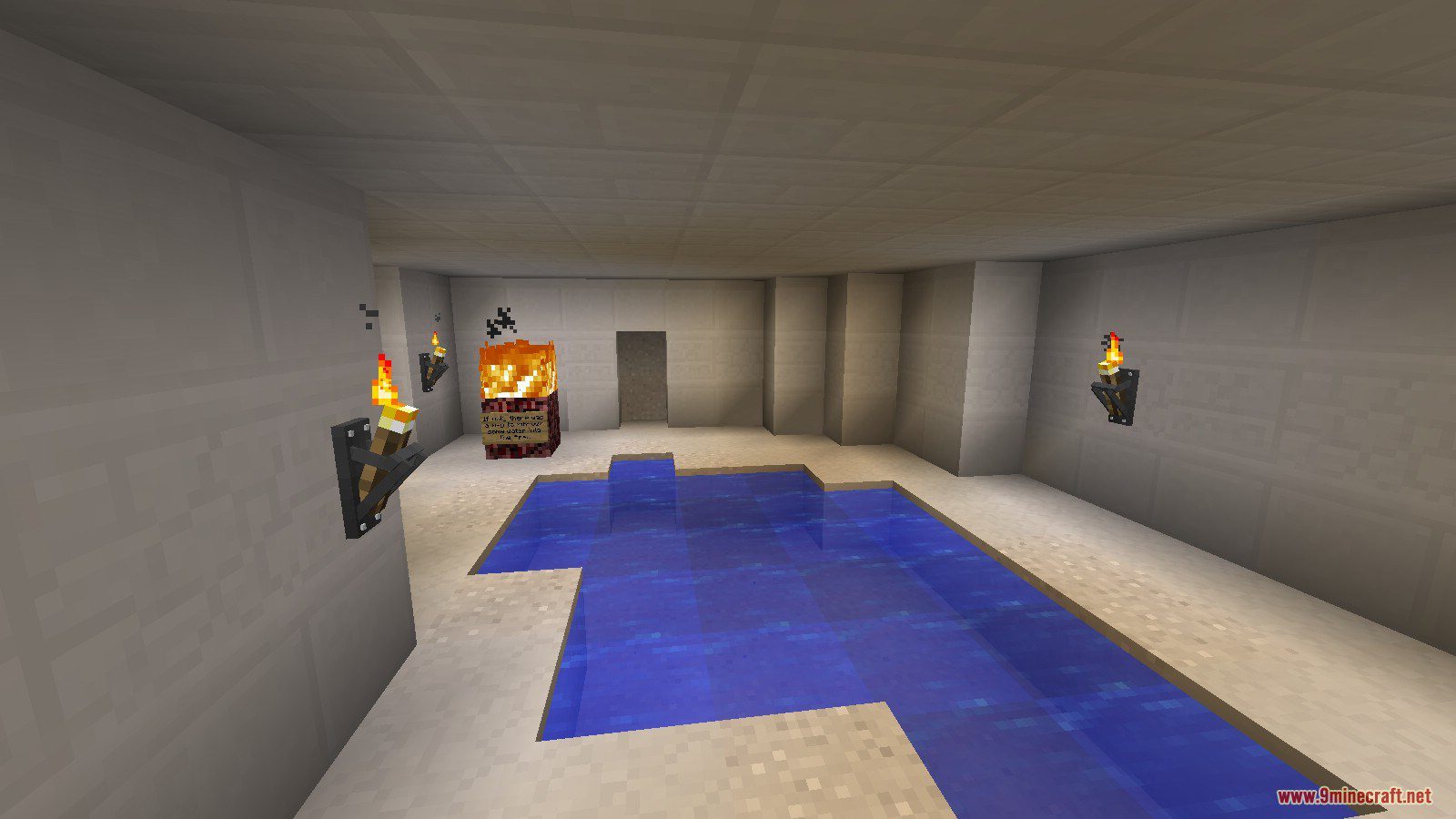
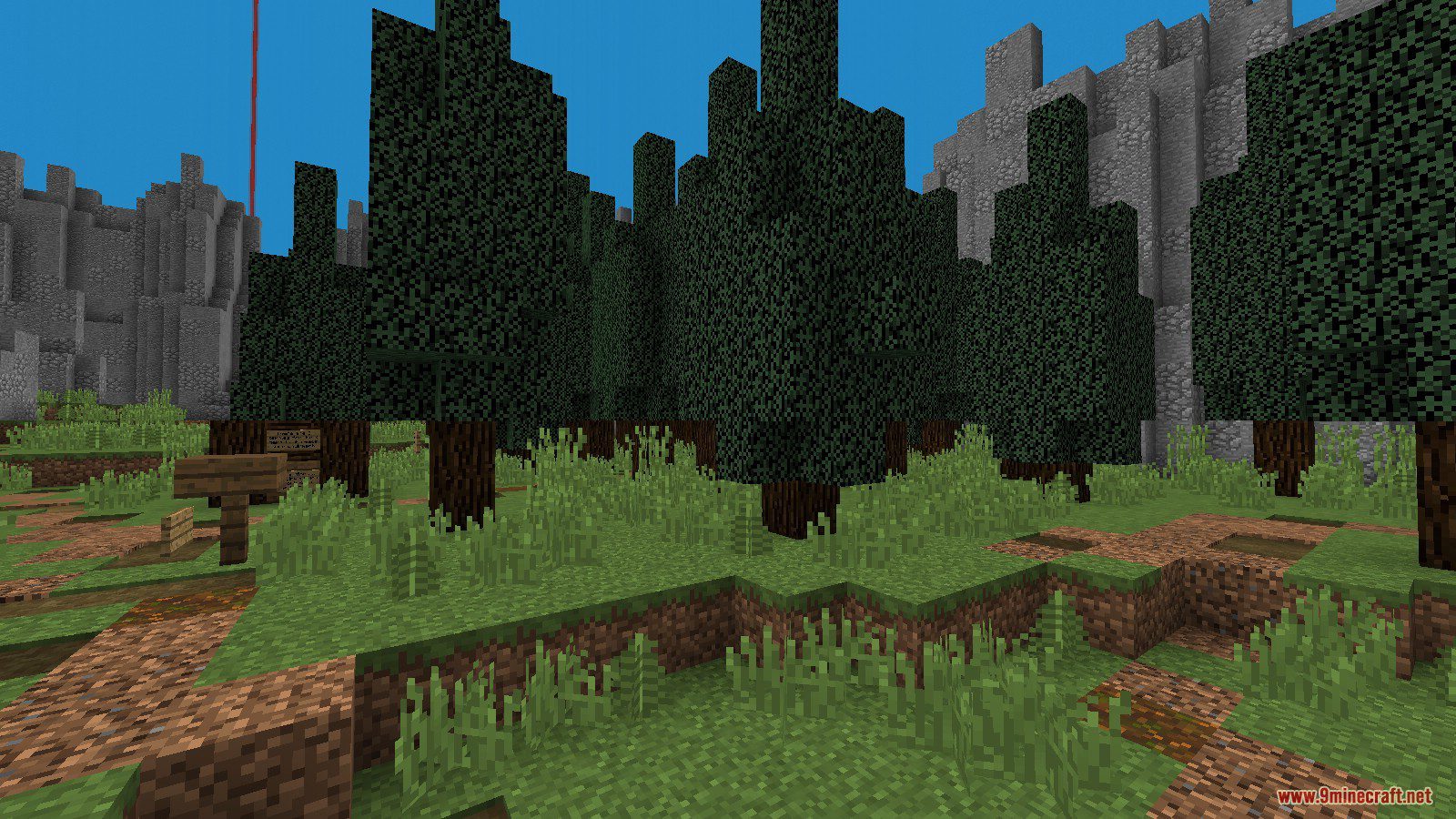
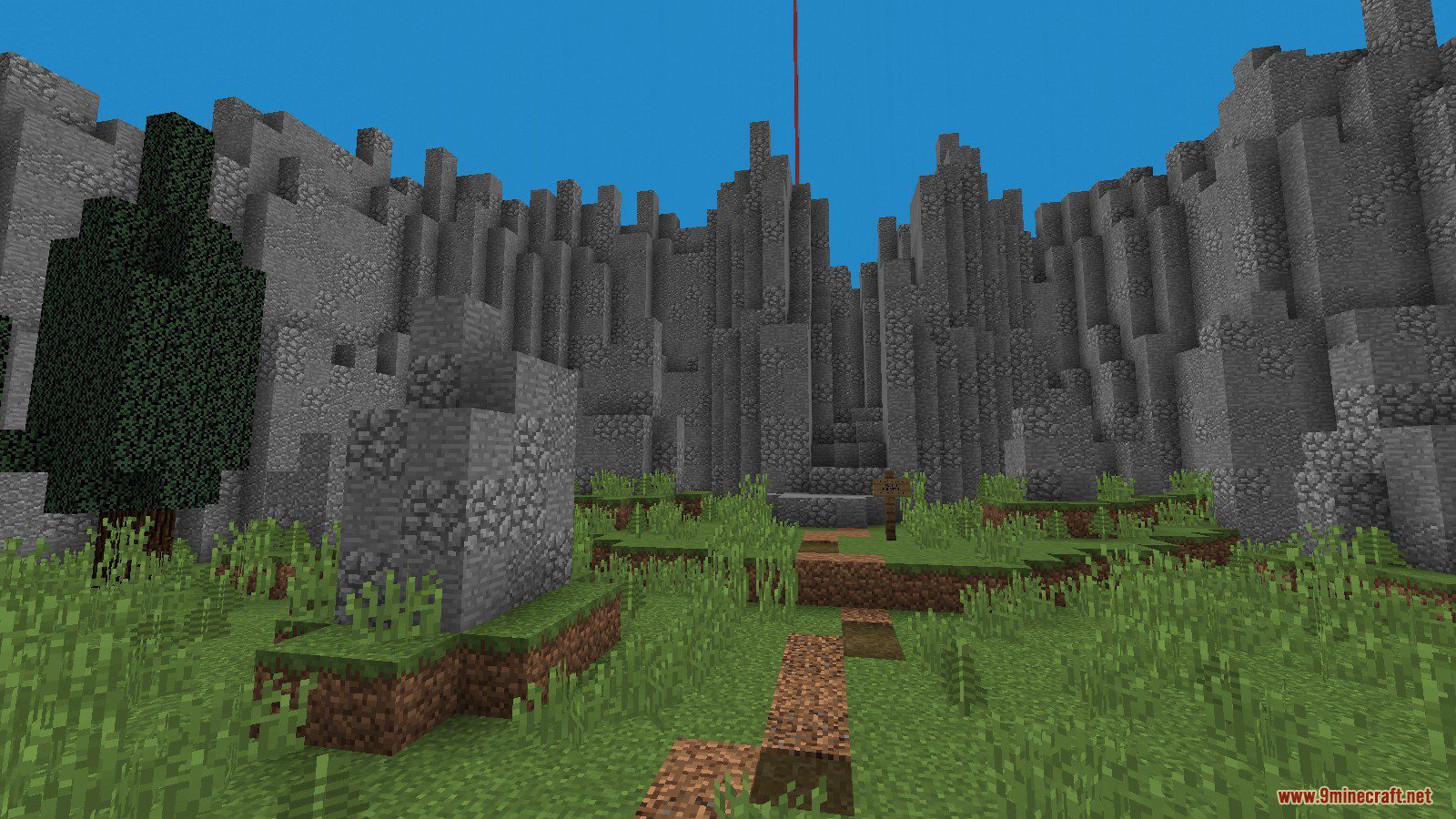
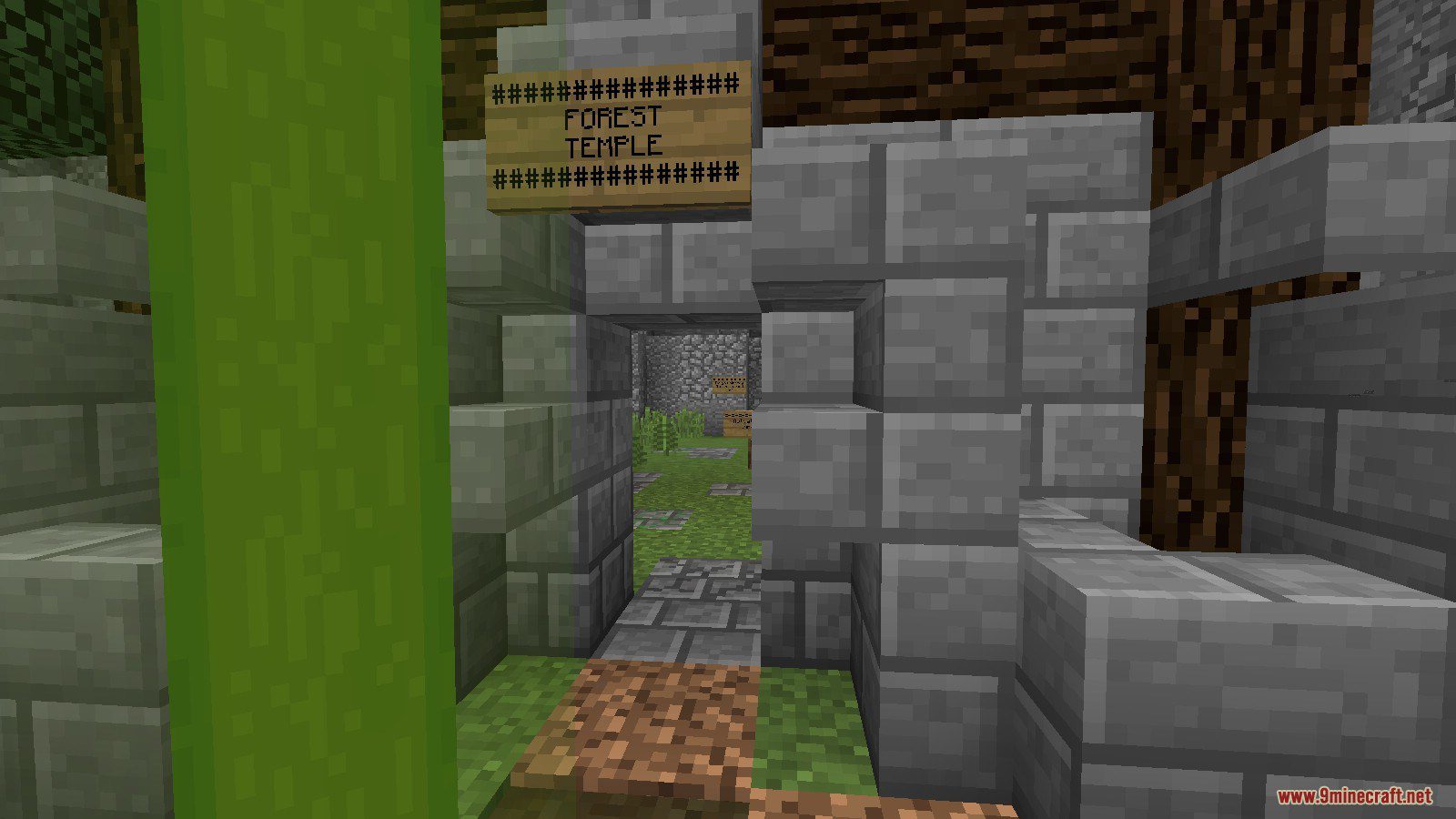
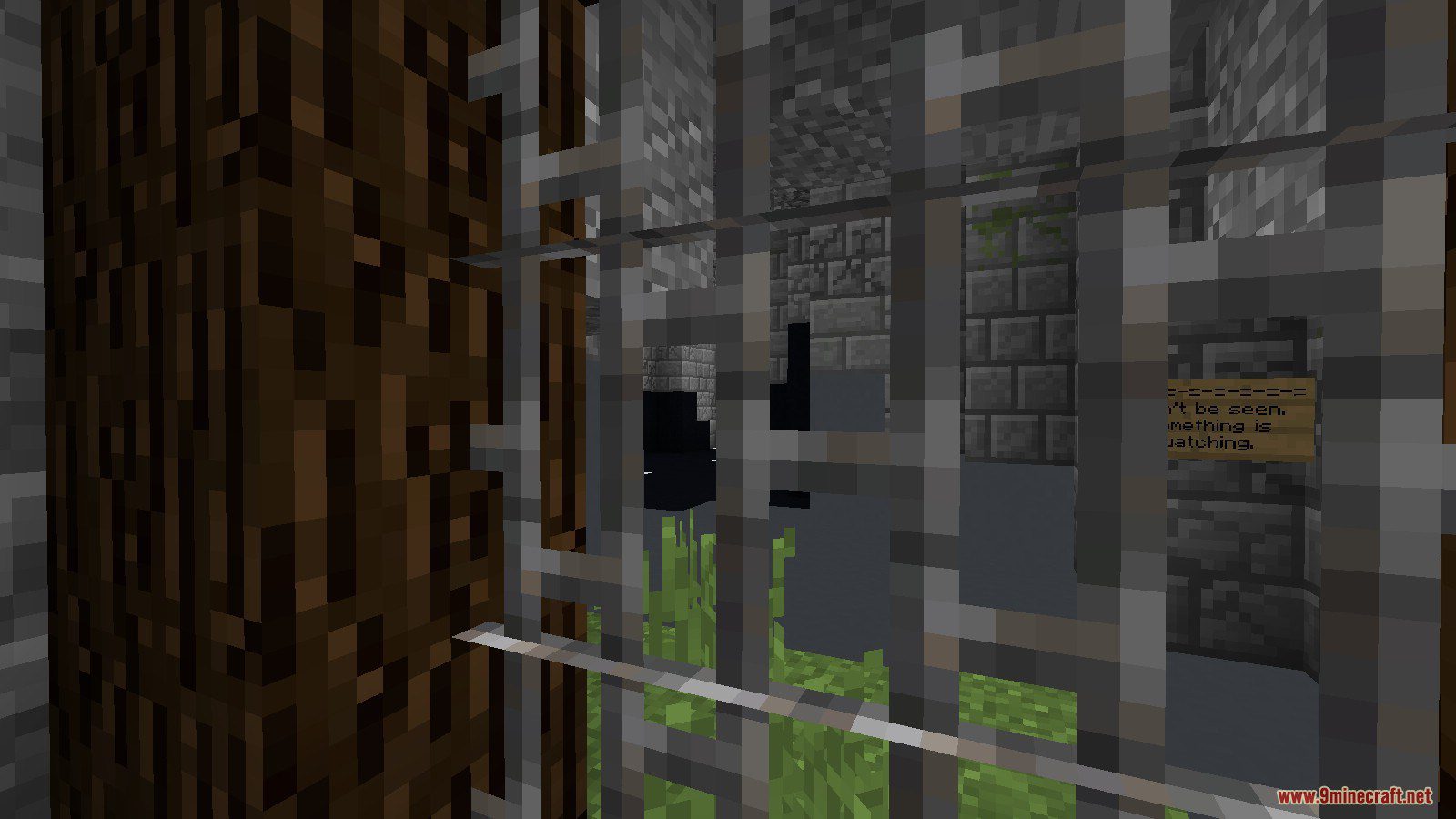
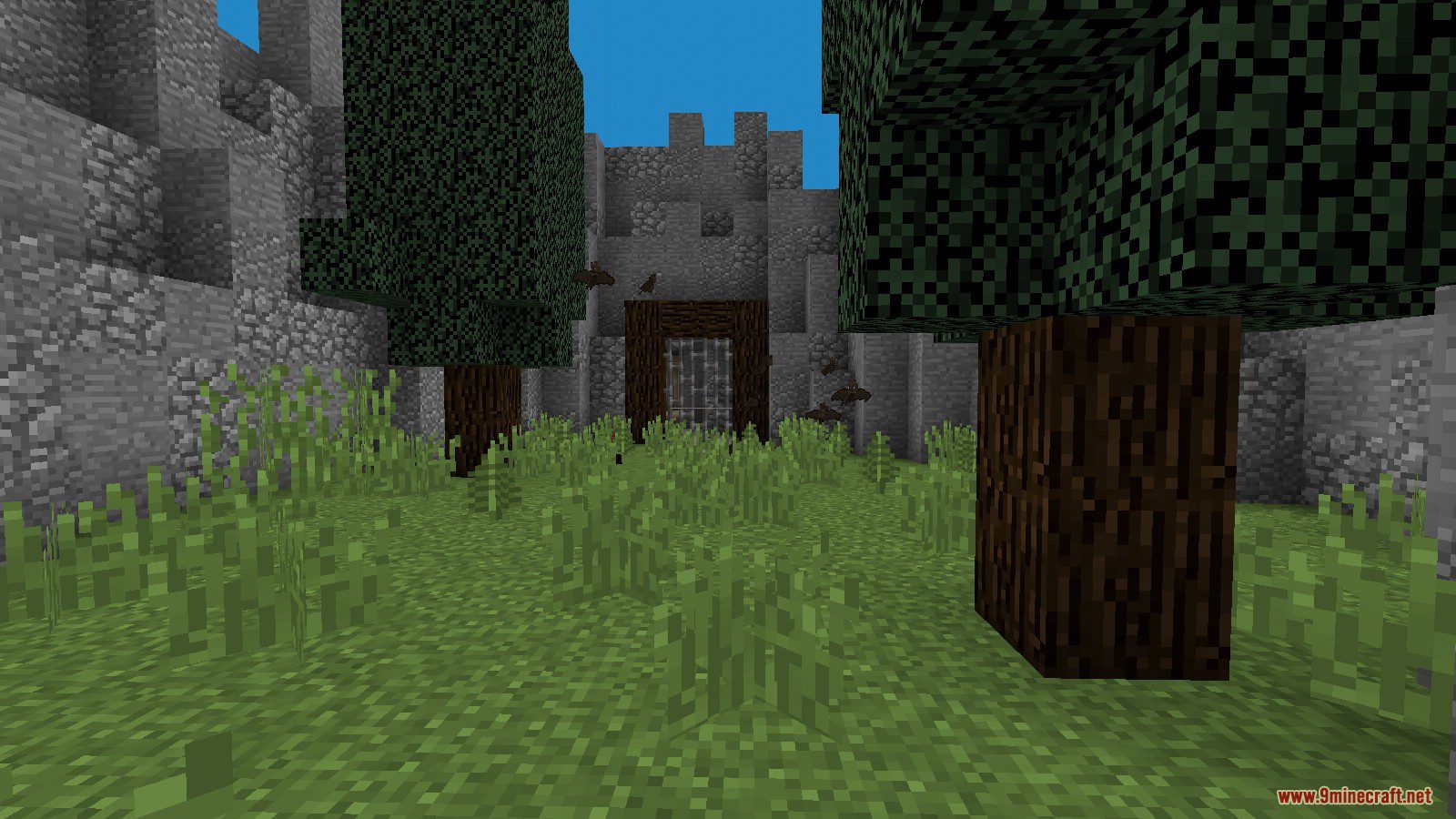
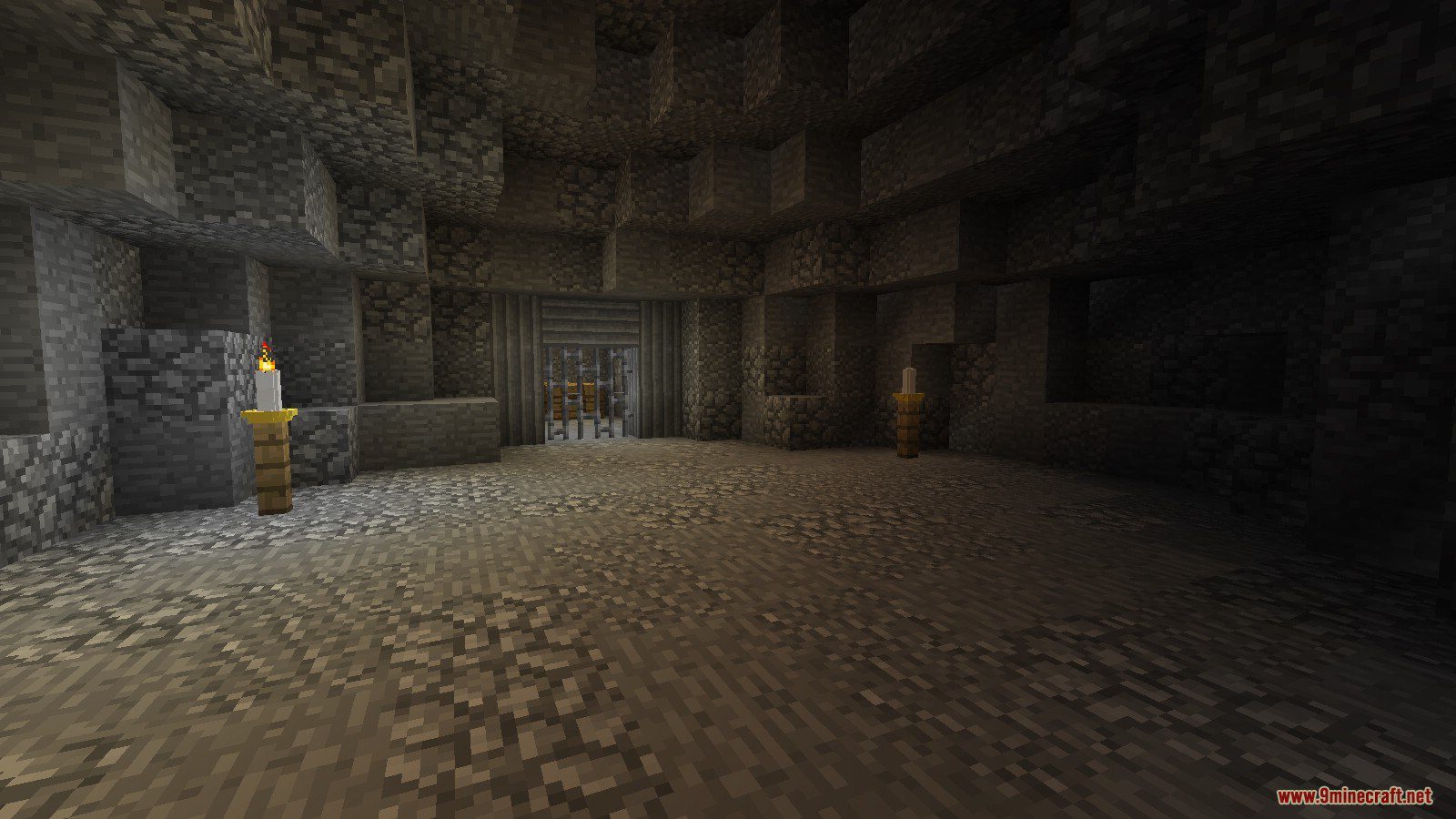
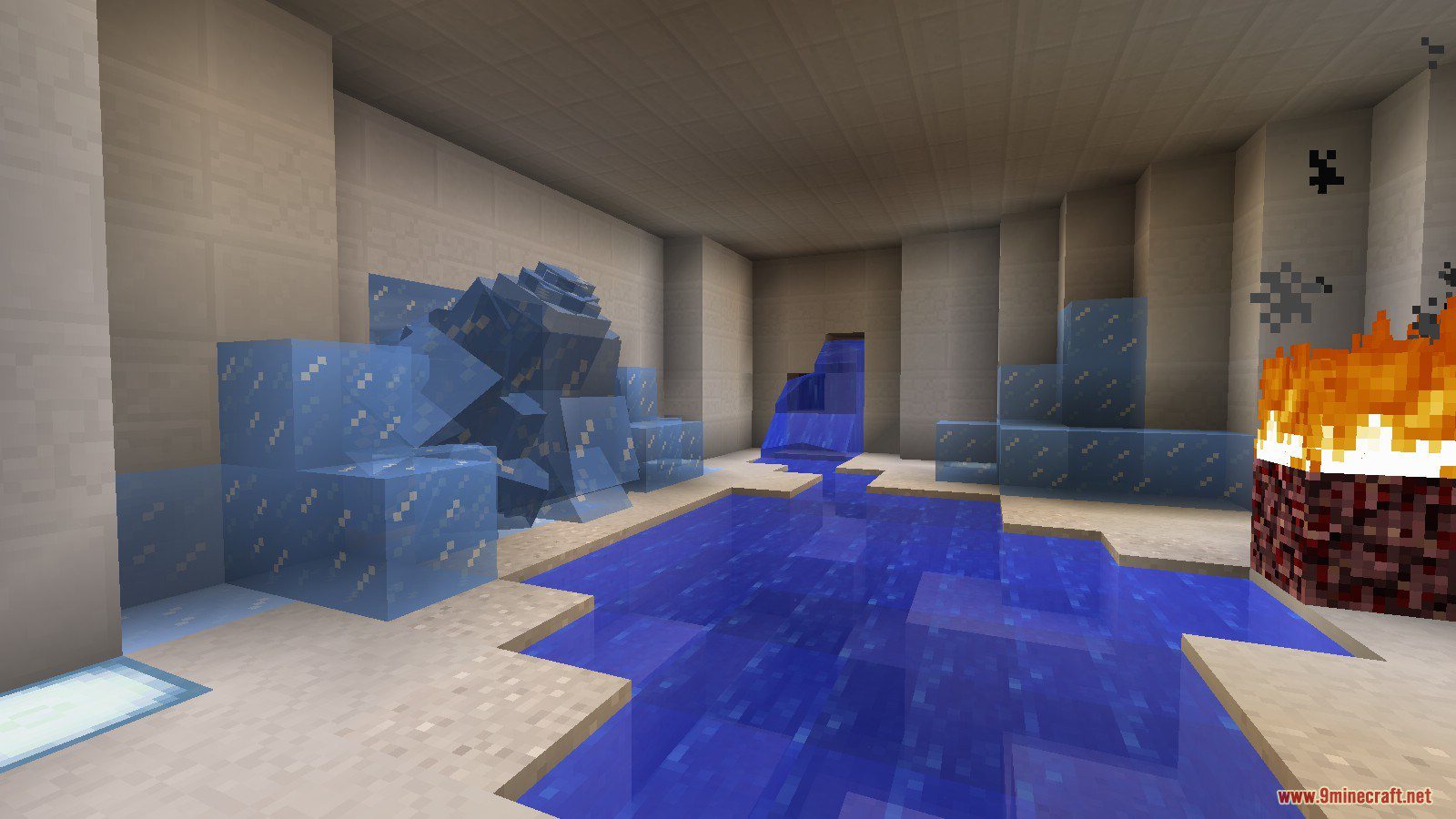
Crainer’s Escape: Zelda Map for Minecraft is a puzzle map created by McTsts. In this map, you are lost after entering a portal. Your mission is to find three element items in 3 temples: Fire, Water, and Forest. After collecting three element items, you will be able to fix the portal and escape. There are tons of unique puzzles in this map. Download the map from the link below and start the challenge.
Related: Crainer’s Escape series
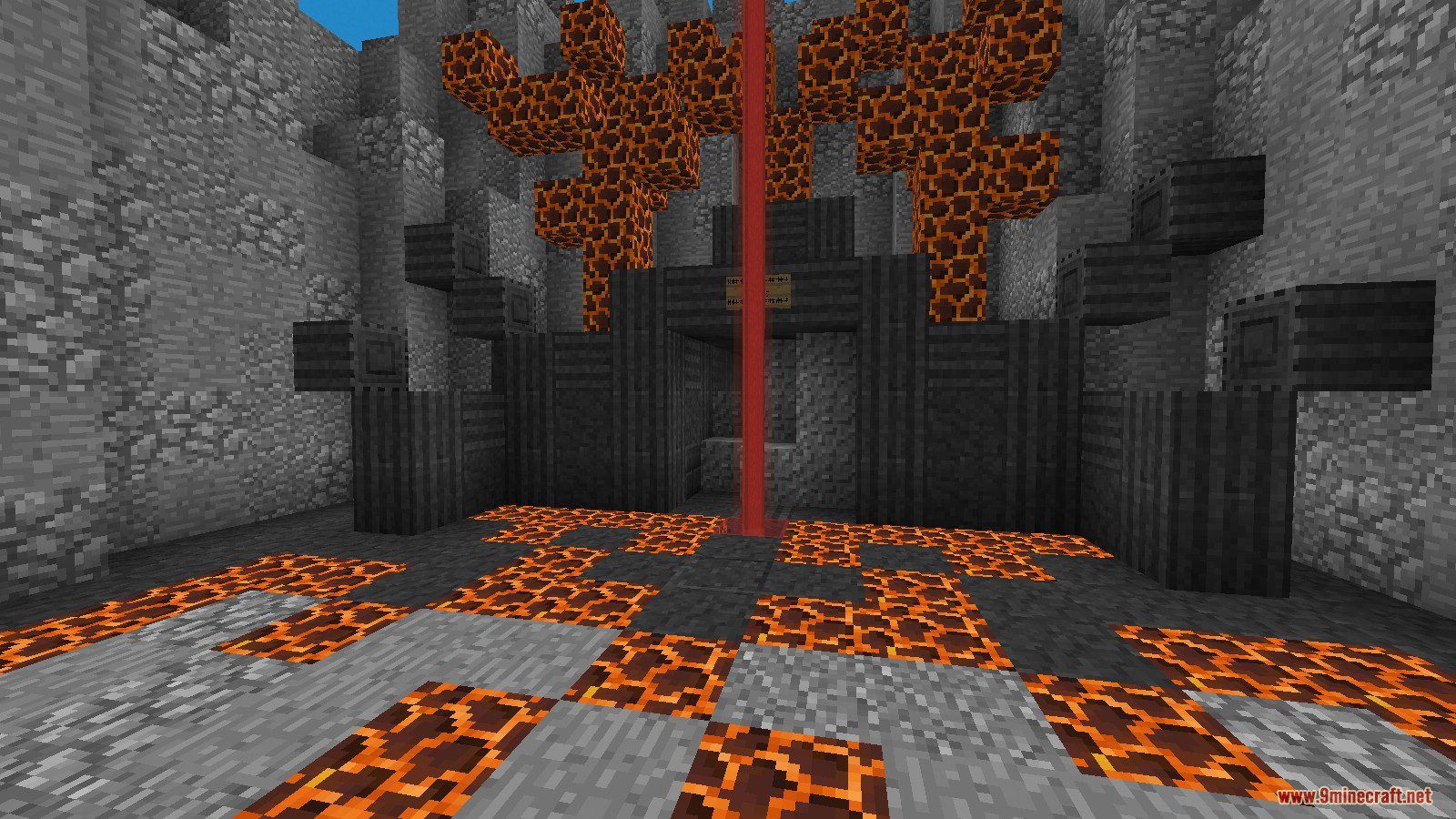
Screenshots:
Notes:
- Please do not play on any other version or it may not work!
- You should set Render Distance to 12 or upper.
Crainer’s Escape: Zelda Map Download Links
- Edition: Minecraft Java
- File type: .zip (world save)
- Minecraft version listed: 1.20.1
- How to install: Download the .zip world. → Unzip it. → Move the folder into .minecraft/saves.
- Where to get it: In MC Java Mods, or directly above on this page.
Install steps are the general flow for this file type — How to install Minecraft Java maps & worlds walks through it step by step.
- Downloads as 179963.mcworld
- Download size: 9.1 MB
- Download link checked 25 Jul 2026 — working
- Mirrored on our own servers — the download does not depend on the original host
These come from our own check of the pack file, not from the source page.