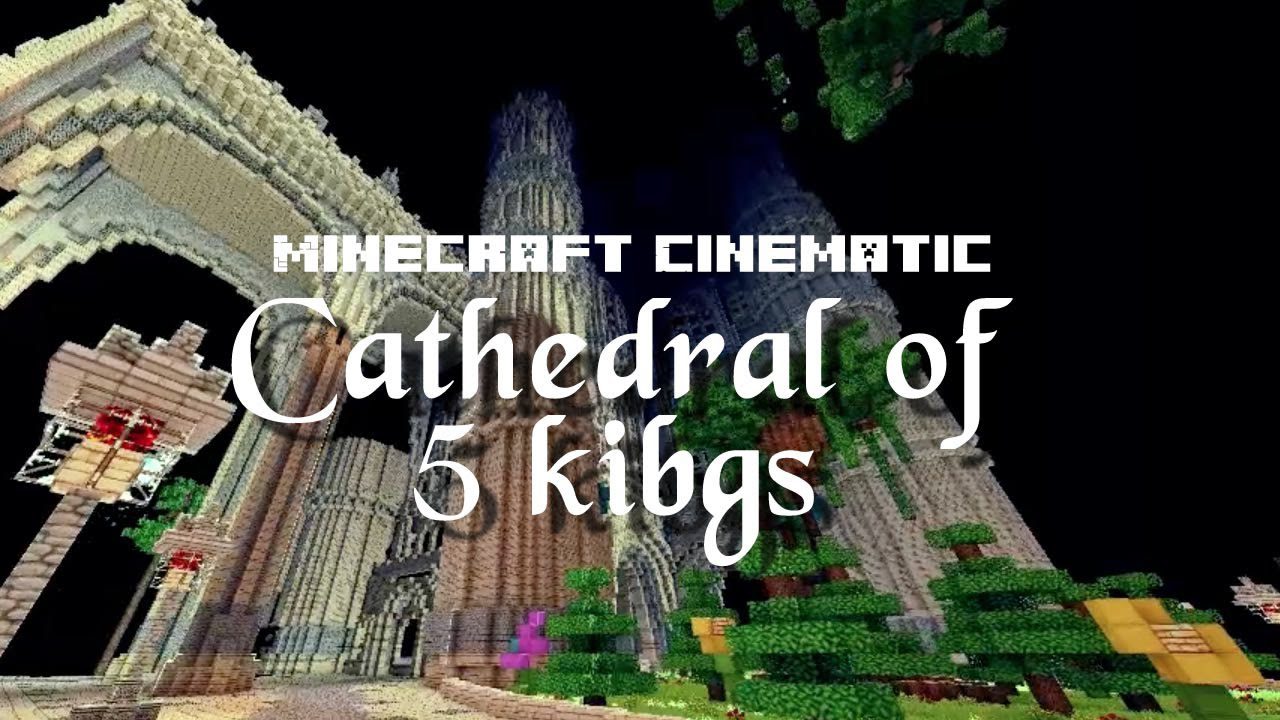
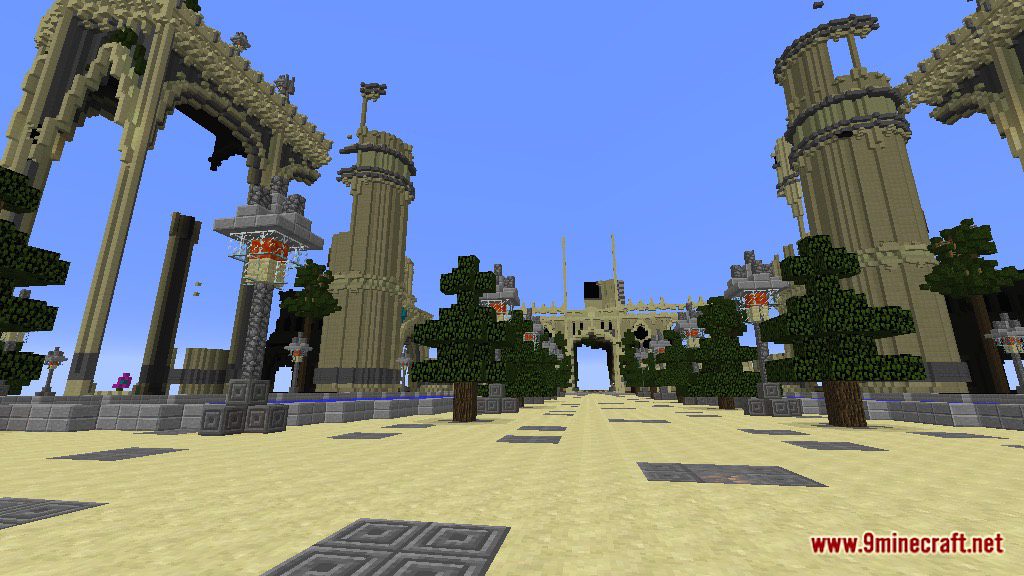
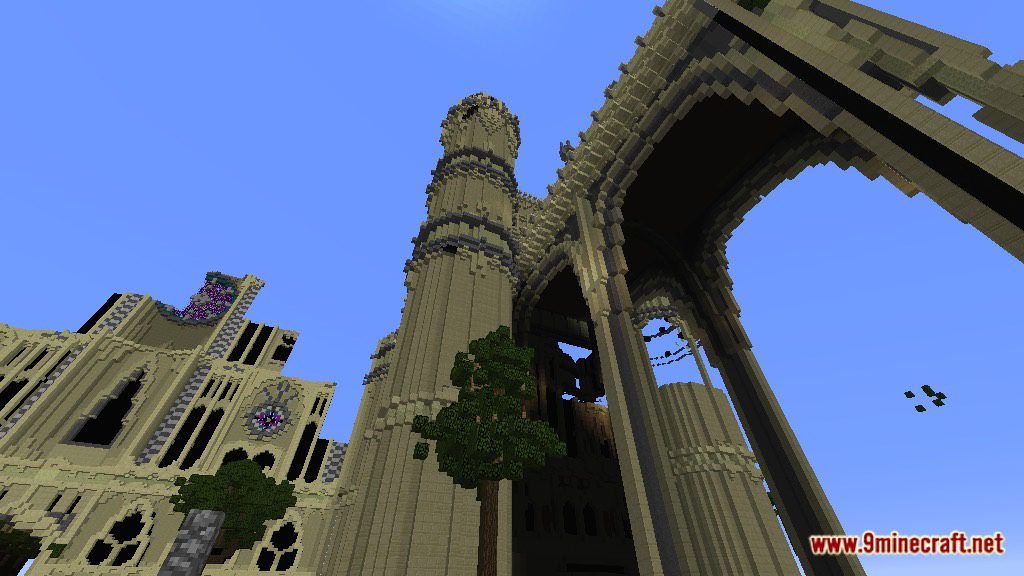
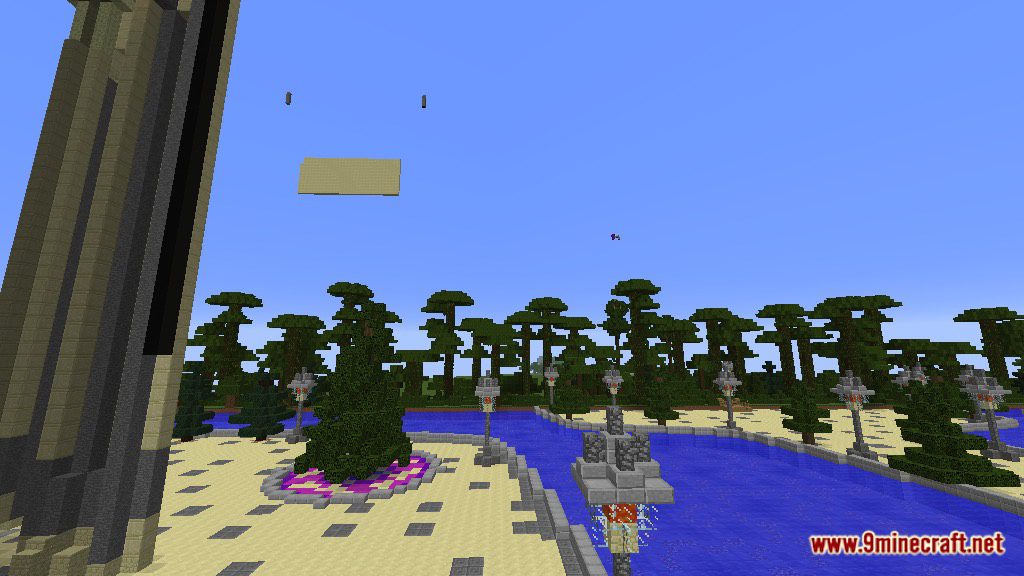
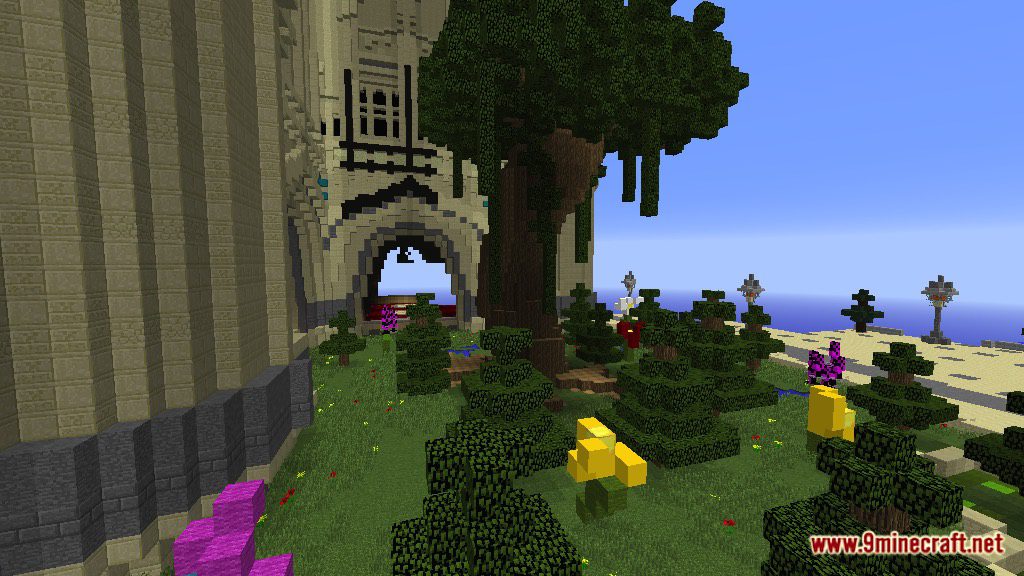
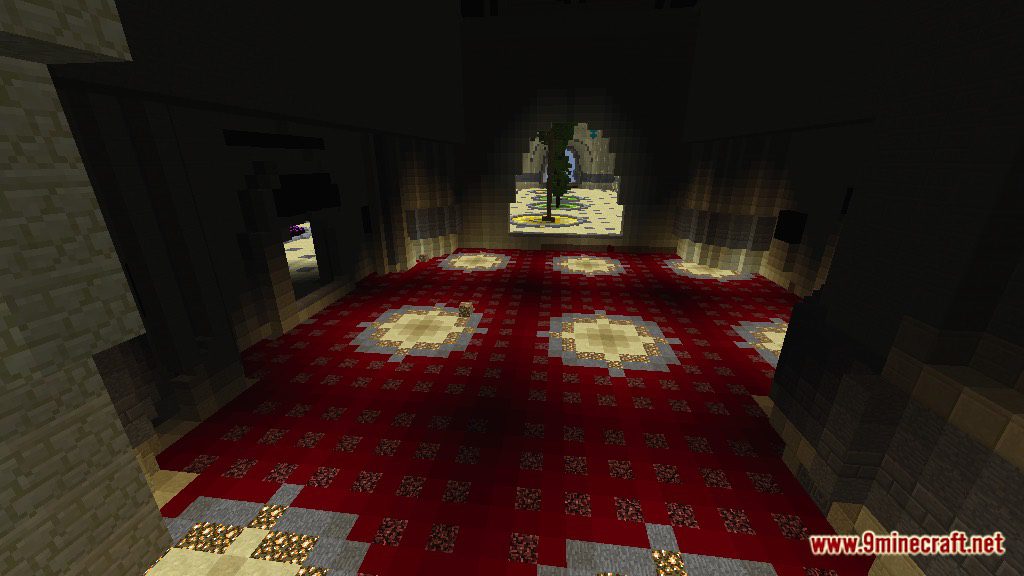
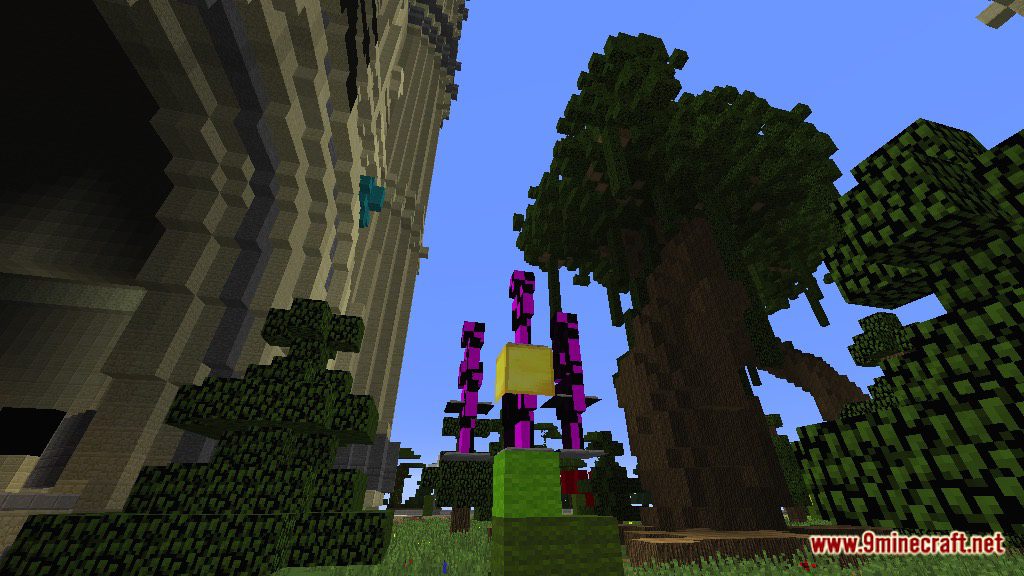
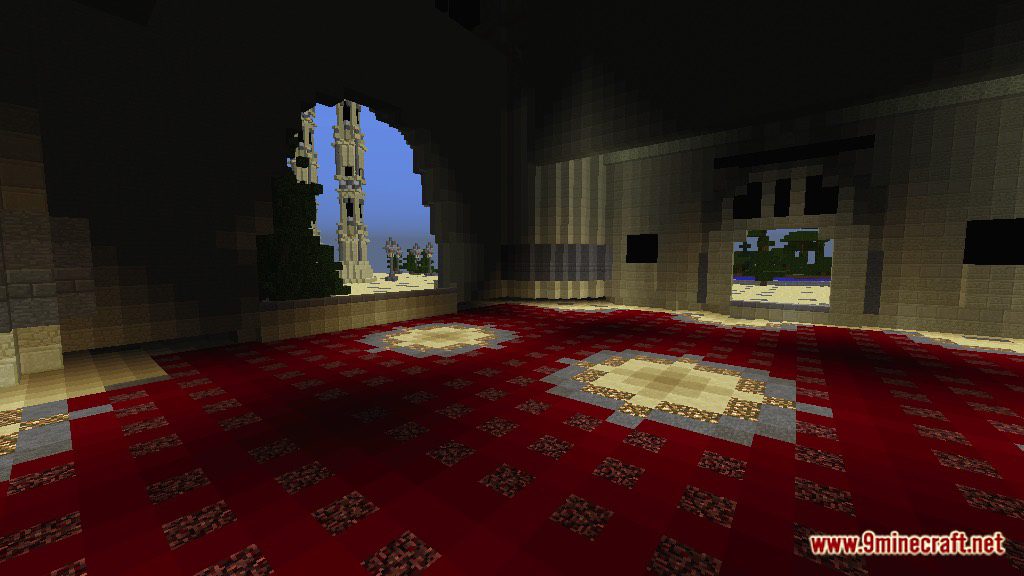
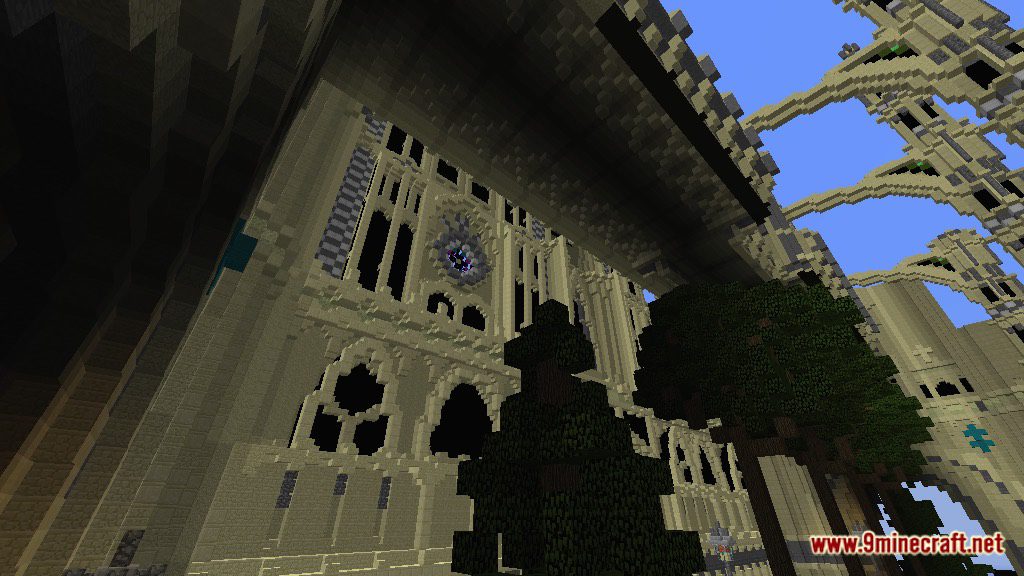
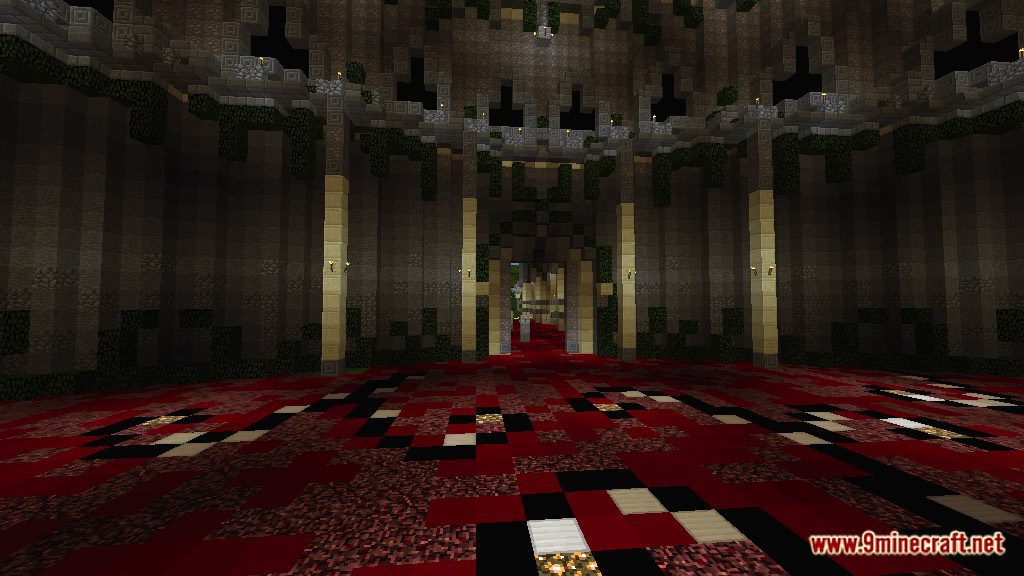
Kings Cathedral Map for Minecraft is a building map created by General John. You will play as an archeologist that is on his way to find a hidden treasure. Suddenly, you are wrapped to a broken dimension that is in a different universe. You wake up and find out you are in a massive and beautiful country. The only thing you know is that this kingdom was under the rule of Kings Cathedral. The map took around 9 days to fully complete (roughly 13+ hrs) and probably extra 3 days to do the interior and landscape. The dimensions are pretty large, 438 x 452 x 256. The building looks very royalty and fancy. Download the map from the link below and try it.
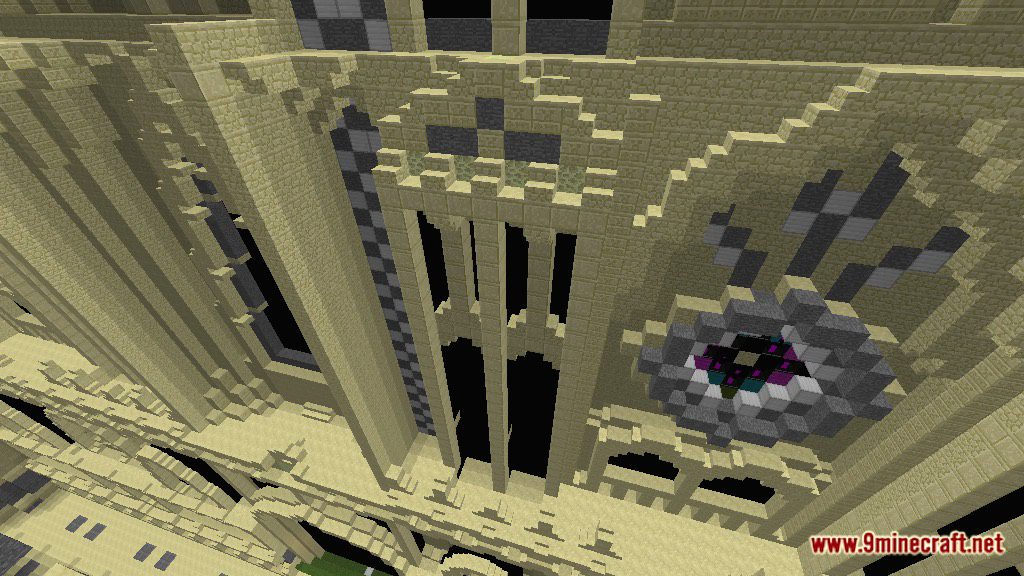
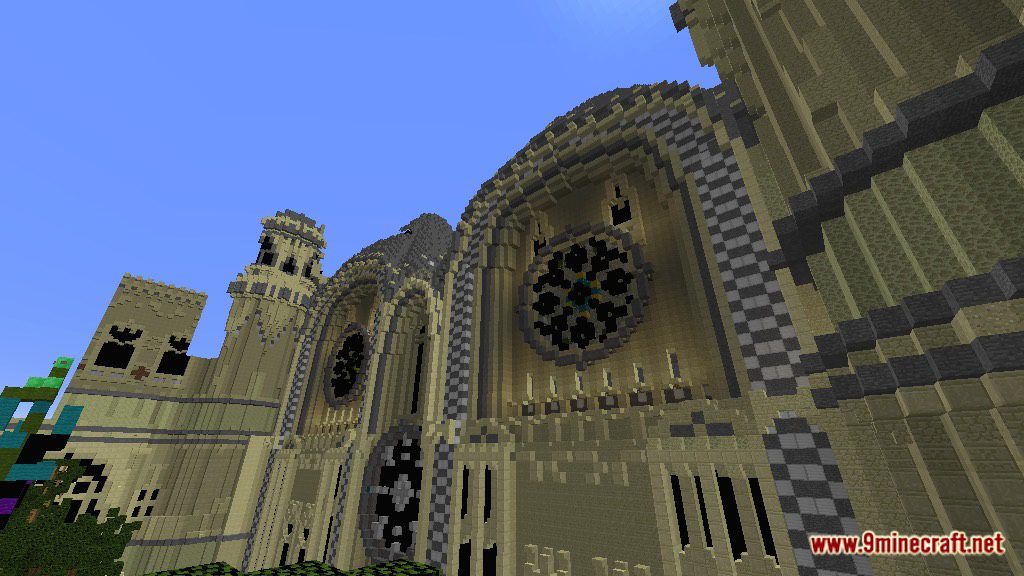
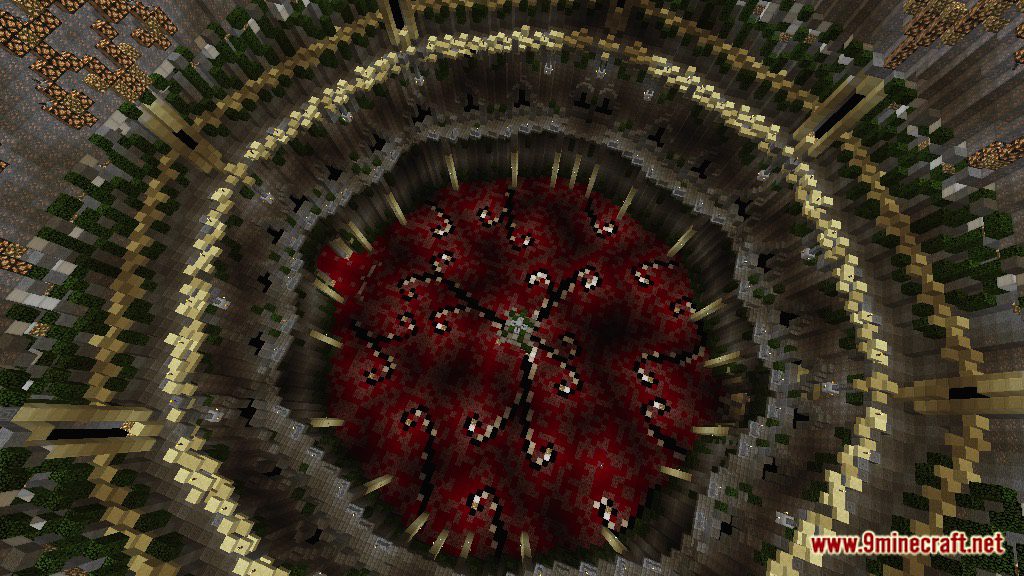
Screenshots:
Notes:
- You should set Render Distance to 12 or upper.
- Do not cheat.
- We suggest you use Shaders Mod for the best experience.
Kings Cathedral Map Download Links
- Edition: Minecraft Java
- File type: .zip (world save)
- Minecraft version listed: 1.20.1
- How to install: Download the .zip world. → Unzip it. → Move the folder into .minecraft/saves.
- Where to get it: In MC Java Mods, or directly above on this page.
Install steps are the general flow for this file type — How to install Minecraft Java maps & worlds walks through it step by step.
- Downloads as 180043.mcworld
- Download size: 2.8 MB
- Download link checked 27 Jul 2026 — working
- Mirrored on our own servers — the download does not depend on the original host
These come from our own check of the pack file, not from the source page.