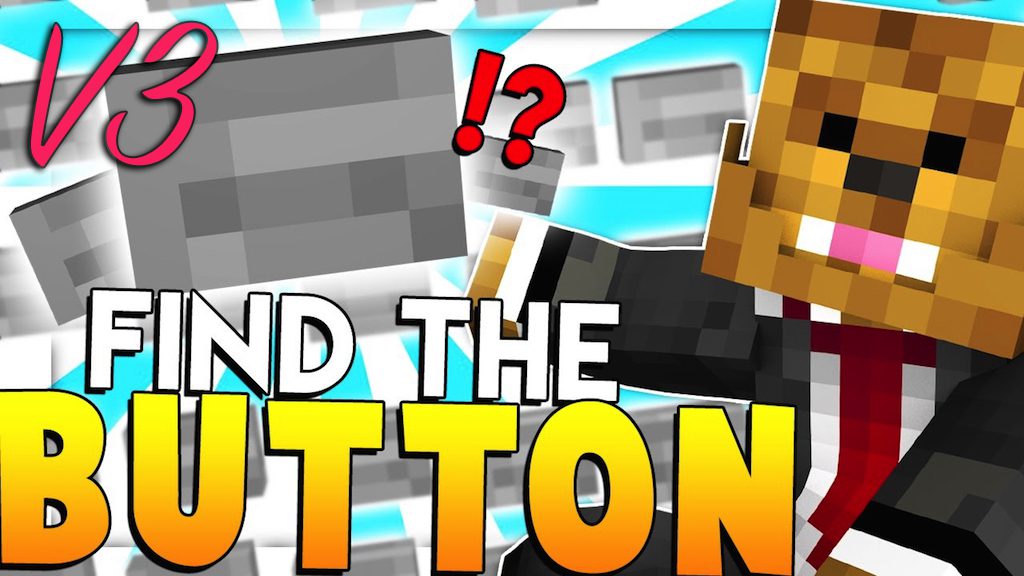
Find The Button V3 Map (26.2, 1.20.1) for Minecraft
Java map listed for Minecraft 1.20. Download on the author's site.
⬇ Download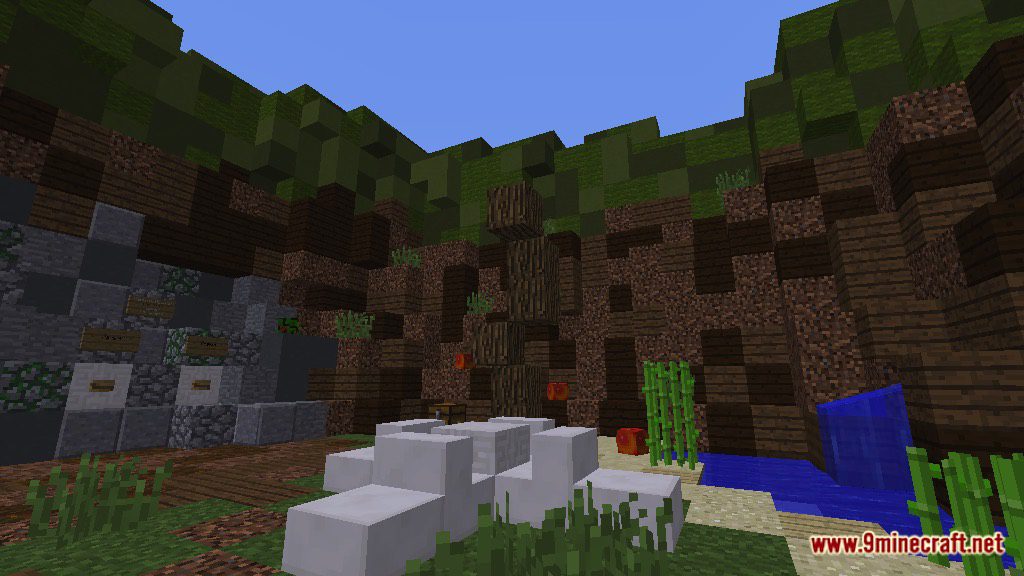
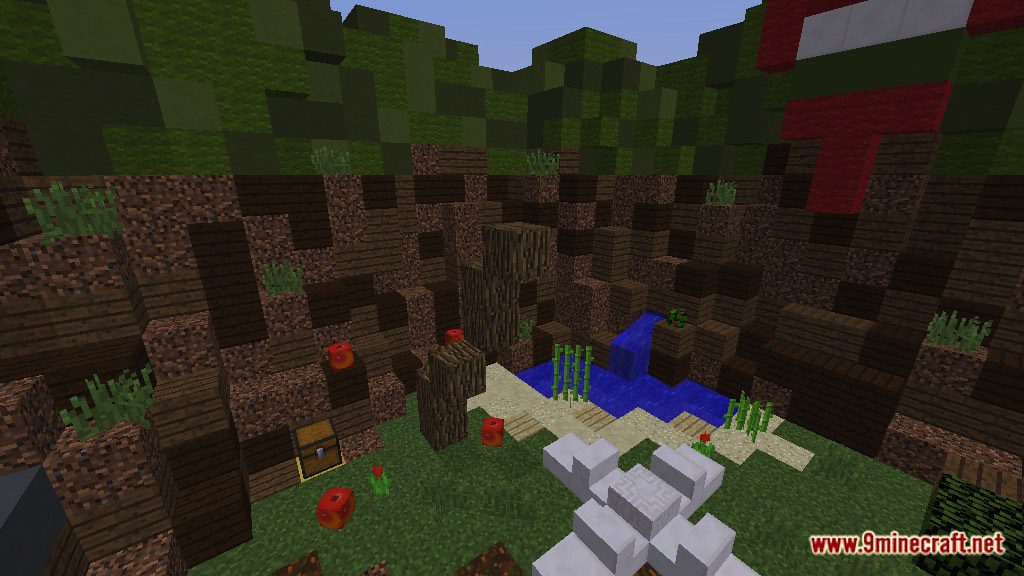
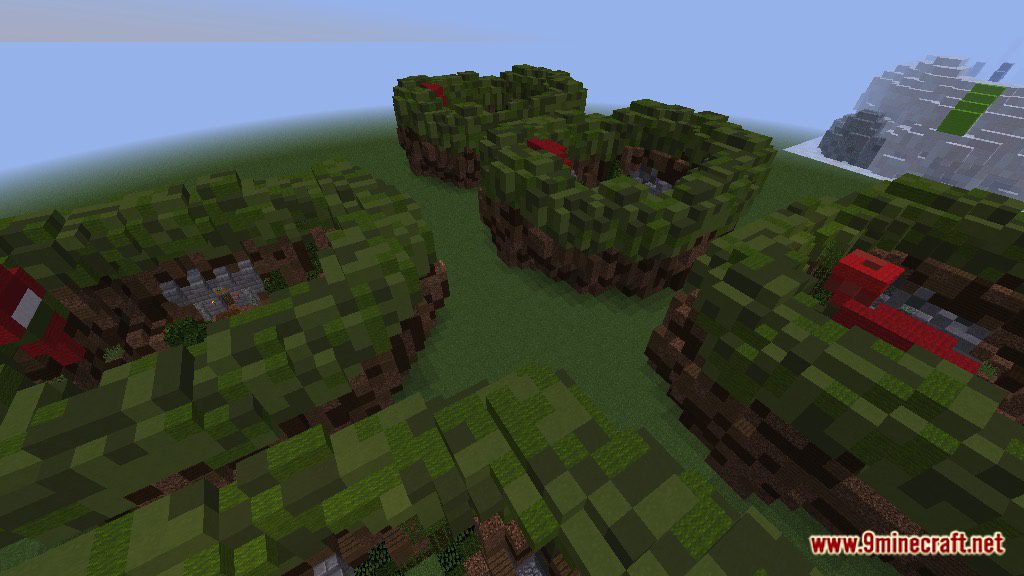
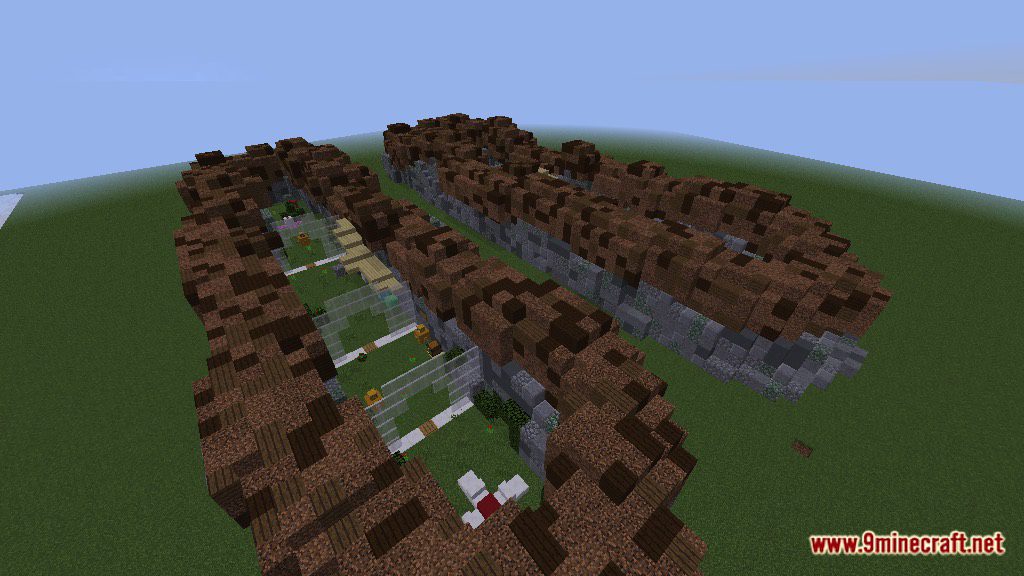
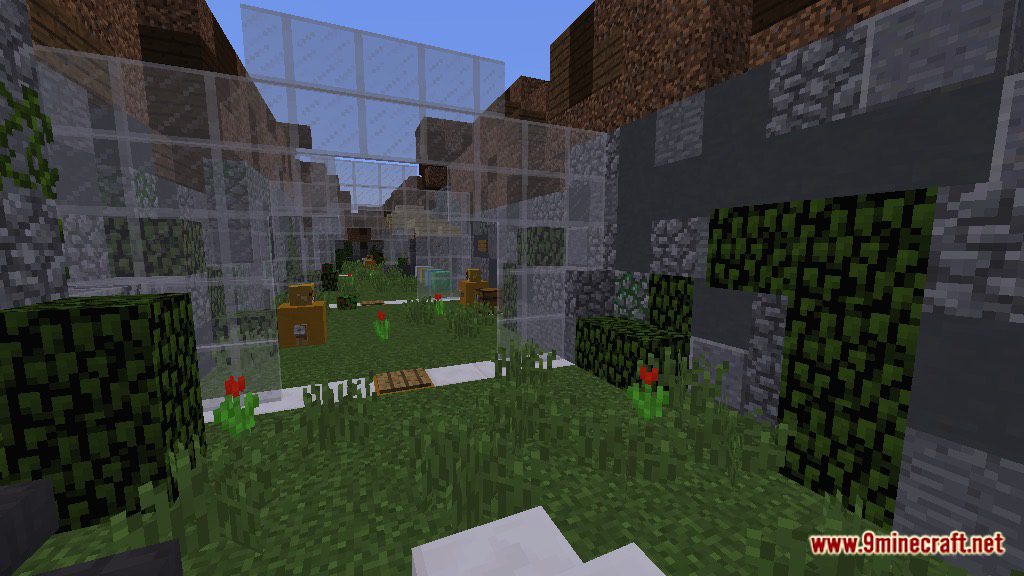
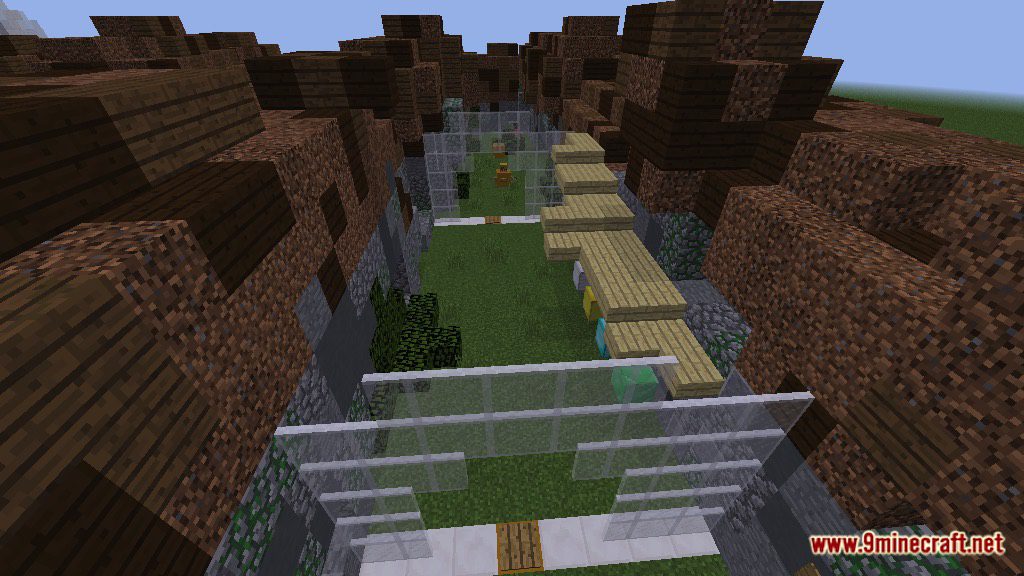
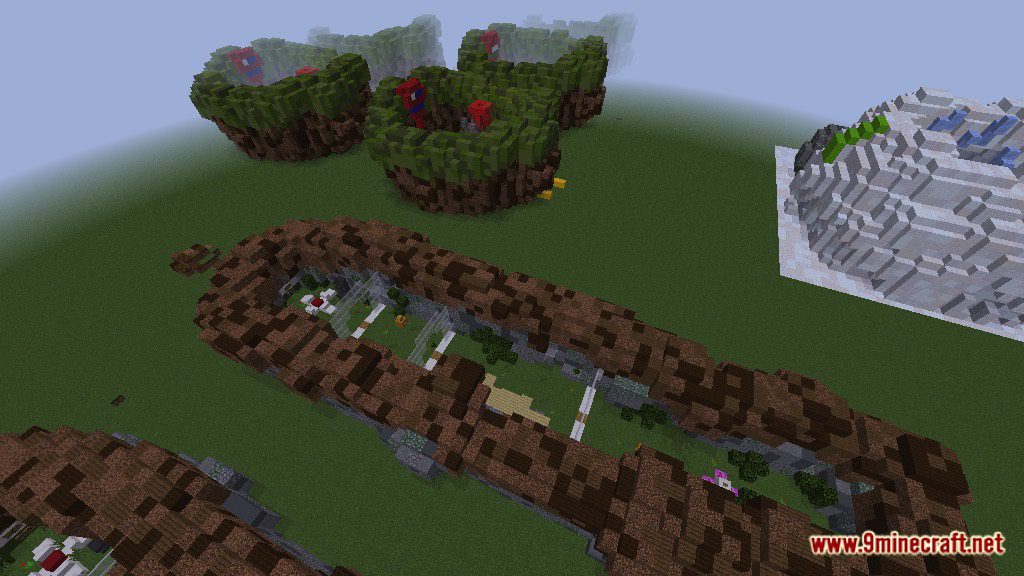
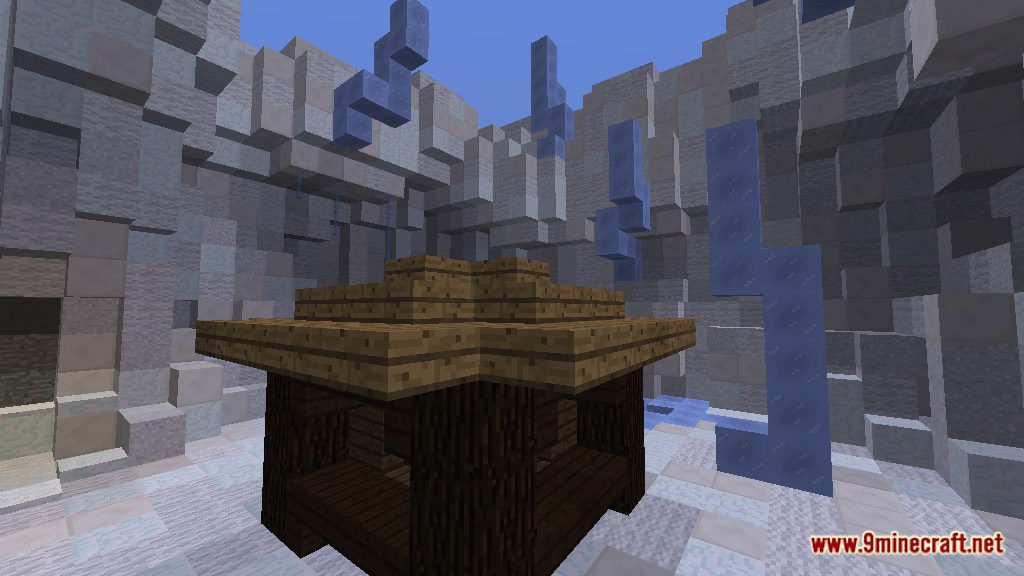
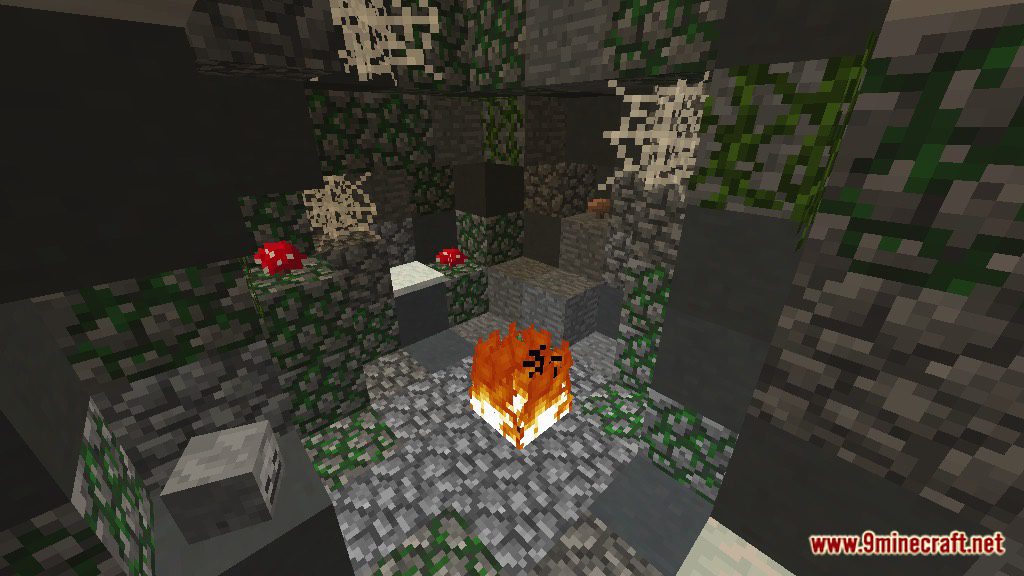
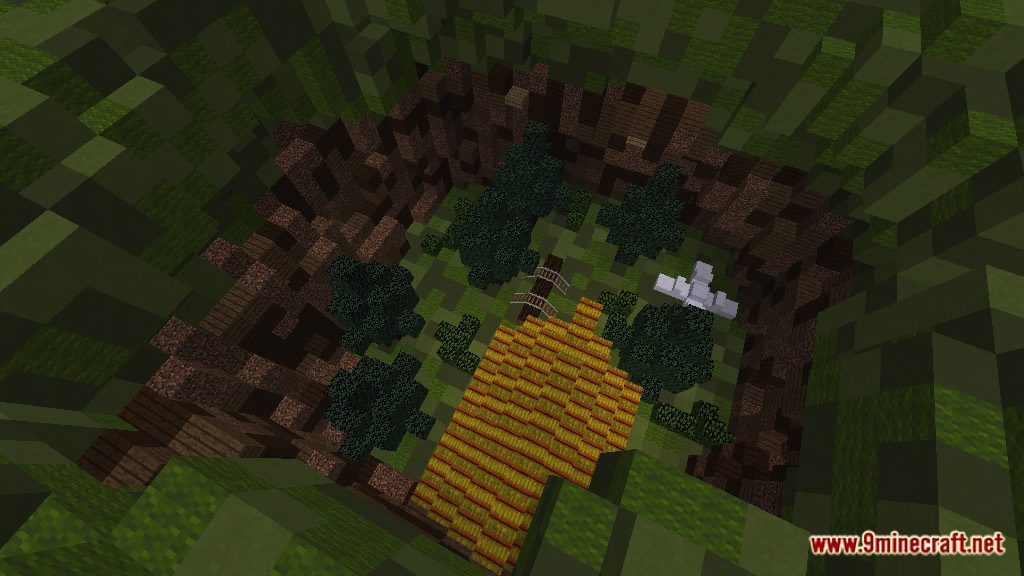
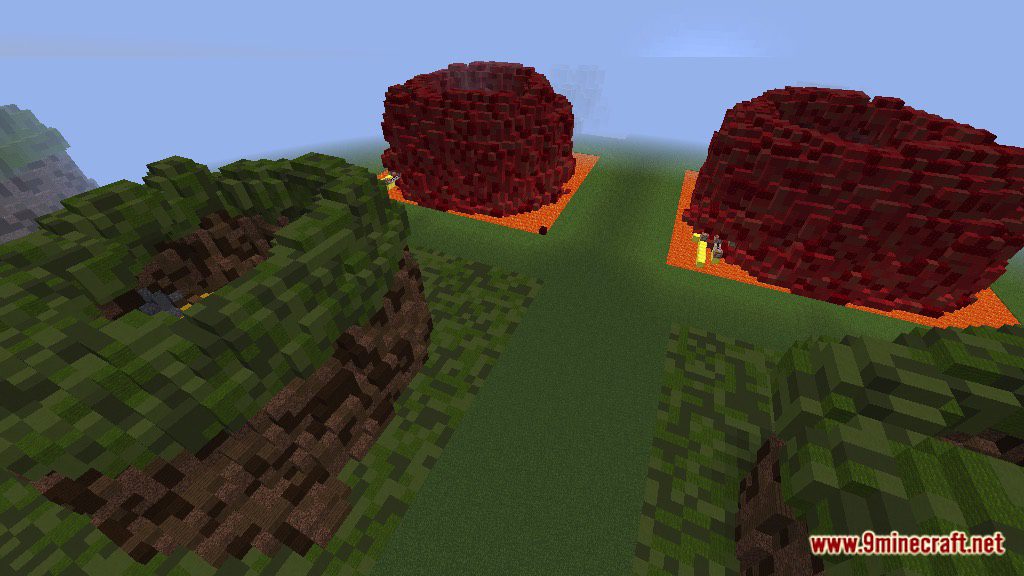
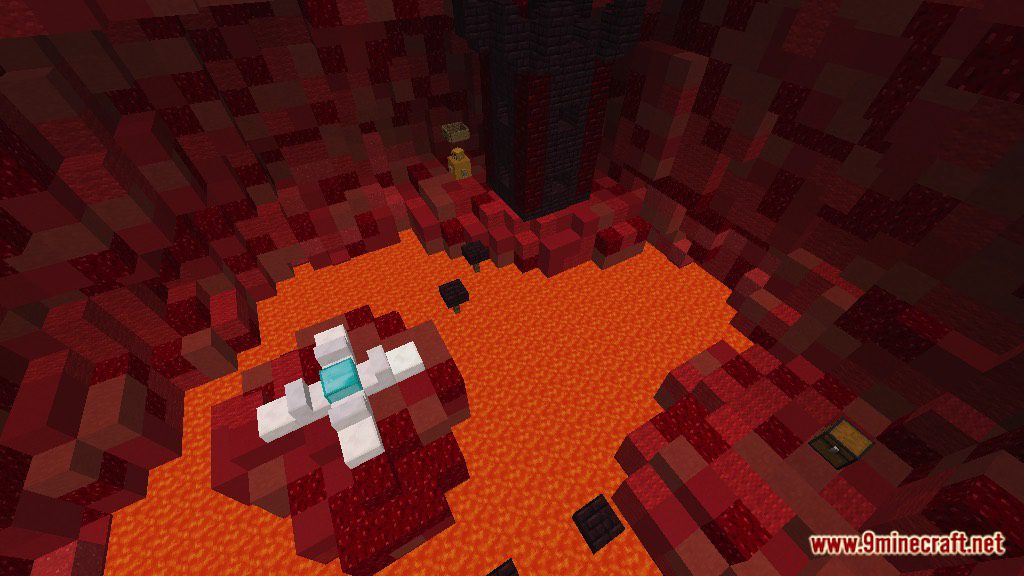
Find The Button V3 Map for Minecraft is a puzzle map. This map is made especially for those who are seeking for an endless puzzle experience. The map is long, and there is a button hidden in each level. The button is not just some lame stones one. It can be disgusted as anything, from unique blocks to simple object. Can you finish all of them? Download the map from the link below and try to challenge yourself.
Screenshots:
Notes:
- Please do not play on any other version or it may not work!
- Do not cheat.
- You should set Render Distance to 12 or upper.
Find The Button V3 Map Download Links
- Edition: Minecraft Java
- File type: .zip (world save)
- Minecraft version listed: 1.20.1
- How to install: Download the .zip world. → Unzip it. → Move the folder into .minecraft/saves.
- Where to get it: Opens on the file's original source — not every file is mirrored on our own servers.
Install steps are the general flow for this file type — How to install Minecraft Java maps & worlds walks through it step by step.
Find The Button V3 Map (26.2, 1.20.1) for Minecraft is a free Minecraft Java map. Compatible with Minecraft 1.20.1. Download it and open it directly in the game.