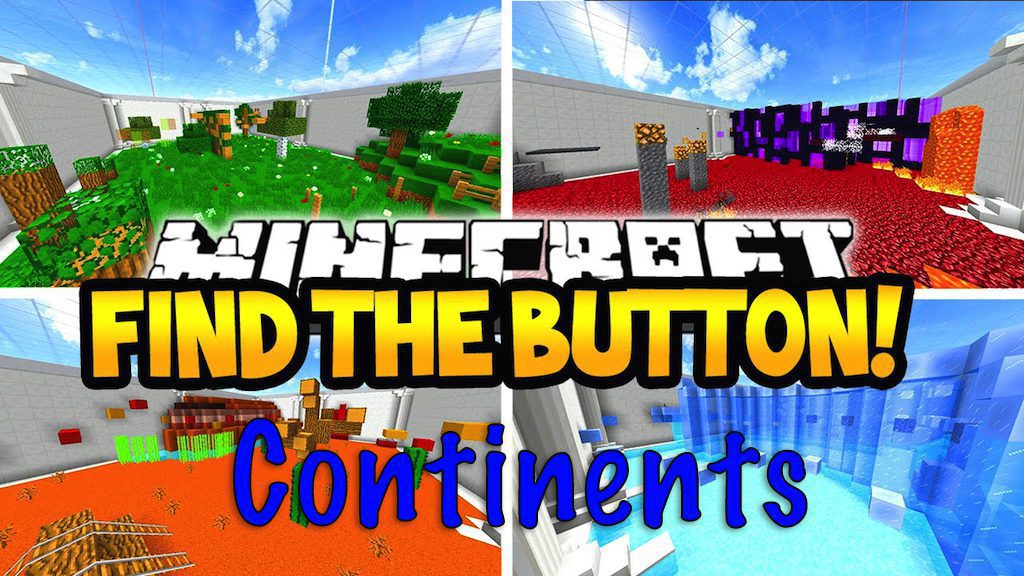
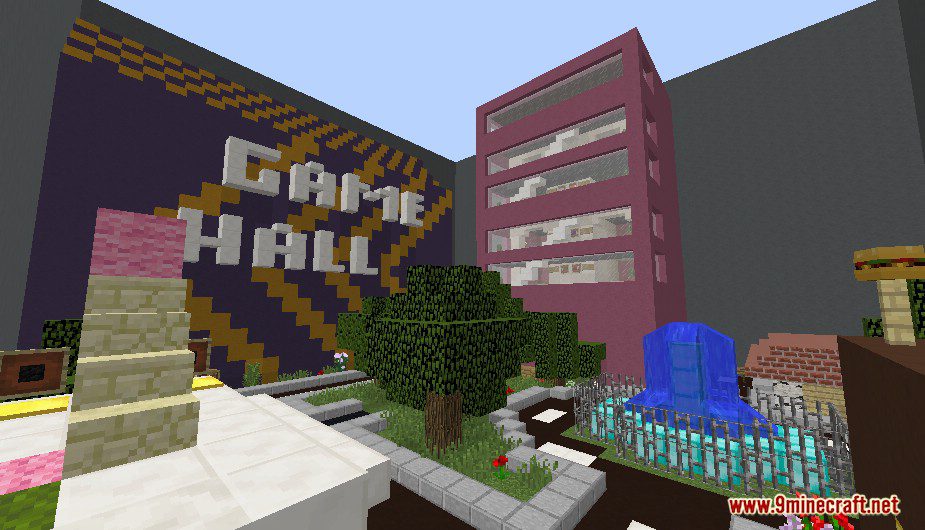
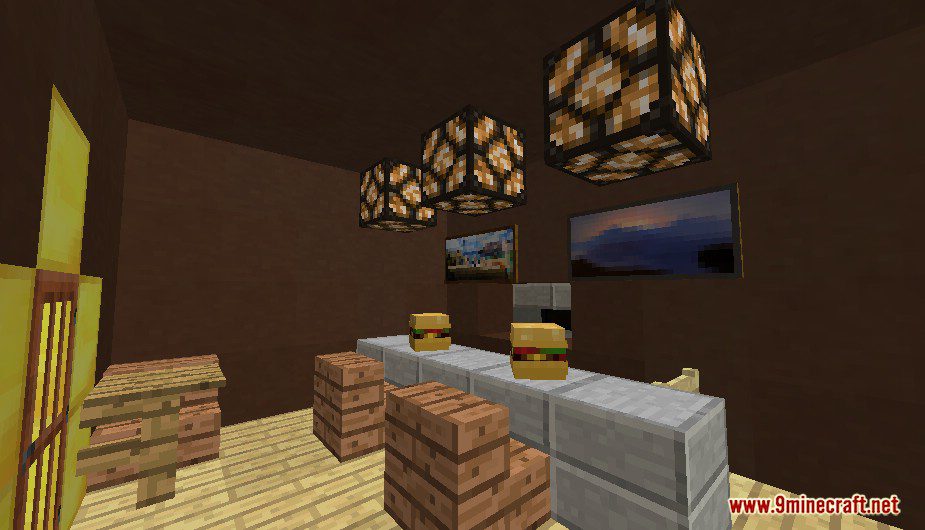
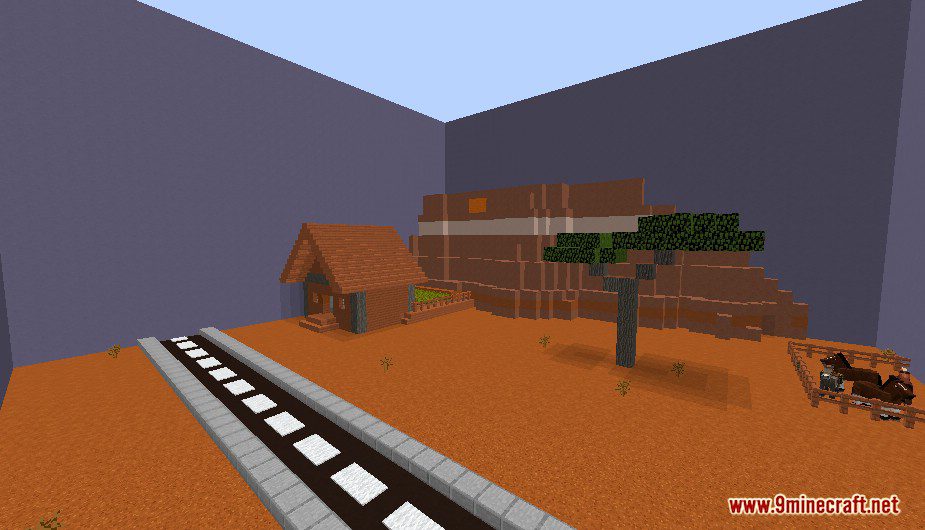
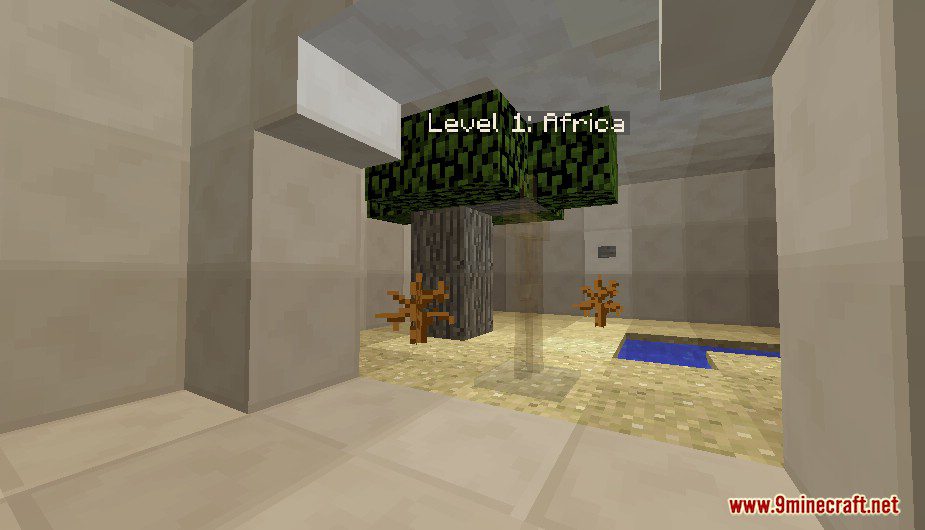
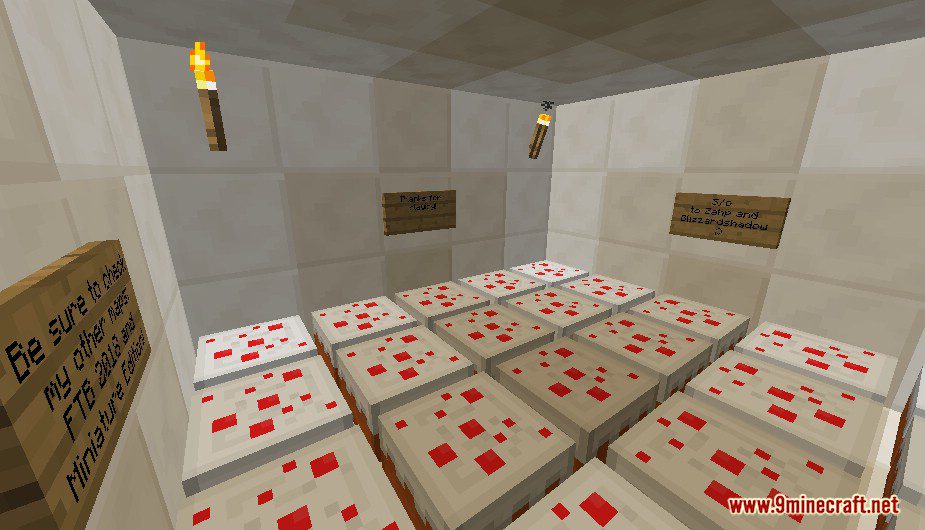
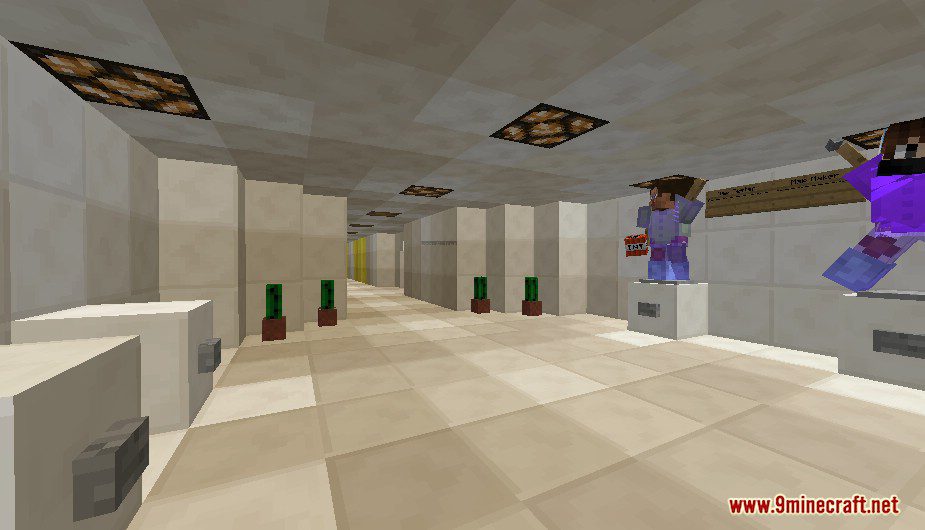
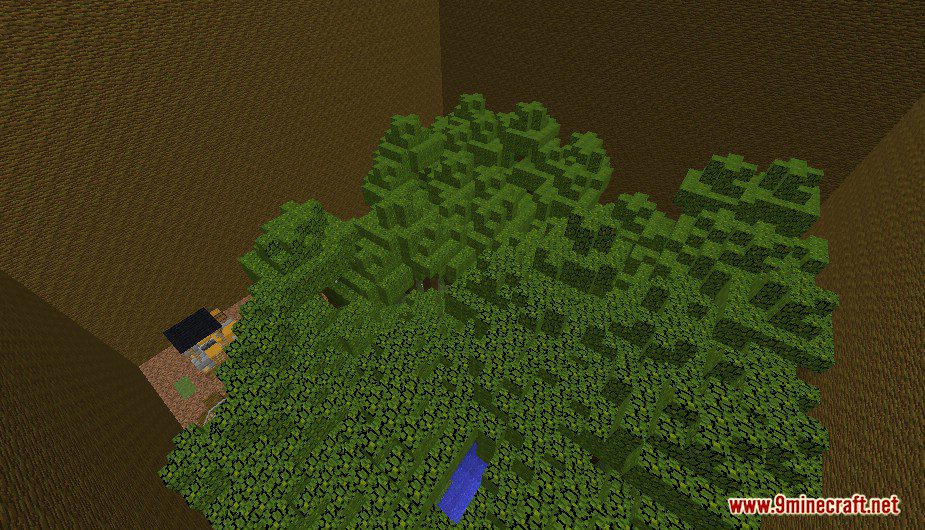
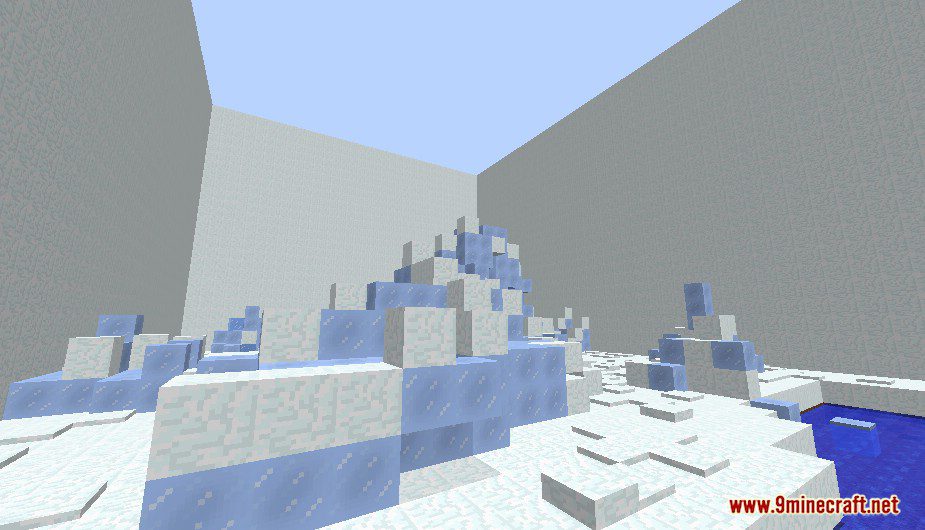
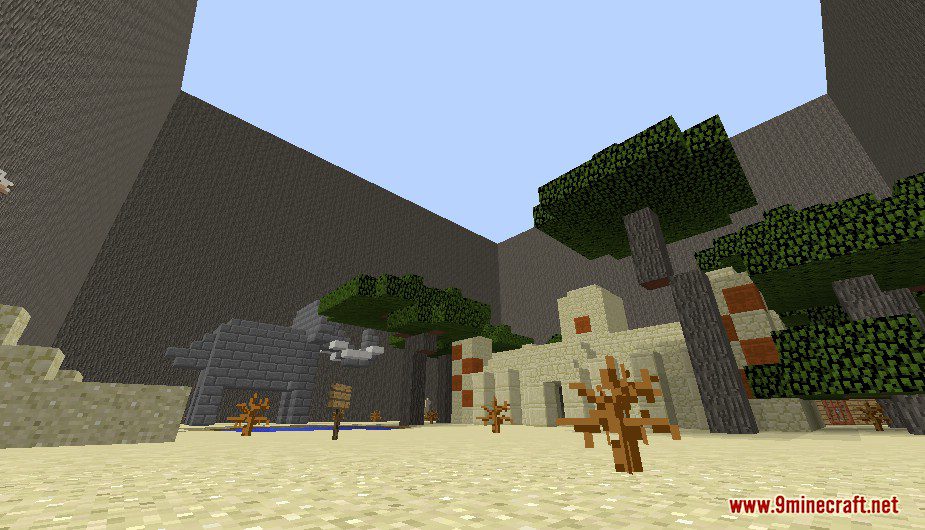
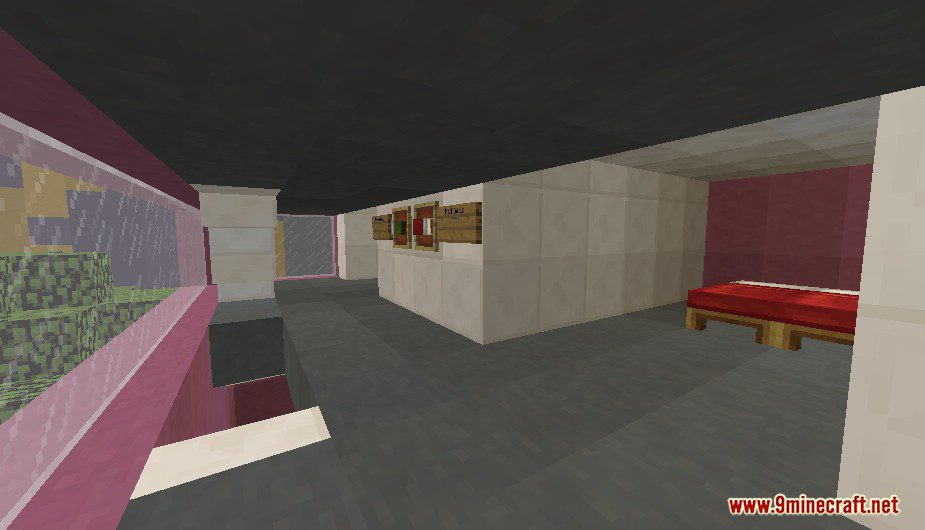
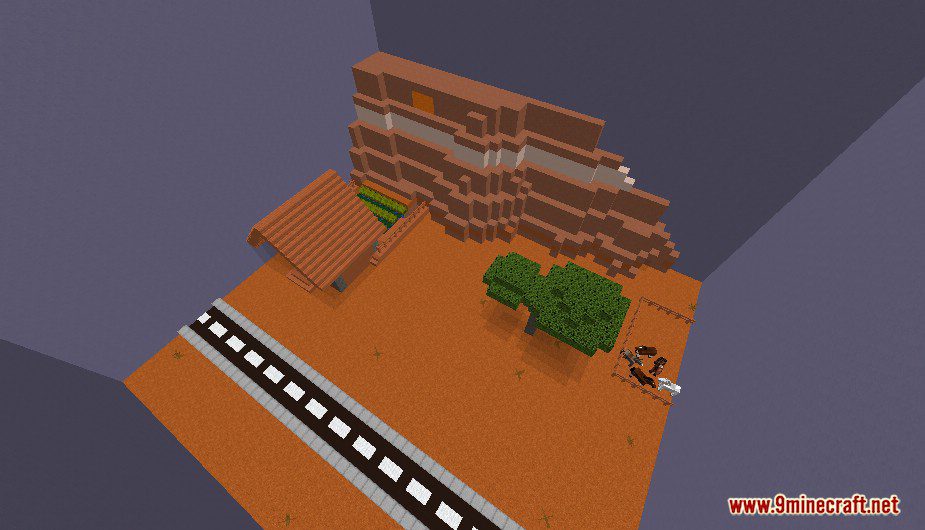
Find The Button: Continents Map for Minecraft is a finding map created by ZAHP. Your goal is to find the button on seven different continents like Europe, Africa, Asian and many more. Each level is mainly based on a continent, from the animation to play style. The button is also made specially to the continent it in and only recognizable in it. This map is available for both single or multiplayer. Download the map from the link below and try to challenge yourself.
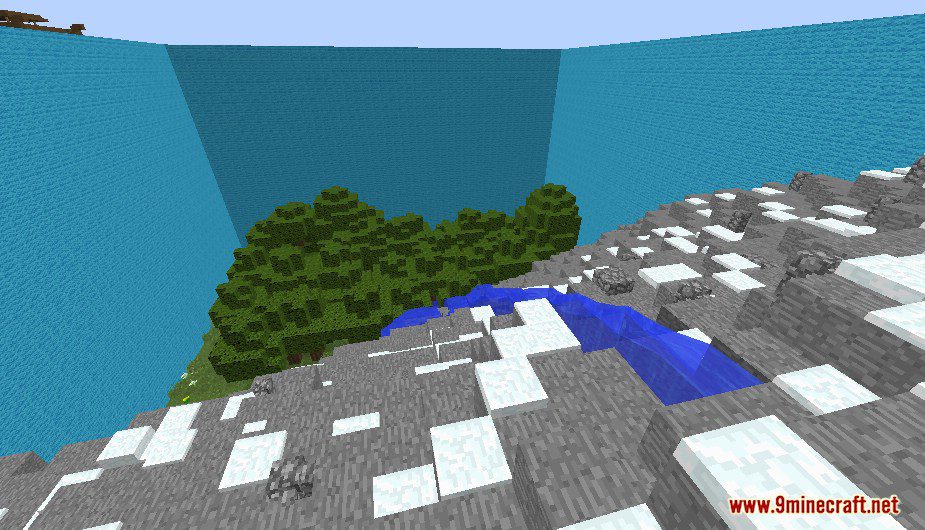
Screenshots:
Notes:
- Please do not play on any other version or it may not work!
- Do not cheat.
- You should set Render Distance to 12 or upper.
Find The Button: Continents Map Download Links
Quick facts
- Edition: Minecraft Java
- File type: .zip (world save)
- Minecraft version listed: 1.20.1
- How to install: Download the .zip world. → Unzip it. → Move the folder into .minecraft/saves.
- Where to get it: In MC Java Mods, or directly above on this page.
Install steps are the general flow for this file type — How to install Minecraft Java maps & worlds walks through it step by step.
Verified by MCModsHub
- Downloads as 180549.mcworld
- Download size: 2.3 MB
- Download link checked 29 Jul 2026 — working
- Mirrored on our own servers — the download does not depend on the original host
These come from our own check of the pack file, not from the source page.