Platform Party Map (26.2, 1.20.1)
Java map listed for Minecraft 1.20. Downloads from the MC Java Mods app on Android.
⬇ Download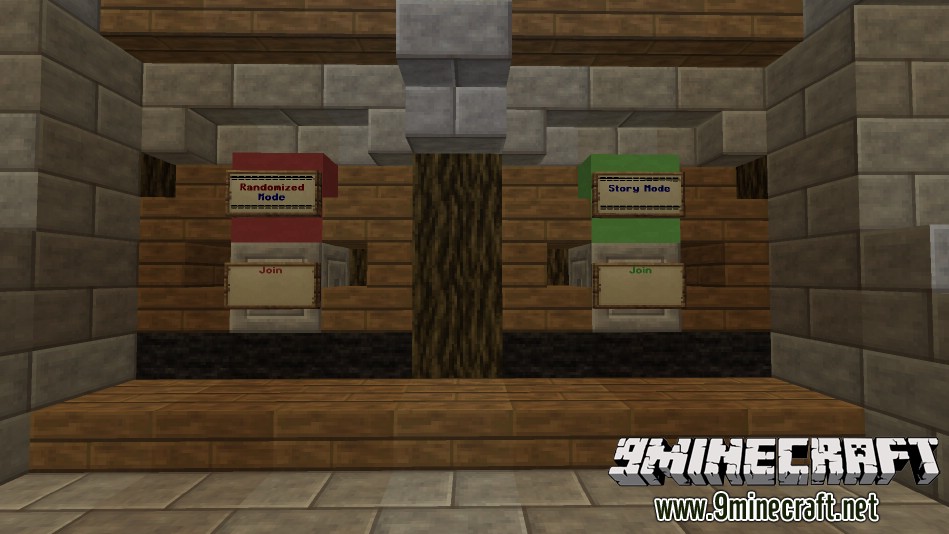
About Platform Party Map
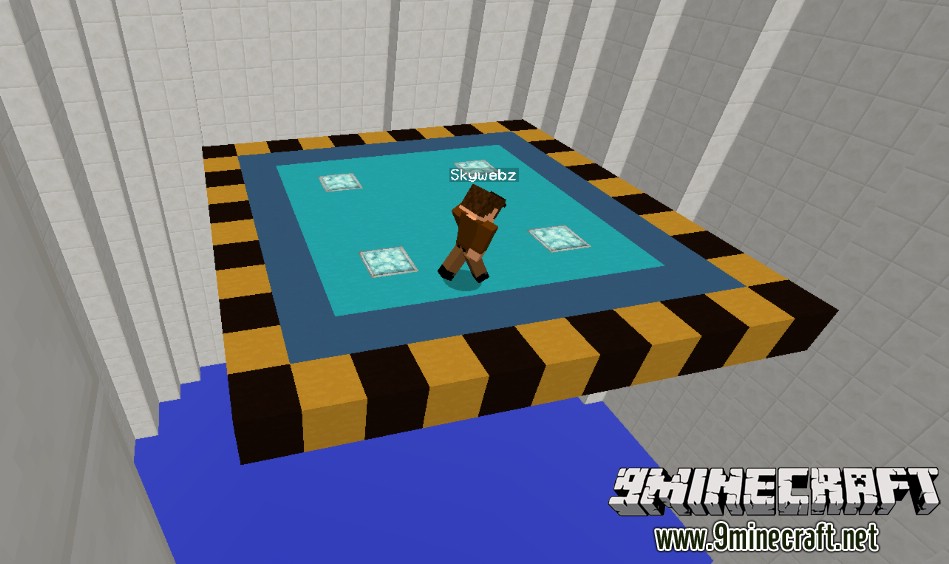
Survive through the randomly picked variety of new, unique mini-games, merged together into one map. All minigames take advantage of 1.8 features, and are very different, and challenging from one-another. The main platform is customizable, along with all of the Chromofied levels! Platform Party Map is designed to be played single player, and will most likely not work as intended with more players.
Features:
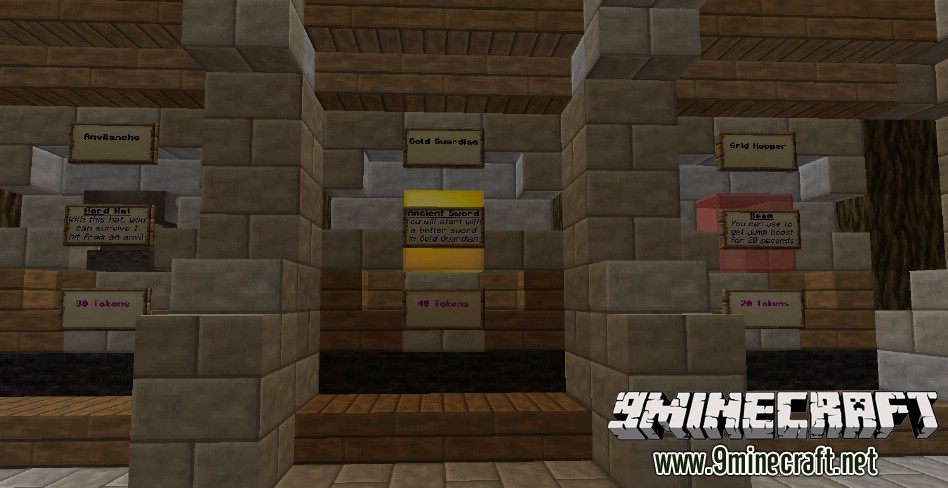
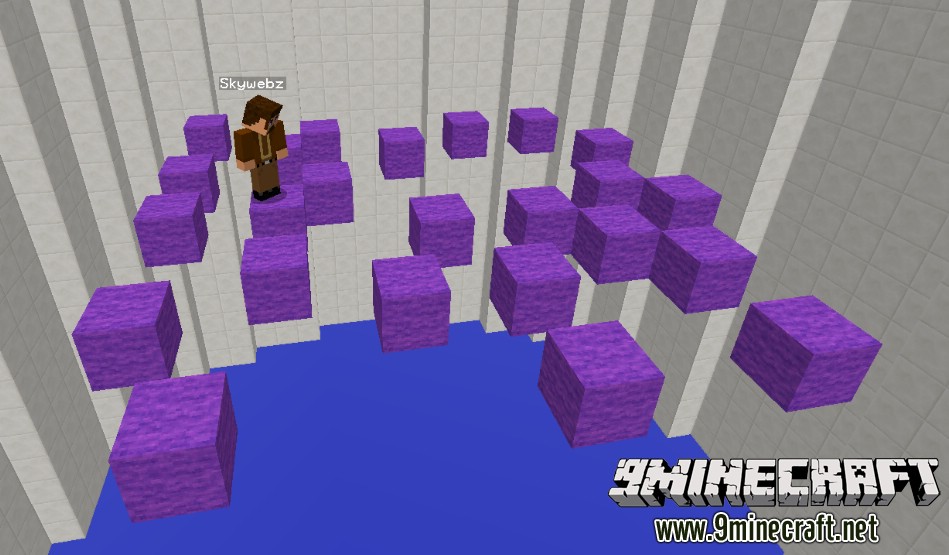
- Anvilanche – A stage where anvils fall above you as the ground breaks below you, while you try to collect emerald blocks
- Gold Guardian – Over time, gates will open, creating more monsters, and they will also level up over time, while you use special items and powerups such as the throw-able dynamite or time freezing items. You must disable all of the gates with levers to win.
- Grid Hopper – Giant laser beams will swipe across the platform. If it is too high to jump over, you must duck under it. If it is low enough, you can jump over it.
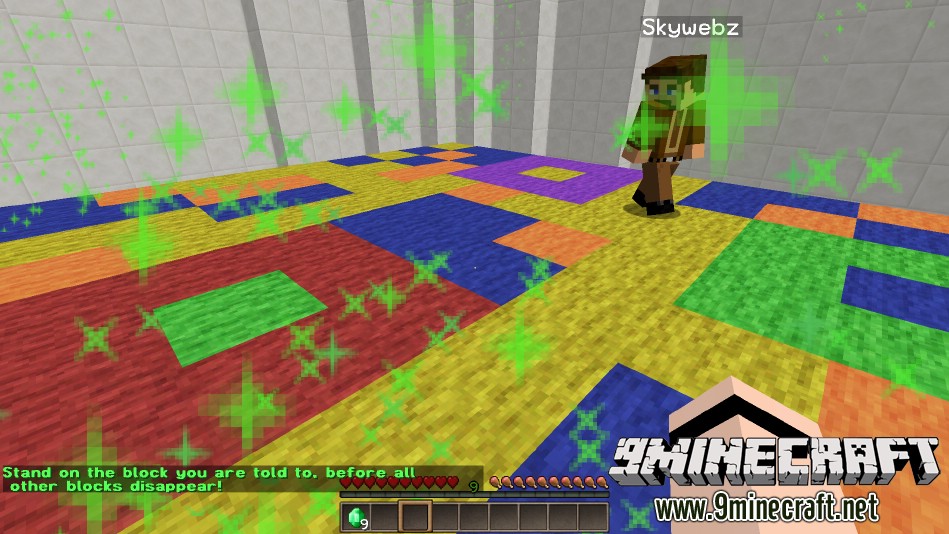
- Chromofied – A random map is chosen, and a random color is chosen. You must stand on the color you are told, before all other colors disappear.
Items/Powerups:
- Warp Star – Teleports you back up to the platform if you fall
- Time Freeze – Freezes all mobs and freezes all mob spawning, allows you to move around or place levers in Gold Guardian
- Throw-able Dynamite – Explodes, and defeats all monsters in a 3 block radius
- Speed Feather – Gives you speed for 1 minute
- Beam Deflector – Gives you jump boost for 20 seconds
- Ancient Sword – Lets you start with a better sword every round in Gold Guardian
- Hard Hat – Lets you survive 1 hit from a falling anvil in Anvilanche
Platform Party Map Screenshots:
Let’s Plays:
Download links for Platform Party Map:
http://www.mediafire.com/file/v0ohcu82srcec1y/Platform_Party.zip
- Edition: Minecraft Java
- File type: .zip (world save)
- Minecraft version listed: 1.20.1
- How to install: Download the .zip world. → Unzip it. → Move the folder into .minecraft/saves.
- Where to get it: In MC Java Mods, or directly above on this page.
Install steps are the general flow for this file type — How to install Minecraft Java maps & worlds walks through it step by step.
- Downloads as 181365.zip
- Download size: 1.2 MB
- Download link checked 2 Aug 2026 — working
- Mirrored on our own servers — the download does not depend on the original host
These come from our own check of the pack file, not from the source page.