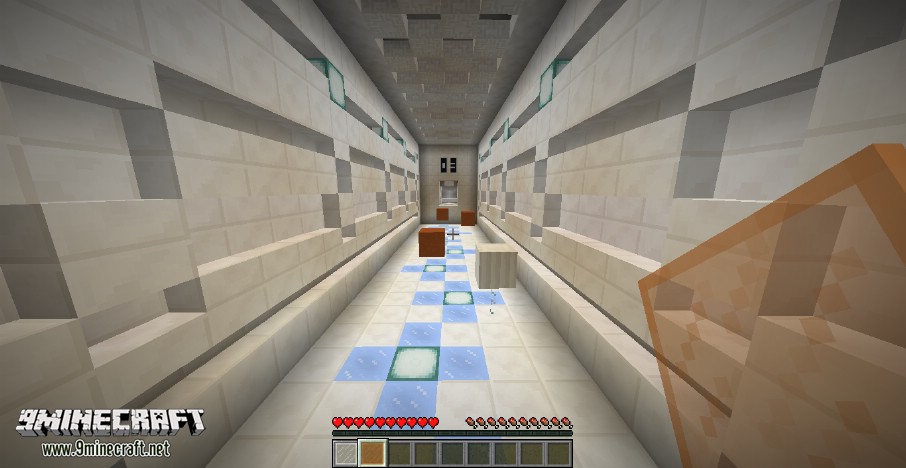
Handheld Parkour Map will have you running and jumping, all while switching glass. Use magic glass mirrors to see a hidden path that leads you to the end of each of 12 stages. Gaze through lenses to find the blocks required to parkour on. Multiple lenses may be required to complete a level.
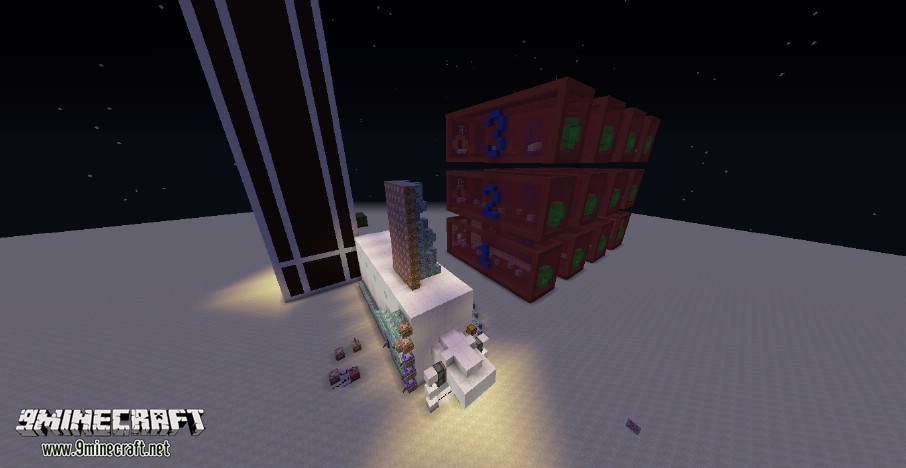
The lobby may be a bit confusing. The tallest thing in the lobby besides the lobby itself is the starting portal. You must parkour up to it and jump in to begin. At first, however, the portal is locked. You can open the portal by reading the instructions and following them.
How to play Handheld Parkour Map:
- 1. Hold a “lense” (stained glass pane) in your main hand to make blocks of that color appear and deselect the lense to make the blocks of that color disappear.
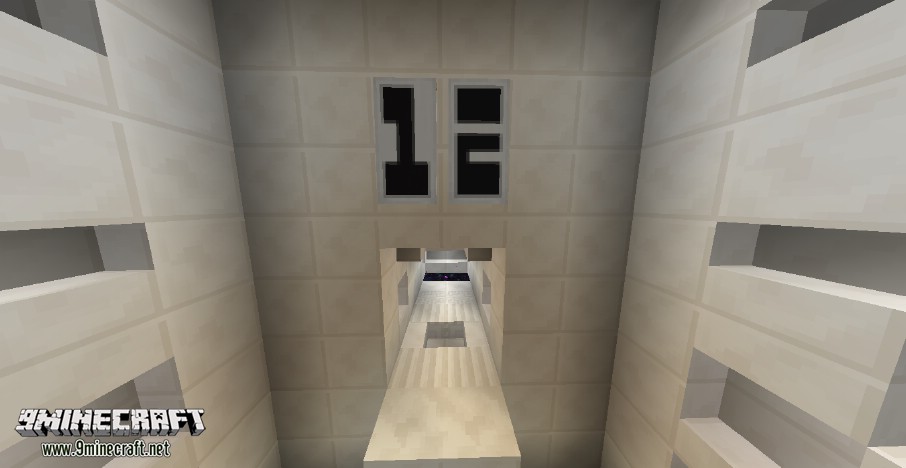
- 2. Get from one side of the level to the other. If you are ever confused about which side is the end, look above the doorways. The doorway at the end of each level has the number of the level above it.
- 3. Jump in the portal at the end of the level to complete it and move on to the next level.
- 4. The doors of a level will open once the level is loaded. Depending on how fast your computer is, this may vary.
Map Screenshots:
Download links for Handheld Parkour Map
- Edition: Minecraft Java
- File type: .zip (world save)
- Minecraft version listed: 1.20.1
- How to install: Download the .zip world. → Unzip it. → Move the folder into .minecraft/saves.
- Where to get it: In MC Java Mods, or directly above on this page.
Install steps are the general flow for this file type — How to install Minecraft Java maps & worlds walks through it step by step.
- Downloads as 181606.mcworld
- Download size: 530 KB
- Download link checked 10 Jul 2026 — working
- Mirrored on our own servers — the download does not depend on the original host
These come from our own check of the pack file, not from the source page.