Elevation Acceleration Map (26.2, 1.20.1)
Java map listed for Minecraft 1.20. Downloads from the MC Java Mods app on Android.
Let's begin with a basic overview of the map, Elevation Acceleration map is composed of 8 chambers which you and your friend must navigate to complete…
⬇ Download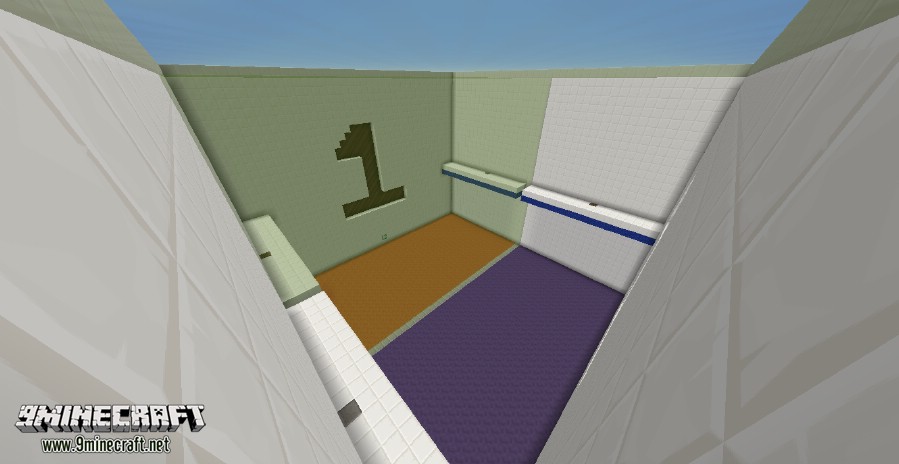
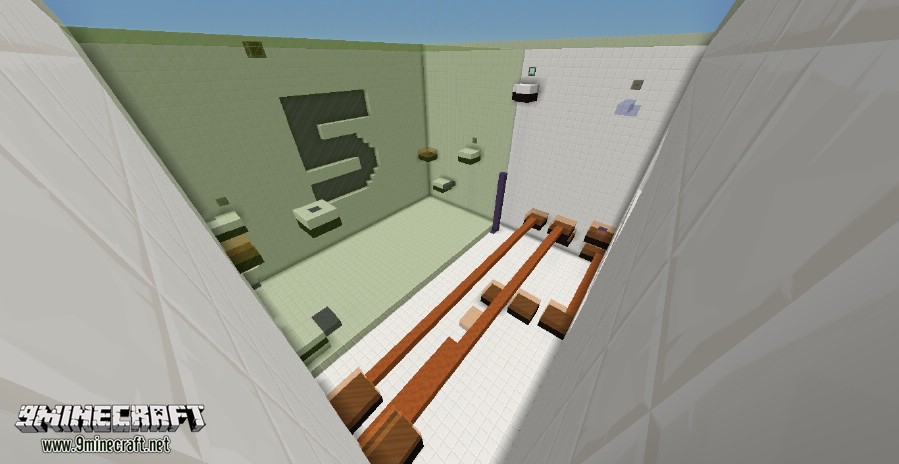
Let’s begin with a basic overview of the map, Elevation Acceleration map is composed of 8 chambers which you and your friend must navigate to complete, these chambers are in no particular order, although the first 2 are very easy to let you get an understanding of the maps features. Each chamber is split in half as you and your partner are separated by a wall of glass, this is where my favourite feature comes into play, you are both given identical magical scrolls which allow you to switch places with each other on the go, using these and your brains I am sure you will complete the map with your wits intact.
The rules of the map are found in the spawn room by pressing a button, it’s hard to miss, also in the spawn room is the option to turn on a timer – see the section of Timer to learn more about that. Inside the rules room you will be first greeted by the many blocks used in the map and their abilities listed.
Elevation Acceleration Map Timer:
If the timer is on when the map begins the timer will count up in the sidebar on the right, the goal here is to finish the map in as little time as you can, there is a target score on a sign next to the timer activation lever. If the timer is off then nothing will happen.
Elevation Acceleration Map Screenshots:
Let’s Plays:
Download link for Elevation Acceleration Map
- Edition: Minecraft Java
- File type: .zip (world save)
- Minecraft version listed: 1.20.1
- How to install: Download the .zip world. → Unzip it. → Move the folder into .minecraft/saves.
- Where to get it: In MC Java Mods, or directly above on this page.
Install steps are the general flow for this file type — How to install Minecraft Java maps & worlds walks through it step by step.
- Downloads as 181824.mcworld
- Download size: 2.1 MB
- Download link checked 27 Jul 2026 — working
- Mirrored on our own servers — the download does not depend on the original host
These come from our own check of the pack file, not from the source page.