About Hangman Map
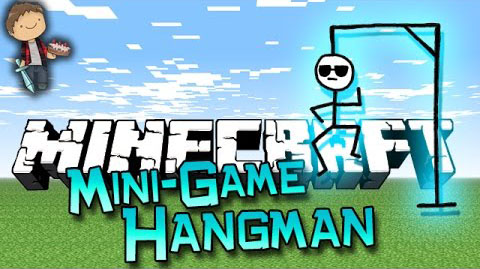
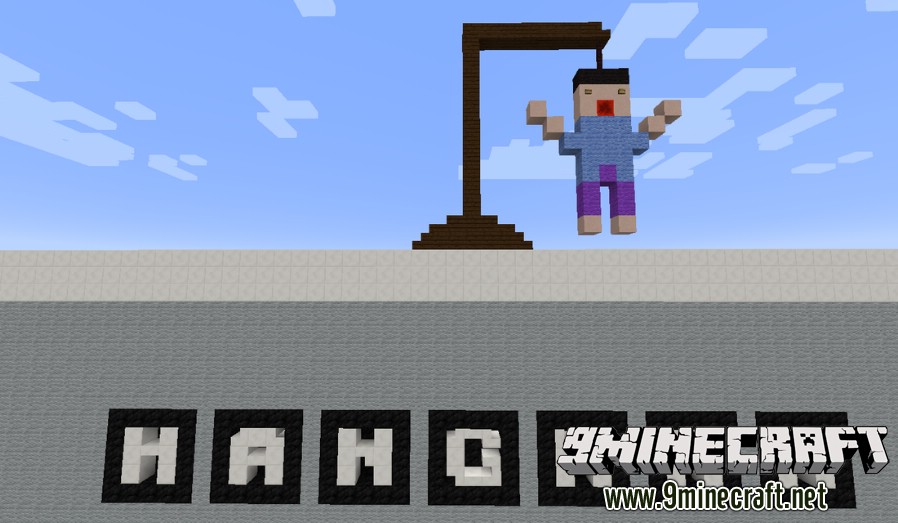
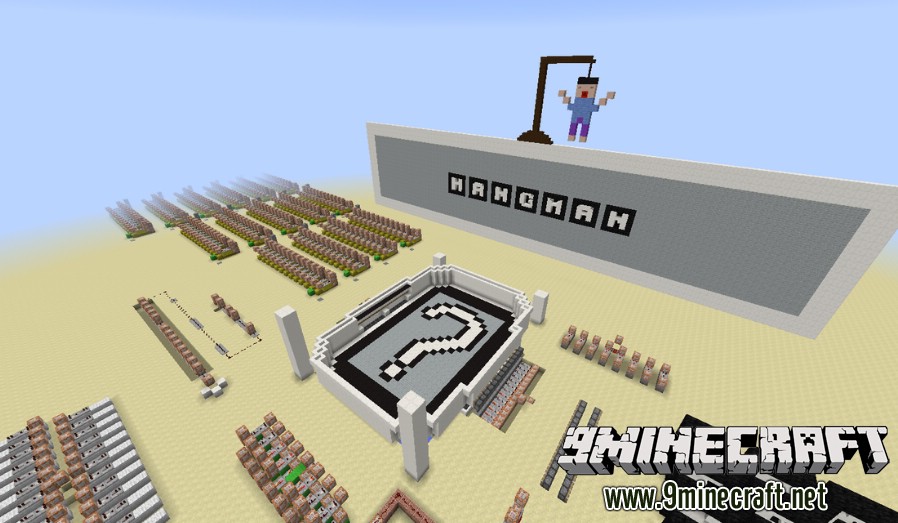
Hangman Map. The classic game of word guessing is now in Minecraft! Featuring a fully-interactable board, sound and visual effects, and even a human hangman post, this game has it all! Try to guess the word your friend made, but be careful! You only have eight wrong guesses!
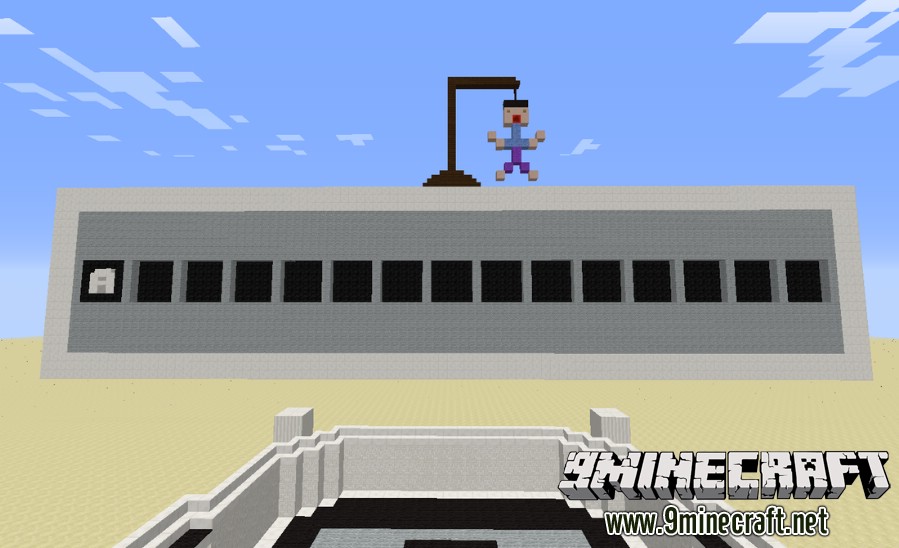
Two players can play this game; one is the word maker and the other is the guesser. The word maker will have to pick a 15 LETTER (including spaces) word to try to stump the guesser; the guesser has to try to guess the whole word without picking 8 wrong letters. The game ends when either the guesser runs out of guesses, or the guesser finishes guessing the word!
Just press the button of the letter you want to set and press “Next Letter” to set another or “Finish Word” if you have set all of the letters (you can make a word phrase like “Chocolate Milk”, simply set the letter where the space would go to Space, which is located next to the Z).
The guesser will get an object to throw into a hopper labled for each letter, and correct matches will show on the board. Incorrect guesses lead to the slow construction of the hangman post! You have to guess an (at most) 15 letter word!
Setting up a Word:
When you set up the word you will be given a book labeled as Letter 1. Click on the letter you wish to set, then reopen the book (it will close the book) and click Next > or < Prev to move on to another letter. When you are done press “Finish” and you will be given another book. Check the bold green letters in the middle with the black letter key up top to make sure your word as put in right. Click Yes on the bottom to finish and No if the word needs to be fixed!
Hangman Map Screenshots:
Map Spotlight:
Download links for Hangman Map
- Edition: Minecraft Java
- File type: .zip (world save)
- Minecraft version listed: 1.20.1
- How to install: Download the .zip world. → Unzip it. → Move the folder into .minecraft/saves.
- Where to get it: In MC Java Mods, or directly above on this page.
Install steps are the general flow for this file type — How to install Minecraft Java maps & worlds walks through it step by step.
- Downloads as 181837.mcworld
- Download size: 1.3 MB
- Download link checked 27 Jul 2026 — working
- Mirrored on our own servers — the download does not depend on the original host
These come from our own check of the pack file, not from the source page.