Color Switch Map (26.2, 1.20.1)
Java map listed for Minecraft 1.20. Downloads from the MC Java Mods app on Android.
⬇ DownloadAbout Color Switch Map
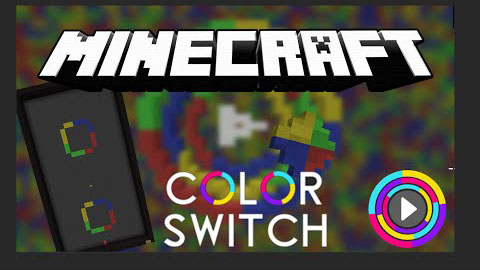
Color Switch Map is a recreation of the mobile game “Color Switch” in Minecraft. This is a game where you must navigate a colored ball through a colorful 2D platformer. The ball may only touch the colors the ball is, if it touches a color that is not it’s own color, you will fail.
You are controlling a ball which has gravity. You need to right-click in order to make the ball go upwards. Your goal is to reach the end, without failing!
Each level contains color changers, and when the ball makes contact with them, it changes color! If the ball is red, and it touches a green block, you fail! You need to move the ball and play the game according to what color the ball is.
Let’s Plays Color Switch Map:
Download links for Color Switch Map
- Edition: Minecraft Java
- File type: .zip (world save)
- Minecraft version listed: 1.20.1
- How to install: Download the .zip world. → Unzip it. → Move the folder into .minecraft/saves.
- Where to get it: In MC Java Mods, or directly above on this page.
Install steps are the general flow for this file type — How to install Minecraft Java maps & worlds walks through it step by step.
- Downloads as 181977.mcworld
- Download size: 1.3 MB
- Download link checked 25 Jul 2026 — working
- Mirrored on our own servers — the download does not depend on the original host
These come from our own check of the pack file, not from the source page.