Gravity Switcher Map (26.2, 1.20.1)
Java map listed for Minecraft 1.20. Downloads from the MC Java Mods app on Android.
⬇ Download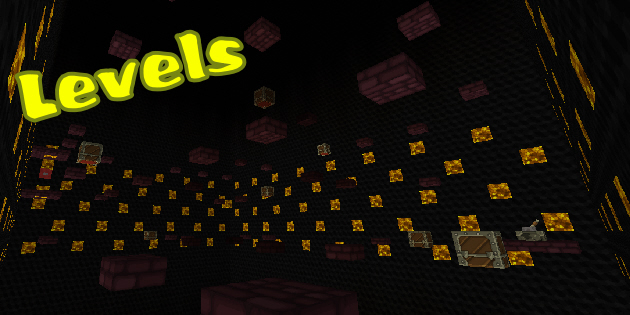
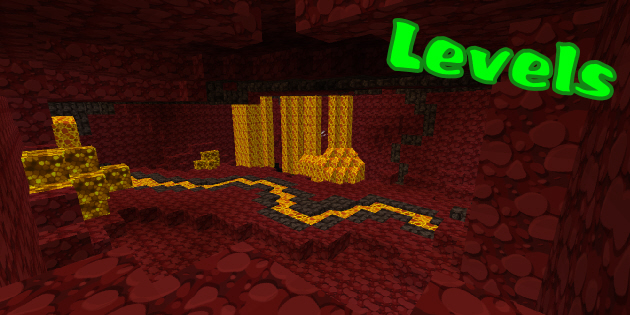
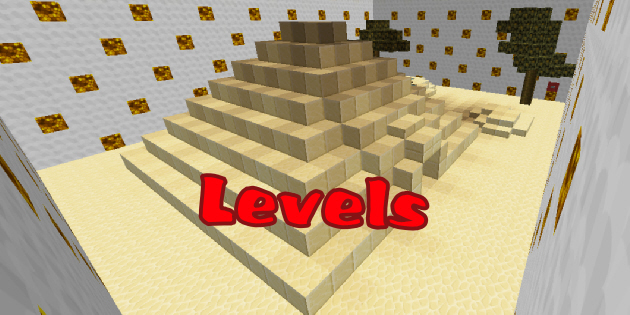
About Gravity Switcher Map
Gravity Switcher Map is the Gravity Rush version of Minecraft. It’s a Puzzle map where everything including droplets, sand blocks, liquids and foliage are screwed up by the gravity.
Gravity Switcher map is a stage level map where you have to beat and solved the puzzle in order to move on to the next stage. In every stage levels there is a melon, Yes a Melon. You must make it to the melon in each level and flip the switch on top of it. Just like the heroin of Gravity Rush, you the hero/heroin of Gravity Switcher have the ability to reverse the direction of gravity, which will be useful in beating the stage levels.
For each levels there are bonus chests scattered . Those chest contains emeralds and other treasure that might help you in your puzzling journey. There are 10 emeralds in total to obtain, some can be found in chests and others will be obtained by using the various bonus materials that you find in chests.
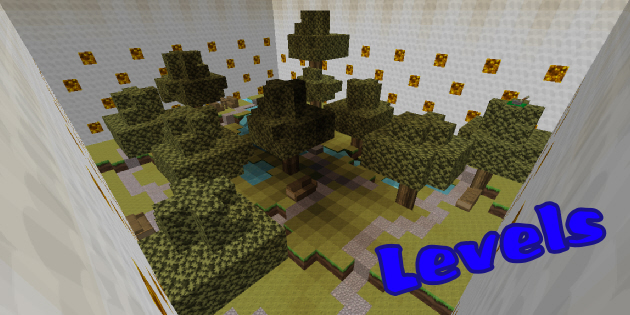
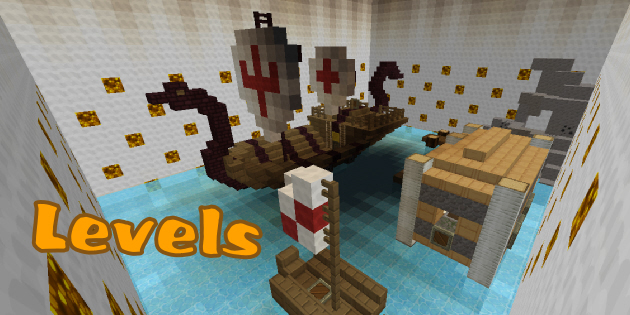
Gravity Switcher Map Screenshots:
Map Rules and Tips:
- Play on Peaceful
- Try and complete the level without cheating or using mods (if you can’t then consult the walkthrough guide below)
- Do not place or break blocks, other than mining ores (which must be broken with a pickaxe), breaking ice and placing levers (place them on gold blocks)
- You are allowed to craft tools using the items you find in chests (use the crafting benches provided, do not make buckets)
- Please don’t spam the gravity orbs, it could slow your game down a lot!
- If you want to quit the level you are on press the red button next to where you begin
- When playing in multiplayer, bear in mind that gravity is a universal force…
- Have fun
Download links for Gravity Switcher Map
Download from Server 1 – Download from Server 2 – Download from Server 3
- Edition: Minecraft Java
- File type: .zip (world save)
- Minecraft version listed: 1.20.1
- How to install: Download the .zip world. → Unzip it. → Move the folder into .minecraft/saves.
- Where to get it: In MC Java Mods, or directly above on this page.
Install steps are the general flow for this file type — How to install Minecraft Java maps & worlds walks through it step by step.
- Downloads as 182180.zip
- Download size: 4.2 MB
- Download link checked 1 Aug 2026 — working
- Mirrored on our own servers — the download does not depend on the original host
These come from our own check of the pack file, not from the source page.