About Aquatica Survival Map
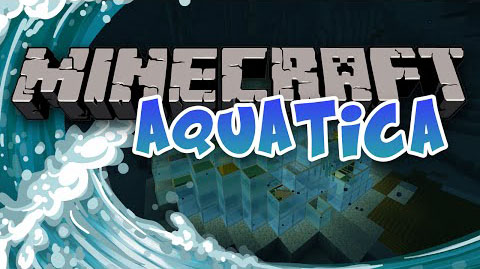
In Aquatica Survival Map, you spawn in a glass dome underwater. You can explore, build, and mine whatever, wherever, and however you want. There are also optional challenges to complete as well.
Features:
- Naturally generated terrain: No matter how far away you explore, there will always be stuff to explore, ores to mine, and terrain to be generated! Generateed structures as well, like Ocean monuments, dungeons, and mineshafts! Uses normal Minecraft Customized terrain.
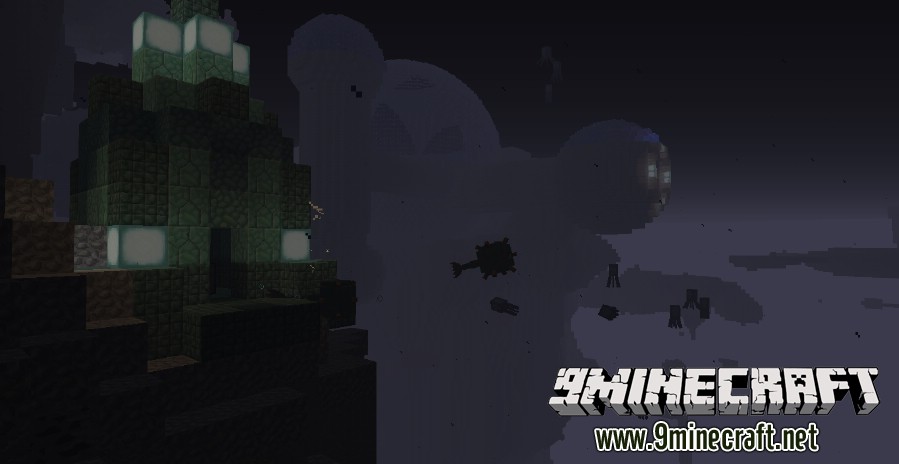
- Structures: From small guides to large sunken ships, and guardian settlements to additional domes! Lots of stuff to explore! Lots of loot to take!
- Multiplayer Friendly!
- Command Block Enhanced Survival: Lots of stuff here! Entities like players and mobs can get effected by the weather, Ice Pillars can grow, Wearing golden boots can make you sink faster in water, and the Enderdragon can spit fire!
Aquatica Survival Map Challenges:
- Build a furnace.
- Expand the Dome.
- Make a wheat farm.
- Make bread.
- Make a melon farm.
- Make a pumpkin farm.
- Make a reed/sugarcane farm.
- Make a cactus farm.
- Build a mob spawner. Bonus: One that gives experience points.
- Cook fish.
- Find all the Domes in the overworld.
- Make a red mushroom farm.
- Make a brown mushroom farm.
- Make giant red and brown mushrooms.
- Build a bed.
- Make various dyes.
- Make mushroom stew.
- Build a bookcase.
- Get an Ender-pearl.
- Craft a Jack O’lantern.
- Craft Snow Golems.
- Craft a Painting.
- Make a Nether portal.
- Find the Dome in the Nether.
- Kill a Blaze.
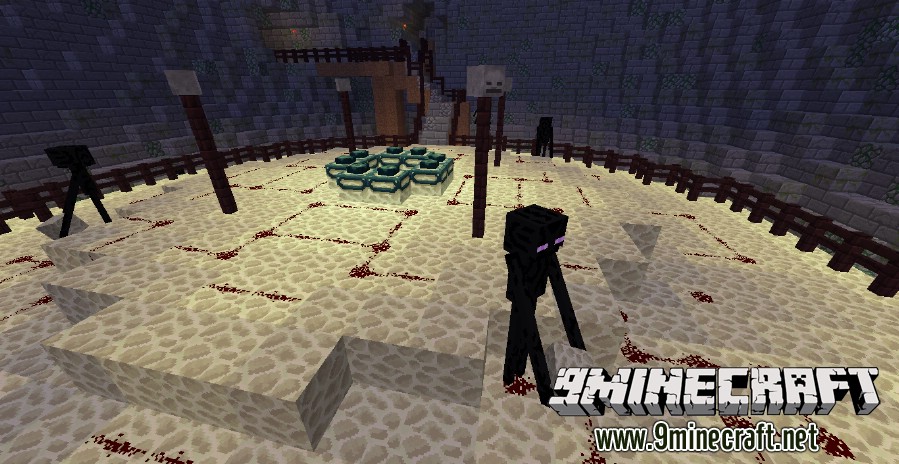
- Go to the End.
- Kill the Ender Dragon.
- Kill a Wither.
- Kill the bossed in all the sunken ships (3 of them).
- Kill the boss in the Water Village.
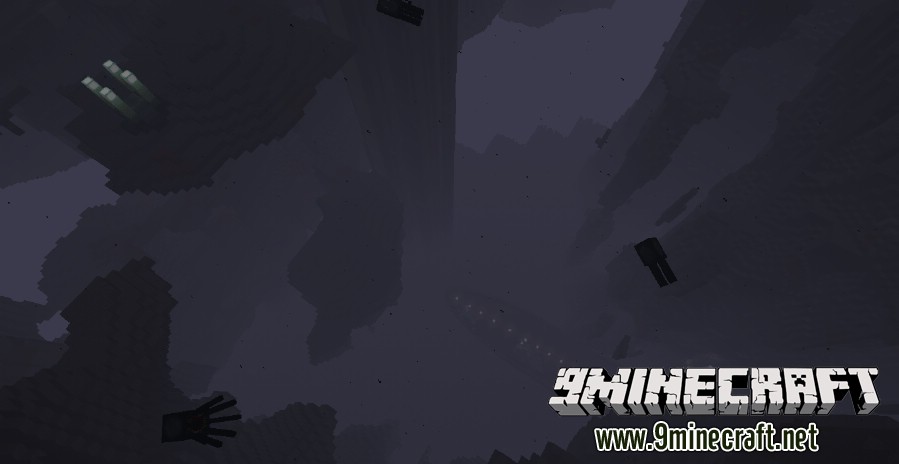
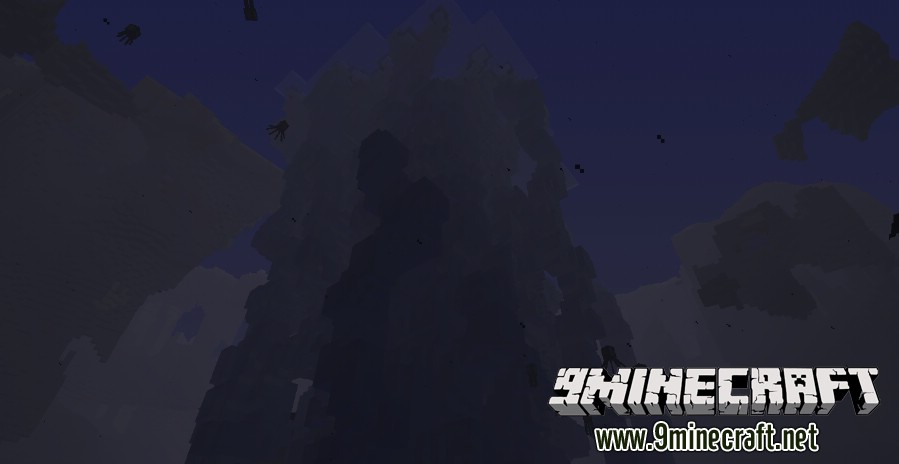
Screenshots:
Download links for Aquatica Survival Map
Normal: Download from Server 1 – Download from Server 2
Hardcore: Download from Server 1 – Download from Server 2
Quick facts
- Edition: Minecraft Java
- File type: .zip (world save)
- Minecraft version listed: 1.20.1
- How to install: Download the .zip world. → Unzip it. → Move the folder into .minecraft/saves.
- Where to get it: In MC Java Mods, or directly above on this page.
Install steps are the general flow for this file type — How to install Minecraft Java maps & worlds walks through it step by step.
Verified by MCModsHub
- Downloads as 182420.zip
- Download size: 45.8 MB
- Download link checked 5 Aug 2026 — working
- Mirrored on our own servers — the download does not depend on the original host
These come from our own check of the pack file, not from the source page.