ResourcepacksJava
Intermacgod Realistic Pirate Resource Pack – Texture Pack
Minecraft Java resource pack. Download on the author's site.
⬇ Download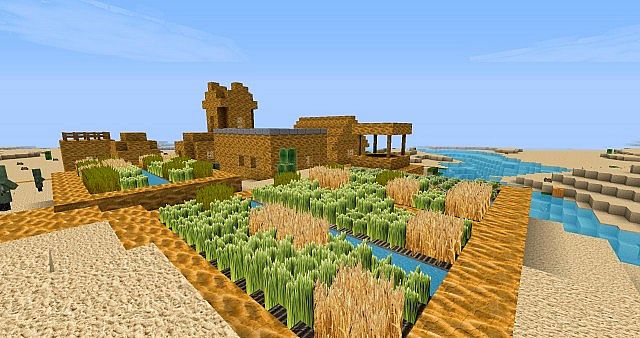
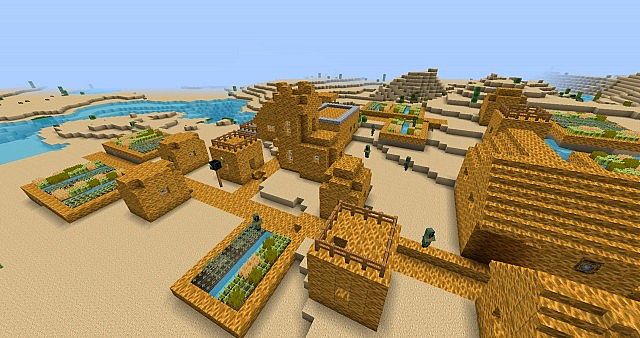
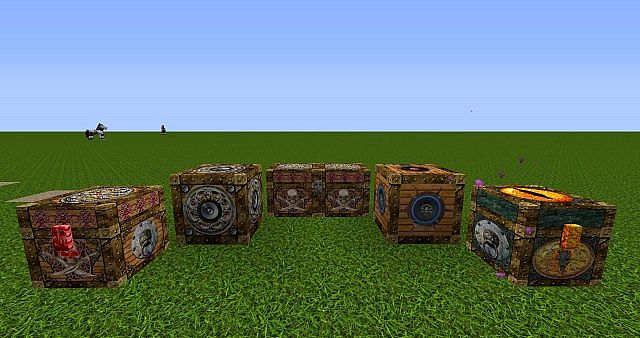
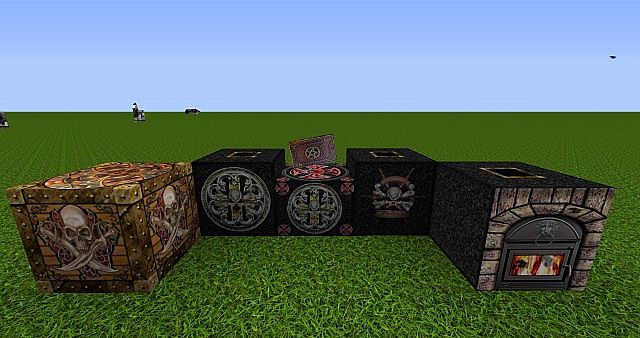
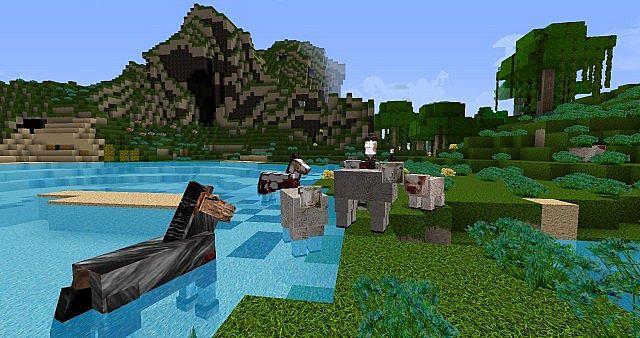
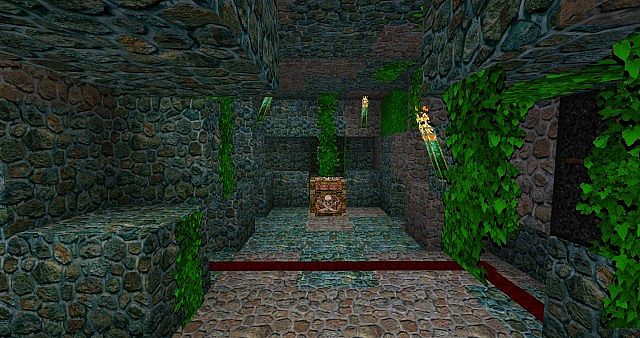
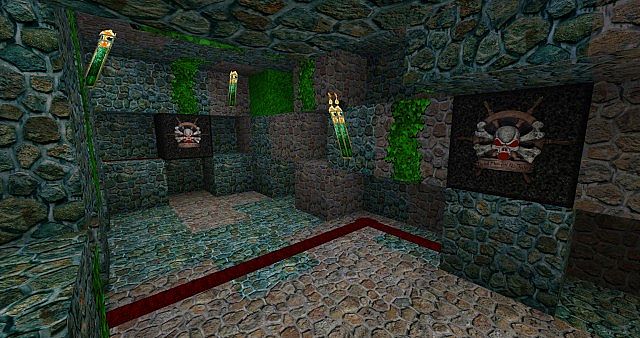
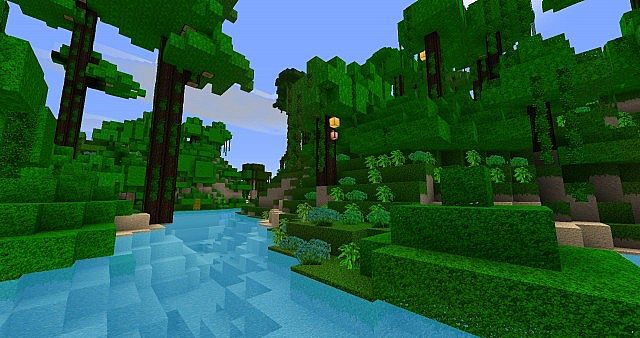
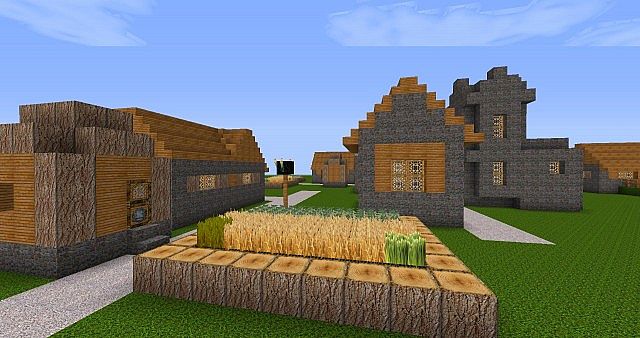
Intermacgod Realistic Pirate Resource Pack for Minecraft Frostburn update version that added new blocks and some new sounds.
Intermacgod Realistic Pirate Resource Pack Preview
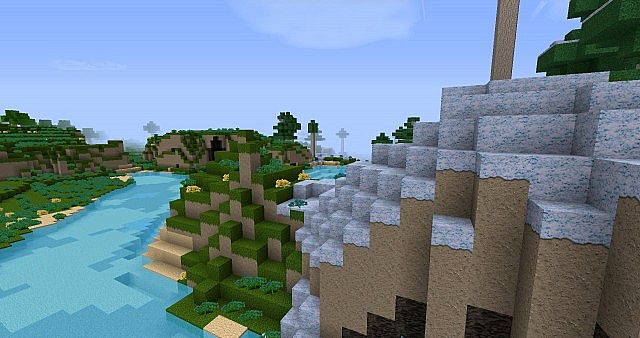
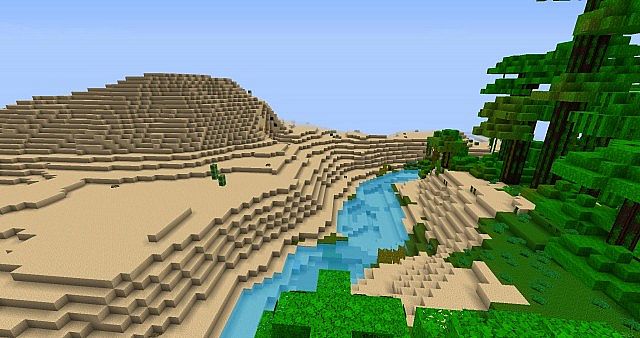
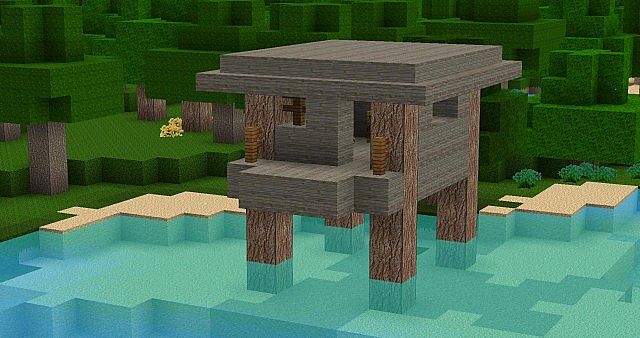
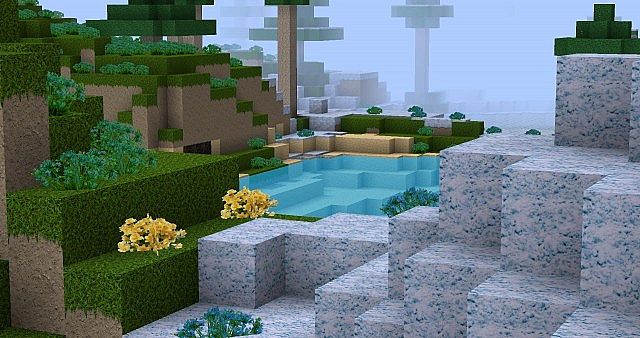
Installation Intermacgod Realistic Pirate Resource Pack
with OptiFine (FULL FEATURES & LOOKS)
- 1. Use the official launcher to download and start Minecraft.
- 2. Login and Click “play”, when menu screen appears exit game.
- 3. Place Inter Realistic Pirate pack Zip file into c:/users/username/appdata/roaming/.mincraft/Resourcepacks folder.
- 4. Start Magic Launcher
- 5. Click “Setup”
- 6. Select Environment “1.6.2”
- 7. Click “Advance Tab” and setup more memory (example 512 x 8 = 4096) 4 gig of ram
- 8. Click “Add” -> select the OptiFine ZIP file from where ever you placed the file, then Click “open”
- 9. Click “OK”,
- 10. Login and setup Optifine setting under “optionsVideo settings” to your liking (Note: must use “MipMap Level” to get full features of my pack)
- 11. Click “OptionResource Packs” and choose Inter Realistic Pirate pack Zip (Please Note: You must have a powerful computer and it can take up to 1 minute for this pack to load.)
- 12. Click “Done” and you are ready to play.
Download links for Intermacgod Realistic Pirate Resource Pack:
Quick facts
- Edition: Minecraft Java
- File type: .zip (resource pack)
- How to install: Download the .zip resource pack — do not unzip it. → Put it in .minecraft/resourcepacks. → Enable it in Options → Resource Packs.
- Where to get it: Opens on the file's original source — not every file is mirrored on our own servers.
Install steps are the general flow for this file type — How to install Minecraft Java resource packs walks through it step by step.
Intermacgod Realistic Pirate Resource Pack – Texture Pack is a free Minecraft Java resourcepack. Download it and open it directly in the game.