ResourcepacksJava
Intermacgod Realistic 3D Resource Pack
Minecraft Java resource pack. Download on the author's site.
⬇ Download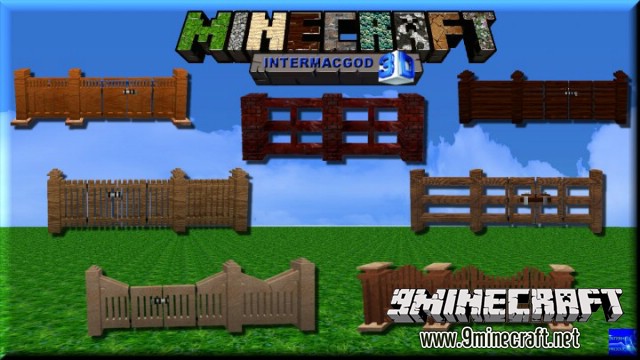
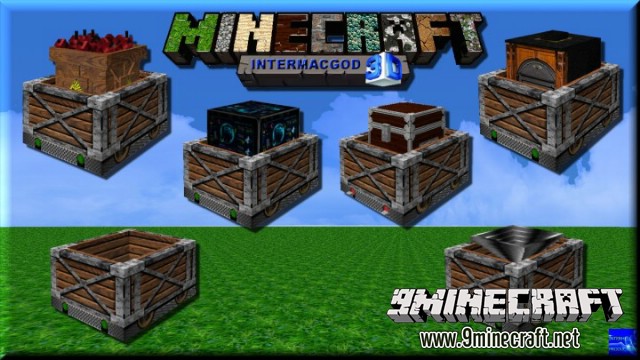
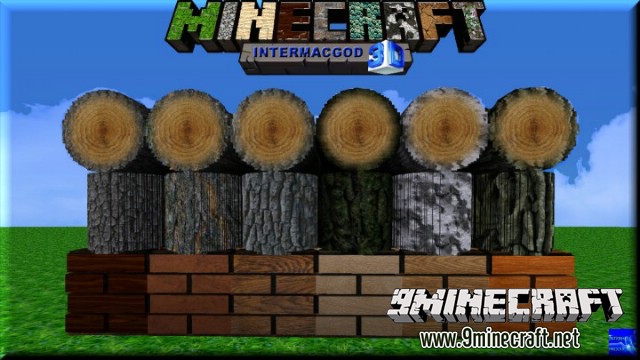
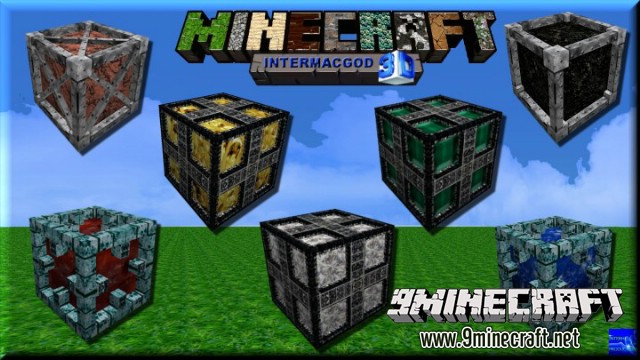
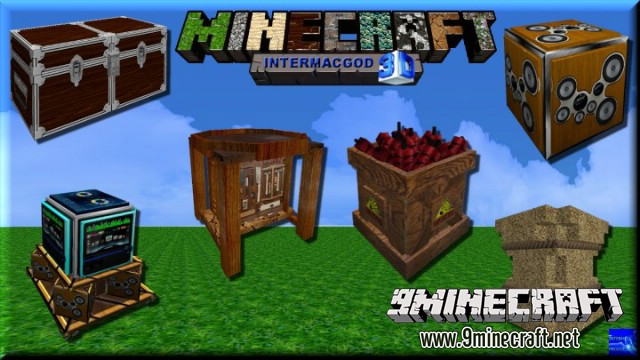
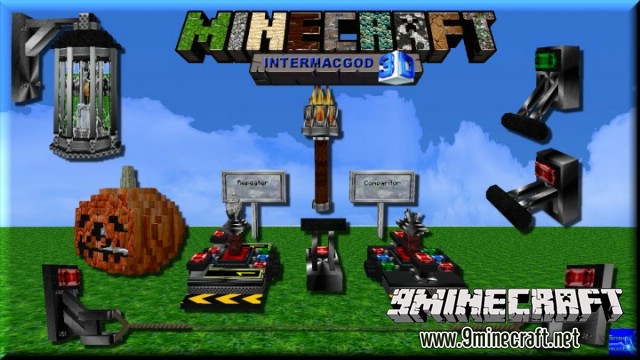
About Intermacgod Realistic 3D Resource Pack
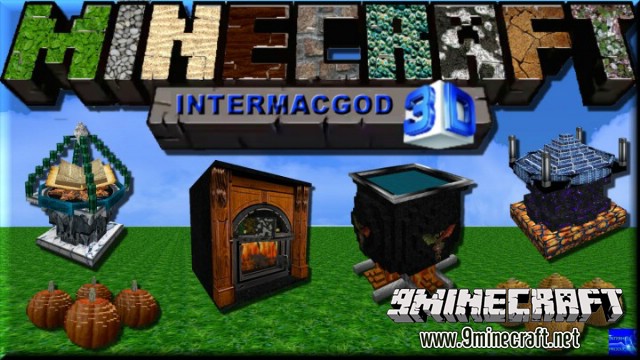
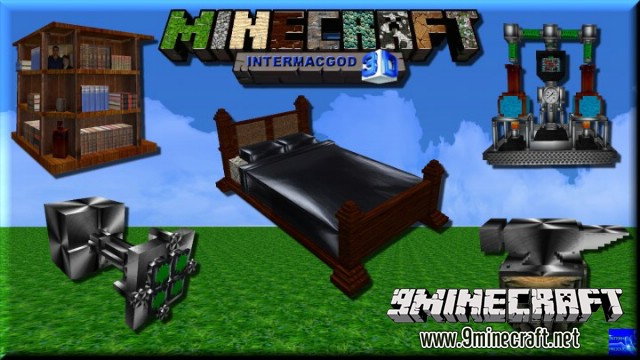
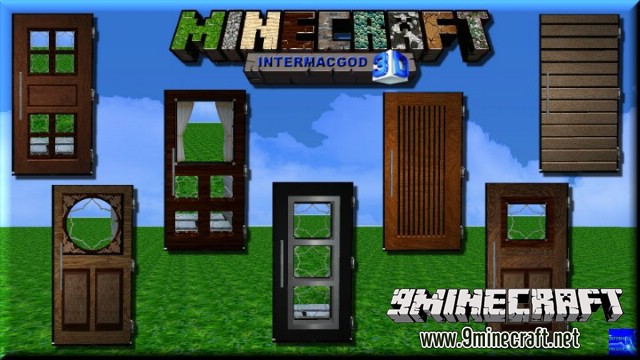
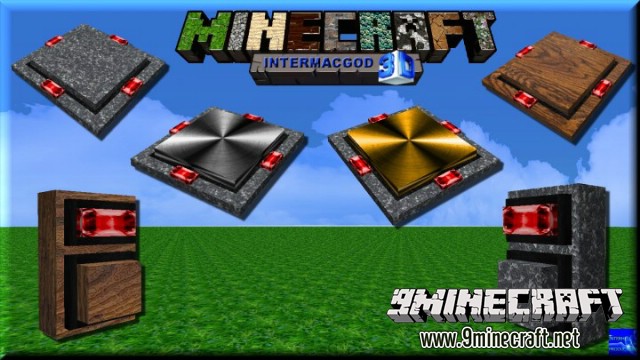
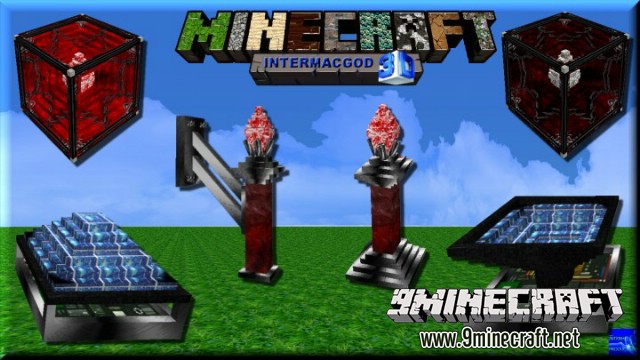
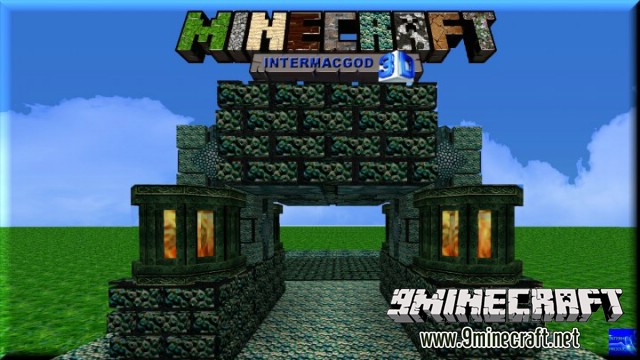
Intermacgod Realistic 3D Resource Pack for Minecraft Frostburn update version that added new blocks and some new sounds.
Intermacgod Realistic 3D Resource Pack Images
See more images here
Show More
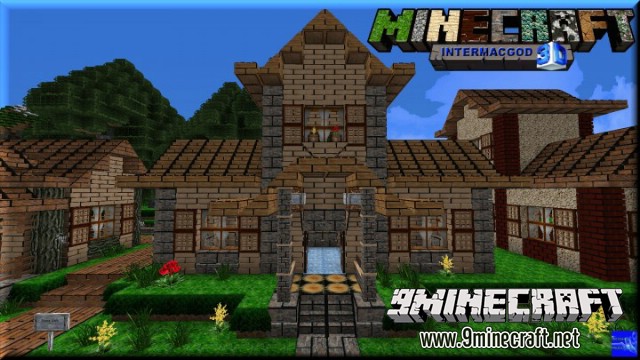
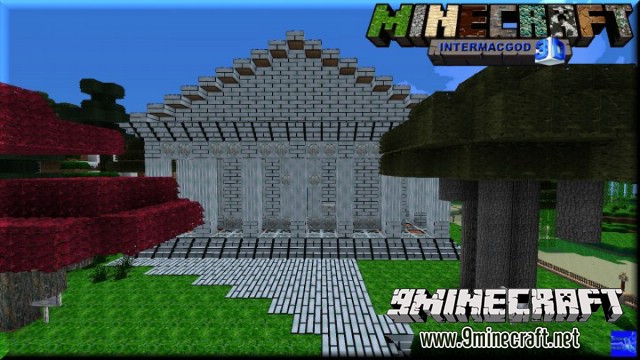
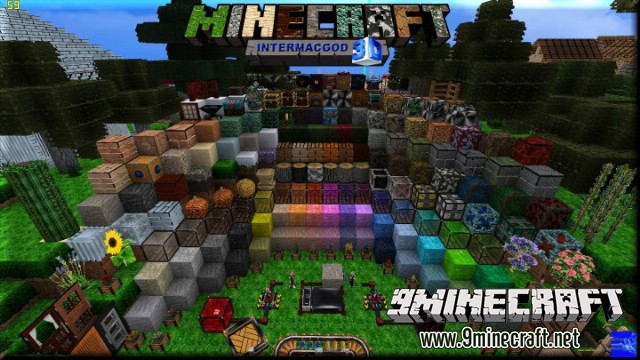
Installation for Minecraft 1.8 with OptiFine & Official Launcher (FULL FEATURES & LOOKS)
- 1. Download Optifine and Install.
- Note: This installer will install Optifine in the Official Launcher and will create a new profile “Optifine” for it.
- 2. Open Official launcher and change your (Profile) to “Optifine”
- 3. Click “Edit Profile”
- 4. Tick Box “JVM Arguments”
- 5. Change “JVM Arguments” (-Xmx1G) to your memory size (RAM) EXAMPLE: (-Xmx2G) OR (-Xmx4G) OR (-Xmx8G) OR (-Xmx16G) and “Save Profile”
- (PLEASE NOTE: 64BIT WINDOWS ONLY for 512 and 256 Versions )
- 6. Login and Click “play”
- 7. Click “Options, Resource Packs”
- 8. Click “open resource pack folder”
- 9. Place my Inter_Realistic_3D_ Resource_Pack.Zip into ResourcePack Folder.
- 10. Choose Inter_Realistic_3D_Resource_ Pack.Zip
- (Please Note: You must have a Super powerful computer and it can take up to 1 minute for the 512x pack to load.)
- 11. Click “Done” and play.
- 256×256 Version is recommended for Most Users.
Texture Packs Loading Times
- 512 x 512 about 1 Minute with Optifine
- 256 x 256 between 30 seconds with Optifine
- 128 x 128 about 20 seconds with Optifine
- 64 x 64 about 5 seconds with Optifine
Download links for Intermacgod Realistic 3D Resource Pack:
512x http://www.mediafire.com/file/j2242fyv9u3b4na/Inter-Realistic-512x-1.7.zip/file
Quick facts
- Edition: Minecraft Java
- File type: .zip (resource pack)
- How to install: Download the .zip resource pack — do not unzip it. → Put it in .minecraft/resourcepacks. → Enable it in Options → Resource Packs.
- Where to get it: Opens on the file's original source — not every file is mirrored on our own servers.
Install steps are the general flow for this file type — How to install Minecraft Java resource packs walks through it step by step.
Intermacgod Realistic 3D Resource Pack is a free Minecraft Java resourcepack. Download it and open it directly in the game.