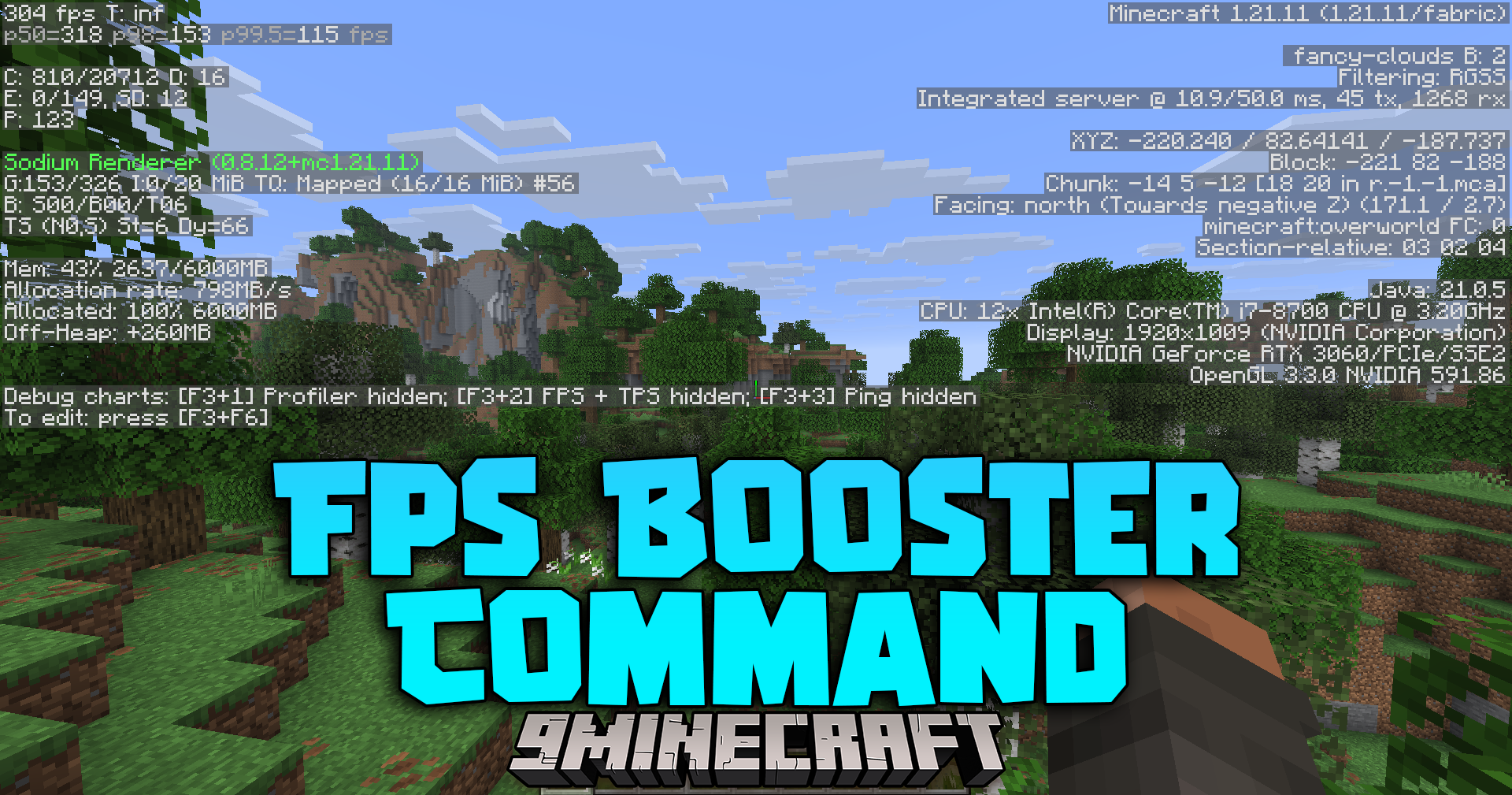
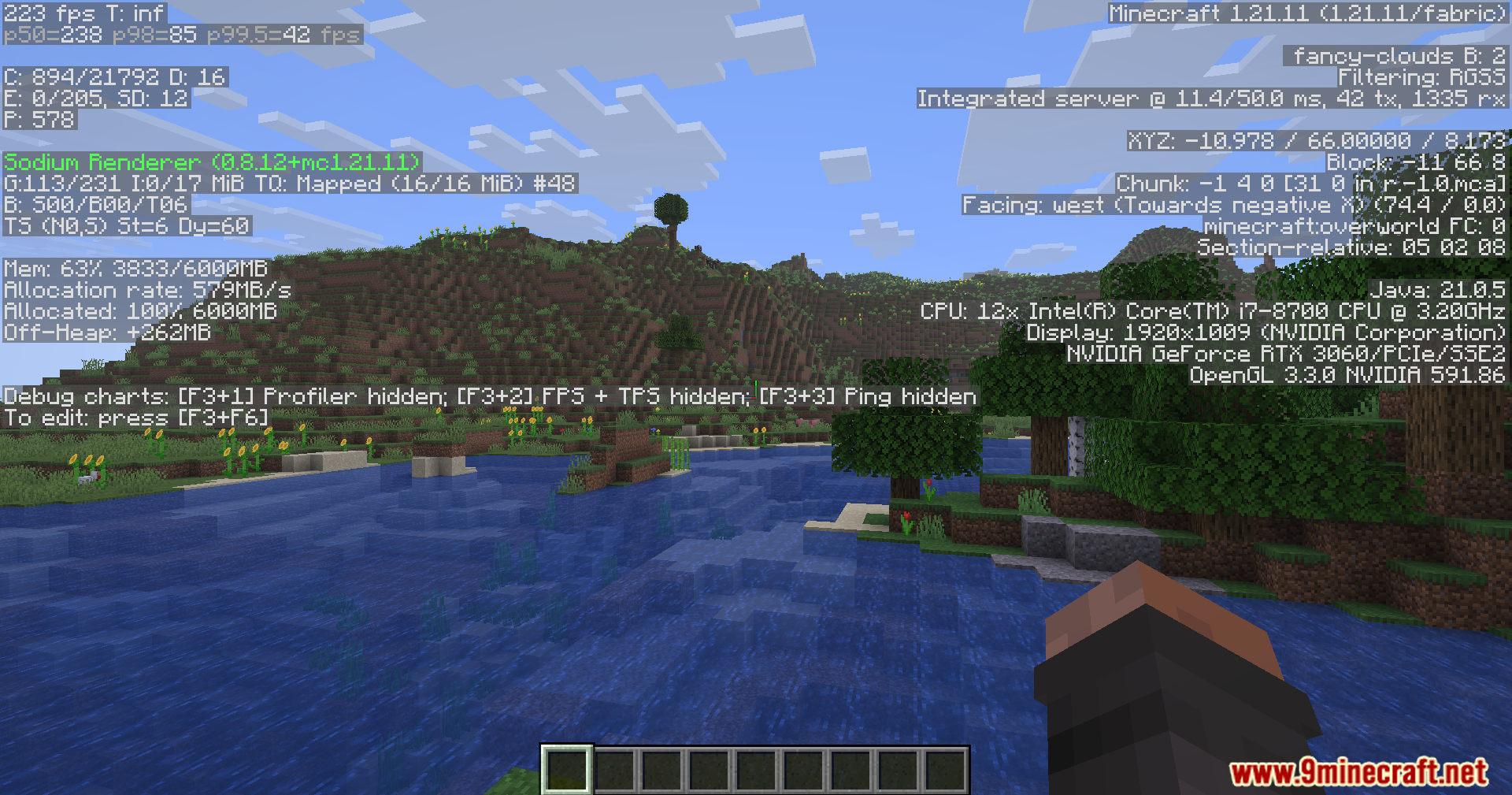
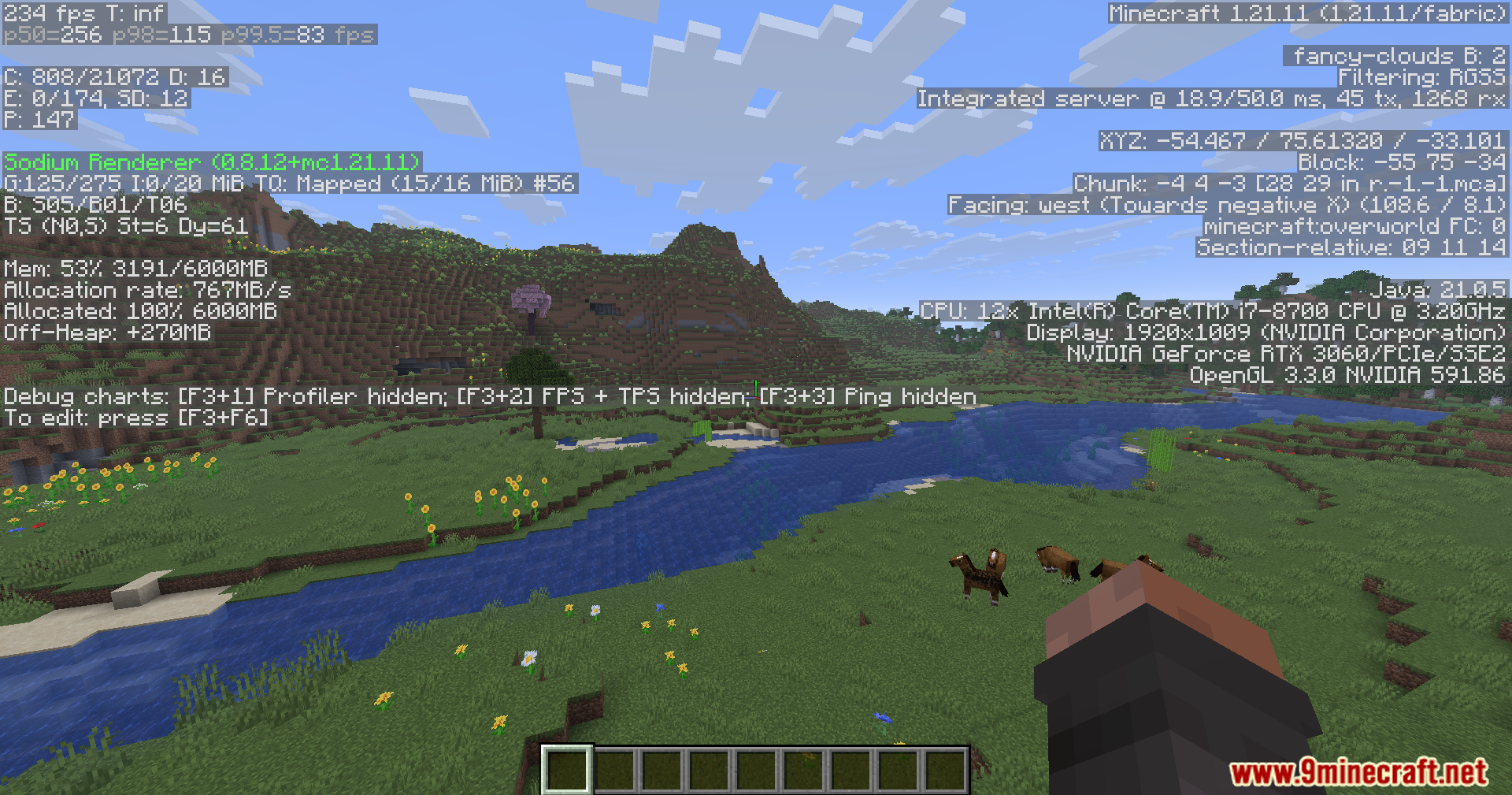
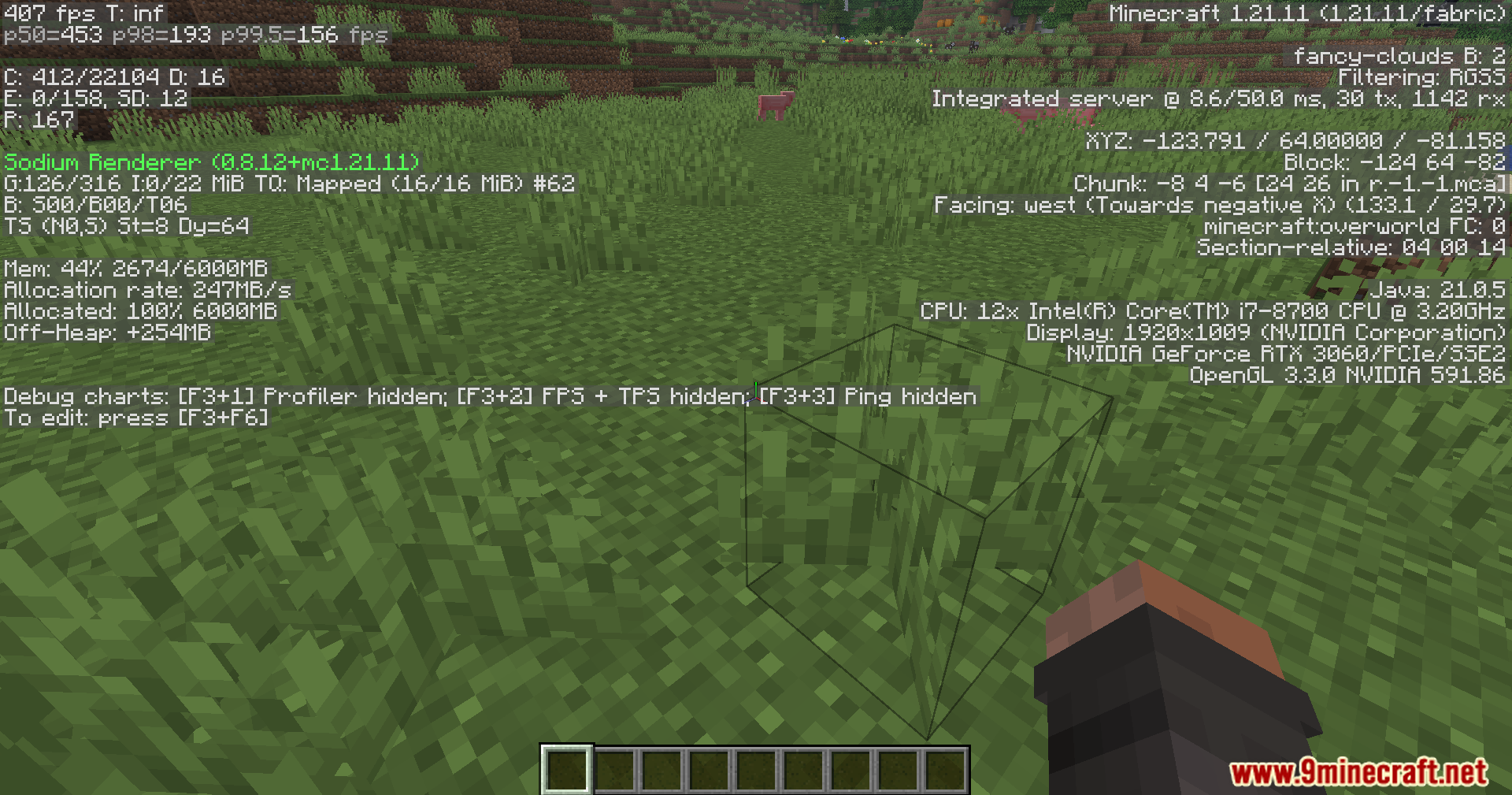
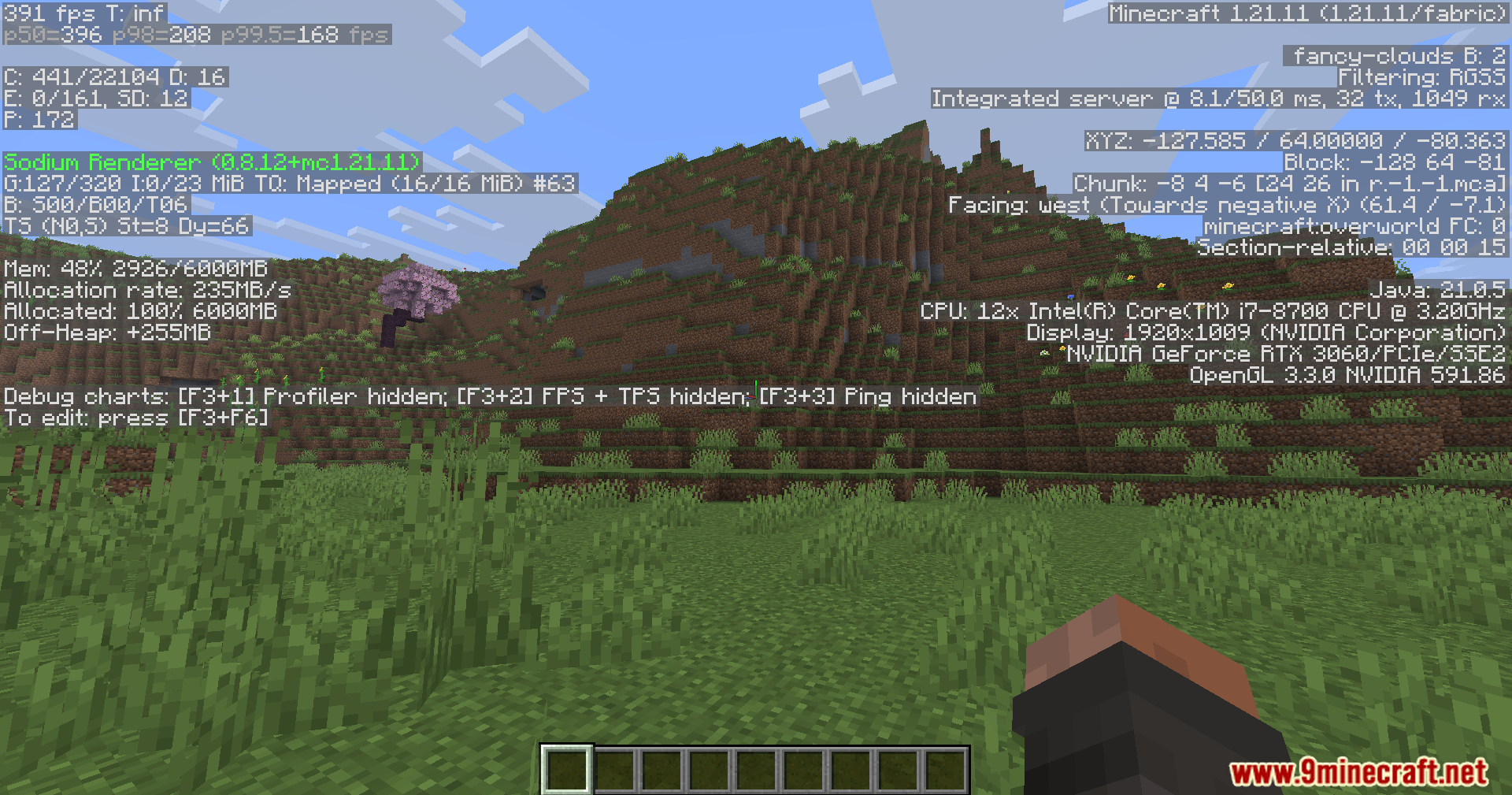
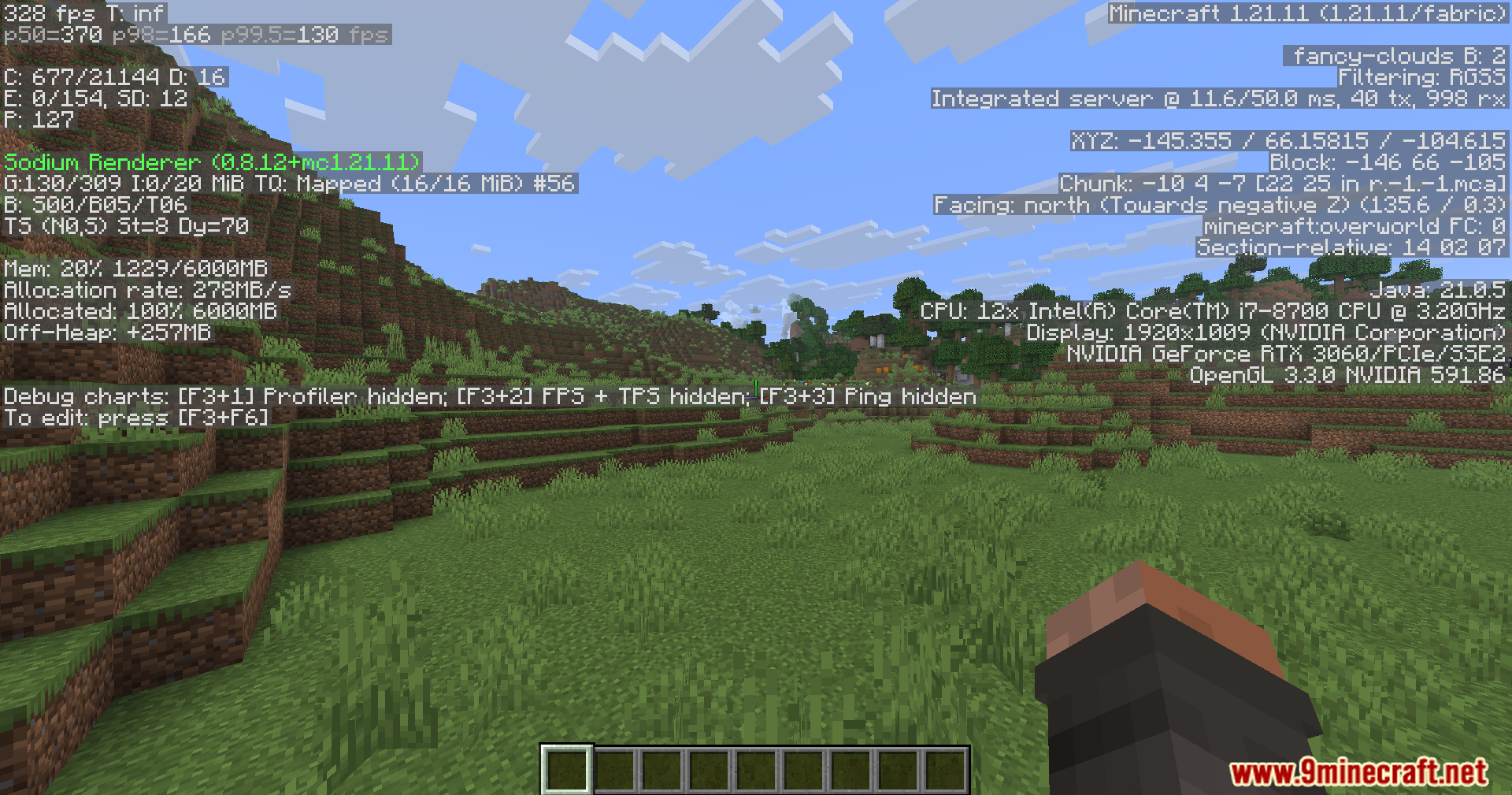
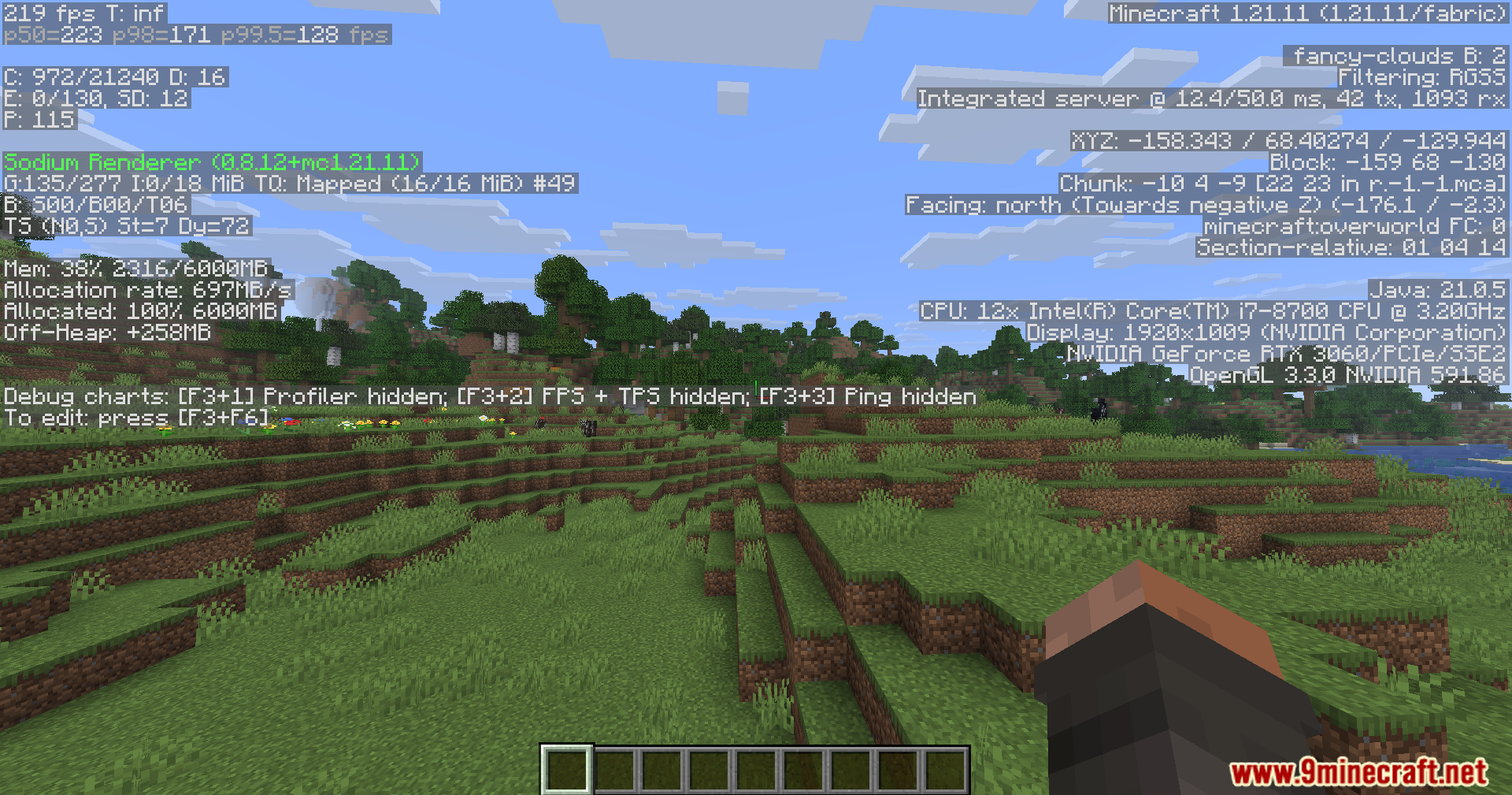
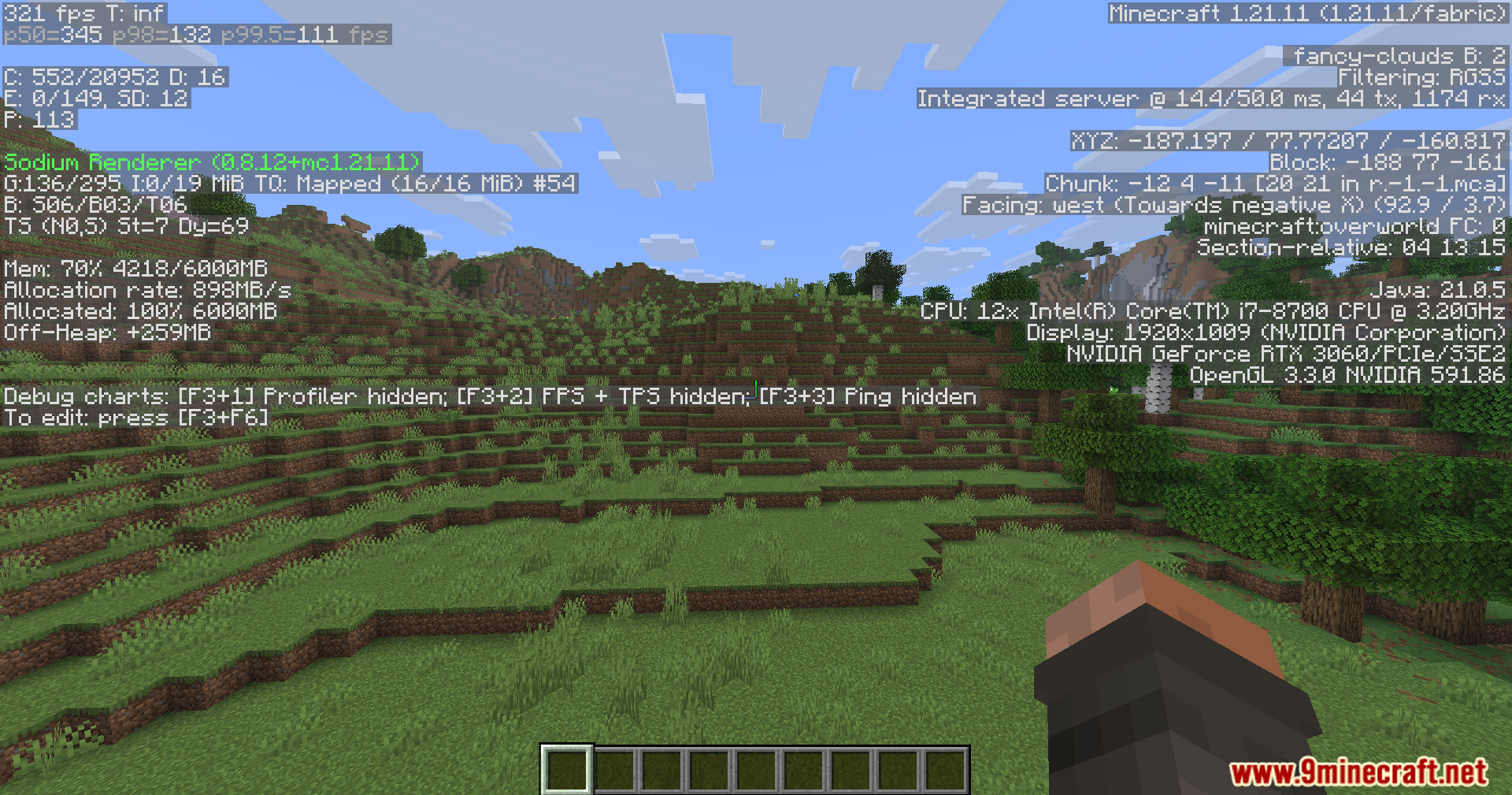
Fps Booster Command Mod gives you a funny way to see huge frame rates in your game. It unloads almost everything on your screen to make your frames per second go up. Since the game stops drawing the world around you, your screen goes black. This mod acts as a joke for entertainment and does not actually help you play the game better.
Features:
- Unloads all blocks, items, and mobs from your view.
- Turns your screen completely black to save computer power.
- Pushes your frames per second to massive numbers.
- Acts as a funny joke to trick your friends about getting better computer performance.
Commands:
- Type
/fps maxin the chat to activate the black screen mode.
How to Use:
- Open your chat window while playing.
- Type /fps max and hit enter.
- Watch your screen go black as your frame counter shoots up.
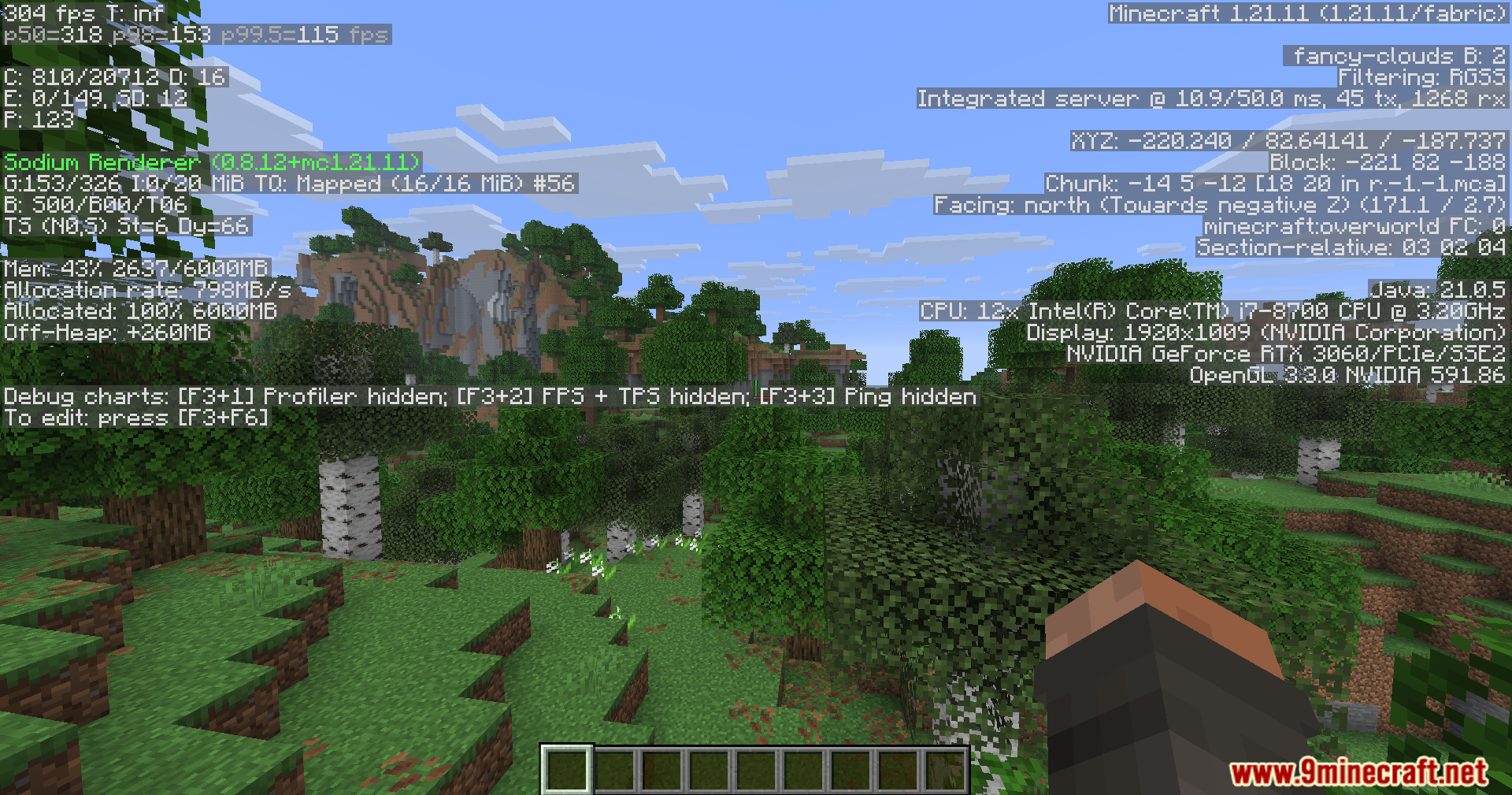
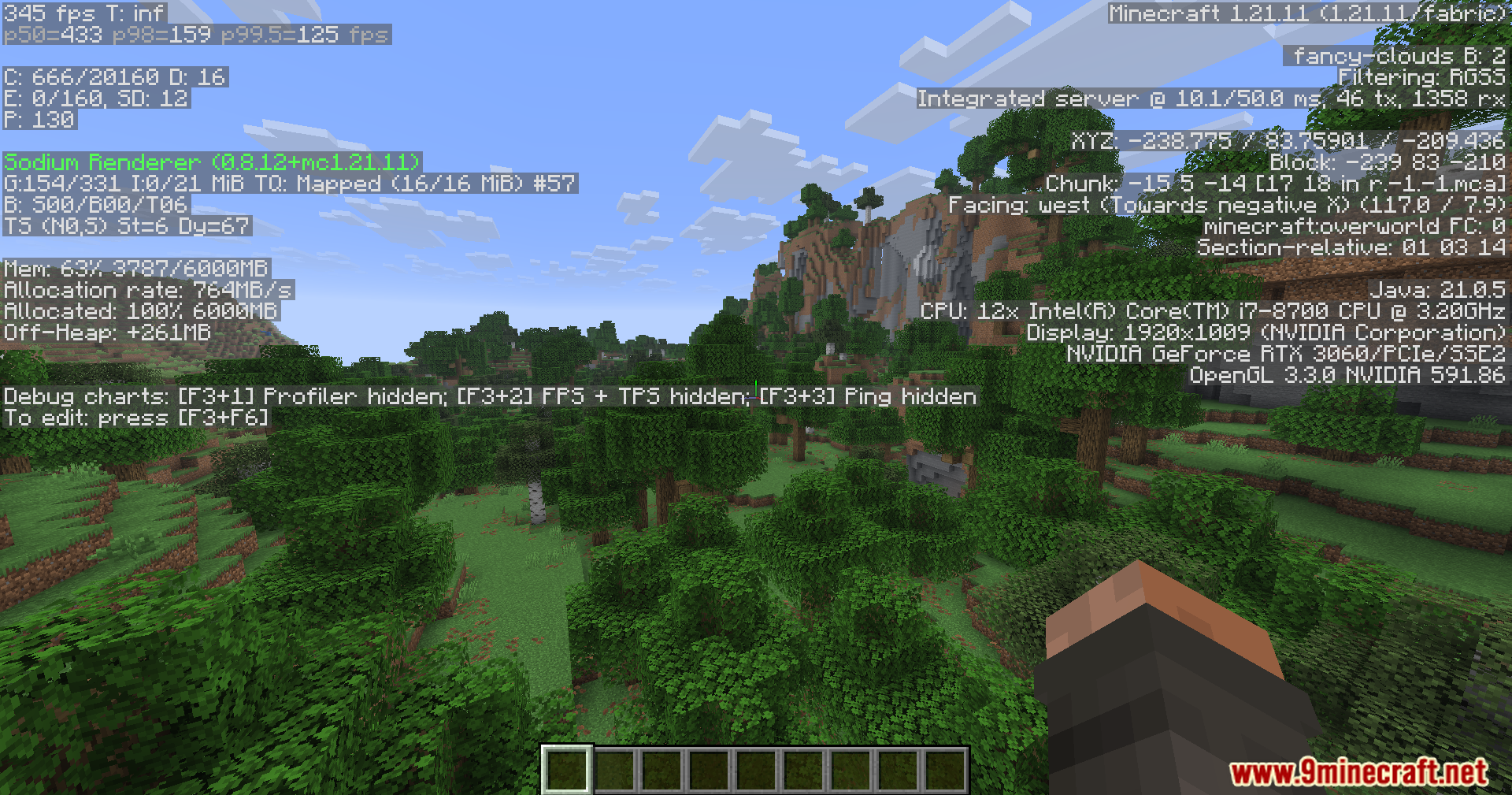
Screenshots:
Fps Booster Command Mod Download Links
Quick facts
- Edition: Minecraft Java
- File type: .jar
- Minecraft version listed: 1.21.1
- How to install: Install the matching mod loader (Forge, Fabric or NeoForge) for your Minecraft version. → Download the .jar. → Put it in the .minecraft/mods folder and launch that loader profile.
- Where to get it: Opens on the file's original source — not every file is mirrored on our own servers.
Install steps are the general flow for this file type — How to install Minecraft Java mods & modpacks walks through it step by step.
Fps Booster Command Mod (26.1.2, 1.21.1) – Trick Your Friends With Fake High is a free Minecraft Java mod. Compatible with Minecraft 1.21.1. Download it and open it directly in the game.