
ModsJava
BiblioCraft 9minecraft Mod (26.3, 26.2) – Display Your Best Loot on Custom Shelves
Minecraft Java mod. Downloads from the MC Java Mods app on Android.
⬇ Download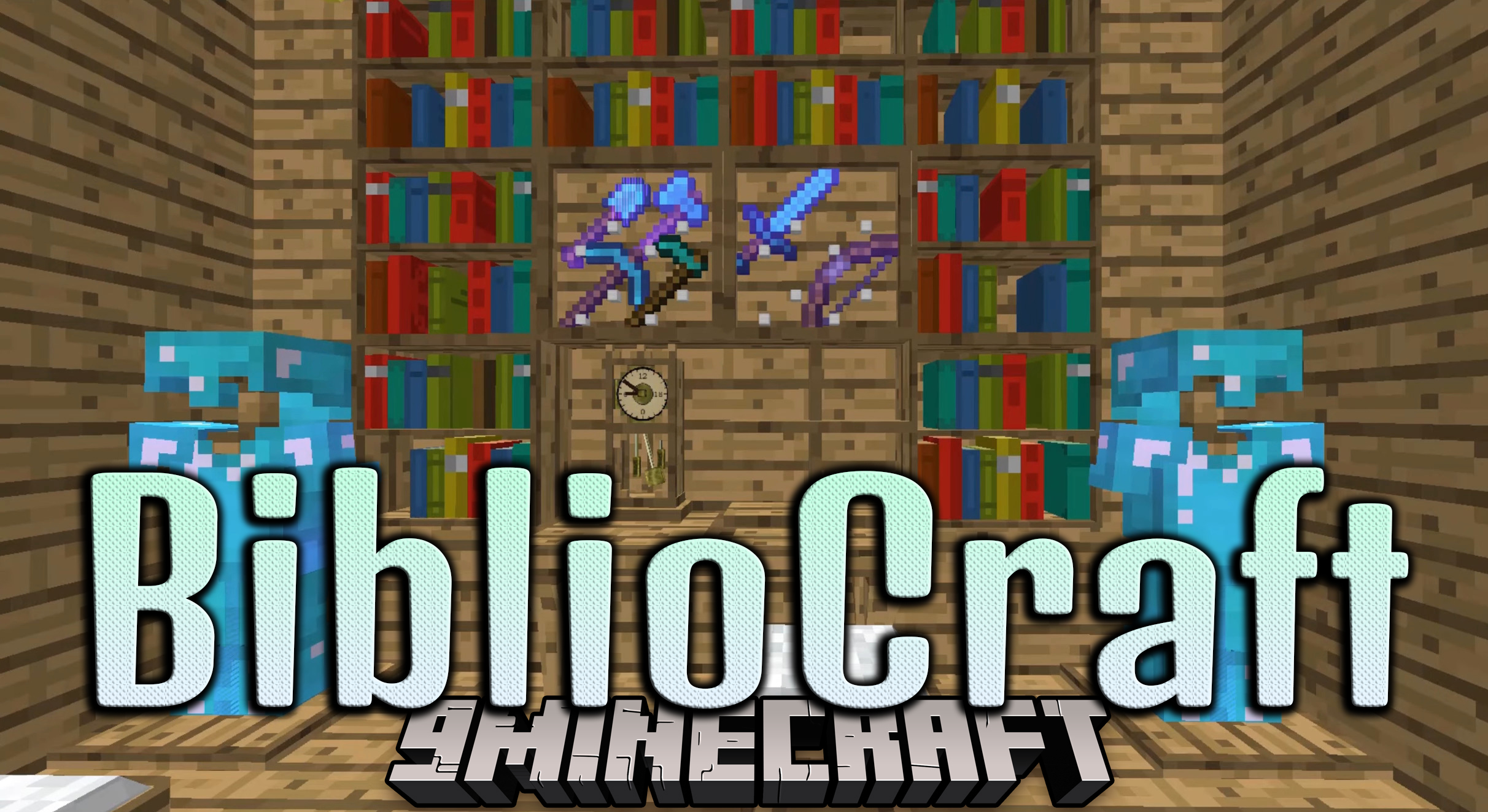
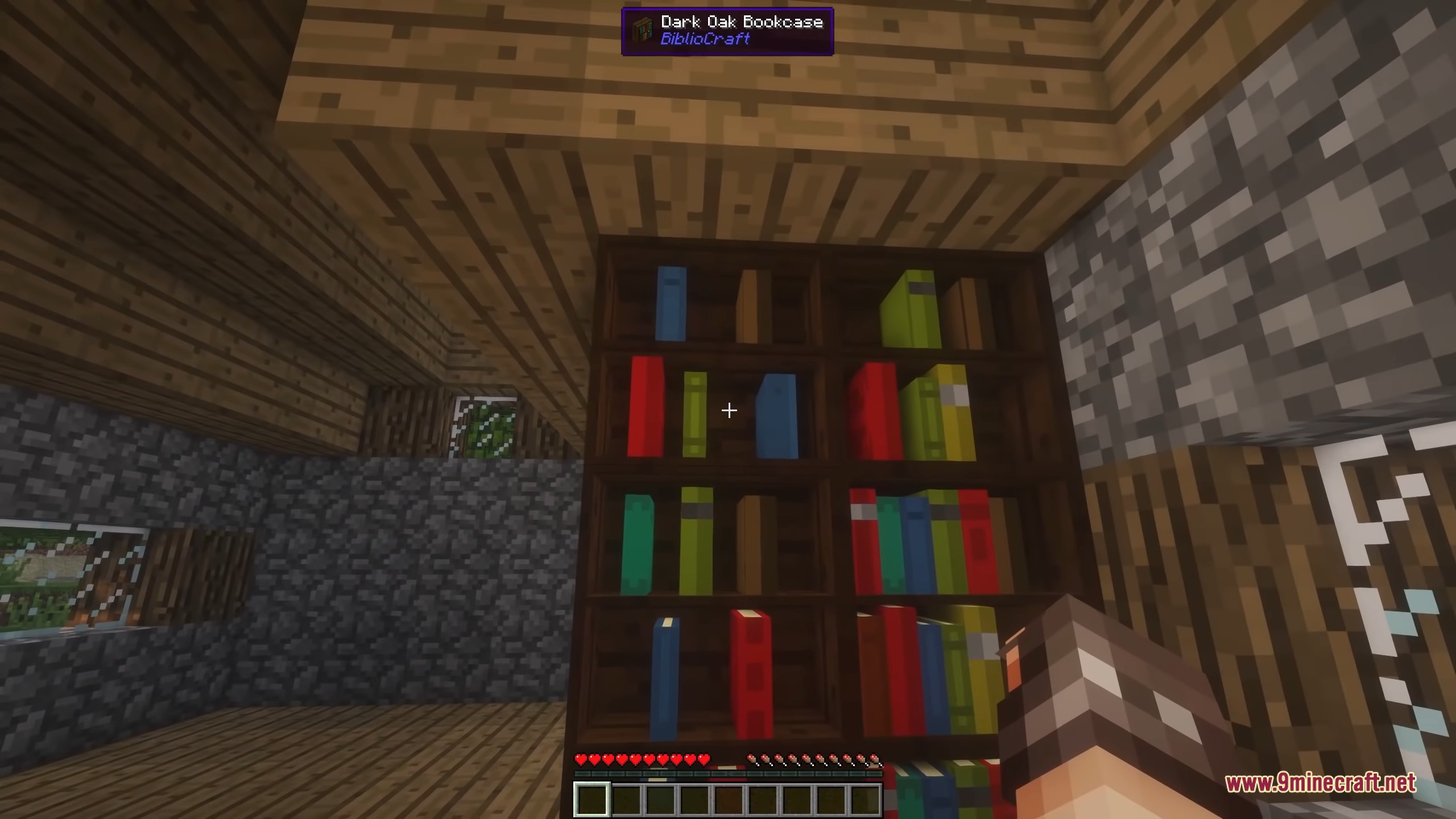
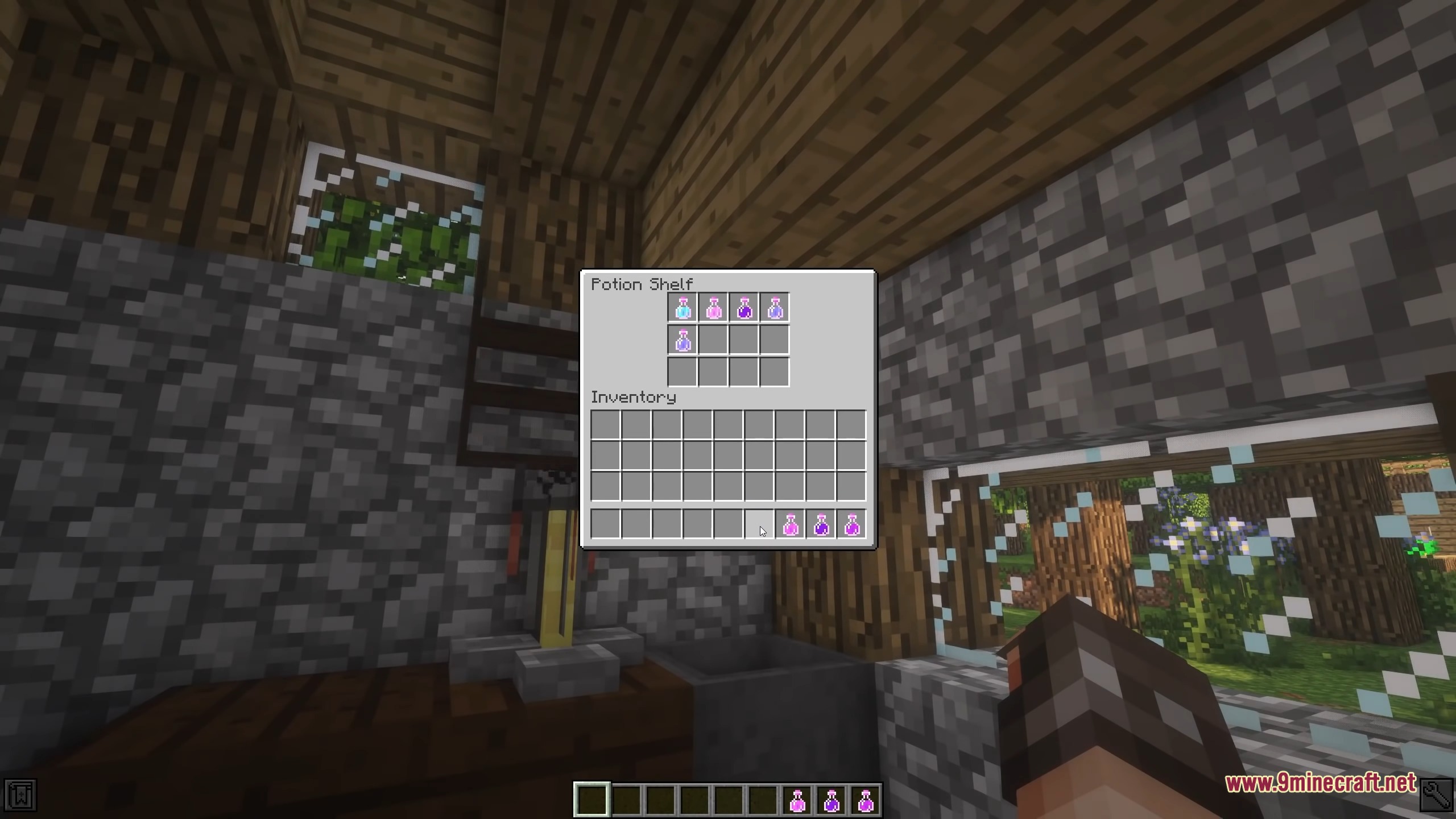
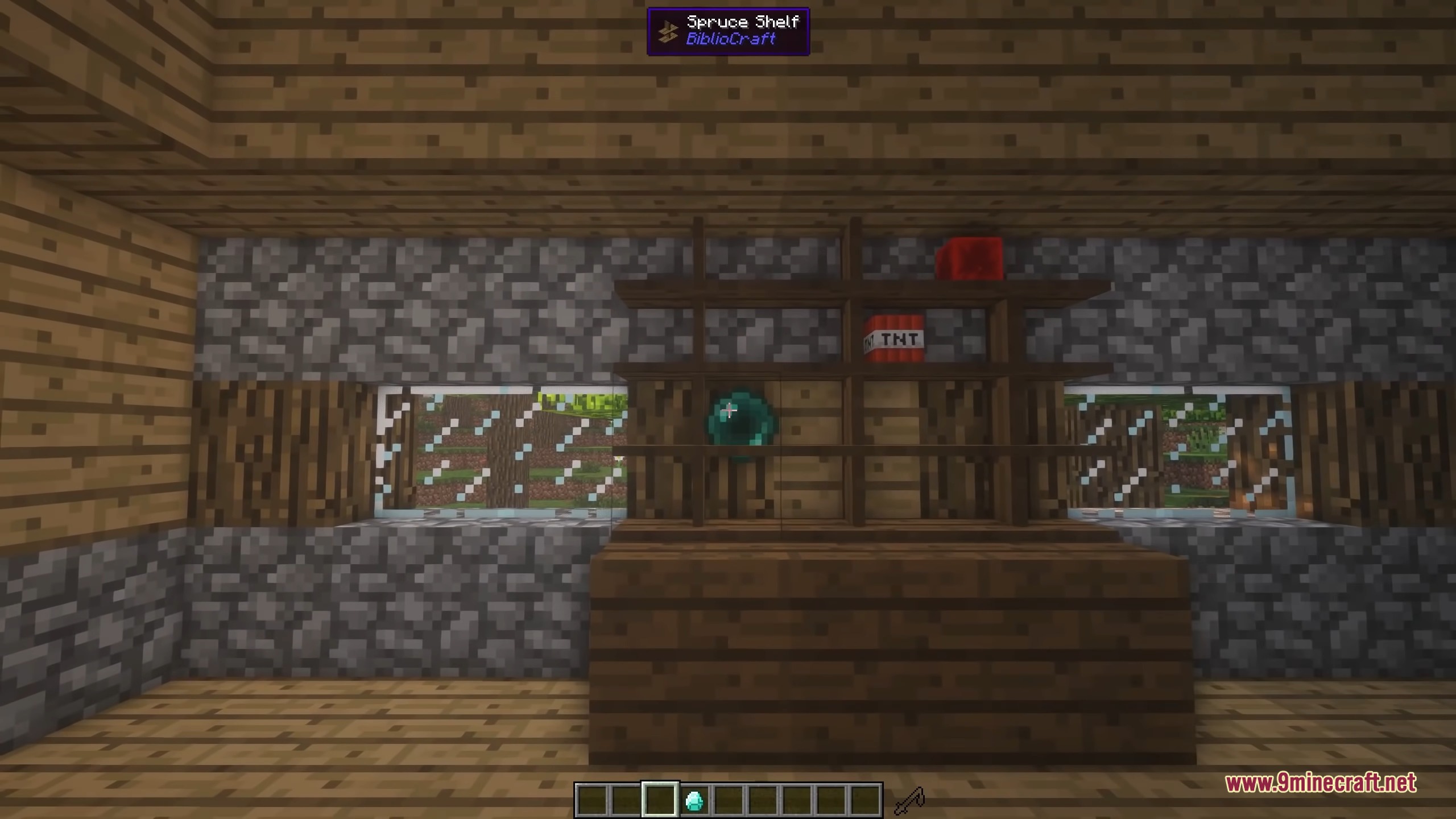
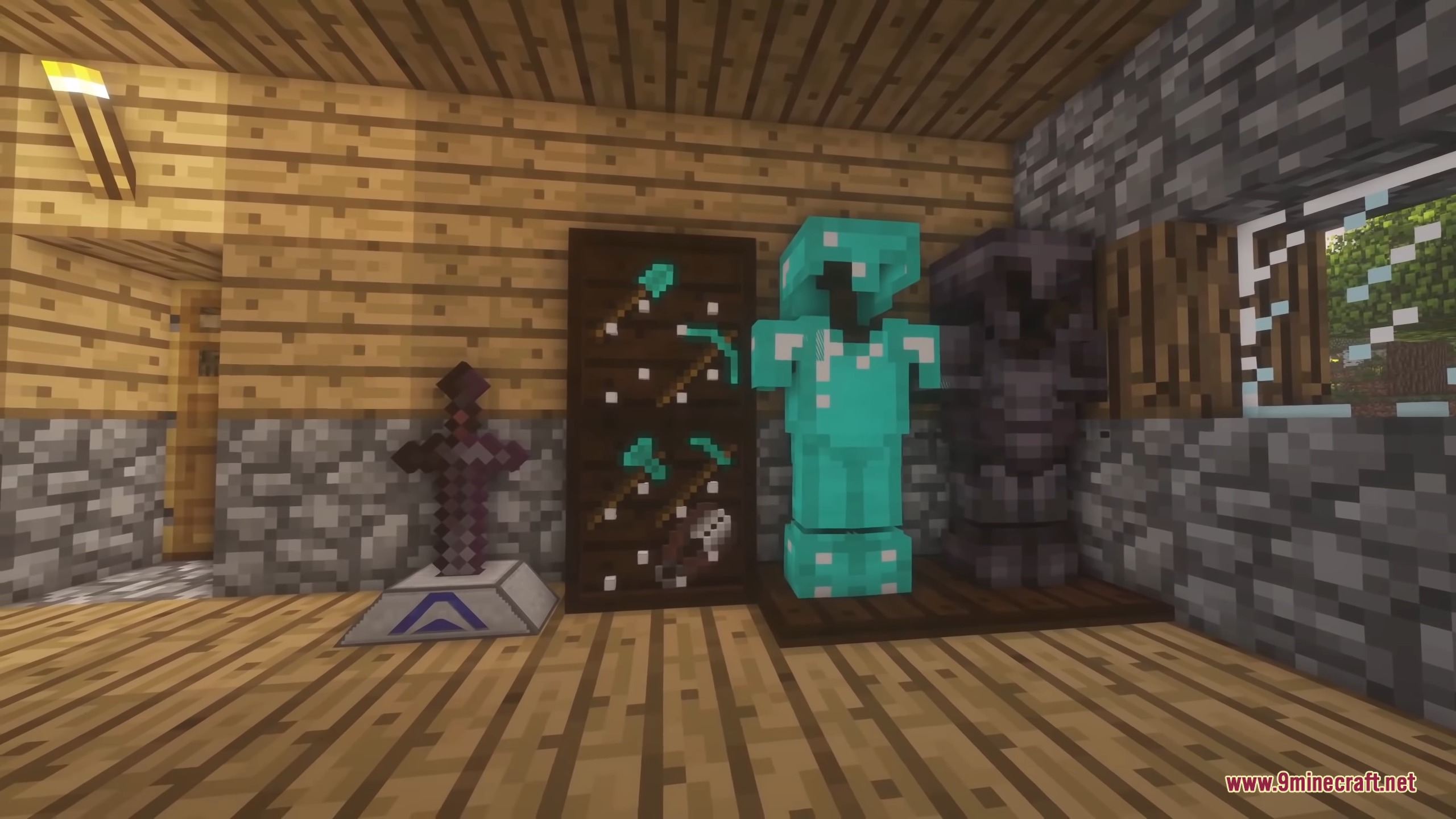
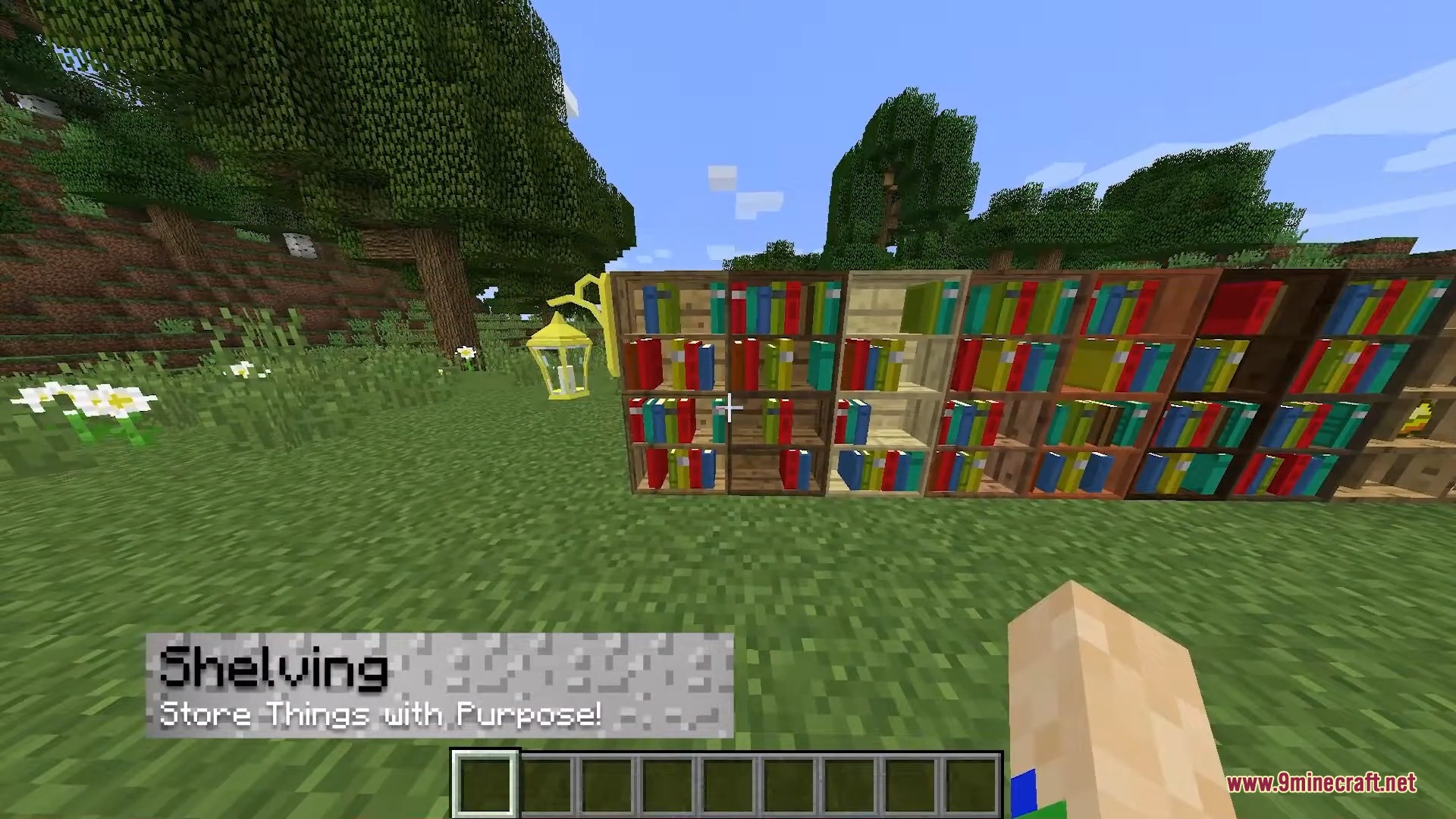
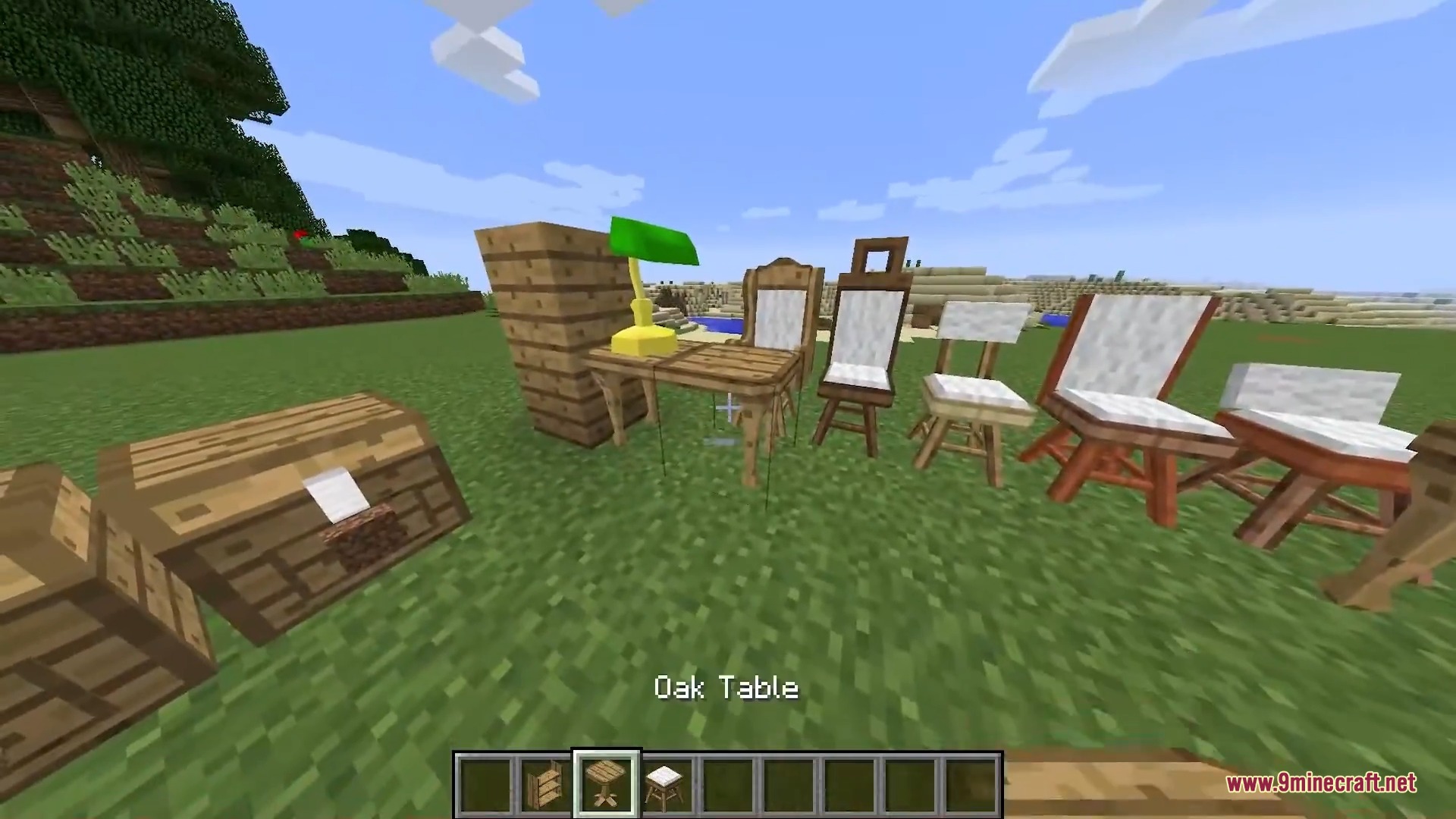
BiblioCraft 9minecraft Mod adds new blocks to help you organize and display your items. This mod gives you wooden furniture, shelves, and racks so you can see your loot instead of hiding it in chests. You can build a proper library, set up an armory, or decorate your base with clocks and lanterns.
Features:
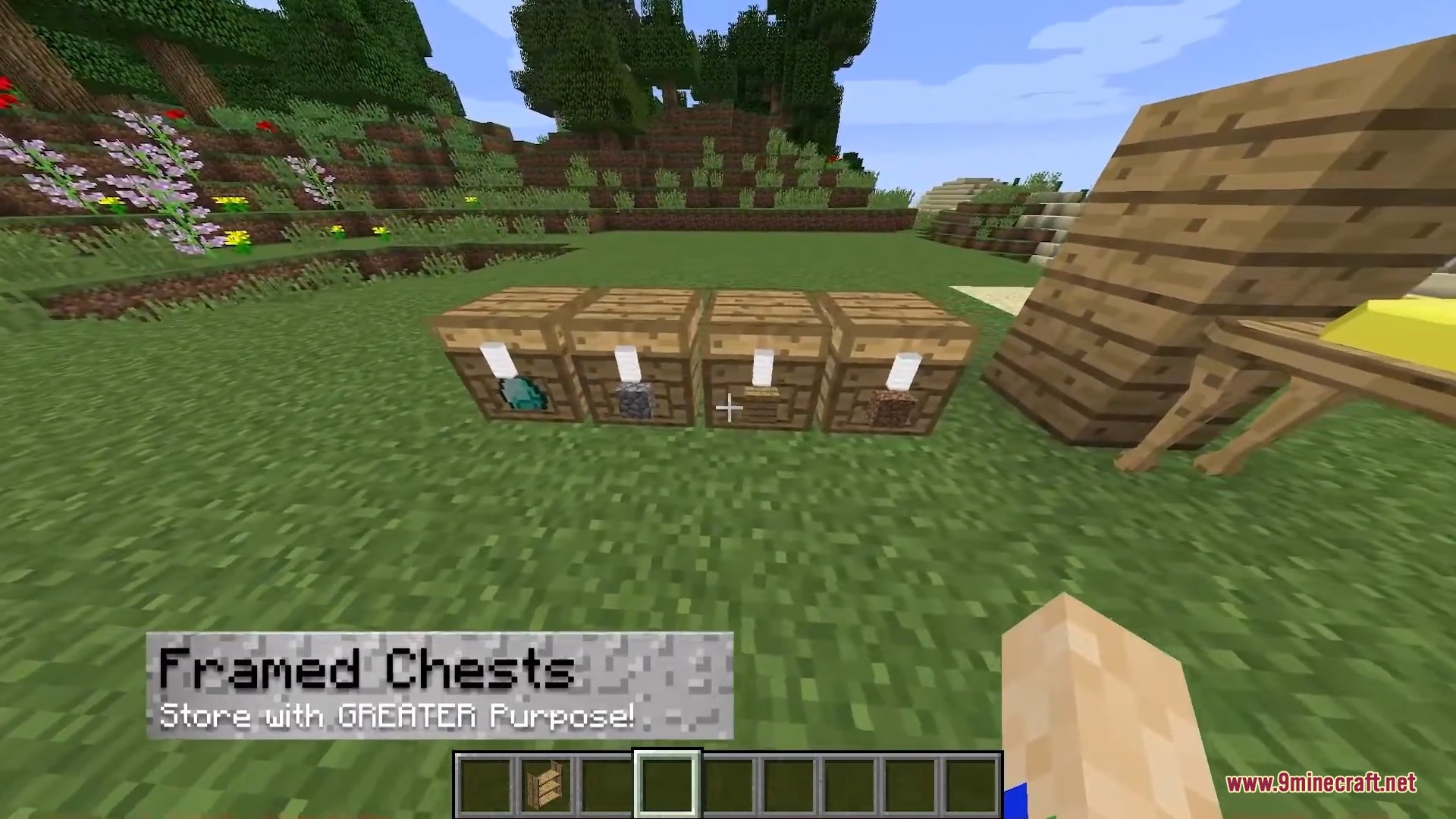
- Visual Storage: Shows your actual items, books, and potions right on the shelves instead of just an empty block.
- Customizable Woods: Matches your building style because most blocks come in all vanilla wood types.
- The Atlas item maps the world as you walk and lets you flip through pages like a real book.
- You can copy written books and maps using the printing press and printing table.
- The fancy crafter block remembers your favorite recipes so you do not have to place items on the grid every time.
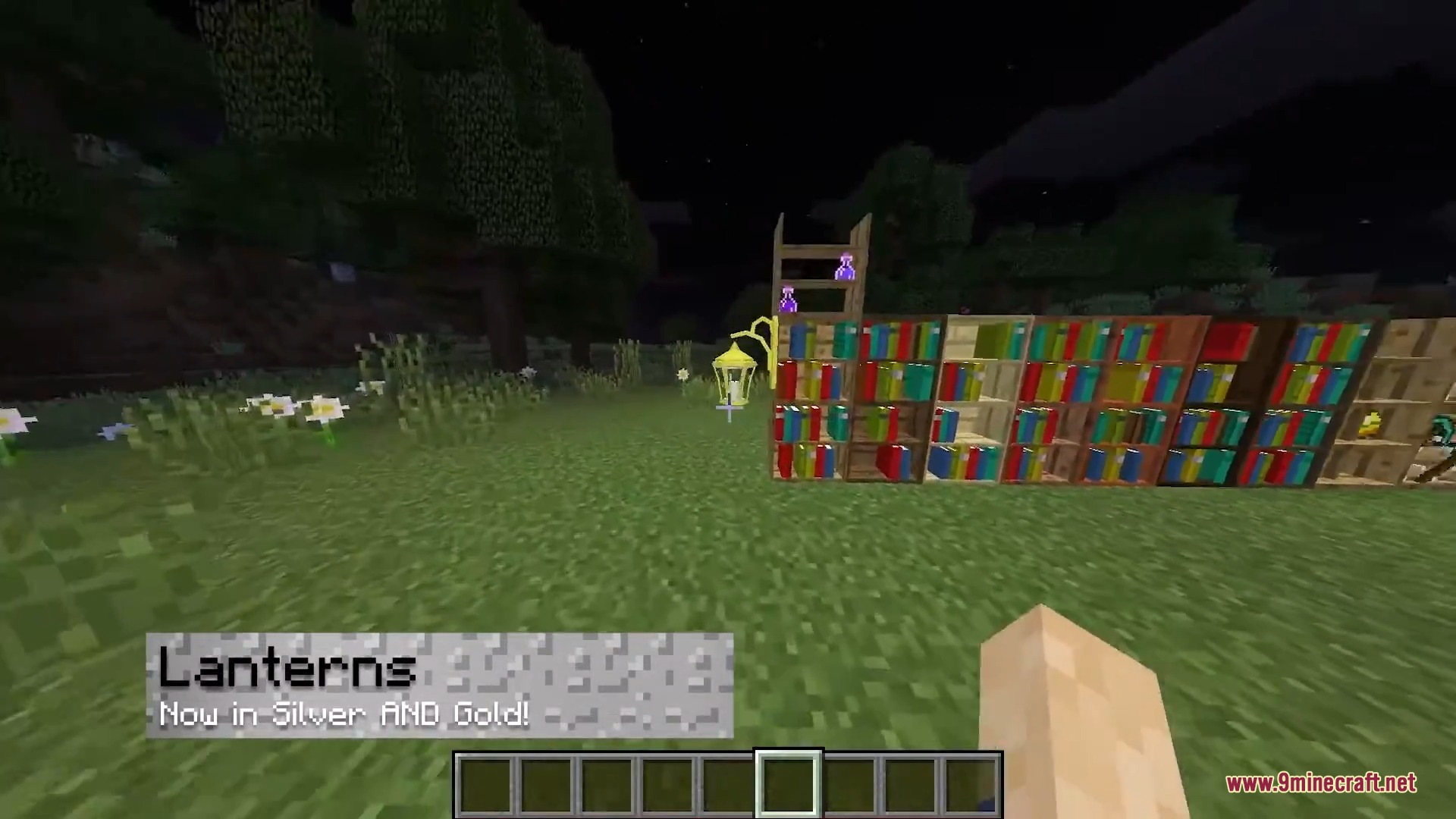
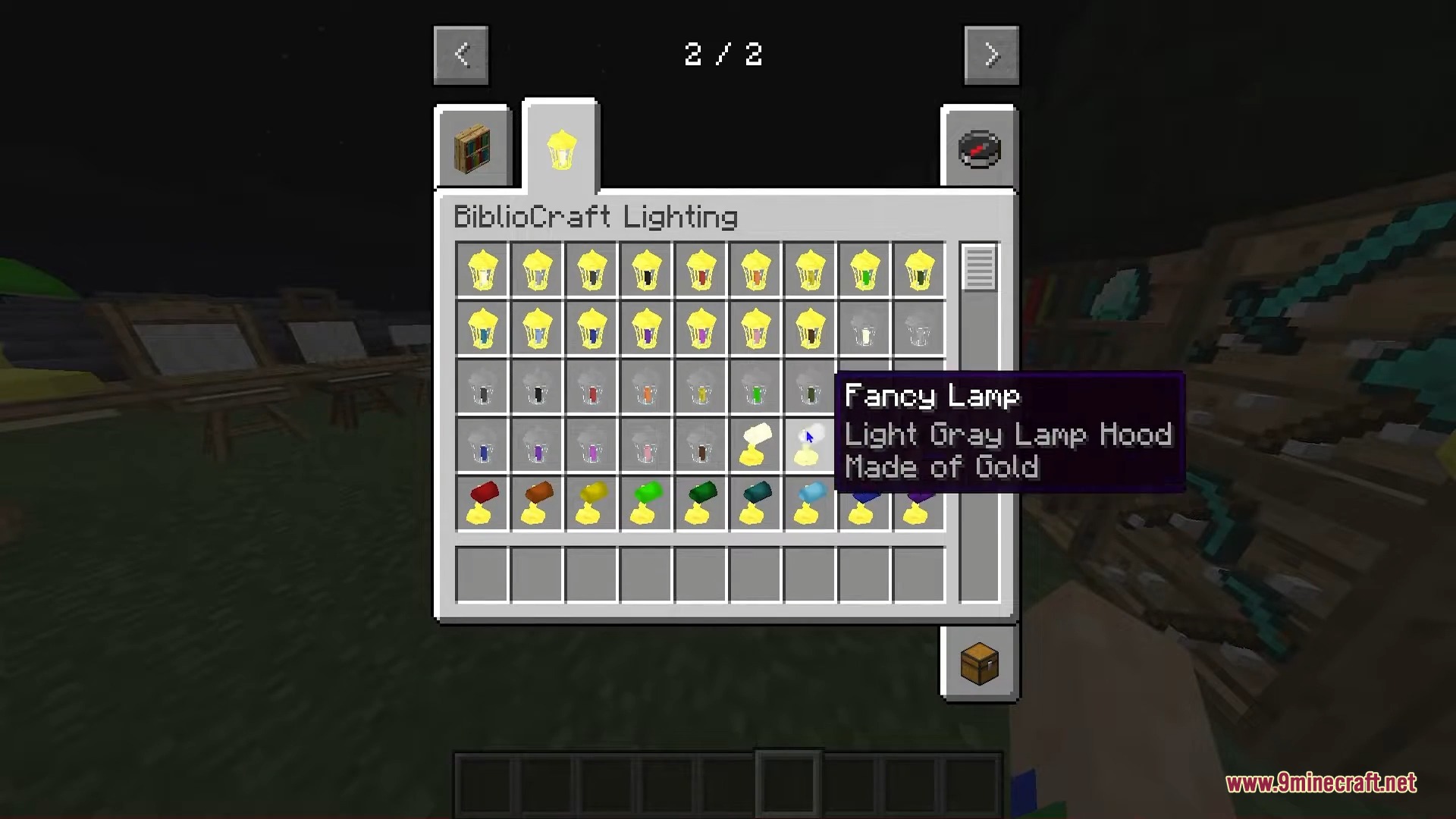
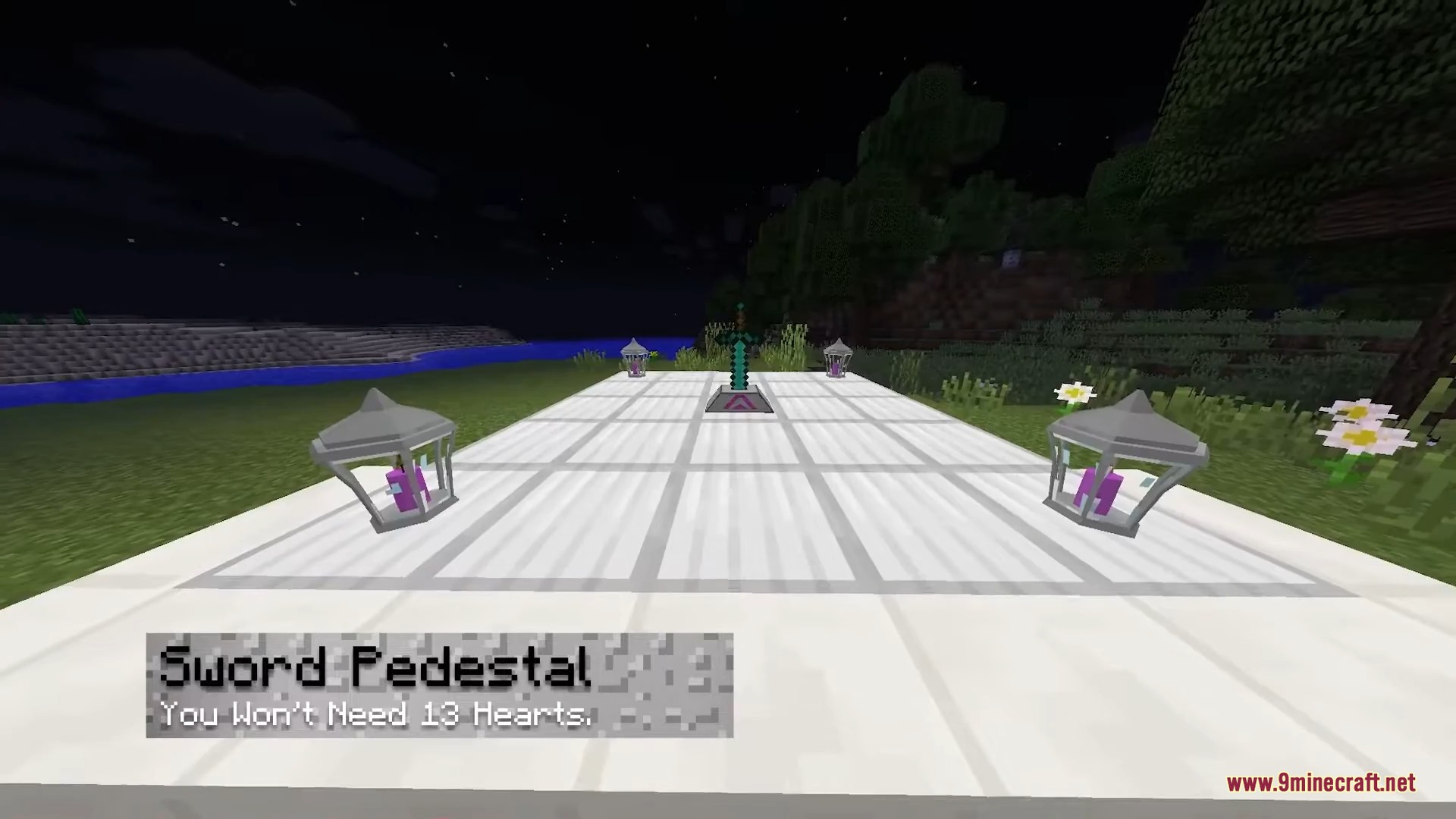
- Lanterns, swinging lanterns, and table lamps add new ways to light up your rooms.
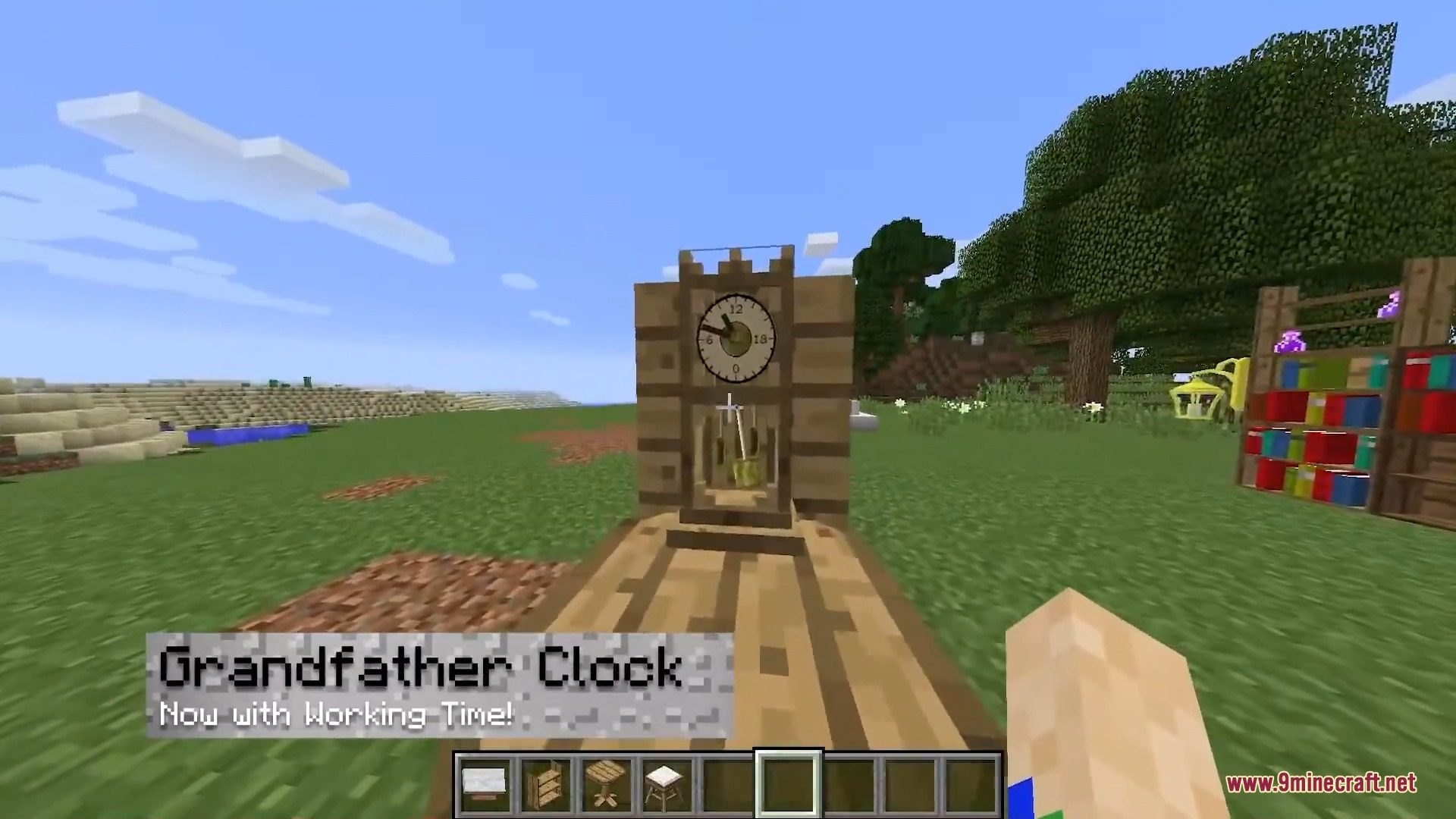
- Clocks and calendars show the real in-game time and day on your wall.
Display and Storage Blocks:
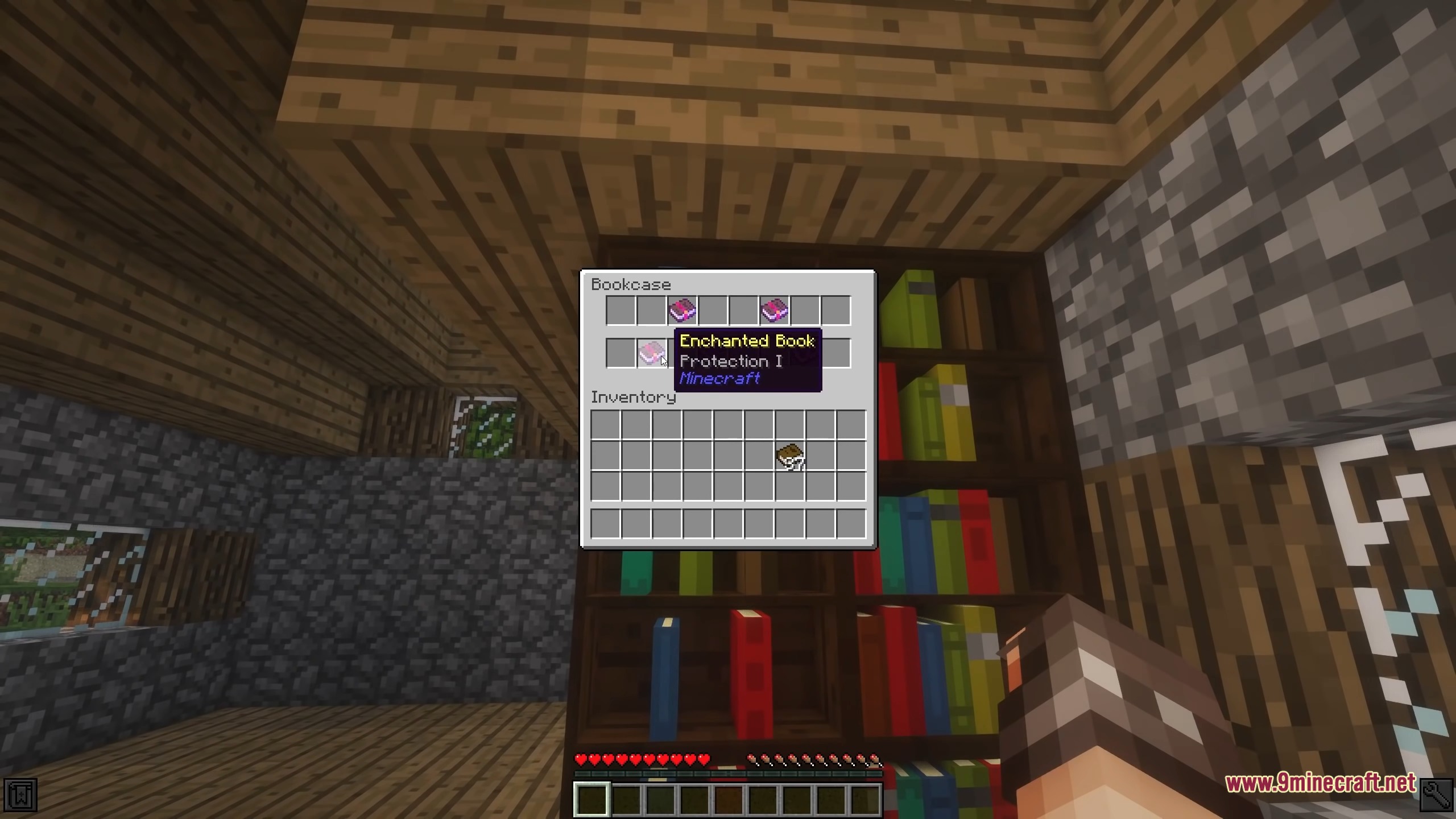
- Bookcases hold up to 16 books and let you see exactly what is sitting on the shelf.
- Tool racks hang your swords, pickaxes, and bows on the wall for quick access.
- Armor stands pose your full armor sets and hold your weapons.
- Display cases put a glass cover over your most valuable single item.
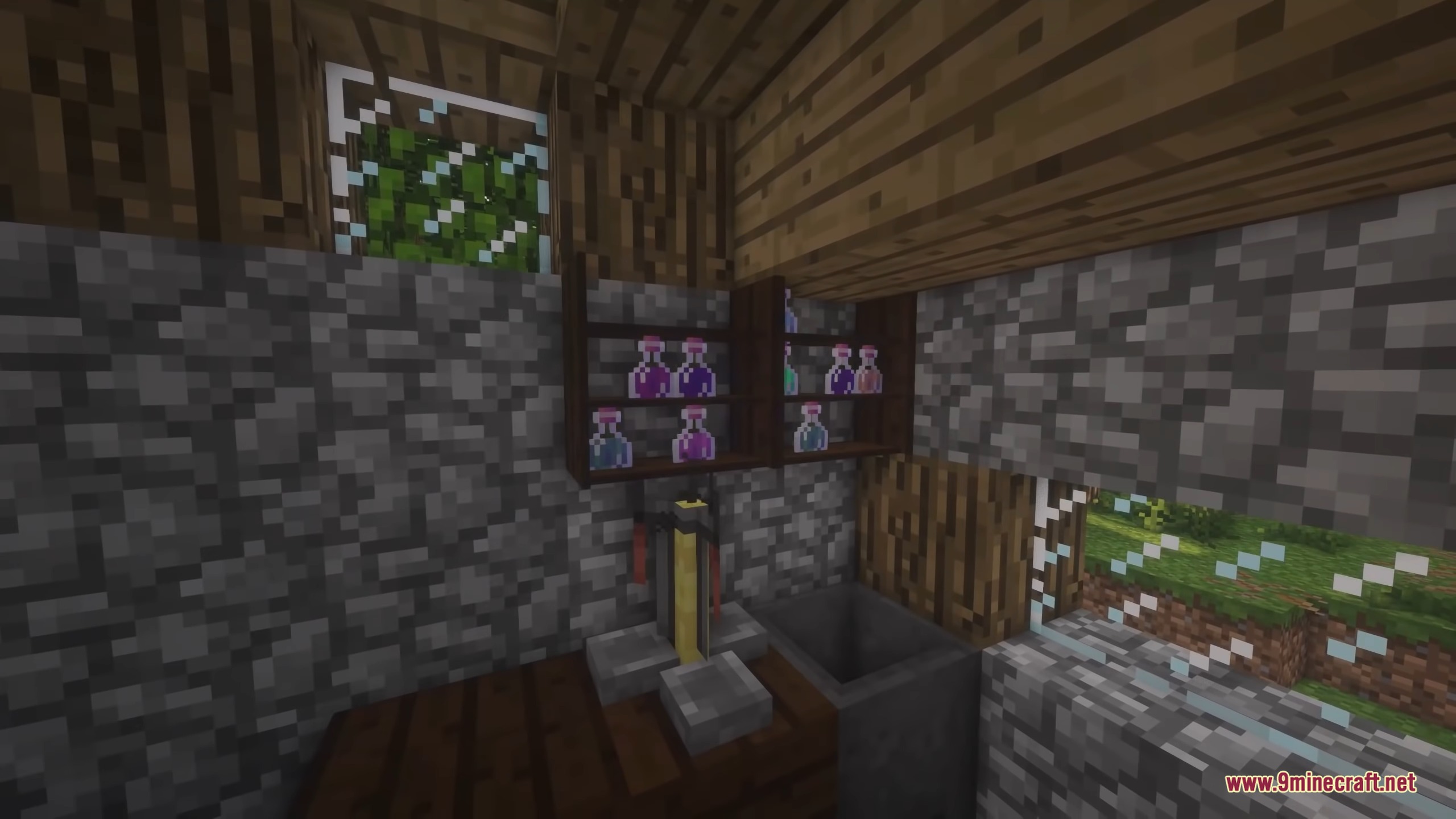
- Potion shelves organize your glowing bottles in neat rows.
Desk and Study Items:
- Typewriters let you write books easily.
- Clipboards and slotted books help you keep track of notes and crafting recipes.
- Map frames connect multiple small maps into one giant wall map.
- Labels and tags stick to chests so you know what is inside without opening them.
BiblioCraft 9minecraft Mod – Video Showcase
How to Use:
- Place a bookcase, rack, or shelf against a wall in your house.
- Right-click the block to open its menu screen and put your items inside.
- Look at the block in the world to see your items sitting on the shelves.
- Sneak and right-click some blocks, like the tool rack, to quickly grab or place items without opening the menu.
Screenshots:
BiblioCraft 9minecraft Mod Download Links
Quick facts
- Edition: Minecraft Java
- File type: .jar
- How to install: Install the matching mod loader (Forge, Fabric or NeoForge) for your Minecraft version. → Download the .jar. → Put it in the .minecraft/mods folder and launch that loader profile.
- Where to get it: In MC Java Mods, or directly above on this page.
Install steps are the general flow for this file type — How to install Minecraft Java mods & modpacks walks through it step by step.
BiblioCraft 9minecraft Mod (26.3, 26.2) – Display Your Best Loot on Custom Shelves is a free Minecraft Java mod. Download it and open it directly in the game.